
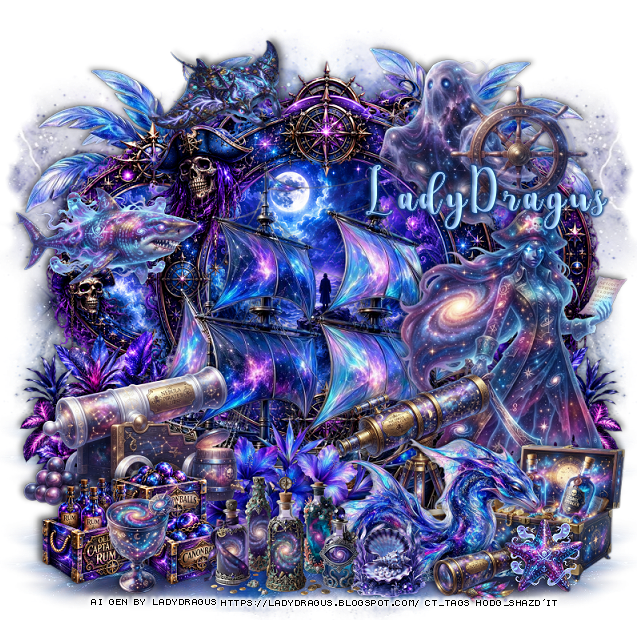
This tut was written August 21st, 2026 for those with a basic knowledge of psp.
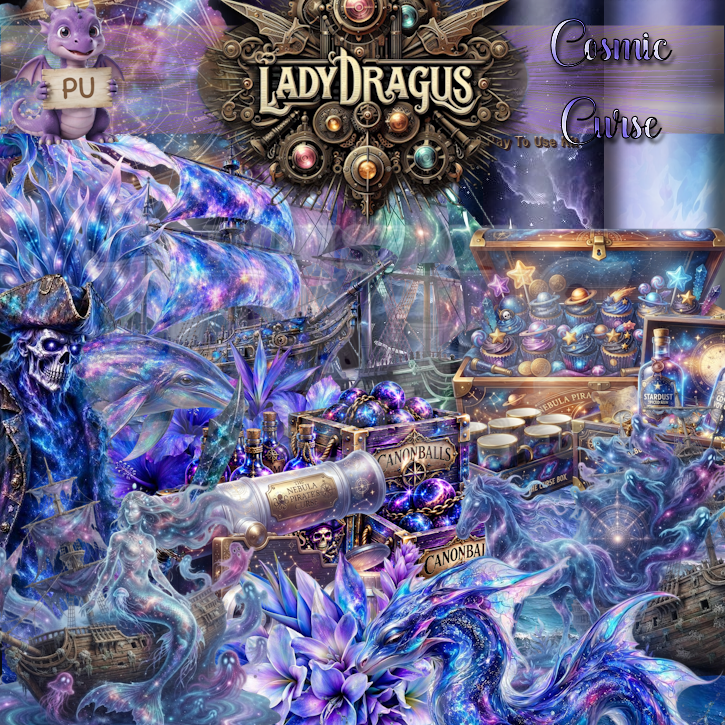
I am using the Cosmic Curse Al kit/tubes by LadyDragus
Everything used is in the kit
Read the TOU on how to credit your tags
I used PSP2020...but any of them should work.
Drop shadow as you go is V -2 H 4, 40, 10, or use what you prefer.
Let's get started
*Remember to add your drop shadow as you go along*
Open a new image 800 x 800, paste paper 6, apply Mask 38, move
to the left, duplicate, mirror.
Resize frame 12 to 70%, paste.
Resize frame 14 to 50%, paste above the frame, resize 47 to 50%,
paste below the top frame, duplicate, move below the other frame and
to one side, duplicate, mirror.
Resize 119 to 60%, paste at the bottom above the frame.
Resize 143 to 50%, paste on the upper left below the frames, duplicate, mirror.
Resize 84 to 35%, paste at the upper right above the frames.
Element 37, apply Vivienne's Mask 78, paste at the bottom below the boat
to the left, duplicate, move up, duplicate both, mirror.
Resize 22 to 30%, paste at the bottom above the boat.
Resize 120 to 25%, paste at the bottom below the dragon.
Resize tube 1 to 55%, paste on the bottom right below the dragon.
Resize 4 to 30%, paste on the bottom left above the boat.
Resize 46 to 30%, paste on the bottom left above the cannon.
Resize 41 to 30%, paste on the left below the cannon, duplicate, mirror.
Resize 32 to 25%, paste below the dragon about center.
Resize 14 to 27%, paste on the bottom right below the dragon.
Resize 106 to 25%, paste at the bottom above the dragon.
Resize 91 to 15%, paste at the bottom right.
Resize 92 to 20%, paste on the left on the frame.
Resize 76 to 17%, mirror, paste at the top left above the frame.
Resize 124 to 20%, paste at the bottom left.
Resize 112 to 13%, paste at the bottom below the bottles by the dragon.
Resize 11 to 15%, paste at the bottom right above the dragon.
Add any other elements that you would like, make it your own.
Always readjust your mask and elements how you like them before you
merge your tag, resize, sharpen.
Crop your tag to be sure no shadows or lines are on the edges.
Then add your copyright and name.
That's it
Hope you enjoyed doing my tut

No comments:
Post a Comment