
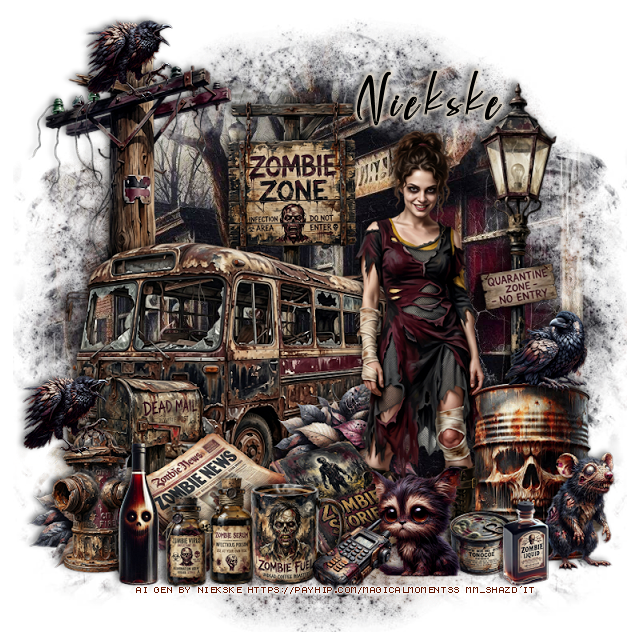
This tut was written August 20th, 2026 for those with a basic knowledge of psp.
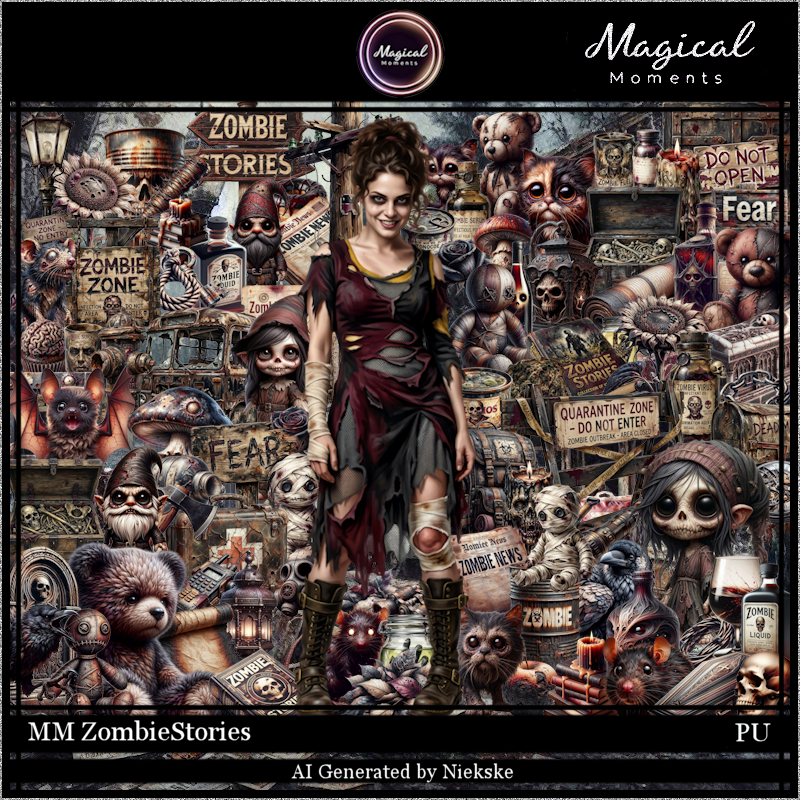
I am using the awesome Al gen kit by NiekskeAwesome Zombies kitEverything is included in the kitRead the TOU on how to credit your tags
Drop shadow is V -2 H 4, 50, 10, color Black or use what you prefer.
Let's get started
*Remember to add your drop shadow as you go along*
Open a new image 800 x 800, resize paper 5 to 75%, apply your mask,
Resize 47 to 45%, paste.
Resize 45 to 35%, paste behind the bus.
Resize the tube to 25%, paste to the right.
Resize 2 to 17%, paste at the bottom above the tube.
Resize 93 to 15%, paste at the bottom above the book.
Resize 88 to 15%, paste at the bottom.
Resize 77 to 22%, paste at the bottom right below the tube.
Resize 35 to 60%, paste on the right below the barrel.
Resize 80 to 20%, paste at the bottom left below the cup.
Resize 46 to 20%, paste at the bottom left above the bus.
Resize 54 to 20%, paste at the top below the bus.
Resize 41 to 17%, paste below the news paper.
Resize 85 to 20%, paste on the bottom left below the mailbox, duplicate,
move over behind the tube.
Resize 90 to 15%, paste at the bottom by the cup.
Resize 89 to 10%, paste on the bottom right below the cat.
Resize 78 to 10%, paste on the left on the fire hydrant, duplicate, move
up on the power pole.
Resize 53 to 15%, paste at the bottom right.
Resize 24 to 10%, paste on top of the barrel.
Resize 52 to 12%, paste on the bottom left.
Resize 69 to 20%, paste on the bottom left.
Resize 64 to 12%, paste on the bottom right.
Resize 29 to 10%, paste at the bottom by the cup.
Add any other elements that you would like, make it your own.
Always readjust your mask and elements how you like them before you
merge your tag, resize, sharpen.
Crop your tag to be sure no shadows or lines are on the edges.
Then add your copyright and name.
That's it
Hope you enjoyed doing my tut.

No comments:
Post a Comment