Showing posts with label Charmed Designs. Show all posts

Tuesday, December 17, 2024

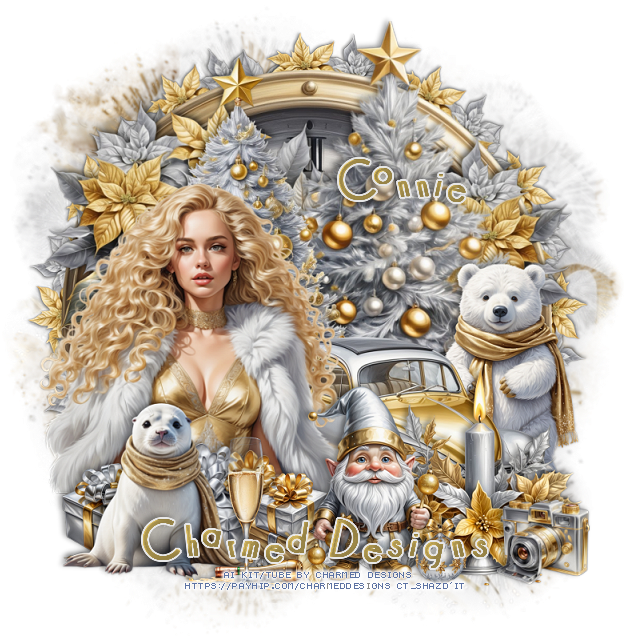
CT FB Timeline and Tag for Charmed Designs

 *~*CT FB Timeline and Tag for Charmed Designs*~*

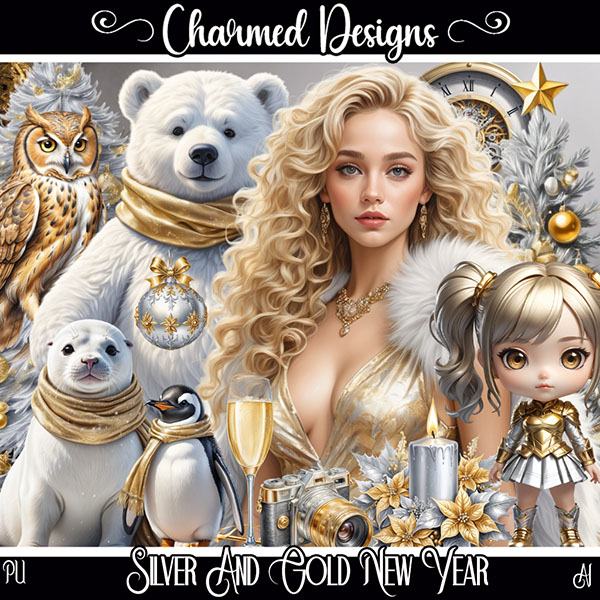
I am using her Awesome Scrap kit 
 "Silver and Gold New Year " by Charmed Designs 
Al generated kit/tube by Charmed Designs

 HERE   HERE  HERE
This kit is for personal use ONLY.

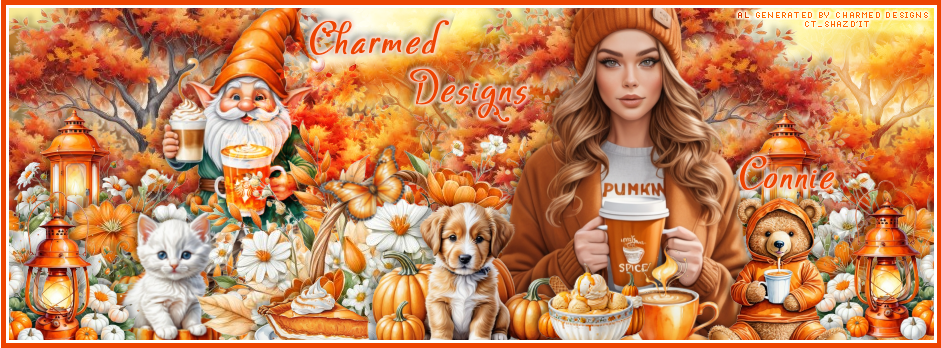
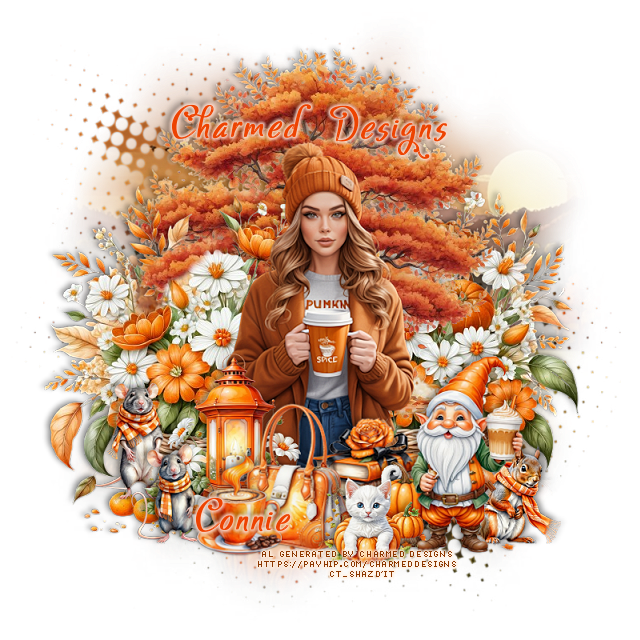
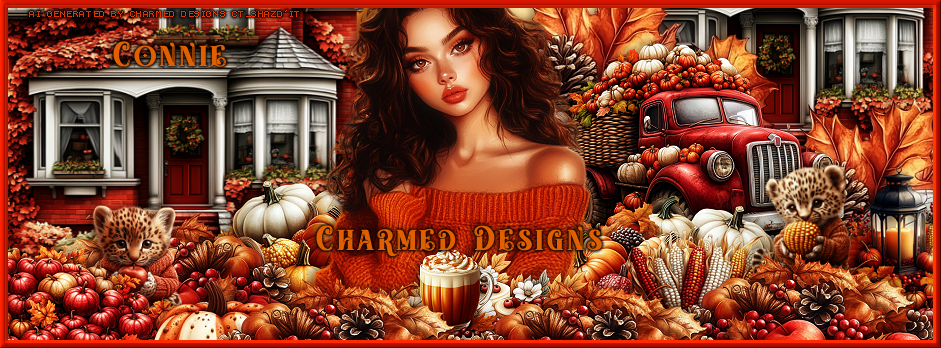
Here are the Timeline and tag I made with this kit  


Monday, December 2, 2024

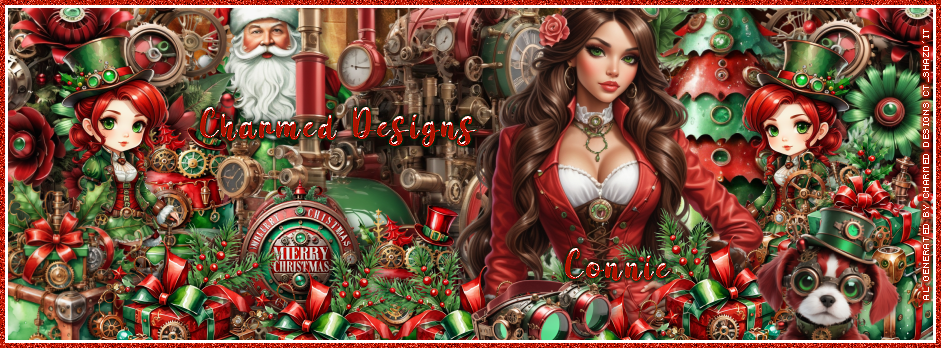
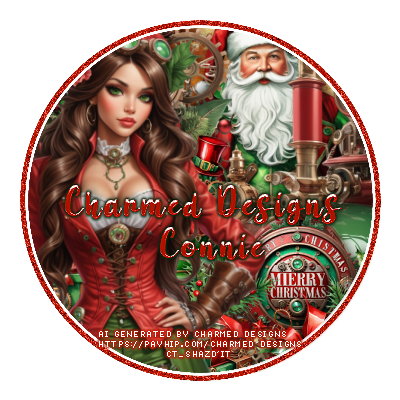
CT FB Timeline and Tag for Charmed Designs

*~*CT FB Timeline and Tag for Charmed Designs*~*

I am using her Awesome Scrap kit 
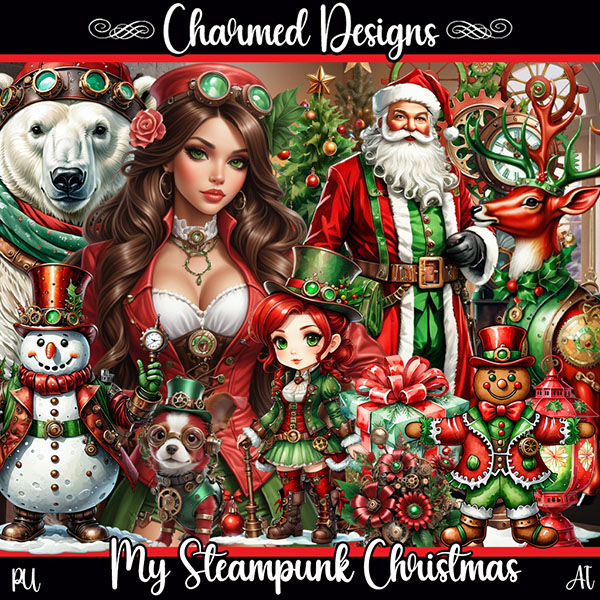
 "My Steampunk Christmas " by Charmed Designs 
Al generated kit/tube by Charmed Designs

 HERE   HERE  HERE
This kit is for personal use ONLY.

Here are the Timeline and tag I made with this kit  


Wednesday, November 20, 2024

CT FB Timeline and Tag for Charmed Designs

  *~*CT FB Timeline and Tag for Charmed Designs*~*

I am using her Awesome Scrap kit 
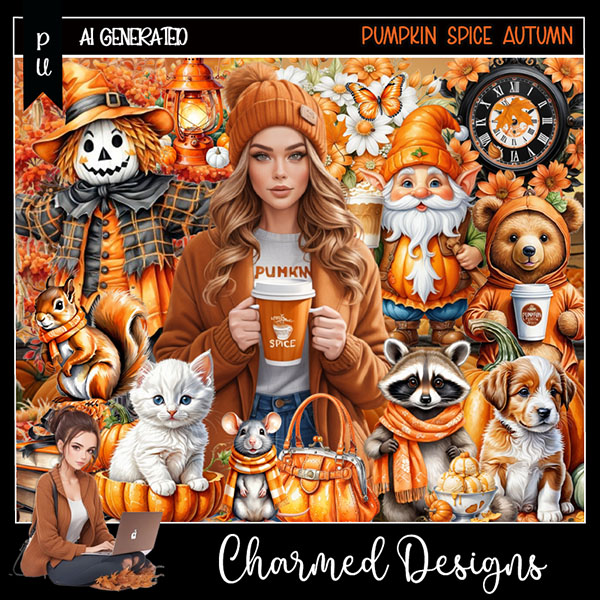
 "Pumpkin Spice Autumn " by Charmed Designs 
Al generated kit/tube by Charmed Designs

 HERE   HERE    HERE
This kit is for personal use ONLY.

Here are the Timeline and tag I made with this kit  


Sunday, November 3, 2024

CT FB Timeline and Tag for Charmed Designs

 *~*CT FB Timeline and Tag for Charmed Designs*~*

I am using her Awesome Scrap kit 
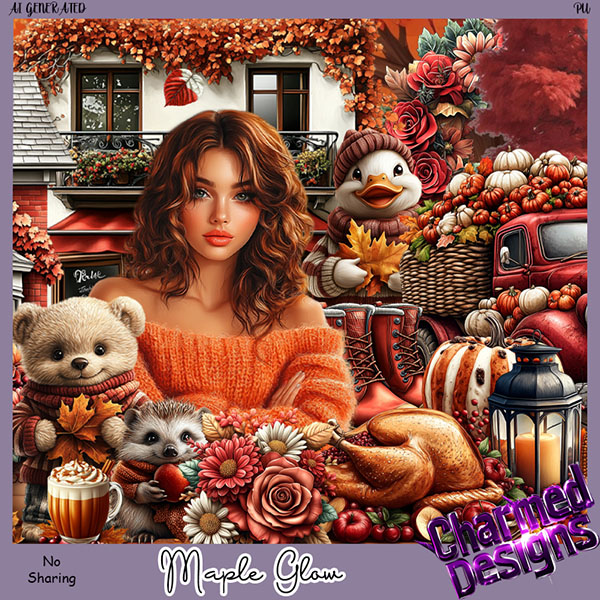
 "Maple Glow " by Charmed Designs 
Al generated kit/tube by Charmed Designs

 HERE   HERE    HERE
This kit is for personal use ONLY.

Here are the Timeline and tag I made with this kit  


Thursday, October 24, 2024

CT FB Timeline and Tag for Charmed Designs

  *~*CT FB Timeline and Tag for Charmed Designs*~*

I am using her Awesome Scrap kit 
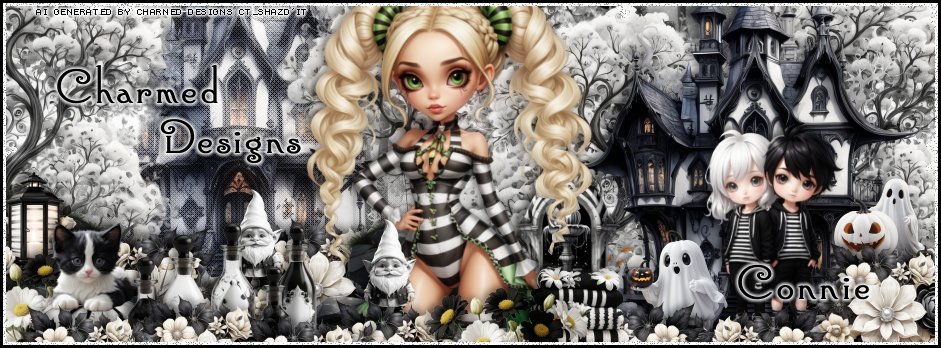
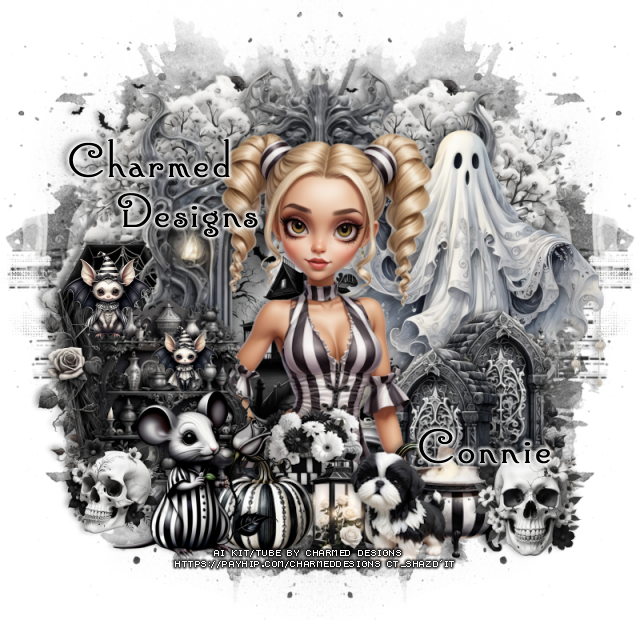
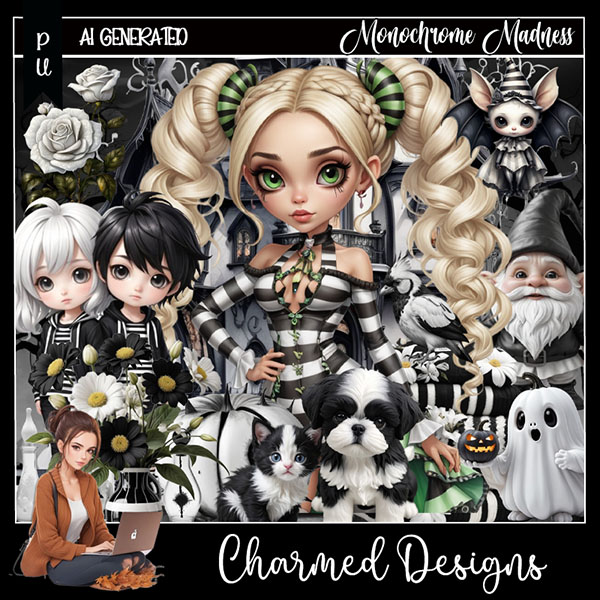
 "Monochrome Madness " by Charmed Designs 
Al generated kit/tube by Charmed Designs

 HERE   HERE    HERE
This kit is for personal use ONLY.

Here are the Timeline and tag I made with this kit 


Thursday, October 10, 2024

PTU CT FB Timeline and Tag for Charmed Designs

 *~*CT FB Timeline and Tag for Charmed Designs*~*

I am using her Awesome Scrap kit 
 "Eerie Elegance " by Charmed Designs 
Al generated kit/tube by Charmed Designs

 HERE   HERE    HERE
This kit is for personal use ONLY.

Here are the Timeline and tag I made with this kit


Friday, October 4, 2024

PTU CT FB Timeline and Tag for Charmed Designs

   *~*CT FB Timeline and Tag for Charmed Designs*~*

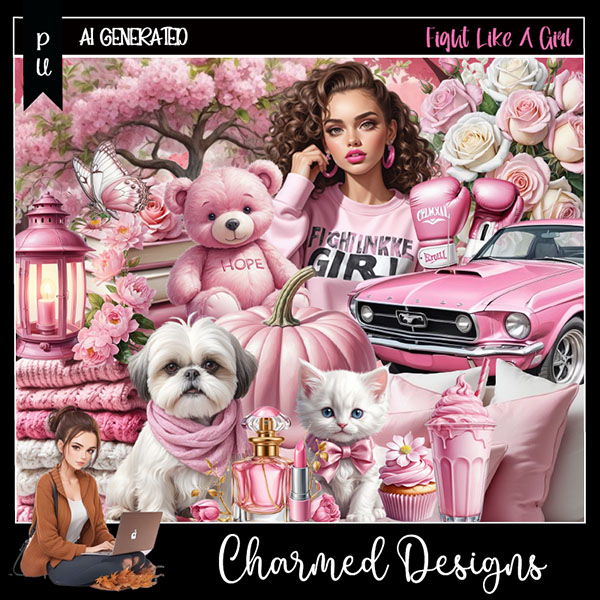
I am using her Awesome Scrap kit 
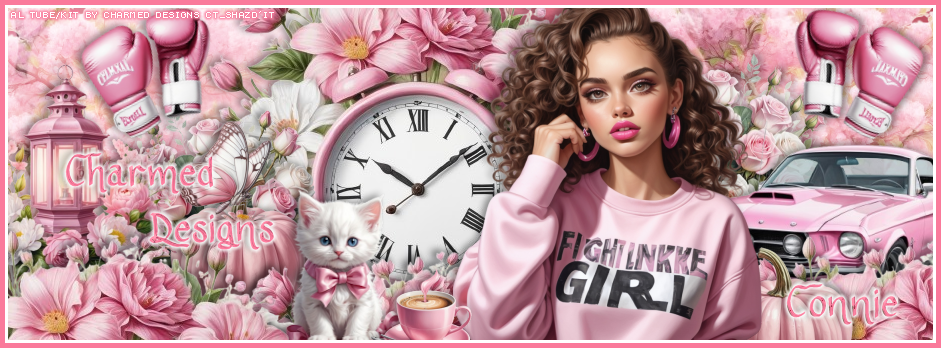
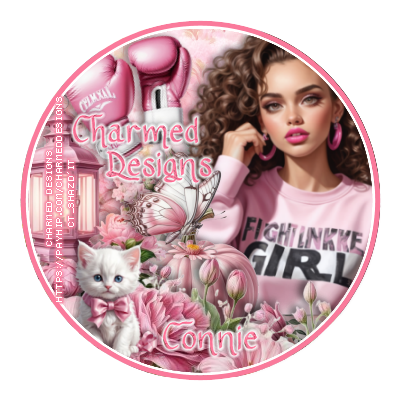
 "Fight Like A Girl " by Charmed Designs 
Al generated kit/tube by Charmed Designs

 HERE   HERE    HERE
This kit is for personal use ONLY.


Friday, September 27, 2024

PTU FB TL and Tag for Charmed Designs

   *~*CT FB Timeline and Tag for Charmed Designs*~*

I am using her Awesome Scrap kit 
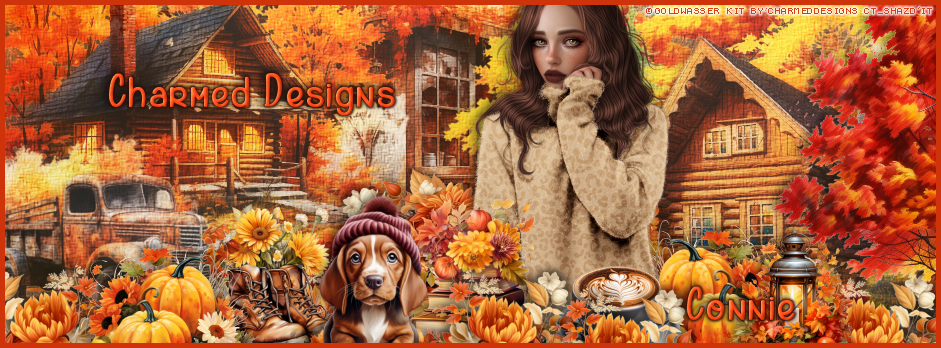
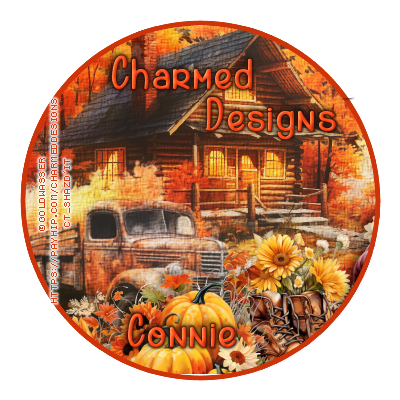
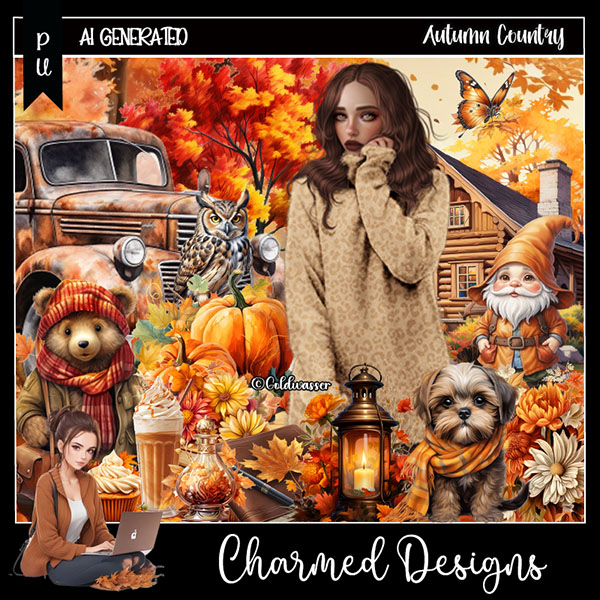
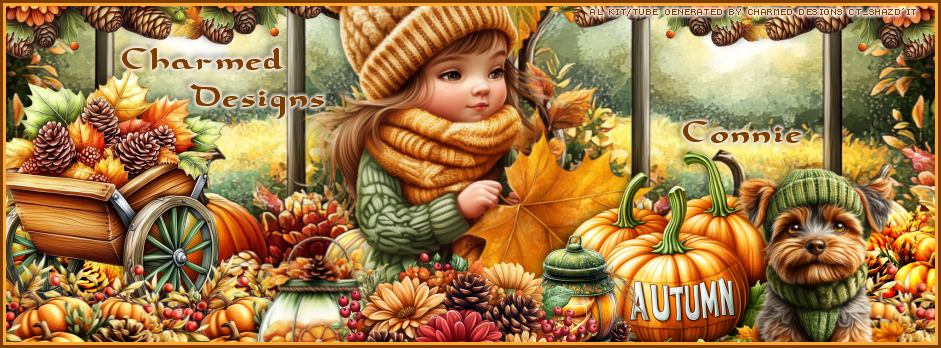
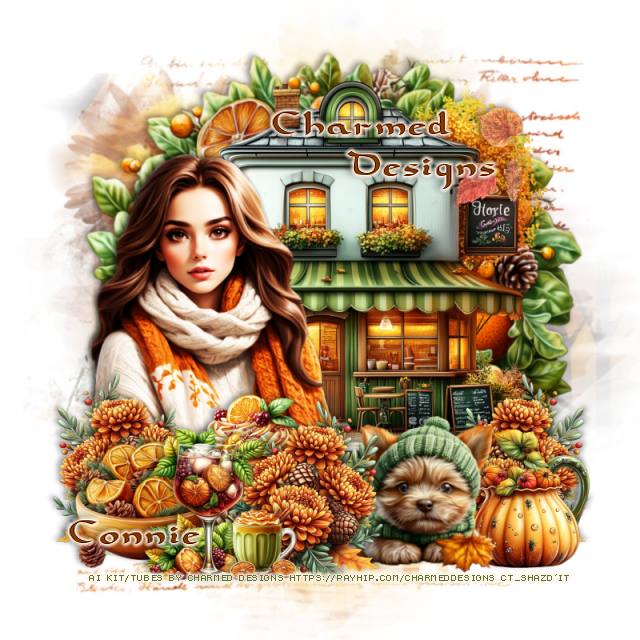
 "Autumn Country " by Charmed Designs 
Al generated kit, tube included ©Goldwasser

 HERE   HERE    HERE
This kit is for personal use ONLY.


Thursday, September 19, 2024

PTU FB TL and Tag for Charmed Designs

  *~*CT FB Timeline and Tag for Charmed Designs*~*

I am using her Awesome Scrap kit 
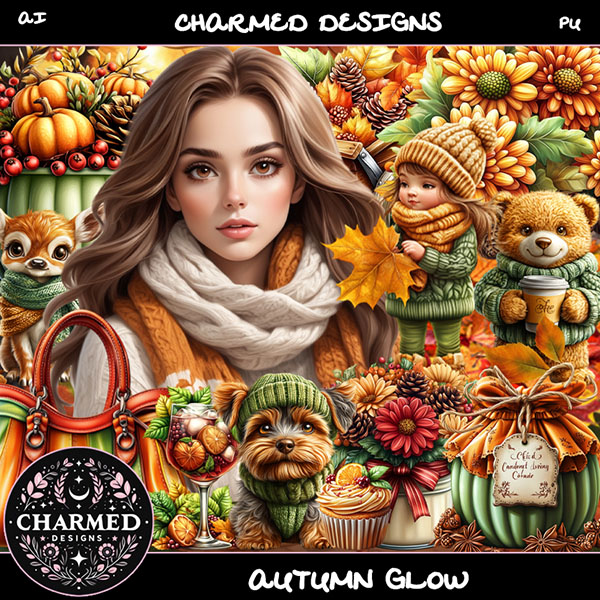
 "Autumn Glow " by Charmed Designs 
Al generated

 HERE   HERE  HERE  HERE
This kit is for personal use ONLY.


Thursday, September 5, 2024

PTU FB TL and Tag for Charmed Designs

    *~*CT FB Timeline and Tag for Charmed Designs*~*

I am using her Awesome Scrap kit 
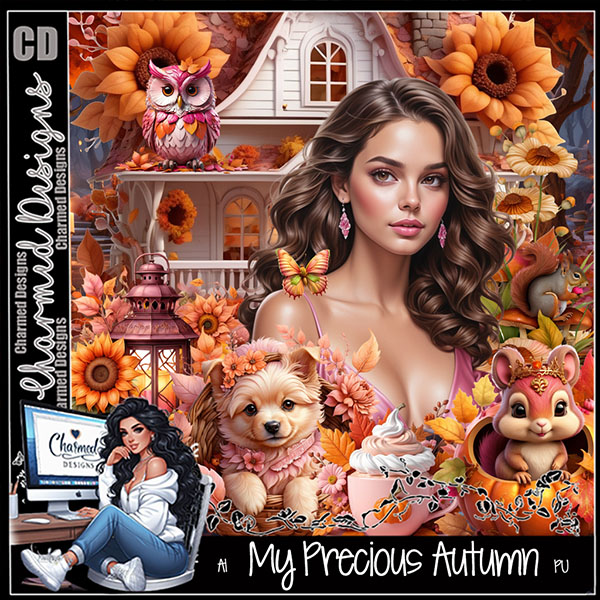
 "My Precious Autumn " by Charmed Designs 
Al generated

 HERE   HERE  HERE  HERE
This kit is for personal use ONLY.


Friday, August 30, 2024

PTU FB TL and Tag for Charmed Designs

    *~*CT FB Timeline and Tag for Charmed Designs*~*

I am using her Awesome Scrap kit 
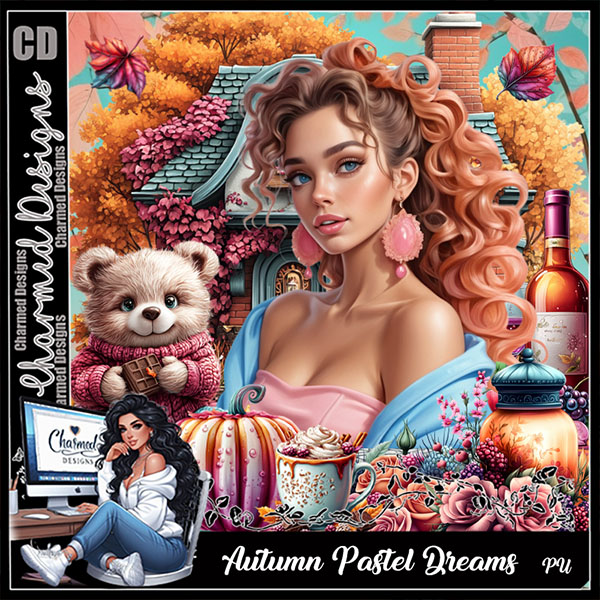
 "Autumn Pastel Dreams " by Charmed Designs 
Al generated

 HERE   HERE   HERE  HERE  HERE
This kit is for personal use ONLY.


Thursday, August 22, 2024

PTU FB TL and Tag for Charmed Designs

   *~*CT FB Timeline and Tag for Charmed Designs*~*

I am using her Awesome Scrap kit 
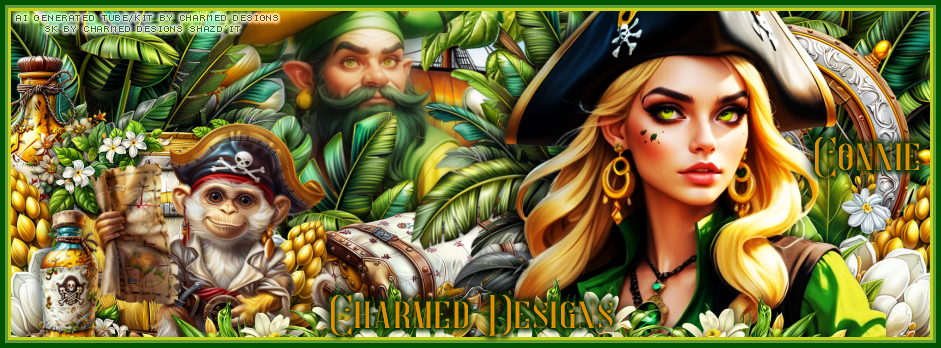
 "Ahoy My Friends " by Charmed Designs 
Al generated

 HERE   HERE   HERE  HERE
This kit is for personal use ONLY.


Saturday, August 17, 2024

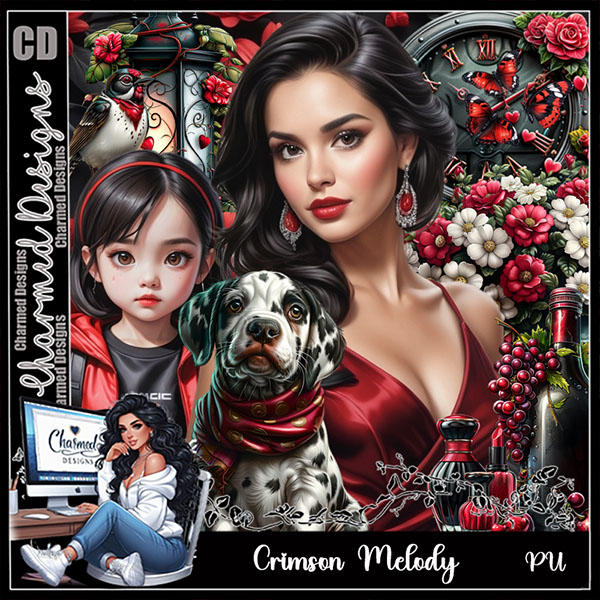
PTU Crimson Melody


This tutorial was written August 16, 2024 for those with a basic knowledge of PSP
I am using a beautiful Al generated tube/kit by Charmed Designs
Read the TOU on how to credit your tags.

I use PSP 2020, but any of them should work.
PTU Scrap "Crimson Melody " by Charmed Designs 
Al generated, you can find the kit in these stores
 HERE   HERE   HERE

Font used Harson 

Ok let's get started 
*Remember to add your drop shadow as you go along*

"This is for FB Timeline and Tag"
Remember on FB you can't have the full url, unless it has changed

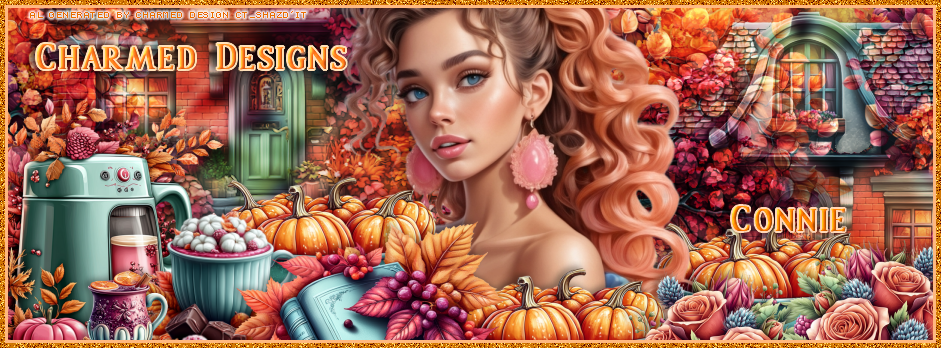
Open a new image 941 by 348
Paste paper 2 to one side, duplicate, mirror, line up in the center.
Paste element 56.
Resize element 49 to 40%, paste center.
Resize element 32 to 40%, paste above the clock on the left, duplicate, mirror.
Resize element 12 to 50%, paste on the right, duplicate, change the blend
mode to Hard Light, merge down.
Resize element 46 to 25%, paste down on the left.
Resize element 50 to 25%, paste to the left of the lantern.
Resize element 58 to 30%, paste at the bottom left, duplicate, mirror.
Resize element 57 to 30%, paste at the upper left, duplicate, mirror.
Resize element 54 to 25%, paste on the right below the tube.
Resize element 59 to 25%, paste on the left below the bottom flower so some
of the white shows, duplicate, move to the bottom center by the tube.
Resize element 46 to 20%, paste on the left below the wine bottle.
Resize element 48 to 20%, paste on the bottom right below the tube.
Once happy with it all, merge and add your frame that you prefer.

Avatar size 400 x 400
Draw a circle frame with colors that match the banner,
I did one that is 5 and then 3, fill with the same paper as the banner, invert, delete.
The rest is just adding the same elements you used in
the banner, resizing smaller and placing how you like.
You can use a tube or not.
Once happy, merge, add your copyright and name.

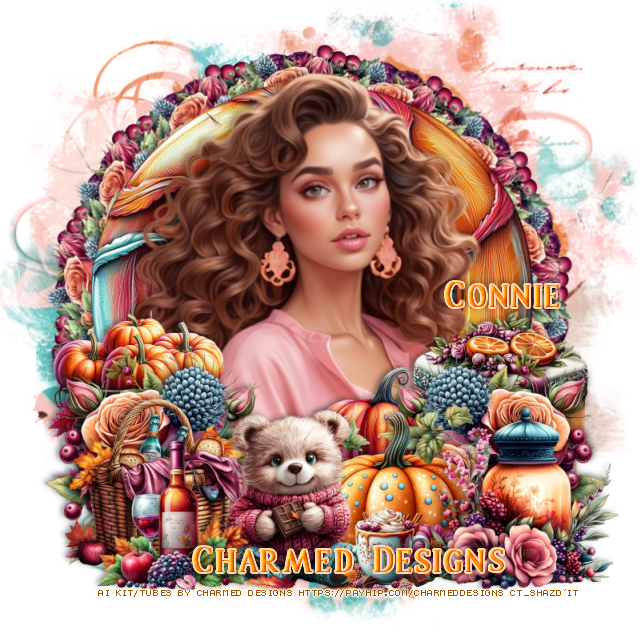
For the tag open a new image 800 x 800

Miz Teeques Mask 56 HERE
Paste paper 7, apply your mask.

Resize element 1 to 50%, paste.
Paste element 20 below the tube on the right.
Resize element 42 to 20%, paste at the bottom above the tube.
Resize element 15 to 40%, paste below the dog on the left.
Resize element 32 to 40%, paste on the left below the tube, duplicate,
the tube, move above the vine, erase some of the tube on the left.
Resize element 18 to 40%, paste at the bottom left below the purse.
Resize element 49 to 50%, paste below the car behind the tube.
Resize element 24 to 35%, paste behind the bear.
Resize element 21 to 35%, paste at the bottom right below the dog.
Resize element 33 to 10%, paste at the bottom left.
Resize element 48 to 20%, paste at the bottom right above the car.
Resize element 51 to 10%, paste at the bottom left.
Resize element 55 to 30%, paste behind the car.
Resize element 13 to 40%, paste on the right above the clock.
Resize element 60 to 25%, paste on the right below the clock.
Resize element 59 to 25%, paste below the clock on the left, duplicate,
move up more, duplicate again, move over, duplicate once more, move to
the right.
Resize element 5 to 20%, paste at the upper right.
Resize element 27 to 30%, paste on the bottom right above the car.
Once happy with it all, close off any white background you might of used,
merge together add your copyright and name.

That's it, hope you enjoyed doing my tut.