Showing posts with label Lady Dragus. Show all posts

Saturday, May 23, 2026

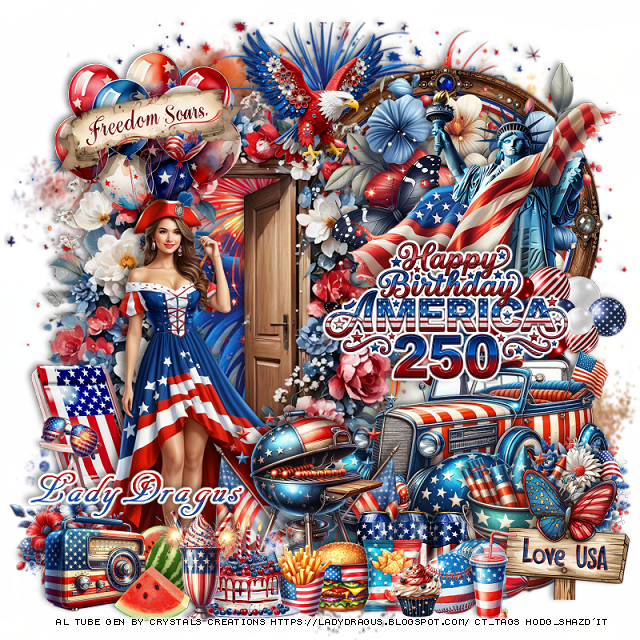
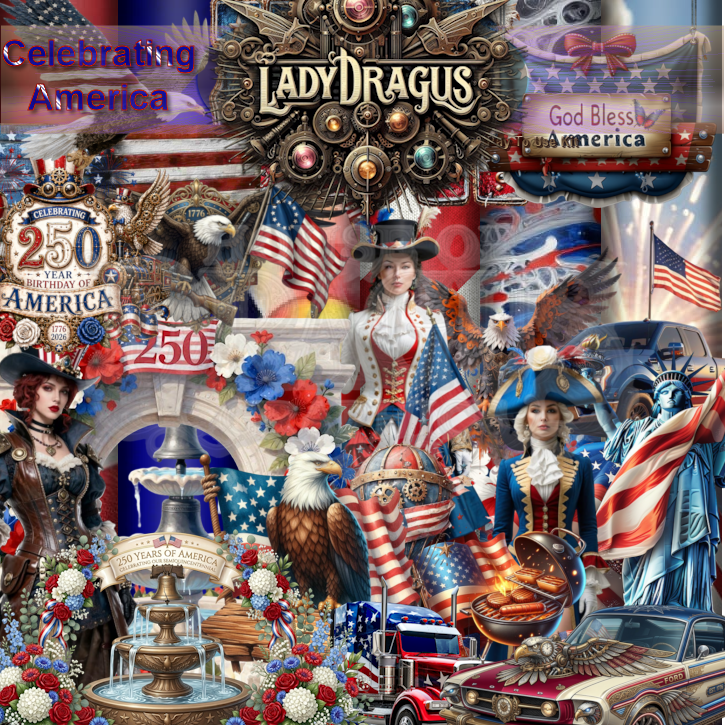
PTU 250 Years Birthday

 This tut was written May 22nd, 2026 for those with a basic knowledge of psp. 

I am using the awesome Al kit by LadyDragus

Al tube used gen by Crystal's Creations
Everything used is included in the kit
Read the TOU on how to credit your tags


I used PSP2020...but any of them should work.

PTU Scrap 250 Years Birthday by Lady Dragus  HERE  
Check her store out to see all her other kits and tubes HERE
Mask of choice, I used RD Mask Set 135_2 HERE
Check out the rest of the blog HERE

Font of choice, I used AR Decode

Drop shadow as you go is V -2 H 4, 40, 10, or use what you prefer.
Let's get started
*Remember to add your drop shadow as you go along*

Open a new image 800 x 800, paste paper 10, apply your mask.
Resize 140 to 105%, paste, erase the bottom stem part.

Resize frame 14 to 50%, paste at the upper right.
Resize 7 to 75%, paste on the left above the frame.
Resize 21 to 50%, paste on the right above the frame.
Resize 20 to 60%, paste on the upper right above the flowers.

Resize 23 to 50%, paste on the left above the door.

Resize 91 to 50%, paste on the bottom right.
Resize wordart 8 to 25%, add a fat white gradient glow, paste on
the right.
Resize 99 to 40%, paste below the wordart on the right.
Resize 109 to 40%, paste below the tube on the upper left.
Resize 148 to 30%, paste on the balloons.
Resize 75 to 25%, paste at the top.
Resize 24 to 55%, paste below the tube on the bottom left.

Resize 179 to 35%, paste at the bottom above the car.
Resize 158 to 25%, paste at the bottom.
Resize 25, 29 and 27 to 15%, paste at the bottom.
Resize 59 to 15%, paste at the bottom to the right of the can drinks.
Resize 60 to 12%, paste at the bottom.
Resize 157 to 20%, paste at the bottom to the left of the fries.
Resize 141 to 10%, paste at the bottom.
Resize 90 to 10%, paste on the arm of the chair.

Resize 114 to 25%, paste on the bottom right below the balls.
Resize 147 to 23%, paste on the bottom right.
Resize 160 to 20%, paste on the right above the car behind the sign.
Resize 174 to 20%, paste on the bottom left above the tube.
Resize 183 to 20%, paste on the bottom left.
Resize 182 to 20%, paste at the bottom left.
Resize 106 to 15%, paste below the radio.
Resize 104 to 15%, paste at the bottom above the radio.
Resize 26 to 18%, paste on the bottom right by the balls.

Add any other elements that you would like, make it your own.
Always readjust your mask and elements how you like them before you
 merge your tag, resize, sharpen.

Crop your tag to be sure no shadows or lines are on the edges.
 Then add your copyright and name.
That's it

Hope you enjoyed doing my tut   

Thursday, May 14, 2026

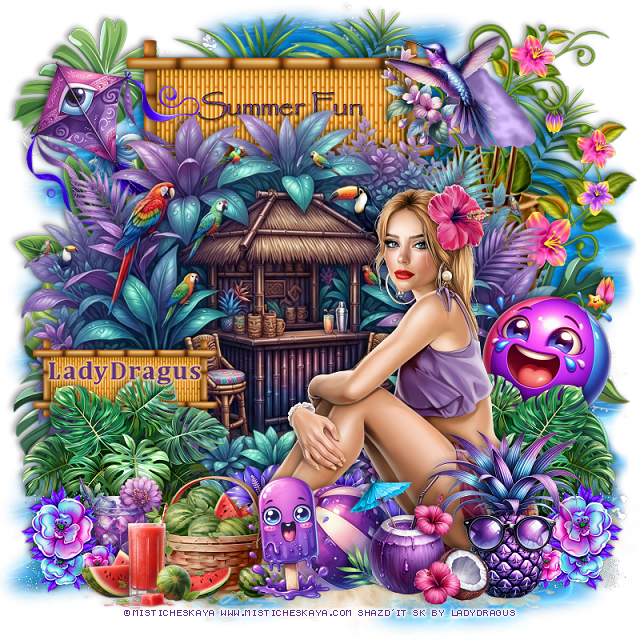
PTU Summer Tropical Beach


This tut was written April 14th, 2026 for those with a basic knowledge of psp. 

I am using the awesome Al kit by LadyDragus

Everything used is included in the kit
Read the TOU on how to credit your tags


I used PSP2020...but any of them should work.

PTU Scrap Summer Tropical Beach by Lady Dragus  HERE  
2 ©Goldwasser tubes, you must use your PFD license
Check her store out to see all her other kits and tubes HERE
Mask of choice, I used Miz Teeques Mask 70 HERE
Check out the rest of the blog HERE

Font of choice, I used Make Summer fun

Drop shadow as you go is V -2 H 4, 40, 10, or use what you prefer.
Let's get started
*Remember to add your drop shadow as you go along*

Open a new image 800 x 800, paste paper 5, apply your mask,
move to the left, duplicate, mirror.

Resize frame 3 to 80%, paste.
Resize 43 to 20%, apply Mura Meister Copies-Encircle, first 3 numbers
on 14, 60, 60, paste below the circle.
Resize 91 to 70%, paste to the right.
Resize 69 to 90%, paste at the bottom above the tree.
Resize 65 to 50%, paste to the right above the tree.
Resize 96 to 30%, paste at the upper right below the ice cream truck.
Resize 46 to 40%, paste to the left.
Resize 13 to 35%, paste on the bottom left.

Resize the tube to 45%, paste at the bottom.

Resize 20 to 30%, paste on the bottom left above the tube.
Resize 43 to 20%, paste at the bottom below the basket.
Resize 9 to 25%, paste at the bottom by the citrus slices.
Resize 12 to 25%, paste at the bottom by the flower.
Resize 4 to 25%, paste at the bottom above the flower.
Resize 49 to 25%, paste at the bottom right below the bear.
Resize 23 to 25%, paste at the upper left.
Resize 14 to 25%, paste on the tree.
Resize 47 to 23%, paste at the bottom.

Add any other elements that you would like, make it your own.
Always readjust your mask and elements how you like them before you
 merge your tag, resize, sharpen.

Crop your tag to be sure no shadows or lines are on the edges.
 Then add your copyright and name.
That's it

Hope you enjoyed doing my tut   
Tuesday, April 14, 2026

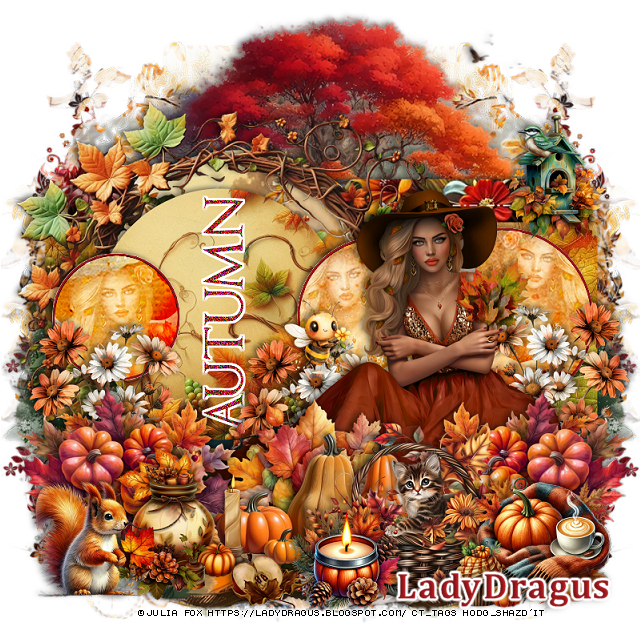
PTU Mermaid Birthday

 This tut was written April 14th, 2026 for those with a basic knowledge of psp. 

I am using the awesome Al kit by LadyDragus

Everything used is included in the kit
Read the TOU on how to credit your tags


I used PSP2020...but any of them should work.

PTU Scrap Mermaid Birthday by Lady Dragus  HERE  
Comes with 120 elements, 17 frames, 22 papers, 2 Non Al tubes by Yuki
and 2 Al tubes by LD

Font of choice, I used River Water

Drop shadow as you go is V -2 H 4, 40, 10, or use what you prefer.
Let's get started
*Remember to add your drop shadow as you go along*

Open a new image 800 x 800

Paste element 10, resize larger to 115%.
Resize frame 10 to 70%, paste, draw around the frame, mirror
element 79, paste to the right, invert, delete, change the blend mode to Overlay.
Resize 100 to 40%, paste on the bottom left above the frame.
Resize 79 to 50%, paste at the bottom above the sign.
Resize 6 to 50%, paste at the top below the sign.

Resize 39 to 30%, paste at the bottom right.
Resize 36 to 15%, paste at the bottom right above the chest.
Resize 24 to 25%, paste on the bottom left.
Resize 23 to 25%, paste on the right below the chest, duplicate, move to
the bottom left below the sigh, duplicate, move up more
Resize 17 to 30%, paste at the bottom left by the mermaid.
Resize 13 to 20%, paste at the bottom left.

Resize 62 to 25%, paste on the right about midway up.
Resize 109 to 25%, paste at the bottom right, move the pear shell above.
Resize 1 to 20%, paste at the bottom.
Resize 22 to 15%, paste on the upper left.
Resize 66 to 20%, paste at the upper right.
Resize 86 to 20%, paste on the right on the chest.
Resize 2 to 13%, paste at the bottom by the dragon.
Resize 35 to 10%, paste at the bottom by the dragon.
Resize 67 to 40%, paste on the right below the chest, duplicate, move
to the upper left below the balloons.
Resize 84 to 13%, paste at the bottom by the dragon.
Resize 8 to 85%, paste where you like being on the top layer.

Add any other elements that you would like, make it your own.
Always readjust your mask and elements how you like them before you
 merge your tag, resize, sharpen.

Crop your tag to be sure no shadows or lines are on the edges.
 Then add your copyright and name.
That's it

Hope you enjoyed doing my tut   
Thursday, April 2, 2026

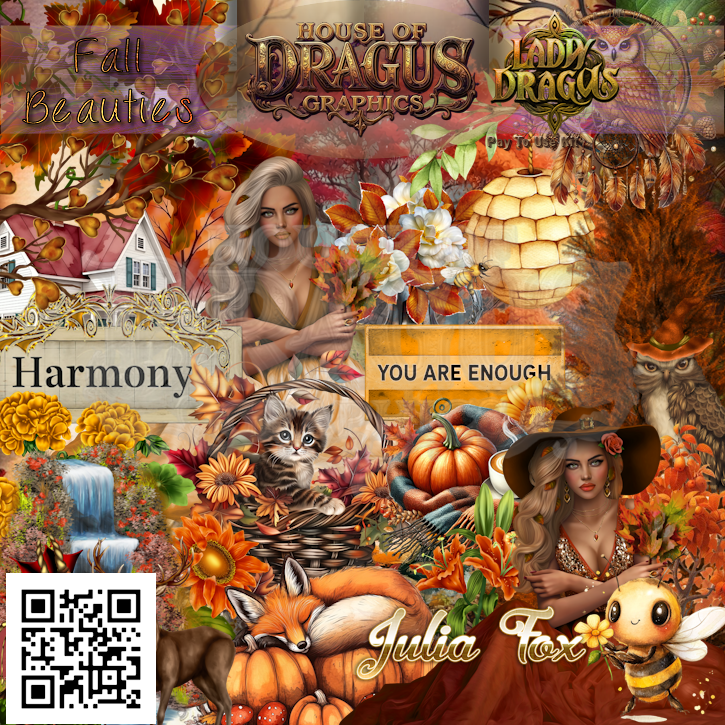
PTU Sunflower Beach


 This tut was written April 2nd, 2026 for those with a basic knowledge of psp. 

I am using the awesome Al kit by LadyDragus

Everything used is included in the kit
Read the TOU on how to credit your tags


I used PSP2020...but any of them should work.

PTU Scrap Sunflower Beach by Lady Dragus  HERE  
 Miz Teeques Mask 93  HERE
Check the blog out HERE

Font of choice, I used Sunflowers

Drop shadow as you go is V -2 H 4, 40, 10, or use what you prefer.
Let's get started
*Remember to add your drop shadow as you go along*

Open a new image 800 x 800, paste paper 3, apply your mask, duplicate,
merge down, erasing on the edges a little.

Resize frame 1 to 75%, mirror, paste on the right, click inside, expand
by 10, paste paper 9, invert, delete.
 Paste 14 at the bottom below the frame.
Resize 2 to 40%, paste in the frame.

Resize 86 to 75%, paste above the frame to the left.

Resize 94 to 75%, paste below the lady on the left.
Resize 80 to 40%, paste at the bottom above the lady.
Resize 87 to 30%, paste at the bottom left, duplicate, mirror.
Resize 95 to 30%, paste at the bottom right.
Resize 51 to 30%, paste at the bottom by the hat.

Resize 57 to 75%, paste on the left below the flowers.
Resize 41 to 65%, paste above the palm tree.
Resize 20 to 30%, paste on the bottom left.
Resize 105 to 40%, paste on the bottom left above the flowers.
Resize 9 to 17%, paste at the bottom.
Resize 11 to 50%, paste at the bottom left below the surf boards, duplicate, 
mirror, erase the 2 leaves over the flower.

Resize 92 to 85%, paste below the palm tree at the top.
Resize 59 to 40%, mirror, paste at the upper right above the frame.
Resize 23 and 24 to 8%, paste at the bottom by the drink.
Resize 42 to 20%, paste at the bottom.

Add any other elements that you would like, make it your own.
Always readjust your mask and elements how you like them before you
 merge your tag, resize, sharpen.

Crop your tag to be sure no shadows or lines are on the edges.
 Then add your copyright and name.
That's it

Hope you enjoyed doing my tut   
Tuesday, March 10, 2026

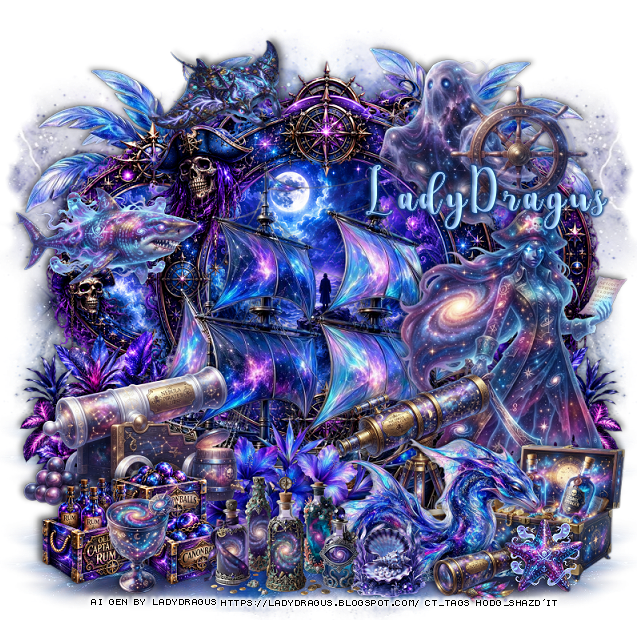
PTU Easter Eggs

  This tut was written March 10th, 2026 for those with a basic knowledge of psp. 

I am using the beautiful tube ©Misticheskaya

The tube is called Bella and the Rabbit Stories
You need a license to use this tube, please do not use without a license
You can find this tube at their store HERE


I used PSP2020...but any of them should work.

PTU Scrap Easter Eggs by Lady Dragus  HERE  HERE
 Miz Teeques Mask 56  HERE
Check the blog out HERE
Filter
Mura Meister Copies-Encircle

Font of choice, I used Ant Valley

Drop shadow as you go is V -2 H 4, 40, 10, or use what you prefer.
Let's get started
*Remember to add your drop shadow as you go along*

Open a new image 800 x 800, paste paper 2, apply your mask.

Resize frame 2 to 65%, paste, click inside, paste paper 32, move
how you like, invert, delete.

Resize 36 to 25%, apply Mura Meister Copies-Encircle, first 3 numbers
on 12, 45, 50, paste below the frame.
Resize 54 to 20%, apply Mura Meister Copies-Encircle, first 3 numbers
on 14, 50, 55, paste below the flower circle.

Resize the tube to 30%, paste above the frame.

Resize 38 to 35%, paste on the bottom left below the tube, duplicate, mirror.
Resize 63 to 20%, mirror, paste on the left below the flower.
Resize 36 to 35%, paste on the left below the rabbit, duplicate, mirror.
Resize 121 to 25%, paste on the bottom left above the tube, duplicate,
move to the center.
Resize 13 to 30%, mirror, paste on the bottom left.
Resize 33 to 20%, paste at the bottom below the rabbit.
Resize 54 to 23%, paste on the bottom right.
Resize 69 to 25%, paste at the bottom right above the cake.
Resize 118 to 17%, paste at the bottom above the dragon.
Resize 14 to 25%, paste at the bottom.

Resize 81 to 20%, paste at the bottom.
Resize 46 to 15%, paste at the bottom left by the rabbit, duplicate, mirror.
Resize 77 to 12%, paste at the bottom by the chick.
Resize 35 to 25%, paste on the upper right above the frame, 
duplicate, mirror.

Add any other elements that you would like, make it your own.
Always readjust your mask and elements how you like them before you
 merge your tag, resize, sharpen.

Crop your tag to be sure no shadows or lines are on the edges.
 Then add your copyright and name.
That's it

Hope you enjoyed doing my tut   
Sunday, March 1, 2026

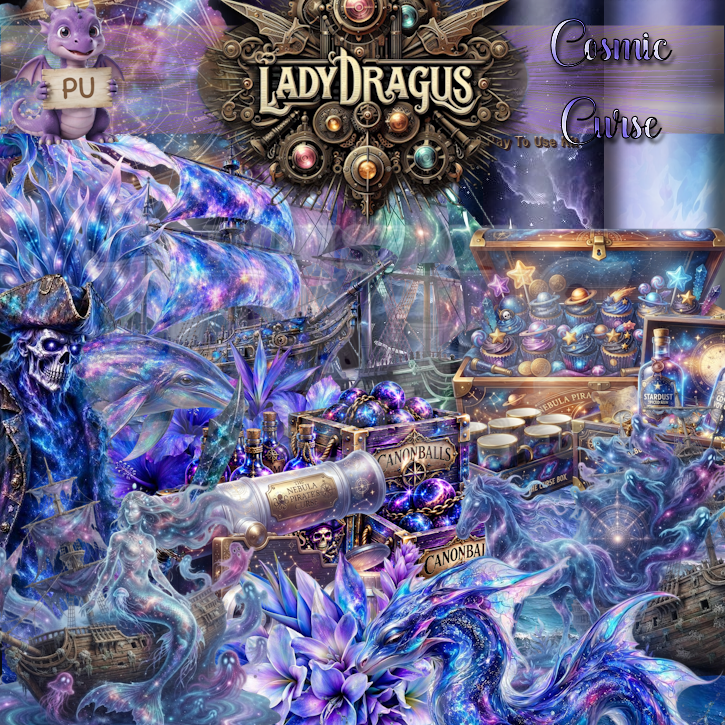
PTU Dark Faye


 This tut was written March 1st, 2026 for those with a basic knowledge of psp. 

I am using the Awesome Gothic Al kit by LadyDragus

Dark Faye
Tube ©Barbara Jensen and ©Amber are included and are not Al 
Read the TOU on how to credit your tags


I used PSP2020...but any of them should work.

PTU Scrap Dark Faye by Lady Dragus  HERE HERE 
RD Mask Set 168 HERE
Check the blog out HERE

Font of choice, I used Ant Valley

Drop shadow as you go is V -2 H 4, 50, 10, or use what you prefer.
Let's get started
*Remember to add your drop shadow as you go along*

Open a new image 800 x 800, paste paper 2, apply your mask.

Resize 58 to 65%, paste on the upper left, duplicate, mirror.
Resize frame 3 to 55%, paste above the arches, click inside, paste paper
15, move so the green shows, invert, delete.
Draw around the left arch, paste paper 12 so the green shows, invert,
delete, duplicate, mirror.
Resize the tube to 55%, paste below the arch on the left, duplicate,
mirror, change the blend mode to Soft Light.
Resize 97 to 75%, paste on the left above the frame.

Resize Barbara Jensen tube to 45%, paste above the house.

Resize 19 to 35%, paste on the bottom left, duplicate, mirror.
Resize 21 to 60%, paste at the top below the arches.
Resize 7 to 50%, paste below the tube on the right.
Resize 65 to 35%, paste on the right above the flowers.
Resize 32 to 30%, paste at the bottom right below the bottom flowers,
duplicate, mirror.
Resize 104 to 30%, paste at the bottom center.
Resize 89 to 50%, paste at the bottom right.
Resize 22 to 30%, paste on the bottom left.
Resize 33 to 25%, paste on the bottom left below the frog, duplicate, mirror.
Resize 72 to 20%, paste on the bottom left above the frog.
Resize 47 to 20%, paste at the bottom.

Add any other elements that you would like, make it your own.
Always readjust your mask and elements how you like them before you
 merge your tag, resize, sharpen.

Crop your tag to be sure no shadows or lines are on the edges.
 Then add your copyright and name.
That's it

Hope you enjoyed doing my tut   
Tuesday, February 24, 2026

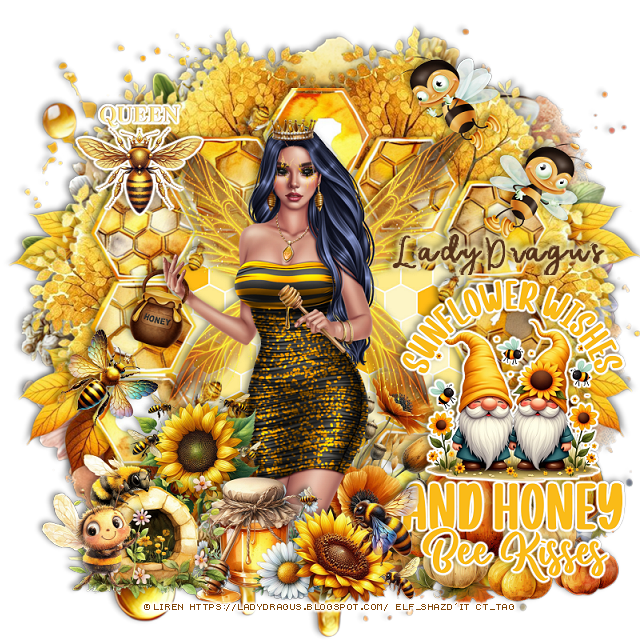
PTU St Patrick's Day 2026


 This tut was written February 24th, 2026 for those with a basic knowledge of psp. 

I am using the Awesome St Patrick Al kit by LadyDragus

St Patrick's Day 2026
Tube ©Lady Mishka is included and is not Al 
Read the TOU on how to credit your tags


I used PSP2020...but any of them should work.

PTU Scrap St Patrick's Day 2026  by Lady Dragus  HERE HERE
Al tube I used is included in the kit.
RD Mask 737 HERE
Check the blog out HERE

Font of choice, I used Celtic

Drop shadow as you go is V -2 H 4, 40, 10, or use what you prefer.
Let's get started
*Remember to add your drop shadow as you go along*

Open a new image 800 x 800, paste paper 14, apply your mask.

Resize frame 6 to 50%, paste on the upper right, click inside,
paste paper 16 how you like, invert, delete.
Resize 15 to 25%, apply Mura Meister Copies-Encircle, first 3 number
on 14, 40, 40, paste below the frame.
Resize 82 to 75%,  paste below the clover circle.
Resize 55 to 70%, paste on the left above the frame.
Resize 46 to 75%, paste on the left below the frame.
Resize 50 to 40%, paste on the left above the bar.

Resize 15 to 30%, paste at the bottom left above the bar.
Resize 118 to 60%, paste above the bar to the right.
Resize 69 to 50%, paste at the bottom left above the clover.
Resize 58 to 40%, paste below the tube on the right.
Resize 117 to 30%, paste below the man.
Resize 101 to 20%, paste on the bottom left above the man.
Resize 102 to 35%, paste on the bottom  right.
Resize 21 to 60%, paste on the right below the sign, erase the bear.
Resize 79 to 20%, paste on the bottom right above the sign.

Resize 57 to 25%, paste on the bottom above the tube.
Resize 124 to 15%, paste on the bottom above above the man.
Resize 7 to 35%, mirror, paste on the bottom above the gold pot.
Resize 86 to 10%, paste at the bottom.
Resize 17 to 30%, mirror, paste at the bottom right.
Resize 111 to 50%, paste at the bottom right, duplicate, move 
up to the upper left.
Resize 88 to 10%, paste at the bottom.
Resize 23 to 25%, paste at the upper left on top of the bar.
Resize 59 to 25%, paste at the bottom left.

Add any other elements that you would like, make it your own.
Always readjust your mask and elements how you like them before you
 merge your tag, resize, sharpen.

Crop your tag to be sure no shadows or lines are on the edges.
 Then add your copyright and name.
That's it

Hope you enjoyed doing my tut