Showing posts with label Thanksgiving/Autumn. Show all posts

Tuesday, October 28, 2025

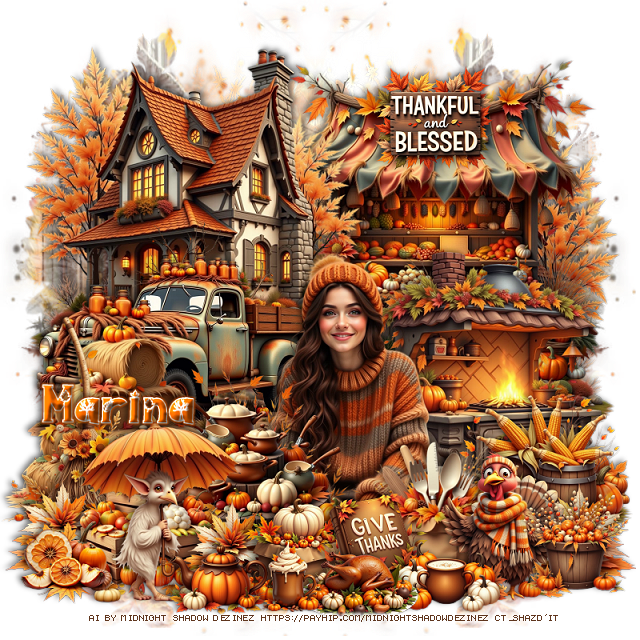
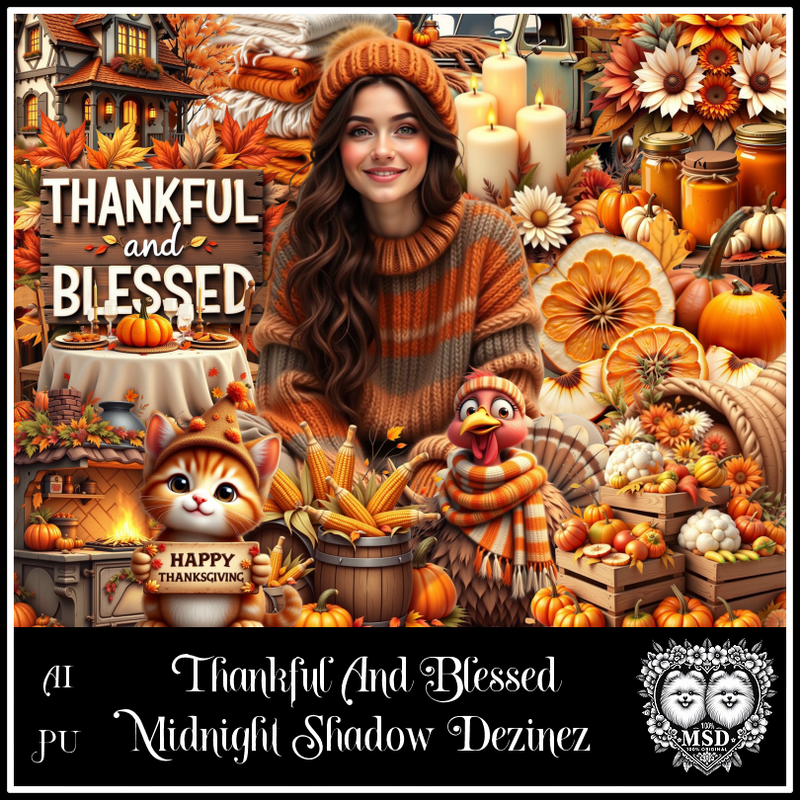
PTU Thankful and Blessed


This tut was written October 28th, 2025 for those with a basic knowledge of psp. 

Awesome AI kit and tube by Midnight Shadow Dezinez

Everything used is included in the kit
Read the TOU on how to credit your tags

I used PSP2020...but any of them should work.
PTU Scrap Thankful and Blessed by Midnight Shadow Dezinez  HERE
You can find all Midnight Shadow Dezinez kits HERE
Mask of choice, I used Miz TeeQues Mask 79 HERE
Check out the rest of the blog HERE         

Font of choice, I used Autumn Scenery

Drop shadow as you go is V -2 H -4, 50, 10, or use what you prefer.
Let's get started
*Remember to add your drop shadow as you go along*

Open a new image 800 x 800, resize paper 4 to 80%, apply your mask,
move to the left, duplicate, mirror.

Resize element 58 to 55%, mirror, paste at the upper left, duplicate, 
mirror, just want the trees to show on this second one.
Resize element 54 to 50%, paste above the house to the left.
Resize element 49 to 55%, paste at the upper right below the top
house.

Resize element 47 to 45%, paste at the bottom.

Resize element 17 to 40%, paste at the bottom left above the truck.
Resize element 11 to 40%, paste at the bottom above the tube.
Resize element 6 to 35%, paste at the bottom left.
Resize element 55 to 50%, paste on the right below the tube.
Resize element 27 to 30%, paste at the bottom right above the tube.
Resize element 59 to 30%, paste at the bottom left.
Resize element 48 to 25%, paste on the bottom right.

Resize element 36 to 20%, paste on the bottom left below the crates, 
duplicate, move above the crates and over more, duplicate again, 
move to the right.
Resize element 52 to 20%, paste at the bottom.
Resize element 60 to 25%, paste at the bottom right.
Resize element 5 to 35%, paste at the bottom left.
Resize element 7 to 20%, paste at the bottom below the books.
Resize element 39 to 20%, paste at the upper right on the stand.
Resize element 4 to 12%, paste at the bottom.
Resize element 45 to 17%, paste at the bottom.
Resize element 44 to 20%, paste at the bottom by the book.
Resize element 46 to 20%, paste at the bottom.
Resize element 42 to 15%, paste at the bottom left.
Resize element 41 to 20%, paste at the bottom right.

Add any other elements that you would like, make it your own.
Always readjust your mask and elements how you like them before you
 merge your tag, resize, sharpen.

Crop your tag to be sure no shadows or lines are on the edges.
 Then add your copyright and name.
That's it

Hope you enjoyed doing my tut                 

Saturday, October 18, 2025

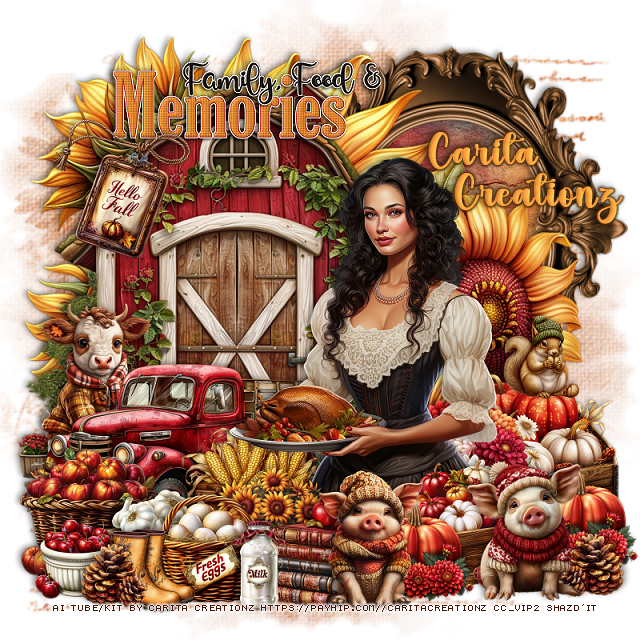
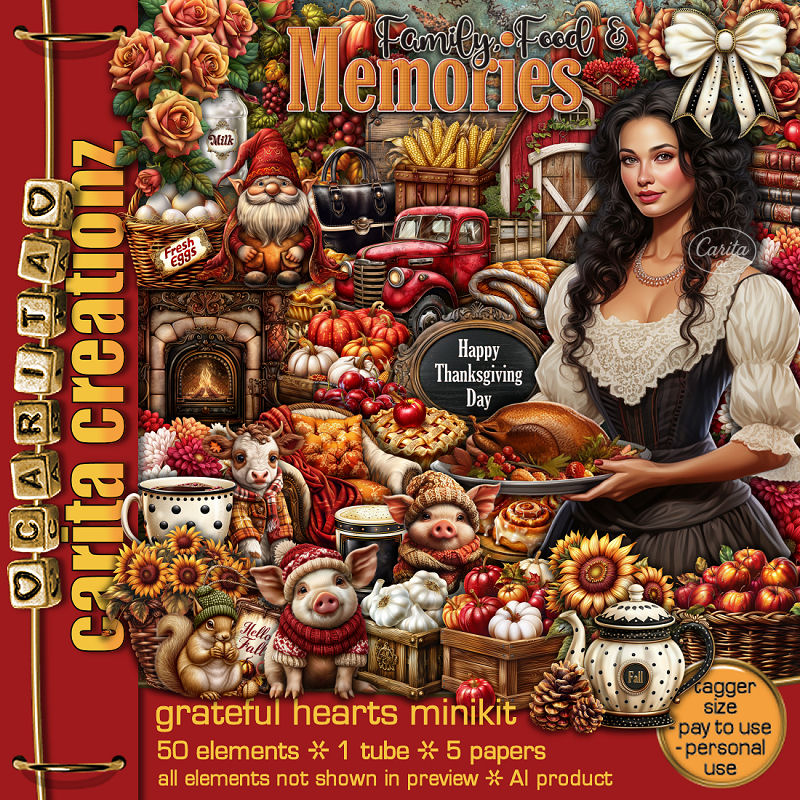
PTU Grateful Hearts


  This tut was written October 17th, 2025 for those with a basic knowledge of psp. 

I am using the Awesome Al kit by Carita Creationz
Tube is included
Read the TOU how to credit your tags.

I used PSP2020...but any of them should work.
PTU Scrap Grateful Hearts mini kit by Carita Creationz  HERE
Kit has 50 elements, 5 papers and 1 tube
Check her store out to see all her other kits and tubes HERE
Mask of choice, I used Miz Teeques Mask 93 HERE
Check out the rest of the blog HERE

Font of choice, I used Simple October

Drop shadow as you go is V -2 H 4, 50, 10, or use what you prefer.
Let's get started
*Remember to add your drop shadow as you go along*

Open a new image 800 x 800, paste paper 1, apply your mask.

Resize element 38 to 65%, paste on the upper right, click inside, 
resize paper 4 to 50%, paste, invert, delete.
Paste element 6 on the left above the frame.
Resize element 25 to 75%, paste on the flowers.
Resize element 15 to 50%, paste on the bottom left above the barn.

Resize the tube to 50%, paste on the right.

Resize element 33 to 25%, paste below the tube on the left.
Resize element 21 to 30%, paste below the tube on the right.
Resize element 4 to 25%, paste on the right below the tube.
Resize element 45 to 20%, paste at the bottom right above the tube,
duplicate, move over a little.
Resize element 12 to 25%, paste between the pumpkins.
Resize element 7 to 25%, paste at the bottom right.
Resize element 11 to 25%, paste at the bottom.

Resize element 14 to 30%, paste on the left below the truck.
Resize element 1 to 25%, paste at the bottom left above the truck.
Resize element 9 to 20%, paste at the bottom left above the apples.
Resize element 26 to 20%, paste at the bottom.
Resize element 27 to 15%, paste on the bottom left.
Resize element 10 to 25%, paste at the bottom below the pig and egg basket.
Resize element 36 to 15%, paste on the right on the pumpkins below the tube.
Resize element 32 to 15%, paste at the bottom.
Resize element 5 to 15%, paste on the bottom left below the boots.
Resize element 22 to 20%, paste at the bottom below the pig.
Resize element 44 to 12%, paste at the bottom left, duplicate, mirror, move
below the pig.
Resize element 43a to 40%, paste at the top.
Resize element 2 to 25%, paste on the upper left by the wordart.

Add any other elements that you would like, make it your own.
Always readjust your mask and elements how you like them before you
 merge your tag, resize, sharpen.
Crop your tag to be sure no shadows or lines are on the edges.
 Then add your copyright and name.
That's it

Hope you enjoyed doing my tut.       

Sunday, October 12, 2025

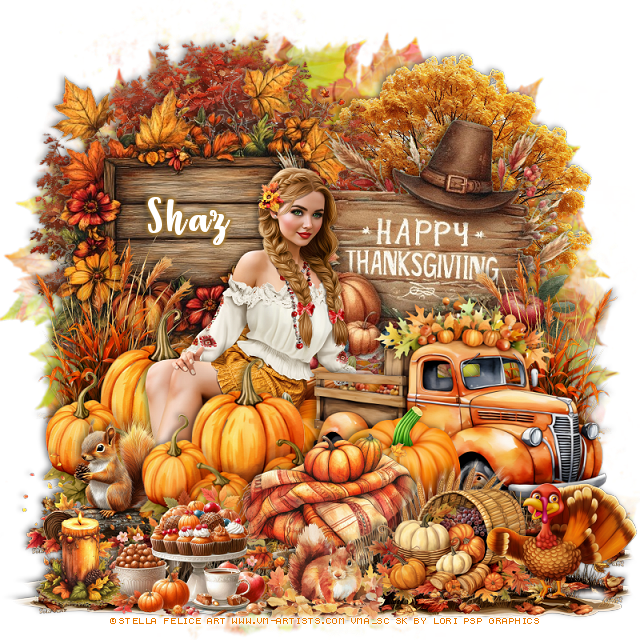
FTU Giving Thanks


  This tut was written October 12th, 2025 for those with a basic knowledge of psp. 

I am using the awesome tube ©Stella Felice Art

Tube is called Pumpkins
You need a license to use this tube, please do not use without a license
You can get it at VMArtists until Oct 21st HERE

I used PSP2020...but any of them should work.
FTU Scrap Giving Thanks contains Al by Lori's PSP Graphics  HERE
You can check out her blog HERE
Mask of choice, I used RD Mask 683 HERE
Check out the rest of the blog HERE    

Font of choice, I used Strawberry Blossom

Drop shadow as you go is V -2 H -4, 50, 10, or use what you prefer.
Let's get started
*Remember to add your drop shadow as you go along*

Open a new image 800 x 800, paste paper 13, apply your mask.

Resize wooden sign 1 to 80%, paste on the upper left.
Resize the Thanksgiving sign to 80%, paste to the right.
Resize the fall truck to 75%, paste on the right above the sign.
Paste the tree below the left sign at the top.
Paste tree 1 below the sign on the right.
Resize the pumpkins to 60%, paste on the left above the sign.

Resize the tube to 25%, mirror, paste below the truck on the left.

Duplicate the pumpkins, resize to 90%, move above the truck and tube.
Resize the blanket to 50%, paste at the bottom above the pumpkins.
Resize Squirrel on the log to 50%, paste on the bottom left below the pumpkin.
Resize fall grass to 50%, paste below the pumpkins on the left, duplicate, 
mirror below the truck.
Resize pumpkin 3 to 50%, paste below the blanket by the truck.
Resize fruit basket 1 to 50%, paste at the bottom right.

Resize the food to 50%, paste at the bottom.
Resize the squirrel in leaves to 25%, paste at the bottom.
Resize turkey 1 to 50%, paste at the bottom right.
Resize the candle to 25 %, paste at the bottom left.

Draw around the bottom of wood sign 1, paste at the bottom on the 
bottom layer, duplicate 2 or 3 times, move how you like on the bottom.

Add any other elements that you would like, make it your own.
Always readjust your mask and elements how you like them before you
 merge your tag, resize, sharpen.

Crop your tag to be sure no shadows or lines are on the edges.
 Then add your copyright and name.
That's it

Hope you enjoyed doing my tut              
Tuesday, November 12, 2024

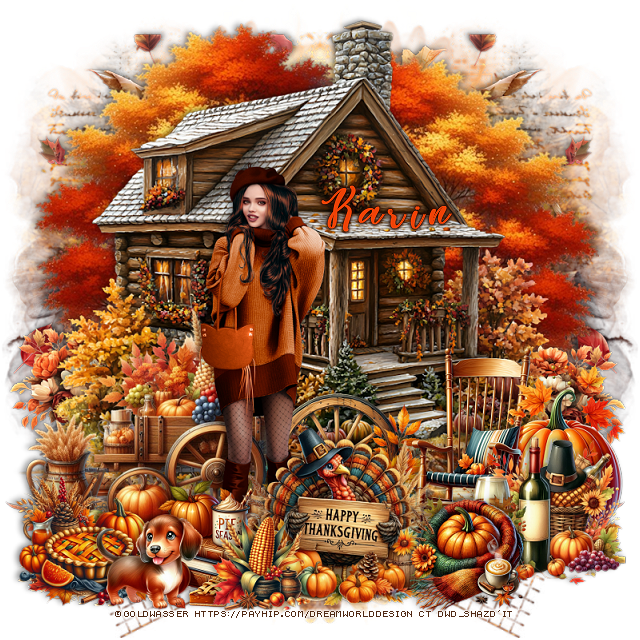
PTU Thankful


This tut was written November 12thth, 2024 for those with a basic knowledge of psp. 

I am using the beautiful tube ©Goldwasser

The tube is included in the kit

Read the TOU on how to credit your tags

I used PSP2020...but any of them should work.
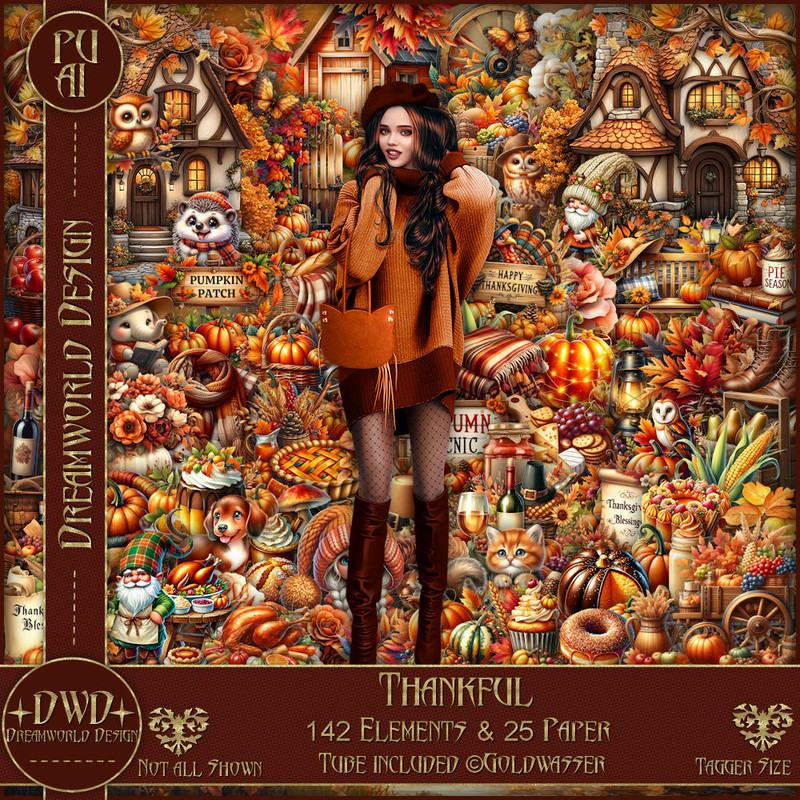
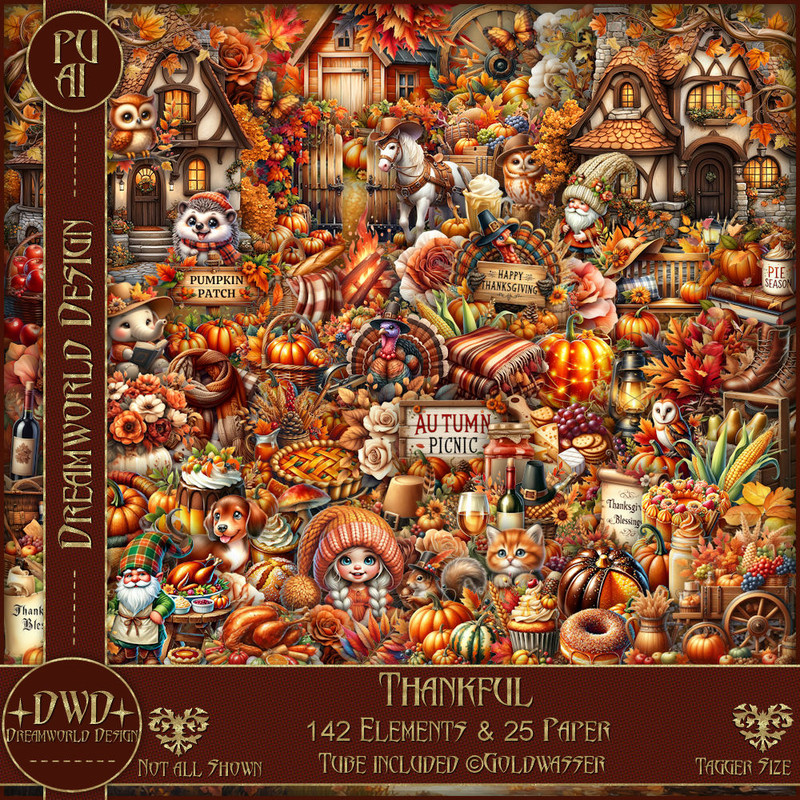
PTU Scrap Thankful by DWD  HERE
Beautiful kit with 142 elements, 25 papers, tube included
You can find all Dreamworld Design kits  HERE
Miz Teeques Mask 78 HERE
Check out the rest of the blog HERE

Font of choice, I used Easy November

Drop shadow as you go is V -2 H -4, 40, 10, or use what you prefer
Let's get started
*Remember to add your drop shadow as you go along*

Open a new image 800 x 800, paste paper 23, apply your mask, 
move to the left, duplicate, mirror.

Resize element 107 to 90%, paste.
Paste element 113 below the house to the left, duplicate, mirror.
Resize element 116 to 40%, paste at the bottom above the house.
Resize element 92 to 50%, paste at the bottom left.

Resize the tube to 60%, paste above the wheel.

Resize element 118 to 35%, paste at the bottom above the tube.
Resize element 20 to 50%, paste on the bottom left.
Resize element 37 to 45%, paste at the bottom.
Resize element 38 to 25%, paste on the bottom left.
Resize element 42 to 30%, paste at the bottom.
Paste element 77 below the tree on the right, duplicate, mirror.
Resize element 61 to 25%, paste at the bottom right.
Resize element 67 to 30%, paste at the bottom left.
Resize element 122 to 50%, paste on the right below the house, duplicate, mirror.
Resize element 41 to 40%, paste on the bottom right above the chair.

Add any other elements that you would like, make it your own.
Always readjust your mask and elements how you like them before you
 merge your tag, resize, sharpen.

Crop your tag to be sure no shadows or lines are on the edges.
 Then add your copyright and name.
That's it

Hope you enjoyed doing my tut 
Karin tag

Thursday, November 7, 2024

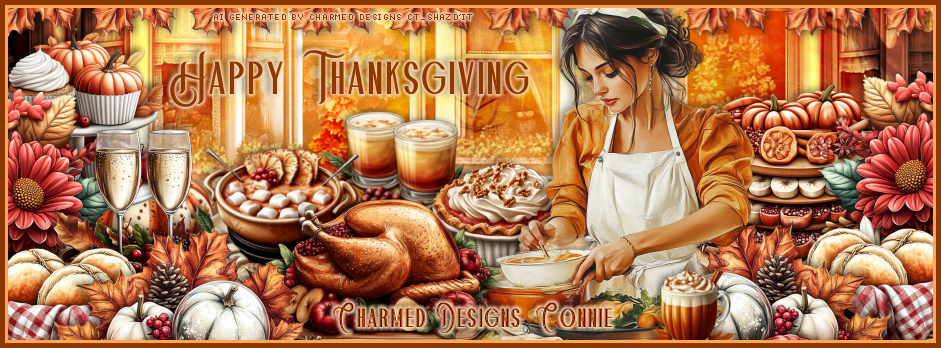
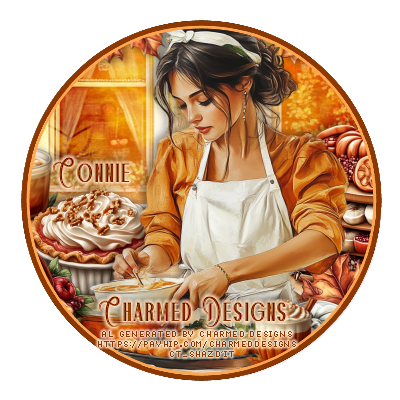
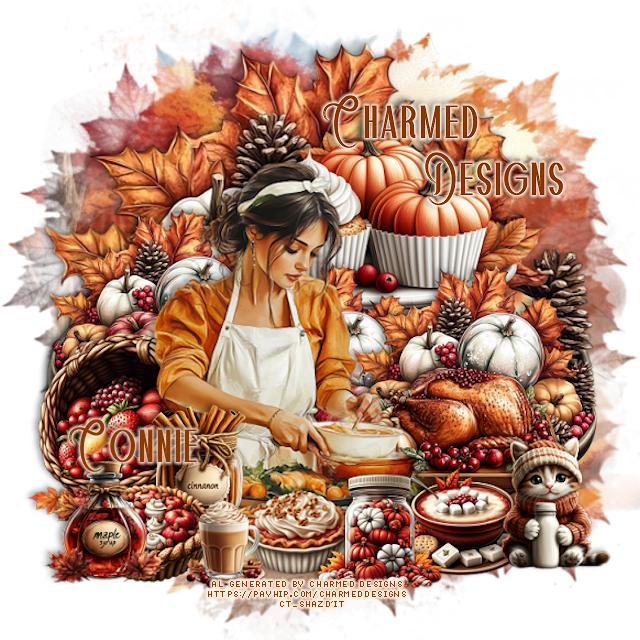
CT FB Timeline and Tag for Charmed Designs

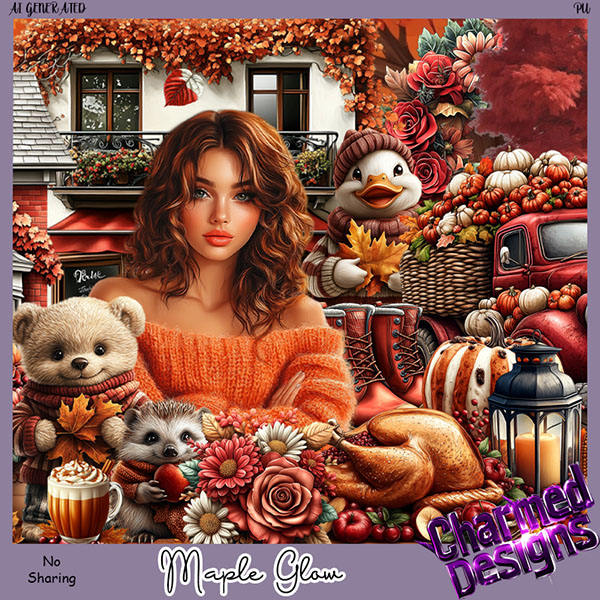
 *~*CT FB Timeline and Tag for Charmed Designs*~*

I am using her Awesome Scrap kit 
 "Maple Glow " by Charmed Designs 
The tube is not included
Al generated kit/tube by Charmed Designs
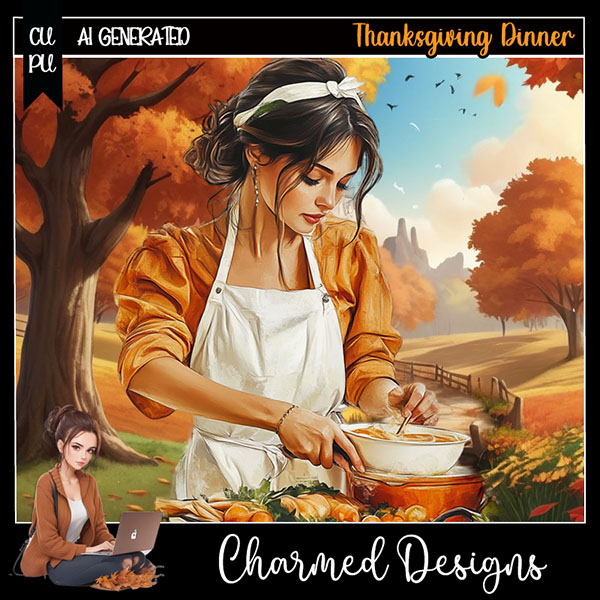
I also used her tube Thanksgiving Dinner HERE

 HERE   HERE    HERE
This kit is for personal use ONLY.

Here are the Timeline and tag I made with this kit  


Wednesday, November 6, 2024

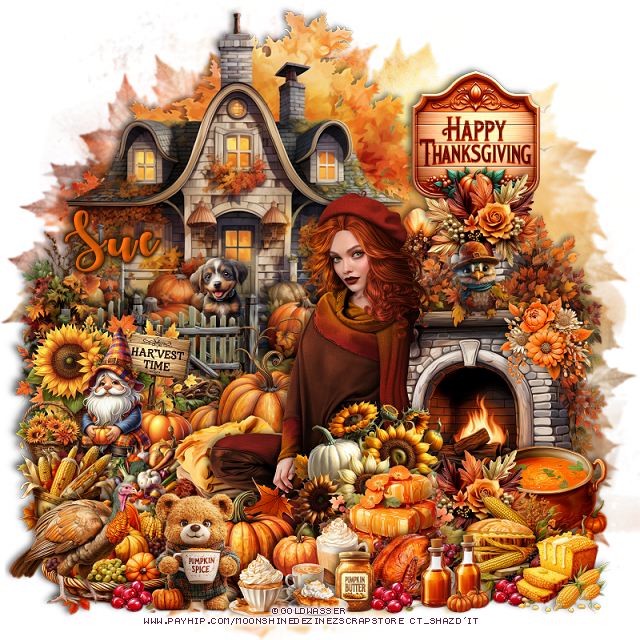
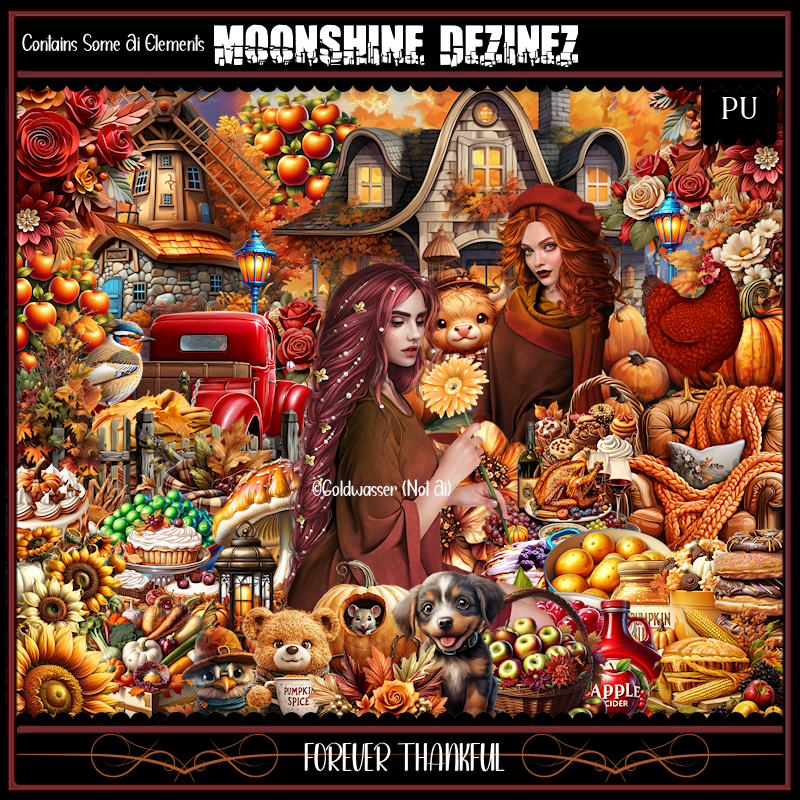
PTU Forever Thankful


This tut was written  November 6th, 2024 for those with a basic knowledge of psp. 

I am using the awesome an Awesome tube ©Goldwasser

2  Different Tubes are included in the kit
Read the TOU on how to credit your tags

I use PSP 2020 but any of them should work
PTU Scrap Forever Thankful by Moonshine Dezinez   HERE 
You can find all the stores she sells at on her blog.
You can find all Moonshine Dezinez kits  HERE
Mask of choice, I used RD Mask 683 HERE
Check out the rest of the blog HERE

 Font of choice, I used Autumn in November

Drop shadow as you go is V -2 H -4, 50, 10, or use what you prefer.
Let's get started
*Remember to add your drop shadow as you go along*

Open a new image 800 x 800, paste paper 3, apply your mask.

Resize element 51 to 60%, paste at the upper left.
Resize element 37 to 40%, paste above the house to the left.
Resize element 47 to 45%, paste on the lower right.
Resize element 95 to 30%, paste on the left above the fence.
Resize element 10 and 14 to 15%, paste on the left above the gnome.

Resize your tube to 30%, paste.

Resize element 80 to 30%, paste below the tube on the left,
Resize element 65 to 25%, paste below the tube on the left.
Resize element 41 to 15%, paste at the bottom above the tube.
Resize element 71 to 25%, paste below the fireplace on the right behind the tube.

Resize element 82 to 20%, paste at the bottom below the cup.
Resize element 118 to 25%, paste at the upper right.
Resize element 58 to 25%, paste at the bottom left below the book.
Resize element 77 to 20%, paste at the bottom left.
Resize element 43 to 20%, paste on the bottom left.
Resize element 54 to 25%, paste on the right above the tube.
Resize element 17 to 15%, paste at the bottom.
Resize element 81 to 12%, paste at the bottom.

Resize element 46 to 25%, paste at the bottom above the tube.
Resize element 53 to 20%, paste at the top above the fireplace at the bottom
of the sign, duplicate, move to the bottom in front of the fireplace.
Resize element 28 to 25%, paste on the bottom right above the flowers.
Resize element 29 to 10%, paste at the bottom by the bear.
Resize element 79 to 15%, paste at the bottom right.
Resize element 25 to 20%, paste on the bottom right above the fireplace.
Resize element 35 to 7%, paste at the bottom right, duplicate, twice move to 
the left.
Resize element 32 to 15%, paste at the bottom right.
Resize element 60 to 15%, paste on the fireplace shelf.
Resize element 40 to 15%, paste on the fireplace.
Resize element 98 to 10%, paste at the bottom.
Resize element 39 to 13%, paste on the step of the house.

Add any other elements that you would like, make it your own.
Always readjust your mask and elements how you like them before you
 merge your tag, resize, sharpen.

Crop your tag to be sure no shadows or lines are on the edges.
 Then add your copyright and name.
That's it

Hope you enjoyed doing my tut           
Monday, October 21, 2024

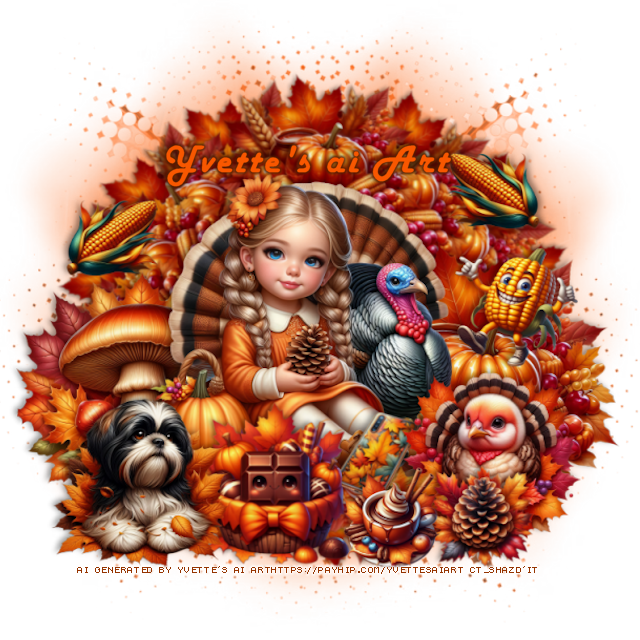
CT FB TL and Tag for Yvette's ai Art

     "CT FB TL and Tag for Yvette's ai Art"

AI generated tube and kit by Yvette ai Art
This is YR CU Thanksgiving 3
CU/PU
Read the TOU on how to credit your tags

Kit HERE  HERE


CT FB TL and Tag for Yvette's ai Art

    "CT FB TL and Tag for Yvette's ai Art"

AI generated tube and kit by Yvette ai Art
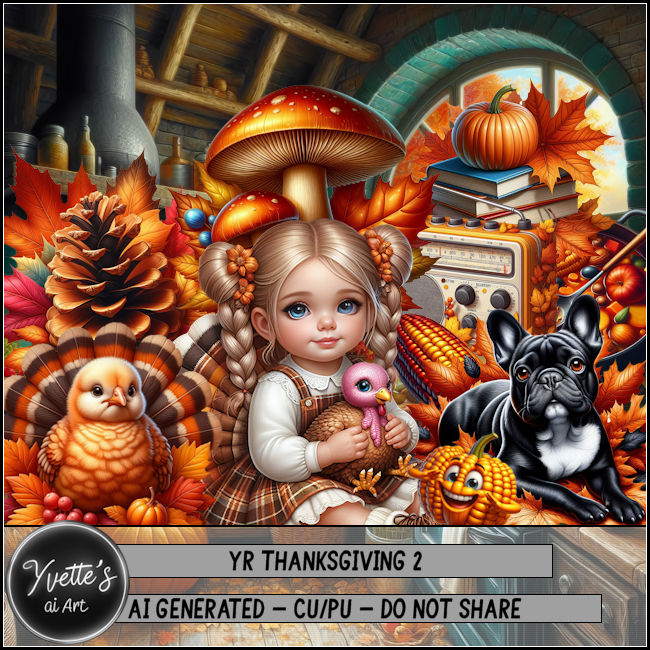
This is YR CU Thanksgiving 2
CU/PU
Read the TOU on how to credit your tags

Kit HERE  HERE


Sunday, October 20, 2024

PTU Thankful Moments

   **ღ** Adrienne's Designs **ღ*

I used the beautiful "Thankful Moments" Kit

You can find this kit at her Store HERE
Or you can find all her kits on her blog HERE

Here is a tag I made with the kit 


Friday, October 11, 2024

CT FB TL and Ava for Yvette's ai Art

   "CT FB TL and Ava for Yvette's ai Art"

AI generated tube and kit by Yvette ai Art
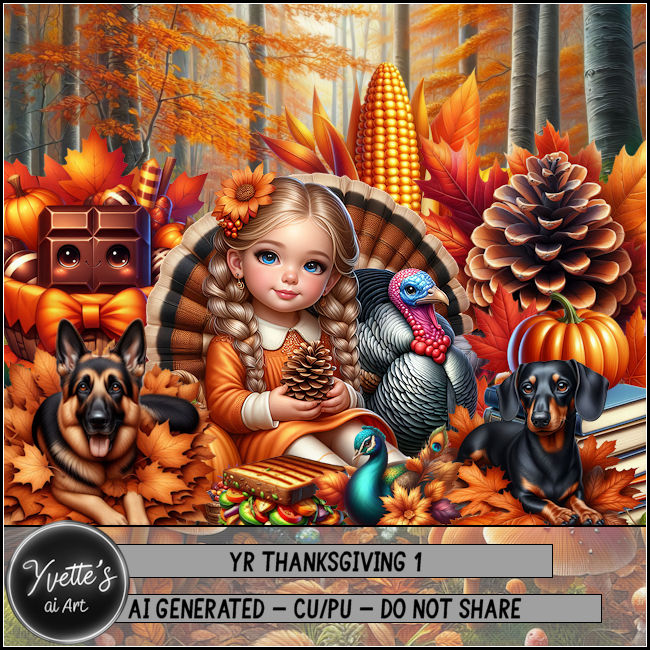
This is YR CU Thanksgiving 1
CU/PU
Read the TOU on how to credit your tags

Kit HERE  HERE


Monday, September 23, 2024

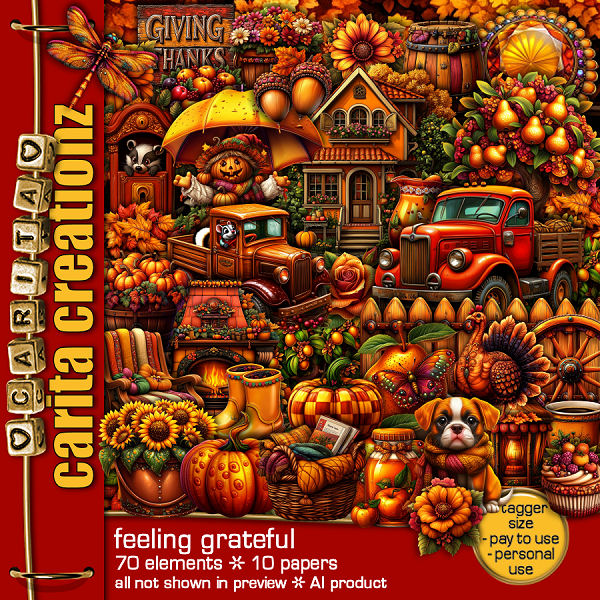
PTU Feeling Grateful


This tut was written September 23rd, 2024 for those with a basic knowledge of psp. 

I am using the awesome tube ©Fiodorova Maria
The tube is called Betty
You need a license to use this tube, please do not use without a license
You can find the tube at VMA HERE

I used PSP2020...but any of them should work.
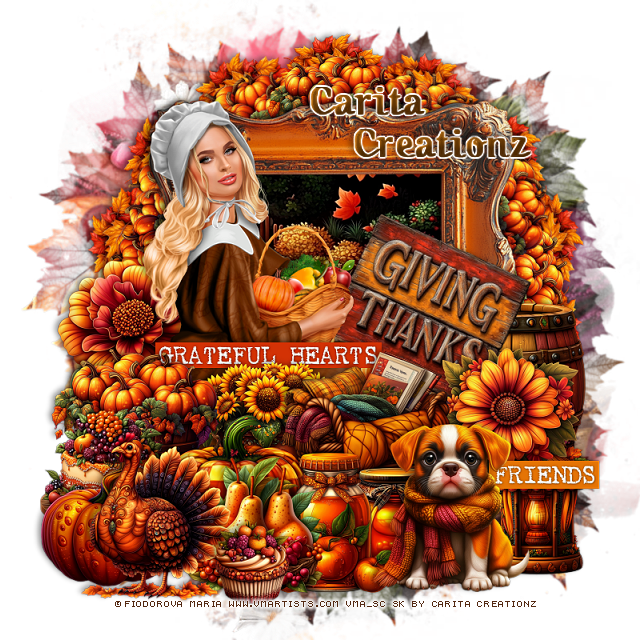
PTU Scrap Feeling Grateful by Carita Creationz  HERE
The kit includes 70 elements, 10 papers.
"Tube is NOT Included"
Check her store out to see all her other kits and tubes HERE
Mask of choice, I used RD Mask 683 HERE
Check out the rest of the blog HERE
Filter
Mura Meister Copies-Encircle

Font of choice, I used Octoberfest

Drop shadow as you go is V -2 H 4, 50, 10, or use what you prefer.
Let's get started
*Remember to add your drop shadow as you go along*

Open a new image 800 x 800, paste paper 1, apply your mask, move

Resize element 48 to 65%, paste, click inside with the magic wand, resize
paper 2 to 50%, paste, invert, delete.
Resize element 4 to 25%, apply Mura Meister Copies-Encircle, first
3 numbers on 12, 50, 50, paste below the frame.
Resize element 22 to 25%, apply Mura Meister, first 3 numbers on
14, 60, 60, paste below the pumpkin circle.

Resize your tube to 30%, we will be erasing some of the bottom later.

Resize element 4 to 40%, paste on the bottom left above the tube.
Resize element 7 to 25%, paste on the bottom left.
Resize element 15 to 25%, paste below the pumpkin to the right.
Resize element 25 to 25%, paste at the bottom above the pumpkins,
erase some of the dress at the bottom now.
Resize element 29 to 30%, paste at the bottom below the pumpkins to the right.
Resize element 18 to 30%, paste at the bottom left.
Resize element 34 to 30%, paste on the left below the tube.

Resize element 10 to 25%, paste above the tube behind the pumpkins.
Resize element 3 to 25%, paste on the bottom left below the pumpkin.
Resize element 11 to 25%, paste at the bottom above the basket.
Resize element 14 to 20%, paste at the bottom below the jar.
Resize element 12 to 30%, paste on the bottom right.
Resize element 17 to 25%, paste on the right below the dog.
Resize element 46 to 25%, paste on the right below the dog.
Resize element 5 to 15%, paste at the bottom.
Resize element 63 to 30%, free rotate to the right at 25, paste on
the right below the flower.
Resize element 56 to 30%, paste on the right below the sign.
Resize element 65 to 30%, paste above the tube behind the sunflower basket.
Resize element 64 to 30%, paste at the bottom right below the dog.

Add any other elements that you would like, make it your own.
Always readjust your mask and elements how you like them before you
 merge your tag, resize, sharpen.
Crop your tag to be sure no shadows or lines are on the edges.
 Then add your copyright and name.
That's it

Hope you enjoyed doing my tut.