Showing posts with label Fairies. Show all posts

Thursday, July 30, 2026

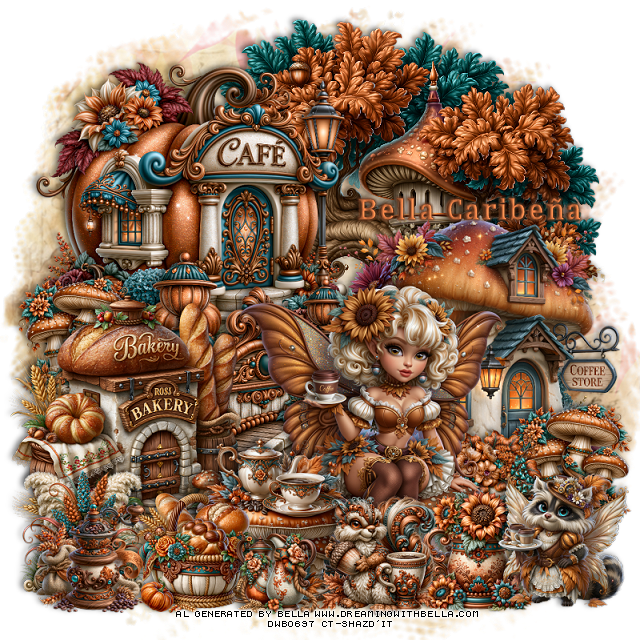
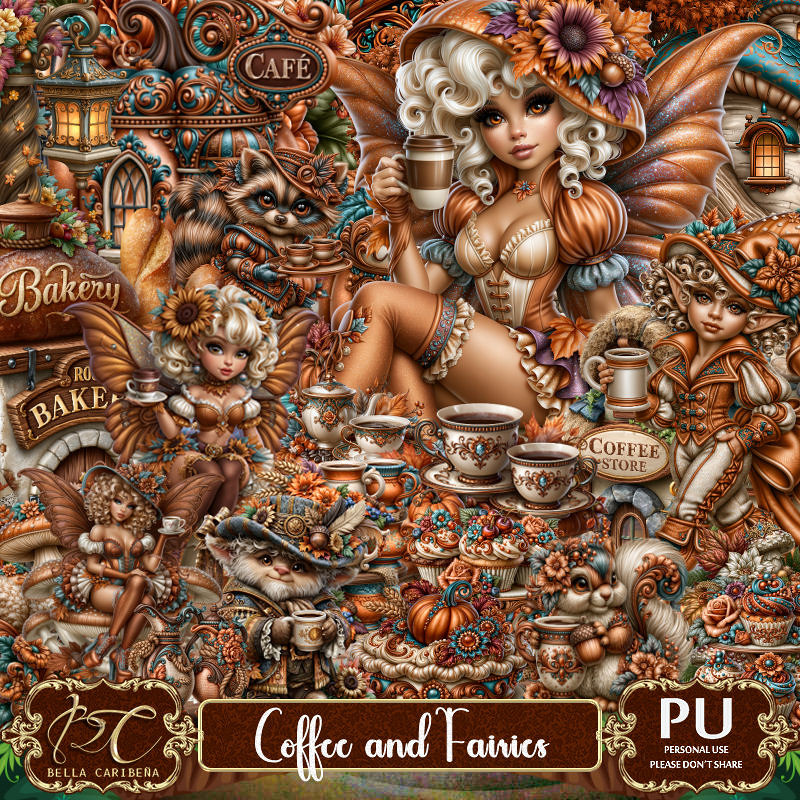
PTU Coffee and Fairies


 This tut was written July 29th, 2026,  for those with a basic knowledge of psp. 

Awesome Al kit and tubes by Bella Caribeña
Everything is included in the kit
Read the TOU on how to credit tags

I used PSP2020...but any of them should work.
PTU Scrap Coffee and Fairies by Bella Caribeña  HERE
Fantasy/Coffee Theme
Kit contains 7 Al gen tubes, 137 elements, 20 papers and 3 masks
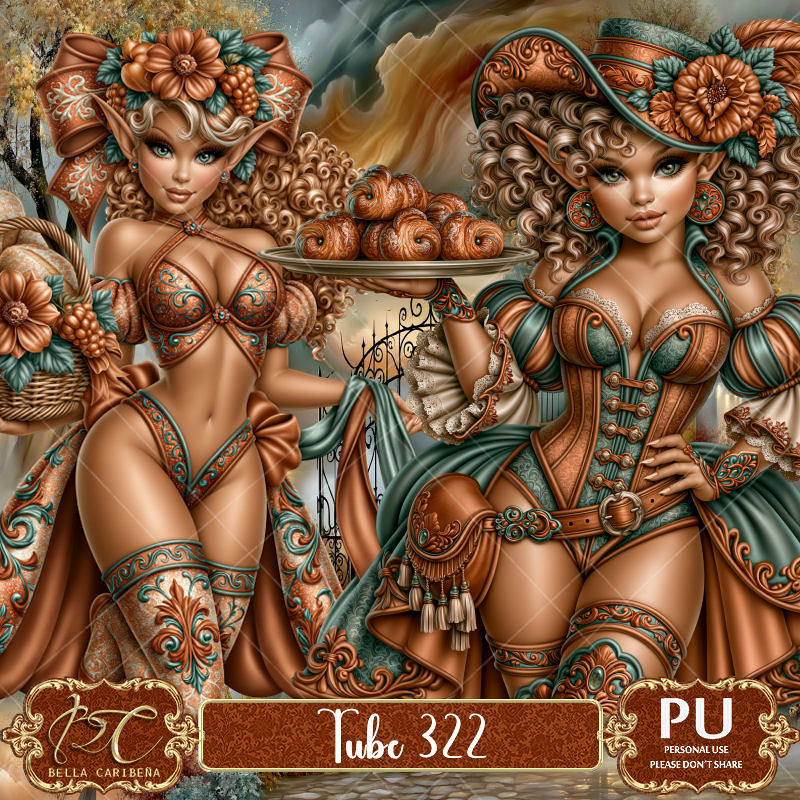
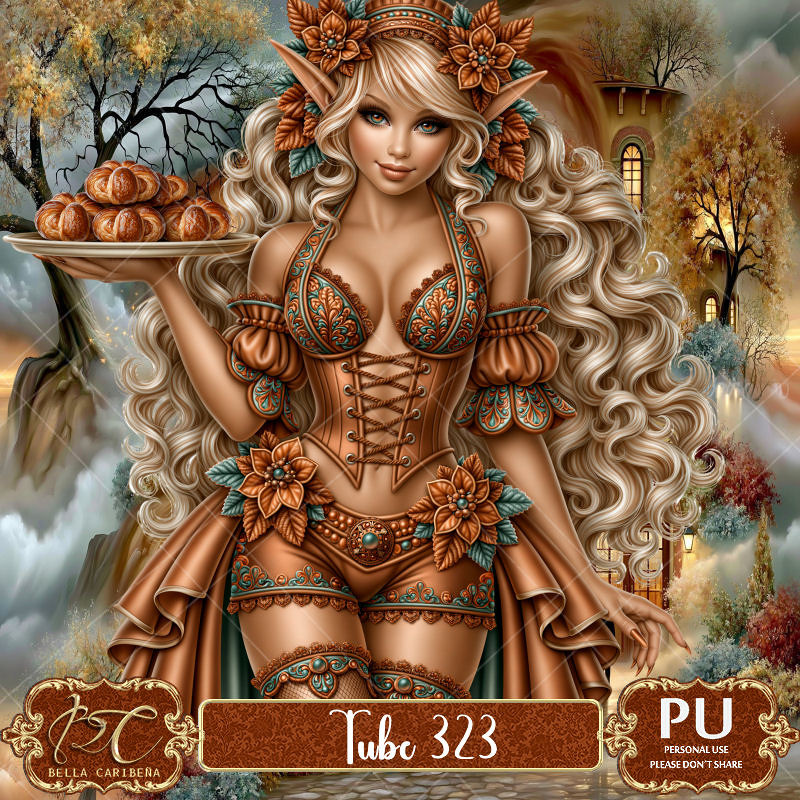
Suggested matching tubes 322 and 323
You can check out the rest of her store HERE 

Font of choice I used Cambria

 Drop shadow as you go is V -2 H 4, 50, 10, or use what you prefer.
Let's get started
*Remember to add your drop shadow as you go along*

Open a new image 800 x 800, paste mask 3, resize to fit your tag.

Paste 47 at the top.
Resize 34 to 60%, paste on the right.
Resize 97 to 65%, paste on the upper left.
Resize 107 to 50%, paste at the bottom above the cafe.
Resize 42 to 50%, paste on the left above the fence.

Resize tube 5 to 20%, paste at the bottom.

Resize 41 to 35%, paste at the bottom left above the tube.
Resize 52 to 25%, paste at the bottom left above the table.
Resize 69 to 25%, paste on the bottom left below the bread basket.
Resize 126 to 25%, paste on the left below the bakery building, duplicate,
move to the bottom right by the coffee store.
Resize 84 to 25%, paste on the bottom right below the tube.
Resize 76 to 25%, paste at the bottom above the tube.
Resize 121 to 25%, paste at the bottom above the table.

Resize 117 to 27%, paste on the bottom right.
Resize 54 to 23%, paste on the bottom left.
Resize 62 to 17%, paste at the bottom by the table.

Add any other elements you would like, resize.
Crop your tag to be sure no shadows or lines are on the edges.
 Then add your copyright and name.
That's it

            Hope you enjoyed doing my tut                      

Monday, November 25, 2024

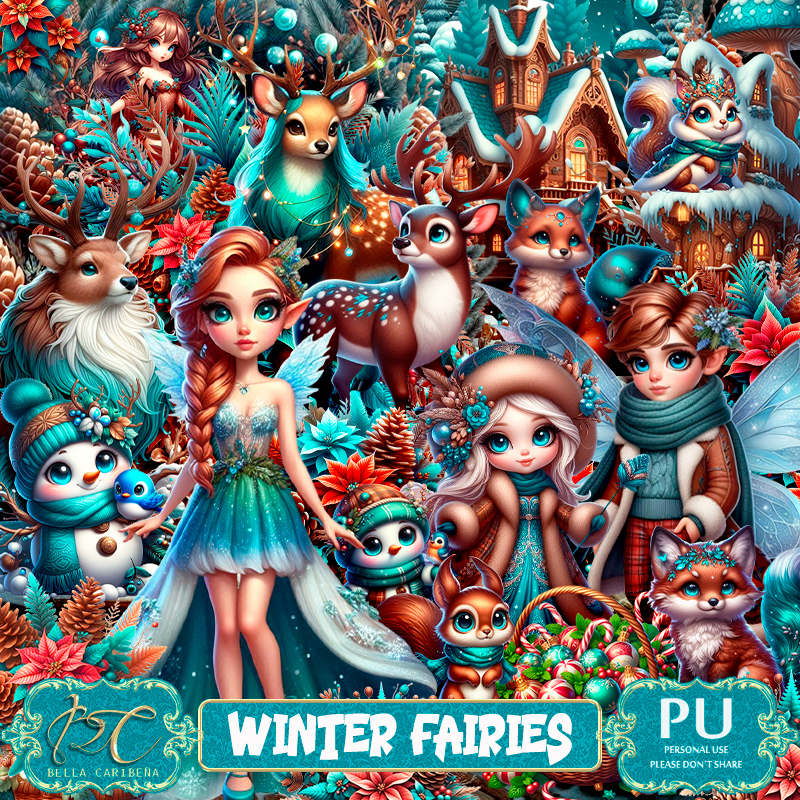
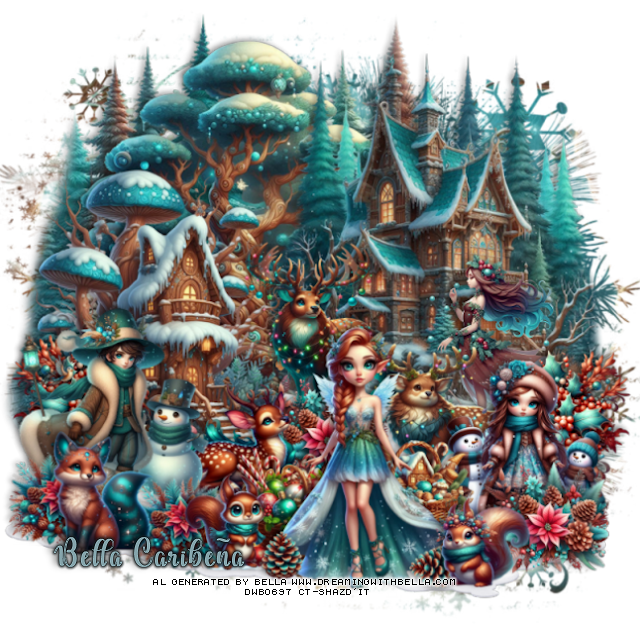
PTU Winter Fairies


This tut was written November 23rd, 2024 for those with a basic knowledge of psp. 

I am using beautiful Al generate tub by Bella Caribeña 
The tube is included in the kit
Read the TOU on how to credit your tags

I used PSP2020...but any of them should work.
PTU Scrap Winter Fairies by Bella Caribeña  HERE 
Winter/Fairy theme kit, 16 Al characters (6 fairies) by Bella Caribeña,
102 elements and 12 papers
Check out the rest of her store HERE
DD Mask NWM 1 (blog closed now)

Font of choice, I used Dealova

 Drop shadow as you go is V -2 H 4, 40, 10, or use what you prefer.
Let's get started
*Remember to add your drop shadow as you go along*

Open a new image 800 x 800, paste paper 1, apply your mask.

Resize element 93 to 75%, paste on the upper left.
Resize element 80 to 75%, paste at the upper right.
Resize element 51 to 60%, paste on the left and down.
Resize element 21 to 35%, paste on the right.
Resize element 84 to 40%, paste on the left.
Paste element 78 on the bottom layer at the upper left.
Resize element 16 to 30%, paste below the girl on the right, duplicate, mirror.
Resize element 9 to 35%, paste above the houses about center.

Resize element 55 to 30%, paste below the girl.
Resize element 14 to 25%, paste between the deer.
Paste element 98 above the house on the right, duplicate, move
down on the left, duplicate again, move to the right.
Resize element 12 to 25%, paste above the flowers to the left.
Resize fairy 2 to 33%, paste at the bottom.
Resize element 81 to 25%, paste at the bottom below the fairy.
Resize element 14 to 25%, paste on the bottom right above the fairy.

Resize element 74 to 20%, paste at the bottom right.
Resize element 88 to 25%, paste at the bottom below the fairy on the left.
Resize element 41 to 20%, paste on the bottom left.
Resize element 71 to 40%, paste on the right above the house.
Resize element 69 to 10%, paste at the bottom by the fairy, duplicate, free 
rotate to the left at 90, move below the right squirrel.
Resize element 59 to 25%, paste at the bottom left.
Resize element 75 to 20%, paste on the bottom left below the fox,
duplicate, move to the right more by the squirrel.

Add any other elements you would like, resize.
Crop your tag to be sure no shadows or lines are on the edges.
 Then add your copyright and name.
That's it

Hope you enjoyed doing my tut            
Friday, November 22, 2024

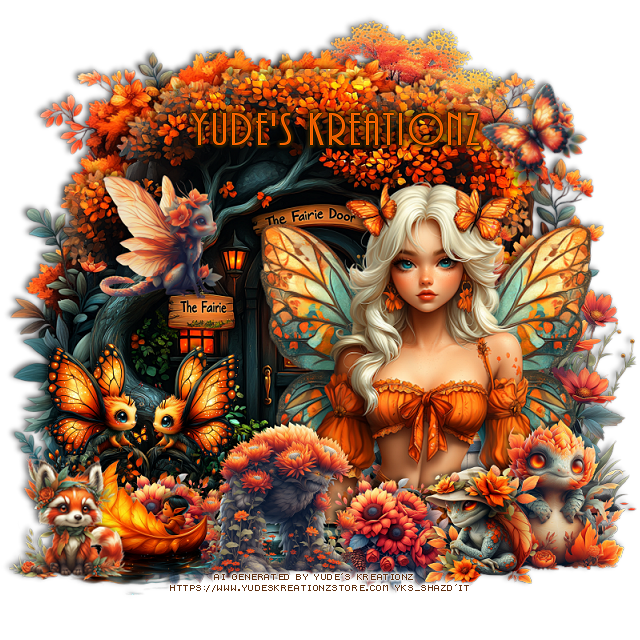
CT FB Timeline and Tag for Yude's Kreationz

     *~*CT  FB Timeline and Tag for Yude's Kreationz*~*

I am using her Awesome Scrap kit  
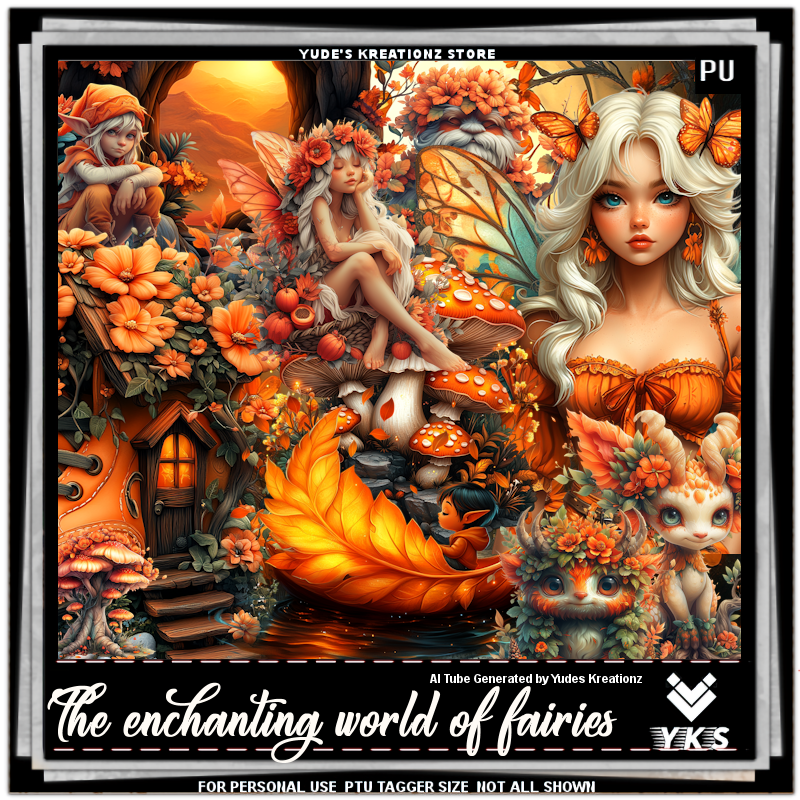
 "YKS- The Enchanting World of Fairies" by Yude's Kreationz 
Al generated tubes is included

Kit:  HERE  HERE HERE

Click on the banner to get the full size