Showing posts with label Olga Menshova. Show all posts

Sunday, February 9, 2025

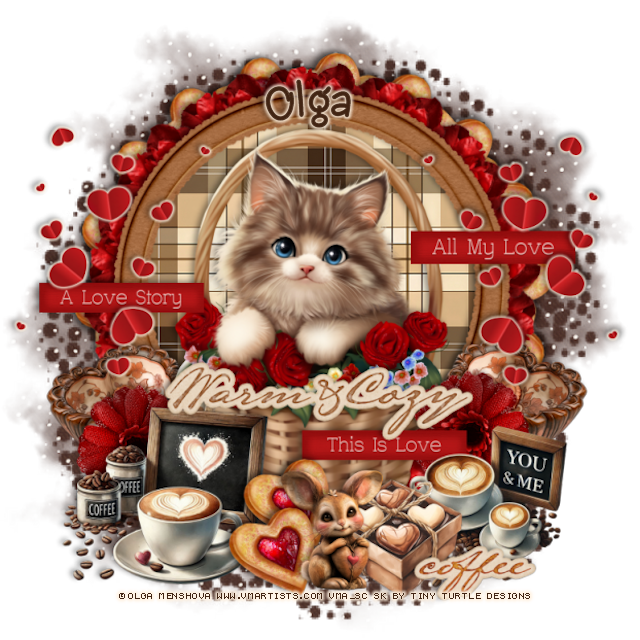
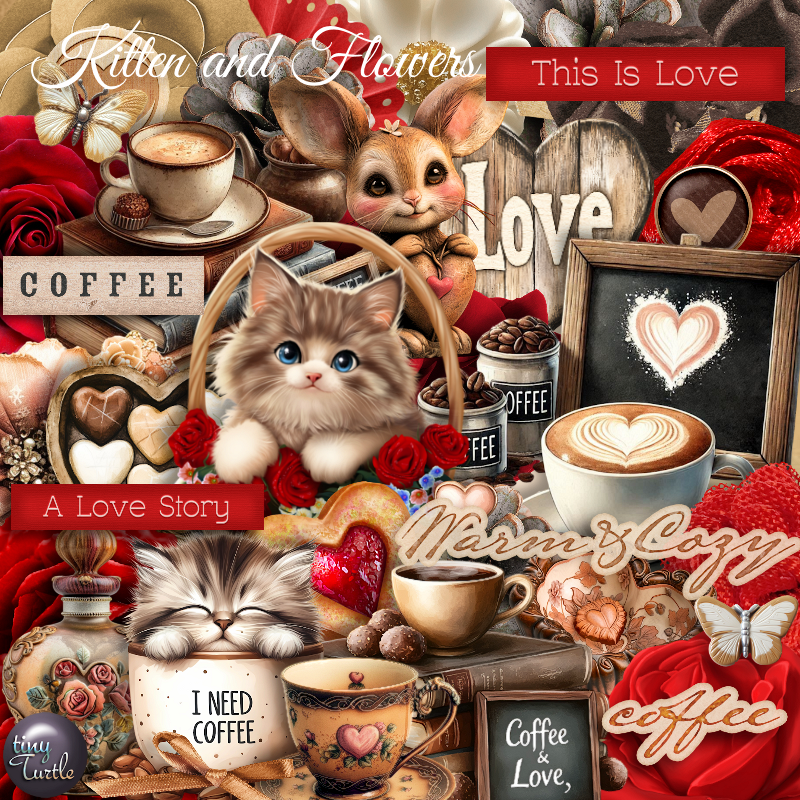
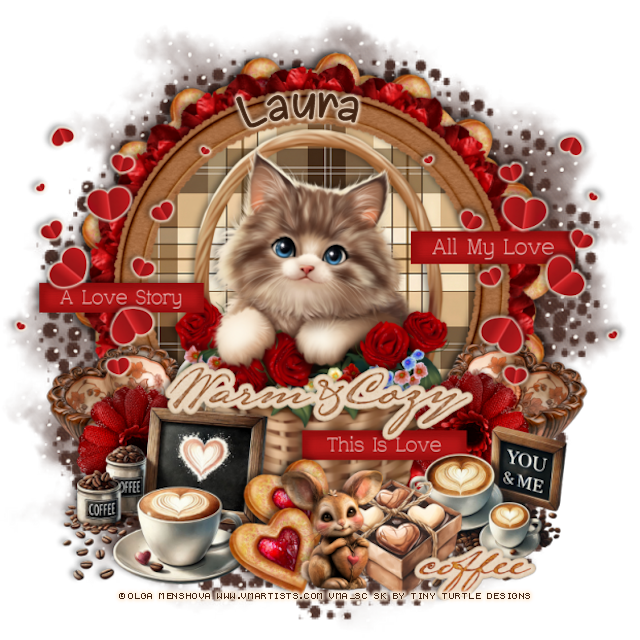
PTU Kitten and Flowers


 This tut was written February 9th, 2025 for those with a basic knowledge of psp. 

I am using the Adorable tube by © Olga Menshova

Tube is called  Kitten and Flowers
You need a license to use this tube, please do not use without a license
You can find this tube at VMA HERE

I used PSP2020...but any of them should work.
PTU Scrap Kitten and Flowers by Tiny Turtle Designs  HERE
You can find all Tiny Turtle Designs Scraps kits  HERE
Miz Teeques's Mask 70 HERE 
Check out the rest of the blog HERE

Font of choice, I used  Chasing Hearts

Drop shadow as you go is V -2 H 4, 40, 10, color black or use what you prefer.
Let's get started
*Remember to add your drop shadow as you go along*

Open a new image 800 x 800, paste paper 19, apply your mask.

Resize element 41 to 65%, paste, click inside, paste paper 33, invert, delete.
Resize element 101 to 25%, apply Mura Meister Copies-Encircle, first
3 numbers on 14, 50, 50, paste below the frame.
Resize element 187 to 25%, apply Mura Meister Copies-Encircle, first
3 numbers on 18, 60, 60, paste below the flower circle.
Resize element 1 to 25%, paste on the right on the frame, duplicate, mirror.

Resize the tube to 27%.

Resize element 46 to 35%, paste at the bottom left above the tube.
Resize element 72 to 50%, paste above the coffee element.
Resize element 187 to 25%, paste at the bottom above the coffee, 
duplicate, move over.
Resize element 11 to 30%, paste at the bottom above the cookies.
Resize element 23 to 25%, paste at the bottom right below the rabbit.
Resize element 164 to 40%, paste on the right below the warm and cozy 
wordart.

Resize element 139 to 25%, paste on the right below the love sign,
duplicate, mirror.
Resize element 174 to 50%, paste on the left, add a fat gradient glow, duplicate,
mirror.
Resize element 47 to 30%, paste on the bottom right below the box of hearts.
Resize element 192 to 40%, paste at the bottom right.
Resize element 165 to 40%, paste on the left below the hearts.
Resize element 162 to 40%, paste on the right below the hearts.

Add any other elements that you would like, make it your own.
Always readjust your mask and elements how you like them before you
 merge your tag, resize, sharpen.

Crop your tag to be sure no shadows or lines are on the edges.
 Then add your copyright and name.
That's it

Hope you enjoyed doing my tut

Laura tag


Tuesday, January 21, 2025

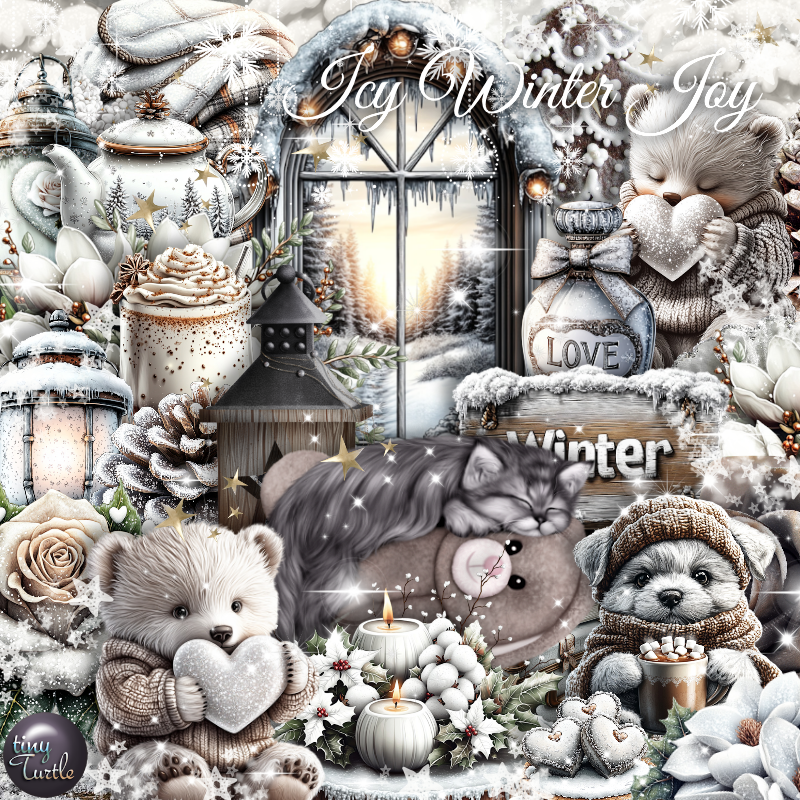
PTU Icy Winter Joy


This tut was written January 21st, 2025 for those with a basic knowledge of psp. 

I am using the Awesome tube by © Olga Menshova

Tube is called  The Sleeping Cat
You need a license to use this tube, please do not use without a license
You can find this tube at VMA HERE

I used PSP2020...but any of them should work.
PTU Scrap Icy Winter Joy by Tiny Turtle Designs  HERE
You can find all Tiny Turtle Designs Scraps kits  HERE
Lori's PSP Graphics Mask 1230 HERE
Check the rest of the blog HERE

Font of choice, I used  Arial Black

Drop shadow as you go is V -2 H 4, 40, 10, color black or use what you prefer.
Let's get started
*Remember to add your drop shadow as you go along*

Open a new image 800 x 800, paste paper 4, apply your mask.

Paste element 12.
Resize element 31 to 70%, paste, click inside with the magic wand,
resize element 22 to 65%, paste below the frame, invert, delete.
Resize element 18 to 70%, paste on the left above the wreath, duplicate,
mirror, erase the part showing in the frame.
Resize element 13 to 40%, paste below the cat on the right, duplicate, mirror.
Resize element 17 to 35%, free rotate to the right at 15, on the right below the flowers.

Resize your tube to 25%, paste at the bottom.

Resize element 21 to 30%, paste on the bottom left.
Resize element 44 and 52 to 25%, paste on the bottom left.
Resize element 22 to 30%, paste on the bottom.
Resize element 55 to 25%, paste on the bottom.
Resize element 29 to 12%, paste on the bottom.
Resize element 30 and 44 to 20%, paste on the bottom.
Resize element 42 and 35 to 35%, paste on the right below the tube.
Resize element 6 to 20%, paste on the bottom right.
Resize element 48 to 15%, paste on the bottom by the bear.
Resize element 56 to 20%, mirror, paste on the bottom.
Paste element 157 where you like.

Add any other elements that you would like, make it your own.
Always readjust your mask and elements how you like them before you
 merge your tag, resize, sharpen.

Crop your tag to be sure no shadows or lines are on the edges.
 Then add your copyright and name.
That's it

Hope you enjoyed doing my tut

Laura Tag     


Saturday, December 14, 2024

CT for Verymany and VMArtists

  **CT for Verymany and VMArtists**

I am using the awesome tube by © Olga Menshova
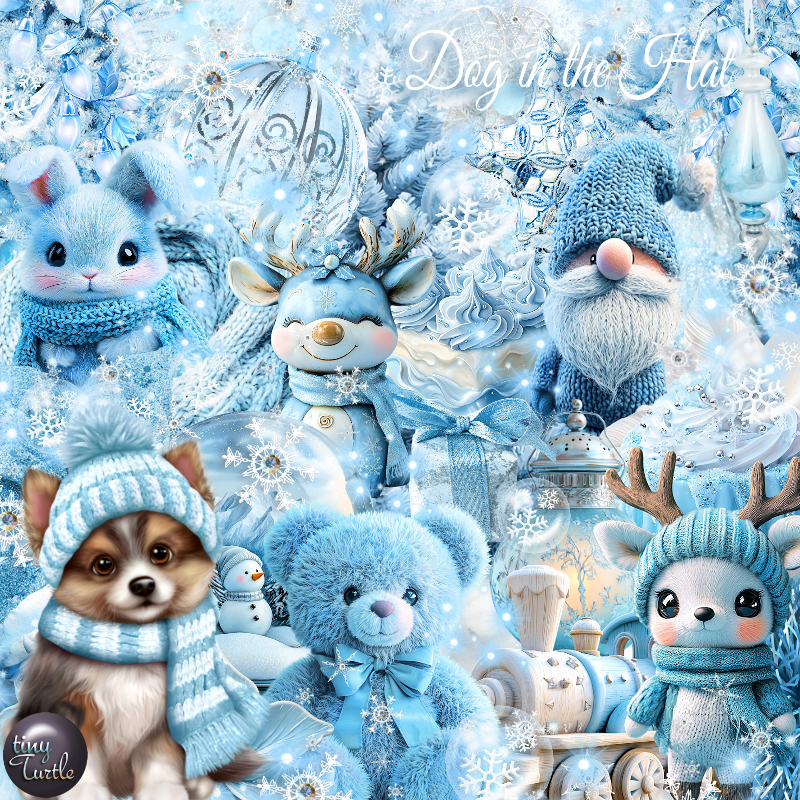
The tube is called  The Dog and the Hat 
You can find this tube at VMA HERE

Matching Scrap The Dog in the Hat by Tiny Turtle Designs  HERE
You can find all Tiny Turtle Designs Scraps kits  HERE 


Thursday, November 28, 2024

CT for Verymany and VMArtists

    ***CT for Verymany and VMArtists***

I am using the Awesome tube by © Olga Menshova

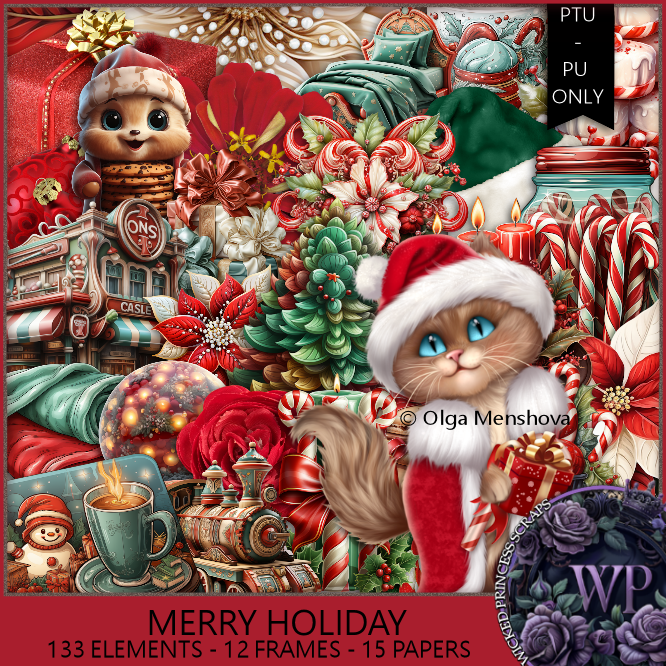
Tube is called The Cat and the New Year

You can find this tube at VMA HERE
Matching kit Merry Holiday by Wicked Princess Scraps  HERE
You can find all Wicked Princess Scraps kits  HERE


Tuesday, November 5, 2024

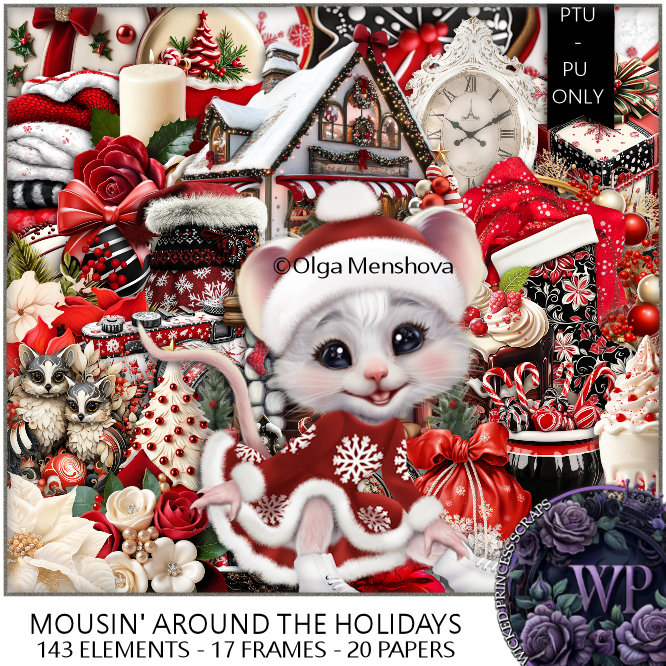
PTU Mousin' Around the House


This tut was written November 4th, 2024 for those with a basic knowledge of psp. 

I am using the Awesome tube by © Olga Mrnshova

Tube is called The Christmas Mouse
You need a license to use this tube, please do not use without a license
You can find the tube at VMA HERE

I used PSP2020...but any of them should work.
PTU Scrap Mousin' Around the Holidays by Wicked Princess Scraps HERE
You can find all Wicked Princess Scraps kits  HERE
Mask of choice, I used RD Mask 713  HERE
Check out the rest of the blog  HERE
Filter
Mura Meister Copies-Encircle

Font of choice, I used Coffee Christmas

Drop shadow as you go is V -2 H 4, 50, 10, or use what you prefer.
Let's get started
*Remember to add your drop shadow as you go along*

Open a new image 800 x 800, paste paper 17, apply your mask.

Resize element 29 to 95%, paste.
Resize element 75 to 25%, apply Mura Meister Copies, first 3 numbers on
16, 65, 65, paste below the frame.
Resize element 12 to 65%, paste on the frame on the left, duplicate, mirror,
duplicate again, move down to the bottom center.
Resize element 32 to 85%, paste center.

Resize the tube to 25%, paste.

Resize element 18 to 35%, paste on the left below the tube.
Resize element 13 to 50%, paste on the right below the tube.
Resize element 65 to 30%, paste on the bottom right below the tube.
Resize element 52 to 25%, paste on the bottom left.
Resize element 69 to 25%, paste on the left above the tube.
Resize element 28 to 25%, paste at the bottom left.
Resize element 30 to 35%, paste at the bottom right.
Resize element 38 to 20%, paste at the bottom.
Resize element 20 to 20%, paste at the bottom.
Resize element 56 to 20%, paste at the bottom to the left.
Resize element 25 to 18%, paste at the bottom.
Resize element 45 to 35%, paste below the tube.
Paste element 120 on the left, duplicate, mirror.

Add any other elements that you would like, make it your own.
Always readjust your mask and elements how you like them before you
 merge your tag, resize, sharpen.

Crop your tag to be sure no shadows or lines are on the edges.
 Then add your copyright and name.
That's it

Hope you enjoyed doing my tut

Shani tag


Friday, October 25, 2024

CT for Verymany and VMArtists

     ***CT for Verymany and VMArtists***

I am using the Awesome tube by © Olga Menshova

Tube is called Peach

You can find this tube at VMA HERE
Matching kit Pumpkin Frost by Doodle by Design  HERE
You can find all Doodle by Design kits  HERE 


Saturday, October 19, 2024

CT for Verymany and VMArtists

   ***CT for Verymany and VMArtists***

I am using the Awesome tube by © Olga Menshova

Tube is called Peppa

You can find this tube at VMA HERE
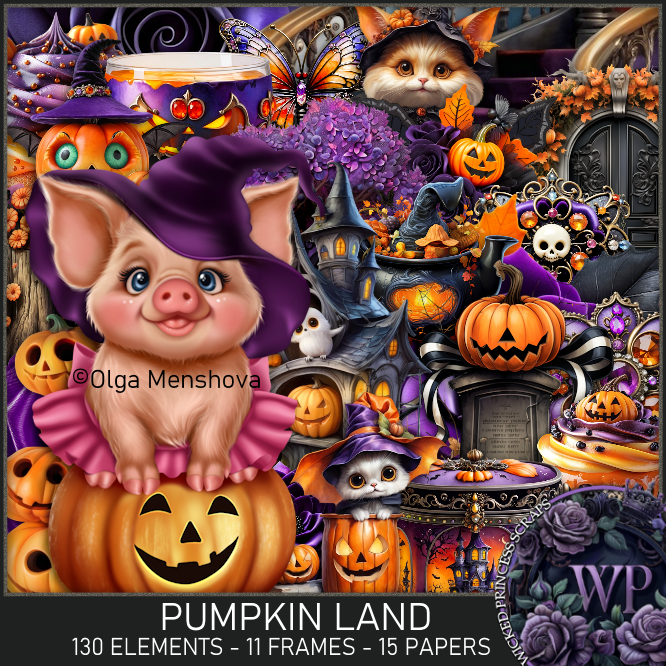
Matching kit Pumpkin Land by Wicked Princess Scraps  HERE
You can find all Wicked Princess Scraps kits  HERE


Sunday, October 6, 2024

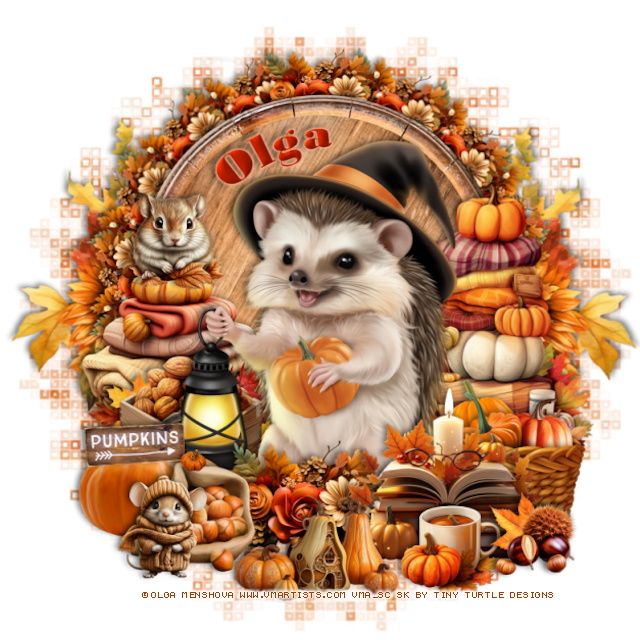
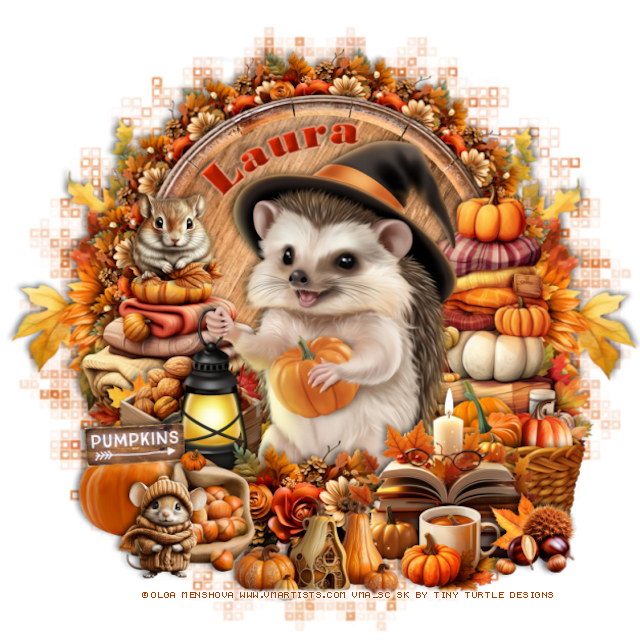
PTU Bright Autumn


 This tut was written October 6th, 2024 for those with a basic knowledge of psp. 

I am using the Awesome tube by © Olga Menshova

Tube is called Bright
You need a license to use this tube, please do not use without a license
You can find this tube at VMA HERE

I used PSP2020...but any of them should work.
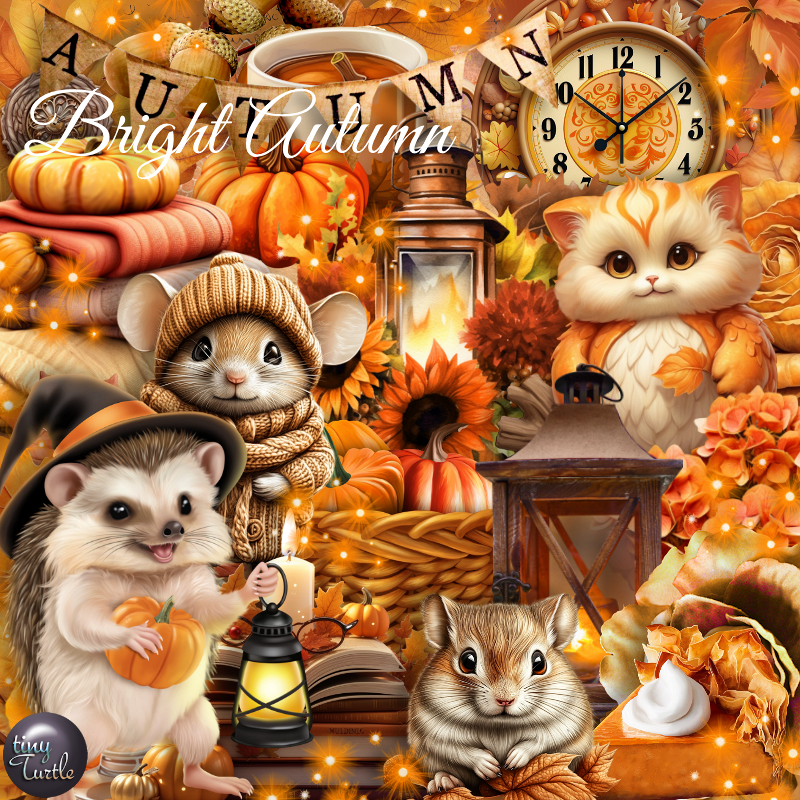
PTU Scrap Bright Autumn by Tiny Turtle Designs  HERE
You can find all Tiny Turtle Designs Scraps kits  HERE
Mask of choice, I used DD Geo Mask_1 (blog closed now)
Filters
Mura Meister Copies-Encircle

Font of choice, I used Bodoni MT Black

Drop shadow as you go is V -2 H 4, 40, 10, or use what you prefer.
Let's get started
*Remember to add your drop shadow as you go along*

Open a new image 800 x 800, paste paper 2, apply your mask.

Resize element 25 to 75%, paste at the top.
Resize element 41 to 25%, apply Mura Meister Copies-Encircle, first
3 numbers on 16, 55, 55, paste below the wooden circle.
Resize element 22 to 85%, paste below the flower circle on the left,
duplicate, mirror, erase the metal part at the top.
Resize element 18 to 40%, paste on the bottom left.
Resize element 86 to 40%, paste on the bottom right.
Resize element 27 to 50%, paste on the left below the walnuts.
Resize element 26 to 65%, paste on the right below the basket.

Resize the tube to 25%, paste.

Resize element 29 to 40%, paste at the bottom right above the tube.
Resize element 19 to 25%, paste at the bottom right.
Resize element 84 to 30%, paste on the bottom left.
Resize element 41 to 35%, paste at the bottom below the books.
Resize element 3 to 20%, paste at the bottom right.
Resize element 28 to 30%, paste on the bottom left below the acorns.
Resize element 75 to 35%, paste at the bottom.
Resize element 23 to 25%, paste on the left.
Resize element 126 to 20%, paste on the left on top of the pumpkins.
Resize element 125 to 20%, paste at the bottom left.

Add any other elements that you would like, make it your own.
Always readjust your mask and elements how you like them before you
 merge your tag, resize, sharpen.

Crop your tag to be sure no shadows or lines are on the edges.
 Then add your copyright and name.
That's it

Hope you enjoyed doing my tut

Laura Tag   


Monday, September 30, 2024

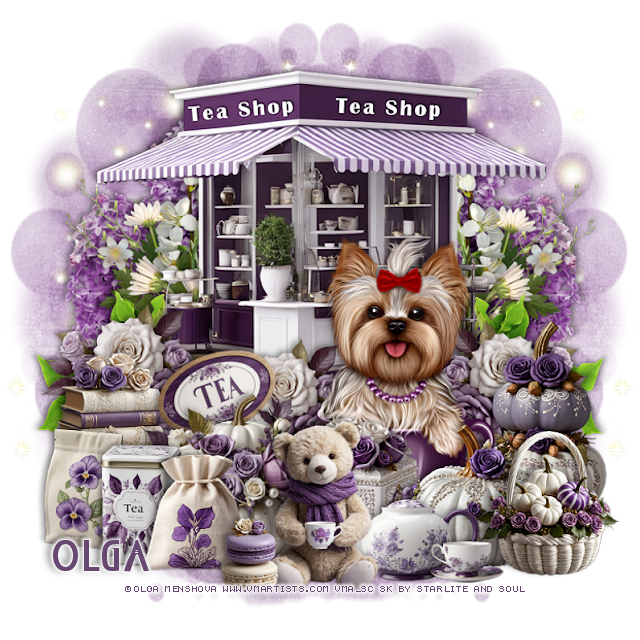
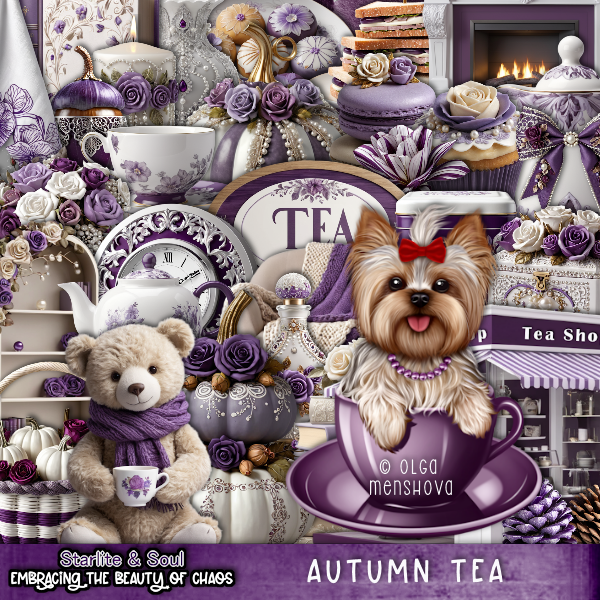
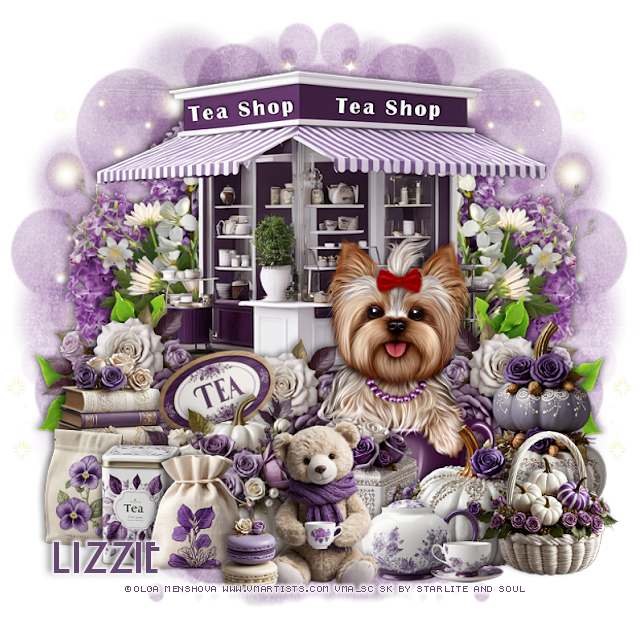
PTU Autumn Tea


 This tut was written September 30th, 2024 for those with a basic knowledge of psp. 

I am using the Adorable tube by © Olga Menshova

Tube is called Bonya
You need a license to use this tube, please do not use without a license
You can find this tube at VMA HERE

I used PSP2020...but any of them should work.
PTU Scrap Autumn Tea by Starlite and Soul  HERE
You can find all Starlite and Soul kits  HERE
Mask of choice, I used Miz Teeques Mask 63 HERE
Check out the rest of the blog HERE

Font of choice, I used Nouveau

Drop shadow as you go is V -2 H 4, 40, 10, or use what you prefer.
Let's get started
*Remember to add your drop shadow as you go along*

Open a new image 800 x 800, paste paper 22, apply your mask, move
to the left, duplicate, mirror.

Paste element 60 at the top.
Resize element 100 to 65%, paste below the building on the left, duplicate,
mirror.
Resize element 86 to 65%, paste above the purple flower on one side,
duplicate, mirror.
Resize element 113 to 35%, paste above the building on the left, duplicate,
move behind the tube more, duplicate again, mirror, move to the right.
Resize element 133 to 35%, paste below the flowers on the left, duplicate,
mirror.

Resize your tube to 20%, paste.

Resize element 17 to 30%, paste on the left.
Resize element 53 to 40%, paste at the bottom left above the tube.
Resize element 61 to 25%, free rotate to the left at 20, paste below the pumpkin.
Resize element 30 to 40%, paste on the right below the tube.
Resize element 47 to 30%, paste at the bottom right above the tube.
Resize element 43 to 30%, paste above the tube below the left pumpkin.
Resize element 13 and 14 to 25%, paste at the bottom left.
Resize element 57 to 25%, paste between the 2 bags on the left.
Resize element 28 to 30%, paste at the bottom right below the basket.
Resize element 1 to 30%, paste at the bottom above the basket.
Resize element 2 to 15%, paste at the bottom.
Resize element 37 to 35%, paste at the bottom.
Resize element 25 to 15%, paste at the bottom.
Paste element 145 on the mask on the left, duplicate, mirror.

Add any other elements that you would like, make it your own.
Always readjust your mask and elements how you like them before you
 merge your tag, resize, sharpen.

Crop your tag to be sure no shadows or lines are on the edges.
 Then add your copyright and name.

That's it 

Lizzie tag


Thursday, September 26, 2024

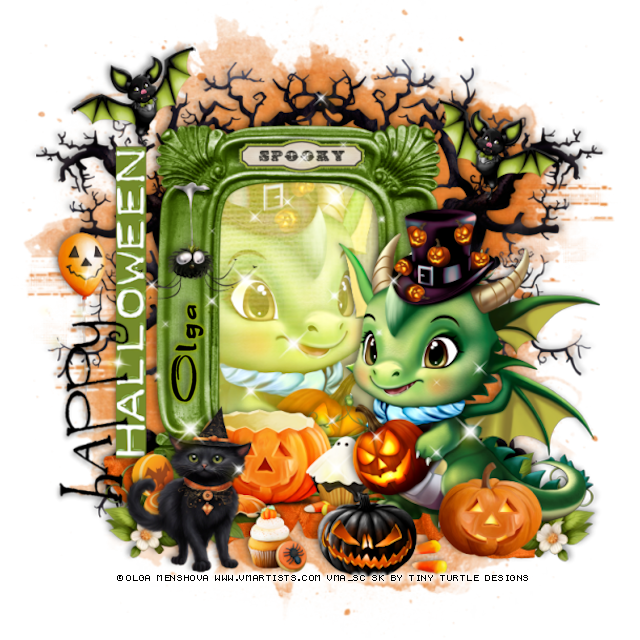
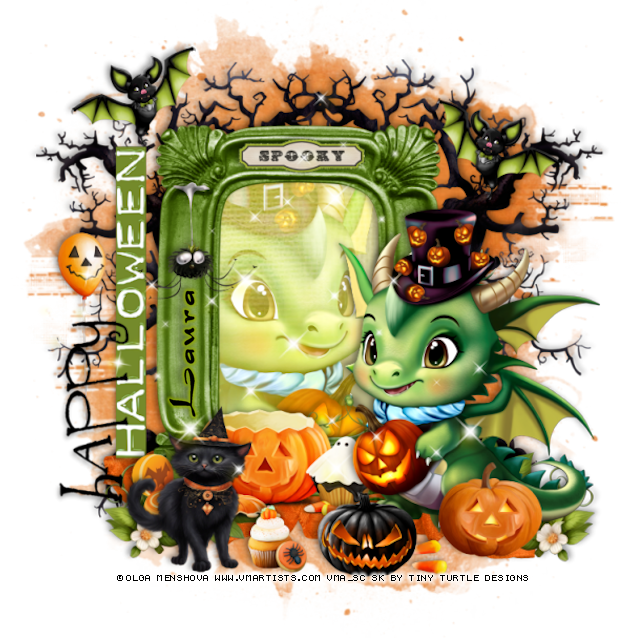
PTU Halloween Dragon


 This tut was written September 26th, 2024 for those with a basic knowledge of psp. 

I am using the Awesome tube by © Olga Menshova

Tube is called Dragon
You need a license to use this tube, please do not use without a license
You can find this tube at VMA HERE

I used PSP2020...but any of them should work.
PTU Scrap Halloween Dragon by Tiny Turtle Designs  HERE
You can find all Tiny Turtle Designs Scraps kits  HERE
Mask of choice, I used Vivienne's Digital Tagging Mask 41 HERE
Check out the rest of the blog  HERE

Font of choice, I used Dragonfly

Drop shadow as you go is V -2 H 4, 40, 10, or use what you prefer.
Let's get started
*Remember to add your drop shadow as you go along*

Open a new image 800 x 800, paste paper 5, apply your mask.

Resize element 61 to 75%, paste, click inside with the magic wand,
paste paper  17, invert, delete, keep selected, resize the tube to 20%, 
mirror, paste, delete, select none.
Change the blend mode to Overlay.
Paste element 182 below the frame on the left, duplicate, mirror.

Resize your tube to 15% paste on the right.

Rotate element 172 to the left at 90, paste on the left side of the frame.
Resize element 180 to 25%, paste at the upper left, duplicate, mirror,
move down a little.
Resize element 203 to 40%, mirror, paste at the bottom above the frame.
Resize element 138 to 20%, paste at the bottom.
Resize element 217 to 20%, paste at the bottom.
Resize element 147 to 15%, paste at the bottom.
Resize element 193 to 20%, paste at the bottom right above the tube.
Resize element 204 to 35%, paste on the left below the wordart.

Resize element 106 to 20%, paste at the bottom left.
Resize element 55 to 50%, paste above the frame at the bottom left, duplicate,
mirror, adjust below the dragon.
Paste element 48 at the bottom below the frame layer.
Resize element 164 to 25%, paste on the left on the frame.
Resize element 175 to 25%, paste on the top on the frame.
Resize element 145 to 20%, paste at the bottom.
Mirror element 205, paste how you like.

Add any other elements that you would like, make it your own.
Always readjust your mask and elements how you like them before you
 merge your tag, resize, sharpen.

Crop your tag to be sure no shadows or lines are on the edges.
 Then add your copyright and name.
That's it

Hope you enjoyed doing my tut

Laura Tag