Showing posts with label Hippie. Show all posts

Sunday, March 29, 2026

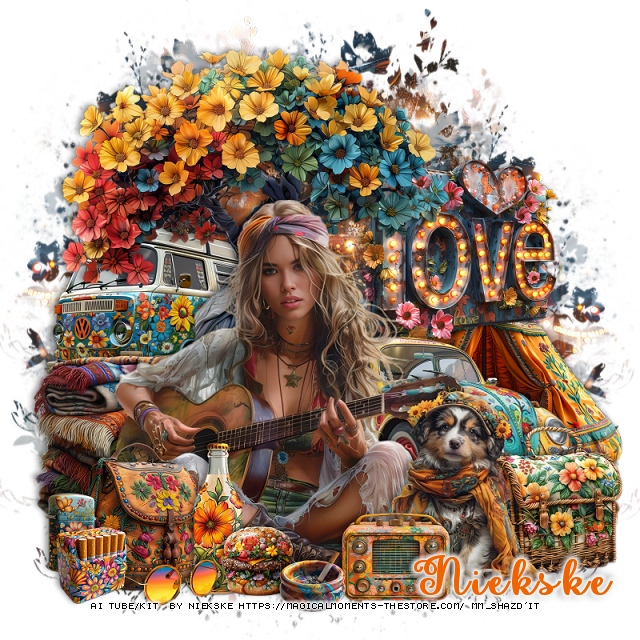
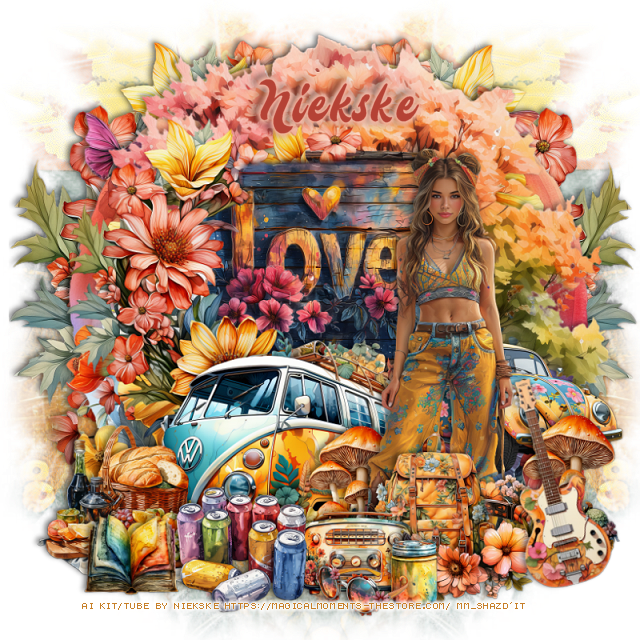
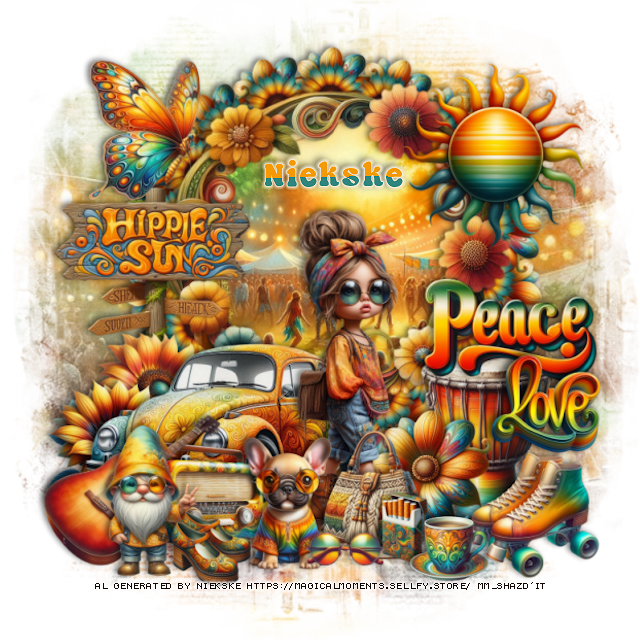
PTU Hippie sun


 This tut was written March 29th, 2026 for those with a basic knowledge of psp.

I am using the beautiful Al kit/tube by Niekske

Everything is included in the kit
Please read their TOU on how to credit your tags


I used PSP2020...but any of them should work.
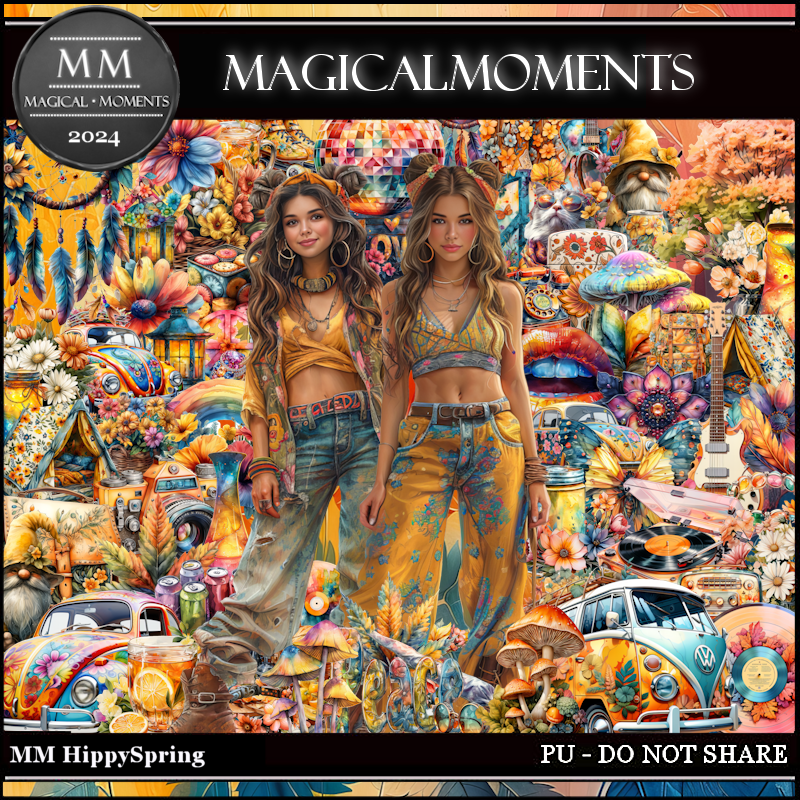
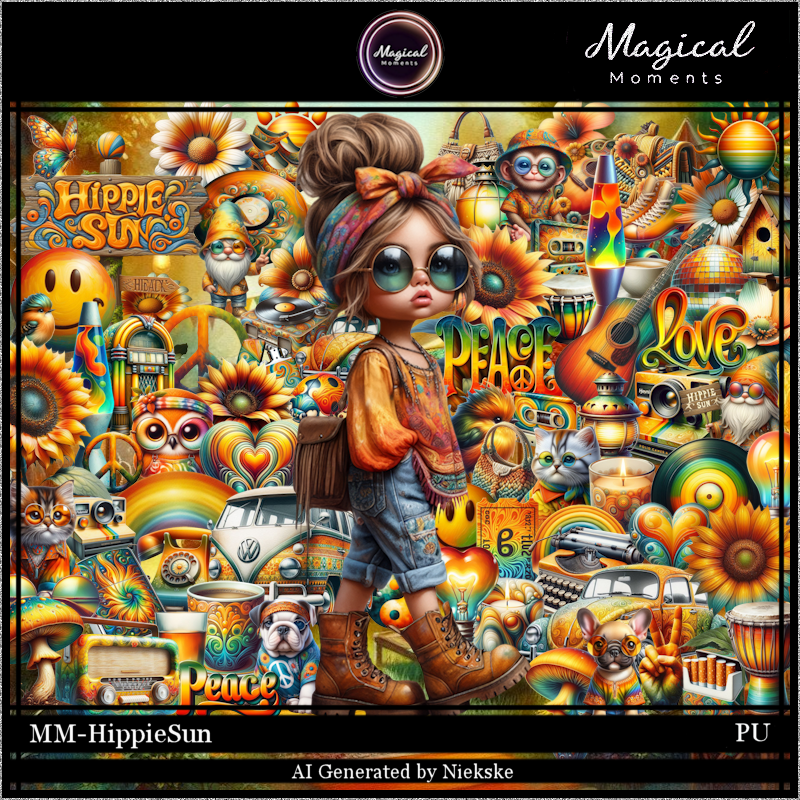
PTU Scrap Hippie Sun by Magical Moments HERE  
Kit has 82 elements, 5 papers and 1 tube
Check out the rest of her store HERE   
Mask of choice, I used Miz Teeque's Mask 245 Here
Check the blog Here

Font of choice, I used Thunky

Drop shadow is V -2 H 4, 50, 10, color Black or use what you prefer.
Let's get started
*Remember to add your drop shadow as you go along*

Open a new layer 800 x 800, paste paper 2, apply your mask.

Resize 76 to 50%, paste, click inside, resize paper 3 to 50%, paste,
invert, delete.
Resize 3 to 15%, flip, erase the stem, apply Mura Meister Copies-Encircle, first
3 numbers on 18, 50, 50, paste below the frame.
Resize 68 to 15%, apply Mura Meister Copies-Encircle, first
3 numbers on 18, 50, 50, paste below the flower circle.
Resize 9 to 35%, paste on the left.
Resize the tube to 20%, paste.
Resize 41 to 18%, paste at the bottom above the tube.
Resize 65 to 25%, paste below the car on the left.

Resize 61 to 25%, paste on the frame on the right.
Resize 6 to 15%, paste at the bottom left above the car.
Resize 80 to 23%, paste on the bottom left above the radio.
Resize 81 to 18%, paste at the bottom above the tube.
Resize 57 to 25%, paste on the left below the car.
Resize 42 to 20%, paste on the left below the car by the other flower.

Resize 68 to 20%, paste below the tube on the right.
Resize 1 to 25%, paste on the bottom right below the flower.
Resize 36 to 20%, paste on the upper left above the frame.
Resize 11 to 25%, paste on the right above the drum.
Resize 69 to 20%, paste at the bottom right above the drum.
Resize 34 to 15%, paste on the right above the peace word.
Resize 20 to 15%, paste at the bottom above the skate.
Resize 8 to 10%, paste at the bottom.
Resize 5 to 10%, paste at the bottom below the cup.
Resize 75 to 10%, paste at the bottom left.
Resize 67 to 20%, paste at the bottom left.

Add any other elements that you would like, make it your own.
Always readjust your mask and elements how you like them before you
 merge your tag, resize, sharpen.

Crop your tag to be sure no shadows or lines are on the edges.
 Then add your copyright and name.
That's it

Hope you enjoyed doing my tut.            

Wednesday, April 9, 2025

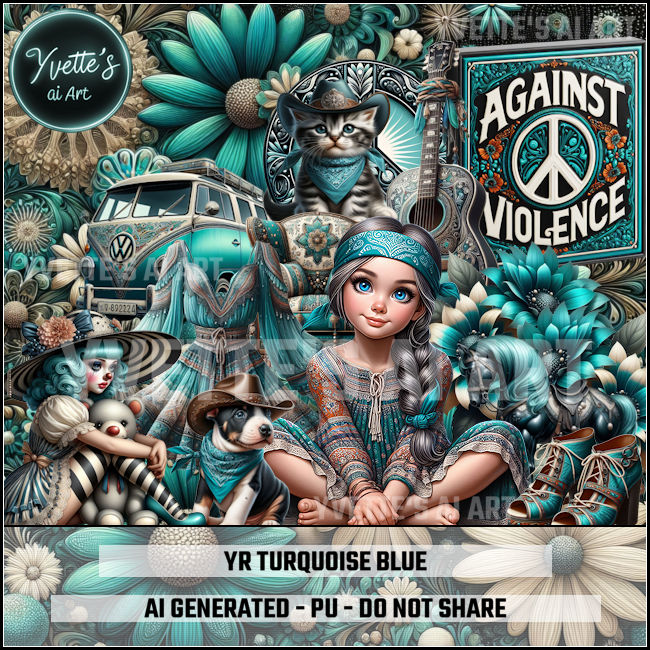
CT FB TL for Yvette's ai Art-Turquoise Blue

 "CT FB TL for Yvette's ai Art"

AI generated tube and kit by Yvette ai Art
This is YR  Turquoise Blue 
Read the TOU on how to credit your tags

Kit HERE HERE


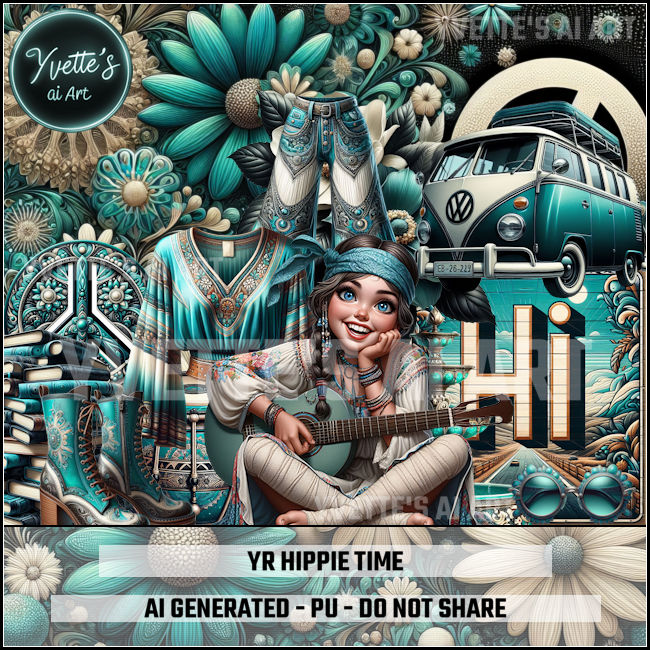
CT FB TL for Yvette's ai Art-Hippie Time

   "CT FB TL for Yvette's ai Art"

AI generated tube and kit by Yvette ai Art
This is YR  Hippie Time 
Read the TOU on how to credit your tags

Kit HERE HERE


Wednesday, July 10, 2024

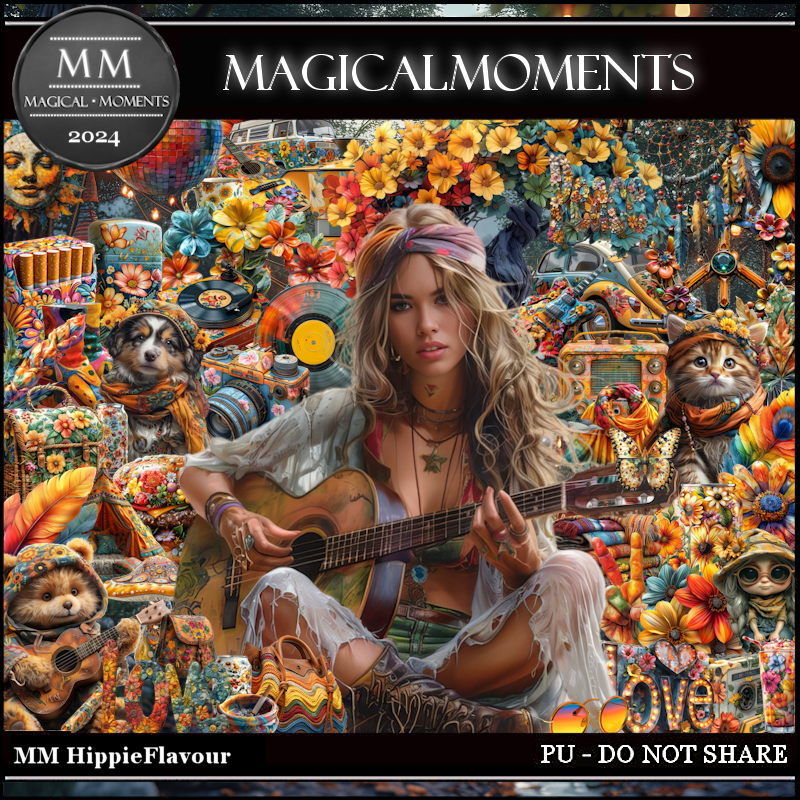
PTU Hippie Flavour


 This tut was written July 9th, 2024 for those with a basic knowledge of psp. 

AI generated tubes and kit by Niekske
The tube are included in the kit
Read the TOU on how to credit your tags

I used PSP2020...but any of them should work.
PTU Scrap Hippie Flavour kit by Magical Moments HERE  
Mask of choice, I used RD Mask 731 HERE
Check out the rest of the blog HERE

Font of choice, I used Pretty Summer

Drop shadow is V -2 H 4, 50, 10, color Black or use what you prefer.
Let's get started
*Remember to add your drop shadow as you go along*

Open a new image 800 x 800, paste paper 1, apply your mask, move
to the left, duplicate, mirror, move down.

Resize element 19 to 50%, paste.
Resize element 3 to 25%, paste on the right below the tree.
Resize element 60 to 75%, paste on the right above the tree.
Resize element 49 to 35%, mirror, paste on the left below the tree.

Resize the tube to 25%, paste at the bottom.

Resize element 14 to 25%, paste on the bottom left below the tube.
Resize element 16 and 20 to 10%, paste at the bottom above the tube.
Resize element 21 to 20%, paste at the bottom right below the tube.
Resize element 32 to 20%, paste at the bottom.
Resize element 15 to 20%, paste at the bottom below the burger.
Resize element 26 to 25%, paste at the bottom right below the radio.
Resize element 46 to 20%, paste at the bottom left above the tube.

Resize element 45 to 15%, paste at the bottom left.
Resize element 37 and 38 to 10%, paste at the bottom left.
Resize element 13 to 35%, paste on the right above the mask layer, 
behind the car.

Add any other elements that you would like, make it your own.
Always readjust your mask and elements how you like them before you
 merge your tag, resize, sharpen.

Crop your tag to be sure no shadows or lines are on the edges.
 Then add your copyright and name.
That's it

Hope you enjoyed doing my tut.   

Tuesday, June 11, 2024

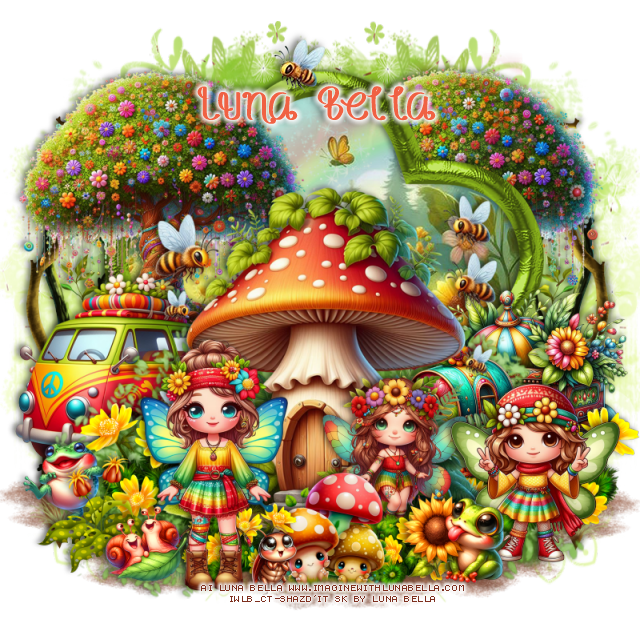
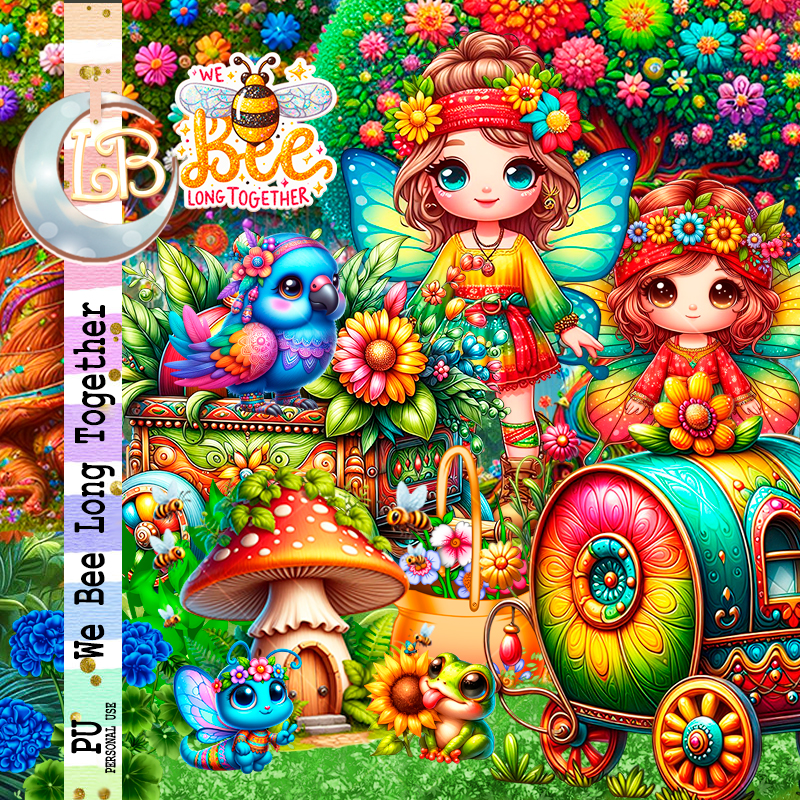
PTU We Bee Long Together


This tut was written June 10th, 2024 for those with a basic knowledge of psp. 

 AI generated tube by Bella Caribena

Dolls are included in the kit
Read the TOU on how to credit your tags 

I used PSP2020...but any of them should work.
PTU Scrap We Bee Long Together by Luna Bella  HERE HERE 
This kit has 86 elements ( 6 of them are dolls) and 12 papers. 
This kit is for personal use Only

Font of choice, I used Honey Bee

Drop shadow as you go is V -2 H 4, 40, 10, or use what you prefer.
Let's get started
*Remember to add your drop shadow as you go along*

Open a new image 800 x 800, paste element 4 on the right, duplicate,
mirror.

Paste element 33, click inside with the magic wand, paste paper 10, 
move where you like, invert, delete.
Paste element 8 in the frame, erase the outside parts.
Resize AI element 6 to 75%, paste. 
Paste element 5 at the bottom below the frame, duplicate twice, move
each one to each side.
Resize element 30 to 110%, paste at the bottom behind the mushroom.
Resize AI element 15 to 30%, paste behind the mushroom on the right.
Resize AI element 10 to 50%, paste above the frame on the left.
Resize AI element 11 to 40%, paste above the frame on the right.

 Resize AI element 2 to 20%, paste at the bottom right above the mushroom.
 Resize AI element 22 to 20%, paste at the bottom above the mushroom.
Resize AI element 4 to 23%, paste at the bottom right below the frog.
Resize AI element 28 to 35%, paste at the bottom.
Resize AI element 26 to 60%, paste on the left behind the van,
duplicate, move behind the frame on the upper right, erase the bottom.
Resize AI element 1 to 20%, paste at the bottom left.
Resize element 31 to 25%, paste on the bottom left above the frog.
Resize AI element 36 to 17%, paste at the bottom left.

Resize element 18 to 25%, paste at the bottom behind the girl.
Resize AI element 10 to 25%, paste at the bottom below the mushrooms 
and frog, duplicate, move to the left behind the mushrooms
Resize AI element 35 to 15%, mirror, paste at the bottom.
Paste element 11 on the mask layer on the left, duplicate, mirror.

Add any other elements you would like, resize.
Crop your tag to be sure no shadows or lines are on the edges.
 Then add your copyright and name.
That's it

Hope you enjoyed doing my tut 

Tuesday, May 7, 2024

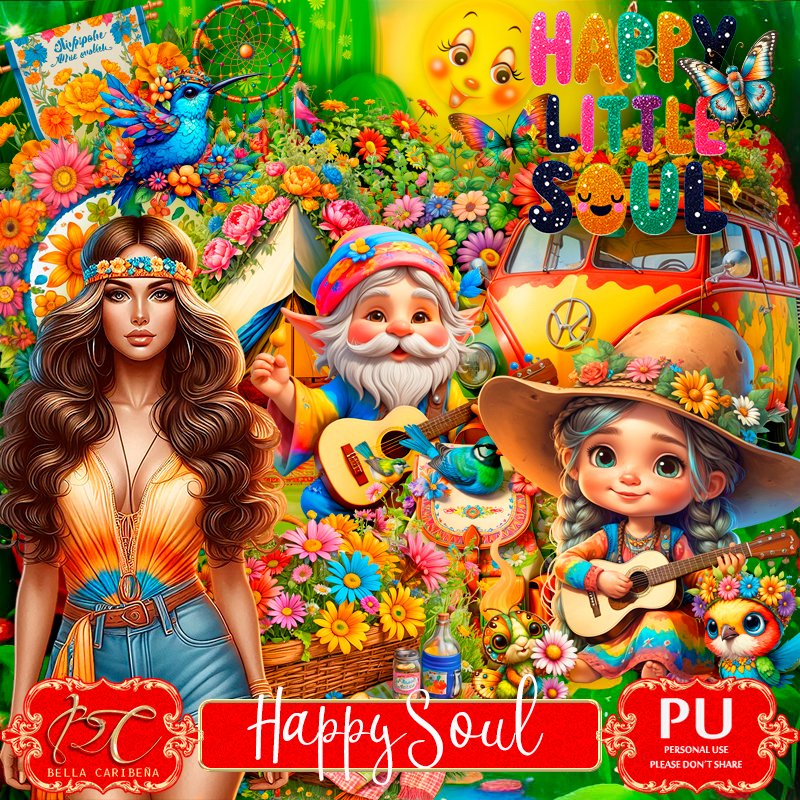
PTU Happy Soul


This tut was written May 7th, 2024 for those with a basic knowledge of psp. 

AI generated kit and tubes by Bella Caribeña 
Everything is included in the kit
Read the TOU on how to credit your tags 

I used PSP2020...but any of them should work.
PTU Scrap Happy Soul by Bella Caribeña  HERE 
Hippie theme kit
It has 2 tubes, 97 elements and 15 papers. 
This kit is for personal use Only
Check out the rest of her store HERE

Font of choice, I used Sunrise Place

Drop shadow as you go is V -2 H 4, 50, 10, or use what you prefer.
Let's get started
*Remember to add your drop shadow as you go along*

Open a new image 800 x 800, paste element 30 to the left, duplicate, mirror,
merge down.

Paste element 4 at the bottom.
Paste element 5 at the bottom above the rock path.
Resize element 29 to 75%, paste on the upper left, duplicate, move to the 
right and down.
Paste element 48 at the upper left.
Resize AIEI element 52 to 75%, paste on the right.

Resize your tube to 22%, paste.

Resize AIEI element 42 to 50%, paste on the left below the tube.
Resize AIEI element 5 to 35%, paste on the left below the van, duplicate,
move to the right behind the tube, duplicate, mirror.
Resize AIEI element 4 to 30%, paste behind the tube to the right.
Resize AIEI element 59 to 25%, paste on the left below the van.

Resize AIEI element 40 to 40%, paste on the bottom right.
Resize AIEI element 53 to 25%, paste behind the tube on the left.
Resize AIEI element 62 to 30%, paste at the bottom left.
Resize element AIEI 22 to 30%, paste at the bottom right above the wagon.
Resize AIEI element 26 to 25%, paste at the bottom above the tube.
Resize AIEI element 63 to 35%, paste at the bottom above the tube.

Resize AIEI element 12 to 35%, paste at the bottom.
Resize AIEI element 2 to 20%, paste at the bottom.
Resize AIEI element 16 to 30%, paste at the top on the guitar.
Resize  element 25 to 30%, paste at the top right below the guitar.
Resize AIEI element 55 to 20%, paste at the top of the tent.
Resize AIEI element 23 to 20%, mirror, paste on the left.
Resize AIEI element 30 to 15%, free rotate to the left at 30, paste on the right.

Add any other elements you would like, resize.
Crop your tag to be sure no shadows or lines are on the edges.
 Then add your copyright and name.
That's it

Hope you enjoyed doing my tut   

Thursday, April 18, 2024

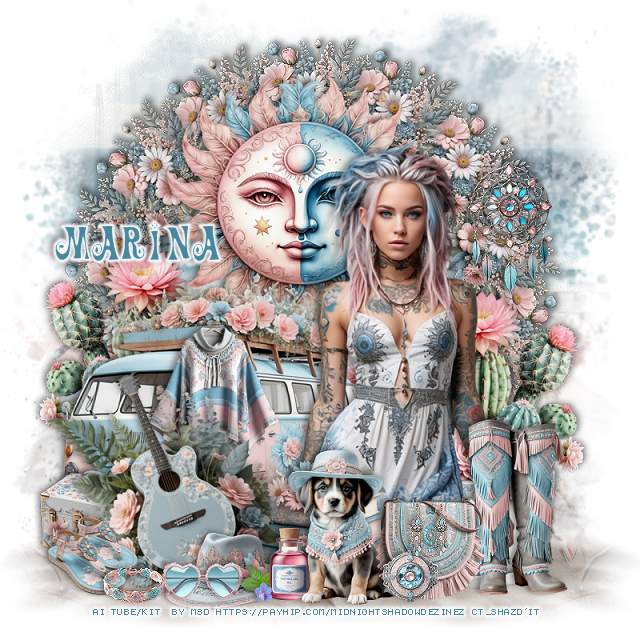
PTU Serene Soul


 This tut was written April 18th, 2024 for those with a basic knowledge of psp. 

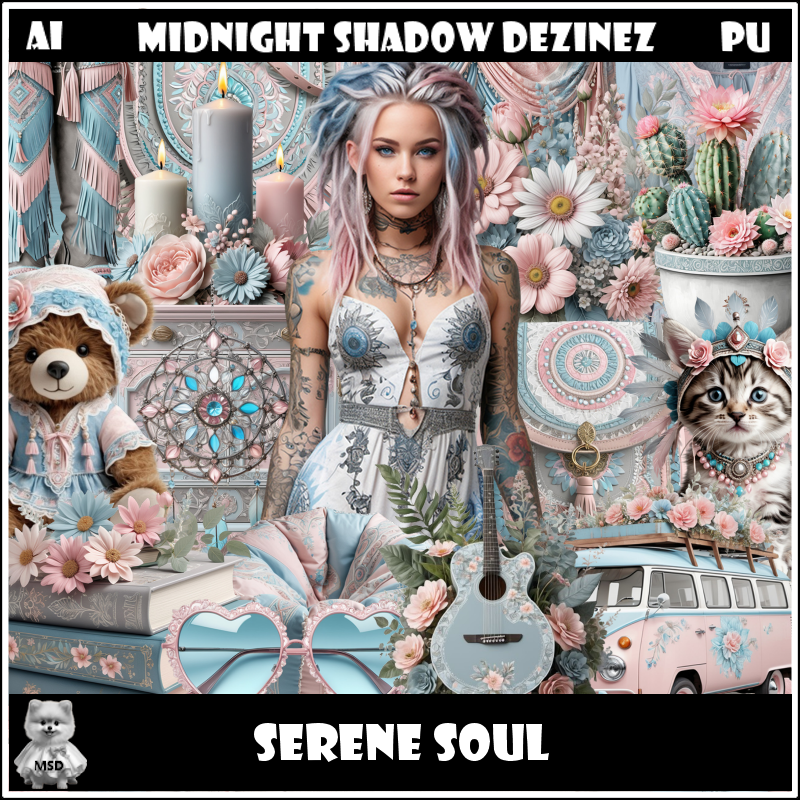
Awesome AI kit and tube by Midnight Shadow Dezinez

Everything used is included in the kit
Read the TOU on how to credit your tags

I used PSP2020...but any of them should work.
PTU Scrap Serene Soul by Midnight Shadow Dezinez  HERE  HERE  
Everything used is included in the kit
You can find all Midnight Shadow Dezinez kits  HERE
Mask of choice I used RD Mask 756 HERE
Check out the rest of the blog HERE
Vivienne's Digital Tagging Mask 78 HERE
Check out the rest of the blog HERE
Filters
Mura Meister Copies-Encircle

 Font of choice, I used Action is

Drop shadow as you go is V -2 H -4, 50, 10, or use what you prefer.
Let's get started
*Remember to add your drop shadow as you go along*

Open a new image 800 x 800, resize paper 8 to 80%, paste, apply
your mask.
Open paper 8, paste mask 78 on the sand area, invert, delete, move to the 
bottom left, duplicate, mirror.

Resize element 33 to 25%, apply Mura Meister Copies-Encircle first
3 numbers on 14, 60, 60, paste.
Resize element 21 to 60%, paste on the upper left.
Resize element 54 to 75%, paste on the bottom left.
Resize element 20 to 70%, paste behind the van on the left, duplicate,
mirror, move down a little.

Resize your tube to 85%, paste on the right above the van.

Resize element 27 to 40%, paste at the bottom right above the tube.
Resize element 3 to 25%, paste at the bottom by the boots.
Resize element 18 to 30%, paste at the bottom above the tube.
Resize element 29 to 50%, paste on the bottom left above the van, free rotate
to the left at 20.
Resize element 11 to 25%, paste at the bottom left behind the guitar.

Resize element 26 to 20%, paste at the bottom left above the guitar.
Resize element 5 to 30%, paste at the bottom.
Resize element 14 to 20%, paste at the bottom on the hat.
Resize element 7 to 35%, paste at the bottom.
Resize element 9 to 15%, paste at the bottom.
Resize element 10 to 15%, paste on the purse.
Resize element 8 to 30%, paste on the left above the van.
Resize element 53 to 20%, paste at the bottom behind the dog.
Resize element 48 to 15%, paste at the bottom left.
Paste element 32 to 35%, paste on the upper right on the flower circle.

Add any other elements that you would like, make it your own.
Always readjust your mask and elements how you like them before you
 merge your tag, resize, sharpen.

Crop your tag to be sure no shadows or lines are on the edges.
 Then add your copyright and name.
That's it

Hope you enjoyed doing my tut      

Tuesday, March 26, 2024

PTU Hippy Spring


 This tut was written March 26th, 2024 for those with a basic knowledge of psp. 

AI generated tube and kit by Niekske
The tubes are included in the kit
Read the TOU on how to credit your tags

I used PSP2020...but any of them should work.
PTU Scrap Hippy Spring by Magical Moments HERE  HERE
Mask of choice, I used Miz Teeques Mask 40  HERE  
Check out the rest of the blog HERE

Font of choice, I used Pacific Again

Drop shadow is V -2 H 4, 40, 10, color Black or use what you prefer.
Let's get started
*Remember to add your drop shadow as you go along*

Open a new image 800 x 800, paste paper 2, apply your mask, move to
the right, duplicate, mirror.

Resize element 36 to 35%, paste.
Resize element 65 to 15%, paste.
Resize element 8 to 25%, paste below the sign on the left, duplicate,
move above the sign, erase the right part of the flowers.
Resize element 50 to 35%, mirror, paste behind the sign.
Resize element 8 to 35%, paste on the left on the mask layer, duplicate, mirror.

Resize your tube to 13%, paste on the right above the sign.

Resize element 2 to 20%, mirror, paste behind the tube.
Resize element 23 to 10%, paste at the bottom behind the tube, duplicate,
move over more to the right.
Resize element 41 to 5%, paste at the bottom above the tube.
Resize element 13 to 8%, paste at the bottom.
Resize element 9 to 12%, paste at the bottom left above the van.

Resize element 4 to 10%, paste at the bottom right above the back pack,
erase the strap.
Resize element 11 to 10%, paste at the bottom.
Resize element 28 to 15%, free rotate to the left at 15, paste on the bottom right.
Resize element 22 to 15%, paste on the right below the van behind the the tube.
Resize element 20 to 5%, paste at the bottom.
Resize element 49 to 6%, paste at the bottom left.
Resize element 62 to 6%, paste at the bottom.

Add any other elements that you would like, make it your own.
Always readjust your mask and elements how you like them before you
 merge your tag, resize, sharpen.

Crop your tag to be sure no shadows or lines are on the edges.
 Then add your copyright and name.
That's it

Hope you enjoyed doing my tut.   

Monday, May 15, 2023

PTU Peace


This tut was written May 15th, 2023 for those with a basic knowledge of psp. 

I am using the awesome artwork of @Niekske
 Tube is included with the kit
You need a license to use this tube, do not use without a license.
Read the TOU about the license

I used PSP2020...but any of them should work.
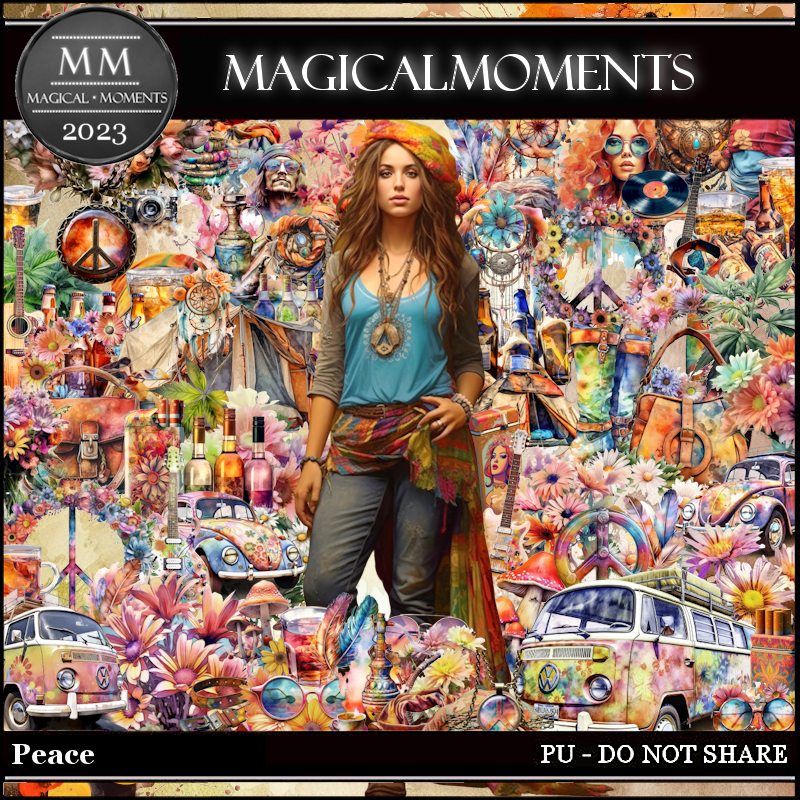
PTU Peace by Magical Moments HERE  HERE
Awesome kit with 82 elements, 8 papers and a tube by @Niekske

Font of choice, I used Peace Child

Drop shadow is V -1 H -4, 35, 10, color Black or use what you prefer.
Let's get started
*Remember to add your drop shadow as you go along*

Open a new image 800 x 800
Paste element 13 on the upper left, click inside the openings with the 
magic wand, expand by 5, paste your tube in each side, invert, delete,
change the blend mode to Hard Light.
Paste element 79 below the paper layer to the upper right, duplicate, 
mirror.
Paste element 80 on the lower left, duplicate, mirror.

Resize your tube to 40%, paste on the right above the frame.

Paste element 16 on the bottom left behind the tube.
Paste element 11 on the right below the frame layer, duplicate, mirror.
Resize element 14 to 70%, paste above the tube.
Resize element 27 to 40%, paste at the bottom below the guitar.

Resize element 40 to 405, paste at the bottom right being on the top layer.
Resize element 64 to 50%, paste on the bottom right behind the bottles.
Resize element 41 to 40%, paste on the right behind the blankets,
duplicate, move to the left behind the car.
Resize element 39 to 40%, paste on the left above the car.

Resize element 60 to 50%, paste on the left behind the mushrooms, duplicate,
mirror, move above the mushrooms.
Resize element 54 to 50%, paste on the lower left above the bottles.
Resize element 1 to 25%, paste at the bottom above the guitar.
Resize element 58 to 25%, paste on the bottom right.
Resize element 48 to 35%, paste at the bottom.

Resize element 28 to 40%, paste on the left above the bottles.
Resize element 61 to 30%, paste above the car by the tire.

Add any other elements you would like, make it your own.
Crop your tag to be sure no shadows or lines are on the edges.
 Then add your copyright and name.
That's it

Hope you enjoyed doing my tut.