Showing posts with label katharine. Show all posts

Monday, April 7, 2025

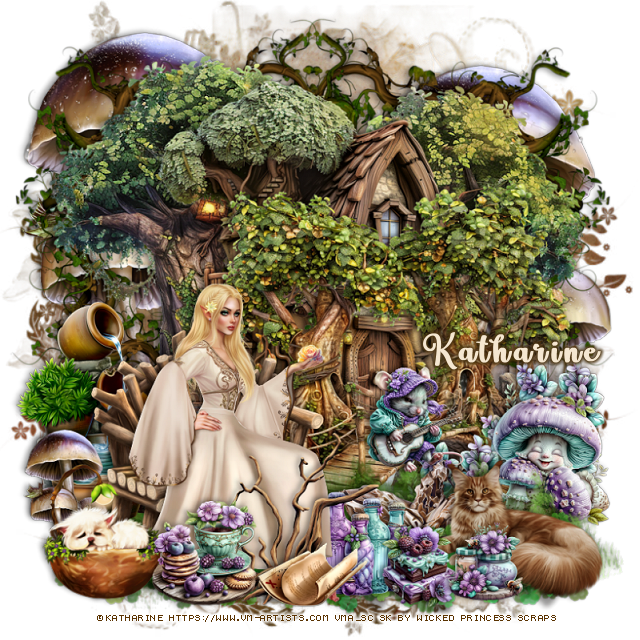
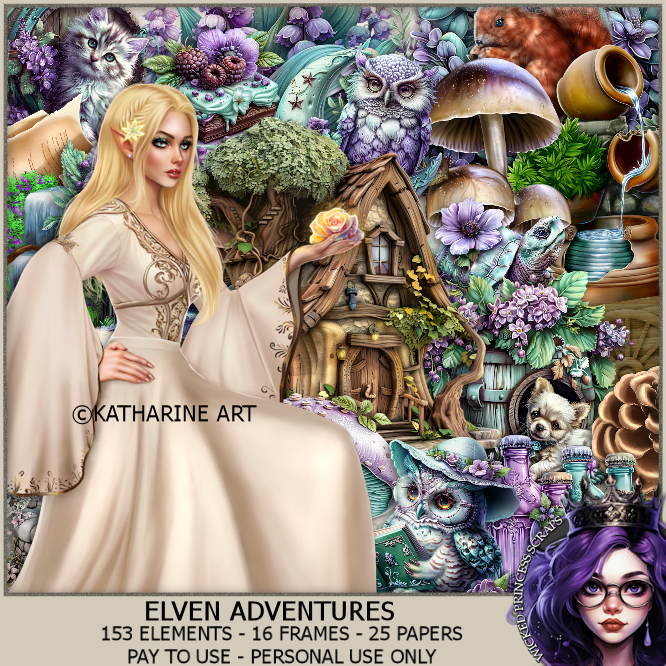
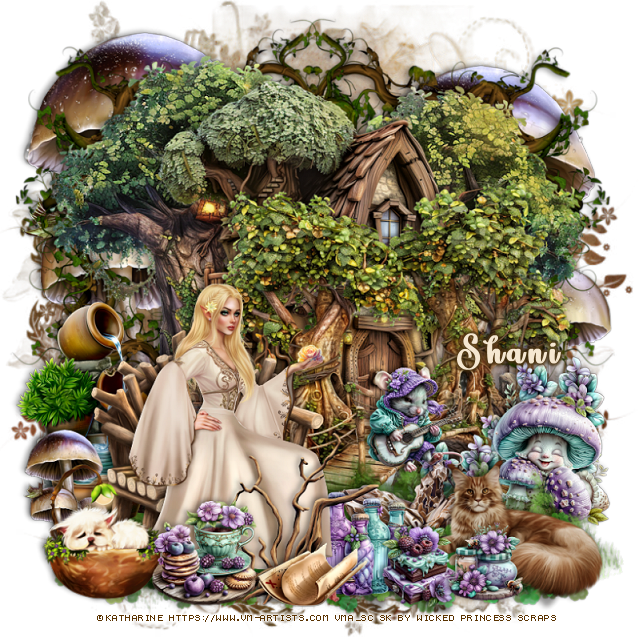
PTU Elven Adventure


 This tut was written April 6th, 2025 for those with a basic knowledge of psp. 

I am using the Awesome tube by ©Katharine

Tube is called Elf and Magical Rose
You need a license to use this tube, please do not use without a license
You can find the tube at VMA  HERE


I used PSP2020...but any of them should work.
PTU Scrap Elven Adventure by Wicked Princess Scraps HERE
You can find all Wicked Princess Scraps kits  HERE
Miz Teeques's Mask 117 HERE
Check the rest of the blog HERE

Font of choice, I used Lovely Butterfly

Drop shadow as you go is V -2 H 4, 40, 10, or use what you prefer.
Let's get started
*Remember to add your drop shadow as you go along*

Open a new image 800 x 800, paste paper 19, apply your mask.

Resize element 88 to 70%, paste.
Resize element 115 to 45%, paste at the bottom left above the house.
Paste element 90 below the house at the top, erase the bottom part.
Resize element 140 to 35%, paste on the left behind the bench.
Flip element 110, paste below the trees at the upper right, duplicate, mirror.
Resize element 103 to 75%, paste on the upper left below the frame, 
duplicate, move to the right side.

Resize your tube to 25%, paste on the bench.

Resize element 87 to 65%, paste at the bottom right below the tube.
Resize element 121 to 35%, paste at the bottom left above the tube.
Paste element 160 at the bottom below the tube.
Paste element 159 at the bottom above the grass.
Resize element 55 to 25%, paste on the bottom right below the grass.
Resize element 52 to 20%, paste at the bottom left by the cat.

Resize element 105 to 25%, paste on the right between the grasses.
Resize element 103 to 25%, paste on the bottom left below the cat.
Resize element 108 to 30%, paste at the bottom above the tube.
Resize element 120 to 35%, paste at the bottom right.
Resize element 138 to 20%, paste at the bottom.
Resize element 13 to 20%, paste on the bridge.
Resize element 43 to 25%, paste on the right below the mushroom,
duplicate, move to the left and down a little.
Resize element 24 to 20%, paste at the bottom right below the tube.
Resize element 3 and 49 to 15%, paste at the bottom.

Add any other elements that you would like, make it your own.
Always readjust your mask and elements how you like them before you
 merge your tag, resize, sharpen.

Crop your tag to be sure no shadows or lines are on the edges.
 Then add your copyright and name.
That's it

Hope you enjoyed doing my tut 

Tag for Shani 


Tuesday, February 4, 2025

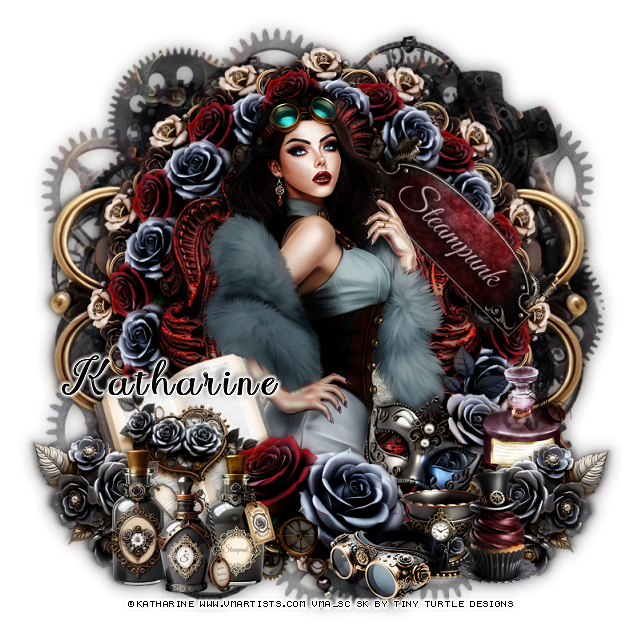
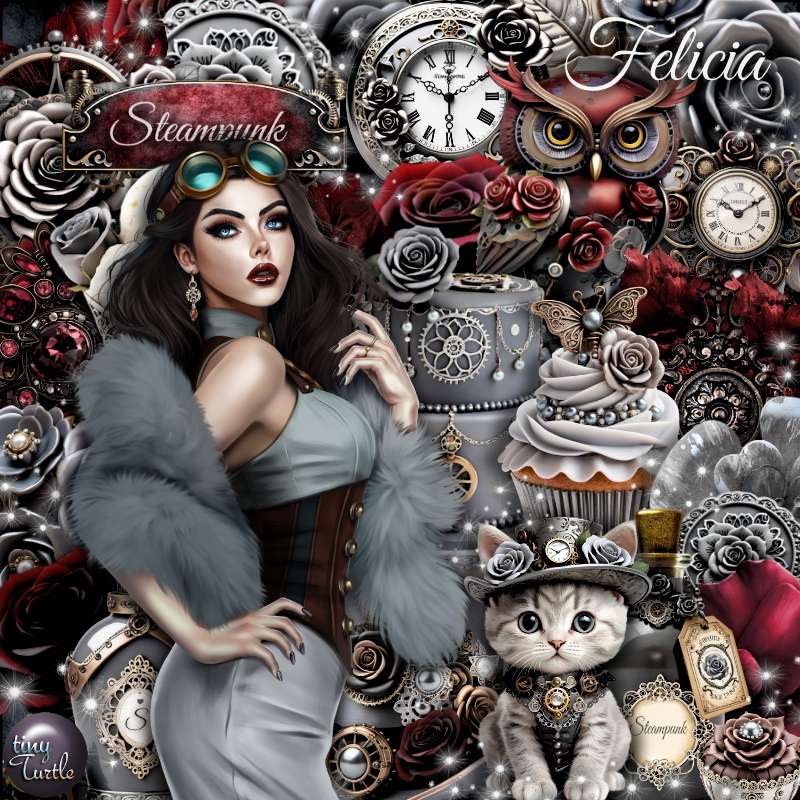
PTU Steampunk Felicia


This tut was written February 3rd, 2025 for those with a basic knowledge of psp. 

I am using the Awesome tube by © Katharine

Tube is called  Steampunk Felicia
You need a license to use this tube, please do not use without a license
You can find this tube at VMA HERE

I used PSP2020...but any of them should work.
PTU Scrap Felicia by Tiny Turtle Designs  HERE
You can find all Tiny Turtle Designs Scraps kits  HERE
Mask of choice, I used Miz TeeQue's Mask 198 HERE
Check out the rest of the blog HERE 
Filter
Mura Meister Copies-Encircle

Font of choice, I used  Angeline

Drop shadow as you go is V -2 H 4, 40, 10, color black or use what you prefer.
Let's get started
*Remember to add your drop shadow as you go along*

Open a new image 800 x 800, paste paper 18, apply your mask.

Resize element 166 to 90%, paste, click inside the frame, paste paper 9.
Resize element 54 to 25%, apply Mura Meister Copies-Encircle, first
3 numbers on 14, 50, 60, paste below the frame.
Resize element 63 to 30%, apply Mura Meister, change the first 3 
numbers to 16, 55, 65, paste below the first circle.
Paste element 63 on the bottom layer on the left about half way down,
duplicate, mirror.

Resize your tube to 28%, paste above the frame.

Resize element 54 to 40%, paste at the bottom on the tube.
Resize element 13 to 40%, free rotate to the left at 15, paste on the left 
below the flower.
Resize element 11, 12 and 150 to 30%, paste at the bottom above the flower.
Resize element 40 to 25%, paste on the bottom left below the bottles,
duplicate, mirror.
Resize element 70 to 25%, paste at the bottom above the flower.
Resize element 53 to 35%, free rotate to the right at 15, paste on the right below 
the flower.
Resize element 51 to 25%, paste at the bottom above the cup.
Resize element 55 to 25%, paste on the bottom right.
Resize element 143 to 50%, free rotate to the right at 45, paste on the right
below the tube where you like.
Resize element 175 to 30%, paste on the right below the cupcake.
(Optional)
Once happy with your tag, close off any white background, merge 
the tag, duplicate, go to Adjust, Blur, Gaussian blur, number on 10,
change the blend mode to Soft Light, merge down.

Crop your tag to be sure no shadows or lines are on the edges.
 Then add your copyright and name.
That's it

Hope you enjoyed doing my tut

Laura Tag    


Friday, January 10, 2025

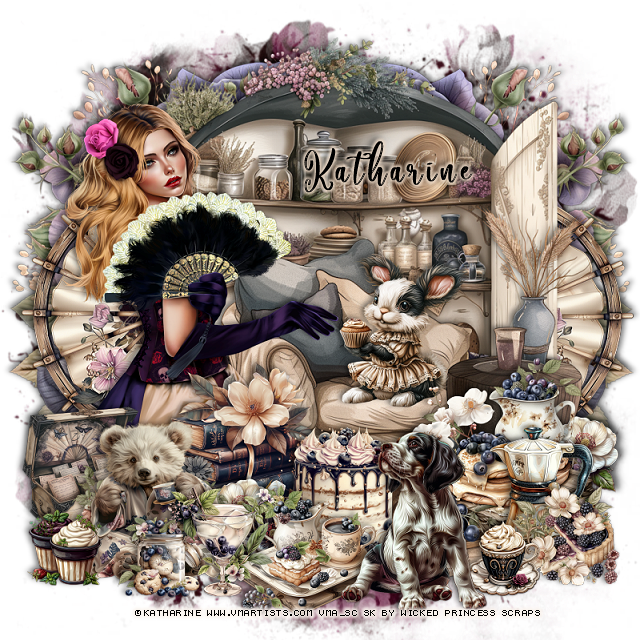
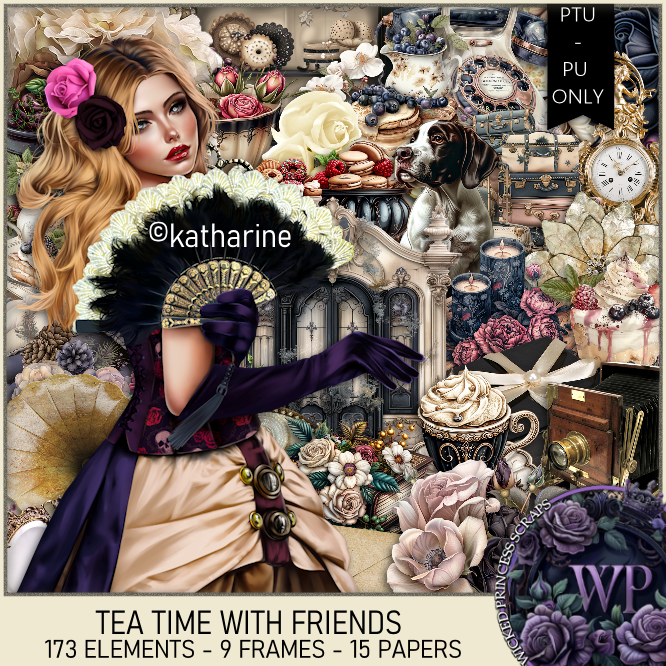
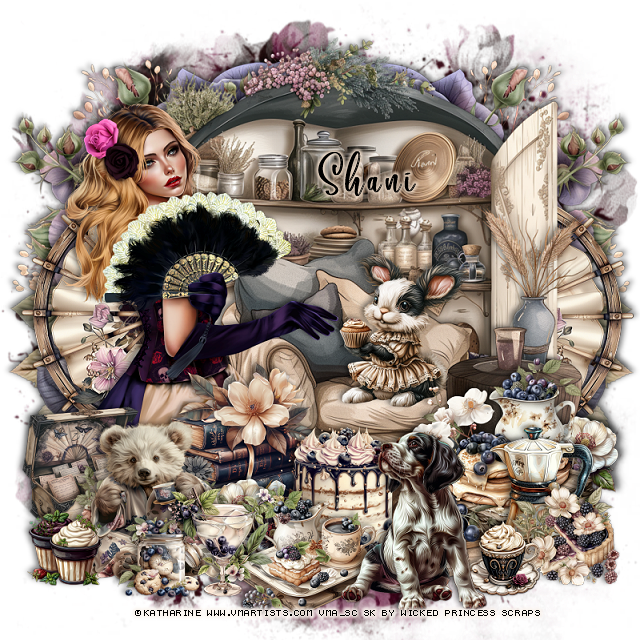
PTU Tea Time With Friends


  This tut was written January 8th, 2025 for those with a basic knowledge of psp. 

I am using the beautiful tube by ©Katharine

The tube is called  Dolores

You need a license to use this tube, please do not use without a license
You can now find the tube at VMA HERE

I used PSP2020...but any of them should work.
PTU Scrap Tea Time With Friends by Wicked Princess Scraps HERE
You can find all Wicked Princess Scraps kits  HERE
Mask of choice, I used RD Mask 927  HERE
Check out the rest of the blog  HERE

Font of choice, I used Camellia

Drop shadow as you go is V -2 H 4, 40, 10, or use what you prefer.
Let's get started
*Remember to add your drop shadow as you go along*

Open a new image 800 x 800, paste paper 14, apply your mask.

Resize element 163 to 75%, paste at the top.
Resize element 10 to 75%, paste on the bottom layer on the left, duplicate, mirror.
Resize element 11 to 75%, mirror, paste at the bottom.

Resize your tube to 25%, paste on the left.

Resize element 33 to 50%, paste behind the tube on the left, duplicate, 
mirror, move below the cabinet.
Resize element 161 to 25%, paste on the bottom left above the tube.
Resize element 27 to 30%, paste on the bottom left above the box.
Resize element 143 and 18 to 15%, paste at the bottom left above the bear.
Resize element 26 to 30%, paste above the tube behind the bear.
Resize element 6 to 25%, paste above the books at the bottom.
Resize element 1 to 35%, paste on the bottom right.
Resize element 149 to 25%, paste on the bottom right.
Resize element 151 to 15%, paste at the bottom.
Resize element 181 to 20%, paste at the bottom right below the cup.
Resize element 124 to 20%, paste below the bear, duplicate, mirror.
Resize element 137 to 30%, paste on the chair.
Resize element 139 to 35%, paste at the bottom above the cup.

Resize element 32 to 25%, paste at the bottom below the dog.
Resize element 17 to 20%, paste at the bottom.

Add any other elements that you would like, make it your own.
Always readjust your mask and elements how you like them before you
 merge your tag, resize, sharpen.

Crop your tag to be sure no shadows or lines are on the edges.
 Then add your copyright and name.
That's it

Hope you enjoyed doing my tut

Shani tag 


Tuesday, December 31, 2024

PTU New Year Cheer


This tut was written December 31st, 2024 for those with a basic knowledge of psp. 

I am using the Awesome tube by © Katharine

Tube is called Seductive Diana
You need a license to use this tube, please do not use without a license
You can find this tube at VMA HERE

I used PSP2020...but any of them should work.
PTU Scrap New Year Cheer by Tiny Turtle Designs  HERE
You can find all Tiny Turtle Designs Scraps kits  HERE

Font of choice, I used  Coffee Christmas

Drop shadow as you go is V -2 H 4, 50, 10, color black or use what you prefer.
Let's get started
*Remember to add your drop shadow as you go along*

Open a new image 800 x 800, paste element 146, resize larger to fit your tag.

Resize element 96 to 75%, paste, click inside with the magic wand, 
paste paper 3. invert, delete.
Paste element 51 below the frame,
Resize element 99 to 85%, paste below the window.
Resize element 109 to 90%, paste on the right above the frame.

Resize the tube to 25%, paste to the left.

Resize element 99 to 30%, paste at the bottom above the tube,
duplicate, mirror.
Resize element 29 to 30%, paste at the bottom, duplicate, mirror.
Resize element 20 to 30%, paste at the bottom below the flowers.
Resize element 16 to 30%, paste at the bottom left.
Resize element 19 to 35%, paste at the bottom right.
Resize element 100 to 25%, paste on the left above the tube.

Resize element 26 to 30%, paste on the bottom left.
Resize element 97 to 30%, paste on the upper left below the tube.
Resize element 44 and 45 to 30%, paste on the right on the tree.
Resize element 18 to 25%, paste below the books to the right.
Resize element 140 to 30%, paste at the bottom right below the dog,
duplicate, mirror.
Paste element 83 how you like, being on the top layer,
Resize element 46 to 25%, paste on the lower left.

Add any other elements that you would like, make it your own.
Always readjust your mask and elements how you like them before you
 merge your tag, resize, sharpen.

Crop your tag to be sure no shadows or lines are on the edges.
 Then add your copyright and name.
That's it

Hope you enjoyed doing my tut

Laura Tag   


Sunday, December 15, 2024

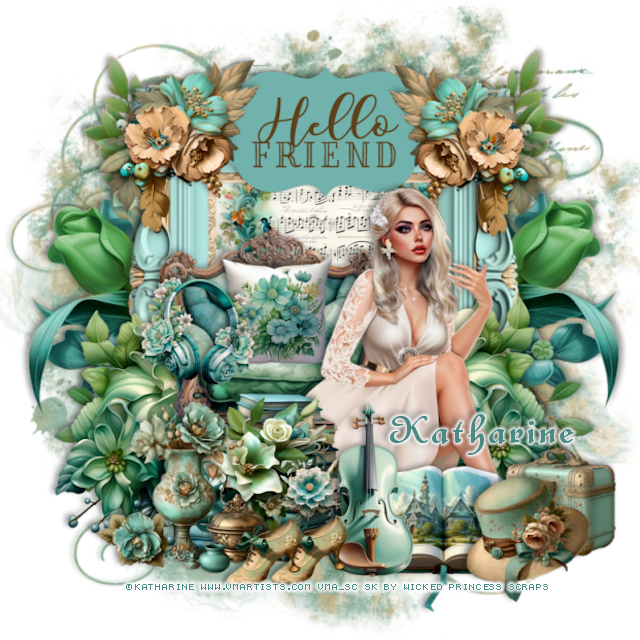
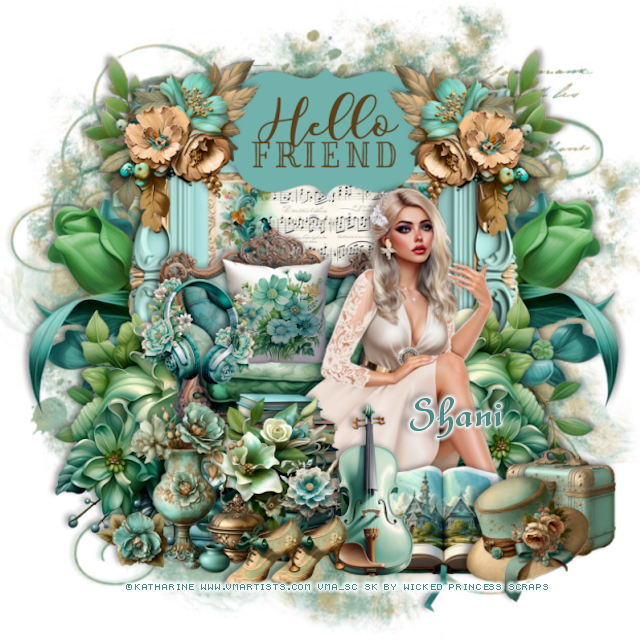
CT for Verymany and VMArtists

  ***CT for Verymany and VMArtists***

I am using the Awesome tube by © Katharine

Tube is called Juliet's Tenderness

You can find this tube at VMA HERE
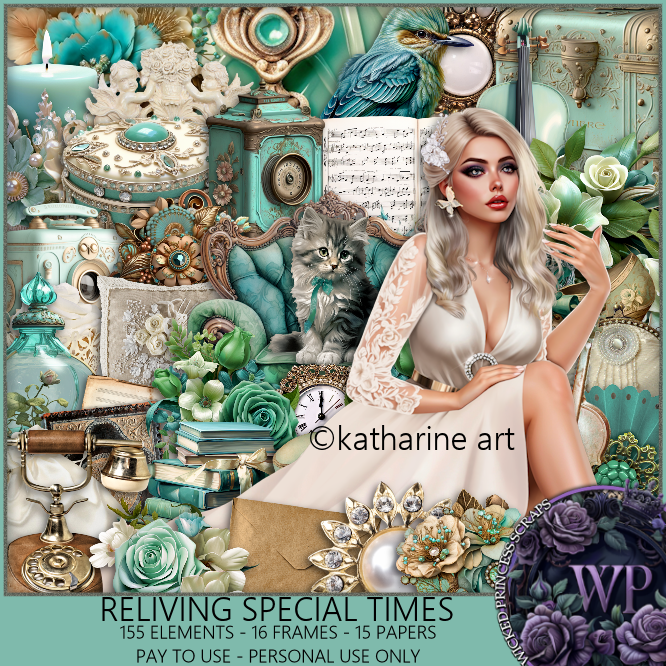
Matching kit Reliving Special Times by Wicked Princess Scraps  HERE
You can find all Wicked Princess Scraps kits  HERE 


Sunday, November 10, 2024

CT for Verymany and VMArtists

  **CT for Verymany and VMArtists**

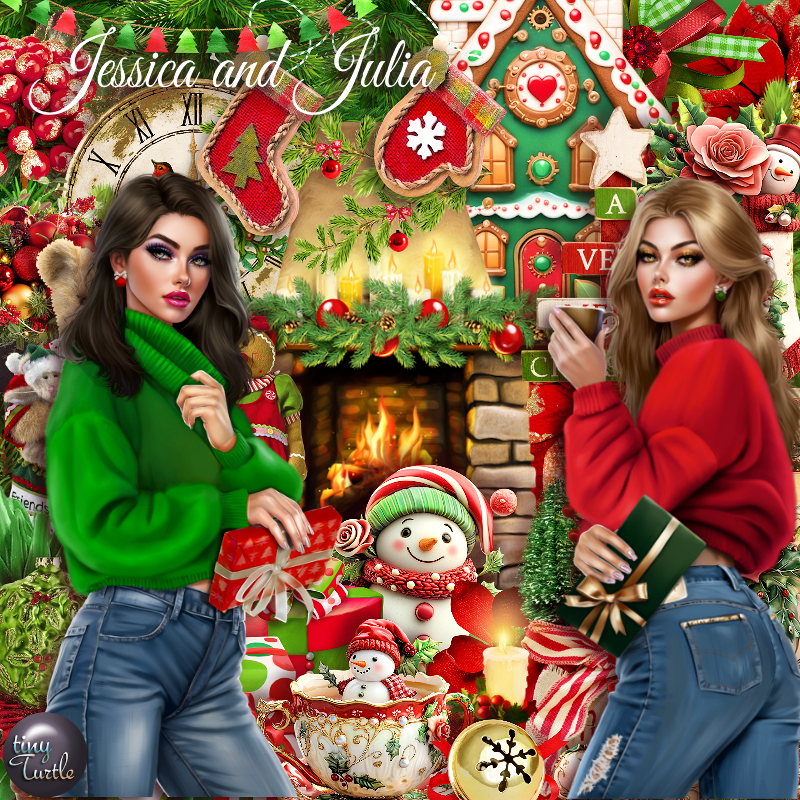
I am using the awesome tube by ©Katharine
The tube is called  Jessica and Julia
You can find this tube at VMA HERE

Matching Scrap Jessica and Julia by Tiny Turtle Designs  HERE
You can find all Tiny Turtle Designs Scraps kits  HERE 


Tuesday, November 5, 2024

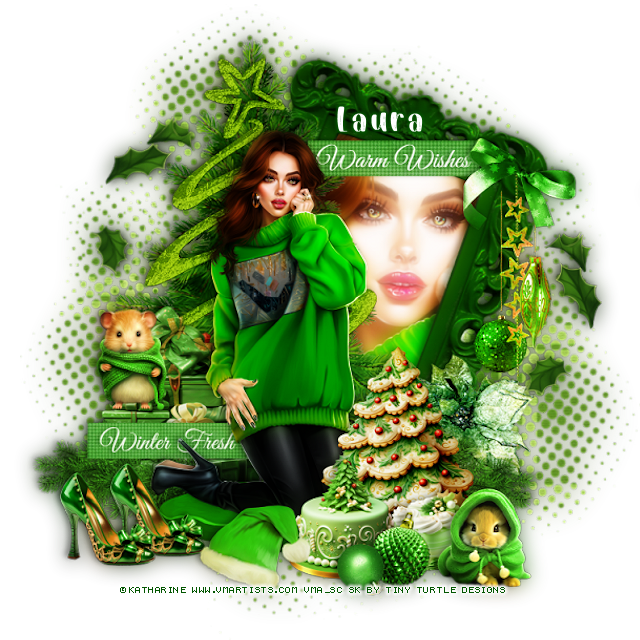
PTU Beatrice


This tut was written November 5th, 2024 for those with a basic knowledge of psp. 

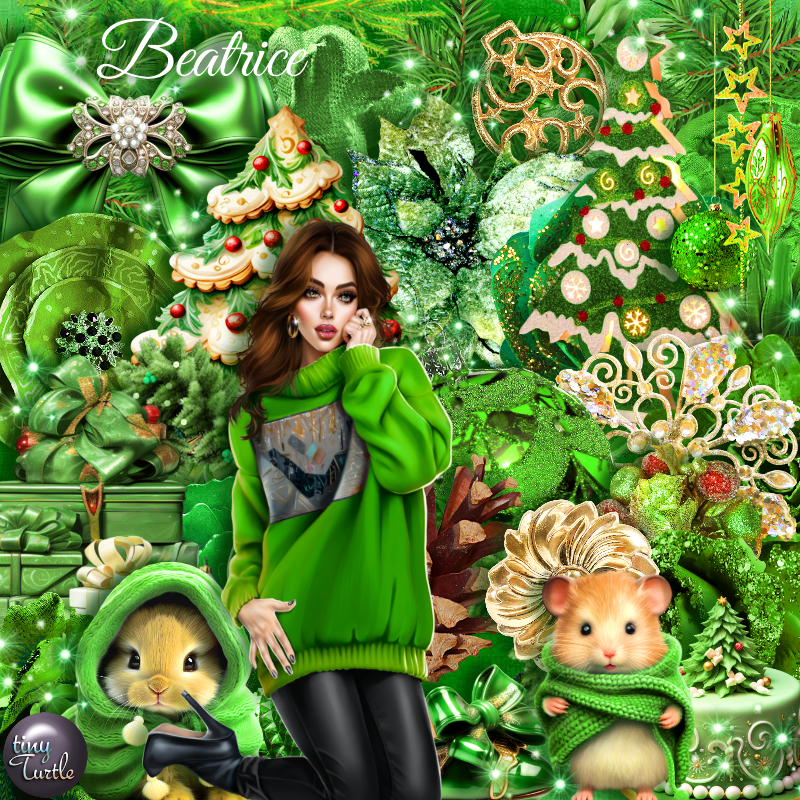
I am using the Awesome tube by © Katharine

Tube is called Beatrice in a Sweater
You need a license to use this tube, please do not use without a license
You can find this tube at VMA HERE

I used PSP2020...but any of them should work.
PTU Scrap Beatrice by Tiny Turtle Designs  HERE
You can find all Tiny Turtle Designs Scraps kits  HERE
Mask of choice, I used DD Half tone mask 2 (blog closed now)

Font of choice, I used Snowflake

Drop shadow as you go is V -2 H 4, 50, 10, or use what you prefer.
Let's get started
*Remember to add your drop shadow as you go along*

Open a new image 800 x 800, paste paper 10, apply your mask, 
move to the left, duplicate, mirror.

Resize element 150 to 80%, free rotate to the right at 20, paste, click inside 
with the magic wand, paste paper 12, invert, delete, keep selected,
 resize your tube to 75%, paste, delete.
Duplicate, go to Adjust, Blur, Gaussian Blur, number on 10, change the 
blend mode to Overlay.
Resize element 23 to 40%, paste on the bottom left.
Resize element 152 to 90%, paste on the left below the gifts.
Paste element 168 on the tree.

Resize the tube to 25%, paste.

Resize element 78 to 50%, paste below the tube.
Resize element 26 to 35%, paste above the tube on the right.
Resize element 16 to 25%, paste at the bottom.
Resize element 15 to 20%, paste on the bottom left, duplicate, move over.
Resize element 18 to 20%, paste on the gift boxes.
Resize element 91 to 30%, paste at the bottom right above the tree.
Resize element 69 to 40%, paste at the bottom left above the gifts, duplicate,
mirror.
Resize element 178 to 50%, paste on the right on the frame.
Resize element 57 to 25%, paste at the top right.
Resize element 55 to 25%, paste at the bottom.
Resize element 30 to 15%, paste at the bottom.
Resize element 32 to 10%, paste at the bottom.
Resize element 122 to 40%, paste at the top below the bow and tube.
Resize element 176 to 30%, paste on the right, free rotate to the right at 20,
duplicate, mirror, free rotate to the right at 40.
Resize element 48 to 30%, paste on the bottom right below the branch.
Resize element 118 to 35%, paste on the lower left below the tube.
Resize element 17 to 20%, paste on the bottom right.

Once happy with the tag, close off a white background if using one, 
merge tag, duplicate, go to Adjust, blur, gaussian blur, number on 10,
change the blend mode to Soft Light, merge down.

Add any other elements that you would like, make it your own.
Always readjust your mask and elements how you like them before you
 merge your tag, resize, sharpen.

Crop your tag to be sure no shadows or lines are on the edges.
 Then add your copyright and name.
That's it

Hope you enjoyed doing my tut

Laura Tag   


Thursday, October 31, 2024

CT for Verymany and VMArtists

 **CT for Verymany and VMArtists**

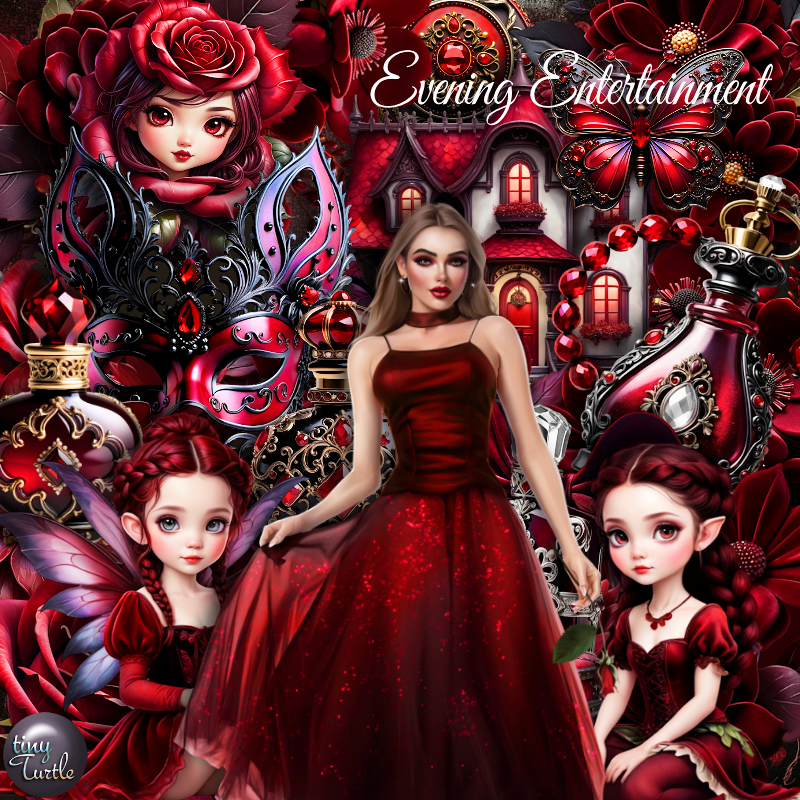
I am using the awesome tube by ©Katharine
The tube is called  Evening Entertainment
You can find this tube at VMA HERE

Matching Scrap Evening Entertainment by Tiny Turtle Designs  HERE
You can find all Tiny Turtle Designs Scraps kits  HERE 


Wednesday, October 16, 2024

CT for Verymany and VMArtists

   ***CT for Verymany and VMArtists***

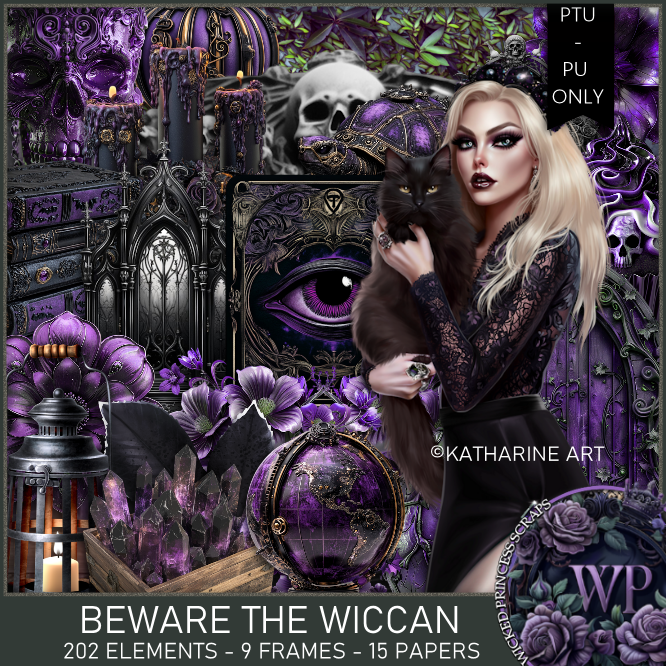
I am using the Awesome tube by © Katharine

Tube is called Madame Margarita

You can find this tube at VMA HERE
Matching kit Beware of the Wiccan by Wicked Princess Scraps  HERE
You can find all Wicked Princess Scraps kits  HERE


CT for Verymany and VMArtists

  ***CT for Verymany and VMArtists***

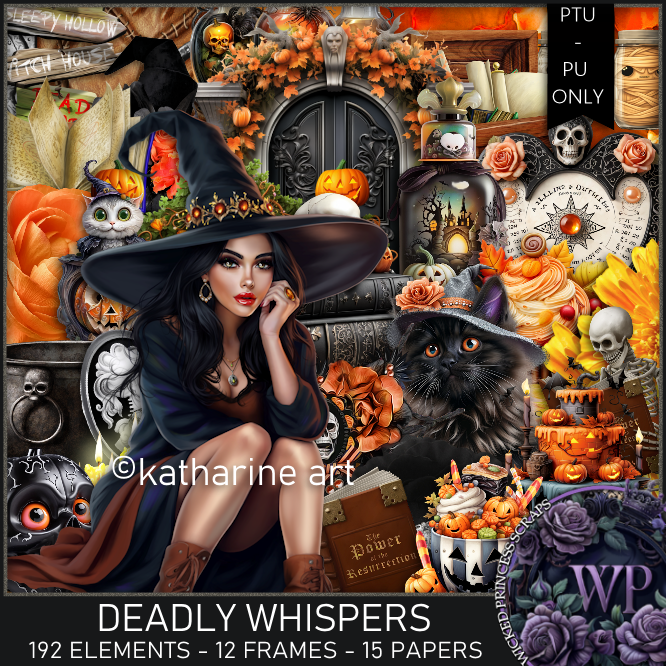
I am using the Awesome tube by © Katharine

Tube is called Witch and Cauldron 2

You can find this tube at VMA HERE
Matching kit Deadly Whispers  by Wicked Princess Scraps  HERE
You can find all Wicked Princess Scraps kits  HERE


Monday, October 14, 2024

CT for Verymany and VMArtists

 ***CT for Verymany and VMArtists***

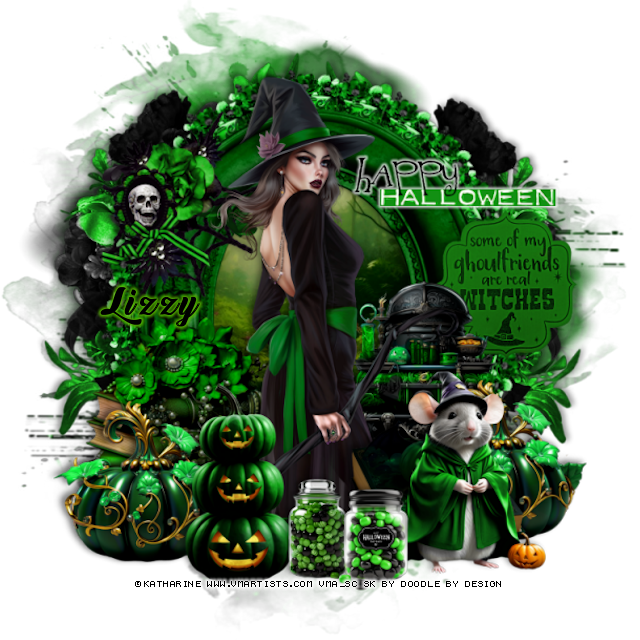
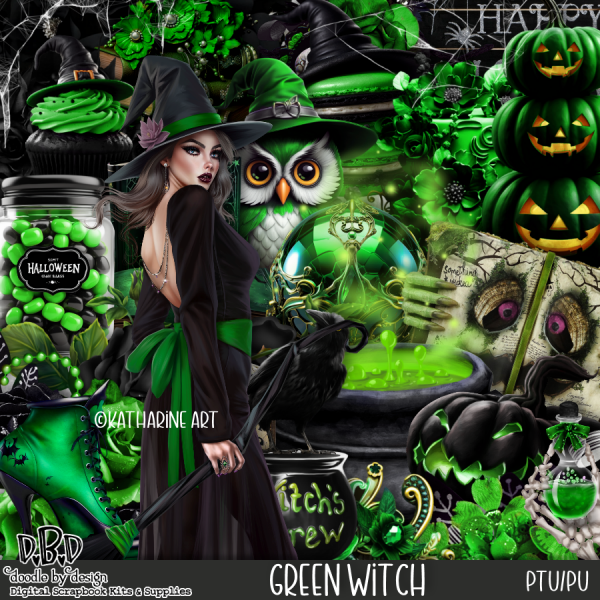
I am using the beautiful tube by © Katharine Art

Tube is called Beautiful witch Veronica

You can find this tube at VMA HERE
Matching kit Green Witch by Doodle by Design  HERE
You can find all Doodle by Design kits  HERE