Showing posts with label Pirate. Show all posts

Saturday, June 27, 2026

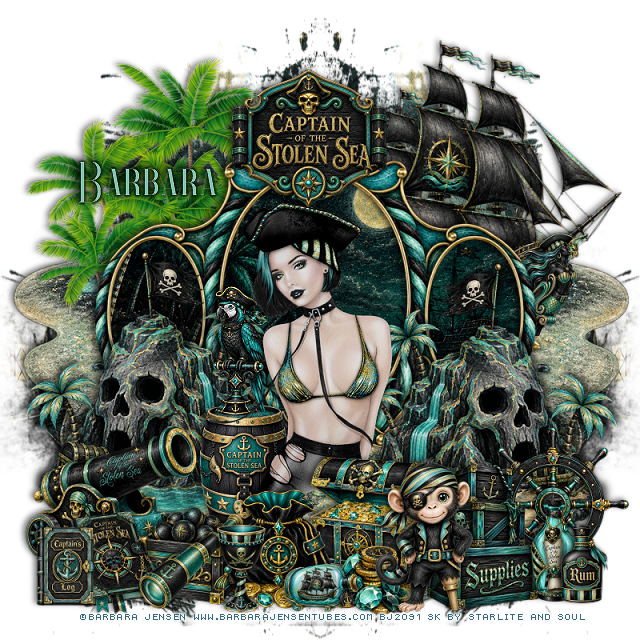
PTU Stolen Seas


This tut was written June 27th, 2026 for those with a basic knowledge of psp. 

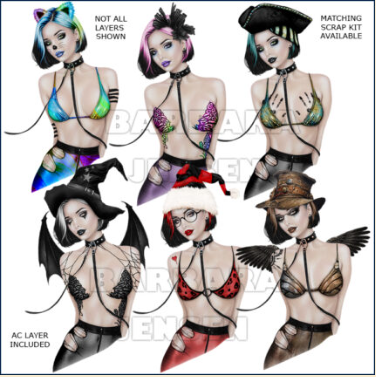
I am using the beautiful tube ©Barbara Jensen

Tube is On-Leash 165-3
Tube is NOT included

You need a license to use this tube, please do not use without a license
You can find this tube at her store HERE


I used PSP2020...but any of them should work.
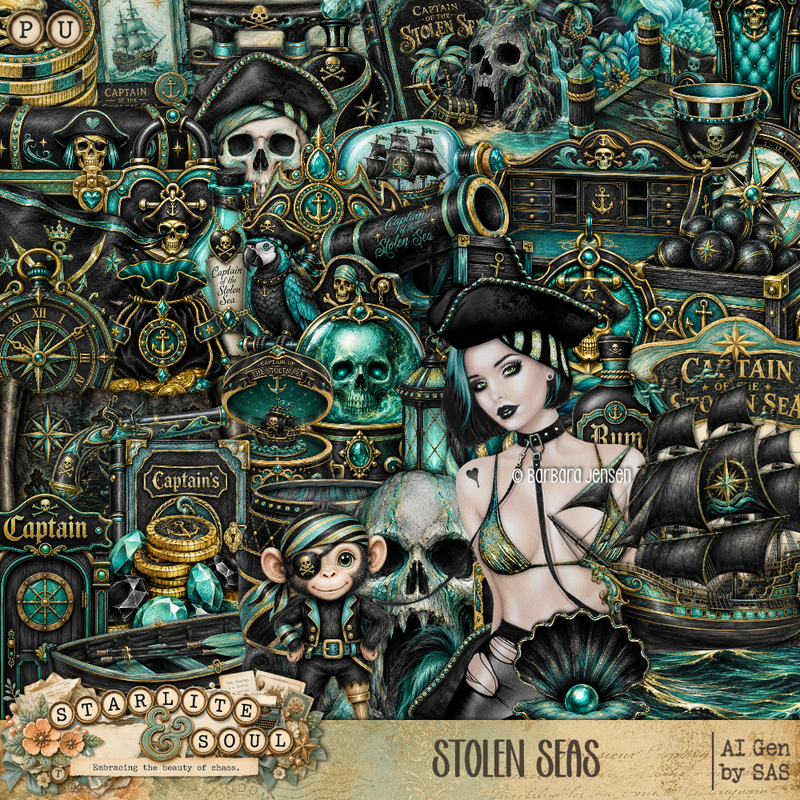
PTU Scrap Stolen Seas by Starlite and Soul  HERE
You can find all Starlite and Soul kits  HERE 
Vivienne's Digital Tagging Mask 80 HERE 
Check the blog out HERE

Font of choice, I used Enchants

Drop shadow as you go is V -2 H 4, 50, 10, or use what you prefer.
Let's get started
*Remember to add your drop shadow as you go along*

Open a new image 800 x 800, paste paper 5, apply your mask,
move to the right, duplicate, mirror.

Resize frame 8 to 85%, paste, click inside the frame, resize paper 7 to
65%, paste, invert, delete.
Resize 1 to 50%, paste below the frame on the upper right.
Resize 101 to 65%, paste on the upper left below the frame.
Resize 61 to 55%, paste on the bottom left of the frame, duplicate, mirror.
Paste 76 below the palm trees and ship on the left, duplicate, mirror.
Resize 28 to 30%, paste on top of the frame.
Resize 20 to 20%, paste on the left on the ship below the frame.
 
Resize the tube to 50%, paste in the center.

Resize 15 to 25%, paste on the left below the tube.
Resize 31 to 25%, paste on the barrel.
Resize 17 to 33%, paste on the bottom left above the tube layer.
Resize 41 to 20%, paste at the bottom left by the cannon.
Resize 26 to 25%, paste at the bottom above the cannon balls.
Resize 2 to 23%, paste at the bottom below the coin bag.
Resize 70 to 20%, paste at the bottom.
Resize 16 to 20%, paste at the bottom left.
Resize 3 to 30%, paste at the bottom by the coins.

Resize 28 to 28%, paste at the bottom right below the monkey.
Resize 7 to 20%, paste at the bottom left.
Resize 18 to 20%, paste on the bottom right.
Resize 34 to 15%, paste at the bottom.
Resize 6 to 30%, paste on the right below the boxes.
Resize 19 to 17%, paste on the bottom left.
Resize 58 to 15%, paste on the bottom left.
Resize 62 to 15%, paste at the bottom right.

Add any other elements that you would like, make it your own.
Always readjust your mask and elements how you like them before you
 merge your tag, resize, sharpen.

Crop your tag to be sure no shadows or lines are on the edges.
 Then add your copyright and name.
That's it

Hope you enjoyed doing my tut 


Wednesday, June 24, 2026

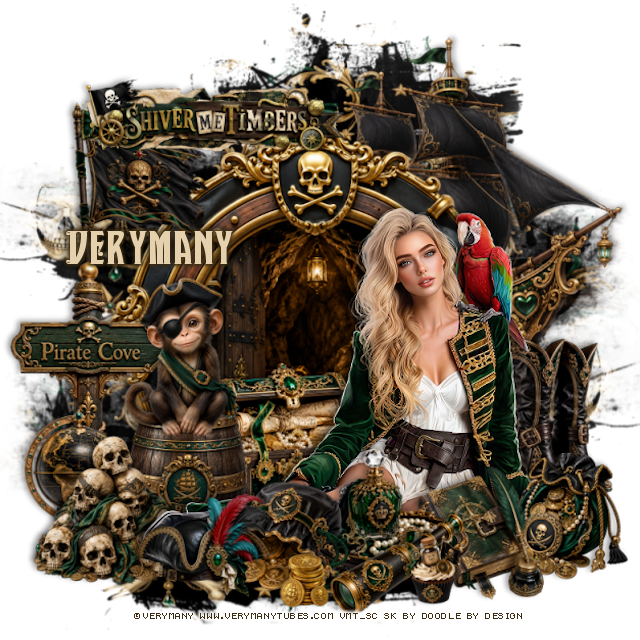
PTU Pirate Queens Cove


  This tut was written June 24th, 2026 for those with a basic knowledge of psp. 

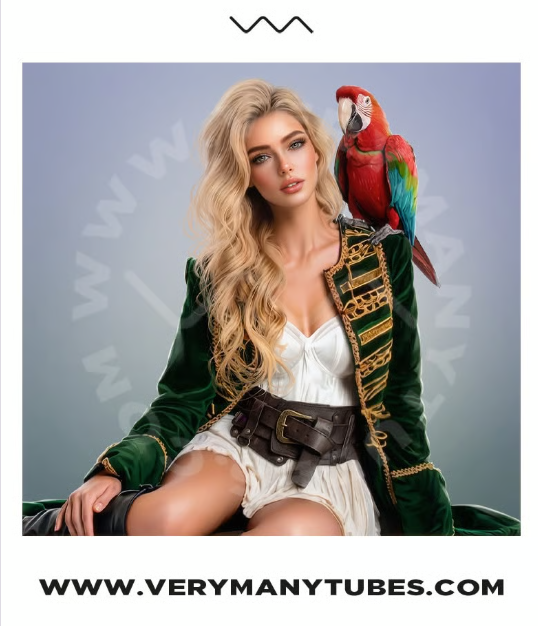
I am using the awesome tube ©Verymany
The tube is called Pirate 4
The tube is NOT included
You need a license to use this tube, please do not use without a license
You can find the tube at Verymany store HERE


I used PSP2020...but any of them should work.
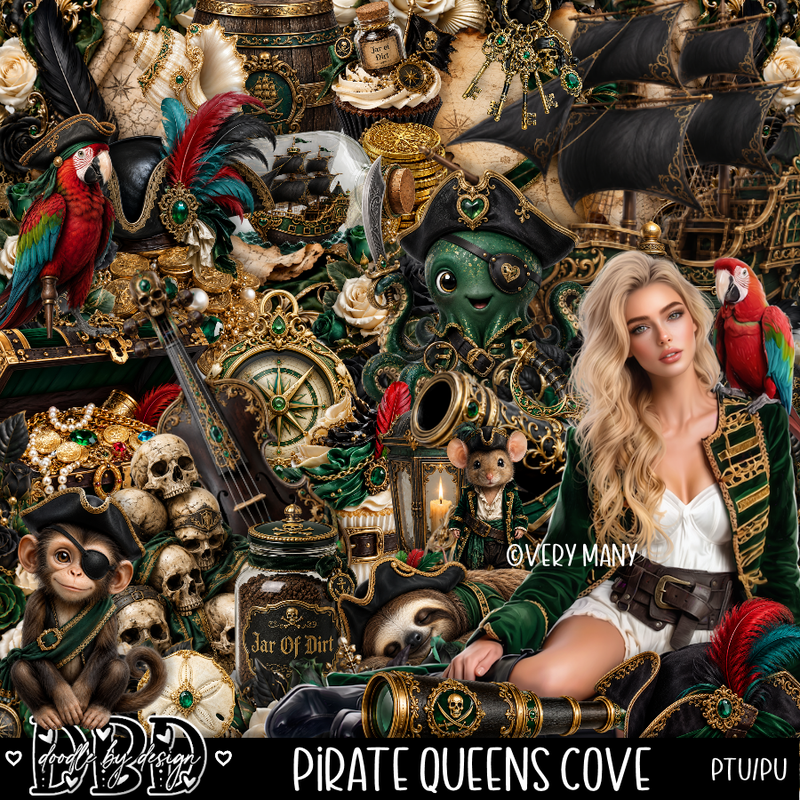
PTU Scrap Pirate Queens Cove by Doodle by Design  HERE
You can find all Doodle by Design kits  HERE 
Vivenne's Digitl Tagging Mask 80 HERE
Check the blog Here

Font of choice, I used Sultan Cafe

Drop shadow as you go is V -2 H 4, 50, 10, or use what you prefer.
Let's get started
*Remember to add your drop shadow as you go along*

Open a new image 800 x 800, paste paper 8, apply your mask,
use your pick took and make the mask smaller from top to bottom, 
then duplicate, mirror, move to the bottom.

Resize frame 10 to 80%, paste, click inside, resize 65 to 85%, paste,
invert, delete.

Resize the tube to 35%, paste on the bottom right.

Resize 54 to 25%, paste at the bottom above the tube.
Resize 110 to 30%, paste at the bottom by the book.
Resize 114 to 30%, paste below the tube by the feet.
Resize 58 to 65%, mirror, paste below the cave at the upper right.
Resize 53 to 30%, paste on the right below the tube.

Resize 87 to 25%, paste on the bottom right above the tube.
Resize 79 to 25%, paste at the bottom to the left of the tray.
Resize 39 to 30%, paste on the left below the tube.
Resize 34 to 30%, paste on top of the barrel.
Resize 2 to 25%, paste at the bottom.
Resize 83 to 25%, paste at the bottom above the tray.

Resize 45 to 30%, paste at the bottom above the barrel.
Resize 69 to 50%, paste on the left below the barrel.
Resize 37 to 30%, paste on the sign on the left.
Resize wordart 6 to 50%, paste at the upper left.
Resize 77 to 13%, paste at the bottom by the book.
Resize 18 to 10%, paste at the bottom.
Resize 119 to 30%, paste on the left below the skulls.

Add any other elements that you would like, make it your own.
Always readjust your mask and elements how you like them before you
 merge your tag, resize, sharpen.

Crop your tag to be sure no shadows or lines are on the edges.
 Then add your copyright and name.
That's it

Hope you enjoyed doing my tut 

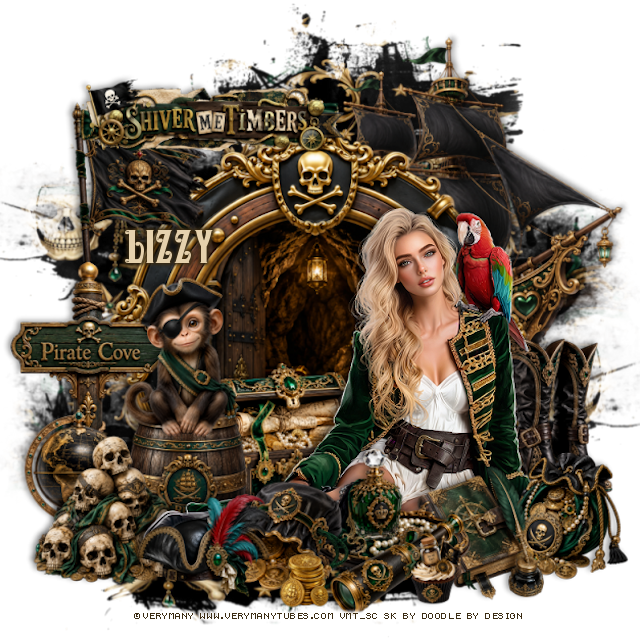
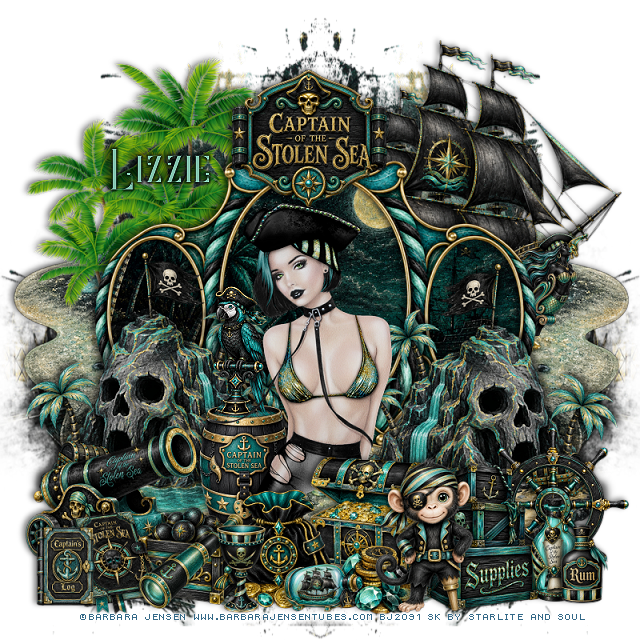
Tag for Lizzy