
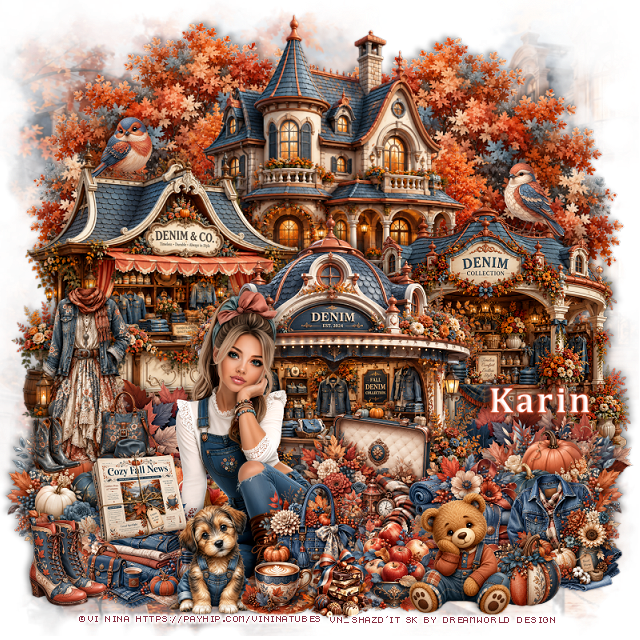
This tut was written September 8th, 2026 for those with a basic knowledge of psp.
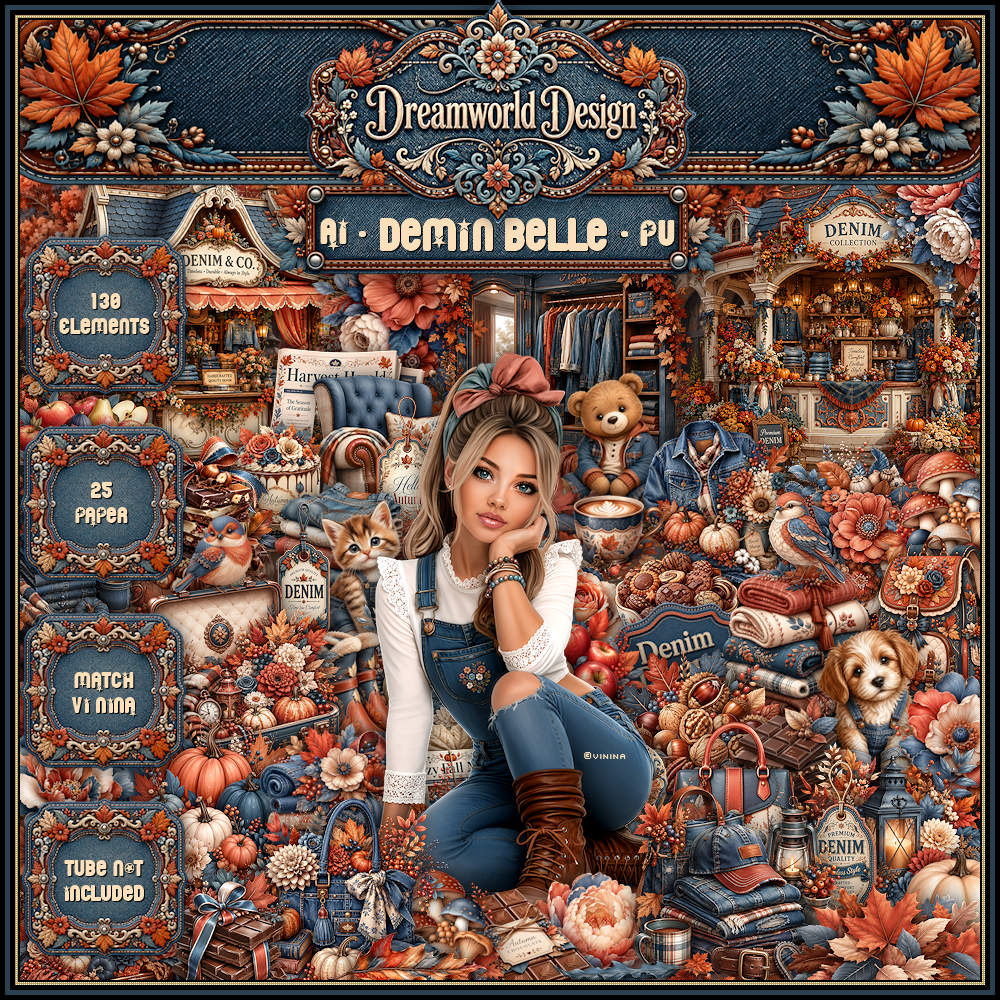
I am using the beautiful Al kit by Dreamworld Design
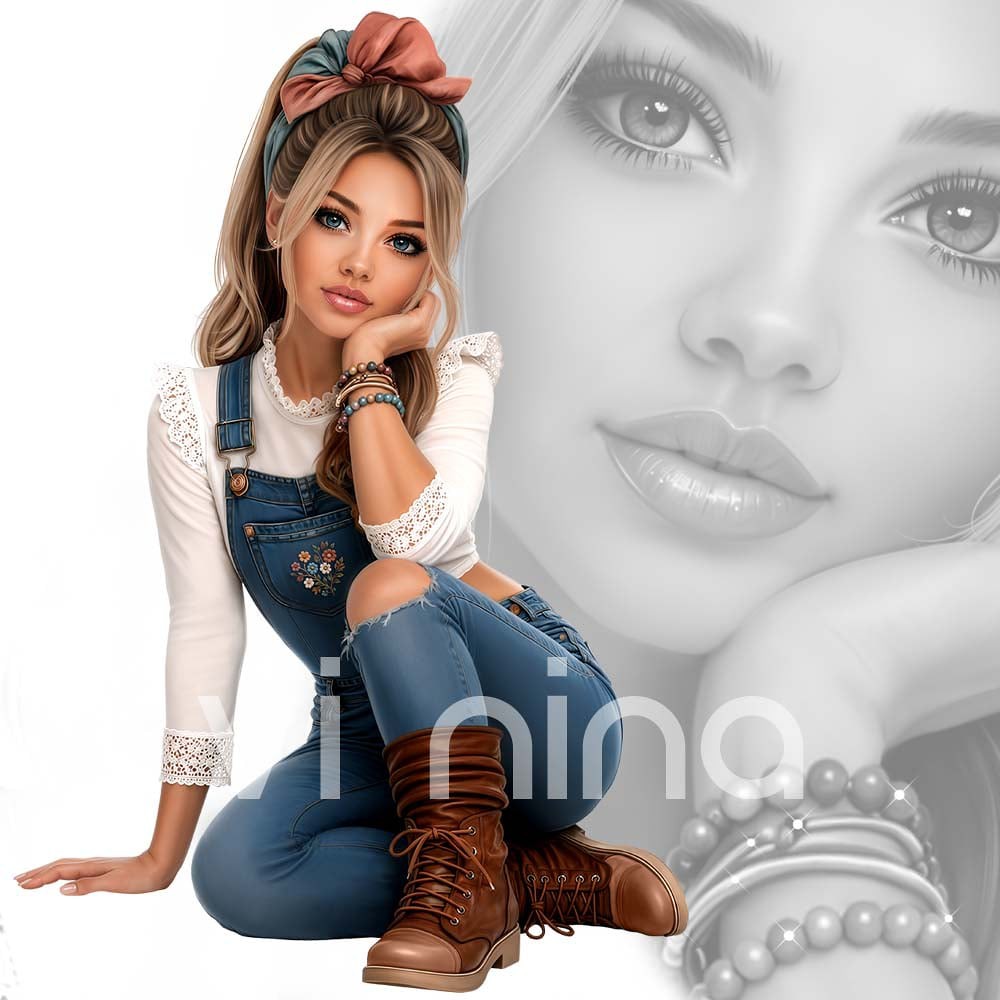
This is a match for the tube Denim Belle ©Vi Nina
The tube is NOT included
You need a license to used this tube, please do not use without a license.
You can get the tube HERE
I used PSP2020...but any of them should work.
Font of choice, I used Cambria
Drop shadow as you go is V -2 H -4, 40, 10, or use what you prefer
Let's get started
*Remember to add your drop shadow as you go along*
Open a new image 800 x 800, paste mask 3, resize to fit your tag.
Resize 20 to 75%, paste on the upper left, duplicate, mirror.
Resize 48 to 65%, paste at the top in the center.
Resize 49 to 55%, paste on the left.
Resize 50 to 55%, paste on the right.
Resize 51 to 60%, paste at the bottom above the other buildings.
Resize 17 to 35%, paste on the bottom left above the left building,
duplicate, mirror.
Resize the tube to 30%, paste at the bottom to the left.
Resize 73 to 35%, paste on the left above the leaves, duplicate, mirror.
Resize 7 to 35%, paste on the bottom left below the tube.
Resize 69 to 40%, paste below the tube on the right.
Resize 60 to 30%, paste at the bottom to the right.
Resize 116 to 40%, paste on the left above the pumpkins.
Resize 115 to 27%, paste at the bottom left above the tube.
Resize 113 to 25%, paste on the bottom right.
Resize 114 to 25%, paste at the bottom above the tube.
Resize 120 to 27%, paste at the bottom by the tube.
Resize 37 to 25%, paste on the left on the clothes.
Resize 35 to 25%, paste on the bottom left.
Resize 11 to 25%, paste at the bottom.
Resize 9 to 25%, paste on the bottom right.
Resize 84 to 25%, paste at the bottom.
Resize 96 to 30%, paste at the bottom right.
Resize 92 to 20%, paste at the bottom.
Resize 128 to 25%, paste on the upper left on the roof of the building.
Resize 35 to 25%, paste on the upper right on the building.
Add any other elements that you would like, make it your own.
Always readjust your mask and elements how you like them before you
merge your tag, resize, sharpen.
Crop your tag to be sure no shadows or lines are on the edges.
Then add your copyright and name.
That's it
Hope you enjoyed doing my tut
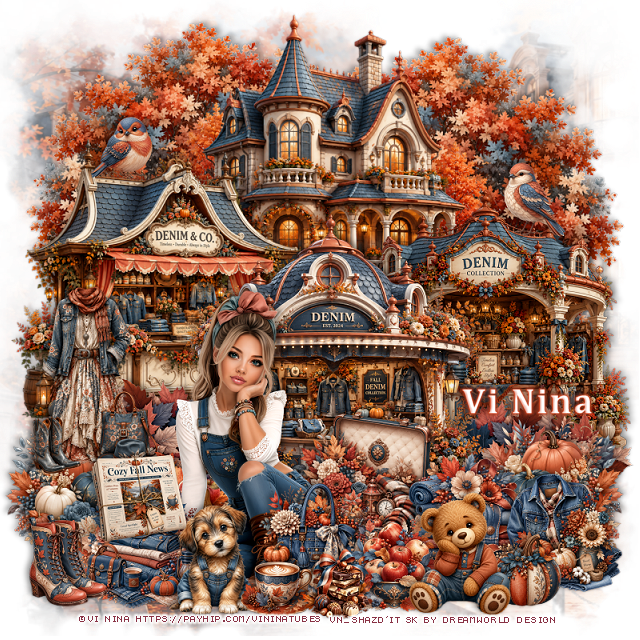
Tag for Nina

No comments:
Post a Comment