Showing posts with label Fruit. Show all posts

Sunday, July 19, 2026

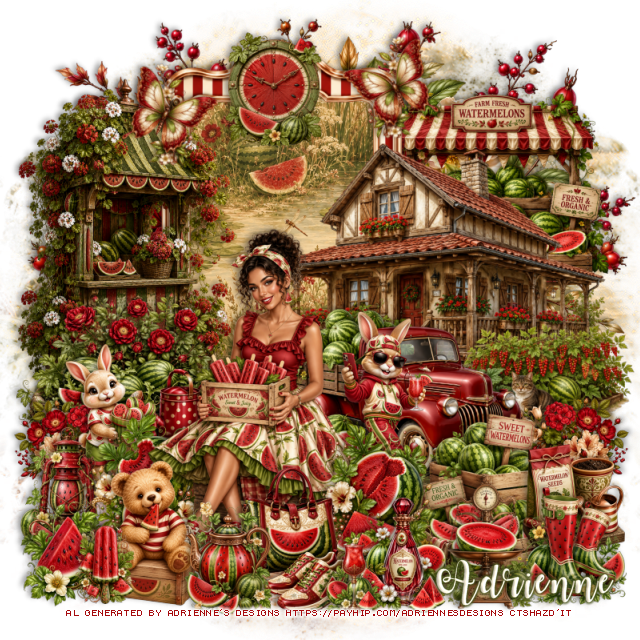
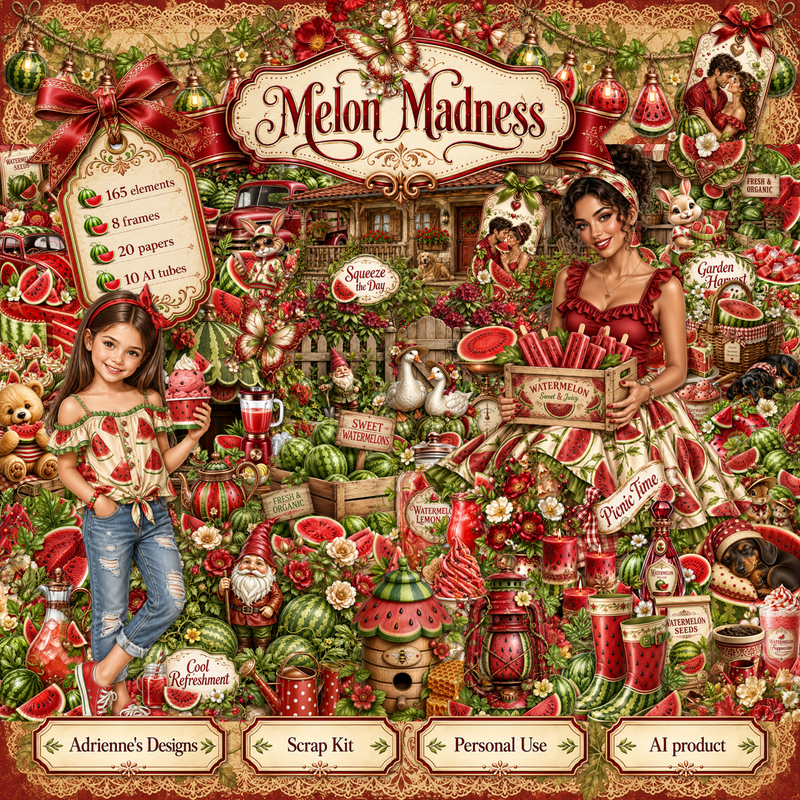
PTU Melon Madness

 This tut was written July 19th, 2026,  for those with a basic knowledge of psp. 

I am using the beautiful Al kit by Adrienne's Designs
Everything used is in the kit 
Read the TOU on how to credit your tags

I used PSP2020...but any of them should work.
PTU Scrap Melon Madness by Adrienne's Designs  HERE
Check out the rest of her store  HERE
or
you can find all her kits on her blog  HERE
Lori's PSP Graphic 1226 HERE 
Check the blog out HERE

Font of choice I used Watermelon Script

 Drop shadow as you go is V -2 H 4, 40, 10, or use what you prefer.
Let's get started

*Remember to add your drop shadow as you go along* 

Open a new image  800 x 800, paste paper 18, apply your mask.

Resize frame 1 to 65%, paste, click inside, resize paper 19 to 50%, 
paste, invert, delete.
Resize 29 to 60%, paste on the right above the frame.

Resize tube 3 to 30%, paste at the bottom above the truck.

Resize 32 to 50%, paste on the left above the frame.
Resize 35 to 35%, paste on the left below the tube at the bottom of 
the frame.
Resize 18 to 20%, paste on the bottom left, duplicate, mirror, move above 
the house at the bottom.
Resize 76 to 25%, paste on the right above the tube.
Resize 62 to 25%, paste at the bottom above the watermelon.
Resize 45 to 30%, paste on the bottom right above the truck.
Resize 75 to 25%, paste on the bottom left below the tube.
Resize 41 to 40%, paste at the upper right below the frame.
Resize 102 to 20%, paste at the bottom by the purse.
Resize 80 to 20%, paste at the bottom by the shoes.

Resize 77 to 23%, paste at the bottom to the right by the crates.
Resize 83 to 25%, paste at the bottom left by the tube.
Resize 65 to 20%, paste on the left below the bear.
Resize 71 to 20%, paste at the bottom left by the bear.
Resize 59 to 20%, paste at the bottom right.

Resize 132 to 13%, paste at the bottom left by the bear.
Resize 123 to 15%, paste at the bottom by the bottle.
Resize 57 to 20%, paste on the right below the boots.
Resize 98 to 17%, free rotate to the left at 25, paste at the upper
right on the frame, duplicate, mirror.
Resize 89 to 30%, paste below the tube by the truck.
Resize 87 to 25%, paste on the left below the lantern.
Resize 61 to 20%, paste at the top on the frame.
Paste 6 at the top above the mask.

Add any other elements that you would like, make it your own.
Always readjust your mask and elements how you like them before you
 merge your tag, resize, sharpen.

Crop your tag to be sure no shadows or lines are on the edges.
 Then add your copyright and name.
That's it

             Hope you enjoyed doing my tut                

Thursday, July 9, 2026

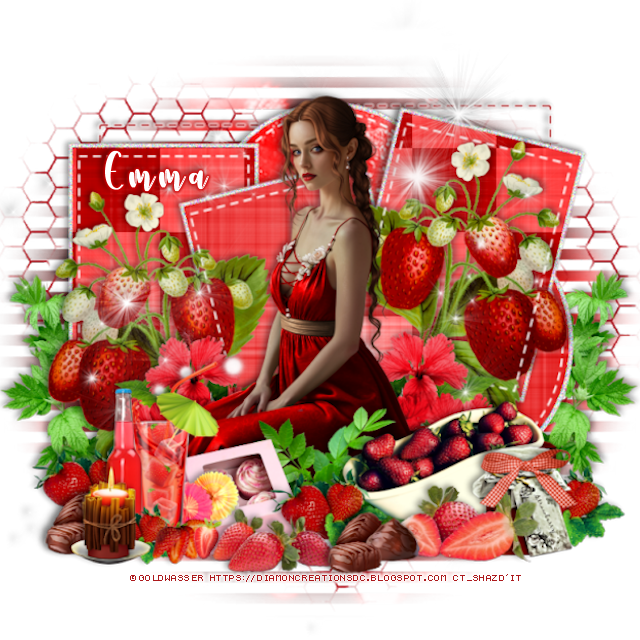
PTU Sweet Strawberries


 This tut was written July 9th, 2026, 2026 for those with a basic knowledge of psp. 

Awesome tube used ©Goldwasser 

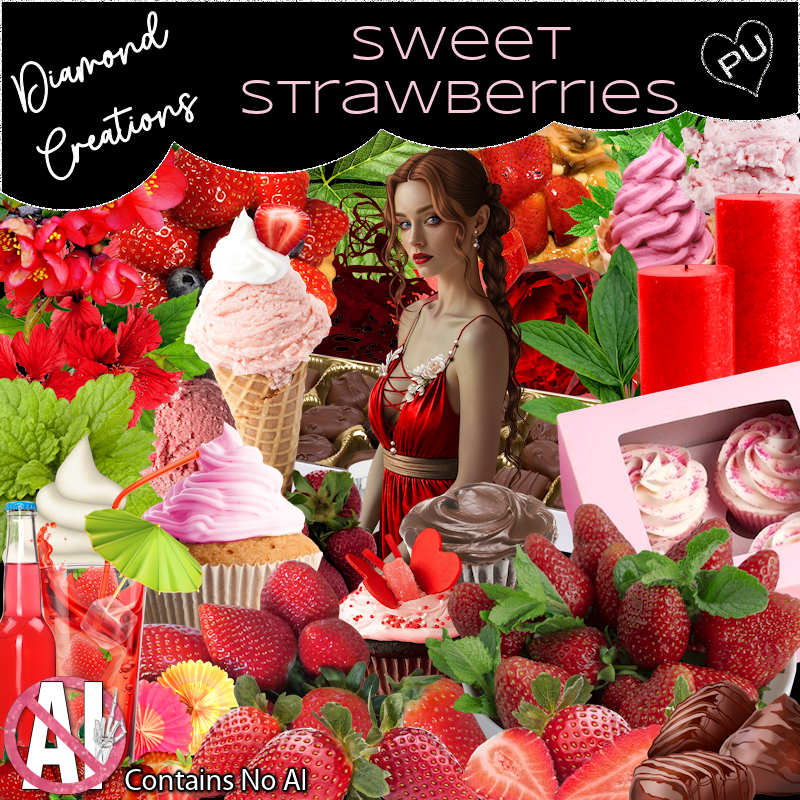
1tube included in the kit
Read the TOU on how to credit your tags

I used PSP2020...but any of them should work.
FTU Scrap Sweet  Strawberries "NO Al" by Diamond Creations  HERE
You can find all Diamond Creations  kits HERE
Template 525 by Donna Designz HERE
Check the rest of the blog HERE
Monti's Blinds Mask 1 HERE 
Check the rest of the blog HERE
Filter
Layout Tools

Font of choice, I used Strawberry

Drop shadow as you go is V -2 H -4, 40, 10, or use what you prefer.
Let's get started
*Remember to add your drop shadow as you go along*

Open the template, delete the credits, go to Image, resize, all layers checked,
resize larger to 125, then Canvas size 800 x 800.
I like room to work lol
Paste paper 20 on the bottom layer, apply your mask.

Click on raster 4 with your magic wand paste paper 12, invert, delete.
Copy of raster 4, click on, paste paper 12, invert, delete.
Next copy of raster 4, paste paper 12, invert, delete.

Raster 2, click with the magic wand, paste paper 18, invert, delete,
apply Layout Tools, Contrast Checkers with these settings, 8, 39, 0.
Copy of raster 2, do the same with the middle one just don't apply the filter.
The next Copy of raster 2, apply the paper and add the filter.
Click on the white frame layers on each, add noise at 100.
Go back to each of the raster 2 and copies, click on the white part, add noise
at 100.

Select raster 6, new layer, fill with #ad191c, delete the template layer,
add a white gradient glow.
Merge copy of layer 7 down with layer 7, does the same with this layer as 
the last layer.
Paste 90 on the bottom layer.

Resize the tube to 30%, paste in the center.

Resize 4 to 40%, paste on the left below the white dotted line of
the center square, duplicate, mirror, move into the right square.
Resize 62 to 40%, paste on the left below the tube, duplicate, mirror.
Resize 51 to 30%, paste at the bottom left above the tube.
Resize 36 to 20%, paste at the bottom below the drinks.
Resize 6 to 25%, paste at the bottom.
Resize 9 to 25%, paste at the bottom left below the drinks, duplicate, 
move to the right by the box.
Resize 21 to 25%, paste on the bottom right, duplicate, move to the 
left below the drinks.

Resize 1 to 30%, paste on the bottom right above the tube.
Resize 74 to 40%, paste on the bottom left below the template layer,
duplicate, mirror.
Resize 7 to 30%, paste at the bottom right above the tub.
Resize 37 to 23%, paste at the bottom right above the tub.
Resize 73 to 35%, paste at the bottom above the tube.
Resize 86 to 20%, paste at the bottom left.
Resize 94 to 25%, paste on the jar.
Paste 96 below the tube where you like.

Add any other elements that you would like, make it your own.
Always readjust your mask and elements how you like them before you
 merge your tag, resize, sharpen.

Crop your tag to be sure no shadows or lines are on the edges.
 Then add your copyright and name.
That's it

Hope you enjoyed doing my tut             

Monday, July 6, 2026

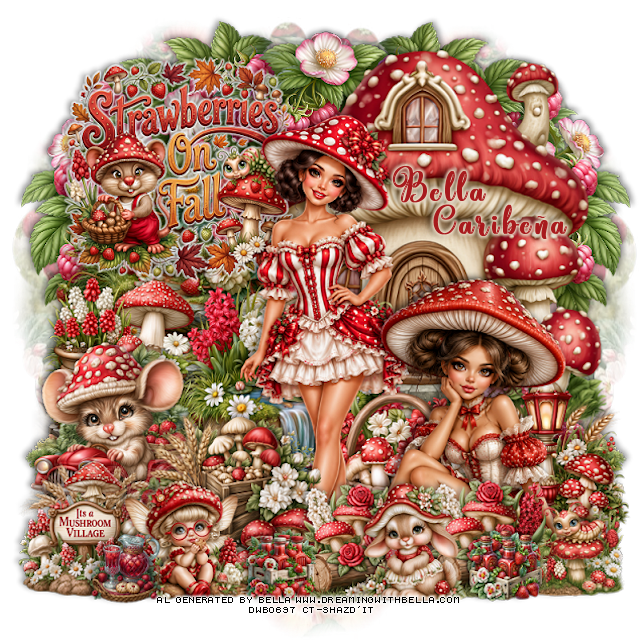
PTU Sunshine and Berries

  This tut was written July 6th, 2026,  for those with a basic knowledge of psp. 

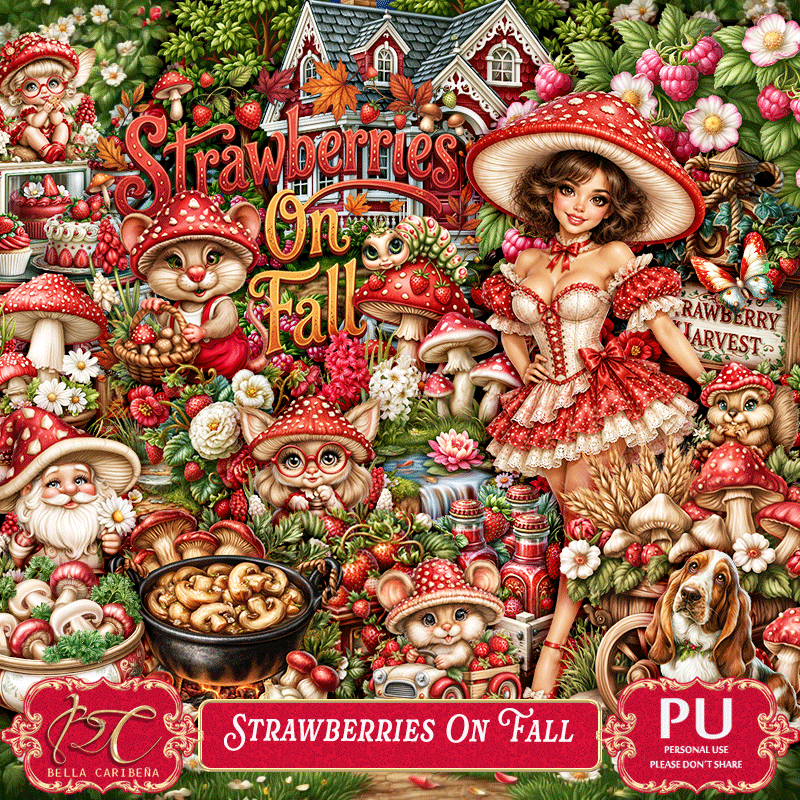
Awesome Al kit and tubes by Bella Caribeña
Everything is included in the kit
Read the TOU on how to credit tags

I used PSP2020...but any of them should work.
PTU Scrap Sunshine and Berries by Bella Caribeña  HERE
Berries Theme
Kit contains 5 Al gen tubes, 120 elements, 18 papers and 3 masks
You can check out the rest of her store HERE 

Font of choice I used Basically Yes

 Drop shadow as you go is V -2 H 4, 40, 10, or use what you prefer.
Let's get started
*Remember to add your drop shadow as you go along*

Open a new image 800 x 800, paste mask 2, adjust.

Resize 38 to 65%, paste at the upper left.
Resize 39 to 65%, paste at the upper left.
Resize 35 to 25%, paste at the bottom of the house to the right.
Resize 30 to 50%, paste on the upper right below the houses.
Resize 17 to 75%, paste on the upper right behind the garden shed.

Resize 73 to 30%, paste on the right by the garden shed.
Resize 100 to 25%, paste on the bottom right.
Resize 95 to 35%, paste on the bottom right.
Resize 67 to 30%, paste at the bottom right.
Resize 109 to 50%, mirror, paste on the bottom left.
Resize 52 to 17%, paste on the left below the swing seat.
Resize 88 to 30%, paste on the bottom left above the swing seat.

Resize tube 3 to 22%, paste at the bottom by the swing.

Resize 41 to 20%, paste on the bottom left.
Resize 51 to 25%, paste at the bottom left.
Resize 83 to 20%, paste at the bottom by the shovel.
Resize 13 to 50%, paste above the mailbox, duplicate, move
to the bottom left below the gloves and shovel and tube, duplicate, mirror,
adjust on the bottom right.
Resize 115 to 25%, paste below the grass of raspberries above the house.
Resize 28 to 25%, paste at the bottom above the gloves.
Resize 113 to 30%, mirror, paste at the bottom to the right.
Resize 84 to 20%, paste on the bottom right.
Resize 61 to 20%, paste at the bottom.

Add any other elements you would like, resize.
Crop your tag to be sure no shadows or lines are on the edges.
 Then add your copyright and name.
That's it

            Hope you enjoyed doing my tut                     

Wednesday, June 24, 2026

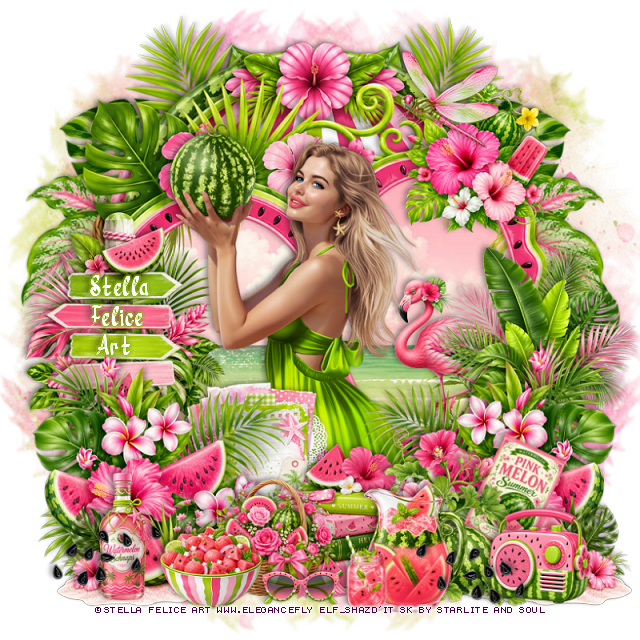
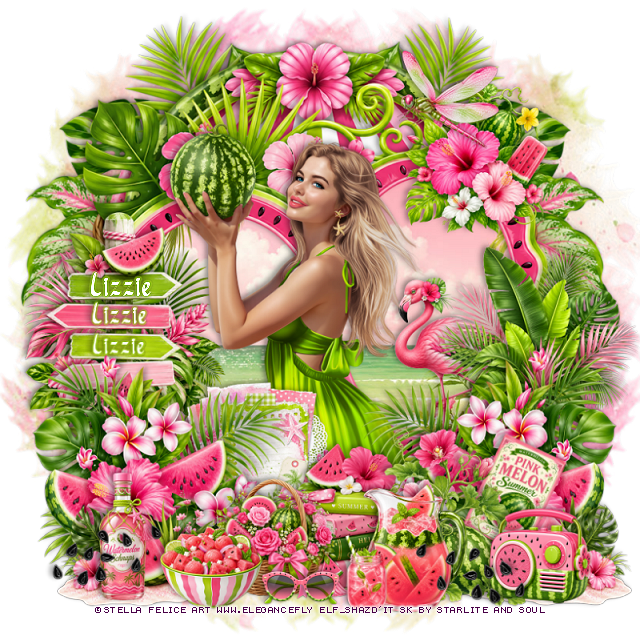
PTU Pink Melon Summer


 This tut was written June 24th, 2026 for those with a basic knowledge of psp. 

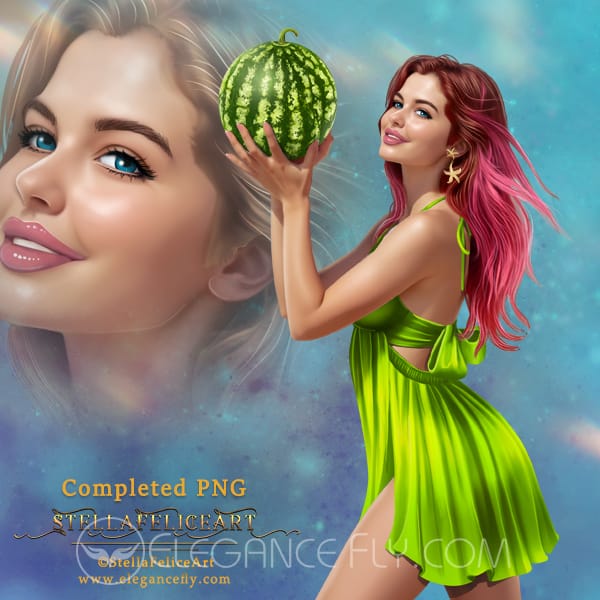
I am using the beautiful tube by © Stella Felice Art

Tube is called Taste of Summer
Tube is NOT included
You need a license to use this tube, please do not use without a license
You can find this tube at Elegancefly store HERE

I used PSP2020...but any of them should work.
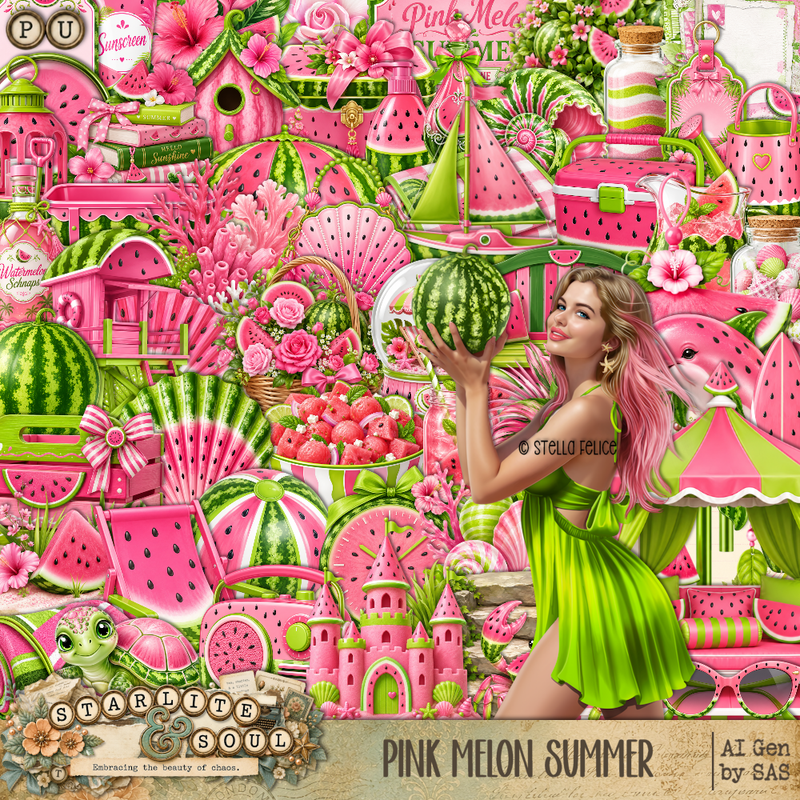
PTU Scrap Pink Melon Summer by Starlite and Soul  HERE
You can find all Starlite and Soul kits  HERE 
Lori's PSP Graphics Mask 805 HERE
Check the rest of the blog HERE

Font of choice, I used River Water

Drop shadow as you go is V -2 H 4, 40, 10, or use what you prefer.
Let's get started
*Remember to add your drop shadow as you go along*

Open a new image 800 x 800, paste paper 15, apply your mask.

Paste frame 8, click inside, paste paper 6, adjust, invert, delete.
Paste frame 7 at the top on the bottom layer.
Resize 143 to 90%, paste below the frames on the right, duplicate, mirror.

Resize the tube to 22%, paste center.

Resize 139 to 50%, paste on the bottom right, above the tube, 
duplicate, mirror.
Resize 78 to 35%, paste on the bottom below one of the plants.
Resize 40 to 40%, paste on the left above the frame.
Resize 54 to 40%, paste on the right above the frame.
Resize 75 to 35%, paste at the bottom right above the books,
duplicate, mirror.
Resize 43 to 35%, paste at the bottom right by the books.
Resize 89 to 20%, paste at the bottom.
Resize 79 to 25%, paste at the bottom below the bowl.

Resize 141 to 30%, paste on the upper right on the frame.
Resize 103 to 30%, paste at the bottom below the books.
Resize 97 to 20%, free rotate to the right at 25, paste on the right
below the small watermelon with the flowers.
Resize 19 to 25%, paste at the bottom to the right.
Resize 8 to 15%, paste at the bottom.
Resize 70 to 25%, paste on the bottom left.
Resize 47 to 35%, paste in the frame on the right.
Resize 26 to 20%, paste on the bottom right.
Resize 45 to 20%, paste at the upper right.
Resize 29 to 50%, paste on the left below some of the plants.
Resize 119 to 30%, paste on the bottom right, duplicate, mirror.
Resize 9 to 15%, paste at the bottom.

Add any other elements that you would like, make it your own.
Always readjust your mask and elements how you like them before you
 merge your tag, resize, sharpen.

Crop your tag to be sure no shadows or lines are on the edges.
 Then add your copyright and name.
That's it

Hope you enjoyed doing my tut

Tag for Lizzie  


Sunday, June 21, 2026

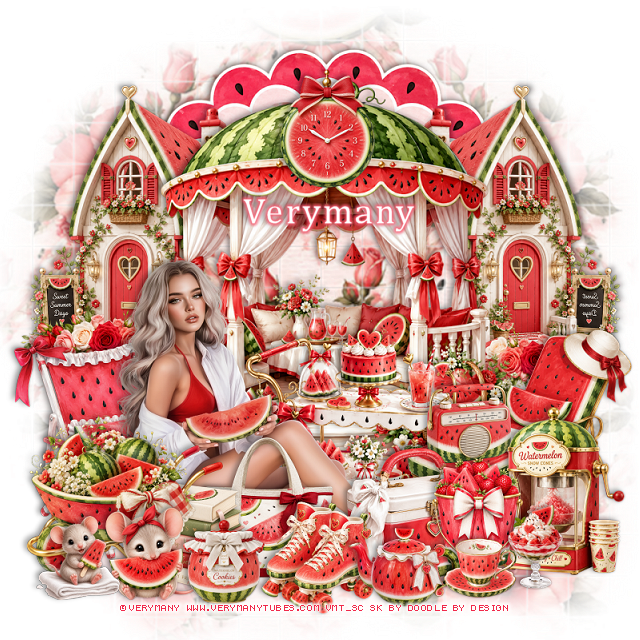
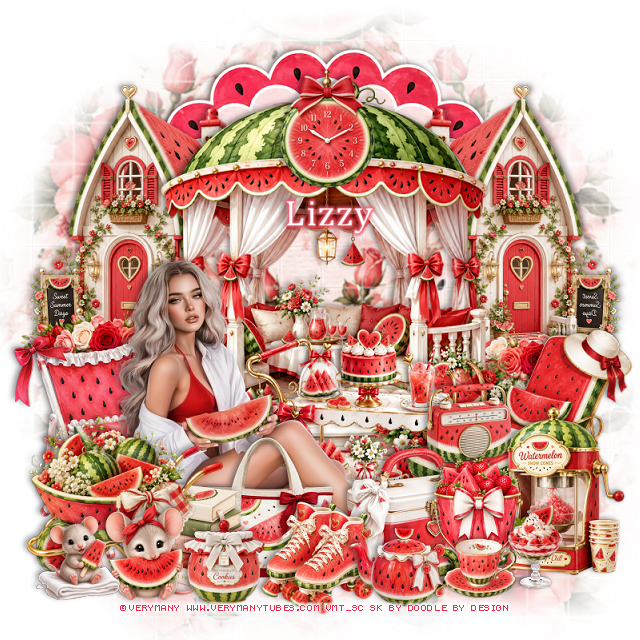
PTU Watermelon Daydreams


  This tut was written June 21st, 2026 for those with a basic knowledge of psp. 

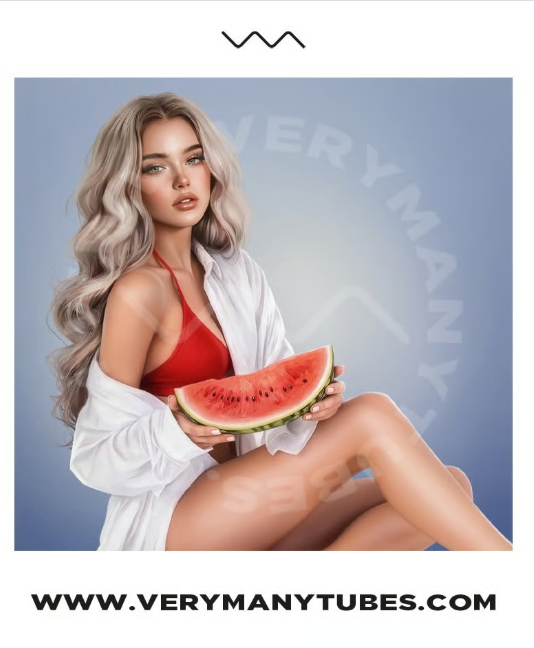
I am using the awesome tube ©Verymany
The tube is called Watermelon 13
The tube is NOT included
You need a license to use this tube, please do not use without a license
You can find the tube at Verymany store HERE


I used PSP2020...but any of them should work.
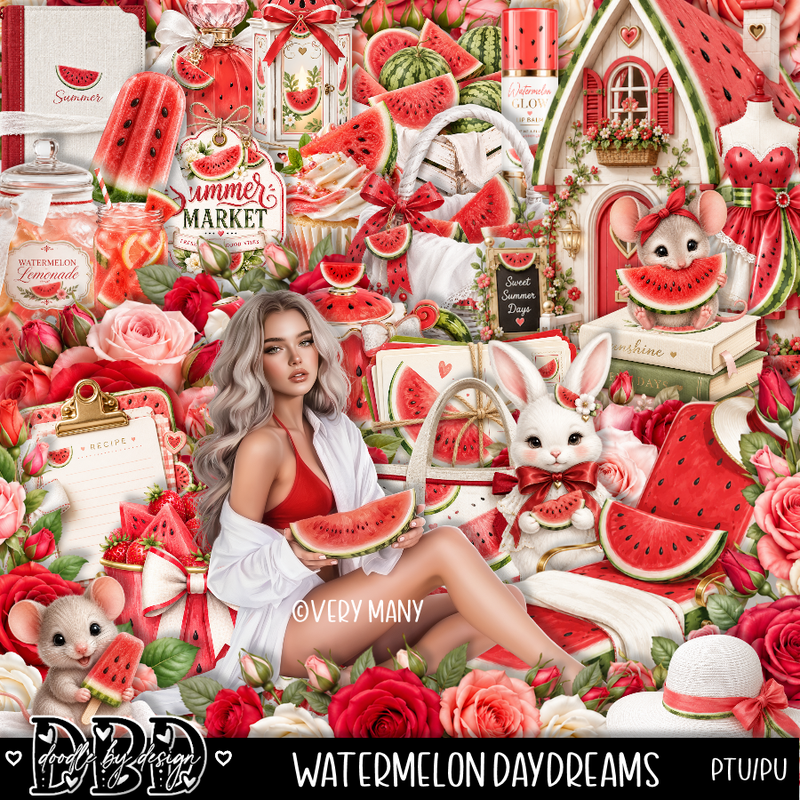
PTU Scrap Watermelon Daydreams by Doodle by Design  HERE
You can find all Doodle by Design kits  HERE 
DBV Mask 72 HERE
Check the blog Here

Font of choice, I used Cambria

Drop shadow as you go is V -2 H 4, 40, 10, or use what you prefer.
Let's get started
*Remember to add your drop shadow as you go along*

Open a new image 800 x 800, resize paper 4 to 80%, paste, apply your mask,
duplicate, merge down.

Resize 84 to 75%, paste.
Resize the tube to 30%, paste on the bottom left.
Resize 43 to 40%, paste on the left below the tube.
Resize 73 to 40%, paste below the tube on the right.
Resize 77 to 35%, paste on the bottom left above the tube.
Resize 65 to 20%, paste below the wheel barrel.
Resize frame 6 to 75%, flip, paste at the top below the houses.

Resize 58 to 25%, paste below the books.
Resize 75 to 50%, paste on the left below the gazebo, duplicate, 
mirror, erase any showing inside.
Resize 76 to 20%, paste at the bottom by the feet.
Resize 62 to 20%, paste at the top of the gazebo.
Resize 38 to 25%, paste at the bottom below the skates.
Resize 96 to 20%, paste at the bottom by the ice chest.
Resize 81 to 40%, paste on the right above the cart.
Resize 133 to 30%, paste above the house on the right behind the 
lounge chair, duplicate, mirror.
Resize 82 to 30%, paste on the bottom right.

Resize 63 to 17%, paste at the bottom left.
Resize 50 to 20%, paste at the bottom by the bucket.
Resize 35 to 13%, paste at the bottom.
Resize 44 to 15%, paste at the bottom my the mouse.
Resize 91 to 15%, paste at the bottom left.
Resize 59 to 15%, paste at the bottom right.
Resize 36 to 15%, paste on the chaise lounge chair.

Add any other elements that you would like, make it your own.
Always readjust your mask and elements how you like them before you
 merge your tag, resize, sharpen.

Crop your tag to be sure no shadows or lines are on the edges.
 Then add your copyright and name.
That's it

Hope you enjoyed doing my tut 

Tag for Lizzy    


Thursday, May 21, 2026

PTU Classic Strawberries


 This tut was written May 21st, 2026 for those with a basic knowledge of psp. 

Awesome AI kit and tube by Midnight Shadow Dezinez

Everything used is included in the kit
Read the TOU on how to credit your tags

I used PSP2020...but any of them should work.
PTU Scrap Classic Strawberries by Midnight Shadow Dezinez  HERE
You can find all Midnight Shadow Dezinez kits HERE
Miz Teeques Mask 52 HERE
Check the blog out HERE

Font of choice, I used Rockwell

Drop shadow as you go is V -2 H -4, 40, 10, or use what you prefer.
Let's get started
*Remember to add your drop shadow as you go along*

Open a new image 800 x 800, resize paper 10 to 80%, apply your mask.

Resize 37 to 65%, paste on the left.
Resize 55 to 35%, paste below the glass house on the right, duplicate, mirror.
Resize 31 to 40%, mirror, paste below the house on the right.
Resize 17 to 40%, paste at the upper right below the truck.

Resize 38 to 50%, paste at the bottom.

Resize 53 and 54 to 30%, paste below the tube on the right.
Resize 41 to 65%, paste below the clock, duplicate, mirror.
Resize 26 to 25%, paste at the bottom above the tube.
Resize 42 to 55%, paste at the bottom left below the tube.
Resize 16 to 23%, paste at the bottom below the dog.
Resize 58 to 23%, paste on the bottom left above the fruit stand.
Resize 7 to 20%, paste on the bottom right by the dog.

Resize 24 to 20%, paste at the bottom above the tube by her shoes.
Resize 3 to 15%, paste at the bottom above the book.
Resize 11 to 20%, paste at the bottom.
Resize 9 to 25%, paste at the bottom left.
Resize 14 to 23%, paste at the upper left on the branch.
Resize 45 to 20%, paste at the bottom left.

Add any other elements that you would like, make it your own.
Always readjust your mask and elements how you like them before you
 merge your tag, resize, sharpen.

Crop your tag to be sure no shadows or lines are on the edges.
 Then add your copyright and name.
That's it

Hope you enjoyed doing my tut                    

Tuesday, May 19, 2026

PTU Lissa


 This tut was written May 19th, 2026 for those with a basic knowledge of psp. 

I am using the beautiful tube by © Stella Felice Art

The tube is called Lissa
The tube is "NOT" included
You need a license to use this tube, please do not use without a license
You can find the tube at her lava Store HERE

I used PSP2020...but any of them should work.
PTU Scrap Lizza by Tiny Turtle Designs  HERE
You can find all Tiny Turtle Designs kits  HERE 
Miz Teeques Mask 70 HERE
Check the blog out HERE

Font of choice, I used Strawberry Blossom

Drop shadow as you go is V -2 H 4, 40, 10, or use what you prefer.
Let's get started
*Remember to add your drop shadow as you go along*

Open a new image 800 x 800, paste paper 9, apply your mask,
move to the left, duplicate, mirror.

Resize 257 to 85%, paste, duplicate, change the blend mode to Multiply.
Resize 160 to 25%, apply Mura Meister Copies-Encircle, first 3 numbers
on 16, 51, 51, paste below the frame.
Resize 157 to 25%, apply Mura Meister Copies-Encircle, first 3 numbers
on 18, 55, 55, paste below the frame.

Resize the tube to 25%, paste.

Resize 57 to 40%, paste below the tube on the right.
Resize 105 to 40%, paste below the tube on the left.
Resize 29 to 40%, paste below the tube on the left.
Resize 46 to 40%, paste below the tube on the left.
Resize 41 to 25%, paste above the tube at the bottom.
Resize 34 to 25%, paste on the bottom left.
Resize 142 to 30%, paste on the left below the teapot.
Resize 159 to 30%, paste on the right below the pot.
Resize 62 to 15%, paste on the bottom to the left.

Resize 97 to 27%, mirror, paste on the bottom right above the tube.
Resize 101 to 25%, paste on the bottom above the watermelon.
Resize 13 to 25%, mirror, paste on the bottom right below the watermelon.
Resize 28 to 23%, paste on the bottom.
Resize 17 to 20%, paste on the bottom right.
Resize 5 to 15%, paste on the bottom left, duplicate, mirror, move 
by the shoes on the right.
Resize 7 to 12%, paste at the bottom by the hat.
Resize 35 to 13%, paste at the bottom by the cupcake.
Paste 224 at the bottom being on the top layer, duplicate, flip, move
to the top where you like.

Add any other elements that you would like, make it your own.
Always readjust your mask and elements how you like them before you
 merge your tag, resize, sharpen.

Crop your tag to be sure no shadows or lines are on the edges.
 Then add your copyright and name.
That's it

Hope you enjoyed doing my tut

Tag for Laura