Showing posts with label Winter. Show all posts

Friday, February 6, 2026

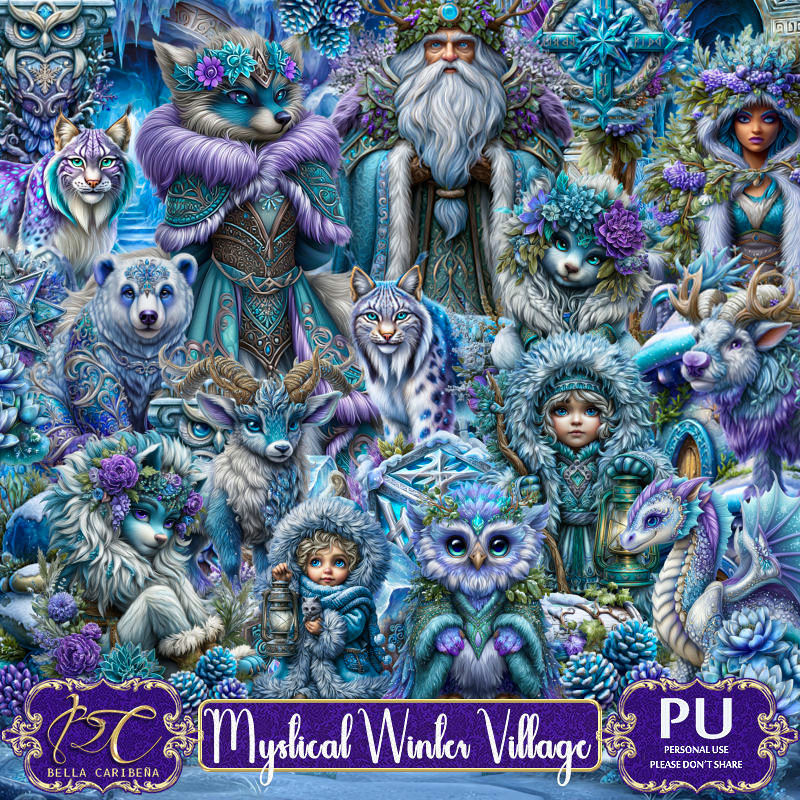
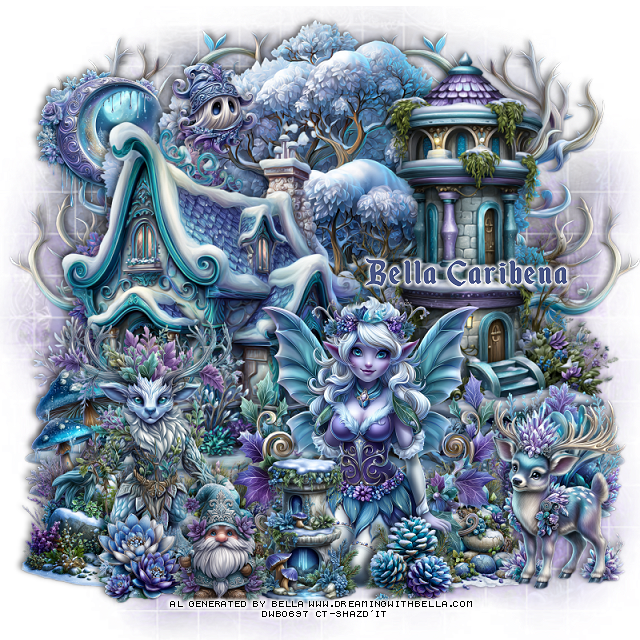
PTU Mystical Winter Village


 This tut was written February 5th, 2026,  for those with a basic knowledge of psp. 

Beautiful Al kit/tubes by Bella Caribeña
I am using her awesome Winter kit
Tubes are included
Read the TOU on how to credit your tags

I used PSP2020...but any of them should work.
PTU Scrap Mystical Winter Village by Bella Caribeña  HERE
Winter Theme
Kit contains 3 Al gen tubes, 130 elements, 13 papers, 3 masks 
You can check out the rest of her store HERE 

Font of choice I used Enchanted Land

 Drop shadow as you go is V -2 H 4, 50, 10, or use what you prefer.
Let's get started
*Remember to add your drop shadow as you go along*

Open a new image 800 x 800, paste mask 1.

Resize 84 to 85%, paste at the upper left.
Resize 32 to 65%, paste on the upper right.
Resize 118 to 30%, paste on the opening of the arch.
Resize 31 to 80%, paste at the upper left above the tree.
Resize 91 to 65%, paste on the bottom left.
Resize 115 to 40%, paste at the bottom left above the bridge.
Resize 76 to 30%, paste at the bottom above the bridge.
Resize 88 to 25%, paste on the bottom left below the little wolf.

Resize tube 3 to 30%, paste above the bridge to the left a bit.

Resize 41 to 30%, paste on the right above the arch at the bottom.
Resize 119 to 35%, paste on the right above the logs.
Resize 129 to 35%, paste at the bottom above the tube.
Resize 4 to 25%, paste on the right below the tube.
Resize 72 to 30%, paste on the bottom right below the tube.
Resize 62 to 25%, paste on the right below the rocks.
Resize 65 to 15%, paste at the bottom above the tube.
Resize 57 to 30%, paste below the bridge.
Resize 122 to 30%, paste at the bottom above the tube.

Add any other elements you would like, resize.
Crop your tag to be sure no shadows or lines are on the edges.
 Then add your copyright and name.
That's it

            Hope you enjoyed doing my tut             

Thursday, February 5, 2026

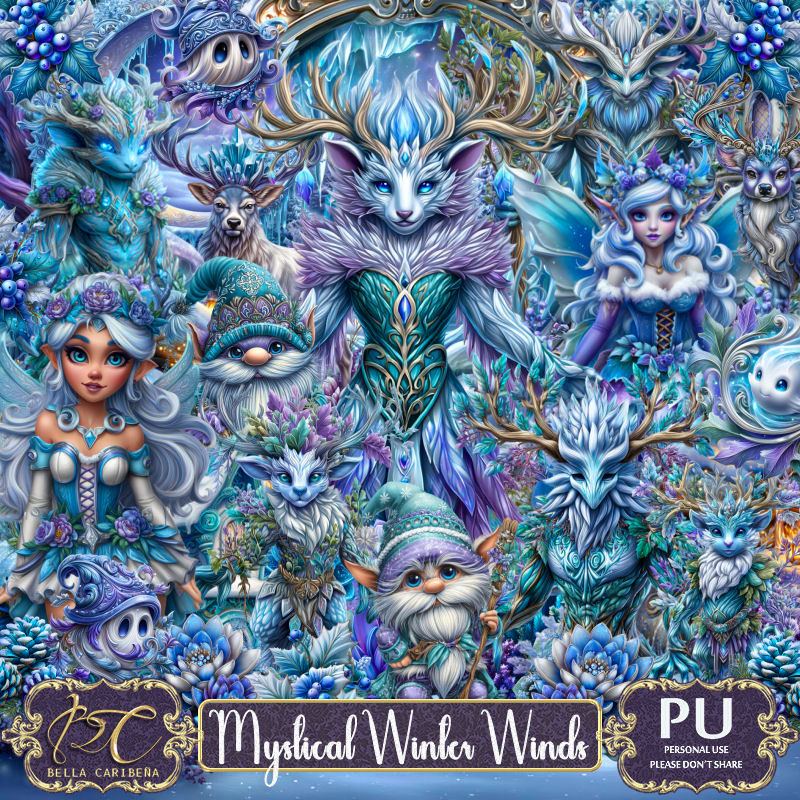
PTU Mystical Winter Winds


  This tut was written February 5th, 2026,  for those with a basic knowledge of psp. 

Beautiful Al kit/tubes by Bella Caribeña
I am using her awesome Winter kit
Tubes are included
Read the TOU on how to credit your tags

I used PSP2020...but any of them should work.
PTU Scrap Mystical Winter Winds by Bella Caribeña  HERE
Winter Theme
Kit contains 5 Al gen tubes, 117 elements, 17 papers, 3 masks 
You can check out the rest of her store HERE 

Font of choice I used Enchanted Land

 Drop shadow as you go is V -2 H 4, 50, 10, or use what you prefer.
Let's get started
*Remember to add your drop shadow as you go along*

Open a new image 800 x 800, paste mask 2.

Paste 46 at the top.
Resize 5 to 75%, paste on the upper right.
Resize 115 to 75%, paste on the left.
Resize 34 to 30%, paste on the left at the bottom of the house.
Paste 113 below the tree on the right, duplicate, mirror.

Resize tube 3 to 25%, paste in the center at the bottom.

Resize 2 to 30%, paste at the bottom above the tube.
Resize 28 to 30%, paste on the right below the tube.
Resize 37 to 30%, paste at the bottom below the tube on the right, duplicate,
move to the left below the fountain.
Resize 64 to 40%, paste on the bottom right.
Resize 80 to 50%, paste on the bottom left.

Resize 100 to 30%, paste on the bottom left above the standing deer.
Resize 62 to 20%, paste at the bottom left.
Resize 61 to 20%, paste at the upper left.
Resize 90 to 25%, paste at the bottom by the flower.
Resize 39 to 20%, paste at the bottom above the tube.
Resize 99 to 30%, paste at the upper left below the house.

Add any other elements you would like, resize.
Crop your tag to be sure no shadows or lines are on the edges.
 Then add your copyright and name.
That's it

            Hope you enjoyed doing my tut             
Monday, January 26, 2026

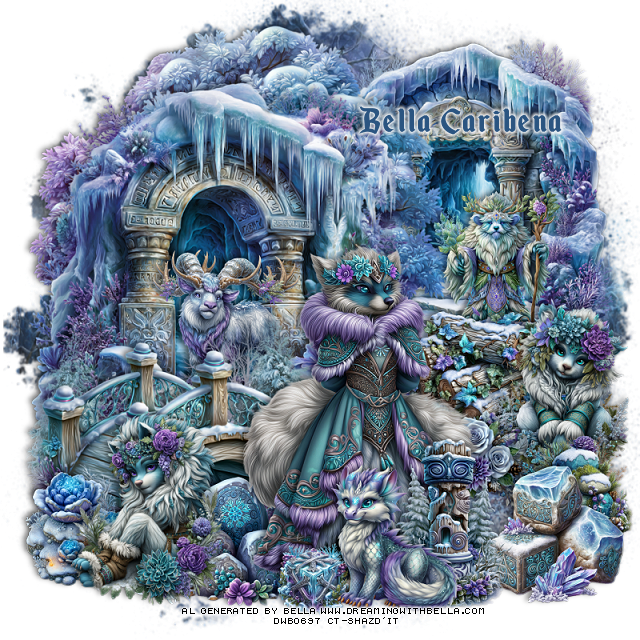
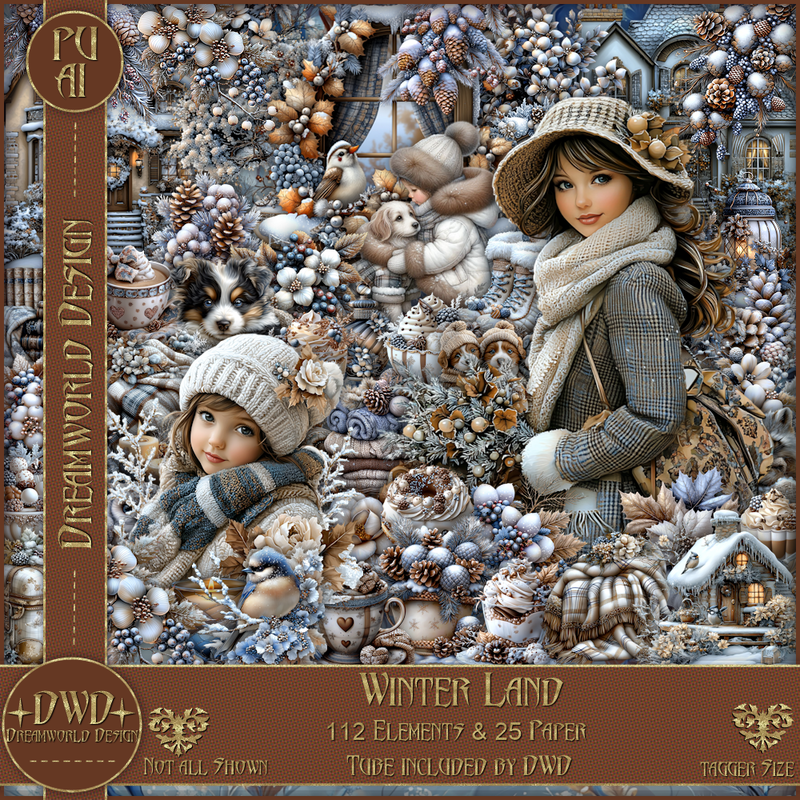
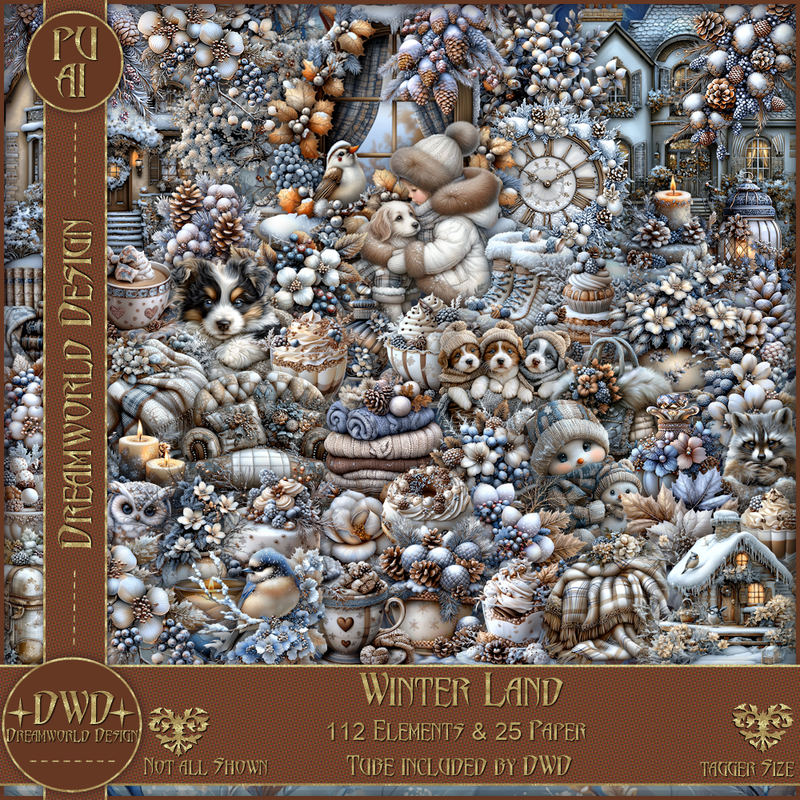
PTU Winter Land


  This tut was written January 26th 2026 for those with a basic knowledge of psp. 

I am using the beautiful Al kit/tubes by Dreamworld Design
Tubes are includes
Please read the TOU on how to credit your tags.

I used PSP2020...but any of them should work.
PTU Scrap Winter Land by DWD  HERE
Beautiful kit with 112 elements, 25 papers.
You can find all Dreamworld Design kits  HERE

Font of choice, I used Vytorla

Drop shadow as you go is V -2 H -4, 40, 10, or use what you prefer
Let's get started
*Remember to add your drop shadow as you go along*

Open a new image 800 x 800, paste mask 2, resize to fit your tag.

Resize 32 to 75%, paste at the upper left.
Resize 89 to 85%, paste below the house to the right.
Resize 61 to 75%, mirror, paste below the house on the upper left.
Resize 26 to 50%, paste on the bottom right.
Resize 67 to 45%, paste on the bottom right above the window.

Resize tube 1 to 50%, paste.

Resize 22 to 30%, paste at the bottom above the tube.
Resize 77 to 30%, paste at the bottom right below the dog.
Resize 16 to 40%, paste on the bottom right above the bag.
Resize 44 to 35%, paste on the bottom left above the house.
Resize 111 to 25%, paste above the bird house to the left.
Resize 104 to 30%, paste at the bottom above the tube.
Resize 103 to 30%, paste on the bottom left above the bird house.
Resize 99 to 30%, paste at the bottom below the tube to the left.
Resize 92 to 28%, paste at the bottom left.

Resize 33 to 25%, paste at the bottom by the raccoon.
Resize 51 to 25%, paste at the bottom left.
Resize 53 to 20%, paste at the bottom.
Resize 100 to 25%, paste at the bottom by the cup.
Resize 25 to 25%, paste at the bottom above the raccoon.
Resize wordart 2 to 50%, paste where you like.

Add any other elements that you would like, make it your own.
Always readjust your mask and elements how you like them before you
 merge your tag, resize, sharpen.

Crop your tag to be sure no shadows or lines are on the edges.
 Then add your copyright and name.
That's it

Hope you enjoyed doing my tut     
Tag for  Nina

Sunday, January 18, 2026

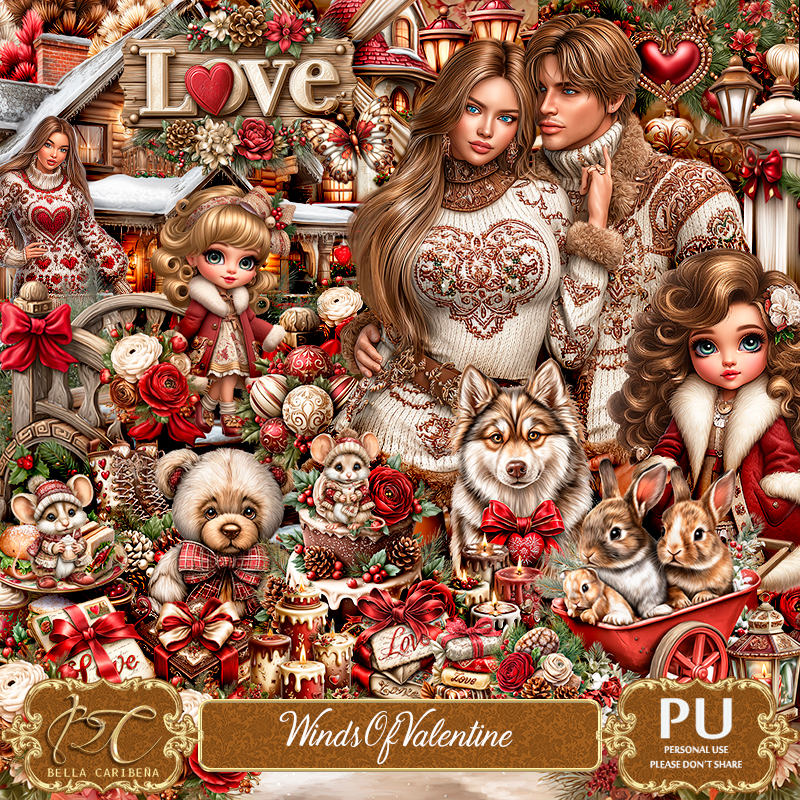
PTU Winds of Valentine


  This tut was written January 16th, 2026,  for those with a basic knowledge of psp. 

Beautiful Al kit/tubes by Bella Caribeña
I am using her beautiful Valentine kit
Tubes are included
Read the TOU on how to credit your tags

I used PSP2020...but any of them should work.
PTU Scrap Winds of Valentine by Bella Caribeña  HERE
Winter/Valentine Theme
Kit contains 10 Al gen tubes/dolls, 111 elements, 16 papers and 2 Masks
You can check out the rest of her store HERE 

Font of choice I used Enchants

 Drop shadow as you go is V -2 H 4, 40, 10, or use what you prefer.
Let's get started
*Remember to add your drop shadow as you go along*

Open a new image 800 x 800, paste 14, adjust.

Resize 32 to 85%, paste.
Resize 30 to 50%, mirror, paste at the bottom right above the house.
Resize 42 to 40%, paste on the right below the house, duplicate,
move to the left above the house.
Resize 59 to 85%, paste on the right below the trees, duplicate,
resize to 85%, move to the left behind the house.
Resize 60 to 50%, paste on the left above the house.

Resize 45 to 40%, paste at the bottom left above the small trees.
Resize 78 to 37%, paste at the bottom left.
Resize 46 to 35%, paste at the bottom by the gate.
Resize tube 1 to 20%, paste above the fountain to the left.
Resize 45 to 45%, paste at the bottom left above the tube.
Resize 66 to 30%, paste at the upper left.
Resize 6 to 25%, paste at the bottom above the tube.
Resize 84 to 25%, paste on the house at the top.

Resize 75 to 25%, paste at the bottom by the rabbit.
Resize 55 to 30%, paste on the bottom right above the gate.
Resize 70 to 20%, paste at the bottom by the flower.
Resize 73 to 20%, paste at the bottom.
Resize 47 to 20%, paste on the left on the seat of the stump.
Resize 99 to 20%, paste on the bottom left.
Resize 64 to 15%, paste at the bottom left.
Resize 65 to 15%, paste at the bottom by the letters.
Resize 76 to 20%, paste at the bottom to the right.
Resize 87 to 25%, paste at the bottom right below the bear.

Add any other elements you would like, resize.
Crop your tag to be sure no shadows or lines are on the edges.
 Then add your copyright and name.
That's it

            Hope you enjoyed doing my tut            

Saturday, January 17, 2026

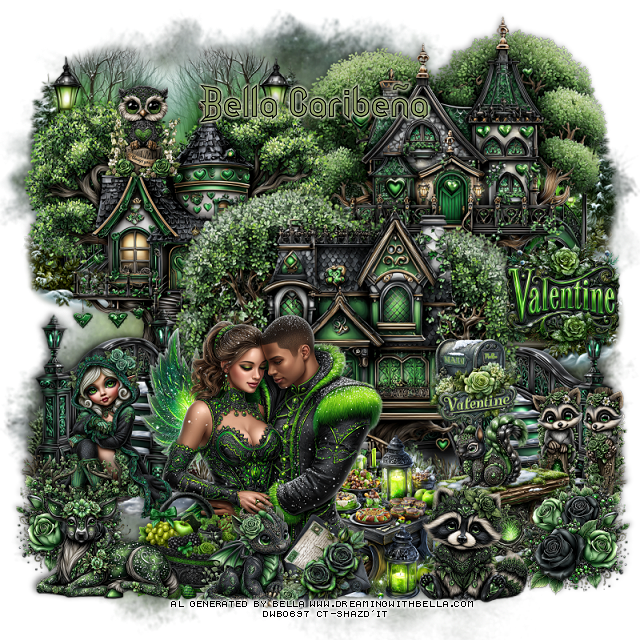
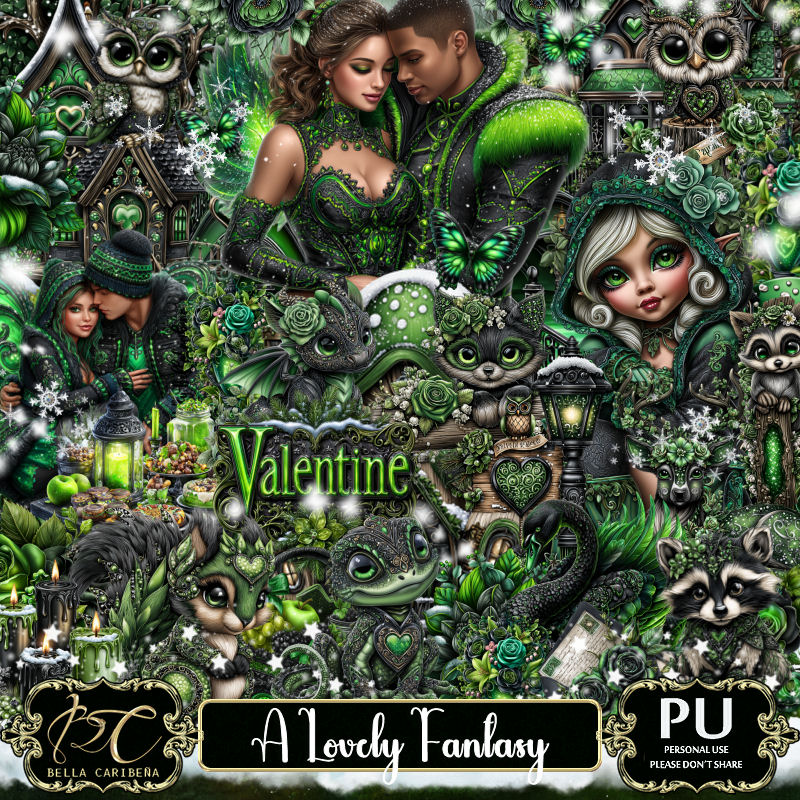
PTU A Lovely Fantasy


 This tut was written January 16th, 2026,  for those with a basic knowledge of psp. 

Beautiful Al kit/tubes by Bella Caribeña
I am using her beautiful Fantasy kit
Tubes are included
Read the TOU on how to credit your tags

I used PSP2020...but any of them should work.
PTU Scrap A Lovely Fantasy by Bella Caribeña  HERE
Fantasy/Winter Theme
Kit contains 7 Al gen tubes, 173 elements, 18 papers and 4 Masks
You can check out the rest of her store HERE 

Font of choice I used Daisy Roots

 Drop shadow as you go is V -2 H 4, 50, 10, or use what you prefer.
Let's get started
*Remember to add your drop shadow as you go along*

Open a new image 800 x 800, paste mask 1, apply your mask.

Resize 17 to 65%, paste at the upper right.
Resize 16 to 65%, paste on the upper left.
Resize 19 to 70%, paste above the other  house.
Resize 6 to 60%, paste at the upper below the houses, duplicate, 
move to the right.
Resize 32 to 55%, paste on the bottom left below the house, duplicate,
mirror.
Resize 4 to 20%, paste on the right above the house by the bridge.

Resize tube 3 to 17%, paste above the house at the bottom.
Resize tube 5 to 15%, mirror, paste on the steps on the left.
Resize tube 15 to 23%, paste at the bottom above the tube.
Resize 29 to 25%, paste on the bottom right above the stairs, duplicate,
 mirror, move below the girl.
Resize tube 38 to 35%, paste at the bottom right below the flowers.
Resize tube 35 to 35%, paste at the bottom right above the bench.
Resize 2 to 25%, paste on the right.

Resize 53 to 20%, paste on the house on the upper left.
Resize 42 to 25%, paste on the right below the flowers.
Resize 61 to 15%, paste on the right on the bench.
Resize 52 to 32%, paste on the bottom left.
Resize 55 to 25%, paste on the bottom by the bench.
Resize 171 to 20%, paste on the bottom above the tube.
Resize 59 to 23%, paste on the bottom above the letter.

Add any other elements you would like, resize.
Crop your tag to be sure no shadows or lines are on the edges.
 Then add your copyright and name.
That's it

            Hope you enjoyed doing my tut            
Wednesday, January 7, 2026

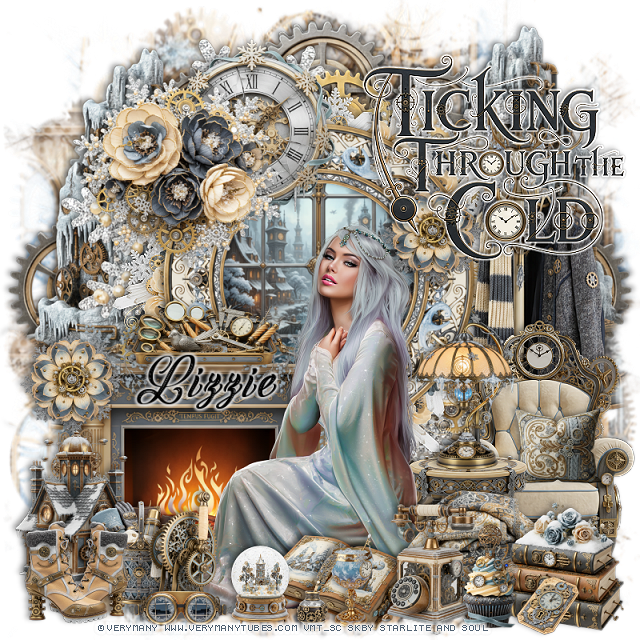
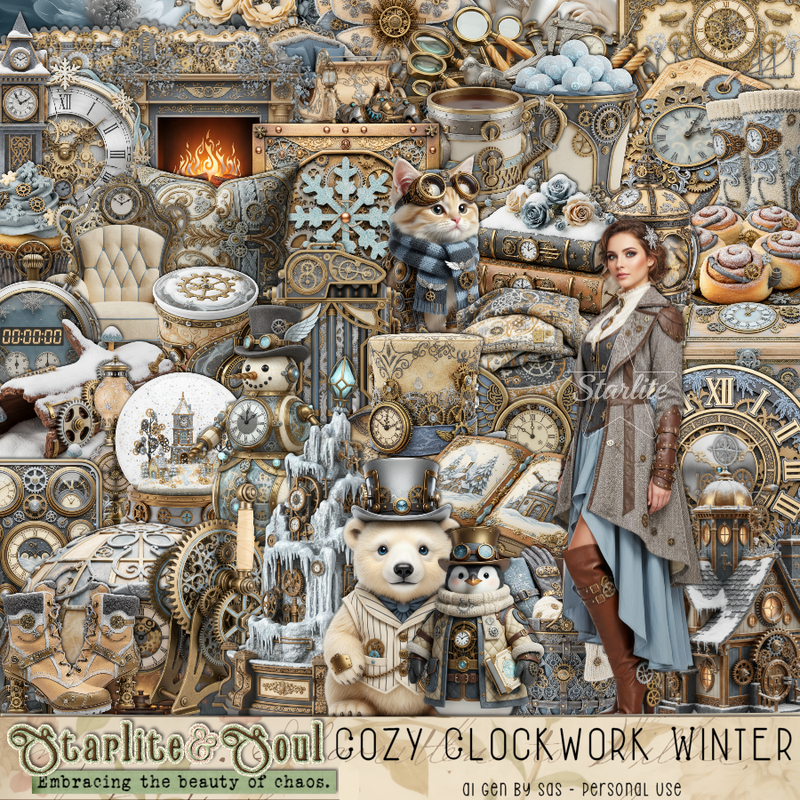
PTU Cozy Clockwork Winter


 This tut was written January 6th, 2026 for those with a basic knowledge of psp. 

I am using the beautiful tube by © Verymany

Tube is called Cold Moon
You need a license to use this tube, please do not use without a license
You can find this tube at Verymany store HERE


I used PSP2020...but any of them should work.
PTU Scrap Cozy Clockwork Winter by Starlite and Soul  HERE
You can find all Starlite and Soul kits  HERE 
Mask of choice, I used Miz Teeques Mask 197 HERE
Check out the rest of the blog HERE    

Font of choice, I used Calling Angels

Drop shadow as you go is V -2 H 4, 40, 10, or use what you prefer.
Let's get started
*Remember to add your drop shadow as you go along*

Open a new image 800 x 800, paste paper 9, apply your mask.

Resize frame 3 to 60%, paste, click inside, resize 81 to 65%, paste below
the frame, invert, delete.
Resize 161 to 30%, apply Mura Meister Copies-Encircle, first 3 numbers on 
12, 40, 40, paste below the frame.
Paste 162 below the flower circle.
Paste 126 above the mask layer on the left, duplicate, mirror.
Resize 18 to 90%, paste on the right above the frame.
Resize 28 to 75%, paste on the upper right above the gears, erase a little 
of the bottom right, duplicate, mirror.

Resize 47 to 65%, paste at the bottom left.
Resize 76 to 30%, paste on top of the fireplace.
Resize 1 to 35%, paste on the bottom left above the fireplace.
Resize 6 to 20%, paste on the bottom left above the house.
Resize 13 to 50%, paste on the right above the coat rack.
Resize 51 to 17%, paste in the chair.
Resize 25 to 30%, paste on the right above the chair.
Resize 72 to 30%, paste on the table.
Resize 34 to 20%, paste at the bottom left.

Resize the tube to 35%, paste at the bottom.

Resize 75 to 30%, paste at the bottom above the tube.
Resize 8 to 25%, paste at the bottom right.
Resize 50 and 79 to 25%, paste at the bottom.
Resize 23 to 20%, paste at the bottom by the phone.
Resize 38 to 15%, paste at the bottom by the book.
Resize 66 to 15%, paste at the bottom by the book.
Resize 19 to 18%, paste at the bottom by the book.
Resize 59 to 12%, paste at the bottom right by the books.
Resize 32 to 25%, paste at the bottom left by the basket.

Resize 33 to 20%, paste at the bottom.
Resize 162 to 40%, paste at the upper left on the frame.
Resize 11 to 35%, paste at the upper left below the flowers.
Resize the wordart to 50%, paste at the upper right, add a white gradient glow.
Resize 158 to 20%, paste on the frame under the wordart, duplicate,
move the the left on the fireplace.

Add any other elements that you would like, make it your own.
Always readjust your mask and elements how you like them before you
 merge your tag, resize, sharpen.

Crop your tag to be sure no shadows or lines are on the edges.
 Then add your copyright and name.
That's it

Hope you enjoyed doing my tut 
Monday, January 5, 2026

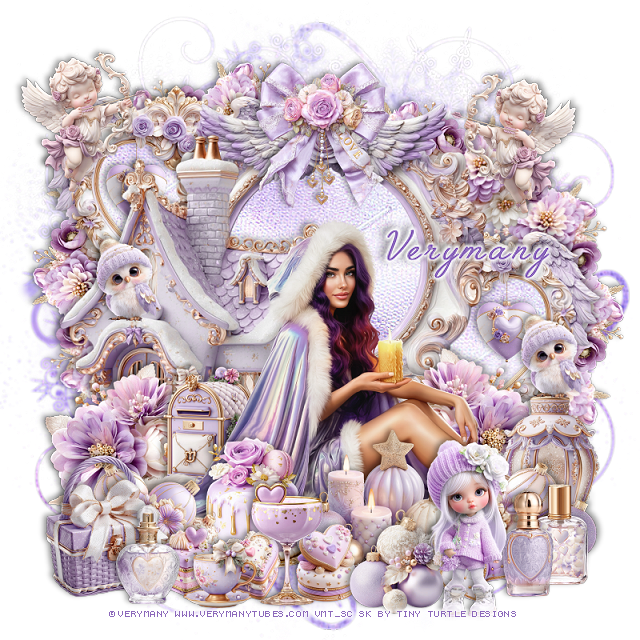
PTU Magic Candle 9


  This tut was written January 5th, 2026 for those with a basic knowledge of psp. 

I am using the beautiful tube by © Verymany

Tube is called Magic Candle 9
You need a license to use this tube, please do not use without a license
You can find this tube at Verymany store HERE

I used PSP2020...but any of them should work.
PTU Scrap Winter Candle 9 by Tiny Turtle Designs  HERE
You can find all Tiny Turtle Designs kits  HERE 
Mask of choice, I used RD Mask 827 HERE
Check the blog HERE
Filter
Mura Meister Copies-Encircle

Font of choice, I used Angel Face

Drop shadow as you go is V -2 H 4, 40, 10, or use what you prefer.
Let's get started
*Remember to add your drop shadow as you go along*

Open a new image 800 x 800, paste 5, apply your mask.

Resize 137 to 60%, paste, click inside, paste paper 2, invert, delete.
Resize 140 to 50%, paste on the upper left below the paper layer,
duplicate, mirror, move down on the right, paste paper 2 into each 
of these frames.
Resize 99 to 15%, paste in the smaller frame, duplicate, move to 
the other small frame.
Resize 51 to 20%, apply Mura Meister Copies-Encircle, first 3 numbers
on 12, 50, 50, paste below the frames to the upper left, duplicate,
move to the right and down.

Resize the tube to 30%, paste at the bottom.

Resize 50 to 30%, paste below the tube on the bottom left, duplicate, mirror.
Resize 175 to 65%, paste below the flowers on the left.
Resize 168 to 25%, paste below the tube by the house.
Resize 152 to 30%, paste at the bottom left above the tube, duplicate, mirror.
Resize 126 to 30%, paste on the bottom right below the tube.
Resize 82 to 25%, paste at the bottom to the left above the tube.
Resize 156 to 30%, paste at the bottom being on the top layer.
Resize 8 to 25%, paste at the upper left on the frame, duplicate, mirror.

Resize 70 to 22%, paste at the bottom by the cake.
Resize 74 to 20%, paste at the bottom right.
Resize 90 to 15%, paste at the bottom by the glass.
Resize 76 and 77 to 15%, paste at the bottom.
Resize 103 and 118 to 20%, paste at the bottom right.
Resize 154 to 20%, paste at the bottom.
Resize 159 to 25%, paste at the bottom left.
Resize 109 to 20%, paste on the bottom left.
Resize 136 to 15%, paste at the bottom.
Resize 181 to 15%, paste on the right on the lantern, duplicate, move to
the left on the house.
Resize 27 to 25%, paste at the top on the frame.
Resize 17 to 30%, paste at the bottom.

Add any other elements that you would like, make it your own.
Always readjust your mask and elements how you like them before you
 merge your tag, resize, sharpen.

Crop your tag to be sure no shadows or lines are on the edges.
 Then add your copyright and name.
That's it

Hope you enjoyed doing my tut

Tag for Laura