Showing posts with label LaReina Designz. Show all posts

Thursday, April 4, 2024

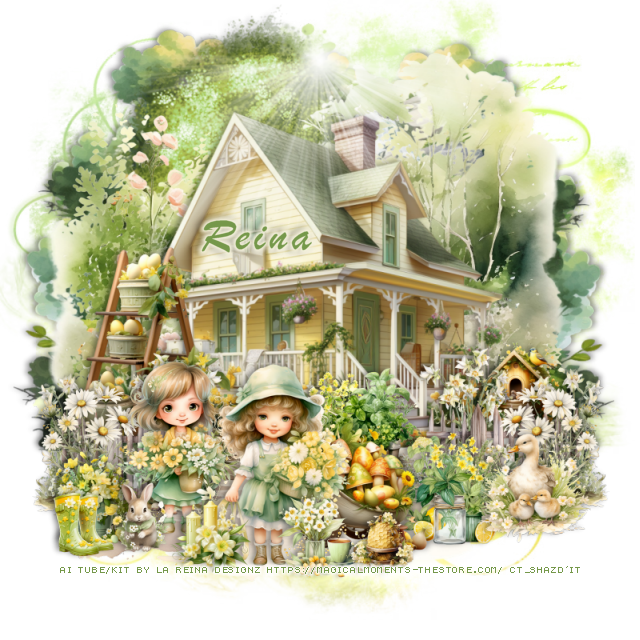
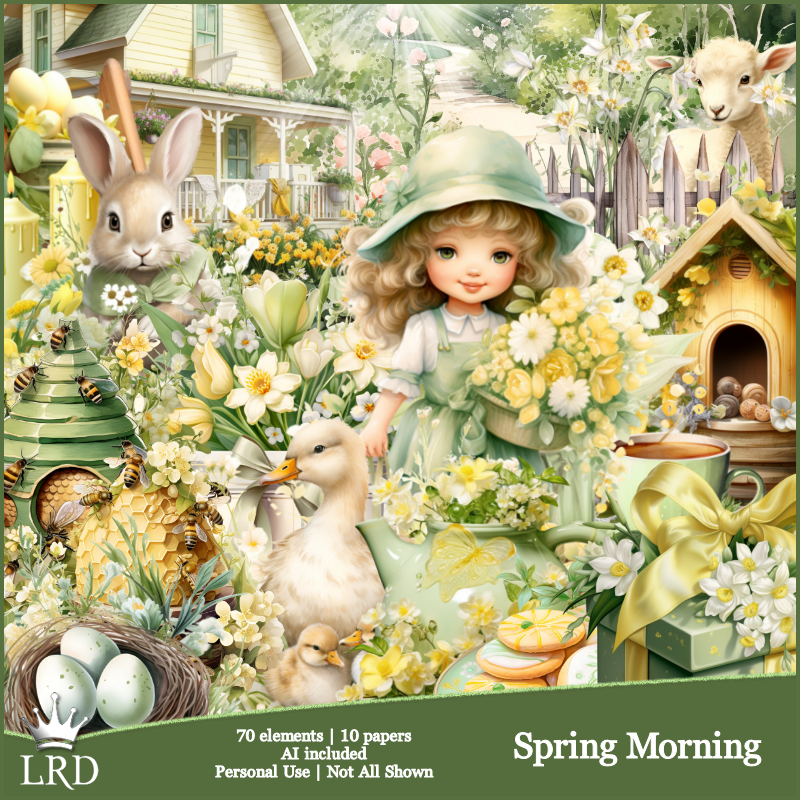
PTU Spring Morning


 This tut was written April 4th, 2024 for those with a basic knowledge of psp. 

Ai tube and kit by La Reina Designz
Beautiful Spring kit
Read TOU on how to credit your tags.

I used PSP2020...but any of them should work.
PTU Spring Morning kit by La Reina Designz  HERE  HERE
Awesome kit with 70 elements and 10 papers 
Mask of choice, I used Miz Teeques Mask 56 HERE
Check out the rest of the blog HERE

Font of choice, I used Brush Script MT

Drop shadow is V-1 H-10, Color Black at 40 or use what you prefer. 
Let's get started
*Remember to add your drop shadow as you go along*

Open a new image 800 x 800. paste paper 10, apply your mask.

Resize element 3 to 75%, paste to the top.
Paste element 67 below the house and down.
Resize element 58 to 40%, paste on the right above the house, duplicate,
mirror.
Resize element 42 to 85%, paste at the top behind the house.
Paste element 19 on the right above the mask, duplicate, mirror, move up 
a little more.
Resize element 13 to 40%, paste at the bottom.
Resize element 40 to 35%, paste at the bottom left below the girl.
Resize element 8 to 20%, paste at the bottom left above the girl.

Resize element 16 to 25%, paste above the fence at the bottom right.
Resize element 32 to 40%, paste behind the fence on the left.
Resize element 35 to 25%, paste at the bottom below the ducks.
Resize element 43 to 25%, paste below the fence layer.
Resize element 36 to 25%, paste on the left behind the girls, duplicate, mirror.
Resize element 61 to 35%, mirror, paste behind the girl.
Resize element 15 to 20%, paste on the right below the fence.
Resize element 10 to 20%, paste at the bottom.
Resize element 55 to 15%, paste at the bottom left.
Resize element 1 to 20%, paste at the bottom.
Resize element 30 to 15%, paste at the bottom.
Resize element 29 to 15%, paste at the bottom left.
Paste element 64 at the top on the house.

Add any other elements you would like, make it your own.
Crop your tag to be sure no shadows or lines are on the edges.
 Then add your copyright and name.
That's it

Hope you enjoyed doing my tut.     

Sunday, March 31, 2024

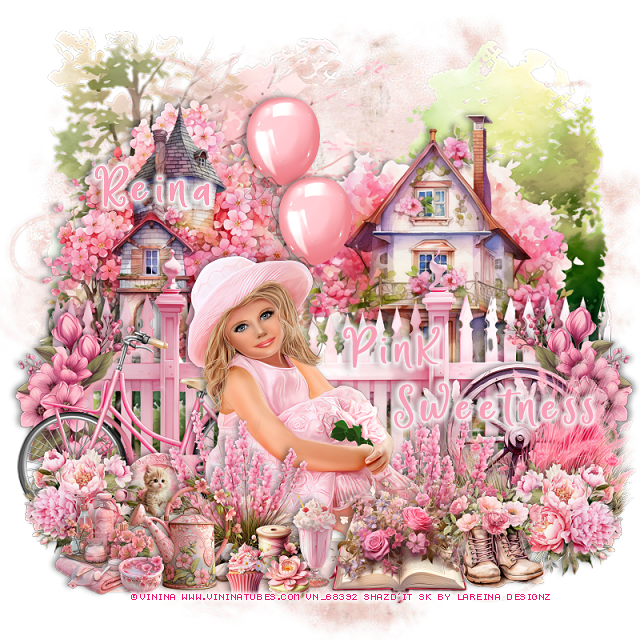
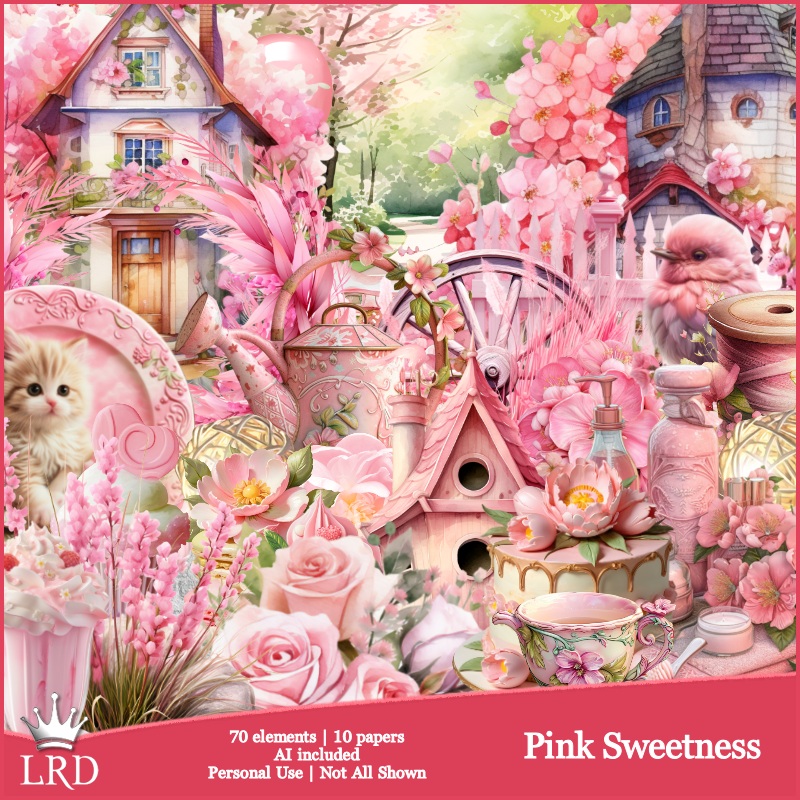
PTU Pink Sweetness


This tut was written March 31st, 2024 for those with a basic knowledge of psp. 

I am using the beautiful tube by ©Vi Nina
The tube is called Pippa
You need a license to use this tube, please do not use without a license
You can find the tube at her store HERE

I used PSP2020...but any of them should work.
PTU Pink Sweetness kit by La Reina Designz  HERE  HERE
Awesome kit with 70 elements and 10 papers 
Mask of choice, I used Miz Teeques Mask 56 HERE
Check out the rest of the blog HERE

Font of choice, I used Fairy Mother

Drop shadow is V-1 H-10, Color Black at 40 or use what you prefer. 
Let's get started
*Remember to add your drop shadow as you go along*

Open a new image 800 x 800. paste paper 7, apply your mask.

Resize element 67 to 105%, paste.
Resize element 45 to 60%, paste on the right.
Resize element 4 to 50%, paste on the upper left.
Paste element 17  above the houses.
Resize element 53 to 50%, paste above the fence on the right.

Resize your tube to 30%, paste above the wheel.

Resize element 18 to 30%, paste at the bottom above the tube.
Resize element 10 to 40%, paste at the bottom above the tube, duplicate, 
mirror, move behind the tube.
Resize element 1 to 20%, paste at the bottom by the book.
Resize element 25 to 60%, mirror, paste at the bottom left behind the tube.
Resize element 41 to 25%, paste at the bottom right above the book.
Resize element 43 to 25%, paste at the bottom right behind the boots, duplicate,
mirror.
Resize element 33 to 25%, paste on the bottom left.
Resize element 26 to 40%, erase the circle part off, paste on the fence on the left,
duplicate, mirror.

Resize element 23 to 15%, paste at the bottom.
Resize element 7 to 20%, paste at the bottom left.
Resize element 2 to 10%, paste at the bottom.
Resize element 21 to 13%, paste at the bottom.
Resize element 12 to 10%, paste at the bottom left.
Resize element 20 to 50%, paste behind the tube, duplicate, move up more.
Resize element 42 to 13%, paste on the left above the bicycle.

Add any other elements you would like, make it your own.
Crop your tag to be sure no shadows or lines are on the edges.
 Then add your copyright and name.
That's it

Hope you enjoyed doing my tut.     
Monday, March 18, 2024

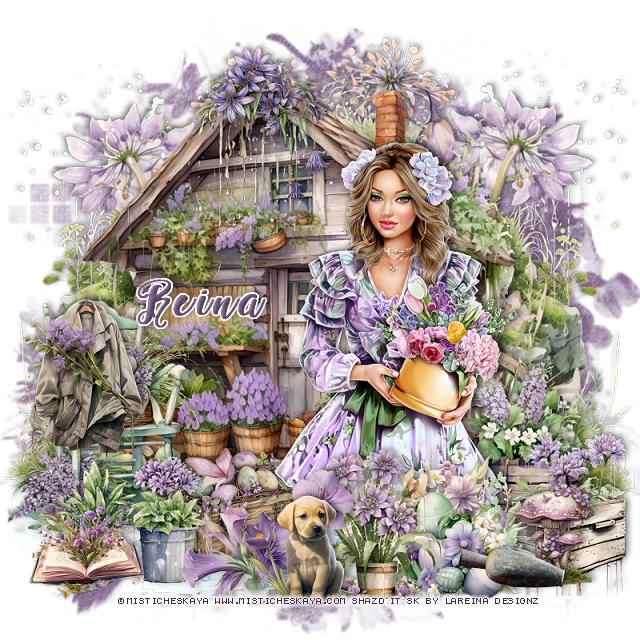
PTU Spring Garden


 This tut was written March 18th, 2023 for those with a basic knowledge of psp. 

I am using the beautiful tube by ©Misticheskaya 
The tube is called Anita
You need a license to use this tube, please do not use without a license
You can find the tube at her store HERE

I used PSP2020...but any of them should work.
PTU Spring Garden kit by La Reina Designz  HERE  HERE
Awesome kit with 70 elements and 10 papers 
Mask of choice, I used RD Mask 812 HERE
Check out the rest of the blog HERE

Font of choice, I used Perfume Classic

Drop shadow is V -1 H -10, 50, 10, color Black or use what you prefer.
Let's get started
*Remember to add your drop shadow as you go along*

Open a new image 800 x 800. paste paper 3, apply your mask.

Resize element 40 to 85%, paste on the left.
Paste element 65 behind the building on the left, duplicate, mirror.
Resize element 52 to 50%, paste on the bottom right.
Resize element 60 to 85%, paste behind the building on the right, erase
the little bit showing at the bottom right, duplicate, mirror, move down on 
the right.
Paste element 10 on the bottom layer at the bottom left, duplicate, mirror.
Resize element 36 to 50%, paste at the bottom left above the building.

Resize your tube to 30%, paste.

Resize element 66 to 35%, paste at the bottom above the tube.
Resize element 35 to 35%, paste at the bottom above the eggs.
Resize element 29 to 35%, paste on the chair.
Resize element 23 to 35%, paste on the bottom right below the plant.
Resize element 21 to 40%, paste at the top on the building.
Resize element 42 to 25%, paste at the bottom behind the chair.
Resize element 41 to 40%, paste at the bottom left above the chair.

Resize element 53 to 25%, paste at the bottom right.
Resize element 13 to 25%, paste at the bottom left.
Resize element 47 to 40%, paste at the bottom.
Resize element 34 to 20%, paste on the bottom right.
Resize element 26 to 25%, paste at the bottom.

Add any other elements you would like, make it your own.
Crop your tag to be sure no shadows or lines are on the edges.
 Then add your copyright and name.
That's it

Hope you enjoyed doing my tut.    
Thursday, October 26, 2023

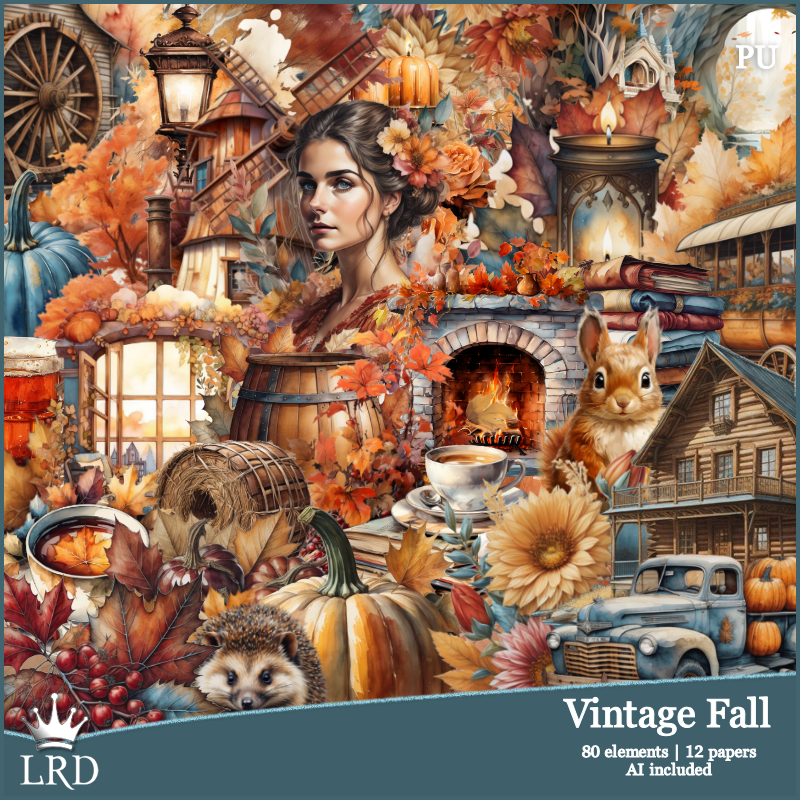
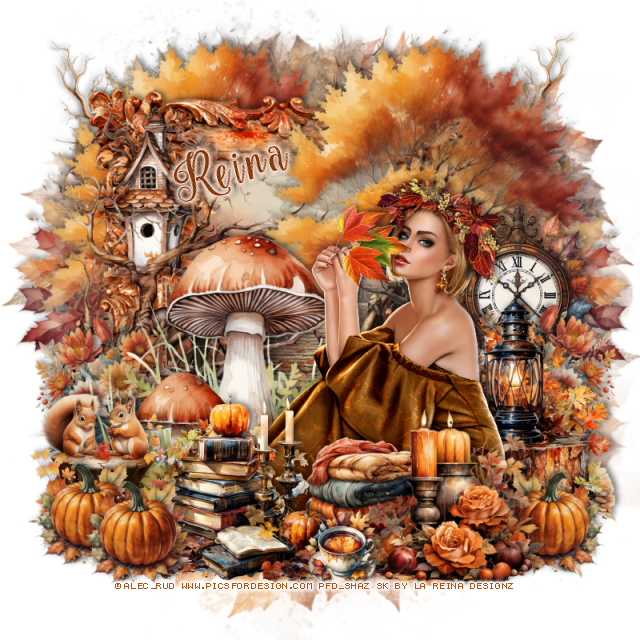
PTU Vintage Fall


This tut was written October 26th, 2023 for those with a basic knowledge of psp. 

Awesome tube used is by ©Alec_Rud
The tube is called Elis
You need a license to use this tube, please do not use without a license
You can find the tube at PFD HERE

I used PSP2020...but any of them should work.
PTU Vintage Fall kit by La Reina Designz  HERE  HERE
Awesome kit with 80 elements and 12 papers 
Mask of choice, I used RD Mask 683 HERE
Check out the rest of the blog HERE

Font of choice, I used Nouradilla

Drop shadow is V -1 H -10, 50, 10, color Black or use what you prefer.
Let's get started
*Remember to add your drop shadow as you go along*

Open a new image 800 x 800. paste paper 6, apply your mask.

Paste element 2 on the upper right.
Resize frame 4 to 75%, paste behind the tree to the left, click inside
with the magic wand, resize paper 9 to 50%, paste, invert, delete.
Duplicate the tree, move to the left behind the frame, erase the bottom 
part showing.

Resize your tube to 30%, paste to the right.

Paste element 74 behind the tube to the left.
Resize element 31 to 50%, paste at the bottom right above the tube.
Resize element 53 to 35%, paste behind the candles.
Resize element 71 to 50%, paste at the bottom.
Resize element 22 to 23%, paste at the bottom above the candles.
Resize element 39 to 35%, paste on the bottom left behind the tube.

Resize element 46 to 40%, mirror, paste behind the tube on the right.
Resize element 68 to 40%, paste on the stump behind the tube.
Resize element 18 to 50%, paste on the right behind the lantern.
Paste element 11 above the frame how you like, duplicate, mirror, move
below the trees to the top left, duplicate, mirror.

Resize element 47 to 40%, paste on the left below the mushroom layer
behind the stump with the squirrels, duplicate, mirror.
Paste element 49 on the left below the other trees, duplicate, mirror.
Resize element 67 to 50%, paste on the left below the branch.
Resize element 52 to 30%, paste at the bottom left, duplicate, move over, 
duplicate again, mirror, move below the candles on the right.

Add any other elements you would like, make it your own.
Crop your tag to be sure no shadows or lines are on the edges.
 Then add your copyright and name.
That's it

Hope you enjoyed doing my tut.    
Tuesday, October 3, 2023

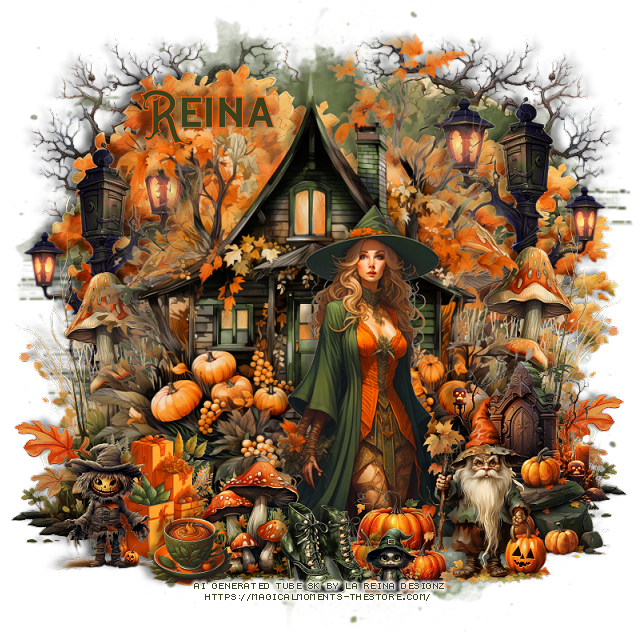
PTU Forest Witch


 This tut was written October 3rd, 2023 for those with a basic knowledge of psp. 

 Everything that was used is in the kit.
AI generated
If you use a tube be sure to use your license from where you bought 
your tube.

I used PSP2020...but any of them should work.
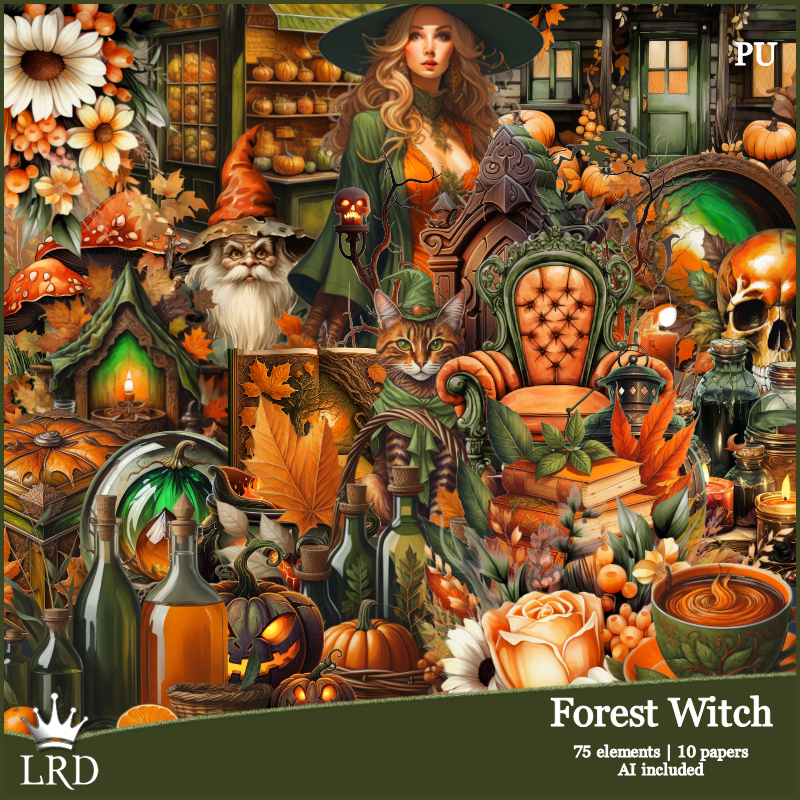
PTU Forest Witch kit by La Reina Designz  HERE  HERE
Awesome kit with 80 elements and 12 papers 
Mask of choice, I used Vivienne's Digital Tagging Mask 41 HERE
Check out the rest of the blog HERE

Font of choice, I used The Witch

Drop shadow is V -1 H -10, 40, 10, color Black or use what you prefer.
Let's get started
*Remember to add your drop shadow as you go along*

Open a new image 800 x 800. paste paper 9, apply your mask.
Paste element 21 below the mask on the left, duplicate, mirror.

Resize element 52 to 85%, paste.
Paste element 69 behind the house on the upper left, duplicate, mirror.
Resize element 10 to 60%, paste to the right.
Paste element 5 below the house on the right, duplicate, mirror.
Resize element 46 to 35%, paste at the bottom above the tube.
Resize element 14 to 50%, paste behind the tube on the right.
Resize element 12 to 30%, paste behind the mushrooms on the left.
Resize element 66 to 30%, paste at the bottom above the mushrooms.

Paste element 13 on the right behind the mushroom, duplicate, mirror,
move down more.
Resize element 36 to 30%, paste at the bottom below the boots.
Resize element 31 to 35%, paste at the bottom right.
Resize element 54 to 30%, paste at the bottom right above the rocks.
Resize element 9 to 20%, paste at the bottom left.
Resize element 29 to 20%, paste at the bottom.
Resize element 47 to 35%, paste at the bottom left.

Add any other elements you would like, make it your own.
Crop your tag to be sure no shadows or lines are on the edges.
 Then add your copyright and name.
That's it

Hope you enjoyed doing my tut.    

Monday, September 25, 2023

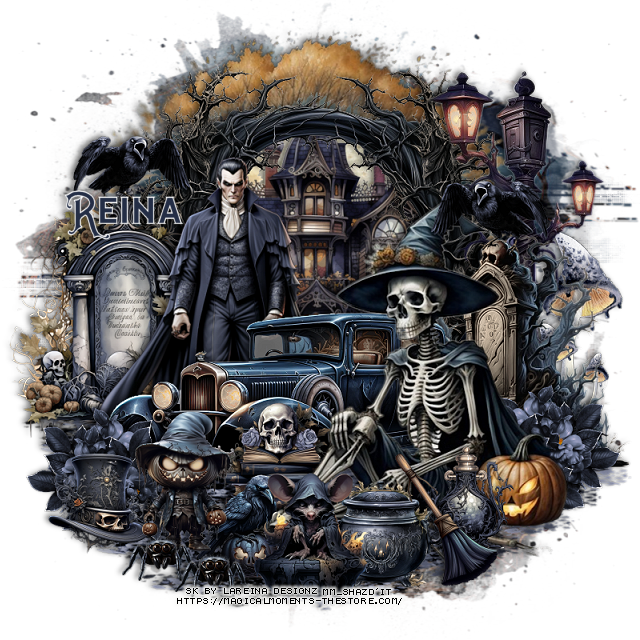
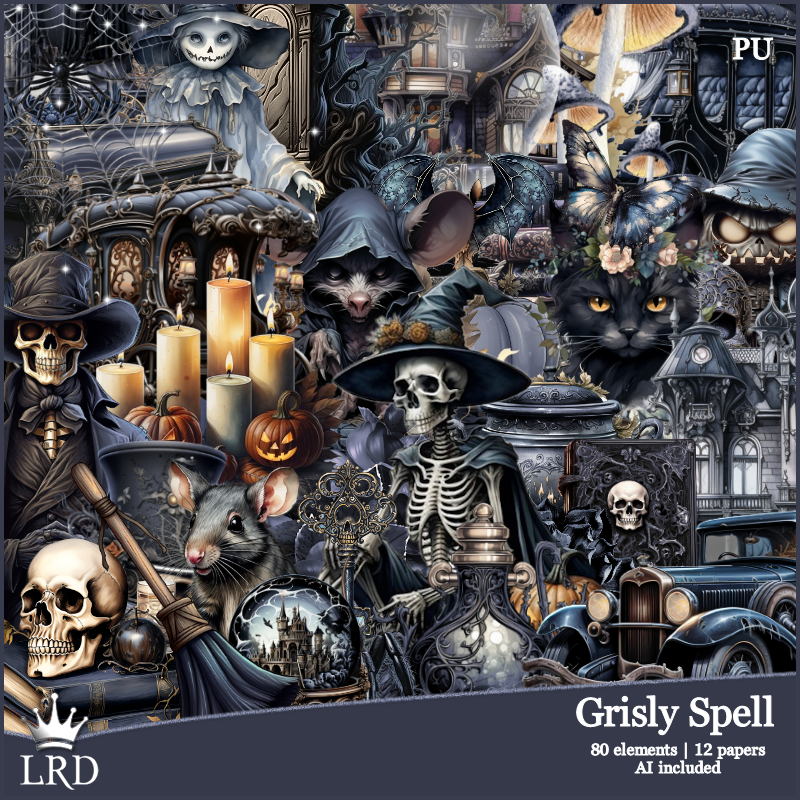
PTU Grisly Spell


This tut was written September 25th, 2023 for those with a basic knowledge of psp. 

I did not use a tube, everything that was used is in the kit.
If you use a tube be sure to use your license from where you bought 
your tube.

I used PSP2020...but any of them should work.
PTU Grisly Spell kit by La Reina Designz  HERE  HERE
Awesome kit with 80 elements and 12 papers 
Mask of choice, I used Vivienne's Digital Tagging Mask 41 HERE
Check out the rest of the blog HERE

Font of choice, I used The Witch

Drop shadow is V -1 H -4, 40, 10, color Black or use what you prefer.
Let's get started
*Remember to add your drop shadow as you go along*

Open a new image 800 x 800. paste paper 9, apply your mask.
Paste element 39 at the top.
Paste element 2 on the tree, click inside with the magic wand, expand by 20, 
paste paper 3, invert, delete, select none.

Resize element 25 to 90%, paste below the house.
Resize element 35 to 85%, paste above the frame on the right.
Resize element 61 to 75%, paste behind the skeleton on the right.
Paste element 71 at the bottom above the frame, duplicate, move to the
right above the tombstone, duplicate once more, move down and to the left.

Mirror element 37, paste behind the skeleton.
Paste element 12 on the right behind the tombstone.
Resize element 8 to 75%, paste on the left above the frame.
Resize element 30 to 90%, paste behind the car to the left.
Resize element 22 to 35%, paste at the bottom above the skeleton.
Resize element 41 to 35%, paste behind the skeleton.
Resize element 52 to 35%, paste at the bottom above the pot.

Resize element 32 to 40%, paste at the bottom left above the car.
Resize element 1 to 40%, paste at the bottom right above the pot.
Resize element 46 to 25%, mirror, paste on the tombstone on the left,
duplicate, mirror, place on the other tombstone.

Resize element 34 to 30%, paste on the right behind the skeleton, duplicate, 
mirror.
Resize element 11 to 30%, paste at the bottom behind the hooded mouse.
Resize element 23 to 30%, paste behind the broom at the bottom.
Resize element 28 to 30%, paste at the bottom left behind the scary boy.
Resize element 36 to 20%, paste at the bottom left being on the top layer,
duplicate, move over.
Resize element 47 to 40%, paste on the right above the mask.

Add any other elements you would like, make it your own.
Crop your tag to be sure no shadows or lines are on the edges.
 Then add your copyright and name.
That's it

Hope you enjoyed doing my tut.    
Monday, September 18, 2023

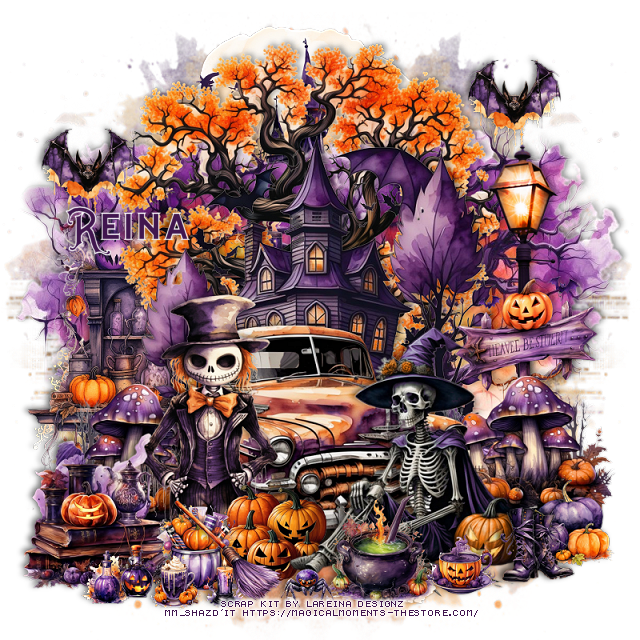
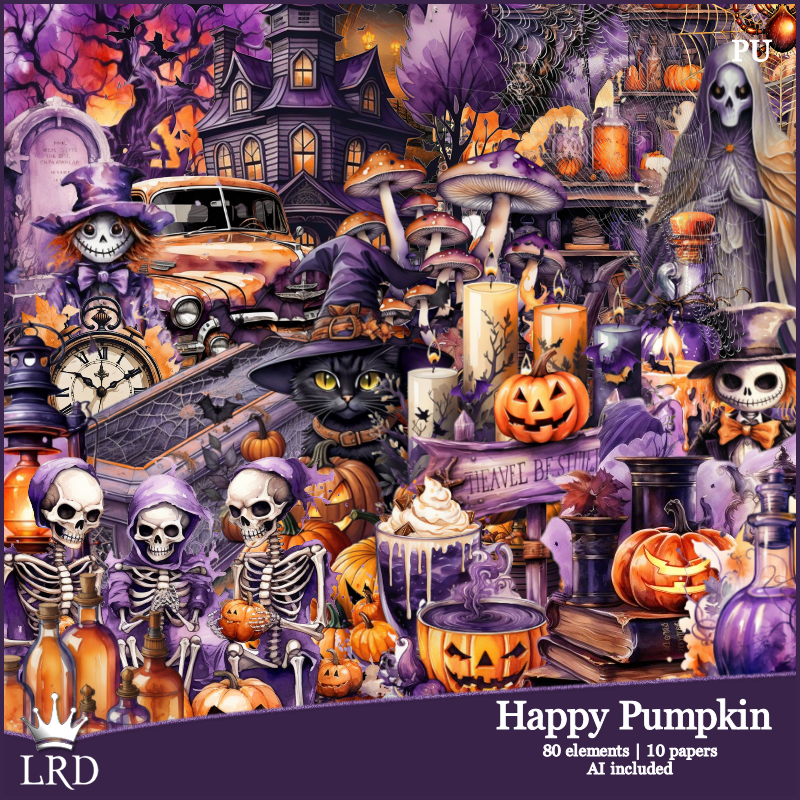
PTU Happy Pumpkin


This tut was written September 18th, 2023 for those with a basic knowledge of psp. 

I did not use a tube, everything that was used is in the kit.
If you use a tube be sure to use your license from where you bought 
your tube.

I used PSP2020...but any of them should work.
PTU Happy Pumpkin kit by La Reina Designz  HERE  HERE
Awesome kit with 80 elements and 10 papers 
Mask of choice, I used Vivienne's Digital Tagging Mask 41 HERE
Check out the rest of the blog HERE

Font of choice, I used The Witch

Drop shadow is V -1 H -4, 40, 10, color Black or use what you prefer.
Let's get started
*Remember to add your drop shadow as you go along*

Open a new image 800 x 800. paste paper 2, apply your mask, duplicate,
mirror.
Paste element 18 at the top.
Paste element 72 to the right, duplicate, move to the left.
Paste element 53 at the top.
Paste element 39 on the left behind the tree.
Paste element 7 above the orange tree.

Resize element 8 to 65%, paste on the right.
Resize element 35 to 50%, paste on the street light post.
Resize element 68 to 50%, paste on the left, duplicate, mirror.
Resize element 24 to 75%, paste at the bottom.

Resize element 31 to 75%, paste at the bottom above the truck.
Resize element 4 to 35%, paste at the bottom above the witch.
Resize element 19 to 65%, paste above the truck.
Resize element 16 to 25%, paste at the upper right, duplicate, move to the lef.t
Resize element 45 to 25%, paste at the bottom right below the witch.
Resize element 62 to 25%, paste at the bottom above the witch.

Resize element 61 to 20%, paste at the bottom.
Resize element 5 to 30%, paste at the bottom below the witch legs.
Resize element 33 to 30%, paste at the bottom by the pumpkins.
Resize element 11 to 30%, paste at the bottom.
Resize element 41 to 50%, paste at the bottom left below the candy jar.
Resize element 2 to 15%, paste at the bottom.
Resize element 6, 12, 17 and 21 to 15%, paste at the bottom left.

Add any other elements you would like, make it your own.
Crop your tag to be sure no shadows or lines are on the edges.
 Then add your copyright and name.
That's it

Hope you enjoyed doing my tut.