Showing posts with label Fiodorova Maria. Show all posts

Monday, January 19, 2026

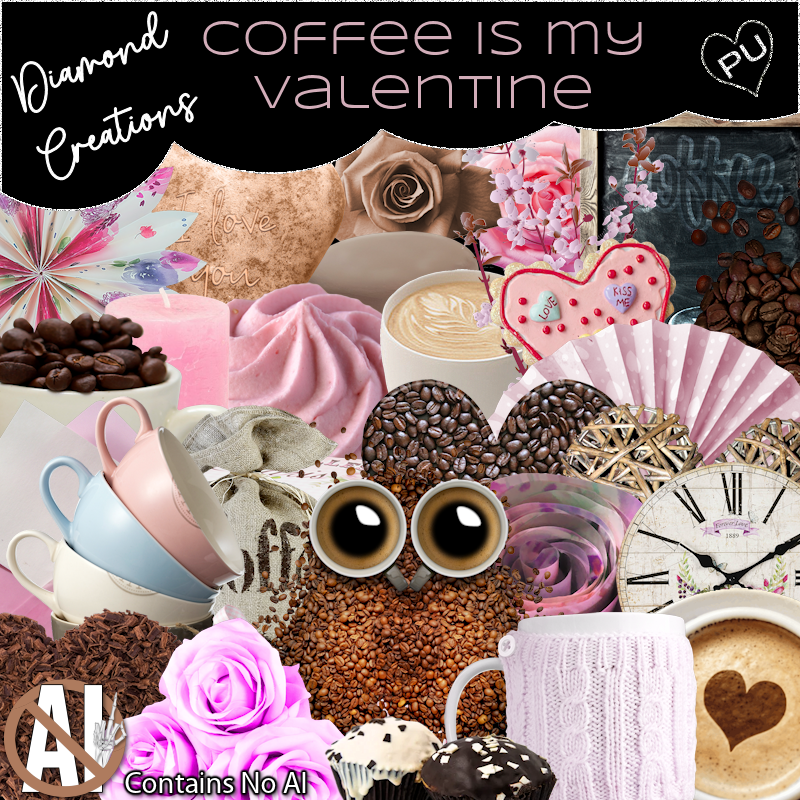
PTU Coffee Is My Valentine


 This tut was written January 19th, 2026 for those with a basic knowledge of psp. 

Awesome tube I used ©Fiodorova Maria

This kit contains "NO Al"
You need a license to use this tube, please do not use without a license
I bought mine when she was at PFD, I am not sure where she is selling now
The tube is called Coffee
Read the TOU on how to credit your tags

I used PSP2020...but any of them should work.
PTU Scrap Coffee Is My Valentine "NO Al" by Diamond Creations  HERE
You can find all Diamond Creations  kits HERE
Filter
Mura Meister Copies-Encircle
xero-Fritillary

Font of choice, I used Prinkle Beauty

Drop shadow as you go is V -2 H -4, 40, 10, or use what you prefer.
Let's get started
*Remember to add your drop shadow as you go along*

Open a new image 800 x 800, paste element 100, duplicate, merge down,
resize to fit your tag.
I added xero filter, Fritillary with these settings
5, 30, 26, 28

Resize frame 5 to 80%, paste, click inside, paste paper 17, invert, delete.
Resize 75 to 85%, paste below the frame.
Resize 53 to 30%, apply Mura Meister Copies-Encircle, first 3 
numbers on 20, 65, 55, paste below the frame.
Resize 96 to 40%, paste on the upper left below the tube, duplicate, mirror,
move down a little on the right.
Resize 101 to 70%, paste above the balloons.
Resize wordart 1 to 40%, paste on the left above the balloons.

Resize the tube to 30%, paste above the balloons.

Resize 66 to 35%, paste on the bottom right above the tube, duplicate,
move to the right and up a little.
Resize 71 to 30%, paste at the bottom above the coffee bag.
Resize 63 to 25%, paste at the bottom right.
Resize 2 to 30%, paste on the left above the tube.
Resize wordart 5 to 25%, free rotate to the left at 15, paste below the
 jar on the left.
Resize 86 to 35%, paste at the bottom above the cup with beans.

Resize 55 to 15%, paste at the bottom.
Resize 34 to 23%, paste at the bottom left.
Resize 83 to 20%, paste on the bottom left below the hearts.
Resize 53 to 25%, paste at the bottom left above the hearts.
Resize 46 to 25%, paste at the bottom by the cupcakes.
Resize 51 to 20%, paste on the left below the box.
Resize 8 to 20%, paste on the bottom left by the hearts.
Resize 64 to 25%, paste on the bottom right above the coffee scoop.
Resize 68 to 15%, paste at the bottom.
Resize 54 to 15%, paste on the bottom right.
Resize 45 to 20%, paste at the bottom right.
Resize 36 to 20%, paste on the coffee wordart.
Write any words you want your tag to say.

Add any other elements that you would like, make it your own.
Always readjust your mask and elements how you like them before you
 merge your tag, resize, sharpen.

Crop your tag to be sure no shadows or lines are on the edges.
 Then add your copyright and name.
That's it

Hope you enjoyed doing my tut          

Saturday, April 26, 2025

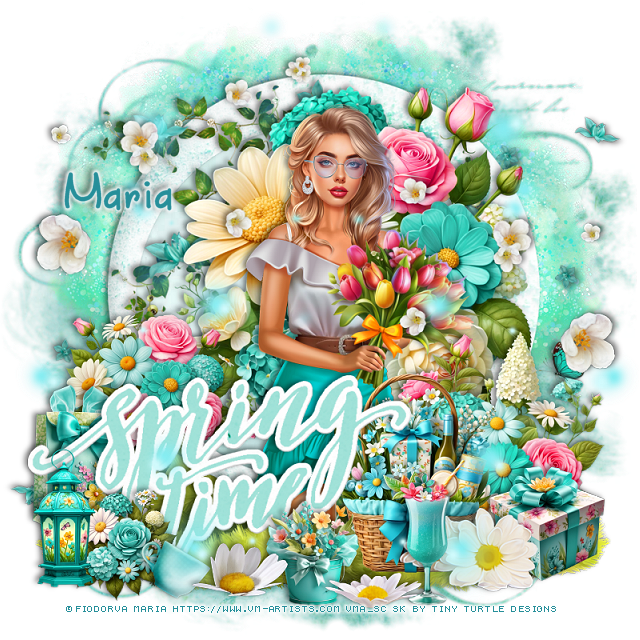
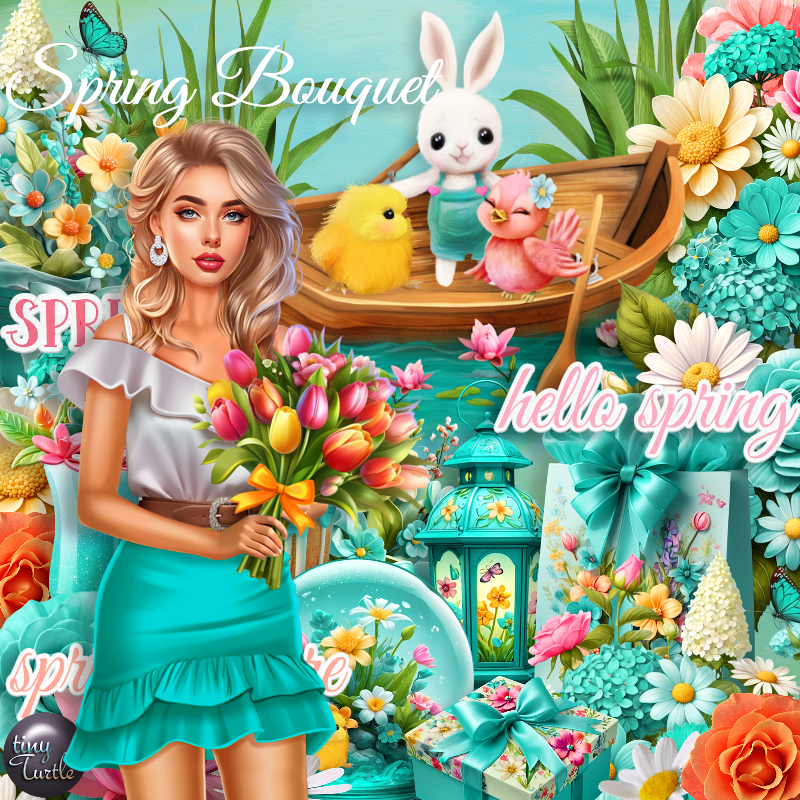
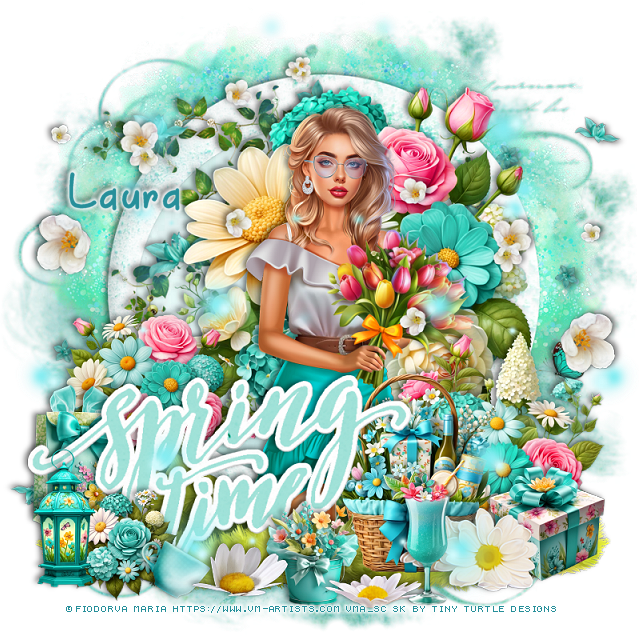
PTU Spring Bouquet


This tut was written April 24th, 2025 for those with a basic knowledge of psp. 

I am using the Beautiful tube by © Fiodorova Maria

Tube is called Spring Bouquet
You need a license to use this tube, please do not use without a license
You can find this tube at VMA HERE

I used PSP2020...but any of them should work.
PTU Scrap Spring Bouquet by Tiny Turtle Designs  HERE
You can find all Tiny Turtle Designs Scraps kits  HERE
Miz TeeQues Mask 56 HERE
Check the rest of the blog HERE

Font of choice, I used April Flowers

Drop shadow as you go is V-2 H-4, 40, 10, color black or use what you prefer.
Let's get started

*Remember to add your drop shadow as you go along*

Open a new image 800 x 800, paste paper 16, apply your mask.

Resize element 46 to 90%, paste, click inside, paste paper 10, invert, delete.
Resize element 73 to 60%, paste above the frame.
Resize element 125 to 90%, paste on the left below the flowers, duplicate,
mirror, flip.
Paste element 45 on the left below the frame, duplicate, mirror, 
duplicate both trees and move to the top.

Resize the tube to 30%, paste above the flowers.

Resize element 71 to 40%, paste on the bottom right above the tube.
Resize element 68 to 35%, paste on the bottom right above the flowers.
Resize element 78 to 20%, paste at the bottom right.
Resize element 72 to 30%, paste on the left.
Resize element 49 to 90%, paste on the left above the tube.
Paste element 177 at the bottom on the bottom layer to the right, duplicate, mirror.

Resize element 106 to 75%, paste at the bottom above the gift.
Resize element 62 to 25%, paste at the bottom.
Resize element 84 to 25%, paste on the bottom left below the wordart.
Resize element 85 to 20%, paste at the bottom left above the wordart.
Resize element 27 to 15%, paste at the bottom left.
Resize element 57 to 20%, paste at the bottom by the drink.
Resize element 56 and 63 to 20%, paste at the bottom above the wordart.
Resize element 61 to 25%, paste on the bottom left.
Paste element 9 on the left, duplicate, mirror.
Resize element 124 to 85%, paste on the upper left, duplicate, mirror,
move down, erase any part on the tube.

Add any other elements that you would like, make it your own.
Always readjust your mask and elements how you like them before you
 merge your tag, resize, sharpen.

Crop your tag to be sure no shadows or lines are on the edges.
 Then add your copyright and name.
That's it

Hope you enjoyed doing my tut
Laura tag 


Sunday, March 9, 2025

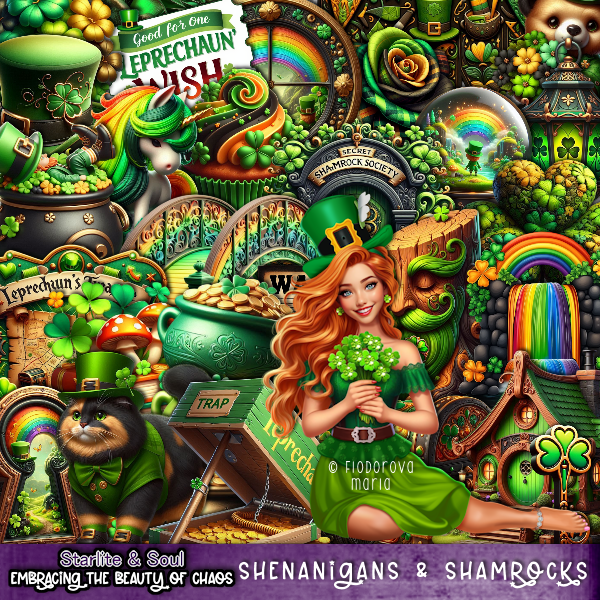
PTU Shenanigans and Shamrocks


 This tut was written March 9th, 2025 for those with a basic knowledge of psp. 

I am using the beautiful tube by ©Fiodorova Maria

The tube is Patrick's Day 2025
You need a license to use this tube, please do not use without a license
You can find the tube at VMA HERE

I used PSP2020...but any of them should work.
PTU Scrap Shenanigans and Shamrocks by Starlite and Soul  HERE
You can find all Starlite and Soul kits  HERE
RD Mask 737 HERE
Check the rest of the blog HERE

Font of choice, I used Refresh

Drop shadow as you go is V -2 H 4, 40, 10, or use what you prefer.
Let's get started
*Remember to add your drop shadow as you go along*

Open a new image 800 x 800, paste paper 7, apply your mask.

Paste element 63.
Resize element 7 to 90%, paste on the upper left, duplicate, mirror.
Resize element 58 to 40%, paste on the bottom left.
Paste element 180 below the castles on the upper left, duplicate, mirror.

Resize your tube to 25%, paste at the bottom.

Resize element 31 to 30%, paste on the bottom left above the tube, duplicate, mirror.
Resize element 72 to 35%, paste at the bottom right.
Resize element 73 to 30%, paste at the bottom left above the tube.
Resize element 26 to 40%, paste at the bottom above the tube to the left, 
duplicate, mirror.
Resize element 95 to 25%, paste at the bottom below the trap box.
Resize element 55 to 30%, free rotate to the right at 20, paste at the bottom above
the door.
Resize element 57 to 25%, mirror, paste at the bottom right.
Resize element 87 to 20%, paste at the bottom right.

Resize element 78 to 15%, paste at the bottom, duplicate, move over.
Resize element 44 to 60%, paste on the upper left below the tube.
Resize element 43 to 25%, paste at the bottom left.
Resize element 5 to 30%, paste at the bottom.
Resize element 35 to 17%, paste at the bottom.
Paste element 174 on the upper left, duplicate, mirror, move down and erase 
any on the face of the tube.

Add any other elements that you would like, make it your own.
Always readjust your mask and elements how you like them before you
 merge your tag, resize, sharpen.

Crop your tag to be sure no shadows or lines are on the edges.
 Then add your copyright and name.
That's it

Hope you enjoyed doing my tut
Tag for Lizzie 


Saturday, February 15, 2025

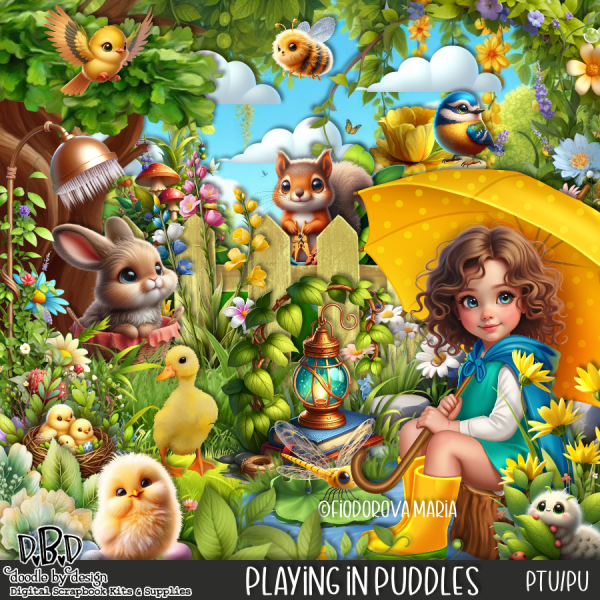
PTU Playing In Puddles


  This tut was written February 15th, 2025 for those with a basic knowledge of psp. 

I am using the beautiful tube by © Fiodorova Maria

Tube is called Warm Rain
You need a license to use this tube, please do not use without a license
You can find this tube at VMA HERE

I used PSP2020...but any of them should work.
PTU Scrap Playing In Puddles by Doodle by Design  HERE
You can find all Doodle by Design kits  HERE 
Lori's PSP Graphics Mask1226 HERE
Check out the rest of the blog HERE

Font of choice, I used Always

Drop shadow as you go is V -2 H 4, 40, 10, or use what you prefer.
Let's get started
*Remember to add your drop shadow as you go along*

Open a new image 800 x 800, paste 15, apply your mask.

Resize frame 4 to 75%, paste to the left, click inside, paste paper 18,
invert, delete.
Resize the tube to 25% on the bottom right.
Resize element 9 to 50%, paste below the tube on the right, duplicate, 
move to the left.
Resize element 57 to 50%, paste below the tube.
Resize element 8 to 40%, paste above the rocks.
Paste element 39 at the bottom on the bottom layer to the right,
duplicate, move to the left.
Paste element 64 to the left below the tree.

Mirror element 3, paste on the right below the greenery.
Paste element 31 on the right below the shower plant.
Resize element 15 to 35%, paste at the bottom above the tube.
Resize element 93 to 45%, paste on the left below the greenery.
Resize element 27 to 20%, paste on the water.
Resize element 26 to 20%, paste on the lily pad.

Resize element 11 to 25%, mirror, paste at the bottom right above the books.
Resize element 10 to 25%, paste below the dog on the right.
Resize element 81 to 40%, paste at the bottom above the books, duplicate, mirror.
Resize element 69 to 25%, paste at the bottom left.
Resize element 2 to 25%, mirror, paste on the left below greenery.
Resize element 1 to 13%, paste on the water pond.
Resize element 54 to 15%, paste on the left above the flowers.
Resize element 62 to 15%, paste by the flowers.
Resize element 70 to 17%, paste by the cup.
Resize element 125 to 25%, paste at the bottom, duplicate twice, mirror,
paste at the bottom where you like.

Add any other elements that you would like, make it your own.
Always readjust your mask and elements how you like them before you
 merge your tag, resize, sharpen.

Crop your tag to be sure no shadows or lines are on the edges.
 Then add your copyright and name.
That's it

Hope you enjoyed doing my tut
Tag for Lizzy


Tuesday, December 10, 2024

CT for Verymany and VMArtists

***CT for Verymany and VMArtists***

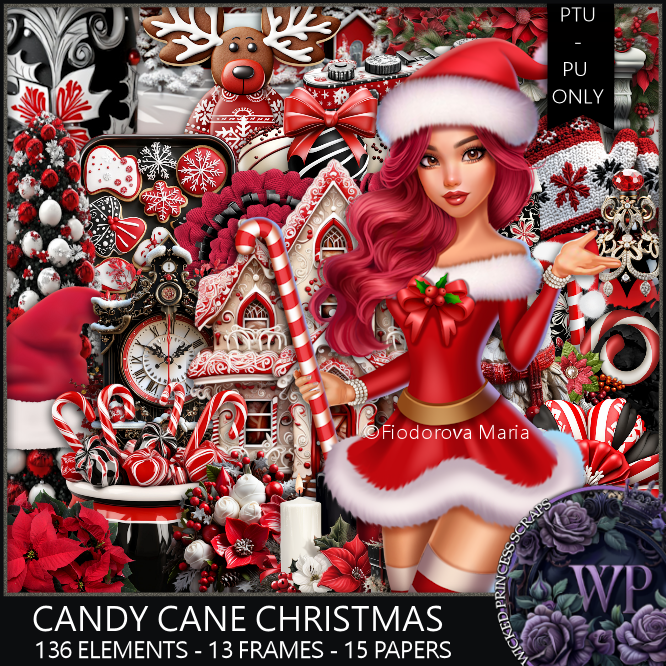
I am using the Awesome tube by © Fiodorova Maria

Tube is called Vanessa

You can find this tube at VMA HERE
Matching kit Candy Cane Christmas by Wicked Princess Scraps  HERE
You can find all Wicked Princess Scraps kits  HERE 


Friday, November 22, 2024

CT for Verymany and VMArtists

    ***CT for Verymany and VMArtists***

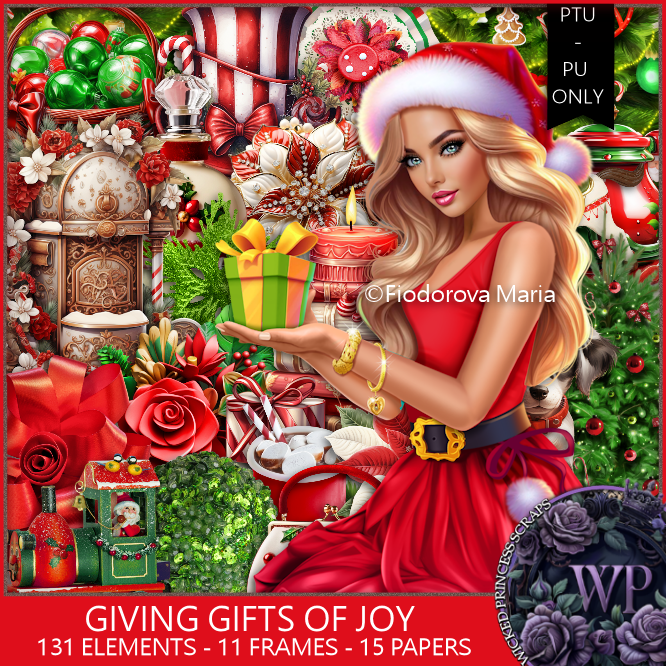
I am using the Awesome tube by © Fiodorova Maria

Tube is called Christmas Gift 3

You can find this tube at VMA HERE
Matching kit Giving Gift's of Joy by Wicked Princess Scraps  HERE
You can find all Wicked Princess Scraps kits  HERE


Monday, November 4, 2024

CT for Verymany and VMArtists

  ***CT for Verymany and VMArtists***

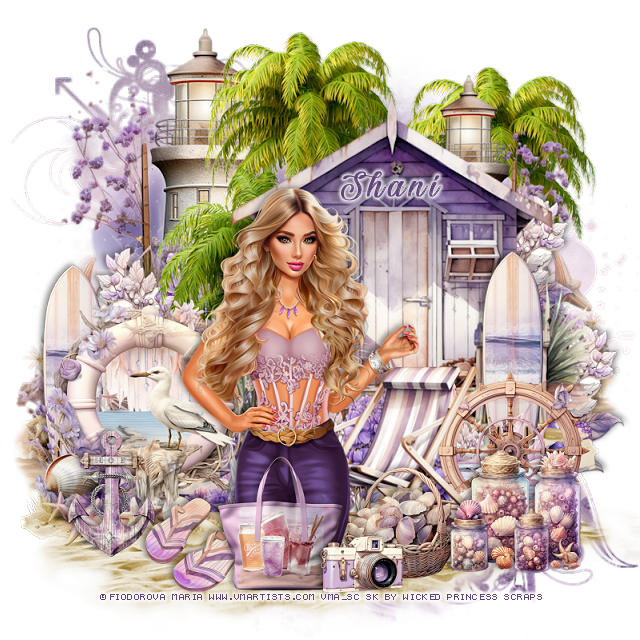
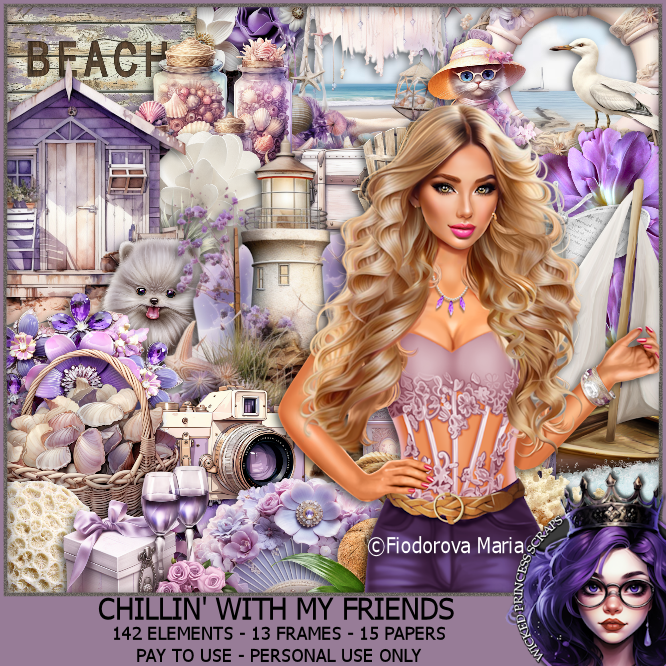
I am using the Awesome tube by © Fiodorova Maria

Tube is called Night Party

You can find this tube at VMA HERE
Matching kit Chillin With My Friends by Wicked Princess Scraps  HERE
You can find all Wicked Princess Scraps kits  HERE


Thursday, October 31, 2024

CT for Verymany and VMArtists

  ***CT for Verymany and VMArtists***

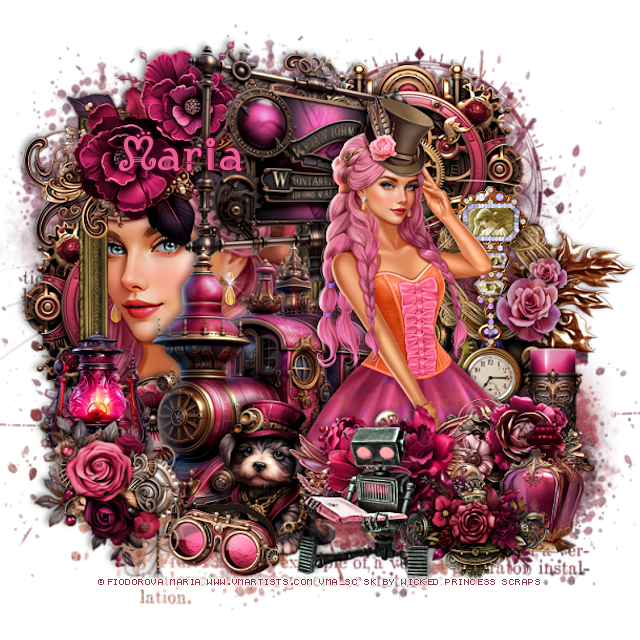
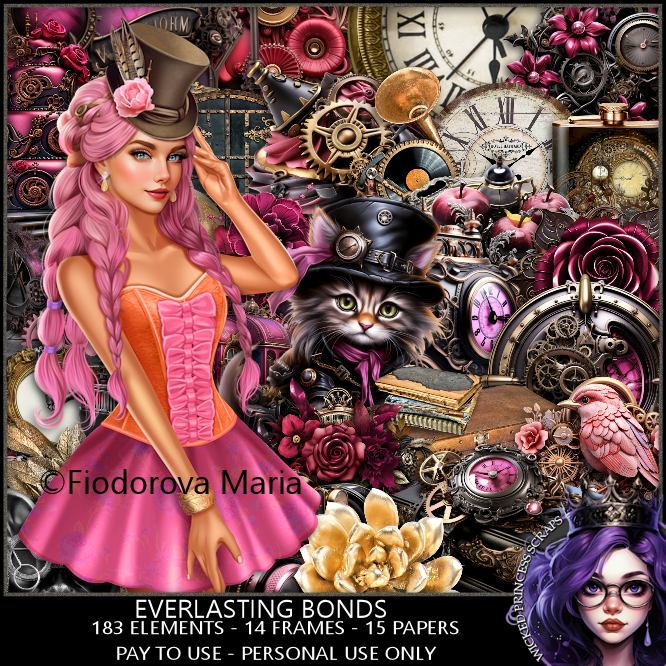
I am using the Awesome tube by © Fiodorova Maria

Tube is called Veronica Steampunk Lady

You can find this tube at VMA HERE
Matching kit Everlasting Bonds by Wicked Princess Scraps  HERE
You can find all Wicked Princess Scraps kits  HERE


Tuesday, October 22, 2024

CT for Verymany and VMArtists

     ***CT for Verymany and VMArtists***

I am using the Awesome tube by © Fiodorova Maria

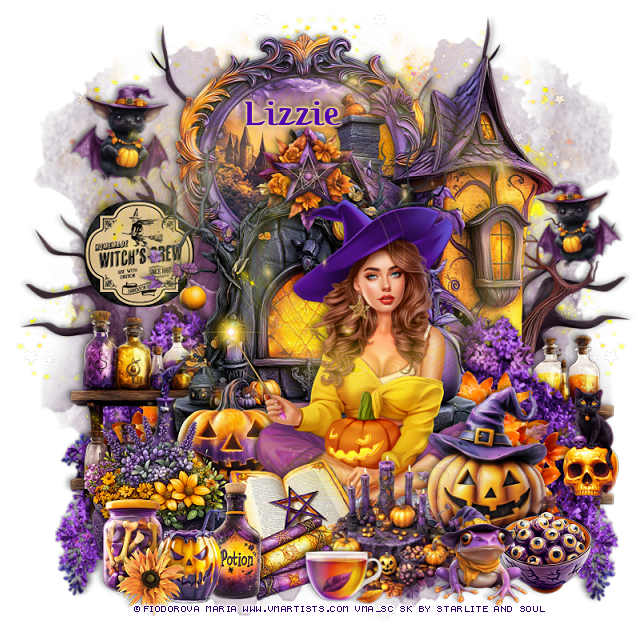
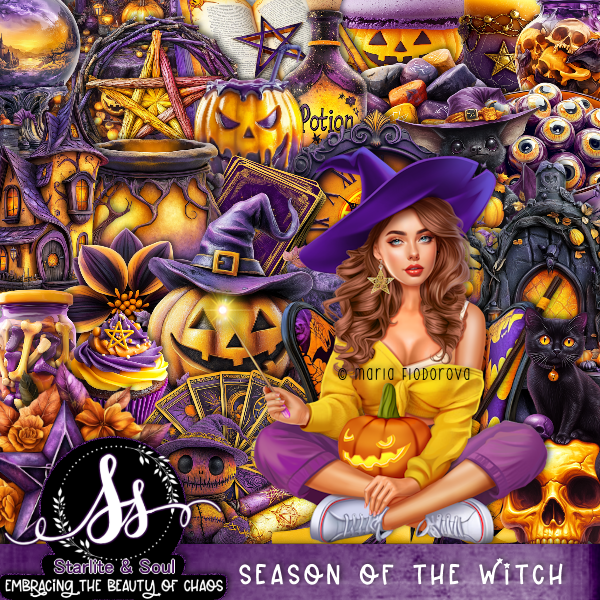
Tube is called Halloween 2024

You can find this tube at VMA HERE
Matching kit Season of the Witch by Starlite and Soul  HERE
You can find all Starlite and Soul kits  HERE


Tuesday, October 15, 2024

CT for Verymany and VMArtists

  ***CT for Verymany and VMArtists***

I am using the Awesome tube by © Fiodorova Maria

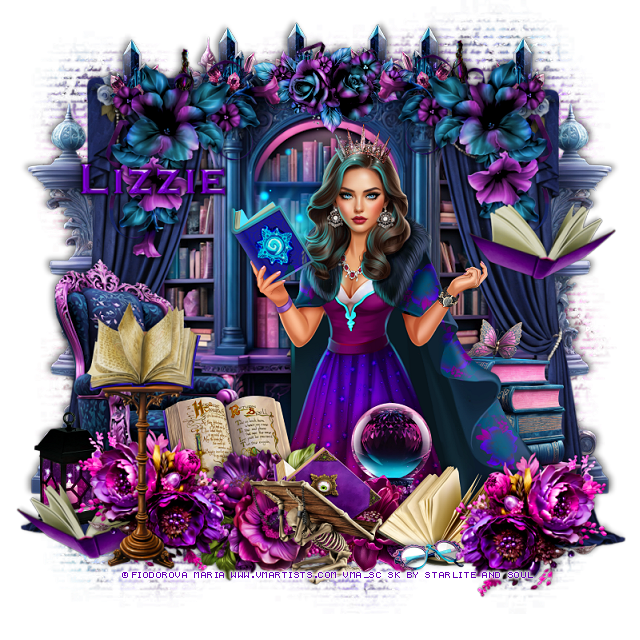
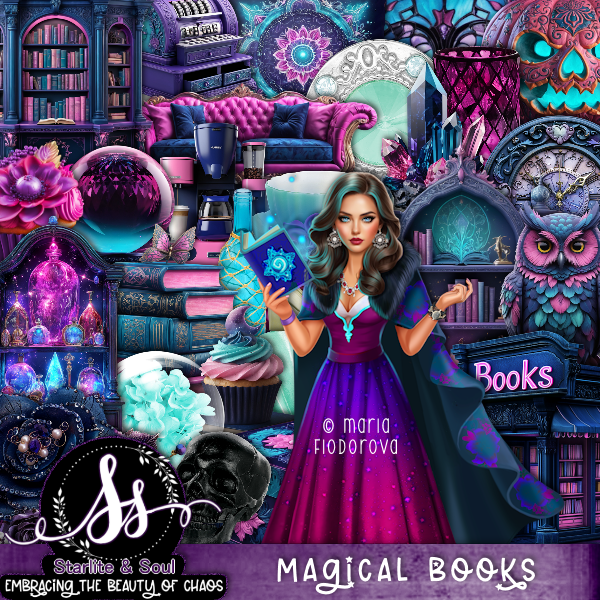
Tube is called Magic Book

You can find this tube at VMA HERE
Matching kit Magical Books by Starlite and Soul  HERE
You can find all Starlite and Soul kits  HERE