Showing posts with label Donnas Designz. Show all posts

Wednesday, October 28, 2026

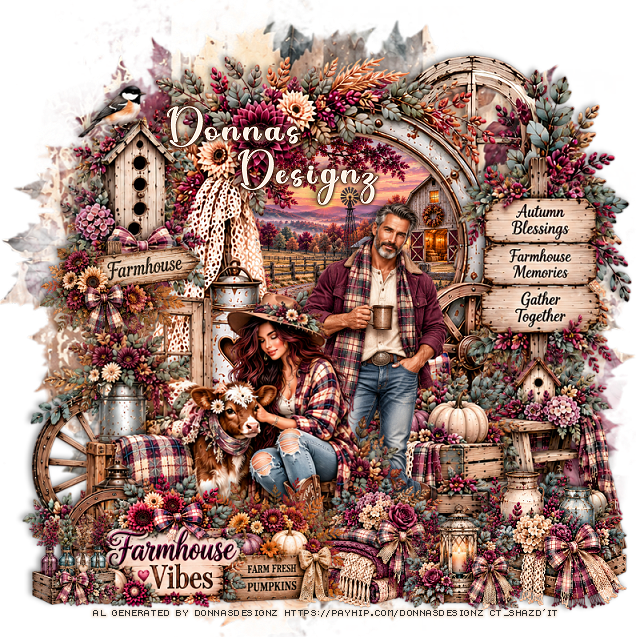
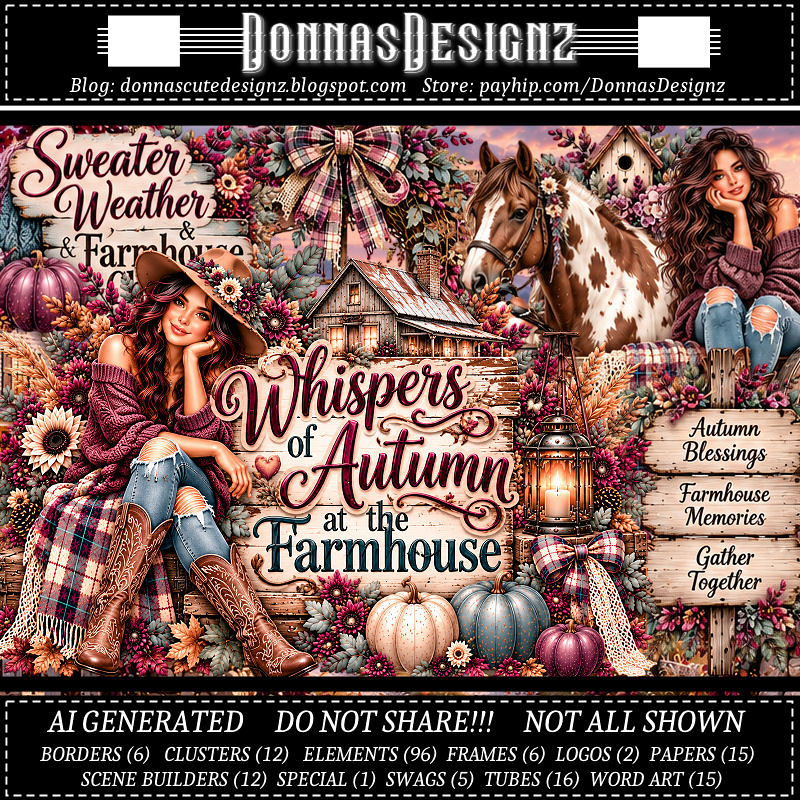
PTU Whispers of Autumn at the Farmhouse


  This tut was written October 26th, 2026 for those with a basic knowledge of psp. 

I am using the Awesome Al kit/Tubes by Donna Designz
Everything used is included in the kit
Please read the TOU on how to credit your tags

I used PSP2020...but any of them should work.
PTU Scrap Whispers of Autumn at the Farmhouse by Donnas Designz  HERE
Check her store out to see all her other kits and tubes HERE
RD Mask 683 HERE
Check the blog out HERE

Font of choice, I used Coffee Christmas

Drop shadow as you go is V -2 H 4, 50, 10, or use what you prefer.
Let's get started
*Remember to add your drop shadow as you go along*

Open a new image 800 x 800, paste paper 11, apply your mask.

Paste frame 5, click inside, resize paper 4 to 30%, paste below the frame,
invert, delete. 
Paste cluster 7 below the frame at the upper right.
Resize Scene builder 5 to 80%, paste on the bottom left of the frame.
Resize tube 12 to 45%, paste below the lady.
Resize 81 to 75%, paste on the bottom right below the man.
Resize 89 to 75%, paste on the right below the box.
Resize 6 to 55%, paste at the bottom above the lady.

Resize 79 to 85%, paste on the right above the frame.
Resize 14 to 65%, paste at the bottom left.
Resize cluster 2 to 45%, paste at the bottom to the right of the box.
Resize cluster 4 to 50%, paste on the bottom right.
Resize cluster 10 to 40%, paste at the bottom.
Resize 91 to 40%, paste on the bottom left.
Resize 40 to 75%, paste on the bottom left below the lady.
Resize 49 to 85%, paste on the upper left above the window.
Resize 14 to 50%, paste on the left at the bottom of the bird house.

Add any other elements that you would like, make it your own.
Always readjust your mask and elements how you like them before you
 merge your tag, resize, sharpen.
Crop your tag to be sure no shadows or lines are on the edges.
 Then add your copyright and name.
That's it

Hope you enjoyed doing my tut.       

Monday, October 26, 2026

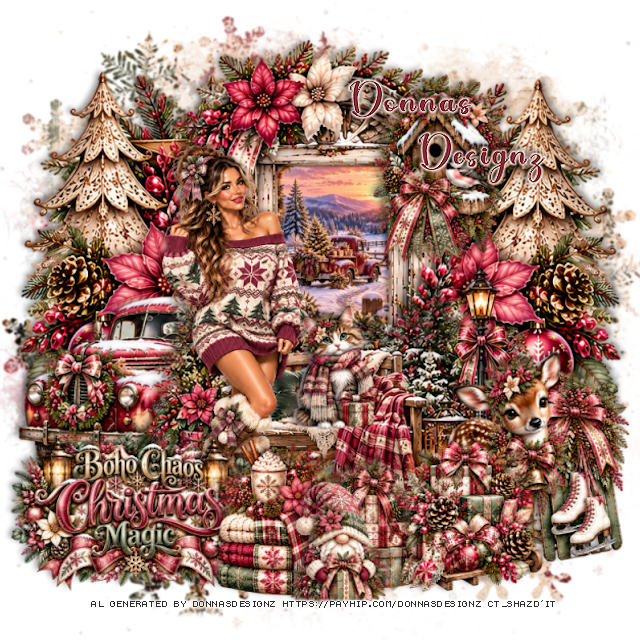
PTU Boho Chaos Christmas Magic


  This tut was written October 25th, 2026 for those with a basic knowledge of psp. 

I am using the Awesome Al kit/Tubes by Donna Designz
Everything used is included in the kit
Please read the TOU on how to credit your tags

I used PSP2020...but any of them should work.
PTU Scrap Boho Chaos Christmas Magic by Donnas Designz  HERE
Check her store out to see all her other kits and tubes HERE
RD Mask 713 HERE
Check the blog out HERE

Font of choice, I used Christmas Bear

Drop shadow as you go is V -2 H 4, 50, 10, or use what you prefer.
Let's get started
*Remember to add your drop shadow as you go along*

Open a new image 800 x 800, resize paper 12 to 80%, paste, apply your mask.

Paste frame 8, click inside, resize paper 2 to 35%, paste, invert, delete.
Paste SB 1 at the bottom above the frame.
Resize SB 11 to 85%, paste on the left below the frame, 
duplicate, mirror.

Resize tube 1 to 35%, paste on the left.

Resize 87 to 40%, paste at the bottom above the tube.
Resize 28 to 35%, paste at the bottom below the blankets.
Paste clus 5 below the truck on the left.
Resize logo 1 to 20%, paste at the bottom left below the blankets.
Resize 25 to 50%, paste on the upper right on the frame.
Resize clus 7 to 40%, paste at the bottom right.
Resize 29 to 55%, paste on the bottom right above the bench.
Resize 19 to 50%, paste on the bottom right below the deer.
Resize 4 to 35%, paste at the bottom.
Resize 26 to 33%, paste on the bench to the right of the tube.

Add any other elements that you would like, make it your own.
Always readjust your mask and elements how you like them before you
 merge your tag, resize, sharpen.
Crop your tag to be sure no shadows or lines are on the edges.
 Then add your copyright and name.
That's it

Hope you enjoyed doing my tut.      
Friday, October 23, 2026

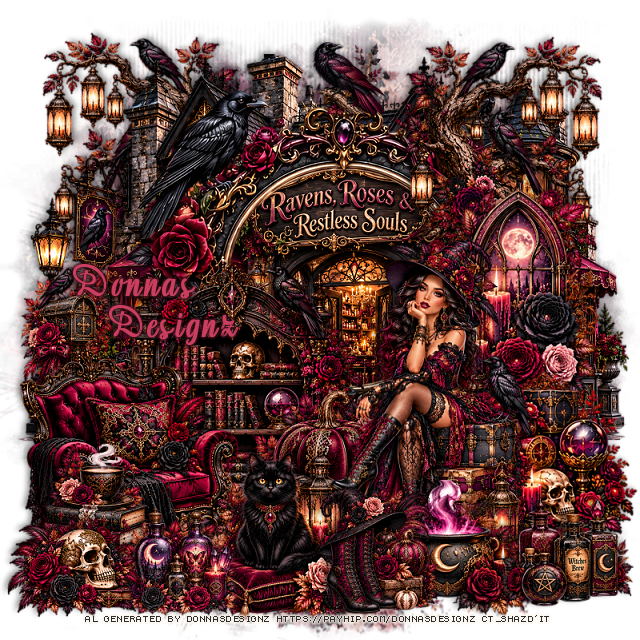
PTU Raven, Roses and Restless Souls


  This tut was written October 21st, 2026 for those with a basic knowledge of psp. 

I am using the Awesome Al kit/Tubes by Donna Designz
Everything used is included in the kit
Please read the TOU on how to credit your tags

I used PSP2020...but any of them should work.
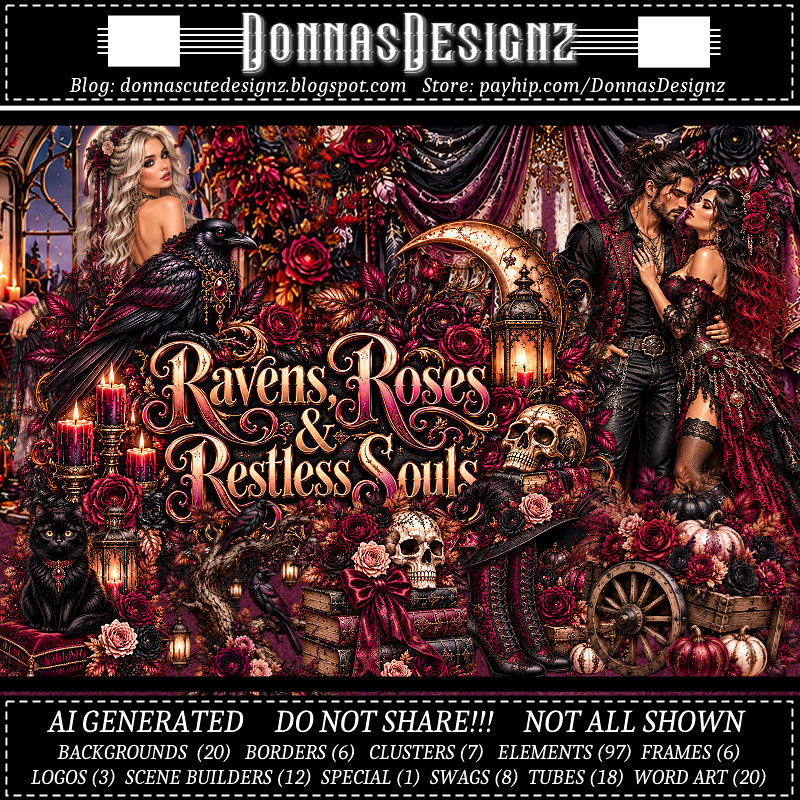
PTU Scrap Raven, Roses and Restless Souls by Donnas Designz  HERE
Check her store out to see all her other kits and tubes HERE
RD Mask 673 HERE
Check the blog out HERE

Font of choice, I used Aromabar

Drop shadow as you go is V -2 H 4, 50, 10, or use what you prefer.
Let's get started
*Remember to add your drop shadow as you go along*

Open a new image 800 x 800, paste paper 12, apply your mask.

Paste frame 6.
Resize spec 1 to 45%, paste below the frame.
Resize tube 10 to 45%, mirror, paste on the bottom right.
Resize 68 to 40%, paste at the bottom below the tube on the left.
Resize SB 10 to 65%, paste on the bottom right below the tube.
Resize 28 to 35%, paste at the bottom above the tube.

Resize 24 to 30%, paste at the bottom right.
Resize 83 to 65%, paste on the left below the pumpkins.
Resize clus 1 to 65%, paste on the right above the frame.
Resize 55 to 55%, paste at the upper right below the window,
duplicate, mirror, move below the building on the upper left.

Resize 85 to 55%, paste on the bottom left.
Resize 62 to 35%, paste on the bottom left.
Resize 61 to 50%, paste at the bottom below the tube to the left.
Resize 51 to 30%, paste at the bottom by the books.
Resize 60 to 35%, paste at the bottom.
Resize 7 to 40%, paste on the left below the chair.
Resize 88 to 30%, paste on the bottom left.
Resize 12 to 15%, paste at the top on the frame.

Add any other elements that you would like, make it your own.
Always readjust your mask and elements how you like them before you
 merge your tag, resize, sharpen.
Crop your tag to be sure no shadows or lines are on the edges.
 Then add your copyright and name.
That's it

Hope you enjoyed doing my tut.      

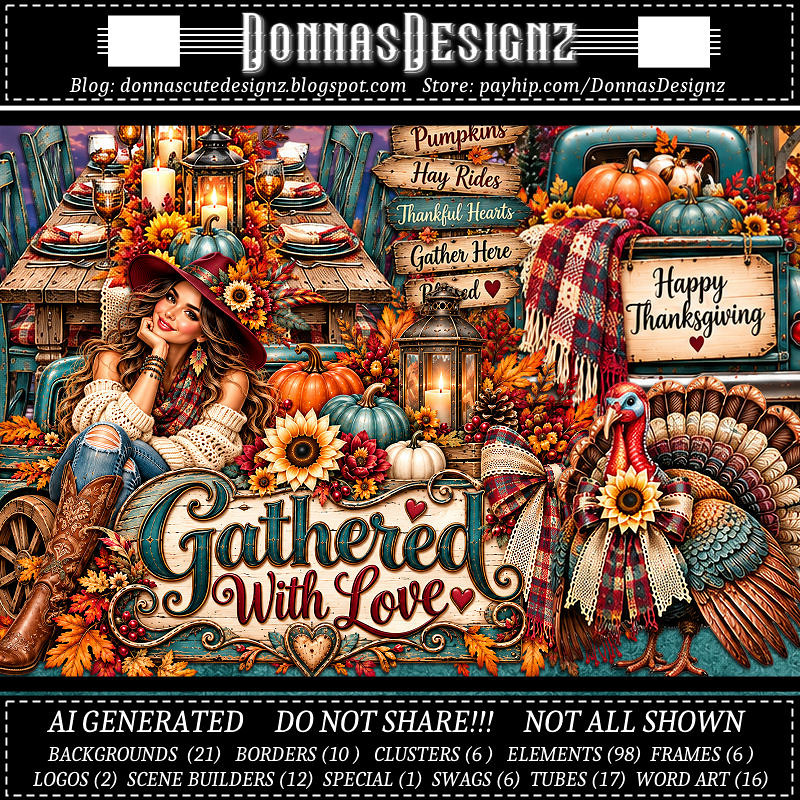
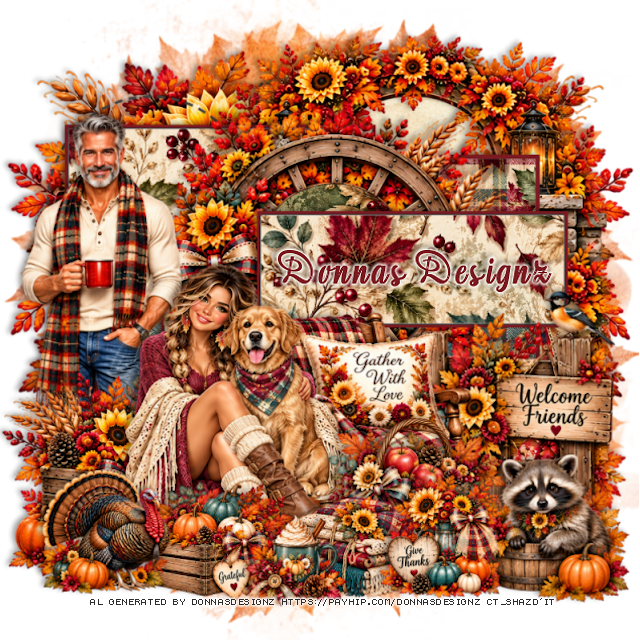
PTU Gathered With Love


   This tut was written October 21st, 2026 for those with a basic knowledge of psp. 

I am using the Awesome Al kit/Tubes by Donna Designz
Everything used is included in the kit
Please read the TOU on how to credit your tags

I used PSP2020...but any of them should work.
PTU Scrap Gathered With Love by Donnas Designz  HERE
Check her store out to see all her other kits and tubes HERE
Donnas Template 737 HERE
Check the rest of the blog HERE
RD Mask 683 HERE
Check the blog out HERE

Font of choice, I used Aromabar

Drop shadow as you go is V -2 H 4, 40, 10, or use what you prefer.
Let's get started
*Remember to add your drop shadow as you go along*

Open the template, go to Image, resize, all layers checked, resize to 125%.
Then go to Canvas size 800 x 800, delete the credits.
Paste paper 21, apply your mask.

Select raster 10, click on the white area, resize paper 20 to 50%, paste,
invert, delete.
Paste SB 9 above the circle.
Paste clus 6 below the template layers on the upper left, duplicate, 
mirror. You just wants the leaves to show mainly.

Select raster 2, resize paper 11 to 50%, paste, move how you like,
invert, delete. 
Click on the white frame area, fill with #7b1b21.
 All the dotted lines you can delete or color them if you like, I deleted them.

Select Raster 3, click on the white area, resize paper 14 to 50%, paste, 
invert, delete.
Do the same with Copy 2 of raster 3 and Copy of raster 3.
Fill all the frames with the same color as before.
Select raster 4, resize paper 13 to 40%, paste, invert delete.
Resize frame 6 to 85%, paste above the circle.

Resize tube 9 to 70%, paste on the left being on the top layer now.

Resize clus 2 to 50%, paste on the bottom left above the man.

Resize tube 4 to 55%, paste.

Resize 76 to 60%, paste below the lady to the right.
Resize 43 to 90%, paste on the right below the chair.
Resize 52 to 50%, paste at the bottom to the left above the tube.
Resize 96 to 40%, paste on the bottom left.
Resize 92 to 60%, paste on the bottom right above the sign.
Resize 9 to 50%, paste at the bottom above the chair.
Resize 51 to 50%, paste at the bottom above the basket.
Clus 1 to 30%, paste at the bottom right above the raccoon.
Resize 65 to 25%, paste at the bottom.

Add any other elements that you would like, make it your own.
Always readjust your mask and elements how you like them before you
 merge your tag, resize, sharpen.
Crop your tag to be sure no shadows or lines are on the edges.
 Then add your copyright and name.
That's it

Hope you enjoyed doing my tut.      
Thursday, October 22, 2026

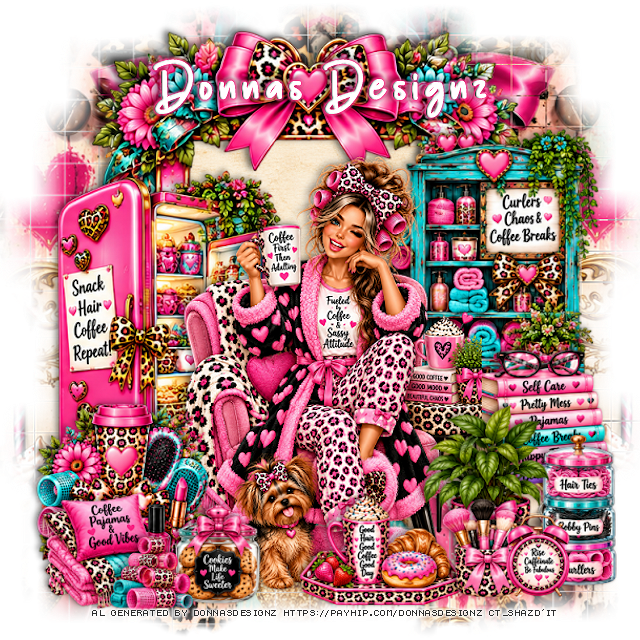
PTU Curlers, Chaos and Coffee Breaks


  This tut was written October 21st, 2026 for those with a basic knowledge of psp. 

I am using the Awesome Al kit/Tubes by Donna Designz
Everything used is included in the kit
Please read the TOU on how to credit your tags

I used PSP2020...but any of them should work.
PTU Scrap Curlers, Chaos and Coffee Breaks by Donnas Designz  HERE
Check her store out to see all her other kits and tubes HERE
Weescotlass Creation Mask 84 (link is no longer available) use mask of choice

Font of choice, I used Champion

Drop shadow as you go is V -2 H 4, 40, 10, or use what you prefer.
Let's get started
*Remember to add your drop shadow as you go along*

Open a new image 800 x 800, paste paper 8, apply your mask, move
to the left, duplicate, mirror, merge, duplicate, move to the bottom.

Paste frame 5, click inside, resize paper 14 to 40%, paste, invert, delete.
Resize tube 3 to 35%, paste.
Resize clus 6 to 40%, paste at the bottom left.
Resize 24 to 60%, paste on the bottom right.
Resize 11 to 50%, paste at the bottom above the tube and plant.
Paste SB 12 below the tube on the left.
Resize 88 to 40%, paste on the bottom right.
Resize 86 to 40%, paste at the bottom by the dog.
Resize 89 to 40%, paste on the bottom left.
Resize SB 3 to 75%, paste on the right below the tube.

Resize 59 to 55%, paste on the right below the tube.
Resize 41 to 50%, paste on the bottom right below the plant.
Resize 49 to 30%, paste at the bottom left.
Resize 58 to 30%, paste at the bottom right.

Add any other elements that you would like, make it your own.
Always readjust your mask and elements how you like them before you
 merge your tag, resize, sharpen.
Crop your tag to be sure no shadows or lines are on the edges.
 Then add your copyright and name.
That's it

Hope you enjoyed doing my tut.      
Monday, October 19, 2026

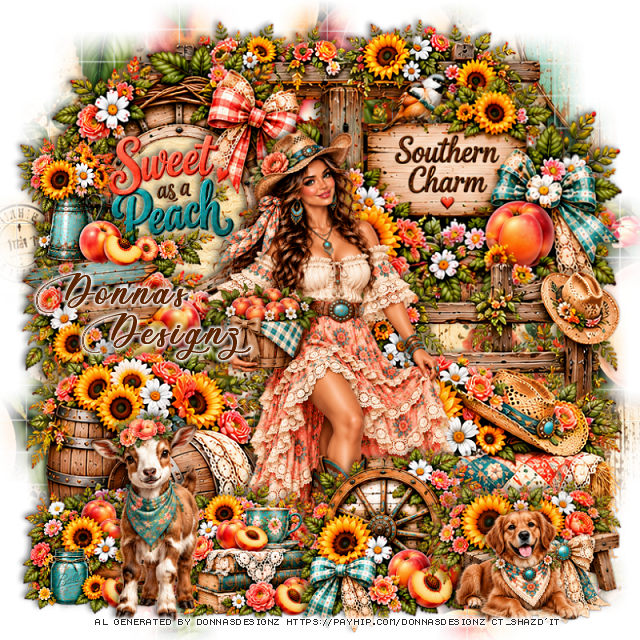
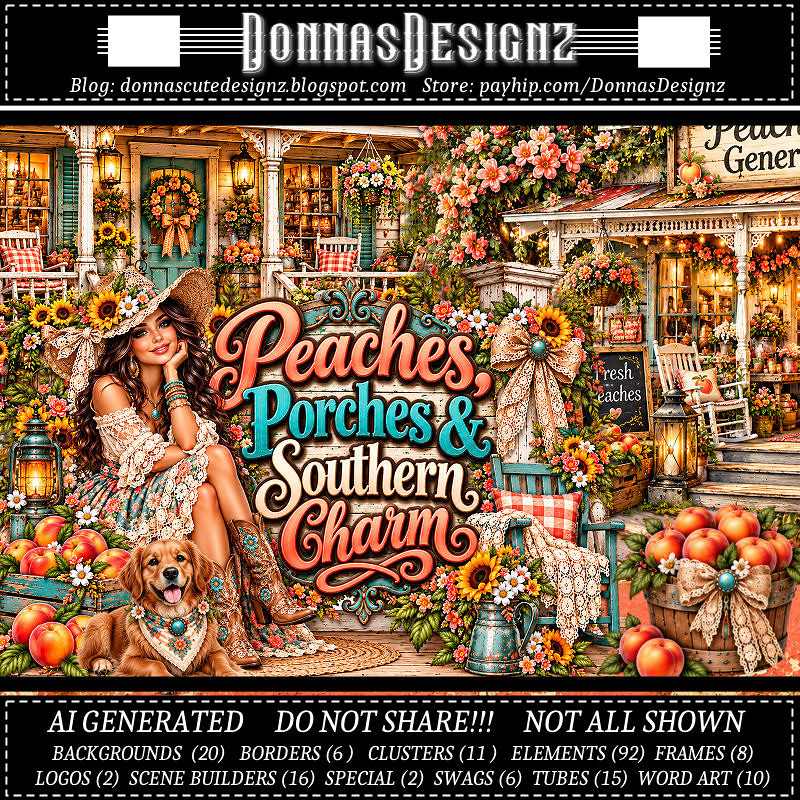
PTU Peaches, Porches and Southern Charm

  This tut was written October 18th, 2026 for those with a basic knowledge of psp. 

I am using the Awesome Al kit/Tubes by Donna Designz
Everything used is included in the kit
Please read the TOU on how to credit your tags

I used PSP2020...but any of them should work.
PTU Scrap Peaches, Porches and Southern Charm by Donnas Designz  HERE
Check her store out to see all her other kits and tubes HERE
Weescotlass Creation Mask 84 (link is no longer available) use mask of choice

Font of choice, I used Ants Valley

Drop shadow as you go is V -2 H 4, 50, 10, or use what you prefer.
Let's get started
*Remember to add your drop shadow as you go along*

Open a new image 800 x 800, paste paper 16, apply your mask, move
to the right, duplicate, mirror, merge together, duplicate, move to the bottom.

Resize frame 3 to 85%, paste on the upper left, click inside, 
paste paper 18, invert, delete.
Resize tube 4 to 40%, paste above the frame.
Paste 46 on the bottom right below the tube.
Paste 73 below the tube on the bottom left.
Paste SB7 at the top below the paper layer of the frame.

Resize clus 9 to 60%, paste at the bottom above the tube.
Resize clus 8 to 50%, paste at the bottom below the wheel on the left.
Mirror SB 2, paste on the right below the hay bale.
Resize clus 1 to 95%, paste at the upper right below the tube.
Resize 41 to 65%, paste at the bottom right.
Resize 86 to 55%, paste on the bottom left.
Resize 31 to 50%, paste on the bottom right.
Resize 78 to 80%, paste on the left below the barrels.
Resize clus 7 to 50%, paste on the bottom left below the goat.
Resize wordart 7 to 50%, paste on the upper left.

Add any other elements that you would like, make it your own.
Always readjust your mask and elements how you like them before you
 merge your tag, resize, sharpen.
Crop your tag to be sure no shadows or lines are on the edges.
 Then add your copyright and name.
That's it

Hope you enjoyed doing my tut.      
Sunday, October 18, 2026

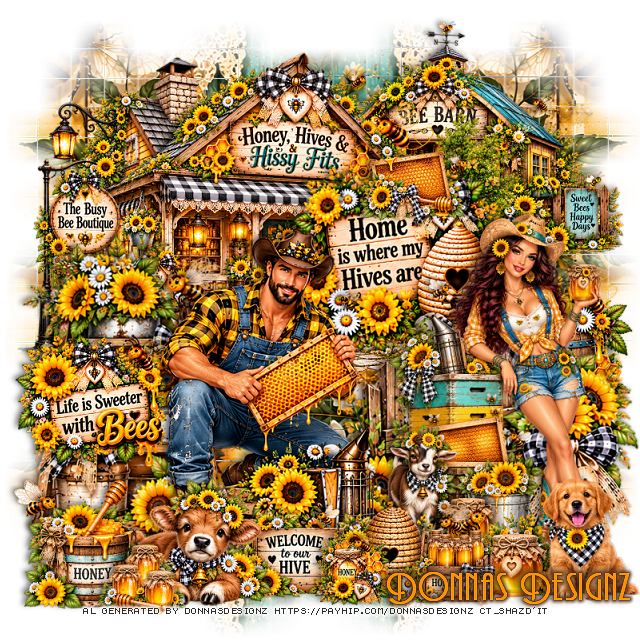
PTU Honey Hives & Hissy Fits


 This tut was written October 18th, 2026 for those with a basic knowledge of psp. 

I am using the Awesome Al kit/Tubes by Donna Designz
Everything used is included in the kit
Please read the TOU on how to credit your tags

I used PSP2020...but any of them should work.
PTU Scrap Honey Hives & Hissy Fits  by Donnas Designz  HERE
Check her store out to see all her other kits and tubes HERE
Weescotlass Creation Mask 84 (link is no longer available) use mask of choice

Font of choice, I used Andes

Drop shadow as you go is V -2 H 4, 50, 10, or use what you prefer.
Let's get started
*Remember to add your drop shadow as you go along*

Open a new image 800 x 800, paste paper 7, apply your mask, 
move to the left, duplicate, mirror, merge together, duplicate, move
to the bottom.

Resize spec 2 to 30%, paste at the upper right.
Resize spec 1 to 40%, paste at the upper left.
Resize 27 to 90%, paste on the left.
Resize wordart 4 to 75%, paste up on the building to the right a little.
Resize 60 to 90%, paste on the bottom right.

Resize tube 5 to 30%, paste on the right.
Resize tube 17 to 55%, paste on the bottom left by the ladder.
Resize 85 to 50%, paste at the bottom.
Resize wordart 2 to 50%, paste on the left on the ladder.
Resize 59 to 50%, paste at the bottom left.
Resize 57 to 40%, paste at the bottom left above the calf.
Resize 26 to 55%, mirror, paste on the bottom right.

Resize 15 to 30%, paste at the bottom by the dog.
Resize 20 to 30%, paste at the top of the Home is where my Hives are.
Resize 43 to 25%, paste on the bottom left by the calf.
Resize clus 11 to 25%, paste at the bottom by the sign.
Resize clus 2 to 50%, paste on the right below the fence behind the tube.

Add any other elements that you would like, make it your own.
Always readjust your mask and elements how you like them before you
 merge your tag, resize, sharpen.
Crop your tag to be sure no shadows or lines are on the edges.
 Then add your copyright and name.
That's it

Hope you enjoyed doing my tut.