Showing posts with label Fall. Show all posts

Thursday, October 23, 2025

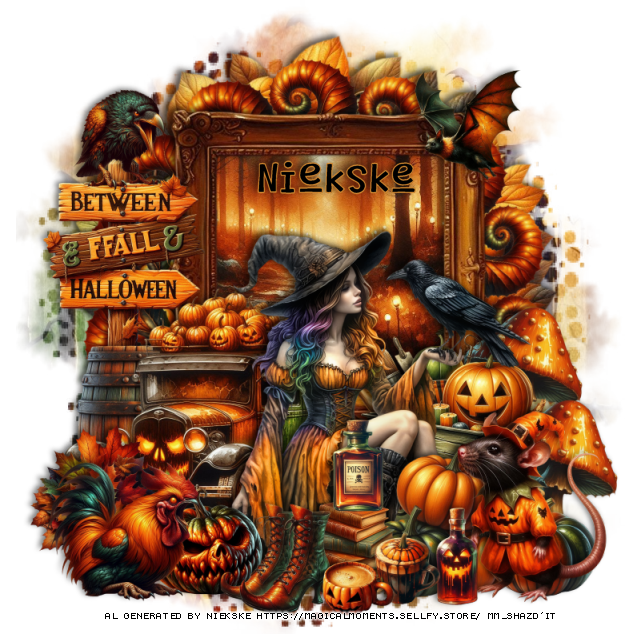
PTU Between Fall and Halloween


 This tut was written October 23rd, 2025 for those with a basic knowledge of psp. 

I am using the awesome Al tube gen by Niekske
The tube is included
Read the TOU on how to credit your tags

I used PSP2020...but any of them should work.
PTU Scrap Between Fall and Halloween by Magical Moments HERE  
84 elements and 5 papers and 1 tube by Niekske 
Check out the rest of her store HERE
Mask of choice, I used Miz TeeQues Mask 70 HERE
Check out the rest of the blog HERE

Font of choice, I used Something Maker

Drop shadow is V -2 H 4, 50, 10, color Black or use what you prefer.
Let's get started
*Remember to add your drop shadow as you go along*

Open a new layer 800 x 800, paste paper 1, apply your mask.

Resize element 61 to 65%, paste.
Resize element 76 to 13%, apply Mura Meister Copies-Encircle, first
3 numbers on 14, 60, 60, paste above the leave wreath.
Resize element 48 to 75%, paste, click inside, resize paper 3 to 50%, paste,
invert, delete.
Resize element 62 to 35%, paste on the left.
Resize the tube to 23%, paste above the truck.

Resize element 14 to 25%, paste on the left below the truck.
Resize element 84 to 25%, paste on the left below the barrel.
Resize element 65 to 25%, paste below the tube on the right.
Resize element 29 to 17%, paste at the bottom above the tube.
Resize element 58 to 15%, paste at the bottom left below the shoes.
Resize element 36 to 15%, paste at the bottom below the shoes to the right.

Resize element 54 to 20%, paste below the pumpkin on the left.
Resize element 15 to 25%, paste at the bottom below the books.
Resize element 10 to 13%, paste at the bottom.
Resize element 49 to 13%, paste at the bottom.
Resize element 9 to 15%, paste at the bottom right.
Resize element 50 to 25%, paste on the right below the wheel barrel,
duplicate, move down more.
Resize element 80 to 25%, paste on the bottom right above the pumpkins.
Resize element 32 to 20%, paste at the bottom left.
Resize element 18 to 13%, paste on the left on top of the sign.
Resize element 74 to 20%, paste at the bottom by the mouse.
Resize element 52 to 13%, paste on the books.
Resize element 20 to 15%, paste at the upper right on the frame.

Add any other elements that you would like, make it your own.
Always readjust your mask and elements how you like them before you
 merge your tag, resize, sharpen.

Crop your tag to be sure no shadows or lines are on the edges.
 Then add your copyright and name.
That's it

Hope you enjoyed doing my tut.       

Friday, October 3, 2025

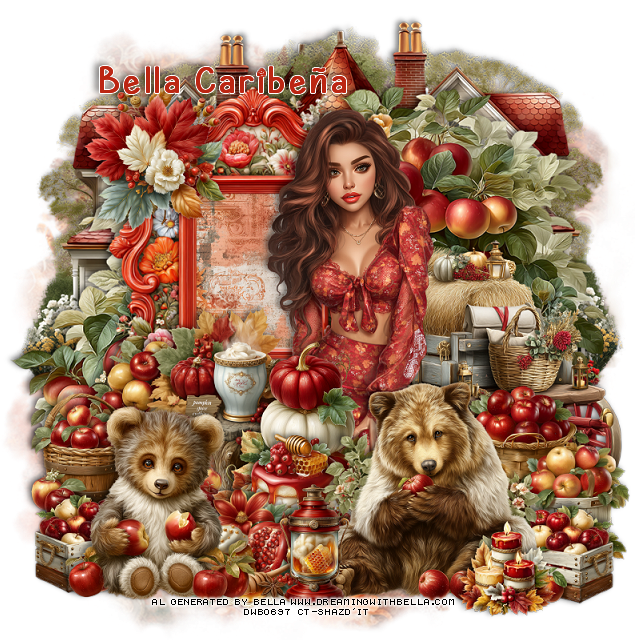
PTU My Beautiful Fall


  This tut was written October 3rd, 2025,  for those with a basic knowledge of psp. 

I am using Awesome Al tubes and kit by Bella Caribeña
Tubes are included
Read the TOU on how to credit your tags

I used PSP2020...but any of them should work.
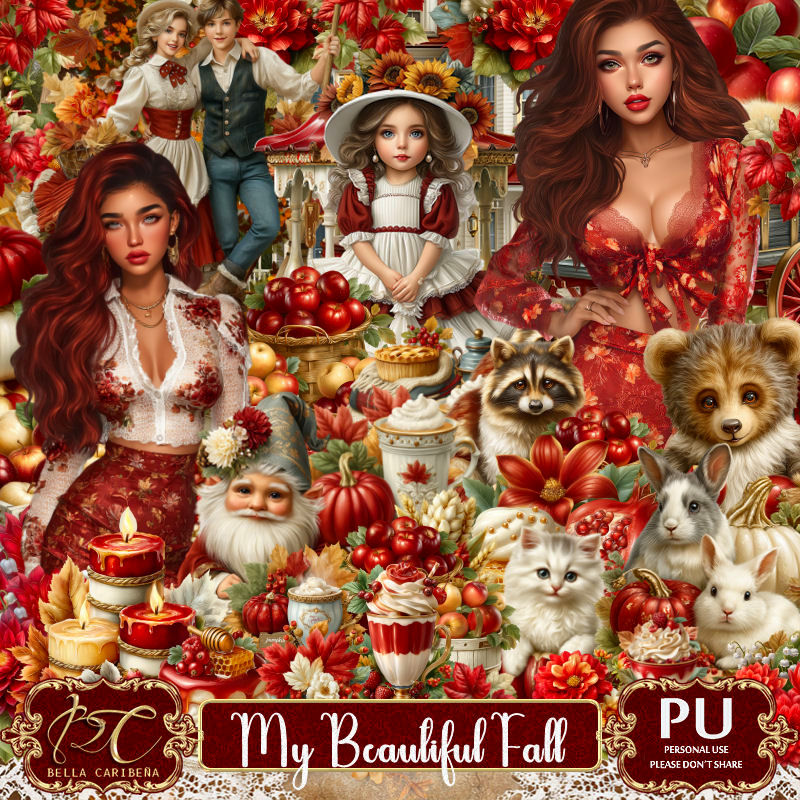
PTU Scrap My Beautiful Fall by Bella Caribeña  HERE
Autumn Theme
Kit contains 4 Al gen tubes, 113 elements, 18 papers and 3 masks
You can check out the rest of her store HERE 

Font of choice, I used Autumn Ceria

 Drop shadow as you go is V -2 H 4, 50, 10, or use what you prefer.
Let's get started
*Remember to add your drop shadow as you go along*

Open a new image 800 x 800, paste mask 1.

Resize element 103 to 75%, paste to the left, click inside, resize
paper 17 to 40%, paste, invert, delete.
Resize tube 3 to 35%, paste above the frame to the right.
Resize element 36 to 85%, paste below the frame to the right, duplicate,
move to the left and down.
Resize element 47 to 85%, paste on the upper right below the tree,
duplicate, mirror, move below the house and down on the left.

Resize element 87 to 60%, mirror, paste below the tube on the right.
Resize element 41 to 30%, paste at the upper left on the frame.
Resize element 42 to 40%, paste at the bottom right above the wagon.
Resize element 55 to 45%, paste at the bottom above the tube.

Resize element 76 to 40%, paste below the bear to the left.
Resize element 38 to 25%, paste at the bottom above the pumpkins.
Resize element 39 to 25%, paste at the bottom.
Resize element 71 to 25%, paste at the bottom above the bear.
Resize element 43 to 40%, paste on the left below the pumpkins.
Resize element 54 to 40%, paste on the bottom left being on the top layer.
Resize element 81 to 20%, paste at the bottom right below the bear,
duplicate, mirror.
Resize element 77 to 20%, paste at the bottom right above the bear.
Resize element 113 to 30%, paste below the pumpkins on the left.

Add any other elements you would like, resize.
Crop your tag to be sure no shadows or lines are on the edges.
 Then add your copyright and name.
That's it

            Hope you enjoyed doing my tut              

Wednesday, August 13, 2025

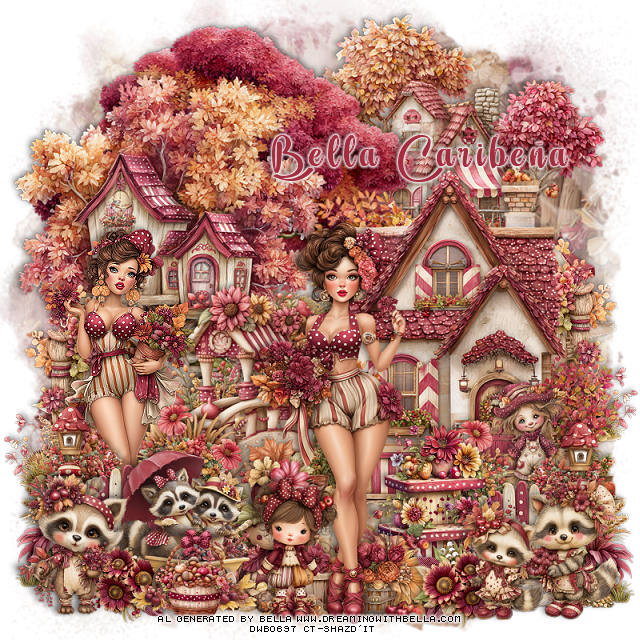
PTU Burgundy Fall


  This tut was written August 10th, 2025,  for those with a basic knowledge of psp. 

I am using Adorable Al tubes and kit by Bella Caribeña
Tubes are included
Read the TOU on how to credit your tags

I used PSP2020...but any of them should work.
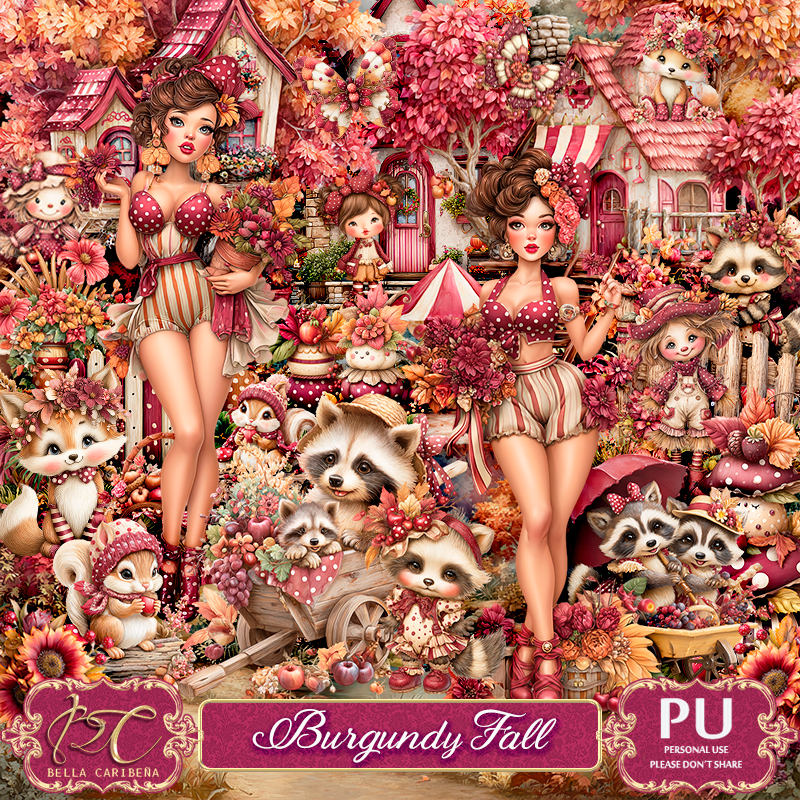
PTU Scrap Burgundy Fall by Bella Caribeña  HERE  
Fall Theme
Kit contains 2 Al generated tubes, 93 elements and 16 papers
You can check out the rest of her store HERE

Font of choice, I used Ambara

 Drop shadow as you go is V -2 H 4, 40, 10, or use what you prefer.
Let's get started
*Remember to add your drop shadow as you go along*

Open a new image 800 x 800, paste element mask 3, then paste 
element mask 21, merge down.

Resize element 50 to 75%, mirror, paste at the upper right.
Resize element 10 to 85%, mirror, paste to the left.
Resize element 28 to 75%, paste on the left above the tree.
Resize element 32 to 75%, paste on the right.
Resize element 89 to 50%, paste to the left below the house.

Resize tube 1 to 30%, paste on the left above the bridge.
Resize tube 3 to 35%, paste on the right more.
Resize element 67 to 35%, paste on the right below the house,
duplicate, mirror, move below the tube on the left.
Resize element 64 to 50%, paste at the bottom right below the top tube,
duplicate, move to the left above the left tube.

Resize element 88 to 40%, paste below the tube at the bottom.
Resize element 30 to 40%, paste below the tube on the right.
Resize element 65 to 30%, paste at the bottom right.
Resize element 66 to 30%, paste at the bottom left.
Resize element 40 to 40%, paste at the bottom left below the raccoon.
Resize element 83 to 25%, paste at the bottom right.
Resize element 70 to 20%, paste at the bottom right below the raccoons,
duplicate, mirror.
Resize element 33 to 30%, paste on the right above the house at the bottom.
Resize element 53 to 30%, paste at the bottom above the tube.
Resize element 87 to 20%, paste at the bottom left.

Add any other elements you would like, resize.
Crop your tag to be sure no shadows or lines are on the edges.
 Then add your copyright and name.
That's it

Hope you enjoyed doing my tut               

Thursday, August 7, 2025

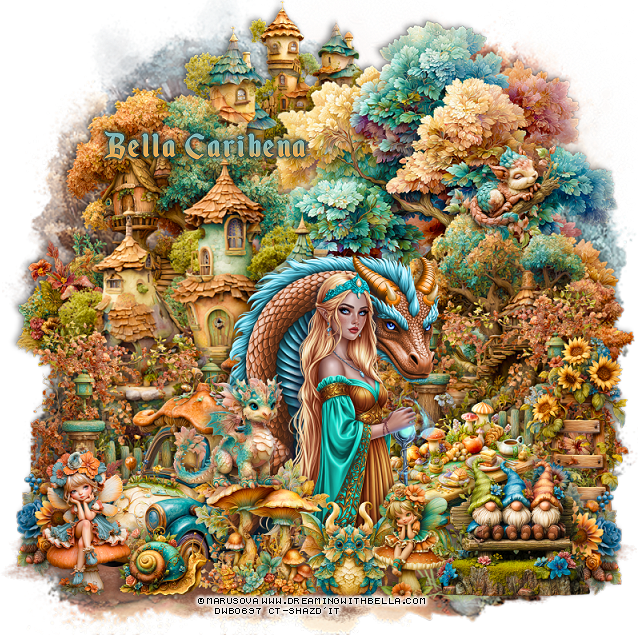
PTU A Beautiful Fall Fantasy


  This tut was written August 7th, 2025,  for those with a basic knowledge of psp. 

I am using awesome tube by ©Marusova
Tubes are included
Read the TOU on how to credit your tags

I used PSP2020...but any of them should work.
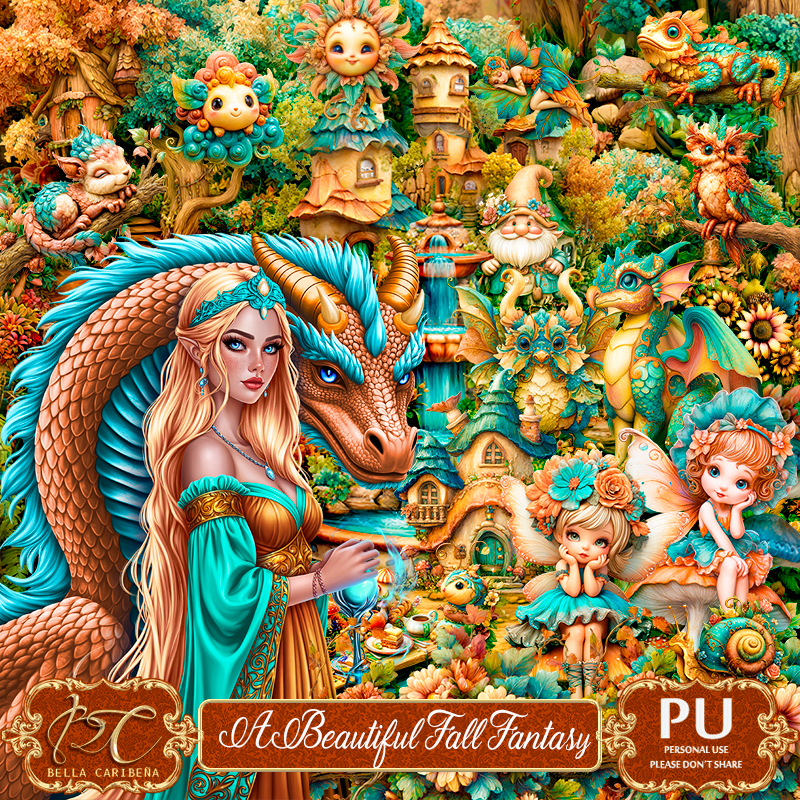
PTU Scrap A Beautiful Fall Fantasy by Bella Caribeña  HERE  
Fantasy/Fall Theme
Kit contains 2 tube ©Marusova, 2 Al generated tubes,  2 masks, 100 elements and 17 papers
You can check out the rest of her store HERE

Font of choice, I used Echantedland

 Drop shadow as you go is V -2 H 4, 40, 10, or use what you prefer.
Let's get started
*Remember to add your drop shadow as you go along*

Open a new image 800 x 800, paste element mask 23, adjust to fit your tag.

Resize element 86 to 75%, paste at the upper right.
Resize element 27 to 75%, paste above the tree.
Resize element 35 to 60%, paste on the right.
Resize element 36 to 60%, paste on the upper left below the houses.
Resize element 26 to 45%, paste at the top below the tree.

Resize the tube to 10%, paste at the bottom being on the top layer.

Resize element 28 to 50%, paste at the bottom right below the tube,
duplicate, mirror.
Resize element 59 to 50%, paste on the bottom left below the tube.
Resize element 37 to 30%, paste at the bottom above the tube.
Resize element 96 to 25%, paste at the bottom right, duplicate, mirror,
move below the car.
Resize element 91 to 40%, paste below the flower on the right.
Paste element 13 at the bottom on the bottom layer.

Resize element 88 to 40%, paste at the bottom right below the tube.
Resize element 55 to 35%, paste at the bottom right.
Resize element 66 to 25%, paste on the upper right on the tree, erase the 
branch part.
Resize element 44 to 25%, paste at the bottom by the gnomes.
Resize element 41 to 30%, paste at the bottom left.
Resize element 83 to 20%, paste at the bottom by the mushrooms.
Resize element 73 to 25%, paste at the bottom.
Resize element 75 to 25%, paste on the mushroom.

Add any other elements you would like, resize.
Crop your tag to be sure no shadows or lines are on the edges.
 Then add your copyright and name.
That's it

Hope you enjoyed doing my tut              

Thursday, October 26, 2023

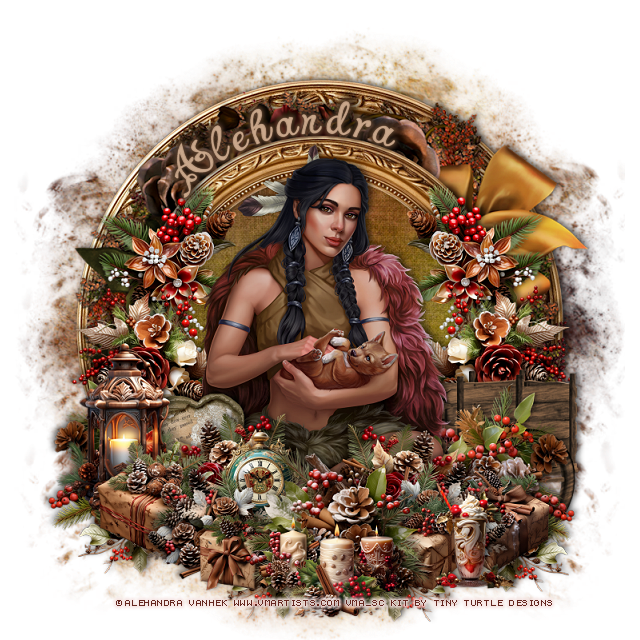
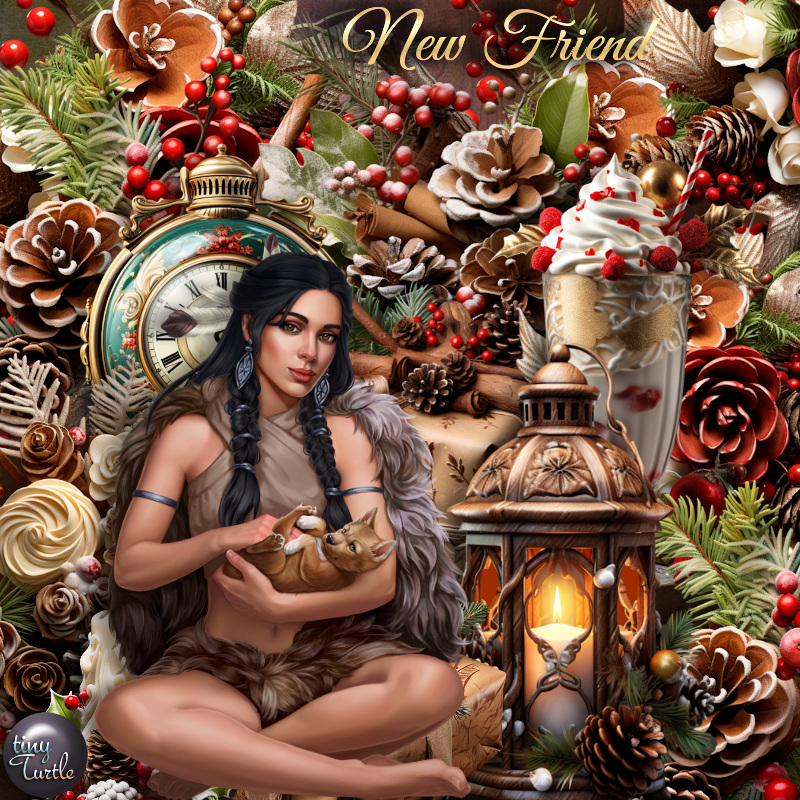
PTU New Friend


 This tut was written  October 26th, 2023 for those with a basic knowledge of psp. 

I am using the awesome tube by ©Alehandra Vanhek

The tube is called New Friend
You need a license to use this tube, please do not use without a license.
You can find the tube at VMA HERE

I used PSP2020...but any of them should work.
PTU Scrap New Friend by Tiny Turtle Designs  HERE 
"Tube is NOT included"
You can find all Tiny Turtle Designs kits HERE
Mask of choice I used Lori's Mask 1226 HERE
Check out the rest of the blog HERE

 Font of choice, I used Charming Normal

Drop shadow as you go is V -2 H 4, 50, 10, or use what you prefer.
Let's get started
*Remember to add your drop shadow as you go along*

Open a new image 800 x 800, paste paper 22, apply your mask, delete,
Resize frame element 75 to 75%, paste, click inside with the magic wand, 
paste paper 3, invert, delete.
Rotate element 10 to the right at 90, paste below the paper layer.
Paste element 75 on the mask layer.

Resize your tube to 30%, paste.

Resize element 41 to 25%, paste above the tube at the bottom, duplicate,
mirror.
Resize element 78 to 35%, paste behind the tube on the right, duplicate,
mirror.
Resize element 66 to 30%, paste on the frame on the right, duplicate, mirror.
Resize element 94 to 35%, paste on the right behind the tube, duplicate,
mirror.
Resize element 53 to 35%, paste at the bottom above the tube.
Resize element 67 to 25%, paste at the bottom right below the flower,
duplicate, mirror.

Resize element 6 to 65%, paste on the lower right below some of the flowers.
Resize element 37 to 25%, paste on the left below the top flowers.
Resize element 52 to 20%, paste on the left below a flower or two.

Resize element 79 to 25%, paste on the bottom left below a flower.
Resize element 81 to 20%, paste on the bottom right below a flower.
Resize element 84 to 20%, paste at the bottom right below the top flower.
Resize element 50 to 15%, paste at the bottom left.
Resize element 89 to 35%, paste on the left above the heart.

Resize element 97 to 20%, paste at the bottom being on the top layer.
Resize element 74 and 77 to 15%, paste at the bottom below the first candle.
Resize element 71 to 20%, paste at the bottom right.

Add any other elements you would like, resize.
Crop your tag to be sure no shadows or lines are on the edges.
 Then add your copyright and name.
That's it

Hope you enjoyed doing my tut.  
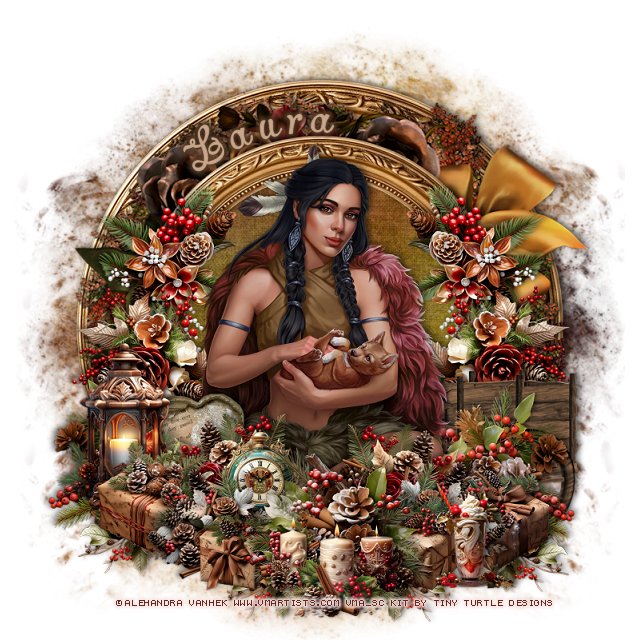
Tag for Laura


Tuesday, November 3, 2020

FTU Fall in Love


This tut was written November 3rd, 2020 for those with a basic knowledge of psp.

I am using the awesome artwork of Zlata_M
The tube is called "Autumns End"
You need a license to use this tube, do not use without a license.
You can find this tube at Zlata_M's store  HERE

I used PSPX...but any of them should work.
FTU kit Autmn by My Tagging Addiction  HERE
Check out the rest of the blog HERE
Mask of choice, I used DD Autumn Set Mask 3_12 HERE
Check out the rest of the blog HERE

Font of choice,  I used Forget Me Knot-Roman

Drop shadow is  V-1 H-4 Black, 50, 10, use what you prefer.
Let's get started
*Remember to add your drop shadow as you go along*

Open a new image 800 x 800 or a size you prefer.
Paste paper 5, apply your mask, delete, merge group.

Flip element 35, paste, move down more on the left.
Resize frame 1 to 50%, free rotate to the right at 20 degrees, move to the
right and up more. duplicate, change the blend mode to Burn, merge down.

Click inside the frame, expand by 5, paste paper 5, invert, delete, keep selected,
paste your close up tube, delete, select none.
Duplicate the tube, go to Adjust, Blur, Gaussian blur, number on 4, change the 
blend mode to Overlay or one you prefer.

Paste element 32 above the frame on the left and up.
Paste element 18 on the right, free rotate to the right at 20 degrees, duplicate,
mirror, move below the flower bunch on the left, duplicate again, move
to the right of the flower bunch and down.

Resize element 28 to 50%, being on the top layer, paste at the lower right.
Resize element 40 to 55%, mirror, move to the bottom and left a little.
Resize element 5 to 40%, paste above the pumpkin to the right.
Resize element 7 to 35%, paste at the lower right.

Resize your tube to 75%, mirror, paste sitting on the pumpkin.

Resize element 14 to 40%, paste at the lower left below the tube.
Resize element 21 to 35%, paste at the bottom above the pumpkin layer, duplicate,
resize to 75%, move to the right above the lantern.
Resize element 2 to 25%, paste at the lower right above the flowers.
Resize element 6 to 40%, paste on the mask layer on the left about mid way down,
duplicate,  move to the upper left, duplicate, mirror, move down more on the right.

Resize element 33 to 40%, mirror, paste on the left below the pumpkin layer.
Resize element 22 to 35%, paste on the right below the sunflower bunch.
Resize element 20 to 30%, paste on the basket.
Resize element 55 to 10%, paste at the lower left, duplicate, move over a little.
Resize element 50 to 20%, paste at the bottom below the foot of the tube.
Resize element 51 to 30%, paste below the orange flowers behind the cup.
Resize element 17 to 25%, paste on the frame at the top, duplicate, move down and
to the left more.

Resize element 19 to 50%, free rotate to the right at 20 degrees, paste at the 
upper right above the mask layer, duplicate, move down more, duplicate,
mirror.
Resize element 31 to 20%, being on the top layer, paste at the bottom.

Add any other elements that you would like, make it your own.
Always readjust your mask and elements how you like them before you
 merge your tag, sharpen once.
Crop your tag to make sure no shadows or anything on the edges

 Then add your copyright and name.

That's it

Hope you enjoyed doing my tut.   
Thursday, October 29, 2020

FTU Fall 2020


This tut was written October 29th, 2020 for those with a basic knowledge of psp.

I am using the awesome artwork of Colourbelle
The tube is called "125-3"
You need a license to use this tube, do not use without a license.
You can find this tube at CDO store  HERE

I used PSPX...but any of them should work.
FTU kit Mini Fall 2020 by Tiny Turtle Designs  HERE
You will have to register at her store, while there take a look around. HERE
Mask of choice, I used DBV Mask 72 HERE
Check out the rest of the blog HERE
Filters
EyeCandy 4000-Glass (Optional)

Font of choice,  I used Rockers

Drop shadow is  V-1 H-4 Black, 50, 10, use what you prefer.
Let's get started
*Remember to add your drop shadow as you go along*

Open a new image 800 x 800 or a size you prefer.
Paste paper 3, apply your mask, delete, merge group, duplicate, merge down.

Resize element 4 to 75%, paste.
Resize element 5 to 80%, free rotate to the right at 15 degress, move below the 
frame, duplicate, mirror, move above the top frame.
Click in the bottom frame, expand by 5, paste paper 6, invert, delete. select none.

Paste your tube on the top frame.

Resize element 30 to 55%, paste at the bottom below the tube's paw.
Paste element 35 at the lower left above the sign.
Apply Eye Candy 4000-Glass with these setting to the pumpkin and Autumn sign.
(Optional)
6.97, 75, 
30, 35, 50,  0, 30, 50
Color on white
Resize element 34 to 30%, paste above the sign on the right, duplicate, move 
below the sign and down a little.
Add the glass settings to the flowers if you like.

Resize element 22 to 25%, paste at the lower right below the flower,
duplicate, move up more below the first one, duplicate two more times, 
move to the left one above the pumpkin, the other more left and up and below
the tube layer.

Resize element 32 to 30%, paste at the lower left being on the top layer.
Resize element 28 to 30%, paste on the right below the circles, duplicate, move down 
under the sign, duplicate, mirror, move down under the pumpkin, duplicate,
move to the left behind the circle.

Resize element 1 to 75%, free rotate to the right at 90 degrees, move to the bottom 
below the flowers to the right a little, duplicate, mirror.
Resize element 18 to 40%, paste on the left below the tube, duplicate, 
mirror, move up more on the right.

Resize element 26 to 20%, paste on the hat of the tube, duplicate, move down
where you like.
Resize element 27 to 25%, flip, paste at the bottom below the leaves layer,
duplicate, move over and down more.
Duplicate, flip, move to one side, place where you like, duplicate, mirror, duplicate
once more and move up on the left more.

Resize element 33 to 25%, paste on the right below the circles.
Resize element 25 to 20%, paste on the flower at the lower right.
Resize element 26 to 50%, paste at the upper right behind the tube, duplicate,
flip, mirror, adjust on the left.
Duplicate the one on the right, move to the mask layer and down where
you like, duplicate, mirror.

As always if you are going to to a Signature tag and Avator do not merge your tag yet.

Signature tag
600 x 250 or a size you prefer.
You will take the elements you want from the tag, resize to your liking,
most were 50%, but some may have been a little larger.
Your tube will be sized smaller.
Once happy with the arrangement, merge visible, add copyright and name.

Avator 
Size 180 x 180 or size of choice, draw a circle, width 3 or what you like,
Resize your tag how you like to fit in the circle, select all, expand by 4,
invert, delete, select none.
Add noise to the circle if you like.
Add copyright and name.

Add any other elements that you would like, make it your own.
Always readjust your mask and elements how you like them before you
 merge your tag, sharpen once.
Crop your tag to make sure no shadows or anything on the edges

 Then add your copyright and name.

That's it

Hope you enjoyed doing my tut.