Showing posts with label Anti-Valentine. Show all posts

Wednesday, January 28, 2026

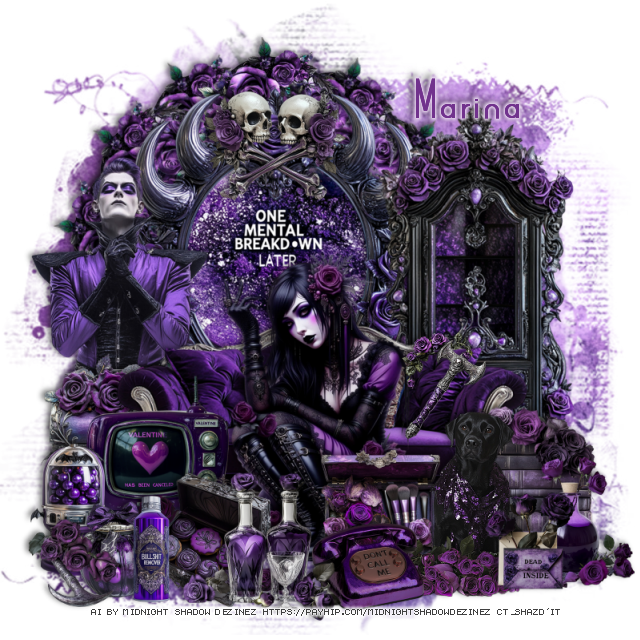
PTU Anti Valentine


 This tut was written January 27th, 2026 for those with a basic knowledge of psp. 

Awesome AI kit and tube by Midnight Shadow Dezinez

Everything used is included in the kit
Read the TOU on how to credit your tags

I used PSP2020...but any of them should work.
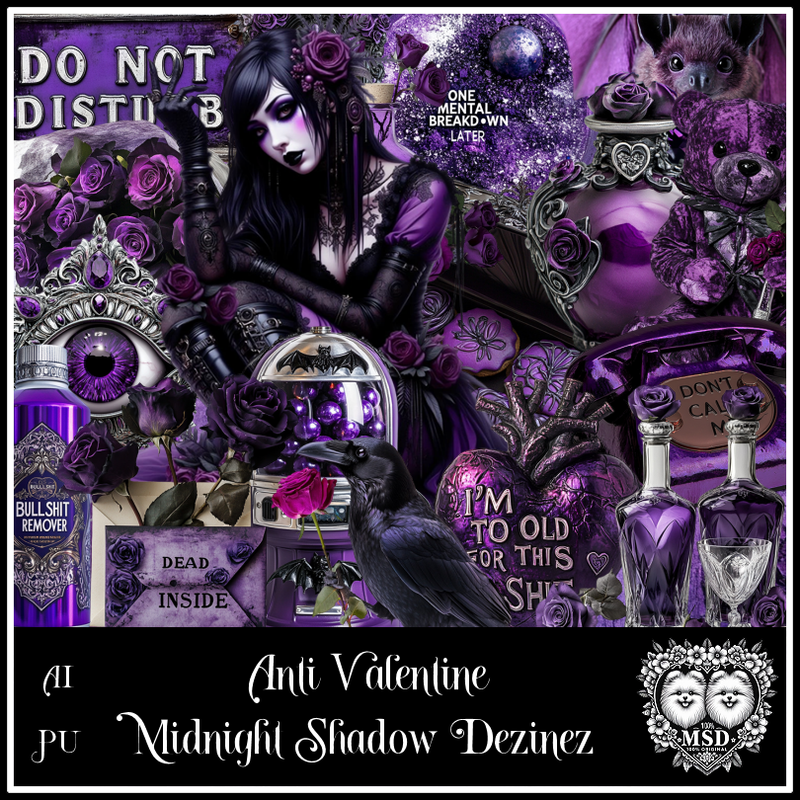
PTU Scrap Anti-Valentine by Midnight Shadow Dezinez  HERE
You can find all Midnight Shadow Dezinez kits HERE
Mask of choice, I used Miz Teeques Mask 222 HERE
Check out the rest of the blog HERE
Filter
Mura Meister Copies-Encircle

Font of choice, I used Arsinoe

Drop shadow as you go is V -2 H -4, 50, 10, or use what you prefer.
Let's get started
*Remember to add your drop shadow as you go along*

Open a new image 800 x 800, paste paper 7, apply your mask.

Resize 59 to 75%, paste, click inside, paste paper 7, invert, delete, 
keep selected, resize 21 to 75%, paste, delete, select none.
Resize 5 to 90%, paste at the bottom of the frame.
Resize 53 to 85%, paste on the right above the frame.
Resize 9 to 35%, flip, apply Mura Meister Copies-Encircle, first 3 
numbers on 14, 45, 50, paste below the frame.

Resize 55 to 65%, paste at the bottom.

Resize 43 to 35%, paste at the bottom to the left of the tube.
Resize 40 to 45%, paste at the bottom above the tube.
Resize 41 to 35%, paste at the bottom right below the dog.
Resize 22 to 30%, paste at the bottom above the dog.
Resize 18 to 35%, paste on the bottom left below the couch.
Resize 20 to 60%, paste on the left below the chest.
Resize 23 to 30%, paste at the bottom left above the tube.
Resize 16 to 30%, paste to the right of the tube at the bottom.
Resize 11 to 35%, paste at the bottom above the phone.
Resize 42 to 35%, paste at the bottom right above the dog.

Resize 33 to 30%, paste on the bottom left.
Resize 32 to 25%, paste at the bottom left.
Resize 8 to 25%, paste at the bottom left.
Resize 26 to 25%, paste at the bottom right.
Resize 4 to 30%, paste at the top on the frame.
Resize 17 to 20%, paste on the bottom left.
Resize 60 to 25%, paste on the sofa on the right.

Add any other elements that you would like, make it your own.
Always readjust your mask and elements how you like them before you
 merge your tag, resize, sharpen.

Crop your tag to be sure no shadows or lines are on the edges.
 Then add your copyright and name.
That's it

Hope you enjoyed doing my tut            

Sunday, January 18, 2026

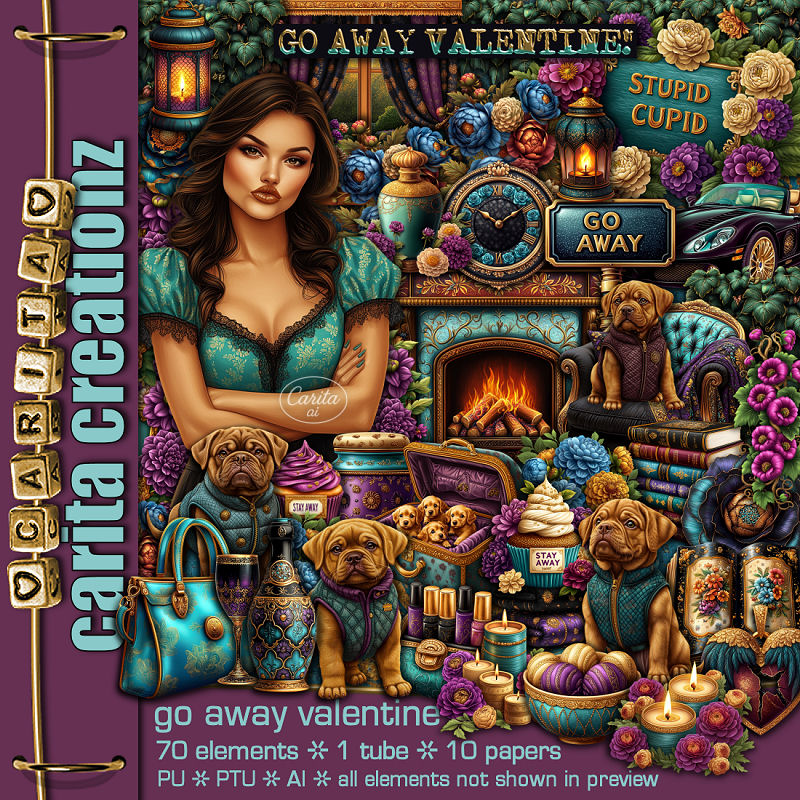
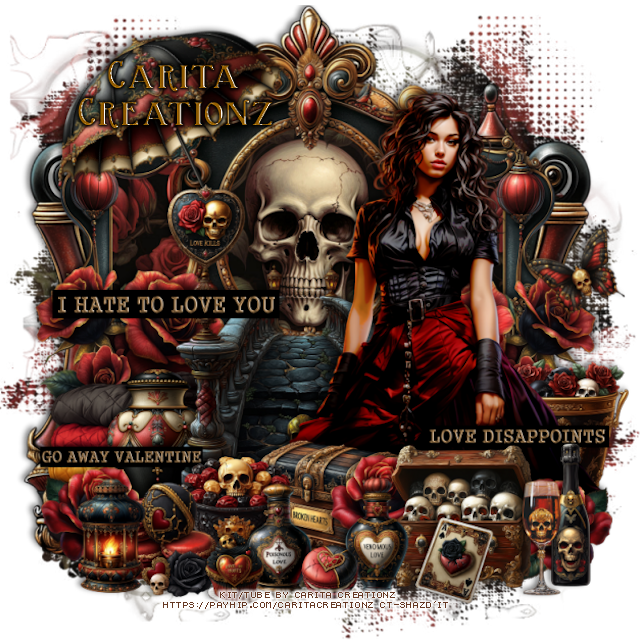
PTU Go Away Valentine


 This tut was written January 18th, 2026 for those with a basic knowledge of psp. 

I am using the Awesome Al kit by Carita Creationz
Tube is included
Read the TOU how to credit your tags.

I used PSP2020...but any of them should work.
PTU Scrap Go Away Valentine by Carita Creationz  HERE
Kit has 70 elements, 10 papers and 1 tube
Check her store out to see all her other kits and tubes HERE
Mask of choice, I used Miz Teeques Mask 127 HERE
Check out the rest of the blog HERE

Font of choice, I used Valentine

Drop shadow as you go is V -2 H 4, 50, 10, or use what you prefer.
Let's get started
*Remember to add your drop shadow as you go along*

Open a new image 800 x 800, paste paper 8, apply your mask, 
move to the left, duplicate, mirror.

Resize 13 to 50%, paste at the upper right, resize 18 to 50%, paste
below the frame.
Resize 2 to 85%, paste above the frame to the left.
Resize 67 to 15%, apply Mura Meister Copies-Encircle, first 3 numbers
on 18, 40, 40, paste below the clock and frame.
Resize 65 to 10%, apply Mura Meister Copies-Encircle, first 3 numbers
on 20, 45, 45, paste below the first circle.

Resize 43 to 65%, paste above the tree on the left.
Resize 35 to 50%, paste on the bottom right.
Resize 53 to 30%, paste on the left above the house.
Resize 19 to 60%, paste on the left above the sign.
Resize 23 to 25%, paste at the top on the door.
Resize 31 to 20%, paste on the door under the greenery on the right,
duplicate, mirror.

Resize the tube to 40%, paste below the car.

Resize 22 to 25%, paste on the bottom left above the car.
Resize 5 to 25%, paste at the bottom below the tube on the right.
Resize 36 to 30%, paste on the bottom right.
Resize 34 to 25%, paste on the bottom left above the car and flower.
Resize 16 to 25%, paste on the bottom left.
Resize 55 to 20%, paste at the bottom left.
Resize 29 to 18%, paste at the bottom by the shoes.
Resize 41 to 30%, paste at the bottom above the car.

Resize 7 to 25%, paste on the bottom right above the sign.
Resize 30 to 25%, paste at the bottom to the left of the sign.
Resize 32 to 20%, paste at the bottom to the left of the dog.
Resize 33 to 20%, paste at the bottom.
Resize 51 to 20%, paste at the bottom right.
Resize 50 to 10%, paste by the coffee pot.
Resize 27 to 12%, paste at the bottom.
Resize 48 to 15%, paste at the bottom.
Resize 52 to 25%, paste on the right up by the frame.
Resize 45 to 30%, mirror, paste at the upper left below the house.

Add any other elements that you would like, make it your own.
Always readjust your mask and elements how you like them before you
 merge your tag, resize, sharpen.
Crop your tag to be sure no shadows or lines are on the edges.
 Then add your copyright and name.
That's it

Hope you enjoyed doing my tut.       

Monday, February 3, 2025

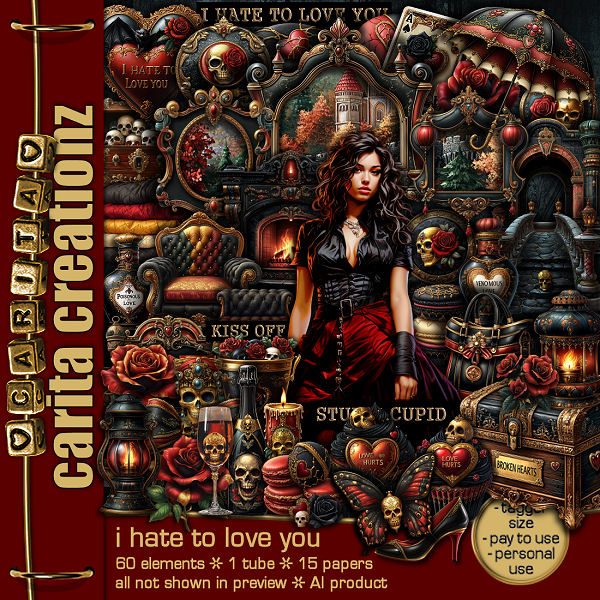
PTU I Hate TO Love You


 This tut was written February 3rd, 2025 for those with a basic knowledge of psp. 

I am using Al generated tube/ kit by Carita Creationz
The tube is included
Read the TOU for the credits of your tags

I used PSP2020...but any of them should work.
PTU Scrap I Hate to Love You by Carita Creationz  HERE
The kit includes 60 elements, 15 papers and 1 tube
Check her store out to see all her other kits and tubes HERE
Mask of choice, I used Miz TeeQue's Mask 125 HERE
Check out the rest of the blog HERE

Font of choice, I used Birmingham

Drop shadow as you go is V -2 H 4, 50, 10, or use what you prefer.
Let's get started
*Remember to add your drop shadow as you go along*

Open a new image 800 x 800, paste paper 3, apply your mask.

Resize element 2 to 60%, paste at the top.
Resize element 3 to 50%, paste below the frame on the left, duplicate, mirror.
Resize paper 3 to 50%, click inside the frames, paste the paper, invert, delete.
merge the frames and paper together. 
Paste element 1 below the frames.

Resize your tube to 55%, paste to the right.

Resize element 8 to 50%, paste below the tube center.
Resize element 53 to 35%, paste on the left below the stairs, duplicate, mirror.
Resize element 44 to 25%, paste on the right below the tube.
Resize element 42 to 30%, paste on the bottom left below the steps.
Resize element 11 to 25%, paste at the bottom right above the tube.
Resize element 18 to 20%, paste at the bottom right, duplicate, mirror.
Resize element 19 to 30%, paste on the left below the vase.
Resize element 9 to 25%, paste at the bottom below the chest.
Go back to the flower on the right, duplicate, move between the chests.

Resize element 30 to 20%, paste at the bottom above the chests.
Resize element 51 to 20%, paste at the bottom to the left of the chest.
Resize element 28 to 20%, paste at the bottom left.
Resize element 26 to 20%, paste at the bottom left.
Resize element 45 to 10%, paste at the bottom.
Resize element 29 to 25%, paste at the bottom right.
Resize element 35 to 20%, paste by the bottle.
Resize element 17 to 15%, paste on the frame on the left.
Resize element 14 to 20%, paste at the bottom below the cookie.
Resize element 16 to 13%, paste at the bottom.
Resize element 38 to 15%, paste at the bottom by the chest.

Resize element 54 to 35%, paste on the left above the steps.
Resize element 55 to 25%, paste at the lower left.
Resize element 58 to 30%, paste on the lower right.
Resize element 32 to 45%, free rotate to the left at 25, paste at the upper 
left above the frames.
Resize element 41 to 15%, free rotate to the left at 25, paste on the right.

Add any other elements that you would like, make it your own.
Always readjust your mask and elements how you like them before you
 merge your tag, resize, sharpen.
Crop your tag to be sure no shadows or lines are on the edges.
 Then add your copyright and name.
That's it

Hope you enjoyed doing my tut.    

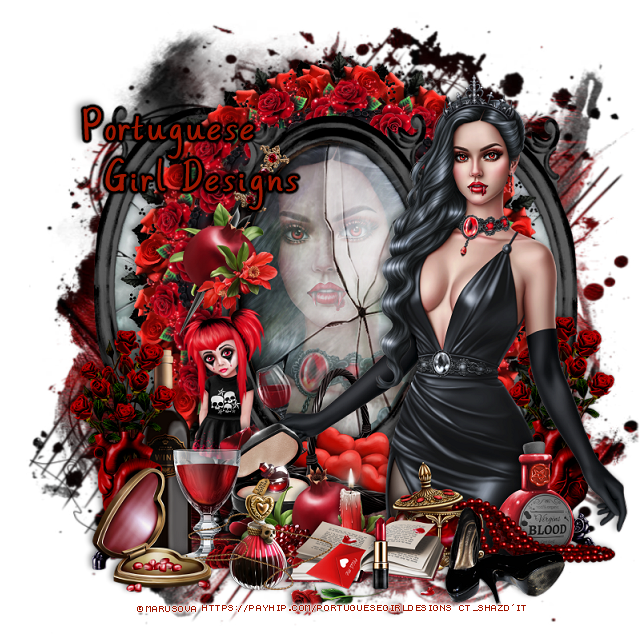
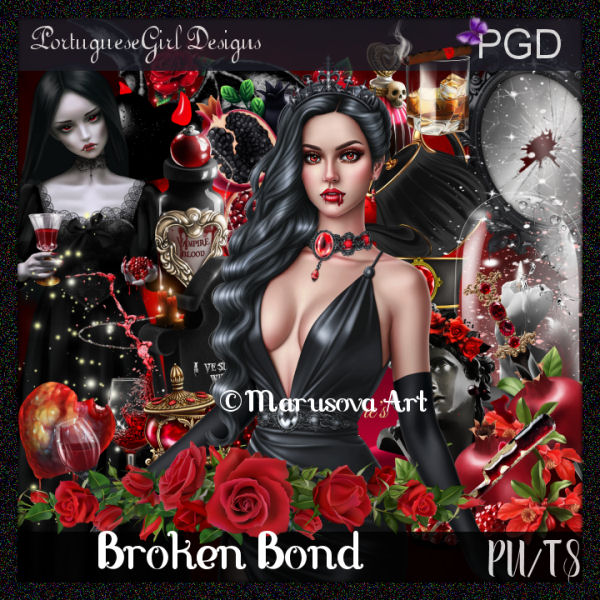
PTU Broken Bond


  This tut was written February 2nd, 2025 for those with a basic knowledge of psp. 

I am using the awesome tube ©Marusova Art

The tube is included in the kit
Please read the TOU on how to credit your tags

I used PSP2020...but any of them should work.
PTU Scrap Broken Bond by Portuguese Girl Designs  HERE 
You can find all Portuguese Girl Designs  HERE
 RD Mask 897 HERE
Check the rest of the blog HERE
Filter
Mura Meister Copies-Encircle

Font of choice, I used Always

Drop shadow as you go is V -2 H 4, 50, 10, or use what you prefer.
Let's get started
*Remember to add your drop shadow as you go along*

Open a new image 800 x 800, paste paper 12, apply your mask.

Resize element 35 to 75%, paste.
Resize your tube to 50%, paste on the mirror, erase the parts outside,
change the blend mode to Soft Light.
Resize element 31 to 40%, apply Mura Meister Copies-Encircle, change
the first 3 numbers to 14, 45, 50, paste below the frame.
Resize element 5 to 25%, apply Mura Meister Copies-Encircle, change
the first 3 numbers to 16, 55, 60, paste below the first circle.
Duplicate the frame that the tube is in, move the frame below
the flower circles on one side, duplicate, mirror.

Resize the tube to 25%, paste on the right above the frame.

Resize element 31 to 90%, paste at the bottom above the tube.
Resize element 70 to 50%, paste at the bottom.
Resize element 3 to 40%, paste at the bottom below the small jar with beads.
Resize element 47 to 50%, paste on the right below the tube.
Resize element 45 to 25%, paste left below the fruit.
Resize element 46 to 25%, paste at the bottom left.
Resize element 40 to 25%, paste on the bottom right below the beads.

Resize element 49 to 35%, paste at the bottom.
Resize element 57 to 25%, paste at the bottom right.
Resize element 14 to 40%, paste on the frame on the left.
Resize element 6 to 20%, paste at the bottom left.
Resize element 91 to 50%, paste at the bottom left.
Resize element 59 to 45%, paste on the left below the drink glass.
Resize element 56 to 15%, paste at the bottom above the book.
Resize element 26 to 35%, paste below the bottle.
Resize element 24 to 35%, paste below the tube.
Go back and duplicate the flowers behind the tube, move to the left above 
the bottle.

Add any other elements that you would like, make it your own.
Always readjust your mask and elements how you like them before you
 merge your tag, resize, sharpen.

Crop your tag to be sure no shadows or lines are on the edges.
 Then add your copyright and name.
That's it

Hope you enjoyed doing my tut  

Friday, February 23, 2024

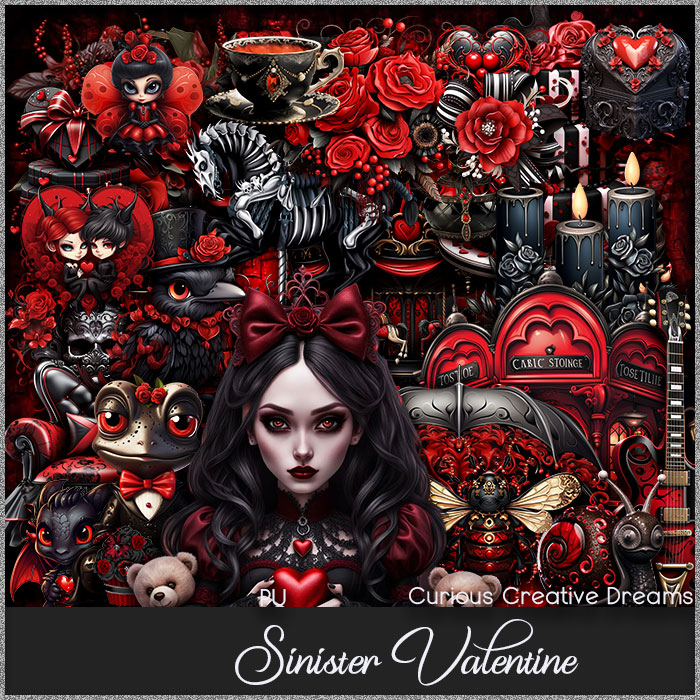
PTU Sinister Valentine


This tut was written  February 22nd, 2024 for those with a basic knowledge of psp. 

I am using the awesome tube by ©Barbara Jensen

The tube is 143-1
You need a license to use this tube, please do not use without a license.
You can find the tube at her store HERE

I used PSP2020...but any of them should work.
PTU Scrap Sinister Valentine by Curious Creative Dreams  HERE 
You can find all Curious Creative Dreams kits HERE
Mask of choice, I used Vivienne's Digital Tagging Mask 41 HERE
Check out the rest of the blog HERE

 Font of choice, I used Your Fear

Drop shadow as you go is V -2 H -4, 50, 10, or use what you prefer.
Let's get started
*Remember to add your drop shadow as you go along*

Open a new image 800 x 800, paste paper 19, apply your mask, duplicate,
mirror.

Resize frame 10 to 80%, paste, click inside with the magic wand, resize 
element 58 to 50%, paste in the frame, invert, delete.
Resize element 90 to 20%, apply Mura Meister Copies-Encircle, first 3 
numbers on 12, 50, 55, move behind the frame.
Paste element 87 below the flower circle on the right, duplicate, mirror.

Resize your tube to 85%, paste.

Resize element 41 to 45%, paste on the right below the tube, duplicate,
move to the left and down.
Resize element 93 to 20%, paste at the top on the building, duplicate, 
move to the other building.
Resize element 83 to 25%, paste on the right above the tube.
Resize element 97 to 25%, paste under the flower on the right.
Resize element 89 to 25%, paste on the bottom right below the flowers.
Resize element 56 to 25%, paste on the left below the tube.
Resize element 84 to 25%, paste on the bottom right.

Resize element 59 to 25%, paste on the bottom right.
Resize element 52 to 15%, paste at the bottom in front of the tube.
Resize element 54 to 25%, paste on the left below the candles.
Resize element 83 to 25%, mirror, paste at the bottom above the gift boxes.
Resize element 6 to 20%, paste on the boxes.
Resize element15 to 13%, mirror, paste at the bottom right.

Resize element 25 to 35%, free rotate to the right at 15, paste at the bottom left.
Resize element 78 to 15%, paste at the bottom.
Resize element 91 to 25%, paste on the left behind the boxes.
Resize element 14 to 13%, mirror, paste at the bottom left.
Resize element 20 to 15%, free rotate to the right at 15, paste on the flower
on the building on the left, duplicate, mirror.
Resize element 38 to 20%, paste on the bottom right above the mask layer,
duplicate, mirror.

Add any other elements that you would like, make it your own.
Always readjust your mask and elements how you like them before you
 merge your tag, resize, sharpen.

Crop your tag to be sure no shadows or lines are on the edges.
 Then add your copyright and name.
That's it

Hope you enjoyed doing my tut.    

Sunday, January 28, 2024

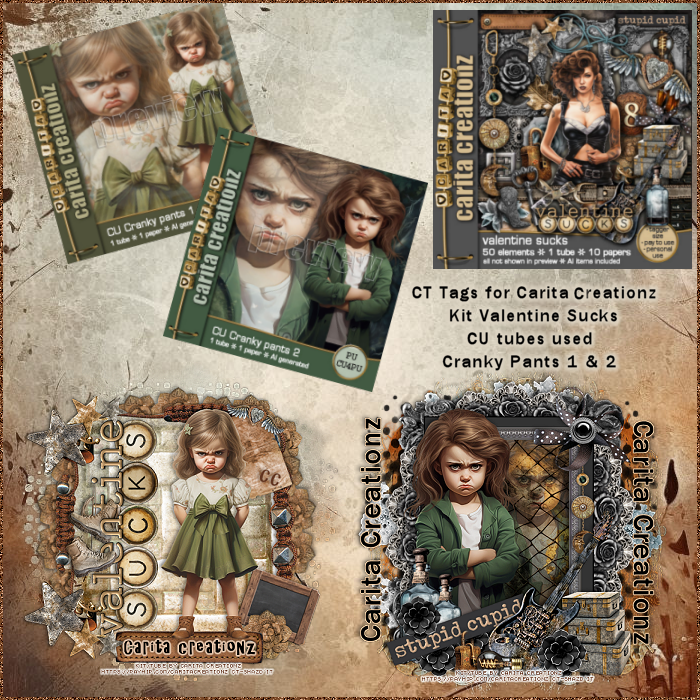
CT Tags for Carita Creationz

****CT Tags for Carita Creationz****

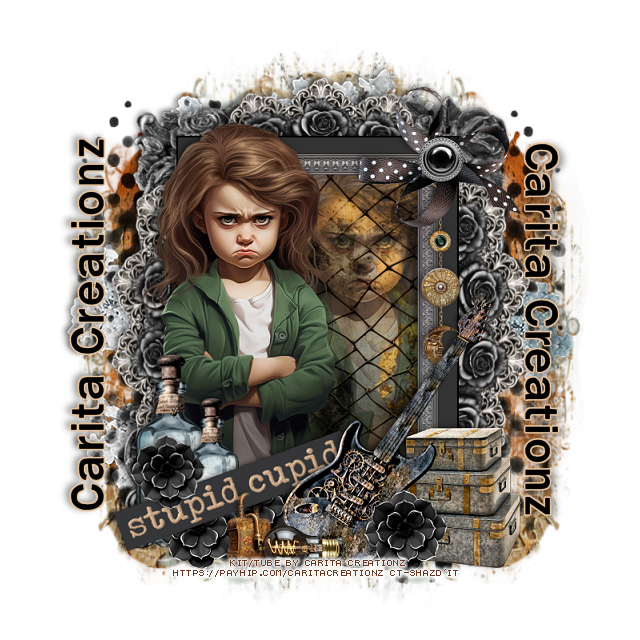
PTU Scrap Valentine Sucks by Carita Creationz  HERE
I used 2 AI tubes by Carita called Cranky Pants 1 and 2
You can find the tubes HERE  HERE
The tubes are for CU/PU
Check her store out to see all her other kits and tubes HERE

Below are a couple of tags I made with the kit and tubes
The tubes are just so cute you will love them.


Wednesday, December 27, 2023

PTU Love Bites


 This tut was written December 27th, 2023 for those with a basic knowledge of psp. 

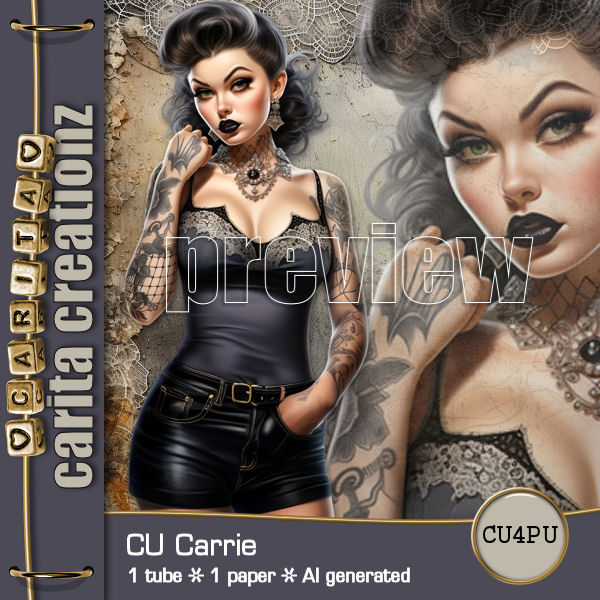
I am using this beautiful AI generated tube by Carita
The tube is call Carrie, it is CU4PU
Read the TOU on how to credit your tags.
You can find the tube at her store HERE

I used PSP2020...but any of them should work.
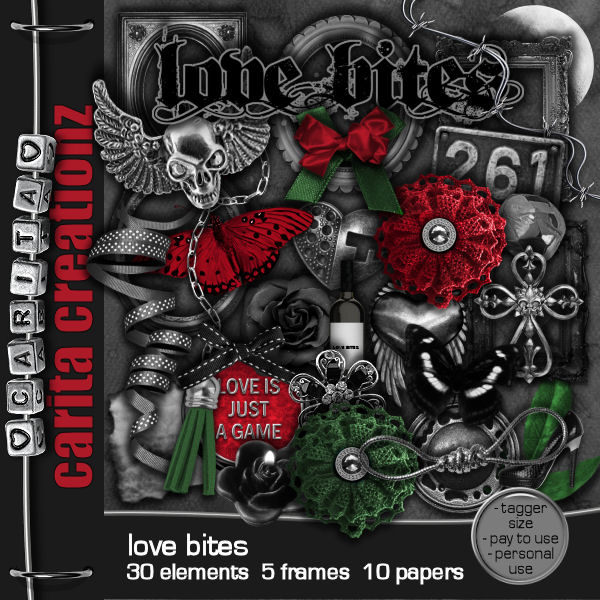
PTU Scrap Love Bites by Carita Creationz  HERE
Check her store out to see all her other kits and tubes HERE
Filter
Mura Meister Copies-Encircle

 Font of choice, I used Franklin Goth Medium

Drop shadow as you go is V -2 H -4, 50, 10, or use what you prefer.
Let's get started
*Remember to add your drop shadow as you go along*

Open a new image 800 x 800

Resize frame 3 to 75%, paste.
Resize frame 4 to 65%, paste above the other frame.
Paste element 2 below the bottom frame.

Paste element 17 below the frames on the left, duplicate, mirror,
select the left one, select all, float, defloat, resize your tube to 45%, paste,
do the same with the right one, only mirror the tube.

Resize frame 3 to 85%, free rotate to the right at 20, move to the bottom layer.
Resize element 20 to 35%, apply Mura Meister Copies-Encircle, first 
3 numbers on 14, 60, 60, move below the round frames.
Resize element 1 to 50%, erase the loop, paste at the top on the frame.

Resize your tube to 45%, paste on the right above the frame.

Resize element 10 to 60%, paste on the left above the frames, duplicate, 
resize to 65%, move below, duplicate again, move down more.
Resize element 11 to 40%, paste on the metal element.
Resize element 9 to 90%, paste at the bottom above the tube.

Resize element 26 to 30%, duplicate 6 more times, paste across the bottom
moving up and down across, move one behind the tube on the right.
Rotate element 12 to 90 degrees left, paste under the wordart.
Paste element 16 on the bottom layer on the left, duplicate, mirror.

Resize element 29 to 50%, paste at the bottom.
Resize element 3 to 25%, paste on the bottle.
Resize element 28 to 40%, paste at the bottom above the bottle, duplicate, 
mirror, move back by the other shoe.
Resize element 30 to 40%, paste at the bottom right, duplicate, move over.
Paste element 14 under the wordart on the bottom left, duplicate, mirror.

Add any other elements that you would like, make it your own.
Always readjust your mask and elements how you like them before you
 merge your tag, resize, sharpen.
Crop your tag to be sure no shadows or lines are on the edges.
 Then add your copyright and name.
That's it

Hope you enjoyed doing my tut.