Showing posts with label EleganceFly. Show all posts

Saturday, August 1, 2026

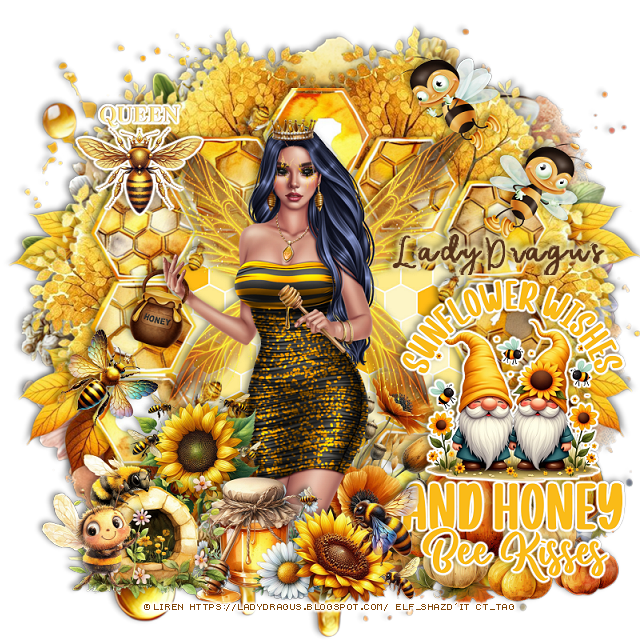
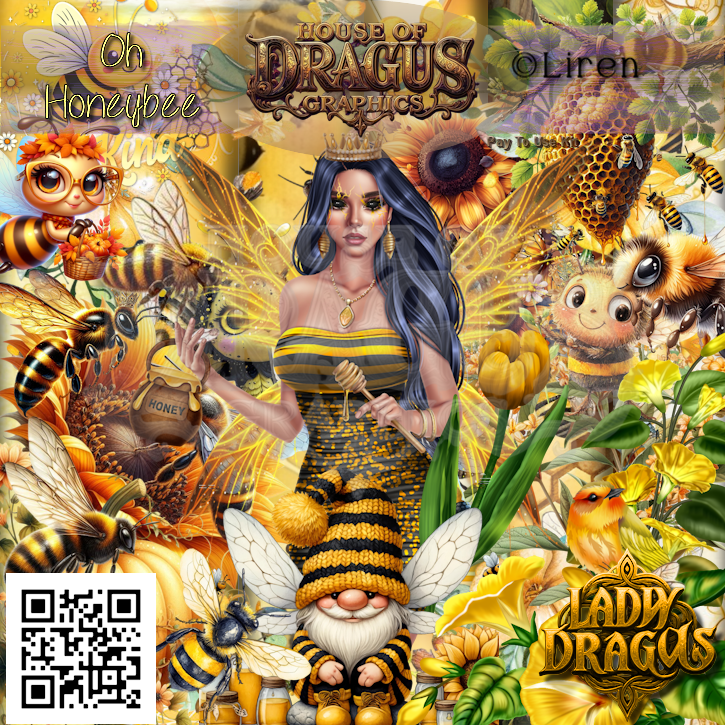
PTU Oh Honey Bee

This tut was written August 1st, 2026 for those with a basic knowledge of psp. 

I am using the Bee tube © Liren

The tube is included in the kit and can only be used with this kit.
You will use your Elegancefly license on this tube
Read the TOU on how to credit your tag


I used PSP2020...but any of them should work.

PTU Scrap Oh Honey Bee by Lady Dragus  HERE  HERE
Check her store out to see all her other kits and tubes HERE

Font of choice, I used Cute Bee

Drop shadow as you go is V -2 H 4, 40, 10, or use what you prefer.
Let's get started
*Remember to add your drop shadow as you go along*

Open a new image 800 x 800, resize element 25 to 110%, paste.

Resize frame 1 to 75%, paste, draw around the frame, resize paper 12
to 40%, paste invert, delete.
Paste 83 on the upper left below the frame, duplicate, mirror.
Resize 84 to 85%, paste below the tree on the left, duplicate, mirror.
Resize 81 to 40%, paste at the bottom right above the frame.
Resize 63 to 40%, paste at the bottom center.

Resize the tube to 60%, paste above the pumpkin.

Resize 30 to 50%, paste on the bottom right above the frame, add a 
fat white gradient glow.
Resize 87 to 25%, paste at the bottom by the pumpkin with flowers.
Resize 22 to 28%, paste on the bottom left.
Resize 61 to 23%, paste at the bottom by the wordart.
Resize 24 to 25%, paste on the left below the honey jar to the left of the tube.
Resize 29 to 25%, paste on the upper left above the frame, add a 
fat white gradient glow.
Resize 28 to 25%, paste at the bottom left.
Resize 41 and 42 to 25%, paste on the upper right above the frame.
Resize 36 to 20%, paste on the left on the frame.

Add any other elements that you would like, make it your own.
Always readjust your mask and elements how you like them before you
 merge your tag, resize, sharpen.

Crop your tag to be sure no shadows or lines are on the edges.
 Then add your copyright and name.
That's it

Hope you enjoyed doing my tut     

Sunday, July 5, 2026

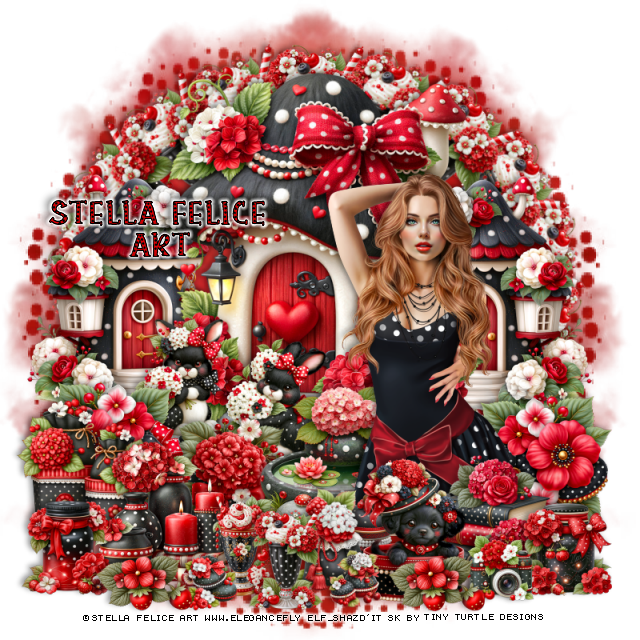
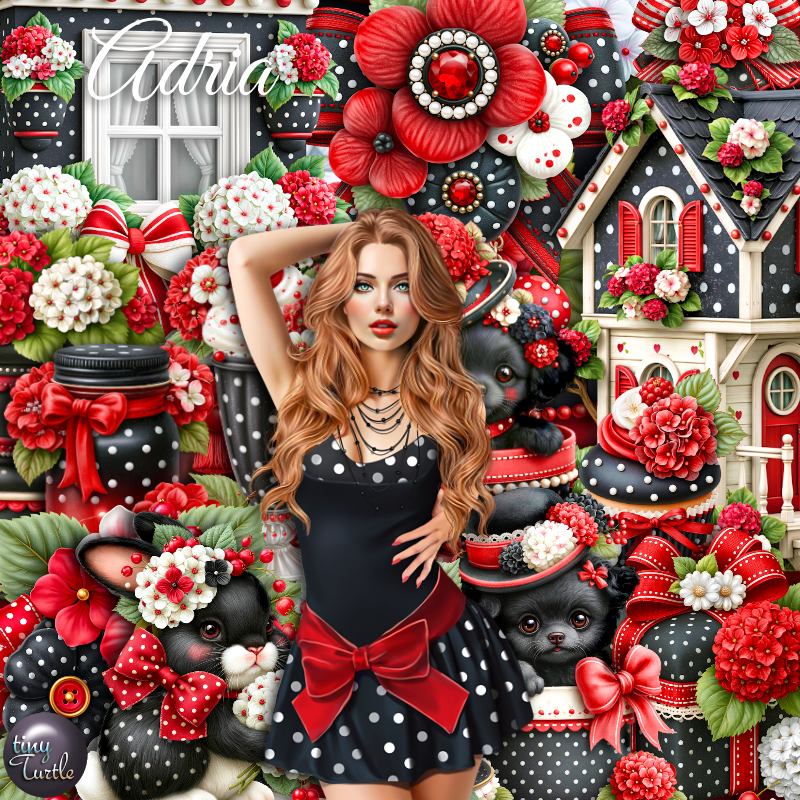
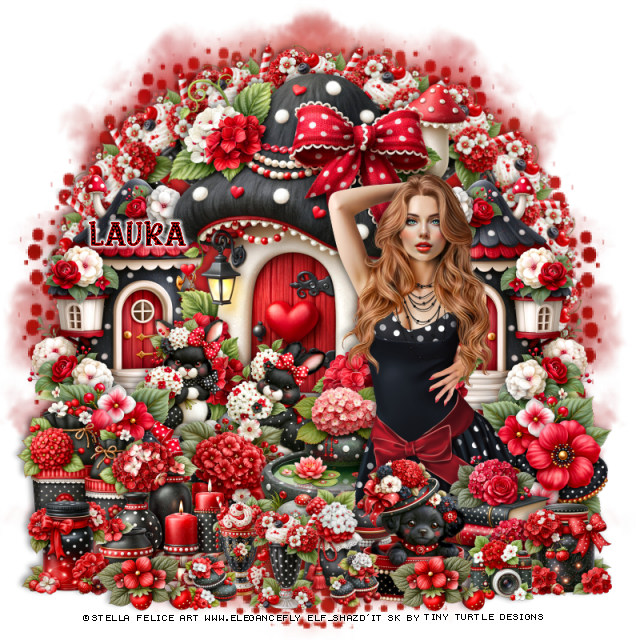
PTU Adria


  This tut was written July 5th, 2026 for those with a basic knowledge of psp. 

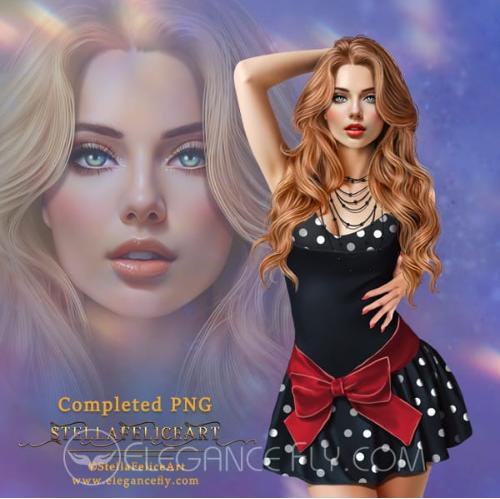
I am using the beautiful tube by © Stella Felice Art

Tube is called Adria
Tube is NOT included
You need a license to use this tube, please do not use without a license
You can find this tube at Elegancefly HERE

I used PSP2020...but any of them should work.
PTU Scrap Adria by Tiny Turtle Designs  HERE
You can find all Tiny Turtle Designs kits  HERE 
Miz Teeque Mask 70 HERE 
Check the rest of the blog HERE
Filter
Mura Meister Copies-Encircle

Font of choice, I used Polkadot

Drop shadow as you go is V -2 H 4, 40, 10, or use what you prefer.
Let's get started
*Remember to add your drop shadow as you go along*

Open a new image 800 x 800, paper paper 3, apply your mask, move
to the left, duplicate, mirror.

Resize 113 to 65%, paste.
Resize 84 to 40%, paste below the house on the right, duplicate, mirror.
Resize 105 to 25%, paste at the bottom right of the small house,
duplicate, mirror.
Resize 2 to 25%, apply Mura Meister Copies-Encircle, first 3 numbers on 
18, 60, 50, paste below the houses.

Resize the tube to 20%, paste on the right.

Resize 63 to 22%, paste at the bottom above the tube.
Resize 1 to 20%, paste on the bottom right above the books.
Resize 117 to 28%, paste below the tube on the left.
Resize 115 to 25%, paste at the bottom above the books.
Resize 100 to 12%, paste at the bottom right.
Resize 92 and 93 to 20%, paste above the house to the left below the flowers.
Resize 11 to 20%, paste above the rabbits.
Resize 8 to 25%, paste on the bottom left above the flowers.
Resize 14 to 25%, paste on the bottom left.
Resize 12 to 20%, paste at the bottom below the dog.

Resize 2 and 3 to 17%, paste at the bottom.
Resize 13 to 10%, paste at the bottom by the dog.
Resize 7 to 10%, paste on the bottom left of the drinks.
Resize 123 to 17%, paste on the bottom left.
Resize 27 to 15%, paste at the bottom left, duplicate, move to the right
by the dog.

Add any other elements that you would like, make it your own.
Always readjust your mask and elements how you like them before you
 merge your tag, resize, sharpen.

Crop your tag to be sure no shadows or lines are on the edges.
 Then add your copyright and name.
That's it

Hope you enjoyed doing my tut
Tag for Laura   

Wednesday, June 24, 2026

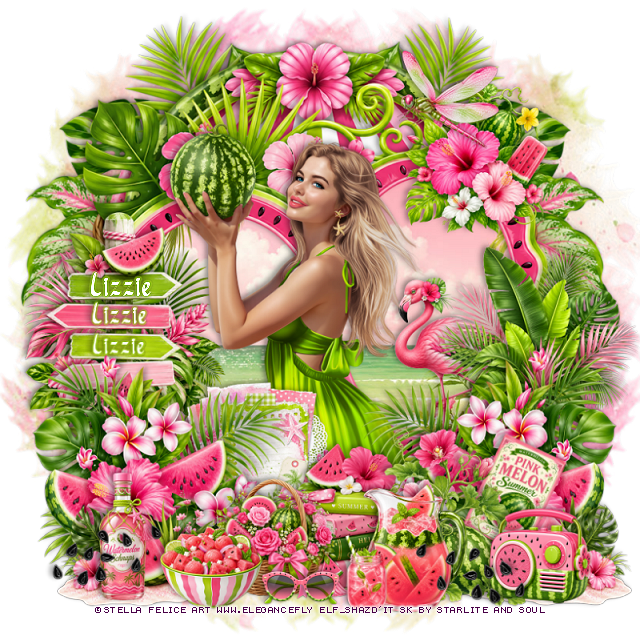
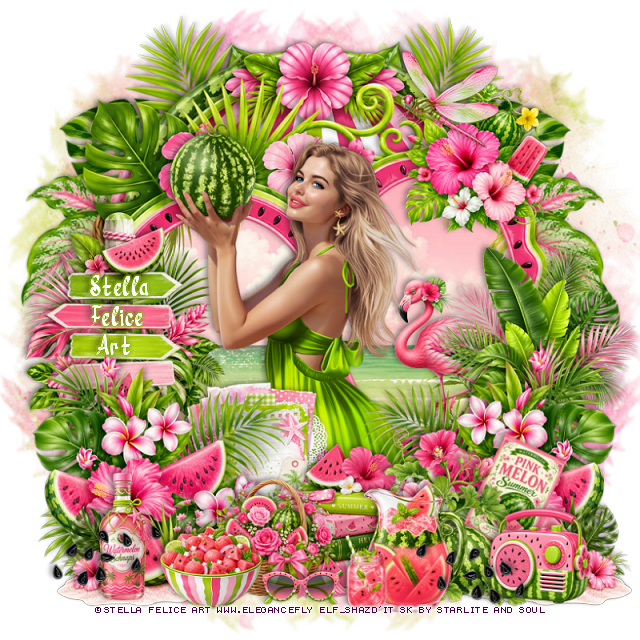
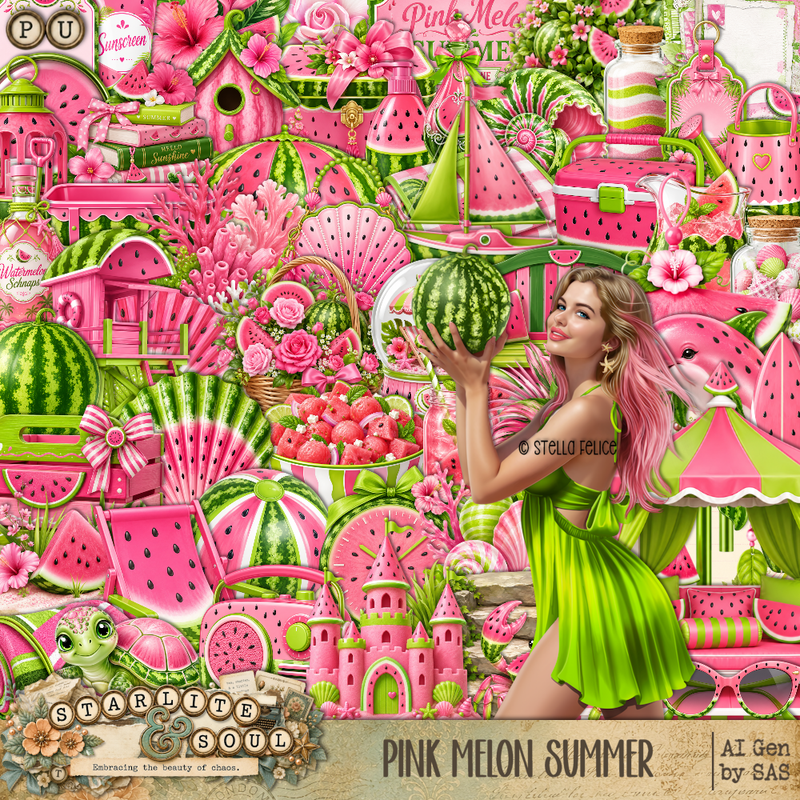
PTU Pink Melon Summer


 This tut was written June 24th, 2026 for those with a basic knowledge of psp. 

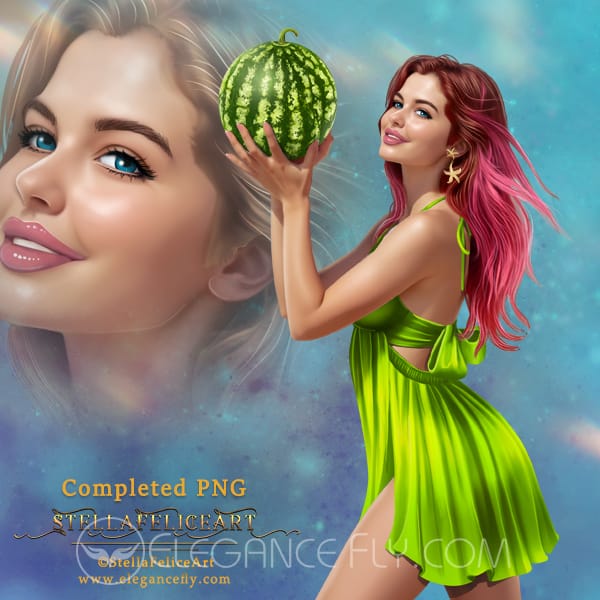
I am using the beautiful tube by © Stella Felice Art

Tube is called Taste of Summer
Tube is NOT included
You need a license to use this tube, please do not use without a license
You can find this tube at Elegancefly store HERE

I used PSP2020...but any of them should work.
PTU Scrap Pink Melon Summer by Starlite and Soul  HERE
You can find all Starlite and Soul kits  HERE 
Lori's PSP Graphics Mask 805 HERE
Check the rest of the blog HERE

Font of choice, I used River Water

Drop shadow as you go is V -2 H 4, 40, 10, or use what you prefer.
Let's get started
*Remember to add your drop shadow as you go along*

Open a new image 800 x 800, paste paper 15, apply your mask.

Paste frame 8, click inside, paste paper 6, adjust, invert, delete.
Paste frame 7 at the top on the bottom layer.
Resize 143 to 90%, paste below the frames on the right, duplicate, mirror.

Resize the tube to 22%, paste center.

Resize 139 to 50%, paste on the bottom right, above the tube, 
duplicate, mirror.
Resize 78 to 35%, paste on the bottom below one of the plants.
Resize 40 to 40%, paste on the left above the frame.
Resize 54 to 40%, paste on the right above the frame.
Resize 75 to 35%, paste at the bottom right above the books,
duplicate, mirror.
Resize 43 to 35%, paste at the bottom right by the books.
Resize 89 to 20%, paste at the bottom.
Resize 79 to 25%, paste at the bottom below the bowl.

Resize 141 to 30%, paste on the upper right on the frame.
Resize 103 to 30%, paste at the bottom below the books.
Resize 97 to 20%, free rotate to the right at 25, paste on the right
below the small watermelon with the flowers.
Resize 19 to 25%, paste at the bottom to the right.
Resize 8 to 15%, paste at the bottom.
Resize 70 to 25%, paste on the bottom left.
Resize 47 to 35%, paste in the frame on the right.
Resize 26 to 20%, paste on the bottom right.
Resize 45 to 20%, paste at the upper right.
Resize 29 to 50%, paste on the left below some of the plants.
Resize 119 to 30%, paste on the bottom right, duplicate, mirror.
Resize 9 to 15%, paste at the bottom.

Add any other elements that you would like, make it your own.
Always readjust your mask and elements how you like them before you
 merge your tag, resize, sharpen.

Crop your tag to be sure no shadows or lines are on the edges.
 Then add your copyright and name.
That's it

Hope you enjoyed doing my tut
Tag for Lizzie  


Wednesday, June 3, 2026

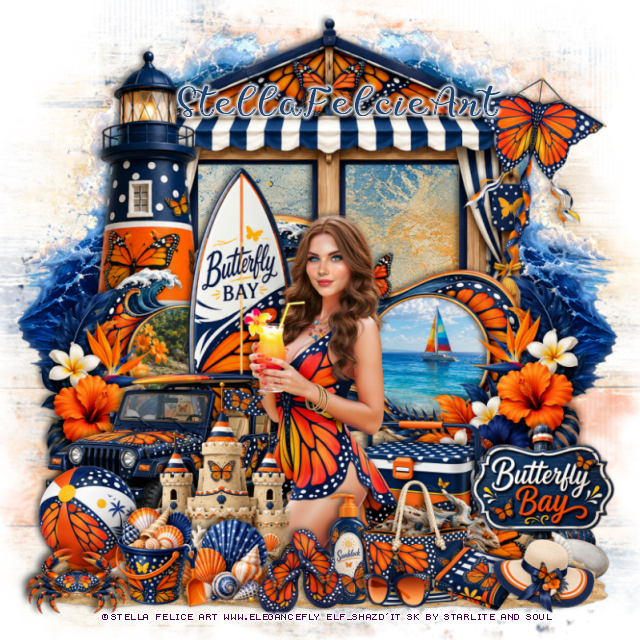
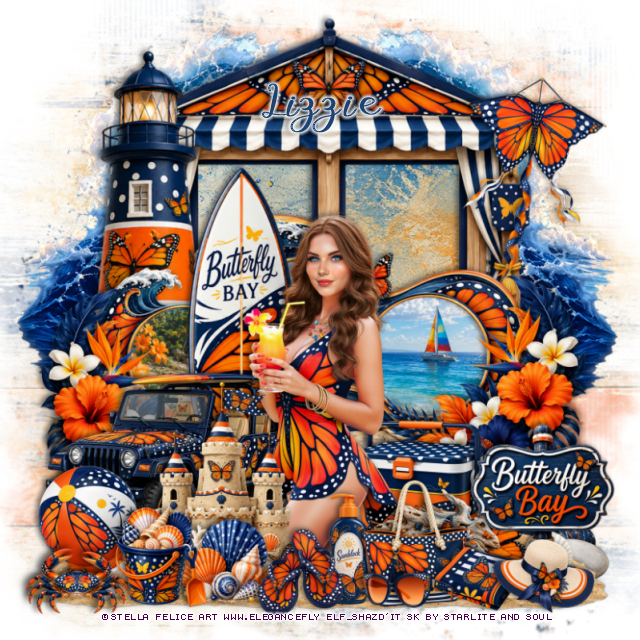
PTU Butterfly Bay


This tut was written June 3rd, 2026 for those with a basic knowledge of psp. 

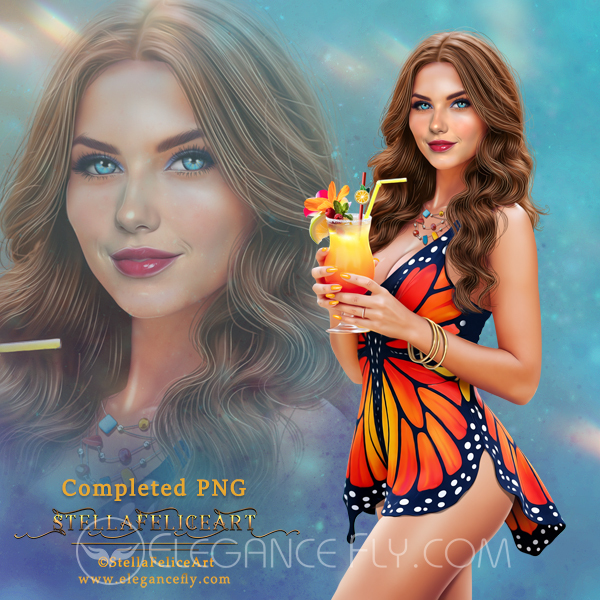
I am using the beautiful tube by © Stella Felice Art

Tube is called Amanda
You need a license to use this tube, please do not use without a license
You can find this tube at Elegancefly store  HERE 

I used PSP2020...but any of them should work.
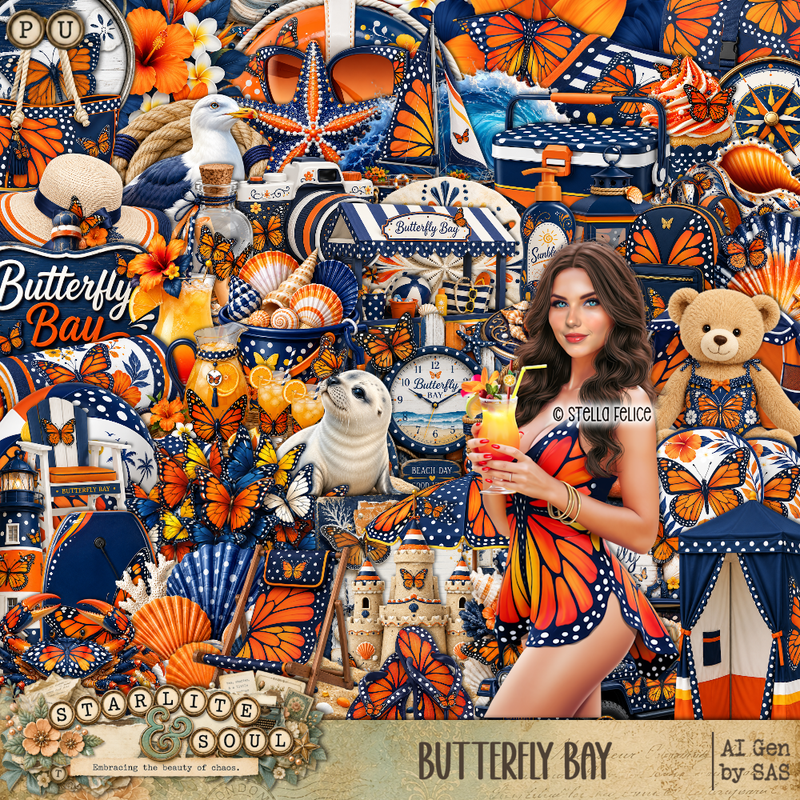
PTU Scrap Butterfly Bay by Starlite and Soul HERE
You can find all Starlite and Soul  kits  HERE 
 RD Mask 673 HERE
Check the blog out HERE

Font of choice, I used Butterfly

Drop shadow as you go is V -2 H 4, 40, 10, or use what you prefer.
Let's get started
*Remember to add your drop shadow as you go along*

Open a new image 800 x 800, paste paper 19, apply your mask, 

Resize frame 4 to 85%, paste, click inside each frame, resize
paper 3 to 60%, paste how you like, invert, delete, merge 
the paper and frame together.
Resize frame 2 to 85%, paste below the frame, click inside, paste 
paper 18, invert, delete.
Paste 82 below the frame on the left, duplicate, mirror, duplicate,
move the right one to the top, duplicate, mirror, move 
both below the first ones.

Resize the tube to 20%, paste above the frame.

Resize 67 to 115%, paste at the bottom below the tube.
Resize 49 to 50%, paste below the tube on the left.
Resize 15 to 40%, paste at the bottom above the tube.
Resize 16 to 20%, paste at the bottom left above the castle.
Resize 21 to 20%, paste at the bottom above the ball.
Resize 17 to 25%, paste on the bottom below the tube to the right.
Resize 70 to 25%, paste at the bottom above the chest.
Resize 10 to 17%, paste at the bottom above the tube.
Resize 73 to 20%, paste at the bottom below the bucket and flip flops.
Resize 48 to 85%, paste below the circle frame on the left.
Resize 66 to 40%, paste on the bottom right below the chest.

Resize 148 to 40%, paste on the left on the frame, duplicate, mirror.
Resize 39 to 22%, paste at the bottom below the flip flops.
Resize 29 to 75%, paste below the car.
Resize 3 to 20%, paste at the bottom left by the ball.
Resize 58 to 35%, paste at the bottom right.
Resize 9 to 25%, paste at the bottom by the flip flops.
Resize 11 to 18%, paste at the bottom by the purse.
Resize 12 to 18%, paste at the bottom by the purse.
Resize 53 to 20%, paste at the bottom right.
Resize 23 to 40%, paste at the upper right.

Add any other elements that you would like, make it your own.
Always readjust your mask and elements how you like them before you
 merge your tag, resize, sharpen.

Crop your tag to be sure no shadows or lines are on the edges.
 Then add your copyright and name.
That's it

Hope you enjoyed doing my tut
Tag for Lizzie 


Monday, May 11, 2026

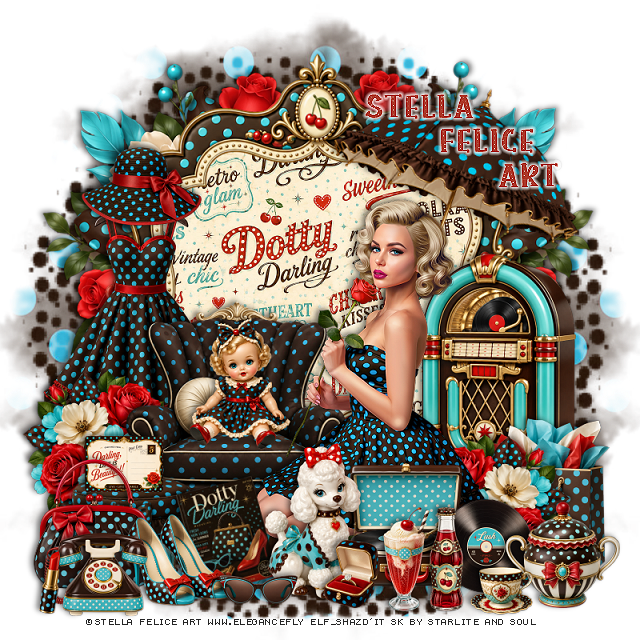
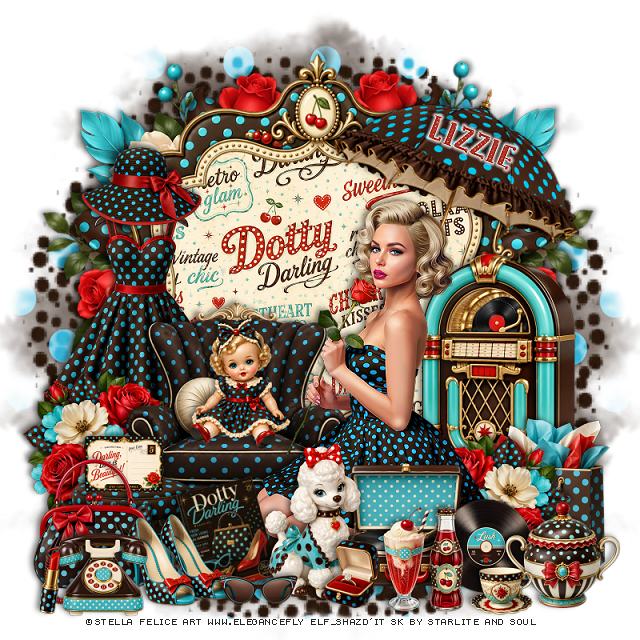
PTU Dotty Darling


  This tut was written May 11th, 2026 for those with a basic knowledge of psp. 

I am using the beautiful tube by © Stella Felice Art

Tube is called Mollie
You need a license to use this tube, please do not use without a license
You can find this tube at Elegancefly store  HERE 

I used PSP2020...but any of them should work.
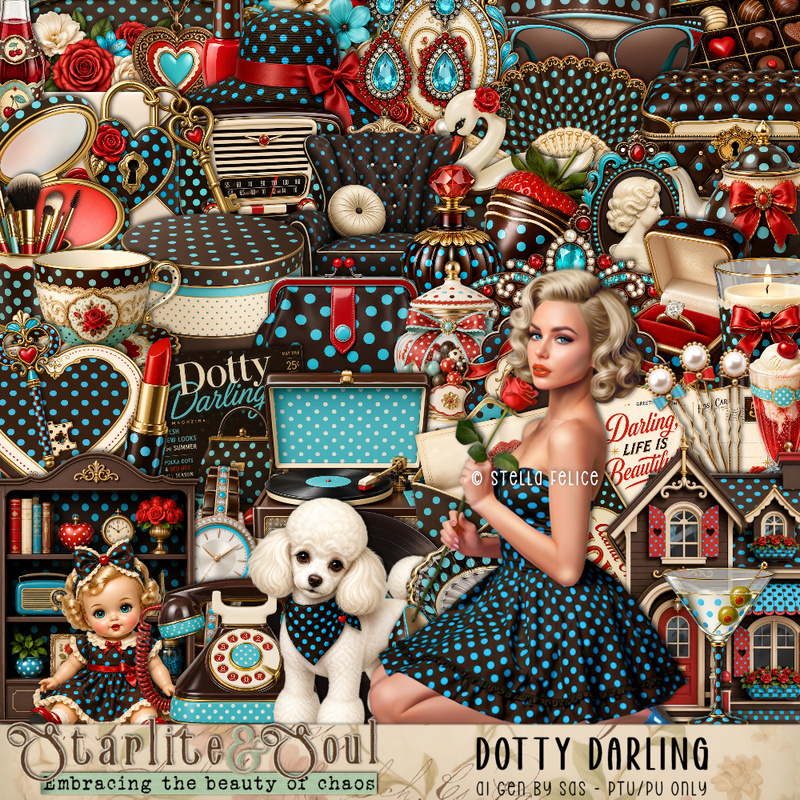
PTU Scrap Dotty Darling by Starlite and Soul HERE
You can find all Starlite and Soul  kits  HERE 
 Miz Teeques Mask 70 HERE
Check the blog out HERE

Font of choice, I used Polkadot

Drop shadow as you go is V -2 H 4, 40, 10, or use what you prefer.
Let's get started
*Remember to add your drop shadow as you go along*

Open a new image 800 x 800, paste paper 16, apply your mask,
move to the left, duplicate, mirror.

Resize frame 7 to 85%, click inside, resize paper 17 to 50%, 
paste, invert, delete.
Paste 124 below the frame on the left, duplicate, mirror.

Resize the tube to 20%, paste at the bottom of the frame.

Resize 91 to 45%, paste behind the tube on the left.
Resize 92 to 25%, paste at the bottom above the tube.
Resize 87 to 20%, free rotate to the left at 15, paste at the bottom above 
the foot stool.
Resize 75 to 30%, paste at the bottom above the book.
Resize 74 to 45%, paste below the tube on the right.
Resize 10 to 20%, paste on the bottom left by the book.
Resize 73 to 25%, paste at the bottom right.
Resize 72 to 18%, paste at the bottom right above the record player.

Resize 6 to 25%, paste below the shoes on the left.
Resize 7 to 15%, paste at the bottom by the dog.
Resize 3 to 25%, paste on the chair.
Resize 80 to 15%, paste on the foot stool.
Resize 19 to 50%, paste on the left behind the chair.
Resize 129 to 30%, paste above the dress on the left, duplicate, mirror,
move above the juke box.
Resize 65 to 22%, paste at the bottom right.
Resize 63 to 12%, paste at the bottom.
Resize 60 and 62 to 20%, paste at the bottom.
Resize 70 to 20%, paste at the bottom left.
Resize 22 to 12%, paste at the bottom left by the phone.
Resize 39 to 30%, paste on the bottom right above the jukebox.
Resize 47 to 13%, paste at the bottom by the dog.
Resize 8 to 23%, paste on the upper left on the dress.
Resize 83 to 50%, free rotate to the right at 20, paste at the upper right below the tube.

Add any other elements that you would like, make it your own.
Always readjust your mask and elements how you like them before you
 merge your tag, resize, sharpen.

Crop your tag to be sure no shadows or lines are on the edges.
 Then add your copyright and name.
That's it

Hope you enjoyed doing my tut
Tag for Lizzie 


Sunday, April 12, 2026

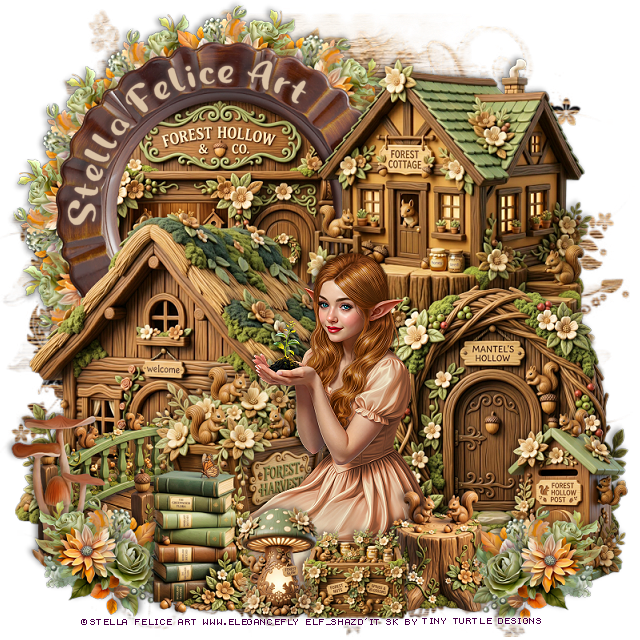
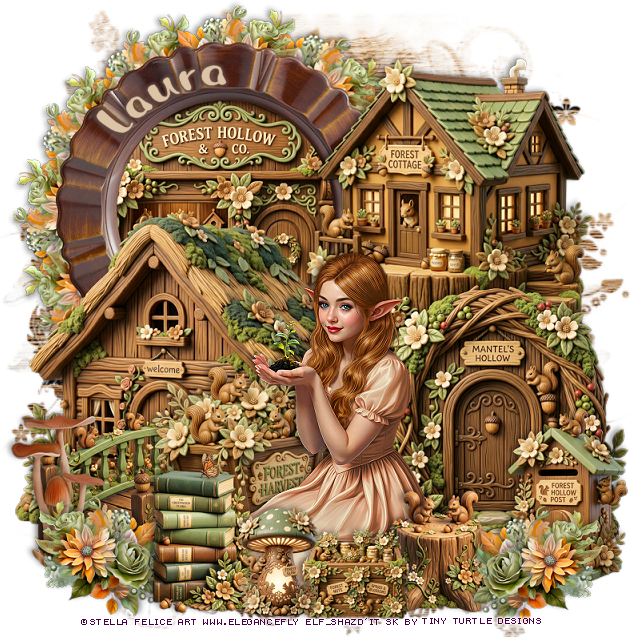
PTU Forest Hollow


   This tut was written April 12th, 2026 for those with a basic knowledge of psp. 

I am using the beautiful tube by © Stella Felice Art

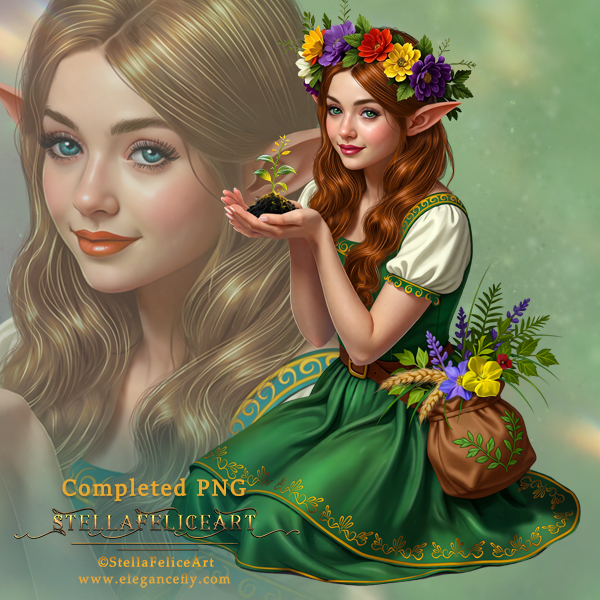
The tube is called Elfish girl_Herbalist
The tube is "NOT" included
You need a license to use this tube, please do not use without a license
You can find the tube at Elegancefly Store HERE

I used PSP2020...but any of them should work.
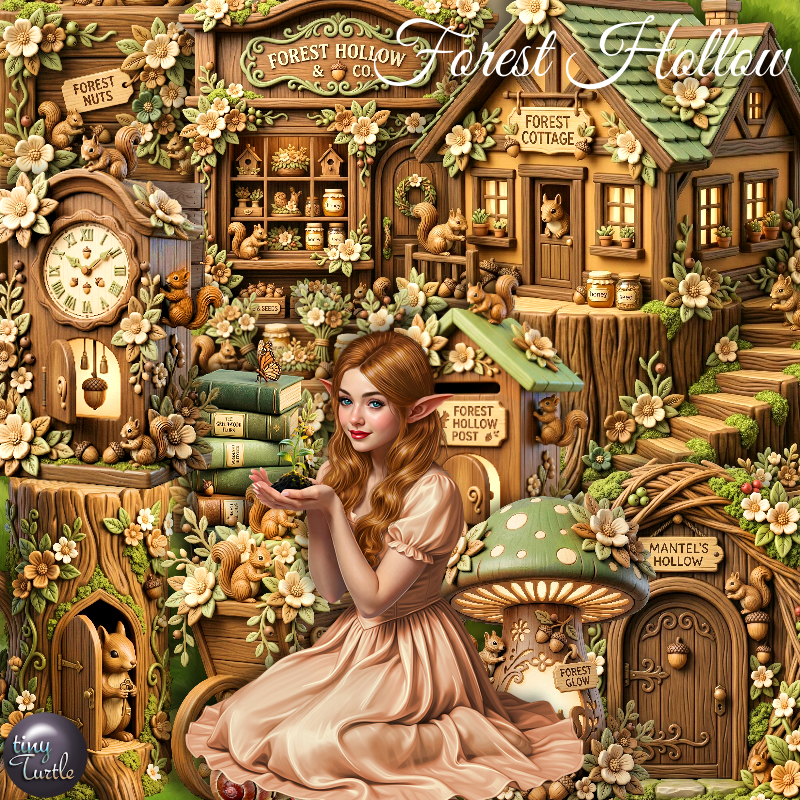
PTU Scrap Forest Hollow by Tiny Turtle Designs  HERE
You can find all Tiny Turtle Designs kits  HERE 
Miz Teeques Mask 117 HERE
Check the blog out HERE

Font of choice, I used Magic Owl

Drop shadow as you go is V -2 H 4, 40, 10, or use what you prefer.
Let's get started
*Remember to add your drop shadow as you go along*

Open a new image 800 x 800, paste paper 3, apply your mask, 

Resize 138 to 65%, paste on the upper left, click inside,
resize 201 to 50%, paste in the frame, invert, delete.
Resize 118 to 25%, apply Mura Meister Copies-Encircle, first 3
numbers on 12, 50, 50, paste below the frame.
Resize 203 to 65%, paste on the upper right.
Resize 193 to 65%, paste on the bottom left.
Resize 199 to 50%, paste on the bottom right.
Resize 198 to 50%, paste on the bottom left above the house.

Resize the tube to 20%, paste at the bottom.

Resize 3 to 40%, paste below the tube on the left.
Resize 1 to 30%, paste on the bottom right by the door.
Resize 196 to 25%, paste at the bottom above the tube.
Resize 204 to 20%, paste at the bottom above the books.

Resize 202 to 20%, paste at the bottom below the mushroom.
Resize 197 to 25%, paste on the bottom right.
Resize 118 to 25%, paste at the bottom right, duplicate, mirror.
Resize 92 to 30%, paste on the bottom left below the flower.

Add any other elements that you would like, make it your own.
Always readjust your mask and elements how you like them before you
 merge your tag, resize, sharpen.

Crop your tag to be sure no shadows or lines are on the edges.
 Then add your copyright and name.
That's it

Hope you enjoyed doing my tut
Tag for Laura    


Wednesday, April 1, 2026

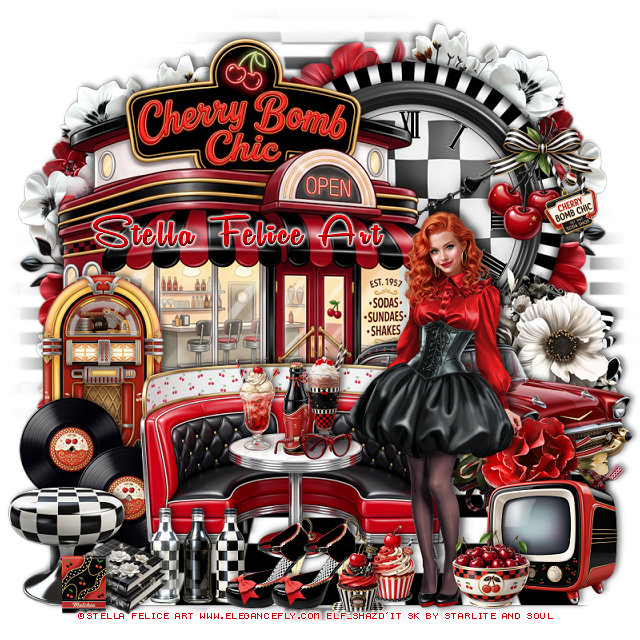
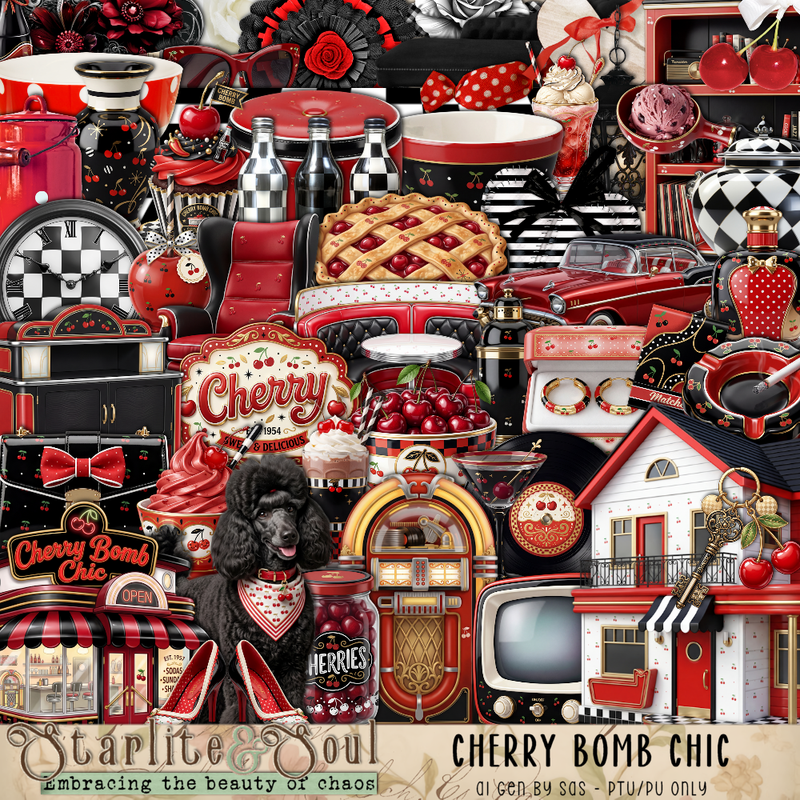
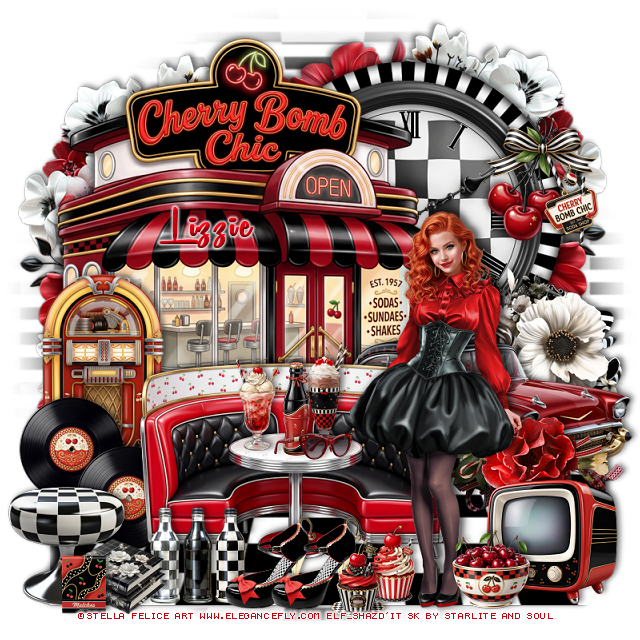
PTU Cherry Bomb Chic


 This tut was written April 1st, 2026 for those with a basic knowledge of psp. 

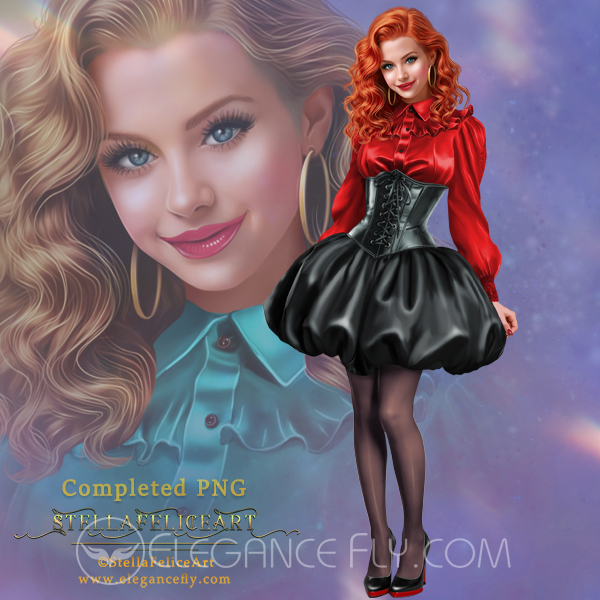
I am using the beautiful tube by © Stella Felice Art

Tube is called Elisabetta
You need a license to use this tube, please do not use without a license
You can find this tube at Elegancefly store HERE

I used PSP2020...but any of them should work.
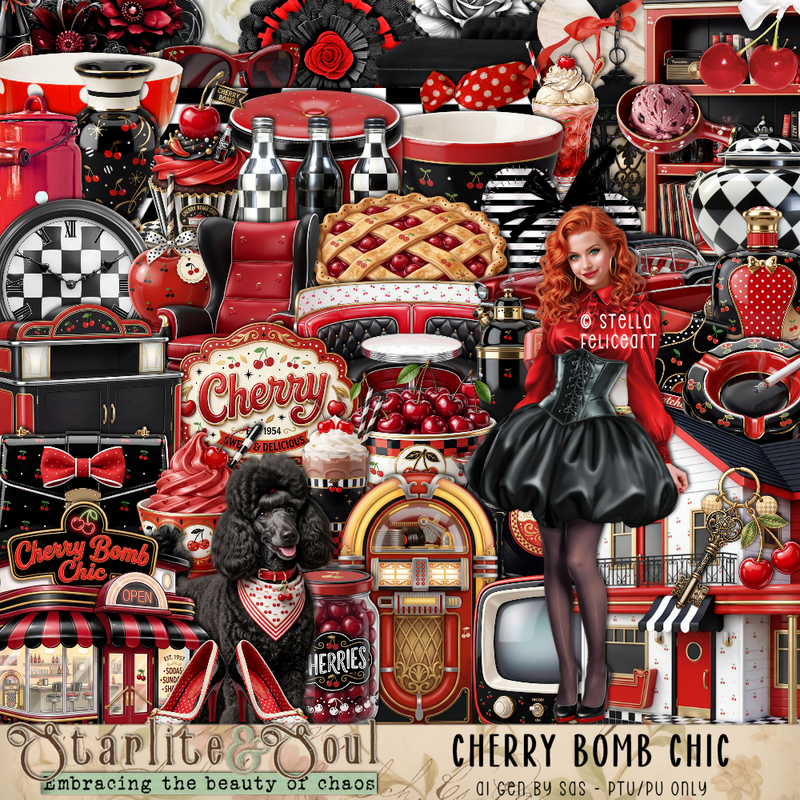
PTU Scrap Cherry Bomb Chic by Starlite and Soul HERE
You can find all Starlite and Soul  kits  HERE 
 Monti's Blind Mask 1 HERE
Check the blog out HERE

Font of choice, I used Remachine Script

Drop shadow as you go is V -2 H 4, 50, 10, or use what you prefer.
Let's get started
*Remember to add your drop shadow as you go along*

Open a new image 800 x 800, resize paper 19 to 85%, apply your mask, 
resize the mask to 145%.

Resize 10 to 60, paste on the upper right.
Resize 76 to 60%, paste below the frame.
Resize 109 to 85%, paste below the clock and frame.
Resize 2 to 75%, paste on the left above the frame.
Duplicate the flowers behind the clock, move to the left and down a 
little behind the cafe.
Resize 4 to 25%, paste on the right on the frame.
Resize 88 to 105%, paste at the bottom below the diner.
Resize 7 to 65%, mirror, paste on the bottom right above the diner.

Resize 148 to 35%, paste on the right below the car.
Resize 26 to 40%, paste on the left above the diner.
Resize 41 to 60%, paste at the bottom.

Resize the tube to 20%, paste on the right.

Resize 42 to 20%, paste on the bottom left by the jukebox, duplicate,
move over a little.
Resize 32 to 20%, paste on the table.
Resize 37 to 18%, paste on the table.
Resize 36 to 18%, paste on the table.
Resize 38 to 15%, paste on the table.

Resize 83 to 25%, paste on the bottom left.
Resize 79 to 20%, paste on the bottom left by the stool.
Resize 82 to 20%, paste at the bottom by the bottles.

Resize 55 to 20%, paste at the bottom by the bottles, duplicate, move over.
Resize 115 to 40%, paste on the right at the bottom of the car.
Resize 39 to 25%, paste at the bottom right above the tube.
Resize 5 and 6 to 15%, paste at the bottom by the shoes.
Resize 10 to 15%, paste at the bottom right.
Resize 31 to 10%, paste on the bottom left above the books.

Add any other elements that you would like, make it your own.
Always readjust your mask and elements how you like them before you
 merge your tag, resize, sharpen.

Crop your tag to be sure no shadows or lines are on the edges.
 Then add your copyright and name.
That's it

Hope you enjoyed doing my tut
Tag for Lizzie