Showing posts with label Spring/Summer. Show all posts

Saturday, April 11, 2026

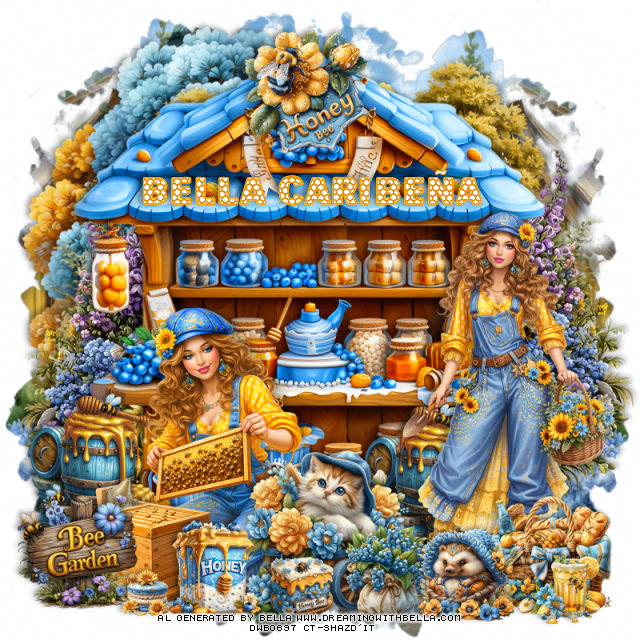
PTU Bee Garden


  This tut was written April 11th, 2026,  for those with a basic knowledge of psp. 

Awesome Al kit by Bella Caribeña
Everything is included
Read the TOU on how to credit tags

I used PSP2020...but any of them should work.
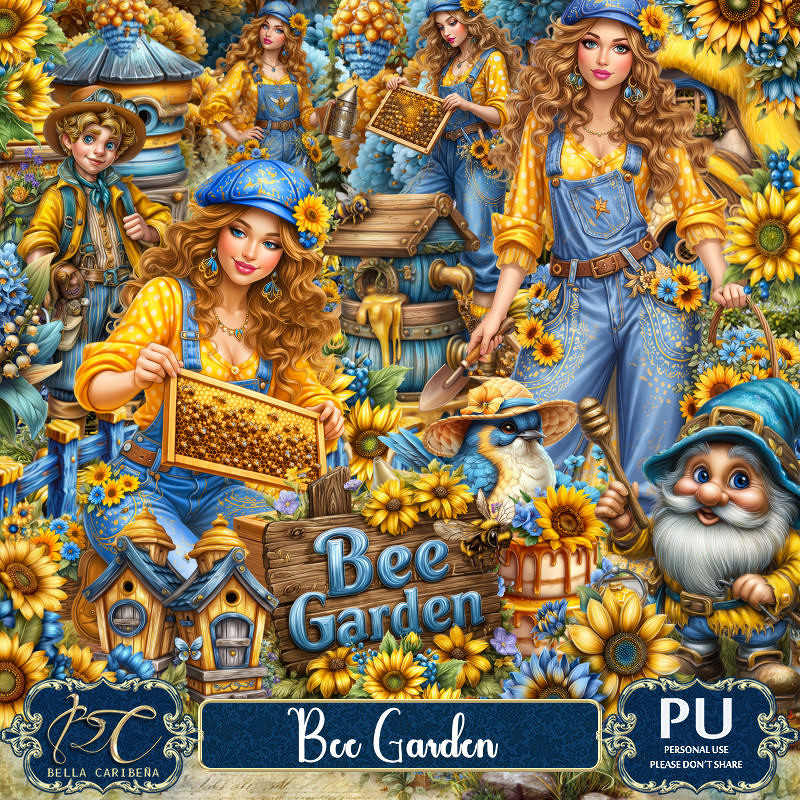
PTU Scrap Bee Garden by Bella Caribeña  HERE
Bee/Spring Theme
Kit contains 6 Al gen tubes, 82 elements, 10 papers and 3 masks
You can check out the rest of her store HERE 

Font of choice I used Bee Sweet

 Drop shadow as you go is V -2 H 4, 40, 10, or use what you prefer.
Let's get started
*Remember to add your drop shadow as you go along*

Open a new image 800 x 800, paste mask 1, move to the right,
duplicate, mirror, move below the mask, erase the house showing on
the upper right.

Paste element 10 at the top.
Paste 49 below the fruit stand on the left, duplicate, mirror, move up.
Resize 34 to 95%, paste on the bottom layer at the top to the left.
Resize tube 4 and 5 to 25%, paste 4 on the right and mirror 5 on the bottom left.
Resize 23 to 35%, paste at the bottom above the tube.
Resize 7 to 20%, paste at the bottom above the tube.
Resize 27 to 25%, paste on the bottom right above the tube.
Resize 18 to 15%, paste at the bottom right by the basket.

Resize 19 to 25%, paste at the top on the fruit shed.
Resize 55 to 40%, paste on the bottom left below the tube, duplicate,
move to the right behind the tube.
Resize 73 to 25%, paste on the bottom left.
Resize 77 to 20%, paste at the bottom above the cat wagon.
Resize 80 to 20%, mirror, paste at the bottom right by the basket.
Resize 8 to 13%, paste at the bottom.
Resize 12 to 10%, paste at the bottom left.

Add any other elements you would like, resize.
Crop your tag to be sure no shadows or lines are on the edges.
 Then add your copyright and name.
That's it

            Hope you enjoyed doing my tut                 

Wednesday, February 18, 2026

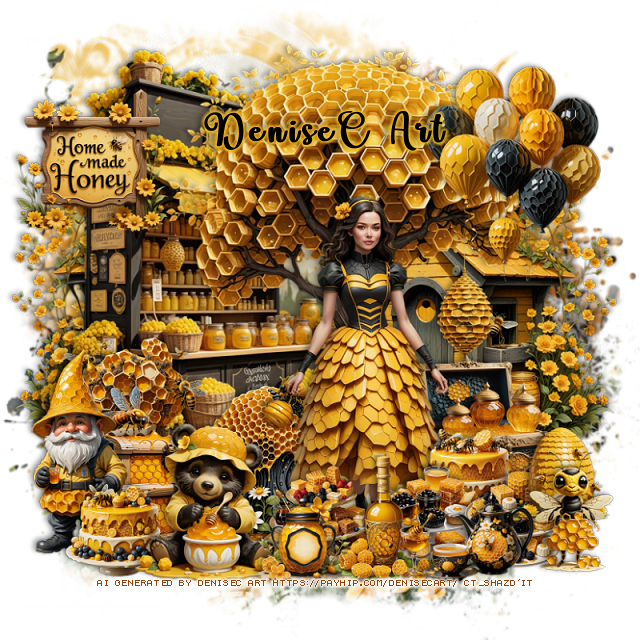
PTU Home Made Honey


 This tut was written February 18th, 2026 for those with a basic knowledge of psp. 

I am using the beautiful Al kit/tube by DeniseC Art

Everything is included in the kit
Please read their TOU on how to credit your tags

I used PSP2020...but any of them should work.
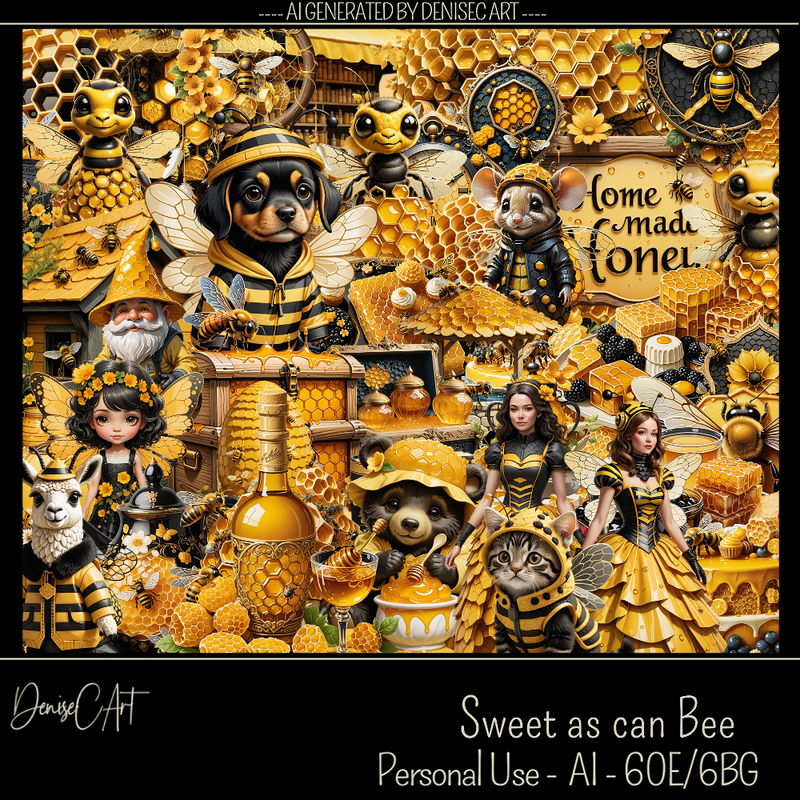
PTU Scrap Home Made Honey by DeniseC Art HERE
Check out her store here for more of her kits  HERE 
RD Mask 731 HERE
Check the blog out HERE

Font of choice, I used Baby Bee

Drop shadow as you go is V -2 H 4, 40, 10, or use what you prefer.
Let's get started
*Remember to add your drop shadow as you go along*

Open a new image 800 x 800,  resize paper 4 to 60%, apply your mask, 
move to the left, duplicate, mirror.

Resize 59 to 60%, paste on the upper right.
Resize 29 to 50%, paste on the left.
Resize 26 to 40%, mirror, paste on the bottom right.
Resize 35 to 25%, paste on the bottom left above the house.
Resize 31 to 25%, paste above the sign to the right a little.

Resize 47 to 45%, paste to the right.

Resize 20 to 25%, paste on the bottom right.
Resize 23 to 25%, mirror, paste by the sign on the left.
Resize 50 to 20%, paste at the bottom behind the tube.
Resize 44 to 20%, paste at the bottom right above the sign.
Resize 43 to 15%, paste on the left above the bee by the sign.
Resize 41 to 15%, paste by the gift.
Resize 48 to 15%, paste at the bottom right.
Resize 4 to 10%, paste at the bottom right.

Resize 33 to 15%, paste at the bottom below the cup.
Resize 38 to 15%, paste at the bottom.
Resize 5 to 20%, paste at the bottom below the flowers and honey.
Resize 8 to 20%, paste at the bottom left below the dog.
Resize 14 to 20%, paste on the bottom left.
Resize 11 to 20%, mirror, paste on the bottom right.
Resize 22 to 13%, paste on the bottom left.
Resize 13 to 10%, paste on the left by the sign.
Resize 32 and 39 to 12%, paste at the bottom by the dog.

Add any other elements that you would like, make it your own.
Always readjust your mask and elements how you like them before you
 merge your tag, resize, sharpen.

Crop your tag to be sure no shadows or lines are on the edges.
 Then add your copyright and name.
That's it

Hope you enjoyed doing my tut  

Saturday, May 24, 2025

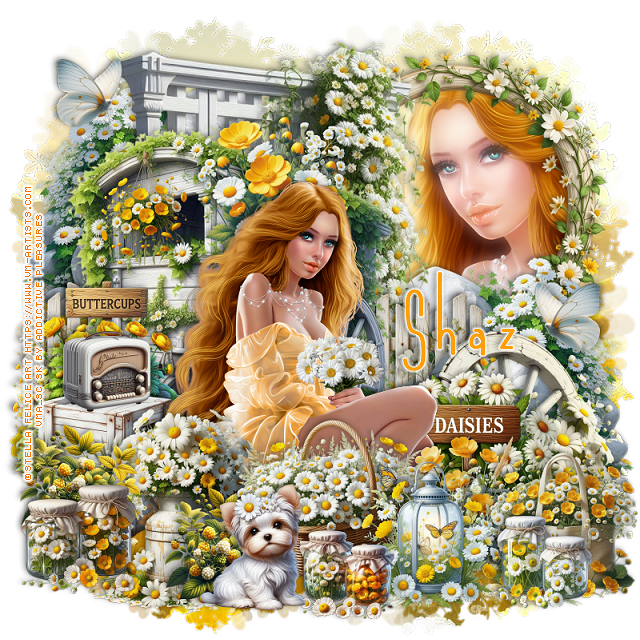
FTU Buttercups and Daisies


  This tut was written May 24th, 2025 for those with a basic knowledge of psp.

I am using the beautiful tube ©Stella Felice Art
The tube is called Adelina
You need a license to use this tube, please do not use without a license
You can find the tube at VMA HERE

I used PSP2020...but any of them should work.
FTU Al kit Buttercups and Daisies by Addictive Pleasures HERE
Check out the rest of the blog HERE
SC Mask 30 HERE
Check out the rest of the blog HERE

Font of choice, I used Andeglei sanse

Drop shadow is  V-1 H-4 Black, 40, 10, use what you prefer.
Let's get started
*Remember to add your drop shadow as you go along*
 
Open a new image 800 x 800, paste paper 6, apply your mask.

Resize trellis 2 to 65%, paste toward the top.
Resize frame 9 to 40%, mirror, paste on the upper right below the trellis,
click inside, paste paper 5, invert, delete, keep selected, resize the 
tube to 40%, mirror, paste in the frame, delete. select none.
Duplicate the tube, go to Adjust, Blur Gaussian blur, number on 10,
change the blend mode to Screen, apply xero filter, Porcelain.
Resize rock 3 to 35%, paste on the right above the frame, duplicate, mirror,
move to the top more on the left.
Resize cart 3 to 50%, being on top, paste to the left and down.
Resize wheel 3 to 35%, mirror, paste at the bottom right above the rocks.
Resize the daisy sign to 25%, paste on the bottom right above the wheel.

Resize the tube to 20%, paste above the sign.

Resize flowers 10 to 20%, paste at the bottom above the tube.
Resize fence 2 to 30%, paste on the left below the cart, duplicate, move to the 
right behind the cart.
Resize the basket to 25%, paste at the bottom above the tube.
Resize crates 3 to 25%, paste on the left below the tube.
Resize bag 3 to 20%, paste on the bottom right.
Resize lantern 3 to 20%, paste at the bottom by the basket.
Resize glass jars 3 to 12%, paste at the bottom right.
Resize glass jars 2 to 12%, paste at the bottom.
Resize puppy 2 to 18%, paste at the bottom.
Resize radio 3 to 12%, paste on the left on the crates.
Resize hanging flowers 2 to 15%, paste on the left on the cart.
Resize milk churn 3 to 30%, paste on the bottom left below the dog.
Resize glass jars to 15%, paste at the bottom left.
Resize blackberries to 15%, paste on the bottom left below the jars, duplicate,
move to the right behind the dog.
Resize buttercup sign 3 to 20%, paste on the left behind the radio.
Resize flowers 13 to 20%, paste behind the head of the tube.
Resize butterfly 3 to 10%, paste at the upper left, duplicate, mirror, move down.

Add any other elements that you would like, make it your own.
Always readjust your mask and elements how you like them before you
 merge your tag, sharpen once.
Crop your tag to make sure no shadows or anything on the edges

 Then add your copyright and name.
That's it

Hope you enjoyed doing my tut.    

Friday, March 28, 2025

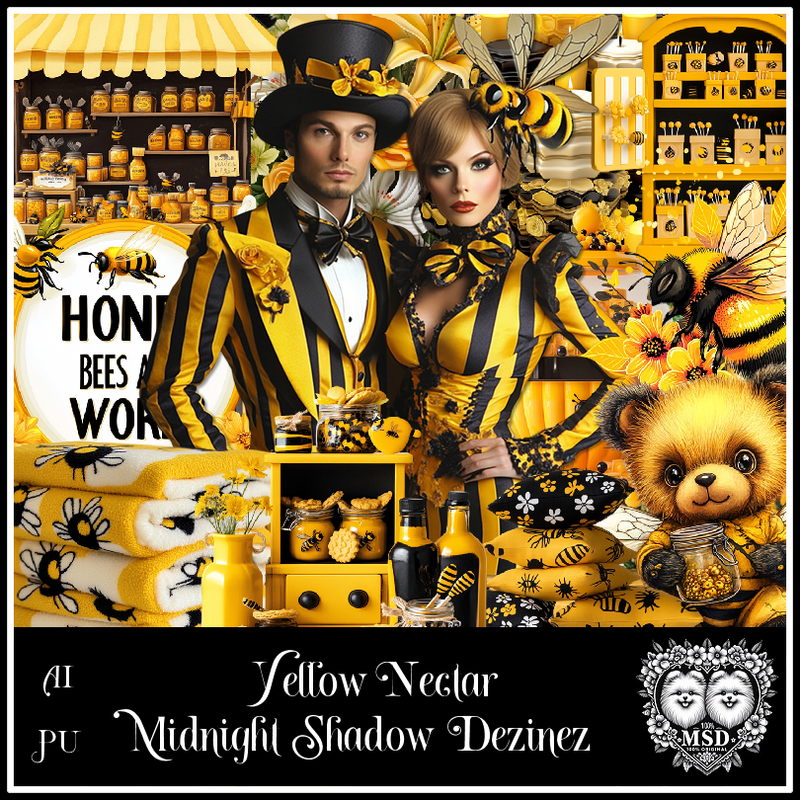
PTU Yellow Nectar

 This tut was written March 29th, 2025 for those with a basic knowledge of psp. 

Awesome AI kit and tube by Midnight Shadow Dezinez

Everything used is included in the kit
Read the TOU on how to credit your tags

I used PSP2020...but any of them should work.
PTU Scrap Yellow Nectar by Midnight Shadow Dezinez  HERE
You can find all Midnight Shadow Dezinez kits  HERE
RD Mask 964 HERE
Check the rest of the blog HERE

Font of choice, I used Bjf Hunnybee-Rye

Drop shadow as you go is V -2 H -4, 50, 10, or use what you prefer.
Let's get started
*Remember to add your drop shadow as you go along*

Open a new image 800 x 800, paste paper 5, apply your mask.

Resize element 33 to 85%, paste to the left.
Resize element 28 to 85%, paste to the right.
Resize element 52 to 65%, paste.
Resize element 30 to 40%, paste above the tube.
Resize element 24 to 50%, paste on the right.
Resize element 29 to 50%, paste on the left.
Resize element 50 to 30%, paste on the upper right, duplicate, mirror.
Resize element 54 to 35%, paste on the bottom left.
Resize element 46 to 30%, paste at the bottom right.

Resize element 57 to 25%, paste at the bottom left.
Resize element 47 to 30%, paste at the bottom.
Resize element 26 to 15%, paste at the bottom.
Resize element 35 to 20%, paste at the bottom left.
Resize element 5 to 15%, paste on the right on the cabinet.
Resize element 41 to 25%, paste at the upper left.
Paste element 19 on the bottom layer at the top left, duplicate, move
to the right and down.
Resize element 21 to 20%, paste at the bottom.
Resize element 10 to 25%, mirror, paste at the bottom right.

Add any other elements that you would like, make it your own.
Always readjust your mask and elements how you like them before you
 merge your tag, resize, sharpen.

Crop your tag to be sure no shadows or lines are on the edges.
 Then add your copyright and name.
That's it

Hope you enjoyed doing my tut         

Thursday, March 20, 2025

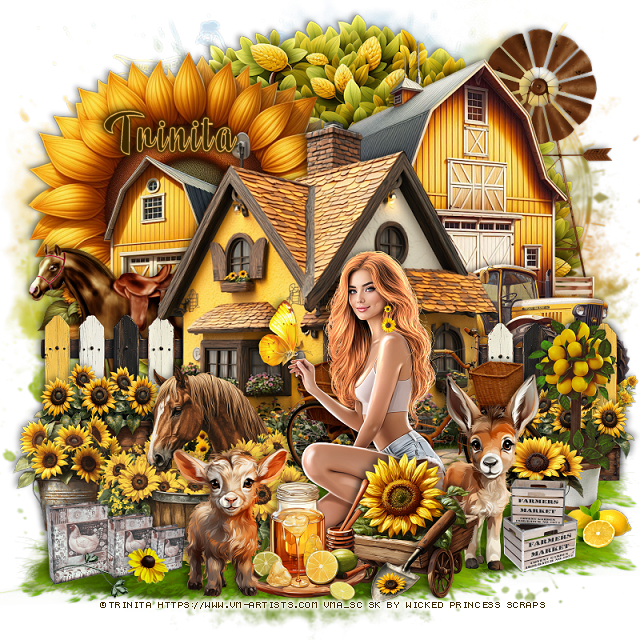
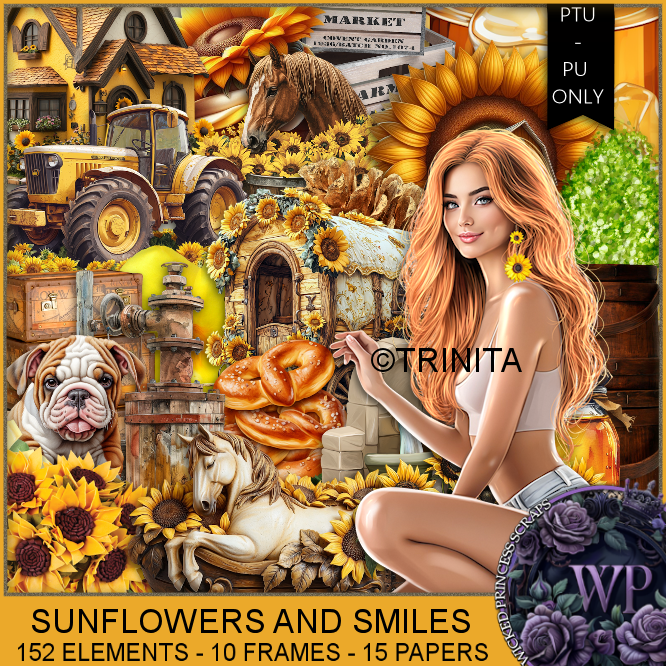
PTU Sunflowers and Smiles


  This tut was written March 19th, 2025 for those with a basic knowledge of psp. 

I am using the Awesome tube by ©Trinita

Tube is called Sunflowers 3
You need a license to use this tube, please do not use without a license
You can find the tube at VMA  HERE


I used PSP2020...but any of them should work.
PTU Scrap Sunflowers and Smiles by Wicked Princess Scraps HERE
You can find all Wicked Princess Scraps kits  HERE
Mask of choice, I used Vivienne's Digital Tagging Mask 24 HERE
Check out the rest of the blog HERE 

Font of choice, I used Beauty Mountains

Drop shadow as you go is V -2 H 4, 40, 10, or use what you prefer.
Let's get started
*Remember to add your drop shadow as you go along*

Open a new image 800 x 800, paste paper 8, apply your mask.

Resize element 142 to 65%, mirror, paste on the upper right.
Resize element 130 to 65%, mirror, paste on the upper left.
Resize element 153 to 75%, paste.
Paste element 120 at the top on the bottom layer.
Resize element 20 to 35%, paste below the house on the left, duplicate, mirror.
Resize element 85 to 50%, paste on the upper right below the barn.
Resize element 12 to 25%, paste on the left above the house, duplicate, mirror.
Resize element 19 to 40%, mirror, paste on the right below the fence.
Resize element 161 to 40%, paste on the right.
Resize element 16 to 25%, paste on the left below the horse.

Resize the tube to 30%, paste at the bottom above the horse.

Resize element 23 to 55%, paste below the tube to the right.
Resize element 26 to 35%, paste at the bottom left above the horse.
Resize element 125 to 30%, paste at the bottom above the tube.
Resize element 114 to 25%, paste at the bottom above the tube.
Resize element 149 to 28%, paste at the bottom below the jar of honey.
Resize element 126 to 40%, paste below the wagon.
Paste element 95 below the fence layer and down to the bottom on the left,
duplicate twice, move to the right and up a little.

Resize element 57 to 30%, paste on the bottom left being on the top layer.
Resize element 148 to 20%, paste at the bottom on the wagon.
Resize element 68 to 50%, mirror, paste below the fence on the left.
Resize element 46 to 40%, paste on the bottom right.
Resize element 43 to 20%, paste at the bottom right.
Resize element 27 and 158 to 20%, paste at the bottom right below the 
donkey and lemons.

Add any other elements that you would like, make it your own.
Always readjust your mask and elements how you like them before you
 merge your tag, resize, sharpen.

Crop your tag to be sure no shadows or lines are on the edges.
 Then add your copyright and name.
That's it

Hope you enjoyed doing my tut 
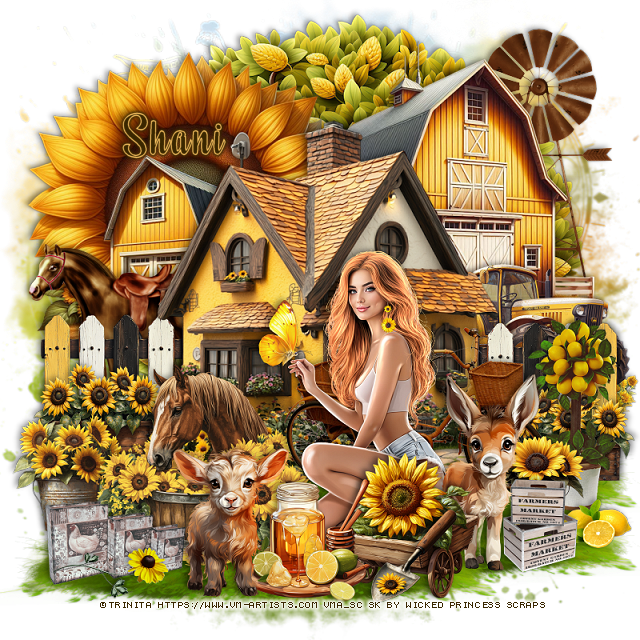
Tag for Shani


Wednesday, March 19, 2025

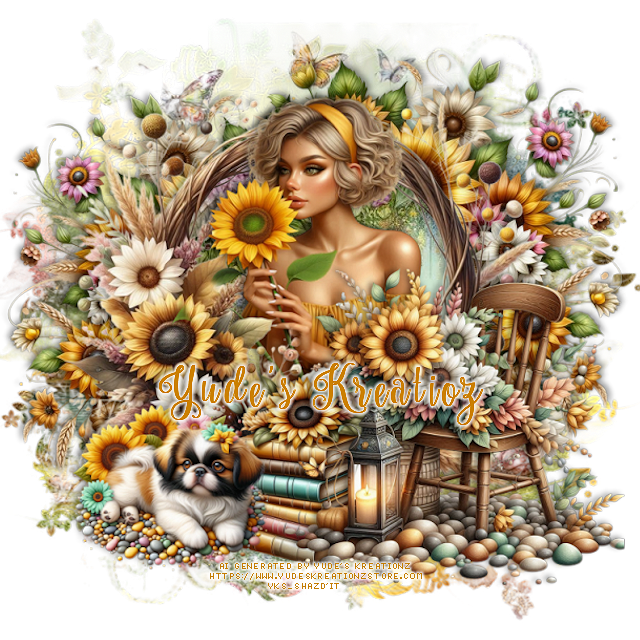
CT FB Timeline and Tag for Yude's Kreationz

 *~*CT  FB Timeline and Tag for Yude's Kreationz*~*

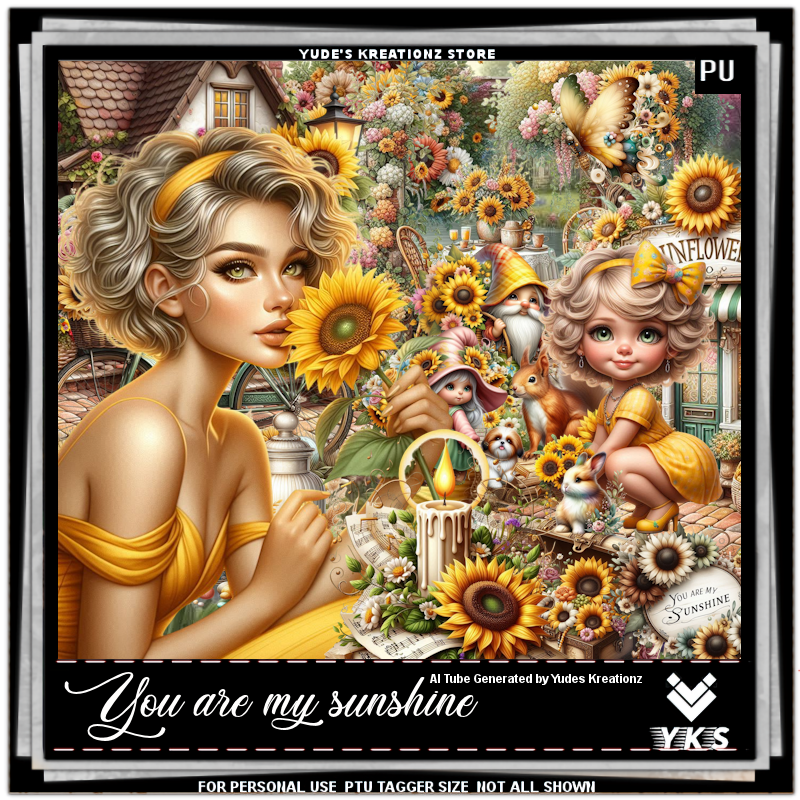
I am using her Awesome Scrap kit  
 "YKS- You Are My Sunshine" by Yude's Kreationz 
Al generated tubes is included

Kit:  HERE  HERE

Click on the banner to get the full size  


Tuesday, March 11, 2025

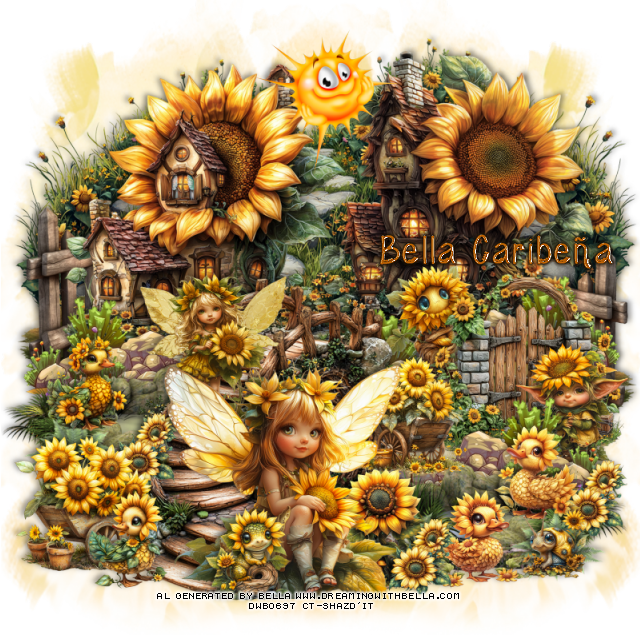
PTU Sunflowers Sunshine


  This tut was written March 10th, 2025,  for those with a basic knowledge of psp. 

I am using Al generated Dolls/Tube by Bella Caribeña
Tubes are included
Read the TOU on how to credit your tags

I used PSP2020...but any of them should work.
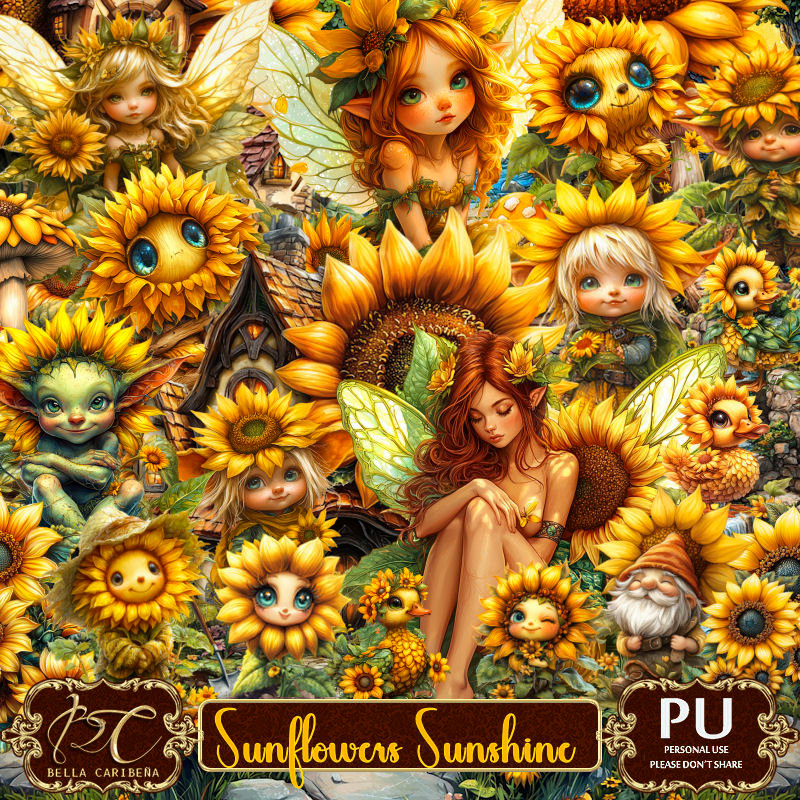
PTU Scrap Sunflowers Sunshine by Bella Caribeña  HERE 
Fantasy theme kit 
Kit contains 1 Al tube by Bella, 8 Al Dolls, 166 elements, 3 masks and 17 papers.
You can check out the rest of her store HERE

Font of choice, I used Wednesday

 Drop shadow as you go is V -2 H 4, 40, 10, or use what you prefer.
Let's get started
*Remember to add your drop shadow as you go along*

Open a new image 800 x 800, paste element 35 on the left, duplicate, mirror.

Resize element 126 to 60%, mirror, paste at the upper right.
Resize element 116 to 60%, paste on the left and down a little.
Resize element 119 to 60%, paste below the houses at the top,
duplicate, move to the left so the greenery shows, duplicate, mirror.
Resize element 17 to 45%, paste on the left below the house, duplicate, mirror.
Resize element 69 to 50%, paste at the bottom of the left house, duplicate, 
mirror, move to the bottom of the right house, duplicate, move back 
to the center.
Resize element 150 to 40%, paste on the right.
Resize element 81 to 25%, paste at the bottom by the gate.

Resize doll 2 to 30%, paste at the bottom.

Resize element 1 to 65%, paste at the bottom below the wagon, move the 
tube on the bridge.
Resize element 82 to 30%, paste at the bottom left above the bridge.
Resize element 90 to 25%, paste at the bottom below the girl to the right.
Resize element 69 to 50%, mirror, paste at the bottom right above the gate.
Resize element 92 to 25%, paste on the right above the gate.
Resize element 61 to 75%, paste below the bridge on the left, duplicate, 
mirror, move to the bottom right below the bridge.
Resize element 160 and 161 to 20%, paste at the bottom right on the pond.
Resize element 158 to 20%, paste on the left on the pond.
Resize element 167 to 20%, mirror, paste at the bottom left by the wagon.

Resize element 152 to 20%, paste at the bottom above the girl.
Resize element 8 to 30%, paste at the top being on the top layer.
Resize element 155 to 25%, paste on the right below the gate.
Resize element 137 to 15%, paste at the bottom, duplicate a couple of times,
move where you like.
Resize element 128 to 15%, paste at the bottom right.
Resize doll 9 to 30%, paste on the bridge steps below the tube.

Add any other elements you would like, resize.
Crop your tag to be sure no shadows or lines are on the edges.
 Then add your copyright and name.
That's it

Hope you enjoyed doing my tut        

Tuesday, February 11, 2025

PTU Sweet as Can Bee


 This tut was written February 11th, 2025 for those with a basic knowledge of psp. 

AI generated kit and tube by DeniseC Art

Everything used is included in the kit
Read the TOU on how to credit your tags

I used PSP2020...but any of them should work.
PTU Scrap Sweet as Can Bee by DeniseC Art  HERE  
You can find all DeniseC Art kits  HERE
Mask of choice, I used RD Mask 799 HERE
Check out the rest of the blog HERE 
 
Font of choice, I used Lovely Butterfly

Drop shadow as you go is V -2 H -4, 40, 10, or use what you prefer.
Let's get started
*Remember to add your drop shadow as you go along*

Open a new image 800 x 800, resize paper 5 to 60%, paste, apply your mask.

Resize element 36 to 55%, paste on the left.
Resize element 40 to 55%, paste above the building to the right a little.
Resize element 42 to 40%, paste below the building on the left so the flowers 
shows, duplicate, mirror.
Resize element 3 to 25%, paste at the bottom left.
Resize element 46 to 25%, paste at the bottom.
Resize element 15 to 25%, paste at the bottom between the left 2 elements.
Resize element 17 to 25%, paste on the bottom left.

Resize element 26 to 40%, paste.

Resize element 11 to 15%, paste at the bottom above the lady.
Resize element 27 to 17%, paste at the bottom above the tray.
Resize element 7 to 17%, paste at the bottom above the trays.
Resize element 30 to 20%, paste at the bottom left.
Resize element 55 to 25%, paste below the lady on the right.
Resize element 48 to 15%, paste at the bottom by the bear.
Resize element 24 to 15%, paste on the right above the lady.
Resize element 32 to 20%, paste on the upper left on the building.
Resize element 21 to 15%, paste at the bottom right.

Resize element 33 to 15%, paste on the bottom right.
Resize element 18 to 15%, paste at the bottom right.
Resize element 31 to 15%, paste at the bottom right.
Resize element 13 to 15%, paste at the bottom left below the bear.
Resize element 9 to 30%, paste on the upper right.

Add any other elements that you would like, make it your own.
Always readjust your mask and elements how you like them before you
 merge your tag, resize, sharpen.

Crop your tag to be sure no shadows or lines are on the edges.
 Then add your copyright and name.
That's it

Hope you enjoyed doing my tut