Showing posts with label Michelle's Myths. Show all posts

Saturday, October 5, 2024

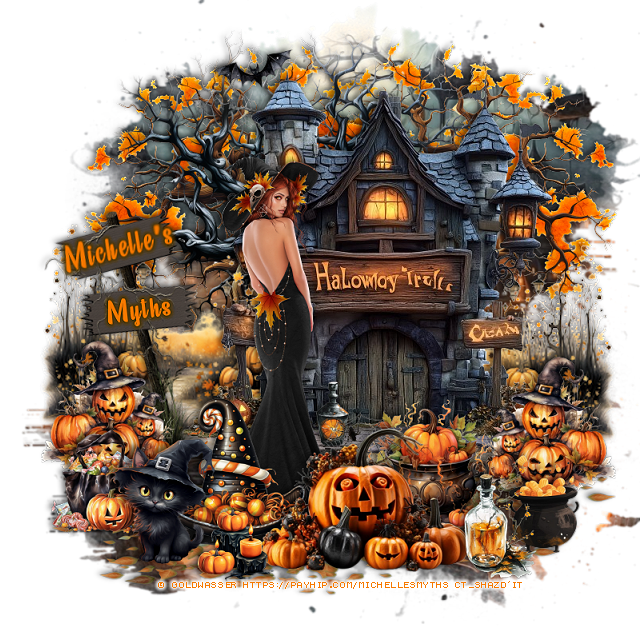
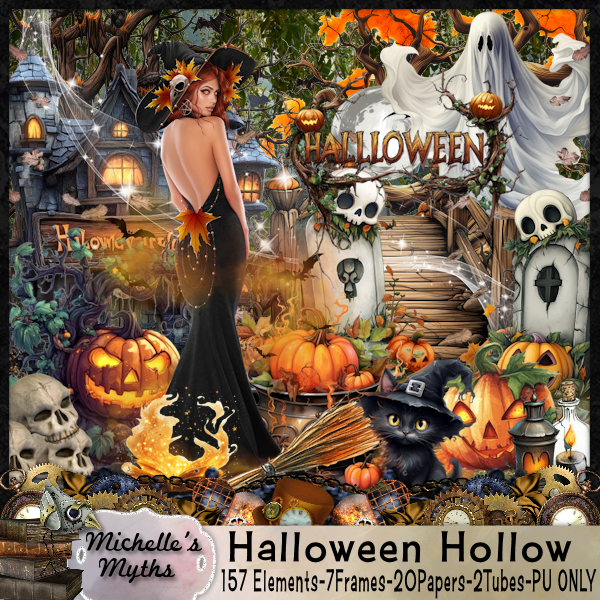
PTU Halloween Hollow


 This tut was written October 5th, 2024 for those with a basic knowledge of psp. 

I am using the Awesome tube by © Goldwasser

The tube is included in the kit
Read the TOU on how to credit your tags.

I used PSP2020...but any of them should work.
PTU Scrap Halloween Hollow by Michelle's Myths HERE
You can find all Michelle's Myths kits  HERE
Mask of choice, I used Vivienne's Digital Tagging Mask 42 HERE
Check out the rest of the blog  HERE

Font of choice, I used Beauty Mountains

Drop shadow as you go is V -2 H 4, 50, 10, or use what you prefer.
Let's get started
*Remember to add your drop shadow as you go along*

Open a new image 800 x 800, paste paper 5, apply your mask.

Paste element 24 at the top.
Paste element 117 on the right below the house,
duplicate, mirror, move so some of the path shows on the left.
Paste element 55 on the bottom layer to the left more.
Paste element 46 below the tree on the right, duplicate, mirror.
Resize element 118 to 90%, paste at the bottom below the house.

Resize your tube to 25%, paste

Resize element 18 to 55%, paste at the bottom above the tube.
Resize element 56 to 40%, paste at the bottom.
Resize element 12 to 40%, paste on the right below the pumpkins.
Resize element 91 to 25%, paste at the bottom right above the pumpkins.
Resize element 4 to 40%, paste at the bottom left.
Resize element 21 to 40%, paste at the bottom right above the house,
duplicate, mirror.
Resize element 71 to 30%, paste at the bottom right below the bottle.
Resize element 59 to 30%, paste at the bottom left below the cat.
Resize element 58 to 25%, paste at the bottom.
Resize element 90 to 25%, paste on the porch of the house below the tube.
Resize element 89 to 25%, paste at the top.
Resize element 147 to 40%, free rotate to the left at 15, paste on the
left below the house layer.

Add any other elements that you would like, make it your own.
Always readjust your mask and elements how you like them before you
 merge your tag, resize, sharpen.

Crop your tag to be sure no shadows or lines are on the edges.
 Then add your copyright and name.
That's it

Hope you enjoyed doing my tut 

Tuesday, September 10, 2024

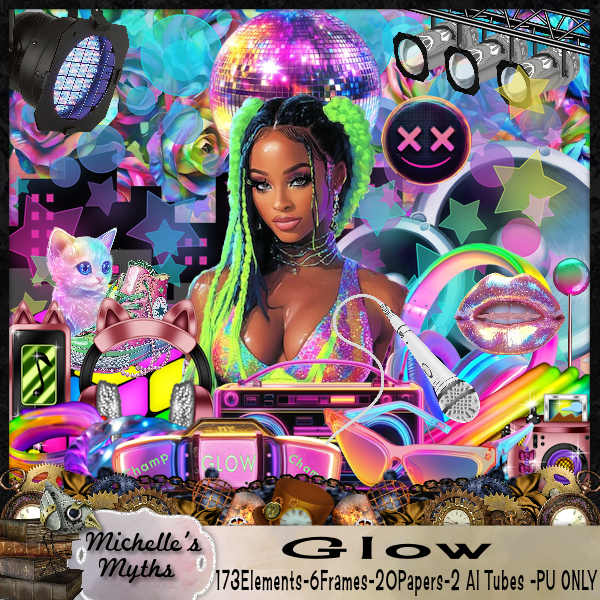
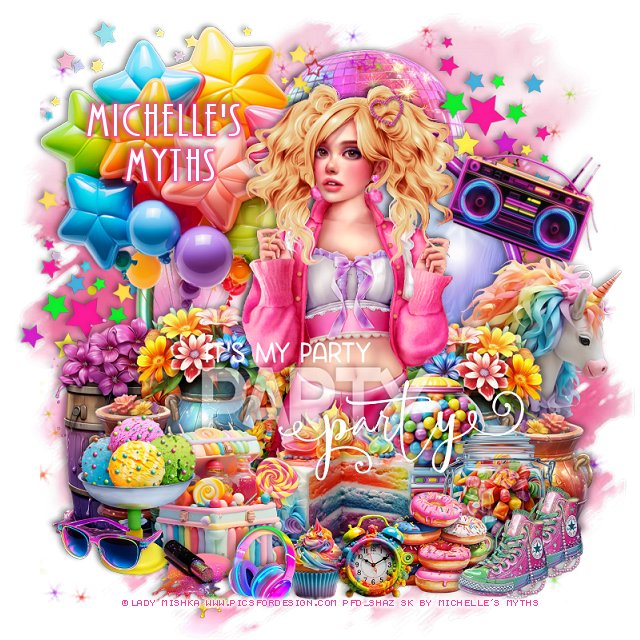
PTU Glow


This tut was written September 3rd, 2024 for those with a basic knowledge of psp. 

I am using the Awesome tube by © Lady Mishka

The tube is called "Wendy", not sure if it is still available or not
You need a license to use this tube, please do not use without a license
When I bought mine they were still at PFD but they are no longer there
You can find their tubes at VMA HERE 

I used PSP2020...but any of them should work.
PTU Scrap Glow by Michelle's Myths HERE
You can find all Michelle's Myths kits  HERE
Blonde Ambition Wordart  HERE 

Font of choice, I used AR Bonnie

Drop shadow as you go is V -2 H 4, 40, 10, or use what you prefer.
Let's get started
*Remember to add your drop shadow as you go along*

Open a new image 800 x 800, paste element 84.
Resize frame 6 to 70%, click inside with the magic wand, paste paper
16, invert, delete.
Resize element  147 to 65%, paste on the paper in the frame.

Resize your tube to 40%, paste below the frame to the right, duplicate,
move above the frame, erase the bottom part of the legs.

Resize element 130 to 65%, paste on the left below the tube.

Resize element 131 to 35%, paste at the bottom above the tube.
Resize element 141 to 45%, paste on the bottom left below the tube, 
duplicate, mirror.
Resize element 142 to 50%, mirror, paste on the left above the balloons.
Resize element 125 to 30%, paste at the bottom right below the cake.
Resize element 127 to 30%, paste on the left above the cake.
Resize element 59 to 25%, paste at the bottom left.
Resize element 128 to 45%, mirror, paste on the right below the flowers.
Resize element 126 to 25%, paste on the bottom right.
Resize element 124 to 20%, paste at the bottom right.
Resize element 123 to 15%, paste at the bottom.
Resize element 8 to 20%, paste on the bottom left.
Resize element 17 to 15%, paste at the bottom left.
Resize element 119 to 15%, paste at the bottom.
Resize element 172 to 15%, paste at the bottom right, duplicate, move over.
Resize element 101 to 15%, paste at the bottom left below the headset.
Resize element 51 to 65%, paste above the pink mask on the upper right,
duplicate, move down on the left so a few stars shows.
Resize element 72 to 90%, paste on the mask.
Resize element 15 to 25%, free rotate to the right at 20, paste at the 
upper right above the frame.
Resize element 2 to 40%, flip, paste at the top below the stars.
Paste the wordart where you like.

Add any other elements that you would like, make it your own.
Always readjust your mask and elements how you like them before you
 merge your tag, resize, sharpen.

Crop your tag to be sure no shadows or lines are on the edges.
 Then add your copyright and name.
That's it

Hope you enjoyed doing my tut 
Tuesday, September 3, 2024

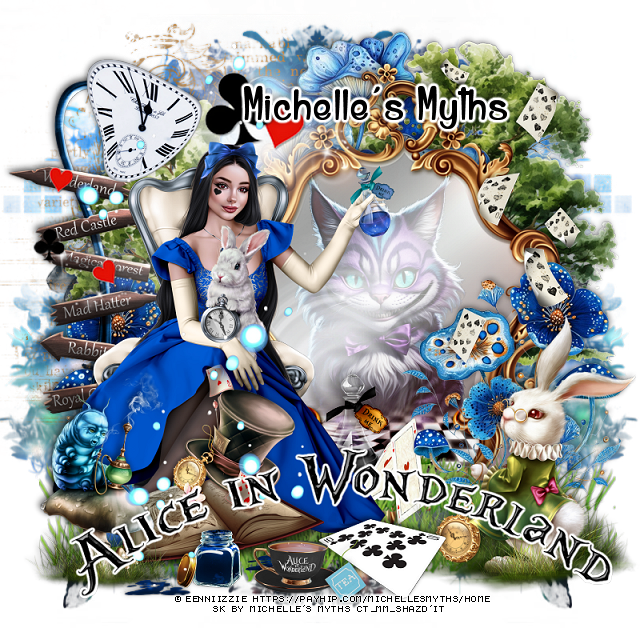
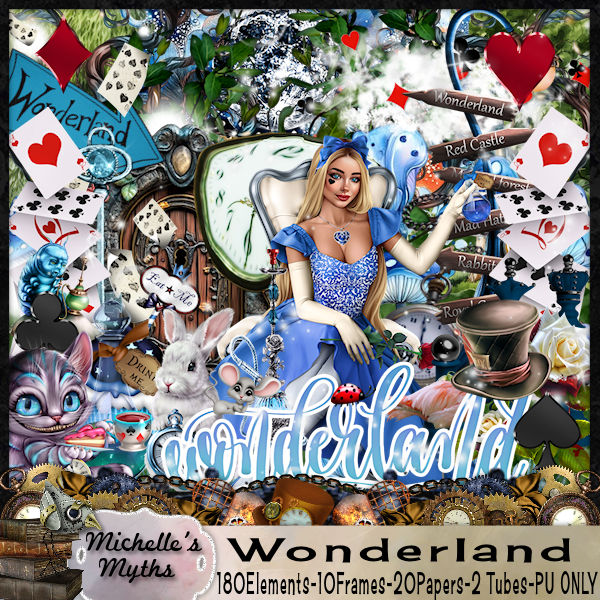
PTU Wonderland


 This tut was written September 3rd, 2024 for those with a basic knowledge of psp. 

I am using the Awesome tube by © Eenniizzie

 2 Tubes are included in the kit 
Read the TOU on how to credit your tags.

I used PSP2020...but any of them should work.
PTU Scrap Wonderland by Michelle's Myths HERE
You can find all Michelle's Myths kits  HERE
RD Mask 812 HERE
Check the rest of the blog HERE

Font of choice, I used Alice and the Wicked Monster

Drop shadow as you go is V -2 H 4, 40, 10, or use what you prefer.
Let's get started
*Remember to add your drop shadow as you go along*

Open a new image 800 x 800, paste paper 14, apply your mask, move
to the left, duplicate, mirror.

Resize element 69 to 75%, paste.
Resize element 6 to 50%, paste on the mirror, change the blend mode
to Overlay.
Resize element 71 to 45%, paste on the bottom right.
Resize element 55 to 90%, paste at the bottom below the rabbit,
duplicate, move down more.
Resize element 50 to 20%, paste at the bottom between the grass.
Resize element 148 to 20%, paste at the bottom below the cards.

Resize your tube to 20%, paste to the left.

Resize element 70 to 40%, paste at the bottom above the tube.
Resize element 84 to 40%, paste below the tube on the left, duplicate,
mirror, move above the mirror.
Resize element 81 to 50%, paste below the mirror at the top.
Resize element 72 to 35%, paste on the bottom left above the book.
Paste element 92 on the bottom layer at the upper left, erase some of the long 
lines on the left.

Resize element 140 to 60%, paste behind the mirror on the left below
the flowers and down, duplicate, move to the right and up more.
Resize element 46 to 20%, paste at the bottom.
Resize element 110 to 20%, paste at the upper left.
Resize element 119 to 10%, paste at the bottom.
Resize element 120 to 30%, paste at the bottom by the bottle.
Resize element 124 to 65%, paste on the left below the clock.
Resize element 51 to 50%, paste on the right being on the top layer.
Resize element 47 to 75%, paste at the upper left below the tube.
Resize element 114 to 85%, mirror, paste on the left.
Resize element 102 to 15%, paste at the bottom.
Resize element 19 to 10%, paste by the cup.
Resize element 170 to 85%, paste at the bottom, ad a white gradient glow.

Add any other elements that you would like, make it your own.
Always readjust your mask and elements how you like them before you
 merge your tag, resize, sharpen.

Crop your tag to be sure no shadows or lines are on the edges.
 Then add your copyright and name.
That's it

Hope you enjoyed doing my tut