Showing posts with label CT Artistic Studio. Show all posts

Thursday, January 27, 2022

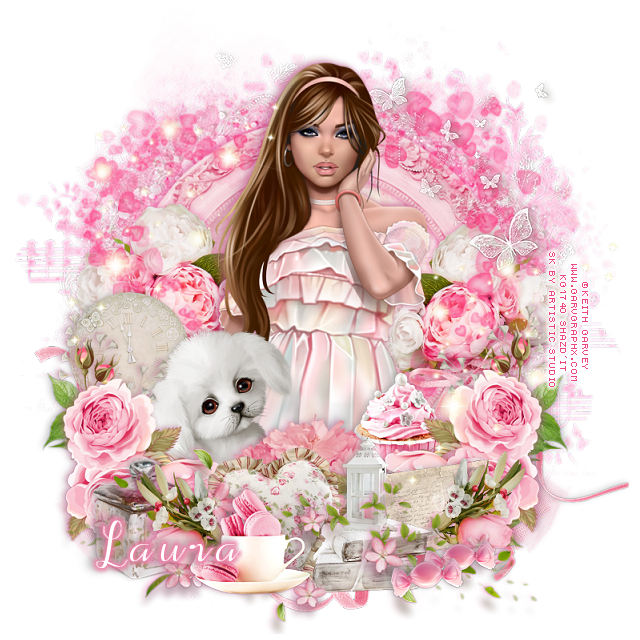
PTU Sweet Valentine


 This tut was written January 26th, 2022  for those with a basic knowledge of psp.

I am using the awesome artwork by  © Keith Garvey
The tube is "322-1 "
I bought mine when he still had his store but it is closed now.
The tube was called Pretty Girl then
You need a license to use this tube, do not use without a license.
You can find this tube at CDO store HERE 

I used PSP2020...but any of them should work.
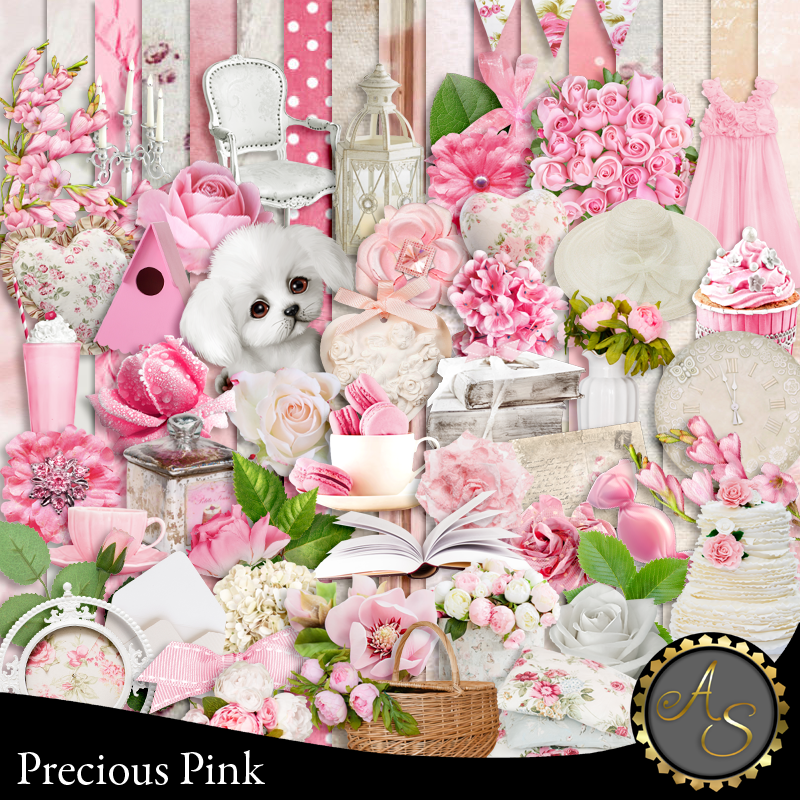
PTU Precious Pink by Artistic Studio HERE or HERE
Mask of choice, I used DD_Valentine 21_1 HERE
Check out the rest of the blog HERE

Font of choice, I used Alif Script

Drop shadow is V-1 H-4 50, 10, color a medium gray or use what you prefer.
Be sure to watch for shadows at the edges of your tag and erase as you go along or
crop tag.

Let's get started
*Remember to add your drop shadow as you go along*

Open a new image 800 x 800 or a size you prefer.
Resize paper 20 to 90%, paste, resize your mask to 90%, apply the mask,
 delete, merge group.

Paste element 135, free rotate 90 degrees left or right.
Resize element 140 to 75%, paste, click inside with your magic wand, expand
by 5, paste paper 3, invert, delete, select none.
Paste element 123 above the frame and up a little.

Resize your tube to 75%, paste above the frame.
I used the middle tube for this.

Resize element 1 to 40%, paste at the lower left above the tube.
Resize element 52 to 40%, paste behind the dog.
Resize element 89 to 40%, paste on the frame on the right below the hearts
layer and move up a little, duplicate, mirror.
Resize element 97 to 50%, paste at the lower left above the dog, duplicate, mirror.
Resize element 19 to 25%, paste at the bottom below the flowers.

Resize element 92 to 40%, paste at the bottom below the flowers.
Resize element 10 to 50%, paste at the bottom left below the tube layer, duplicate,
mirror.
Paste element 21 at the bottom on the flowers.
Resize element 17 to 25%, paste at the bottom being on the top layer.

Resize element 91 to 25%, paste below the cup to the left, duplicate, mirror.
Resize element 114 to 40%, paste on the left below the flowers, duplicate, mirror.
Resize element 11 to 25%, paste at the lower left below the smaller flower.
Resize element 12 to 30%, paste below the cup and flowers at the bottom.
Resize element 6 to 25%, paste at the bottom above the pillow.

Flip element 59, paste at the bottom below the flowers how you like.
Resize element 61 to 50%, paste below the top flowers on the right.
Resize element 8 to 15%, paste at the lower right, duplicate, move over a little.
Resize element 24 to 20%, paste on the books.
Resize element 14 to 25%, paste on the right below the book layer.
Resize element 127 to 75%, paste on the left, being on the top layer,
duplicate, mirror.
Resize element 15 to 20%, mirror, paste at the upper right.
Resize element 125 to 75%, mirror, paste at the upper right below the tube.

Add any other elements you would like, make it your own.
Always remember to adjust the elements before merging to get them like you like.

Once happy with your tag, close off any background, crop your tag to make
sure there are no stray edges, merge visible, resize first.
Add your copyrights and name.

That's it

Hope you enjoyed doing my tut.    

Friday, January 7, 2022

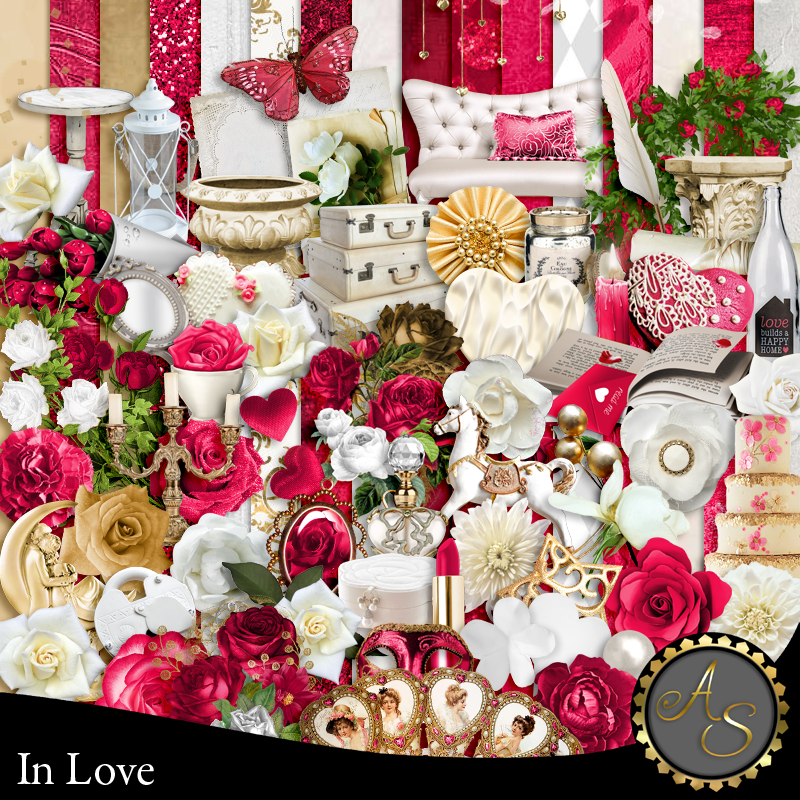
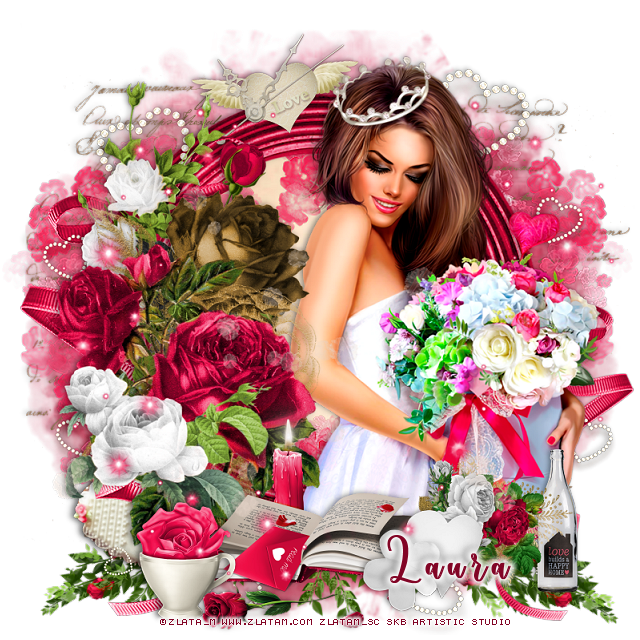
PTU In Love


  This tut was written January 7th, 2022  for those with a basic knowledge of psp.

I am using the awesome artwork by  © Zlata_M
The tube is "Flower box "
You need a license to use this tube, do not use without a license.
You can find this tube at Zlata_M store HERE 


I used PSP2020...but any of them should work.
PTU In Love by Artistic Studio HERE or HERE
Mask of choice, I used Miz Teeques Mask 288 HERE
Check out the rest of the blog HERE

Font of choice, I used Valentine

Drop shadow is V-1 H-4 Black, 50, 10, use what you prefer.
Be sure to watch for shadows at the edges of your tag and erase as you go along or
crop tag.

Let's get started
*Remember to add your drop shadow as you go along*

Open a new image 800 x 800 or a size you prefer.
Paste paper 11, apply your mask, delete, merge group.

Resize element 147 to 85%, paste, click inside with your magic wand,
expand by 5, paste paper 7, invert, delete, select none.
Paste element 128 below the paper layer of the frame to the left, duplicate, move 
to the right.
Paste element 126 on the right below the frame, duplicate, mirror.

Resize element 89 to 75%, paste on the left above the frame and up.
Resize element 90 to 75%, paste on the left above the other flowers.

Resize your tube to 85%, paste to the right above the frame, once other 
elements are placed then erase any part of the tube showing at the bottom.

Paste element 5 at the bottom below the paper layer of the frame, duplicate, mirror.
Resize element 17 to 50%, paste above the tube layer at the bottom.
Resize element 34 to 25%, paste at the bottom above the book.
Resize element 92 to 35%, free rotate to the right at 90 degree, move below the white 
hearts at the lower right.

Resize element 14 to 35%, paste at the top below the tube layer.
Resize element 18 to 30%, paste at the lower right below the flowers.
Resize element 48 to 25%, paste at the bottom left above the book.
Resize element 26 to 25%, free rotate to the left at 25, move below the flowers on 
the lower left.
Paste element 24 on the left being on the top layer, duplicate, mirror, move
below the tube on the right.
Mirror element 68, paste on the left below the flowers, resize to 75%, 
move down on the right behind the flowers.
Being on the top layer, paste element 136 how you like.

Element 132, paste how you like below the tube and flowers and erase the parts
you don't want, duplicate and mirror, play around to get the look you want.

Add any other elements you would like, make it your own.
Always remember to adjust the elements before merging to get them like you like.

Once happy with your tag, close off any background, crop your tag to make
sure there are no stray edges, merge visible, resize first.
Add your copyrights and name.

That's it

Hope you enjoyed doing my tut.    
Friday, September 3, 2021

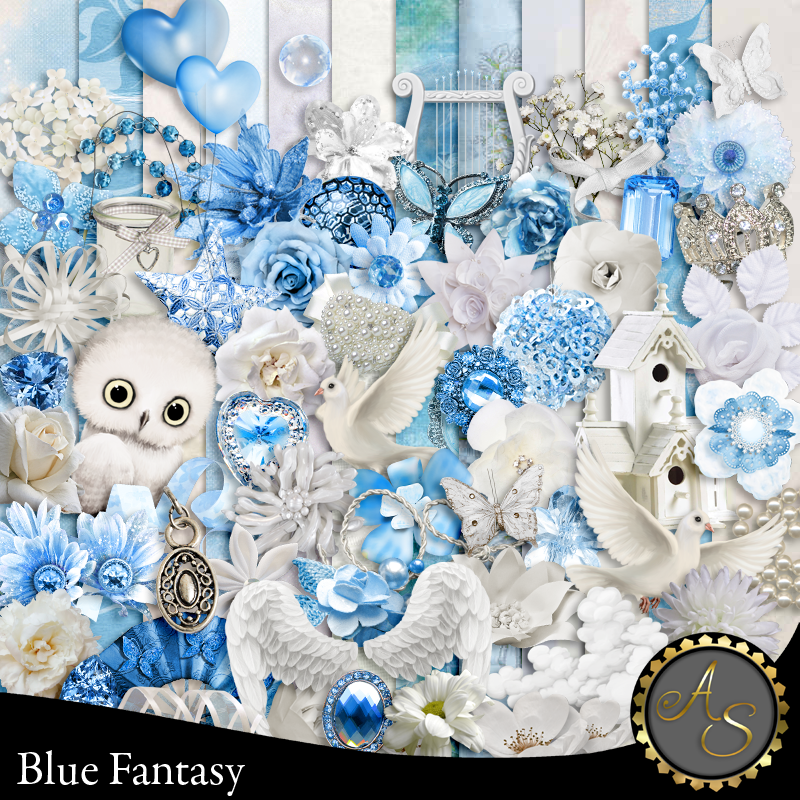
PTU Blue Fantasy


This tut was written September 3rd, 2021  for those with a basic knowledge of psp.

I am using the awesome artwork by  © Jennifer Janesko
The tubes are "8-3 and 17-3"
You need a license to use this tube, do not use without a license.
You can find these tubes at CDO store HERE and HERE

I used PSP2020...but any of them should work.
PTU Blue Fantasy by Artistic Studio  HERE & HERE  
Mask of choice, I use Miz Teeques 365 HERE 
Check out the rest of the blog HERE

Font of choice,  I used Fairy Mother

Drop shadow is V-1 H-4 Black, 30, 10, use what you prefer.
Let's get started
*Remember to add your drop shadow as you go along*

Open a new image 800 x 800 or a size you prefer.
Paste paper 12, apply your mask, delete, merge group.
Select the mask, select all, float, defloat, paste element 120 on the mask, 
invert, delete, select none, merge down.

I used 2 tubes from the same artist for this tag.

Paste tube 8-3 on the mask to the right, change the blend mode to 
Luminance (L)
Paste tube 17-3, mirror, move to the left.

Resize element 16 to 50%, paste at the bottom above the tube on the mask,
duplicate, mirror, move below the tube.
Paste element 30 at the bottom below the blue flowers.
Paste element 109 at the top below the tubes.
Paste element 121 below 109 element.

Resize element 90 to 50%, paste on the lower left below the flowers, duplicate,
mirror, move above the large tube on the right.
Paste element 62 on the left above the mask, erase the string showing at the top.

Resize element 101 to 25%, paste at the bottom above the tubes.
Resize element 34 to 25%, paste at the bottom.

Paste element 89 on the right below the large tube.
Resize element 13 to 25%, mirror, paste at the top.
Resize element 117 to 50%, paste on the right below the tube, duplicate, move 
up a bit.
Paste element 15 on the right so one of the sparkles is on the spear ball.

Resize element 94 to 25%, paste at the lower left, duplicate, mirror, move behind the 
first shoe and over.
Resize element 95 to 25%, paste on the left below the shoes.
Resize element 123 to 25%, paste under the blue flowers to the right, 
duplicate a couple of times and arrange how you like.

Resize element 84 to 25%, paste at the lower right.
Resize element 88 to 20%, duplicate a few times and place them above the smaller 
tube where you like.
Resize element 102 to 50%, paste on the right above the mask layer, duplicate,
mirror, move so just a little shows, duplicate, move up.

Resize element 8 to 15%, paste on the right, duplicate, mirror.
Paste element 110 on the halo of the tube, duplicate, move down on the earring.

Add any other elements you would like, make it your own.
Always remember to adjust the elements before merging to get them like you like.

Once happy with your tag, close off any background, crop your tag to make
sure there are no stray edges, merge visible, resize first.
Add your copyrights and name.

That's it

Hope you enjoyed doing my tut.