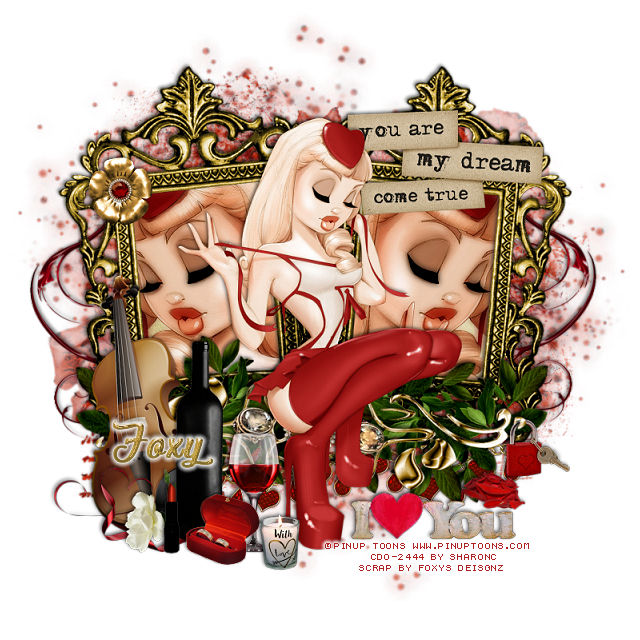
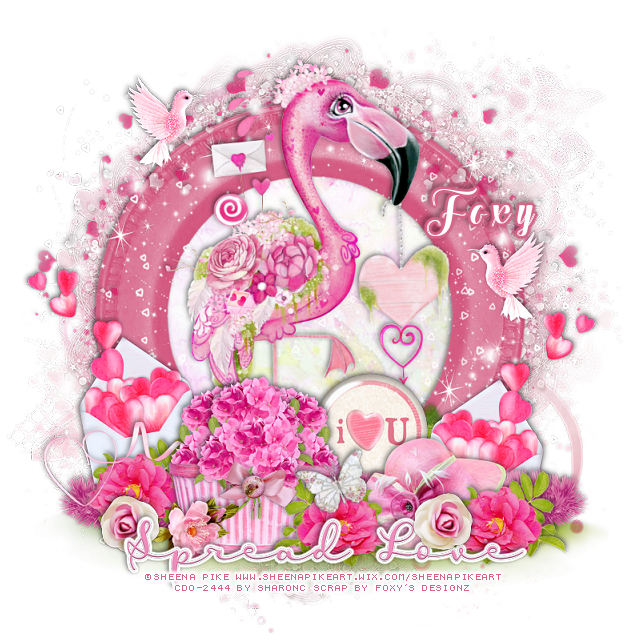
This tut was written Feb 11th, 2020 for those with a basic knowledge of psp.
I am using the awesome artwork of Sheena Pike
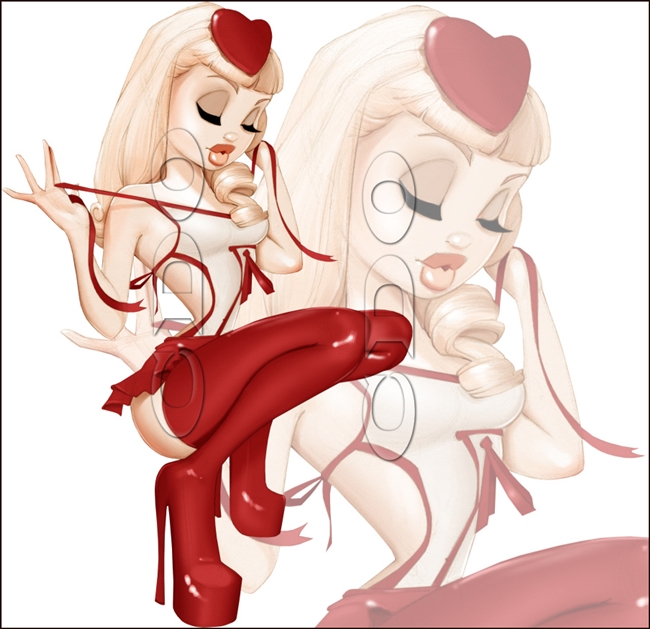
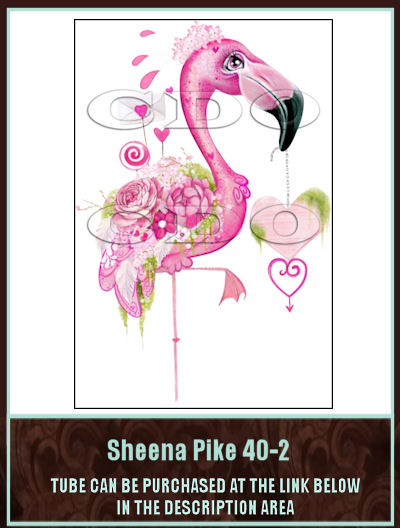
The tube is 40-2 Sheena Pike
You need a license to use this tube, do not use without a license.
You can find this at tube at CDO HERE
I used PSPX...but any should work.
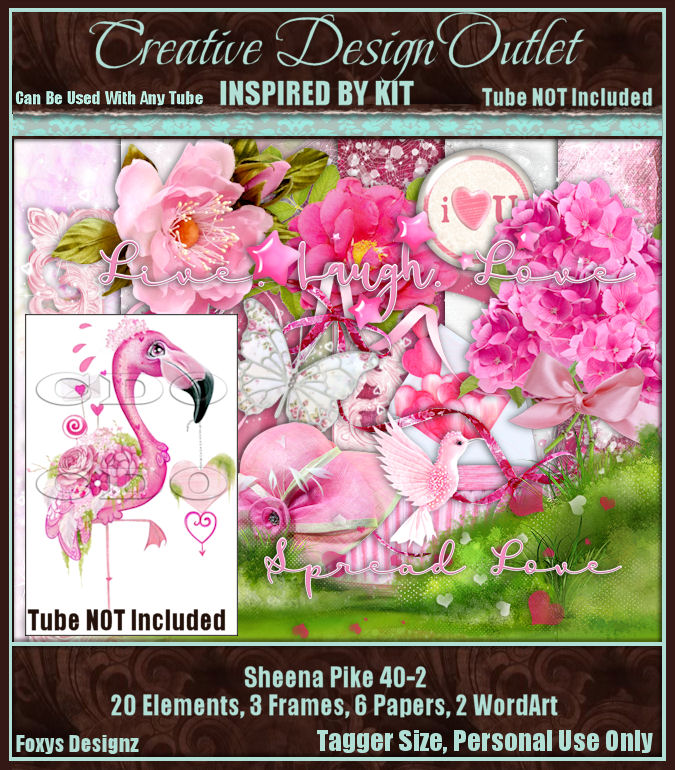
This kit was inspired by this tube but you can use the kit
for any of your designs.
This kit was inspired by this tube but you can use the kit
for any of your designs.
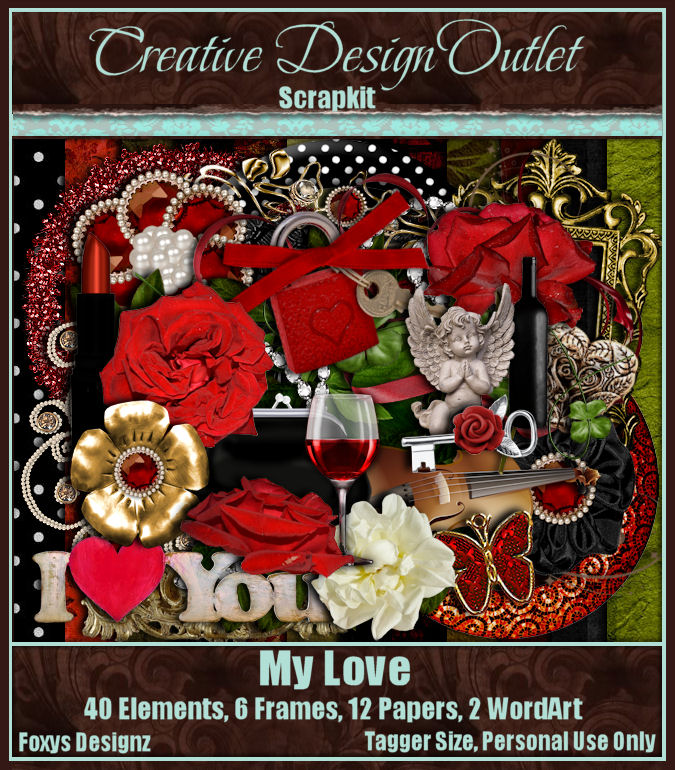
PTU kit "Scrap by Foxy's Designz_IB Sheena Pike 40-2 at CDO HERE
Mask of choice, I used DD NVM Mask 1 HERE
Check out the rest of the blog HERE
Mask of choice, I used DD NVM Mask 1 HERE
Check out the rest of the blog HERE
Font of choice, I used The Heart of Everything
Drop shadow is usually V-2 H-2 Black, 50, 5, use what you prefer.
Let's get started
*Remember to add your drop shadow as you go along*
Open a new image 800 x 800
Select all, add a new layer, paste paper 5 into selection, apply your mask,
delete, merge group.
Resize your tube to 75%, paste.
Resize element 15 to 75%, mirror, paste at the bottom above the tube.
Resize element 8 to 40%, paste at the bottom above the grass.
Resize element 4 to 40%, paste on the basket, take your free hand tool,
draw across the basket on the flower, delete, select none.
Make it look like the flower is in the basket, duplicate, move over,
then take the resize flower uncut and paste on the basket in front of the others.
Resize frame 1 to 60%, paste behind the tube.
Resize frame 2 to 80%, paste behind the frame, add a dark pink drop
shadow.
Click inside the top frame, expand by 5, paste paper 6, invert, delete,
select none.
Resize element 7 to 30%, paste at the bottom above the basket,
duplicate, mirror, move below the basket on the left.
Resize element 19 to 50%, paste on the left below the flower.
Resize element 14 to 85%, paste on the top frame.
Resize element 20 to 55%, paste at the lower left below the flower layer.
Resize element 9 to 20%, paste above the basket at the lower left.
Resize element 5 to 40%, paste on the grass below the basket layer on
the right.
Resize element 13 to 50%, paste on the grass below the hat to the right,
duplicate, mirror.
Resize element 3 to 40%, paste behind the hat.
Go back to the envelope with the hearts, duplicate, mirror,
move to the right and down behind the hat.
Resize wordart 1 to 25%, paste at the bottom being on the top layer,
add a fat white gradient glow.
Resize element 17 to 15%, paste at the lower left below the wordart,
duplicate, mirror, move to the right and above the wordart.
Go back to the pink flower, duplicate, mirror, move to the right below
the wordart.
Resize element 18 to 50%, paste at the upper left on the frame, duplicate,
mirror.
Resize element 6 to 20%, paste at the upper left, duplicate, mirror,
move on the right where you like.
Resize element 16 to 20%, free rotate to the left at 20 degrees, paste
by the basket.
Resize element 10 to 15%, paste on the ribbon on the basket.
Add any other elements you would like, make it your own.
Select all, add a new layer, paste paper 5 into selection, apply your mask,
delete, merge group.
Resize your tube to 75%, paste.
Resize element 15 to 75%, mirror, paste at the bottom above the tube.
Resize element 8 to 40%, paste at the bottom above the grass.
Resize element 4 to 40%, paste on the basket, take your free hand tool,
draw across the basket on the flower, delete, select none.
Make it look like the flower is in the basket, duplicate, move over,
then take the resize flower uncut and paste on the basket in front of the others.
Resize frame 1 to 60%, paste behind the tube.
Resize frame 2 to 80%, paste behind the frame, add a dark pink drop
shadow.
Click inside the top frame, expand by 5, paste paper 6, invert, delete,
select none.
Resize element 7 to 30%, paste at the bottom above the basket,
duplicate, mirror, move below the basket on the left.
Resize element 19 to 50%, paste on the left below the flower.
Resize element 14 to 85%, paste on the top frame.
Resize element 20 to 55%, paste at the lower left below the flower layer.
Resize element 9 to 20%, paste above the basket at the lower left.
Resize element 5 to 40%, paste on the grass below the basket layer on
the right.
Resize element 13 to 50%, paste on the grass below the hat to the right,
duplicate, mirror.
Resize element 3 to 40%, paste behind the hat.
Go back to the envelope with the hearts, duplicate, mirror,
move to the right and down behind the hat.
Resize wordart 1 to 25%, paste at the bottom being on the top layer,
add a fat white gradient glow.
Resize element 17 to 15%, paste at the lower left below the wordart,
duplicate, mirror, move to the right and above the wordart.
Go back to the pink flower, duplicate, mirror, move to the right below
the wordart.
Resize element 18 to 50%, paste at the upper left on the frame, duplicate,
mirror.
Resize element 6 to 20%, paste at the upper left, duplicate, mirror,
move on the right where you like.
Resize element 16 to 20%, free rotate to the left at 20 degrees, paste
by the basket.
Resize element 10 to 15%, paste on the ribbon on the basket.
Add any other elements you would like, make it your own.
Always remember to adjust the elements before merging to get them like you like.
Once happy with your tag, close off any background, crop your tag to make
sure there are no stray edges, merge visible, resize first.
Add your copyrights and name.
That's it
That's it
Hope you enjoyed doing my tut.