
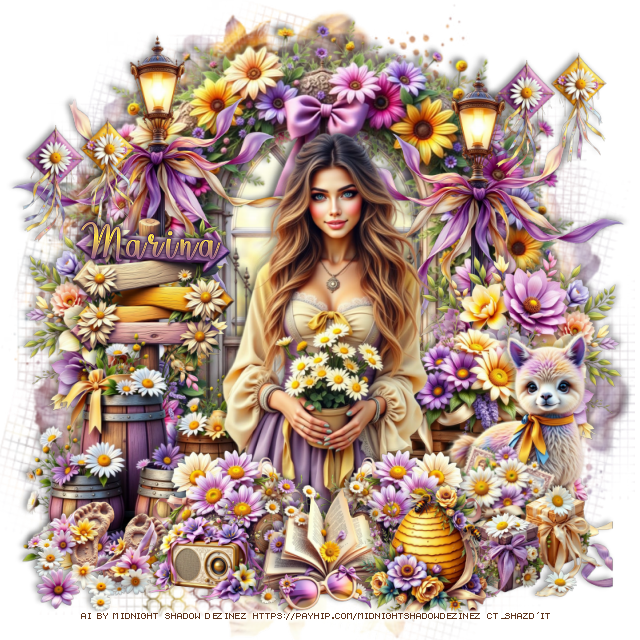
This tut was written April 9th, 2026 for those with a basic knowledge of psp.
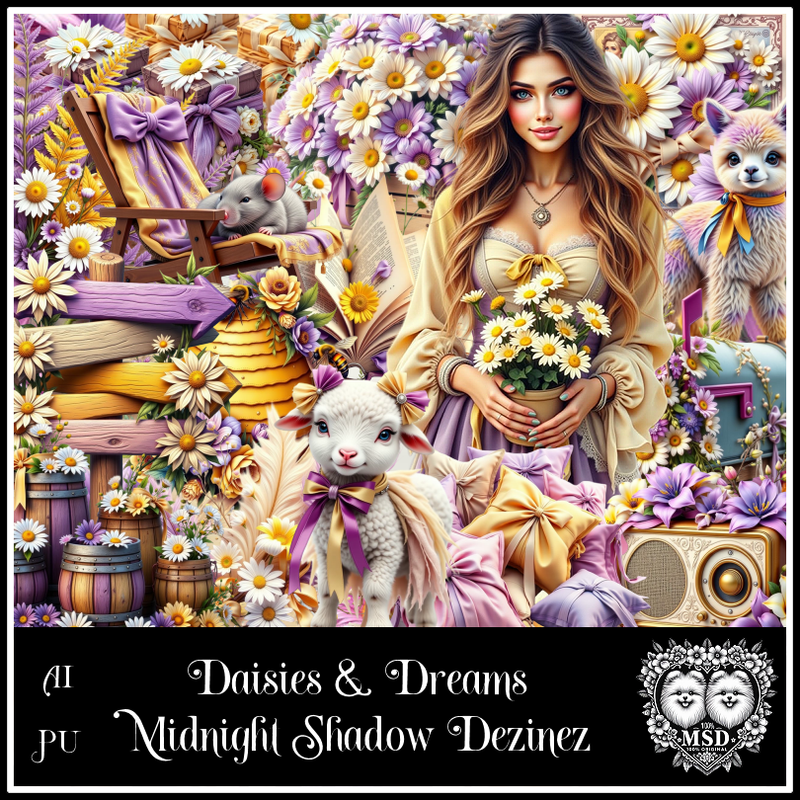
Awesome AI kit and tube by Midnight Shadow Dezinez
Everything used is included in the kit
Read the TOU on how to credit your tags
Drop shadow as you go is V -2 H -4, 50, 10, or use what you prefer.
Let's get started
*Remember to add your drop shadow as you go along*
Open a new image 800 x 800, paste paper 3, apply your mask.
Resize 4 to 70%, paste at the top.
Resize 23 to 85%, paste above the window.
Resize 35 to 60%, paste above the gate.
Resize 58 to 50%, paste on the left above the gate, duplicate, mirror.
Resize 25 to 50%, paste on the left below the tube.
Resize 30 to 40%, paste on the right below the tube.
Resize 8 to 30%, paste at the bottom above the tube, duplicate, mirror.
Resize 56 to 35%, paste on the left below the barrels, duplicate, mirror.
Resize 57 to 25%, paste at the bottom.
Resize 42 to 25%, paste at the bottom right.
Resize 5 to 25%, paste at the bottom to the right of the book.
Resize 10 to 25%, paste on the bottom left.
Resize 9 to 20%, paste on the upper left, duplicate, move to the upper right.
Resize 59 to 20%, paste at the bottom to the left of the book.
Resize 18 to 30%, paste on the left below the barrels.
Resize 48 to 15%, paste at the bottom.
Resize 27 to 40%, paste on the right below the gift boxes.
Resize 14 to 20%, free rotate to the right at 20, paste on the right below
the gift boxes.
Add any other elements that you would like, make it your own.
Always readjust your mask and elements how you like them before you
merge your tag, resize, sharpen.
Crop your tag to be sure no shadows or lines are on the edges.
Then add your copyright and name.
That's it
Hope you enjoyed doing my tut

No comments:
Post a Comment