Thursday, July 31, 2025

FTU Sorry


  This tut was written July 31st, 2025 for those with a basic knowledge of psp.

I am using the awesome tube © Jenga Garcia
Tube is called Lonely Star
You need a license to use this tube, please do not use without a license.
You can find the tube at the DAH store HERE

I used PSP2020...but any of them should work.
FTU kit Sorry by Scrap by Chaos Priestess HERE
This is exclusive at her Fan Page on Facebook group
Mask of choice, I used Miz Teeques Mask 54 HERE
and Vivienne's Digital Tagging Mask 18 HERE
Check out the rest of the blogs HERE HERE

Font of choice, I used Atlantis Heart

Drop shadow is  V-1 H-4 Black, 50, 10, use what you prefer.
Let's get started
*Remember to add your drop shadow as you go along*
 
Open a new image 800 x 800, paste paper 8, apply Miz Teeques mask 54.
Paste element 41 above the mask on the upper left, duplicate, mirror,
move down.

Resize element 16 to 115%, paste
Resize element 14 to 165%, paste below the frame at the top, duplicate,
move to the bottom.
Paste element 29 on the bottom layer at the top, duplicate, flip,
move to the bottom.
Paste element 40 above the gears.
Paste element 24 below the gears, resize to fit your tag.

Resize the tube to 80%, paste above the frame, apply mask 18 to the tube.

Paste element 19 at the bottom above the tube on the right, duplicate,
mirror, erase some of the handle.
Resize element 50 to 50%, paste on the left above the tube.
Resize element 3 to 75%, paste on the bottom right below the flower.
Resize element 36 to 45%, paste on the bottom right.
Resize element 37 to 40%, paste on the bottom right.
Resize element 1 to 35%, paste on the bottom right below the glass,
duplicate, mirror.
Resize element 8 to 50%, paste on the bottom right below the bottle.
Resize element 18 to 50%, paste on the bottom right below the bottle,
duplicate, mirror, duplicate, move up on the left below the leaves.
Resize element 49 to 50%, paste on the upper left, duplicate, mirror, move
down on the right.
Paste the wordart at the bottom, add a white gradient.

Add any other elements that you would like, make it your own.
Always readjust your mask and elements how you like them before you
 merge your tag, sharpen once.
Crop your tag to make sure no shadows or anything on the edges

 Then add your copyright and name.
That's it

Hope you enjoyed doing my tut.      

Wednesday, July 30, 2025

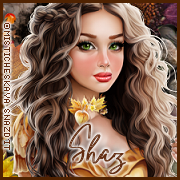
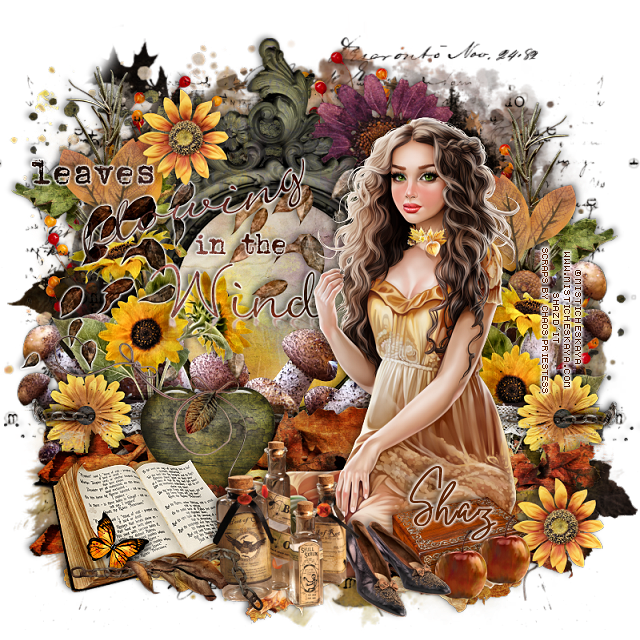
FTU Fall Blessings


 This tut was written July 30th, 2025 for those with a basic knowledge of psp.

I am using the awesome tube © Misticheskaya
Tube is called Autumn
You need a license to use this tube, please do not use without a license.
You can find the tube at the store HERE

I used PSP2020...but any of them should work.
FTU kit Fall Blessings by Scrap by Chaos Priestess HERE
This is exclusive at her Fan Page on Facebook group
Mask of choice, I used RD Mask 720 HERE
Check out the rest of the blog HERE

Font of choice, I used Oxlade

Drop shadow is  V-1 H-4 Black, 50, 10, use what you prefer.
Let's get started
*Remember to add your drop shadow as you go along*
 
Open a new image 800 x 800, paste paper 9, apply your mask.

Resize element 28 to 90%, paste on the right, duplicate, mirror.
Resize frame 4 to 85%, paste, click inside, resize paper 9 to 50%, invert, delete.
Paste element 27 below the mask.
Paste element 37 on the left above the mask, duplicate, mirror, move down 
on the right, duplicate, move to the center more and up.
Paste element 41 on the upper left below the paper layer of the frame, duplicate, 
mirror, move down on the right.
Resize element 39 to 75%, paste above the frame.

Resize the tube to 35%, mirror, paste on the right.

Resize element 34 to 50%, paste on the left above the frame, duplicate,
mirror.
Resize element 29 to 50%, paste below the flower on the left, duplicate,
mirror.
Resize element 30 to 40%, paste on the left above the green leaf, duplicate,
mirror.
Resize element 12 to 40%, paste at the upper left, duplicate, move down
on the right.
Resize element 15 to 50%, paste behind the tube on the bottom right,
duplicate, mirror.
Paste element 8 below the tube, duplicate, move down.
Resize element 14 to 60%, paste at the bottom left above the tube.
Resize element 5 to 60%, paste at the bottom above the book.
Resize wordart 2 to 65, paste on the left, duplicate, change the blend mode
to Multiply, merge down, add a gradient glow.

Resize element 9 to 45%, paste at the bottom below the bottles.
Paste element 18 below the frame at the upper right behind the tube.
Resize element 19 to 50%, paste at the bottom left below the book.
Resize element 48 to 50%, paste on the heart.
Resize element 38 to 40%, paste at the bottom right below the shoes and flower.
Resize element 23 to 35%, paste at the bottom left.
Resize element 21 to 25%, paste at the bottom right above the box, 
duplicate, move over.
Resize element 16 to 75%, duplicate, change the blend mode to Multiply,
merge down, paste above the frame behind the tube, duplicate, move
to the right, duplicate, mirror.

Add any other elements that you would like, make it your own.
Always readjust your mask and elements how you like them before you
 merge your tag, sharpen once.
Crop your tag to make sure no shadows or anything on the edges

 Then add your copyright and name.
That's it

Hope you enjoyed doing my tut.      
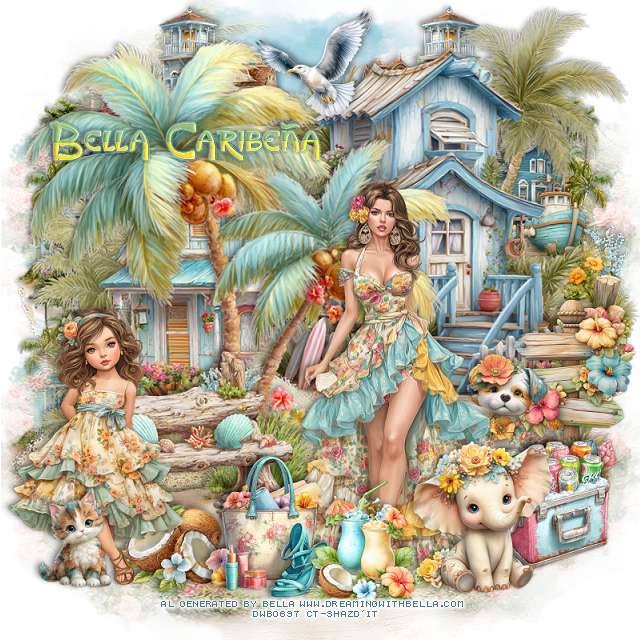
PTU A Beach Day


 This tut was written July 29th, 2025,  for those with a basic knowledge of psp. 

I am using awesome Al tubes generated by Bella Caribeña
Tubes are included
Read the TOU on how to credit your tags

I used PSP2020...but any of them should work.
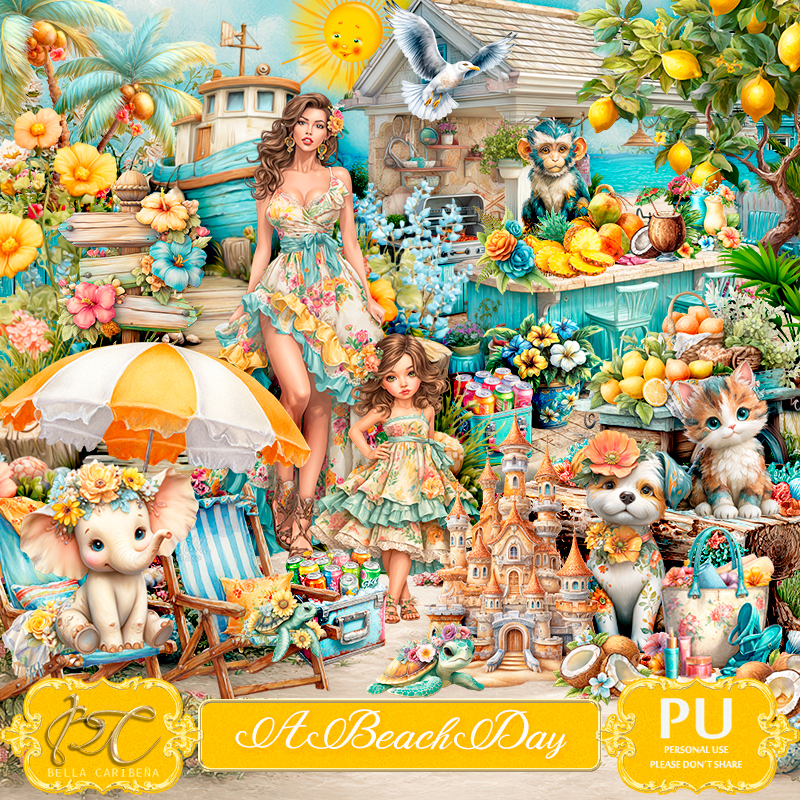
PTU Scrap A Beach Day by Bella Caribeña  HERE 
Summer theme kit 
Kit contains 7 Al generated Tubes/Dolls, 3 mask, 86 elements and 19 papers
You can check out the rest of her store HERE

Font of choice, I used King Luau

 Drop shadow as you go is V -2 H 4, 40, 10, or use what you prefer.
Let's get started
*Remember to add your drop shadow as you go along*

Open a new image 800 x 800, paste mask element 4, resize to fit your tag.
I duplicated it and move to the bottom.

Resize element 45%, paste to the left.
Resize tube 6 to 35%, paste above the palm trees.
Paste element 70 on the left below the palm trees
Resize element 73 to 90%, paste on the right above the house behind the palm trees.

Resize element 76 to 65%, paste on the bottom left below the tube.
Paste element 14 at the bottom below the bench.
Resize element 60 to 30%, paste at the bottom above the tube.
Resize element 47 to 30%, paste at the bottom above the tube.
Resize element 37 to 25%, paste at the bottom below the purse.
Resize element 81 to 40%, paste on the right by the house.
Resize element 8 to 25%, mirror, paste at the top.
Resize element 48 to 40%, paste below the house on the right.
Resize tube 1 to 25%, paste on the bottom left.

Resize element 33 to 30%, paste below the tube, move the sign post below it.
Resize element 66 to 35%, paste at the bottom right.
Resize element 39 to 20%, paste at the bottom left.
Resize element 67 to 30%, paste on the right below the ice chest.
Resize element 80 to 75%, paste on the bottom layer at the upper right, 
duplicate, mirror, duplicate, move down on the left.

Add any other elements you would like, resize.
Crop your tag to be sure no shadows or lines are on the edges.
 Then add your copyright and name.
That's it

Hope you enjoyed doing my tut             

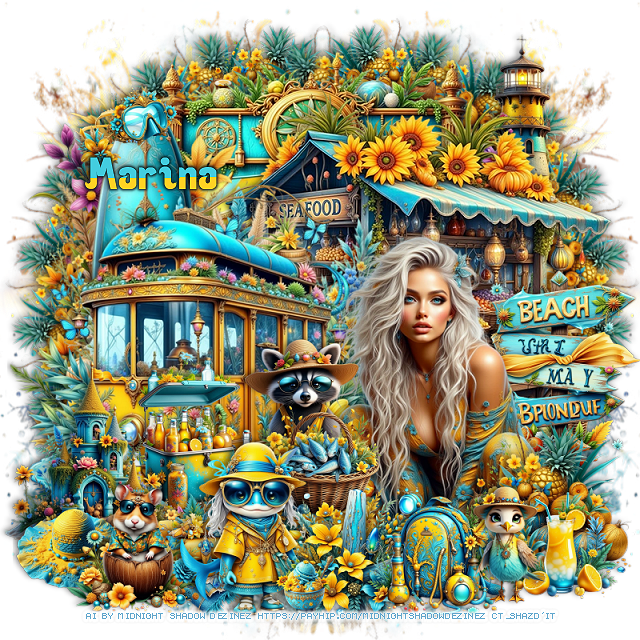
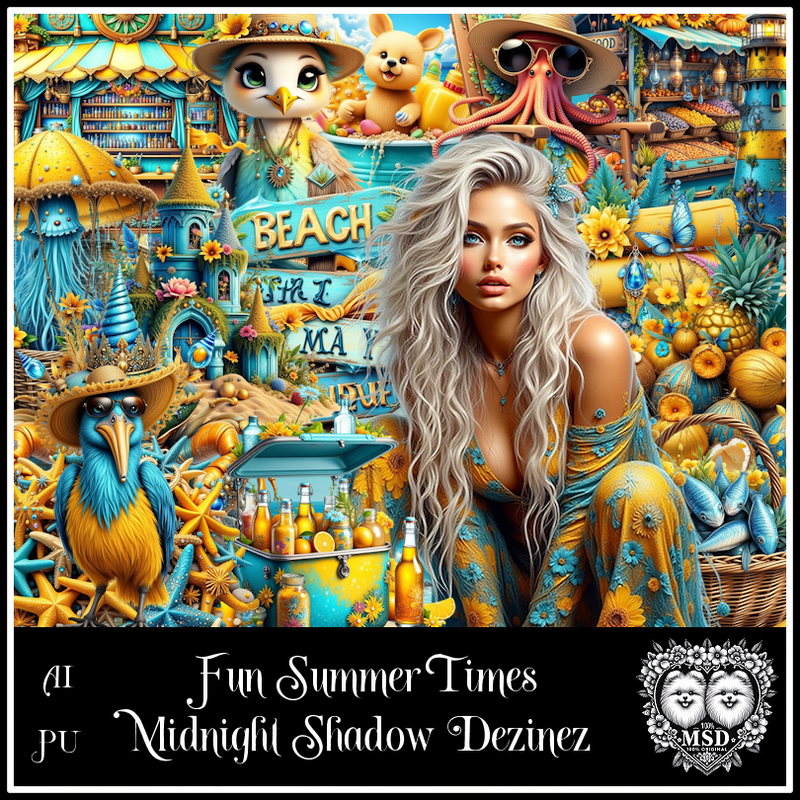
PTU Fun Summer Times


  This tut was written July 30th, 2025 for those with a basic knowledge of psp. 

Awesome AI kit and tube by Midnight Shadow Dezinez

Everything used is included in the kit
Read the TOU on how to credit your tags

I used PSP2020...but any of them should work.
PTU Scrap Fun Summer Times by Midnight Shadow Dezinez  HERE
You can find all Midnight Shadow Dezinez kits HERE
RD Mask 797 HERE
Check the rest of the blog HERE

Font of choice, I used Ocean

Drop shadow as you go is V -2 H -4, 40, 10, or use what you prefer.
Let's get started
*Remember to add your drop shadow as you go along*

Open a new image 800 x 800, resize paper 7 to 80%, apply your mask, 
move to the right, duplicate, mirror, adjust.

Resize element 39 to 30%, apply Mura Meister Copies-first 3 numbers on
22, 60, 70, paste to the left, duplicate, mirror.
Paste element 36 at the top.
Paste element 42 on the right.
Resize element 32 to 85%, paste on the left.
Resize element 11 to 90%, paste on the left below the van.
Resize element 8 to 40%, paste on the right.

Resize element 43 to 65%, paste on the right above the sign.

Resize element 39 to 40%, paste at the bottom right above the tube.
Resize element 3 and 54 to 30%, paste on the bottom.
Resize element 38 to 30%, paste above the tube to the left.
Resize element 18 to 25%, paste at the bottom right.
Resize element 37 to 65%, paste on the upper right above the circles, erase
the right bottom part showing.
Resize element 4 to 40%, paste at the bottom being on the top layer.

Resize element 21 to 40%, paste on the left above the van.
Resize element 46 to 40%, paste on the left above the ice chest.
Resize element 33 to 30%, paste on the bottom below the fish girl.
Resize element 13 to 40%, paste behind the fish basket.
Resize element 35 to 25%, paste at the bottom left above the castle.
Resize element 41 to 30%, paste on the bottom left on the top layer.
Resize element 47 to 25%, paste on the surf board at the top.
Resize element 25 to 15%, paste at the bottom.
Resize element 40 to 25%, paste at the bottom right.

Add any other elements that you would like, make it your own.
Always readjust your mask and elements how you like them before you
 merge your tag, resize, sharpen.

Crop your tag to be sure no shadows or lines are on the edges.
 Then add your copyright and name.
That's it

Hope you enjoyed doing my tut          

Tuesday, July 29, 2025

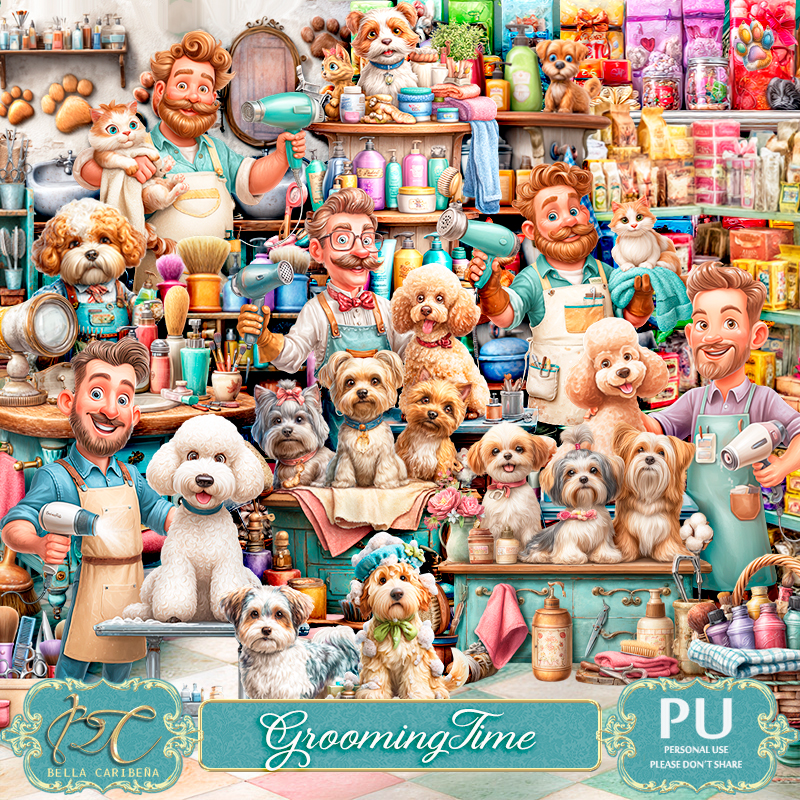
PTU Grooming Time


  This tut was written July 29th, 2025,  for those with a basic knowledge of psp. 

I am using awesome Al tubes generated by Bella Caribeña
Tubes are included
Read the TOU on how to credit your tags

I used PSP2020...but any of them should work.
PTU Scrap Grooming Time by Bella Caribeña  HERE 
Grooming theme kit 
Kit contains 2 mask, 95 elements and 21 papers
You can check out the rest of her store HERE

Font of choice, I used Good Dog Cool

 Drop shadow as you go is V -2 H 4, 40, 10, or use what you prefer.
Let's get started
*Remember to add your drop shadow as you go along*

Open a new image 800 x 800, paste mask element 15, resize to fit your tg.

Paste element 93 at the upper left, duplicate, move to the right and below
the first one, erase the overlap on the left one.
Resize element 86 to 80%, paste at the top.
Resize element 72 to 55%, paste at the top above the blank board.

Resize element 50 to 65%, paste on the right.
Resize element 49 to 65%, paste on the left.
Resize element 30 to 50%, paste on the bottom right.
Resize element 22 to 40%, paste above the tub.
Resize element 51 to 75%, paste on the left.

Resize element 63 to 35%, paste at the bottom right above the tub.
Resize element 61 and 62 to 30%, paste at the bottom right below the dog.
Resize element 6 to 30%, paste at the bottom right above the dogs.
Resize element 89 to 45%, paste on the bottom left above the dog.
Resize element 83 to 50%, paste at the bottom left.

Resize element 10 to 20%, paste at the bottom.
Resize element 1 to 30%, paste at the bottom left.
Resize element 84 to 25%, paste at the bottom.
Resize element 79 to 15%, paste at the bottom.
Resize element 58 to 50%, mirror, paste behind the tub.
Paste element 120 at the bottom behind the dogs on the right.
Resize element 34 to 50%, paste at the bottom below the dogs.

Add any other elements you would like, resize.
Crop your tag to be sure no shadows or lines are on the edges.
 Then add your copyright and name.
That's it

Hope you enjoyed doing my tut             

Monday, July 28, 2025

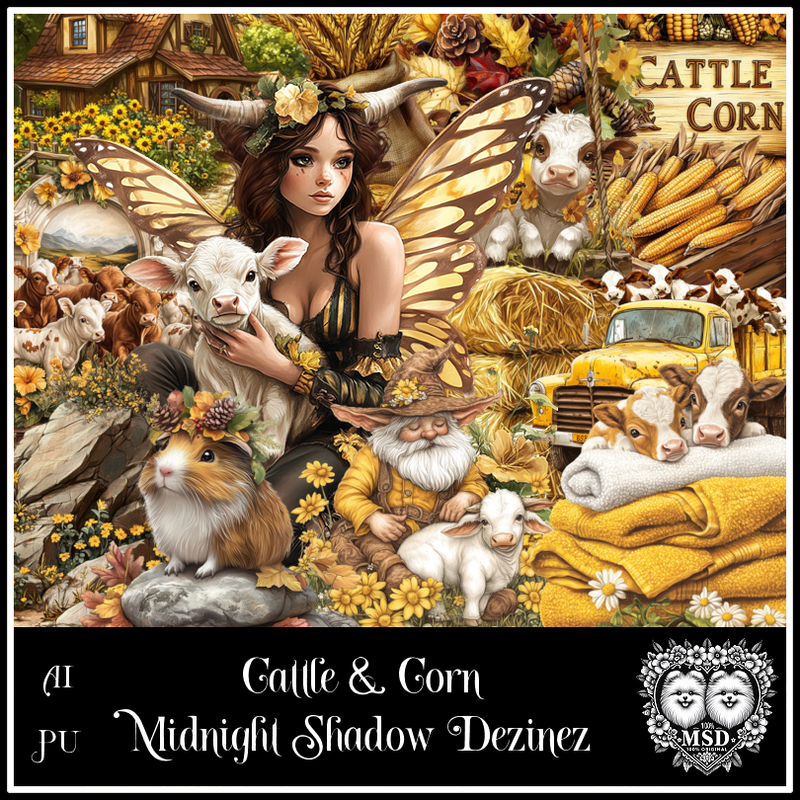
PTU Cattle and Corn


  This tut was written July 28th, 2025 for those with a basic knowledge of psp. 

Awesome AI kit and tube by Midnight Shadow Dezinez

Everything used is included in the kit
Read the TOU on how to credit your tags

I used PSP2020...but any of them should work.
PTU Scrap Cattle and Corn by Midnight Shadow Dezinez  HERE
You can find all Midnight Shadow Dezinez kits HERE
RD Mask 683 they are also numbered 671 to 674 HERE
Check the rest of the blog HERE

Font of choice, I used Wild Ones

Drop shadow as you go is V -2 H -4, 40, 10, or use what you prefer.
Let's get started
*Remember to add your drop shadow as you go along*

Open a new image 800 x 800, resize paper 6 to 80%, apply your mask.

Resize element 11 to 90%, paste at the upper left, duplicate, mirror.
Resize element 27 to 75%, paste on the upper right below the tree.
Resize element13 to 90%, paste above the pond.
Resize element 29 to 60%, paste above the house.

Resize element 16 to 50%, mirror, paste on the right below the tower.
Resize element 14 to 40%, paste below the tube on one side, duplicate, mirror.
Resize element 56 to 50%, paste on the right below the bale of hay.
Resize element 49 to 55%, paste on the left below the tube.
Resize element 12 to 50%, paste on the left above the tube.
Resize element 28 to 45%, paste on the right above the tube.
Resize element 37 to 35%, paste on the right below the cow.
Resize element 43 to 35%, paste on the right above the tube.

Resize element 9 to 25%, paste on the upper left above house.
Resize element 1 to 30%, paste below the chair on the left.
Resize element 3 to 30%, paste on the left above the cow.
Resize element 30 to 30%, paste on the upper right on the tower.
Resize element 22 to 25%, paste on the right below the cow.
Resize element 2 to 25%, paste at the bottom below the flowers.
Resize element 45 to 40%, paste on  the right below the barrels.
Resize element 19 to 25%, mirror, paste on the bottom.
Resize element 26 to 20%, paste at the bottom right.

Add any other elements that you would like, make it your own.
Always readjust your mask and elements how you like them before you
 merge your tag, resize, sharpen.

Crop your tag to be sure no shadows or lines are on the edges.
 Then add your copyright and name.
That's it

Hope you enjoyed doing my tut         

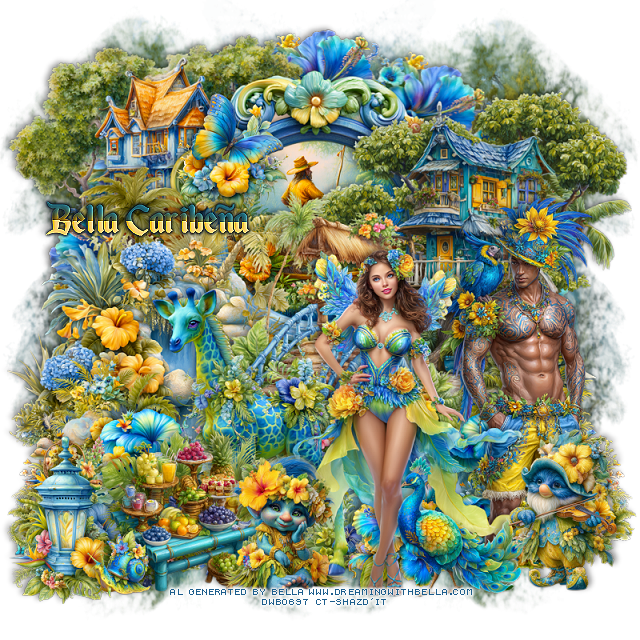
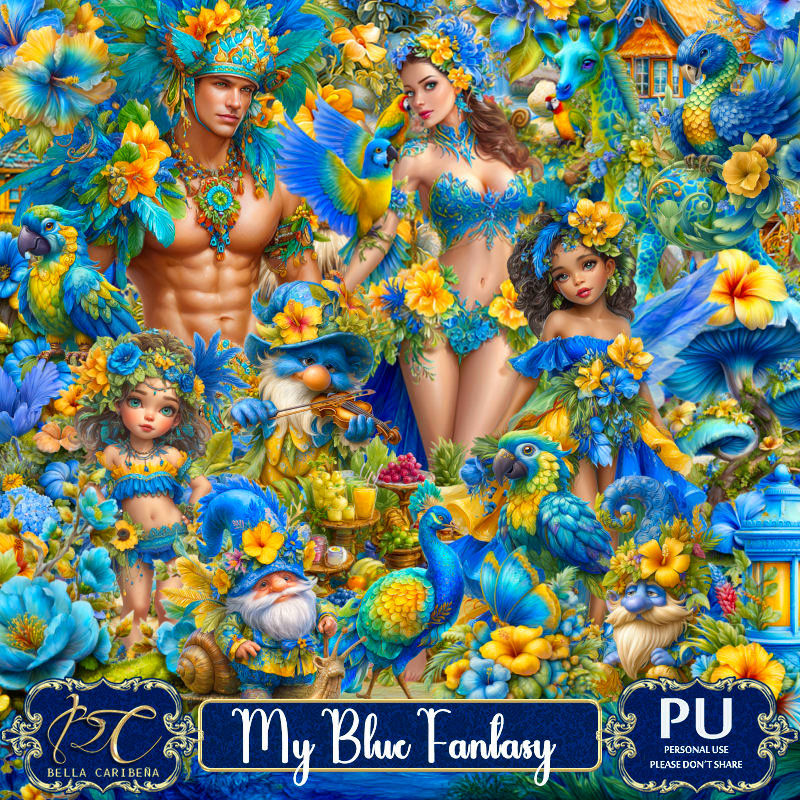
PTU My Blue Fantasy


 This tut was written July 28th, 2025,  for those with a basic knowledge of psp. 

I am using awesome Al tubes generated by Bella Caribeña
Tubes are included
Read the TOU on how to credit your tags

I used PSP2020...but any of them should work.
PTU Scrap My Blue Fantasy by Bella Caribeña  HERE 
Tropical Fantasy theme kit 
Kit contains 3 mask, 9 Al generated Tubes/Dolls, 92 elements and 15 papers
You can check out the rest of her store HERE

Font of choice, I used Enchanted Land

 Drop shadow as you go is V -2 H 4, 40, 10, or use what you prefer.
Let's get started
*Remember to add your drop shadow as you go along*

Open a new image 800 x 800, paste mask 3 to the left, duplicate, mirror.

Resize element 13 to 70%, paste, resize element 24 to 40%, paste 
below the frame.
Resize element 84 to 20%, apply Mura Meister Copies-Encircle, first 
3 numbers on 12, 50, 50, paste below the frame.
Resize element 38 to 65%, paste on the upper left below the frame.
Resize element 36 to 65%, paste on the right above the frame.

Resize element 48 to 65%, paste on the left above the frame.
Resize element 46 to 60%, paste about center.
Resize element 22 to 40%, paste on the bottom right, duplicate, mirror.
Resize element 85 to 35%, paste on the bottom left, duplicate, mirror.
Resize element 53 to 25%, paste at the bottom right, duplicate, mirror,
move to the center more.
Resize element 42 to 35%, paste at the bottom left.
Resize element 31 to 35%, paste at the bottom left by the lantern.

Resize tube 4 to 30%, paste on the bottom right.
Resize tube 5 to 30%, paste at the bottom.

Resize element 72 to 60%, paste above the bridge to the left.
Resize element 35 to 30%, mirror, paste at the bottom right above the man.
Resize element 63 to 30%, paste at the bottom.
Resize element 65 to 35%, paste on the bottom right.
Resize element 7 to 25%, paste on the upper left on the frame.
Resize element 60 to 15%, paste at the bottom left.

Add any other elements you would like, resize.
Crop your tag to be sure no shadows or lines are on the edges.
 Then add your copyright and name.
That's it

Hope you enjoyed doing my tut