Tuesday, September 2, 2025

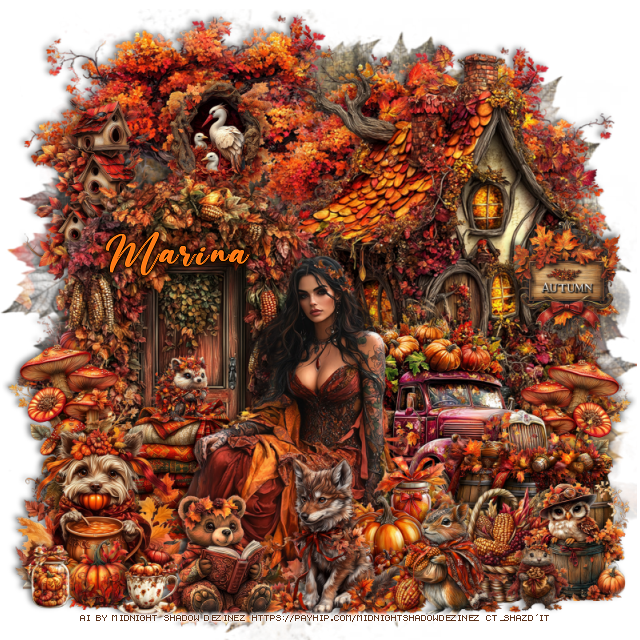
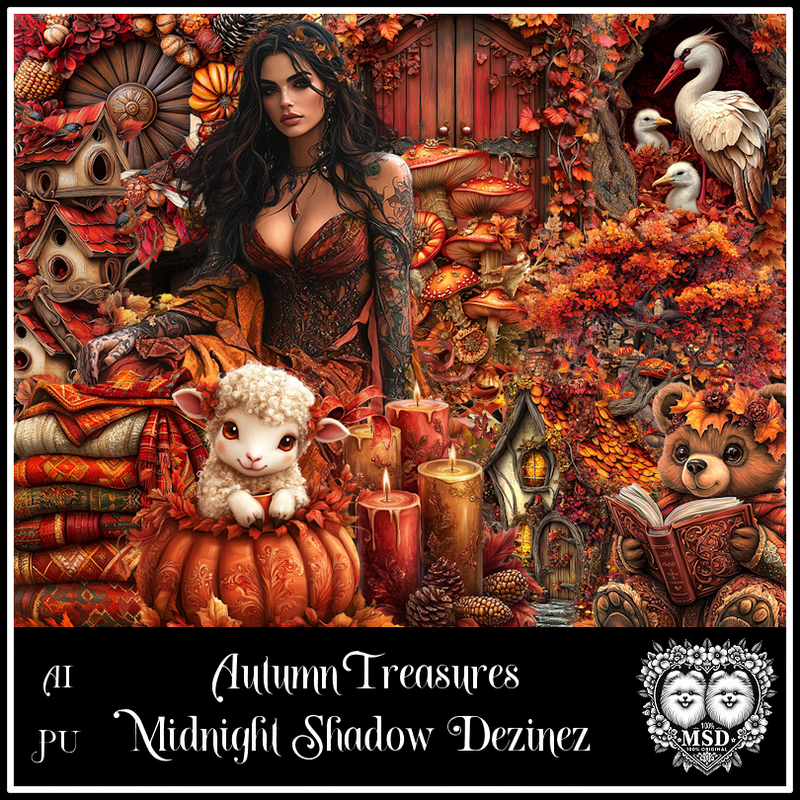
PTU Autumn Treasures


 This tut was written September 2nd, 2025 for those with a basic knowledge of psp. 

Awesome AI kit and tube by Midnight Shadow Dezinez

Everything used is included in the kit
Read the TOU on how to credit your tags

I used PSP2020...but any of them should work.
PTU Scrap Autumn Treasures by Midnight Shadow Dezinez  HERE
You can find all Midnight Shadow Dezinez kits HERE
Mask of choice, I used RD Mask 683 HERE
Check out the rest of the blog HERE    

Font of choice, I used Beautiful Day

Drop shadow as you go is V -2 H -4, 50, 10, or use what you prefer.
Let's get started
*Remember to add your drop shadow as you go along*

Open a new image 800 x 800, paste paper 7, apply your mask.

Resize element 11 to 85%, paste at the upper left, duplicate, move
to the right.
Resize element 47 to 85%, mirror, paste on the right.
Resize element 35 to 75%, paste on the left.
Resize element 16 to 40%, paste on the left above the door, duplicate, mirror,
move below the truck.
Resize element 15 to 60%, mirror, paste on the right below the door.

Resize element 18 to 70%, paste above the door.

Resize element 25 to 35%, paste at the bottom above the tube.
Resize element 24 to 35%, paste at the bottom.
Resize element 8 to 30%, paste at the bottom to the left of the dog.
Resize element 37 to 35%, paste at the bottom left below the bear.
Resize element 44 to 15%, paste at the bottom above the bear.
Resize element 31 to 25%, paste at the top below the door.
Resize element 20 to 40%, paste on the right above the truck.
Resize element 14 to 35%, paste on the upper left below the door.
Resize element 27 and 56 to 25%, mirror element 27, paste at the bottom right.

Resize element 51 to 35%, paste below the tube.
Resize element 28 to 15%, paste at the bottom below the squirrel.
Resize element 53 to 25%, paste at the bottom right.
Resize element 17 to 25%, paste on the house on the right.
Resize element 4 and 7 to 15%, paste at the bottom left.
Resize element 46 to 15%, paste on the blankets.
Resize element 49 to 15%, paste at the bottom right.

Add any other elements that you would like, make it your own.
Always readjust your mask and elements how you like them before you
 merge your tag, resize, sharpen.

Crop your tag to be sure no shadows or lines are on the edges.
 Then add your copyright and name.
That's it

Hope you enjoyed doing my tut             

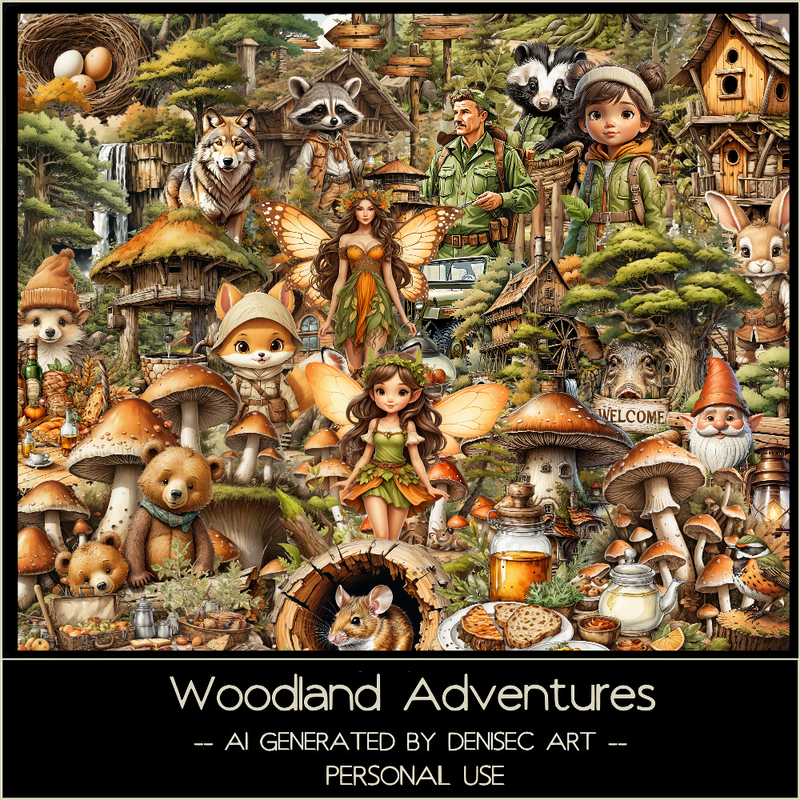
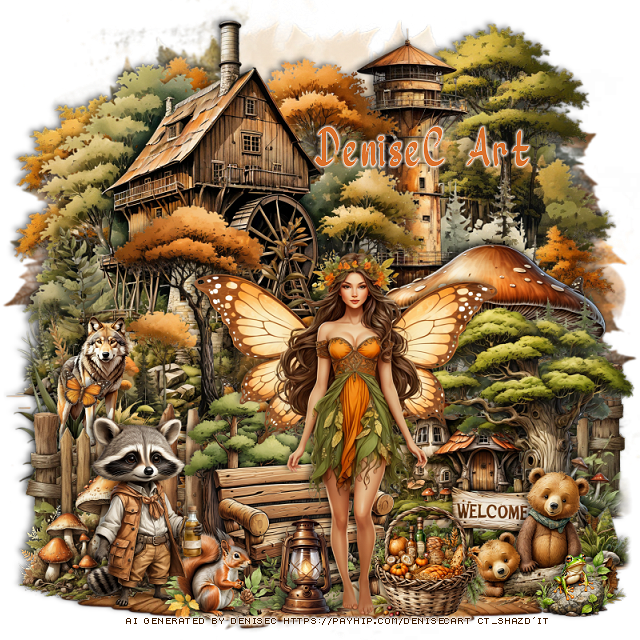
PTU Woodland Adventures


 This tut was written September 2nd, 2025 for those with a basic knowledge of psp. 

AI generated kit and tube by DeniseC Art

Everything used is included in the kit
Read the TOU on how to credit your tags

I used PSP2020...but any of them should work.
PTU Scrap Woodland Adventures by DeniseC Art  HERE  
60 elements and 6 papers
You can find all DeniseC Art kits  HERE
Mask of choice, I used RD Mask 683 HERE
Check out the rest of the blog HERE  
 
Font of choice, I used River Water

Drop shadow as you go is V -2 H -4, 50, 10, or use what you prefer.
Let's get started
*Remember to add your drop shadow as you go along*

Open a new image 800 x 800, paste paper 5, apply your mask, duplicate,
merge down.

Resize element 8 to 80%, paste at the top.
Resize element 43 to 55%, paste at the upper right.
Resize element 37 to 60%, paste at the upper left.
Resize element 44 to 50%, paste on the bottom left.
Resize element 11 to 50%, paste on the bottom left, duplicate, move
to the right.
Paste element 58 on the bottom layer above the mask and to the bottom so
only the dirt shows.
Resize element 39 to 40%, paste on the bottom right.
Resize element 21 to 40%, paste at the bottom right.
Resize element 30 to 20%, paste at the bottom right.
Resize element 22 to 20%, paste at the bottom left.
Resize element 45 to 12%, mirror, paste at the bottom left.
Resize element 5 to 25%, paste at the bottom left below the squirrel.
Resize element 20 to 30%, paste at the bottom below the squirrel.
Resize element 36 to 20%, paste on the left below the fence.

Resize element 26 to 40%, paste at the bottom above the bench.

Resize element 7 to 12%, paste at the bottom right by the bears.
Resize element 6 to 17%, paste at the bottom right of the tube.
Resize element 53 to 15%, paste at the bottom below the tube.

Add any other elements that you would like, make it your own.
Always readjust your mask and elements how you like them before you
 merge your tag, resize, sharpen.

Crop your tag to be sure no shadows or lines are on the edges.
 Then add your copyright and name.
That's it

Hope you enjoyed doing my tut              
Monday, September 1, 2025

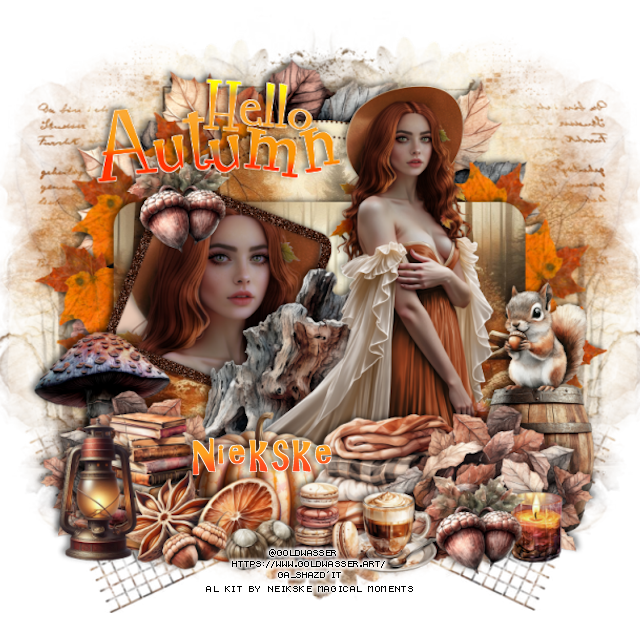
PTU Beauty of Autumn

 This tut was written August 31st, 2025 for those with a basic knowledge of psp. 

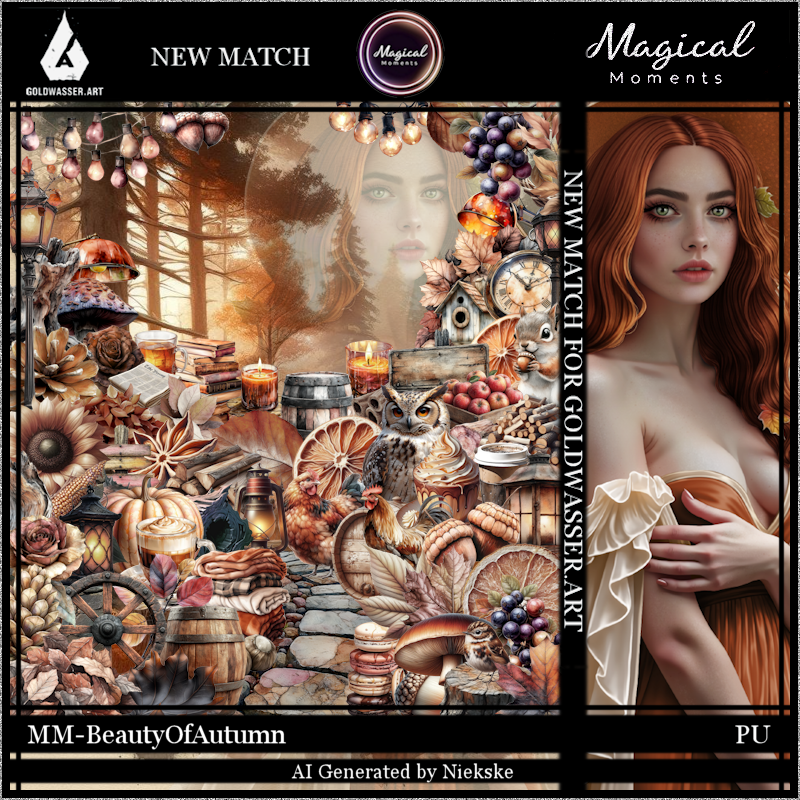
Beautiful Autumn Al  kit by Magical Moments
Tube ©Goldwasser called Augustine
"Tube is NOT included"
You need a license to use this tube, please do not use without a license
You can get the tube HERE

I used PSP2020...but any of them should work.
PTU Scrap Beauty of Autumn by Magical Moments HERE  
76 elements and 5 papers
Mask of choice, I used Miz Teeques Mask 78 HERE
Check out the rest of the blog HERE
Template 65 by Fired by Flamin (save to your computer) HERE

Font of choice, I used AR Christy

Drop shadow is V -2 H 4, 50, 10, color Black or use what you prefer.
Let's get started
*Remember to add your drop shadow as you go along*

Open the template, delete the credits.
Paste paper 1 on the bottom layer, add your mask.

Leaves 1 and 2, leave as is or color the leaves if you like.
Layer 1, resize paper 1 to 50%, paste, invert, delete.
Layer 2 leave as is.
Layer 3, resize paper 4 to 50%, paste, invert, delete.
Layer 4, resize paper 5, to 60%, paste, invert, delete.
Layer 5, resize your tube to 50%, paste, invert, delete, add the xero filter,
Porcelain.
Add noise at 50% on layer 6.
Move the wordart to the upper left, recolor if you like.

Resize your tube to 30%, paste on the right.

Resize element 66 to 30%, paste below the tube on the left.
Resize element 1 to 35%, paste at the bottom above the tube to the left, 
duplicate, mirror.
Resize element 30 to 22%, paste at the bottom.
Resize element 35 to 20%, paste at the bottom.
Resize element 15 to 20%, paste on the bottom right below the leaves.
Resize element 67 to 13%, paste at the upper left, duplicate, 
move to the bottom right above the leaves.
Resize element 64 to 60%, paste below the leaves of the template.
Resize element 52 to 15%, paste at the bottom.
Resize element 53 to 15%, paste at the bottom.
Resize element 23 and 27 to 10%, paste at the bottom.

Resize element 76 to 20%, paste at the bottom right.
Resize element 50 to 15%, paste on the barrel.
Resize element 69 to 20%, paste on the left below the leaves.
Resize element 31 and 34 to 13%, paste at the bottom.
Resize element 39 to 20%, paste on the bottom left.
Resize element 72 to 10%, paste at the bottom right.

Add any other elements that you would like, make it your own.
Always readjust your mask and elements how you like them before you
 merge your tag, resize, sharpen.

Crop your tag to be sure no shadows or lines are on the edges.
 Then add your copyright and name.
That's it

Hope you enjoyed doing my tut.