Tuesday, September 8, 2026

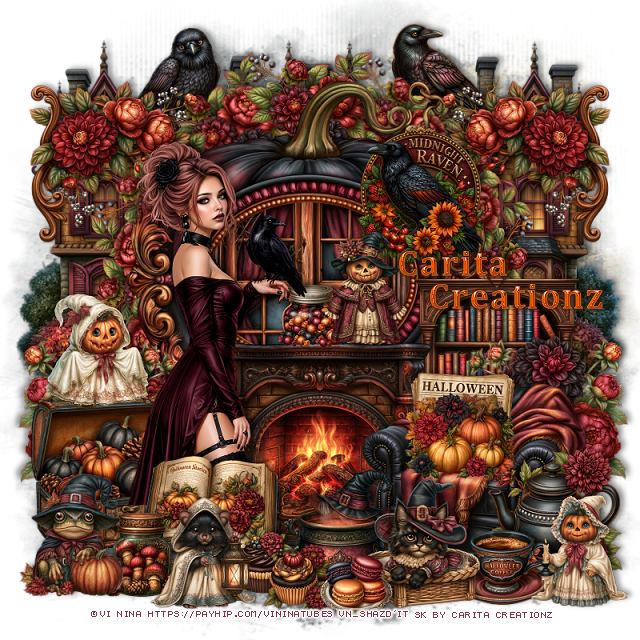
PTU Midnight Raven


 This tut was written September 8th, 2026 for those with a basic knowledge of psp. 

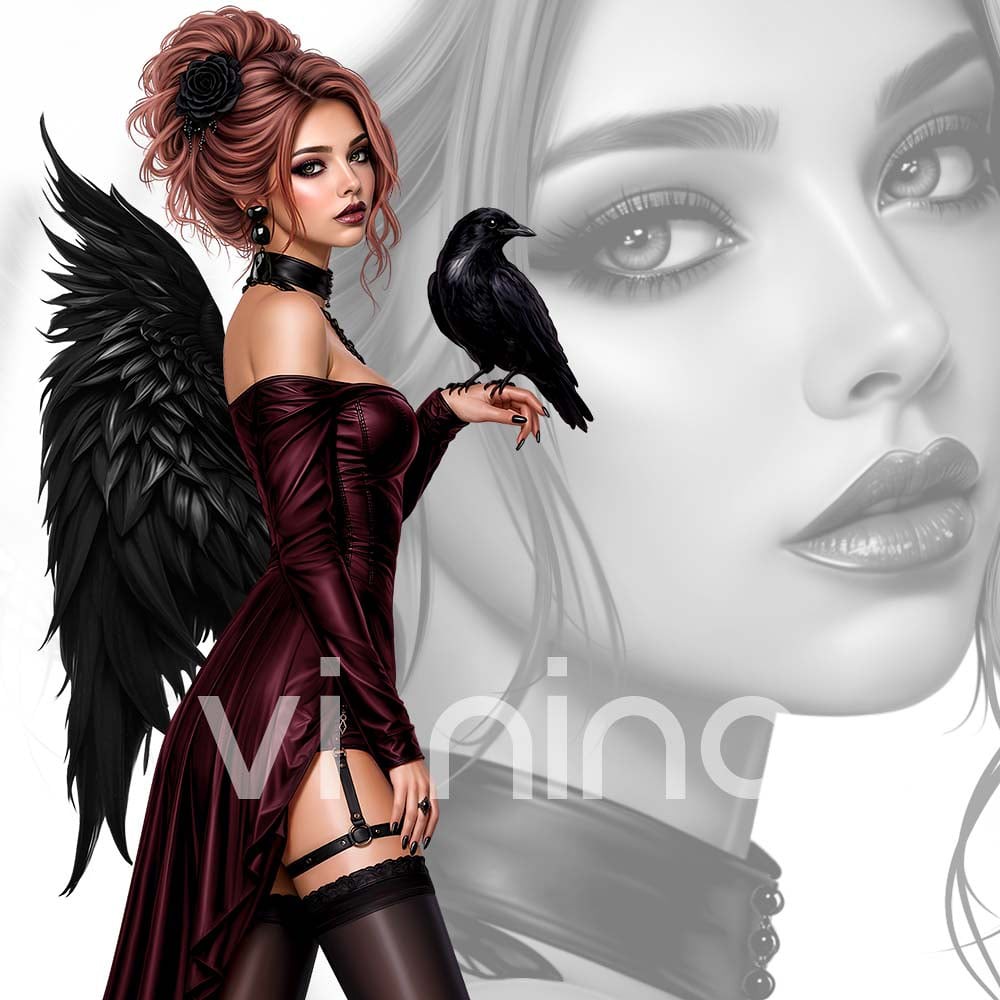
I am using the Beautiful tube ©Vi Nina
The tube is called Midnight Raven
Comes in several colors
The tube is "NOT" included
You need a license to use this tube, please do not use without a license
You can find the tube at Vi Nina Store HERE

I used PSP2020...but any of them should work.
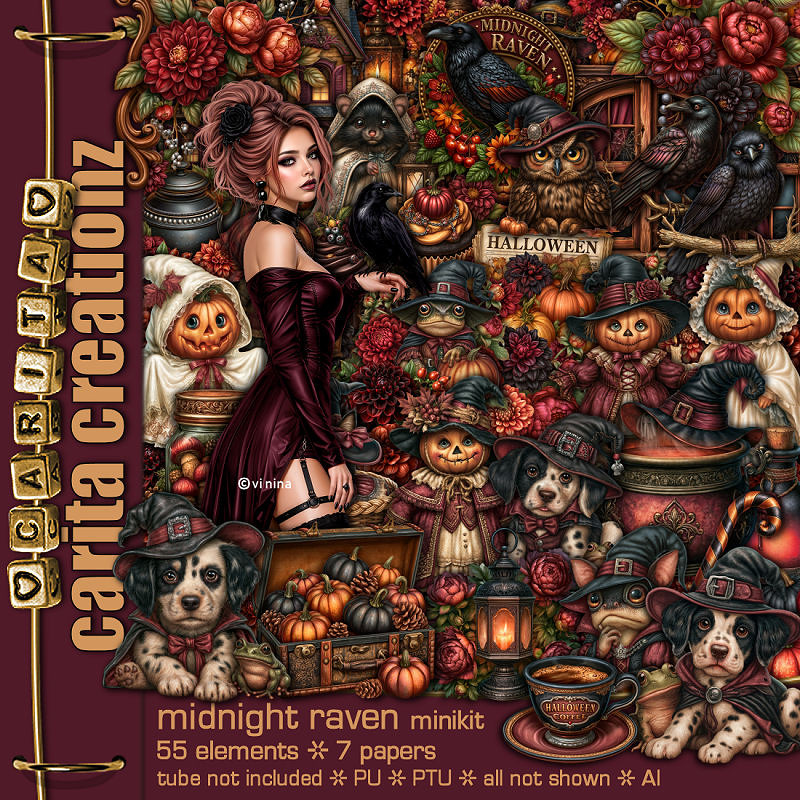
PTU Scrap Midnight Raven by Carita Creationz  HERE
Kit has 55 elements and 7 papers 
Check her store out to see all her other kits and tubes HERE
Mask of choice, I used RD Mask 673 HERE 
Check the blog out HERE

Font of choice, I used Cambria

Drop shadow as you go is V -2 H 4, 50, 10, or use what you prefer.
Let's get started
*Remember to add your drop shadow as you go along*

Open a new image 800 x 800, paste paper 4, apply your mask,

Resize 21 to 65%, paste, click inside, resize 49, paste, invert, delete.
Resize 53 to 40%, paste at the bottom.
Resize 54 to 40%, mirror, paste at the bottom right.
Resize 34 to 25%, apply Mura Meister Copies-Encircle, first 3 numbers 
on 12, 50, 50, paste below the frame.

Resize the tube to 30%, paste to the left above the fireplace.

Resize 7 to 30%, paste on the bottom left below the tube.
Resize 41 to 25%, paste at the bottom above the tube.
Resize 55 to 25%, paste on the upper right on the frame.
Resize 42 to 65%, paste at the upper left below the flower circle,
duplicate, move to the right.
Resize 26 to 30%, paste on the right below the chair, duplicate, mirror.
Resize 9 to 15%, paste at the bottom left above the book.
Resize 51 to 30%, paste on the right below the flowers behind the chair.

Resize 27 to 25%, paste at the bottom right above the chair.
Resize 39 to 17%, paste at the bottom right.
Resize 30 to 20%, paste on the chair.
Resize 33 to 22%, paste at the bottom left above the jar.

Resize 15 to 20%, paste on the bottom right.
Resize 14 to 20%, paste on the left on the chest lid.
Resize 12 to 23%, paste at the bottom by the cup.
Resize 31 to 22%, paste at the upper left below the flower circle.
Resize 36 to 22%, paste on the upper right below the flower circle.
Resize 11 to 20%, paste on top of the fireplace.
Resize 45 to 12%, paste on the fireplace.
Resize 10 to 22%, paste at the bottom below the cat.

Resize 37 and 38 to 12%, paste at the bottom.
Resize 16 to 20%, paste at the bottom.
Resize 29 to 30%, paste on the upper left below the tube, duplicate, mirror.
Resize 46 to 13%, paste at the bottom.

Add any other elements that you would like, make it your own.
Always readjust your mask and elements how you like them before you
 merge your tag, resize, sharpen.
Crop your tag to be sure no shadows or lines are on the edges.
 Then add your copyright and name.
That's it

Hope you enjoyed doing my tut.       

Tag for Nina  
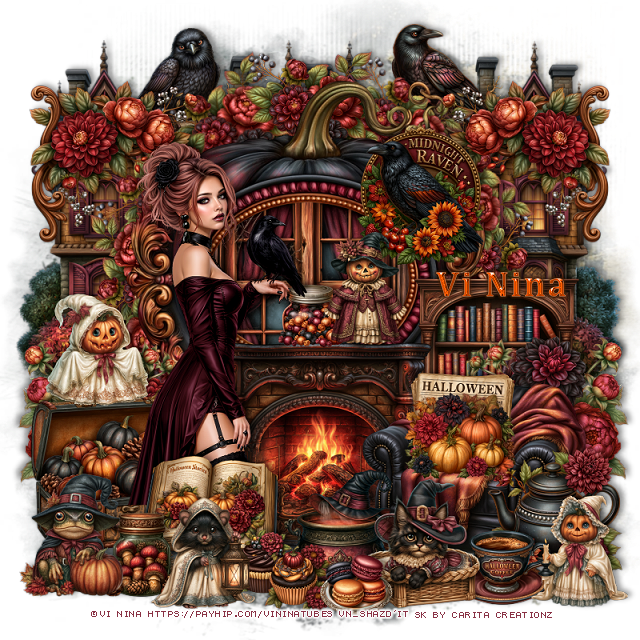


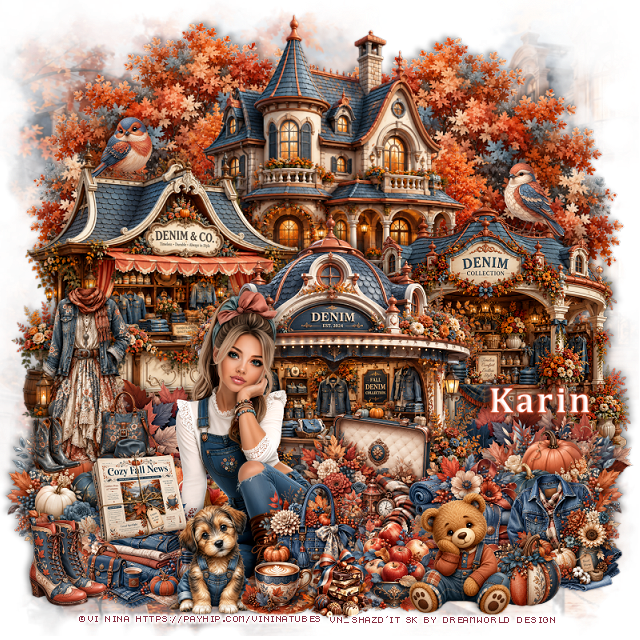
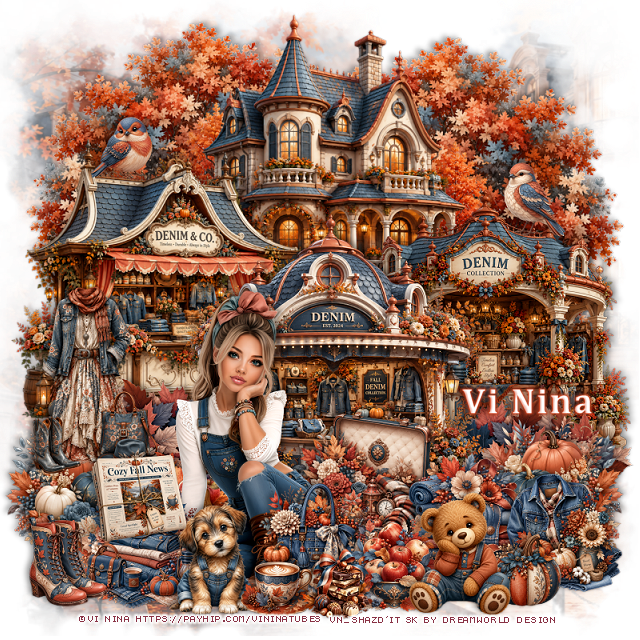
PTU Denim Belle


  This tut was written September 8th, 2026 for those with a basic knowledge of psp. 

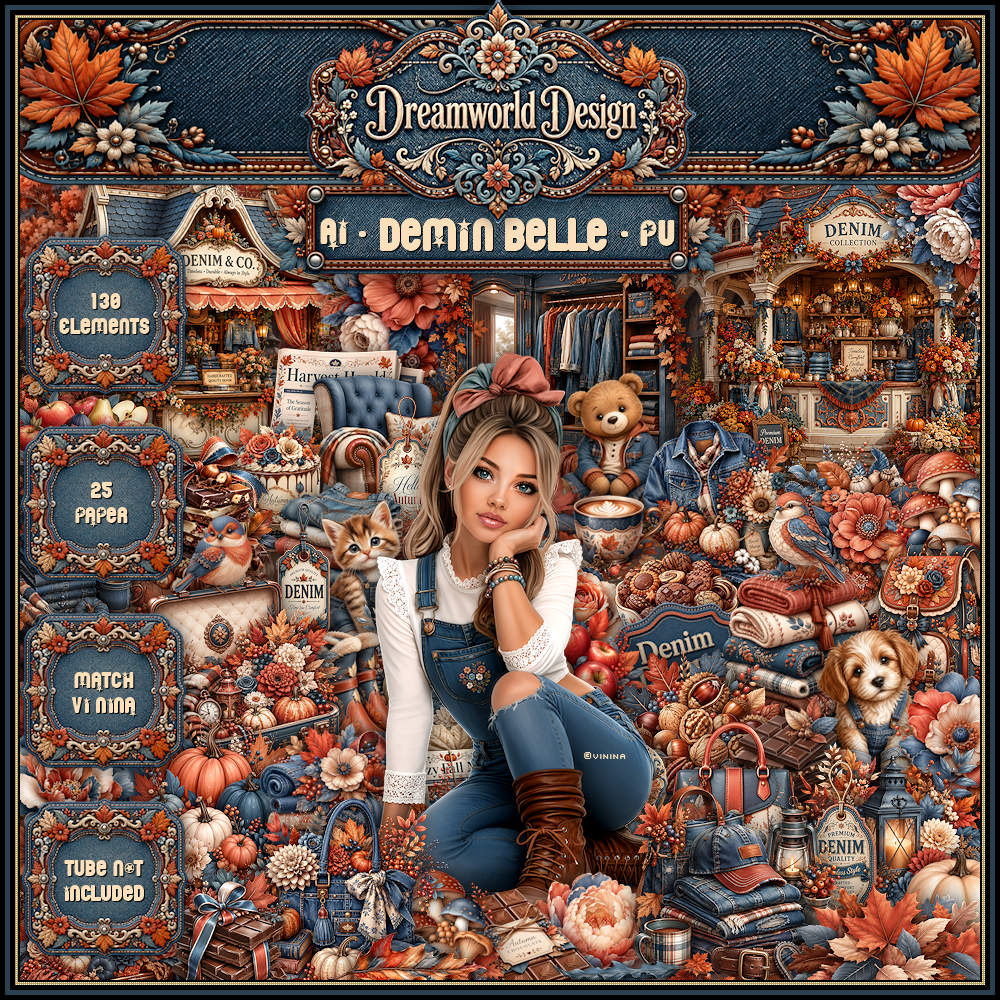
I am using the beautiful Al kit by Dreamworld Design
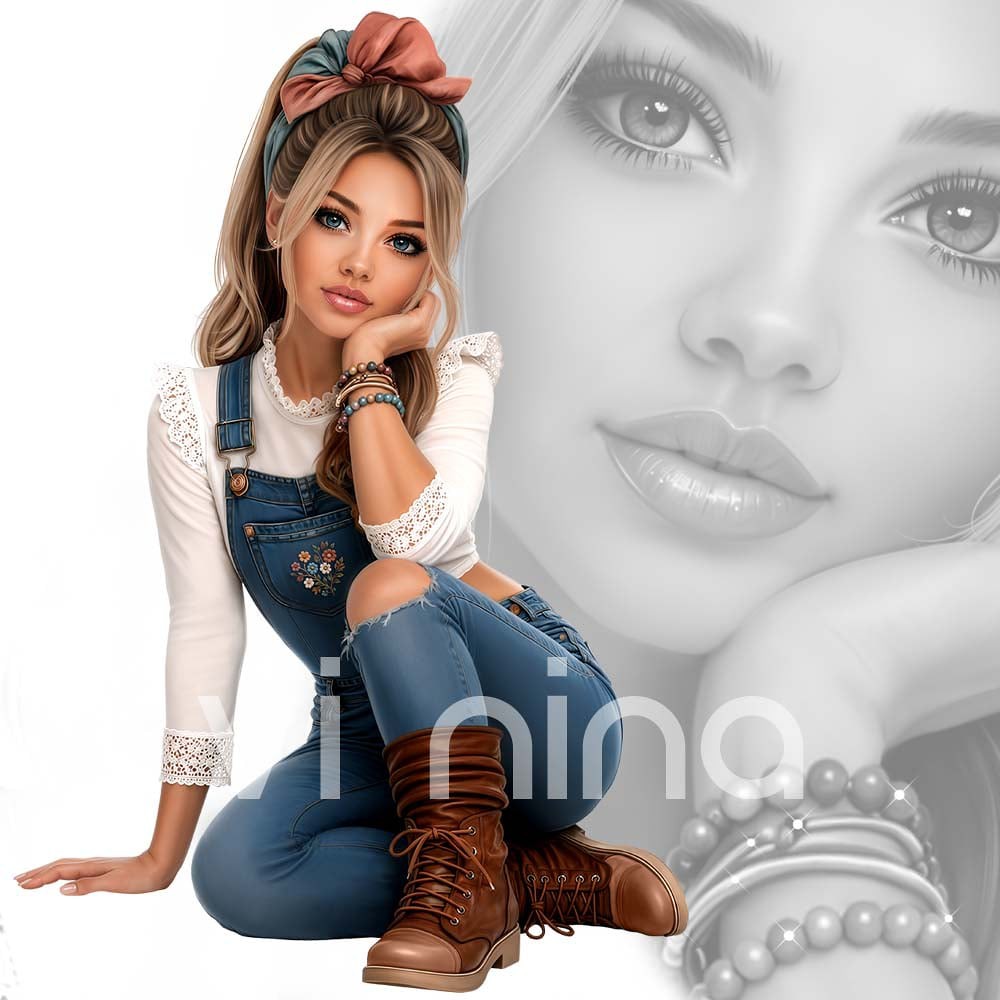
This is a match for the tube Denim Belle ©Vi Nina
The tube is NOT included
You need a license to used this tube, please do not use without a license.
You can get the tube HERE

I used PSP2020...but any of them should work.
PTU Scrap Denim Belle by DWD  HERE
Beautiful kit with 130 elements, 25 papers
You can find all Dreamworld Design kits  HERE

Font of choice, I used Cambria

Drop shadow as you go is V -2 H -4, 40, 10, or use what you prefer
Let's get started
*Remember to add your drop shadow as you go along*

Open a new image 800 x 800, paste mask 3, resize to fit your tag.

Resize 20 to 75%, paste on the upper left, duplicate, mirror.
Resize 48 to 65%, paste at the top in the center.
Resize 49 to 55%, paste on the left.
Resize 50 to 55%, paste on the right.
Resize 51 to 60%, paste at the bottom above the other buildings.
Resize 17 to 35%, paste on the bottom left above the left building,
duplicate, mirror.

Resize the tube to 30%, paste at the bottom to the left.

Resize 73 to 35%, paste on the left above the leaves, duplicate, mirror.
Resize 7 to 35%, paste on the bottom left below the tube.
Resize 69 to 40%, paste below the tube on the right.
Resize 60 to 30%, paste at the bottom to the right.
Resize 116 to 40%, paste on the left above the pumpkins.

Resize 115 to 27%, paste at the bottom left above the tube.
Resize 113 to 25%, paste on the bottom right.
Resize 114 to 25%, paste at the bottom above the tube.
Resize 120 to 27%, paste at the bottom by the tube.
Resize 37 to 25%, paste on the left on the clothes.
Resize 35 to 25%, paste on the bottom left.
Resize 11 to 25%, paste at the bottom.

Resize 9 to 25%, paste on the bottom right.
Resize 84 to 25%, paste at the bottom.
Resize 96 to 30%, paste at the bottom right.
Resize 92 to 20%, paste at the bottom.
Resize 128 to 25%, paste on the upper left on the roof of the building.
Resize 35 to 25%, paste on the upper right on the building.

Add any other elements that you would like, make it your own.
Always readjust your mask and elements how you like them before you
 merge your tag, resize, sharpen.

Crop your tag to be sure no shadows or lines are on the edges.
 Then add your copyright and name.
That's it

Hope you enjoyed doing my tut     

Tag for Nina


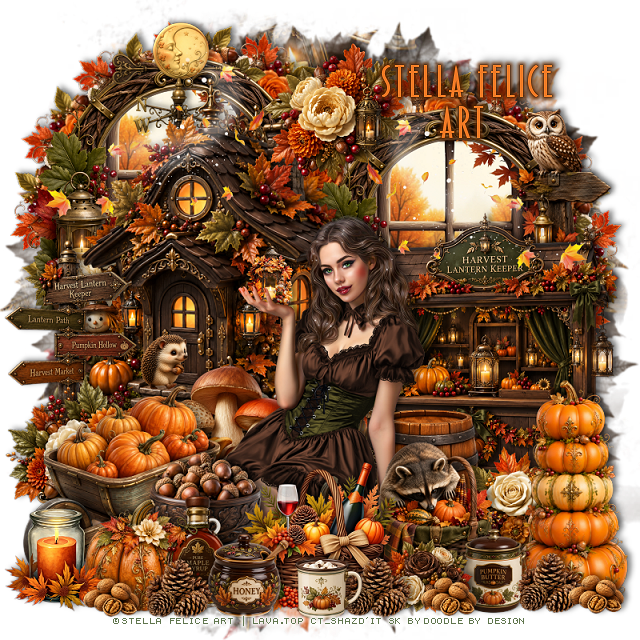
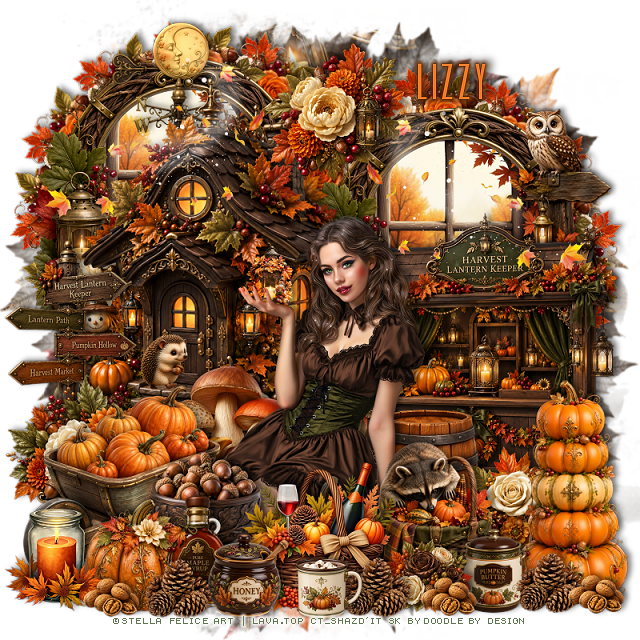
PTU Autumn Blessings


  This tut was written September 7th, 2026 for those with a basic knowledge of psp. 

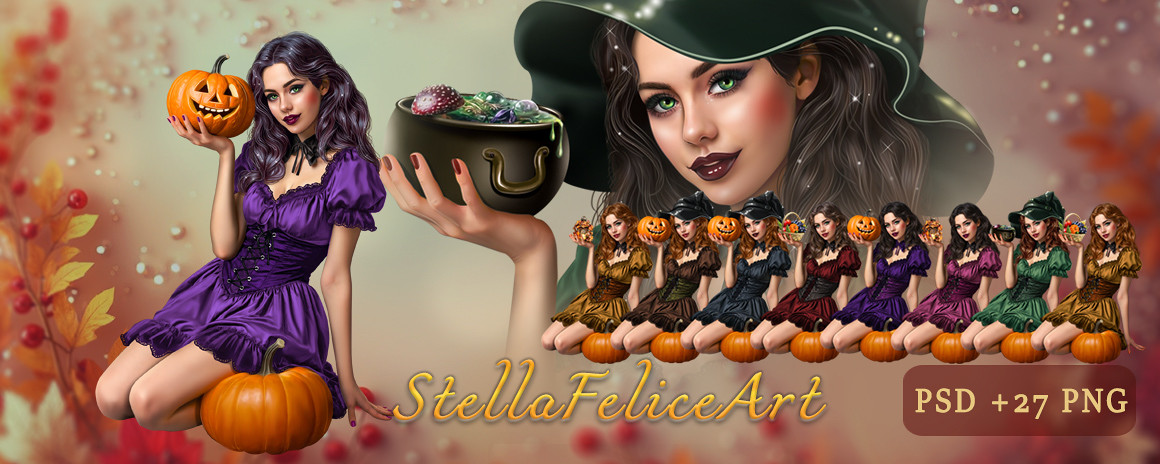
I am using the beautiful tube by © Stella Felice Art

Tube is called Bilyana
Tube is NOT included
You can find this tube at Lava.top store HERE

I used PSP2020...but any of them should work.
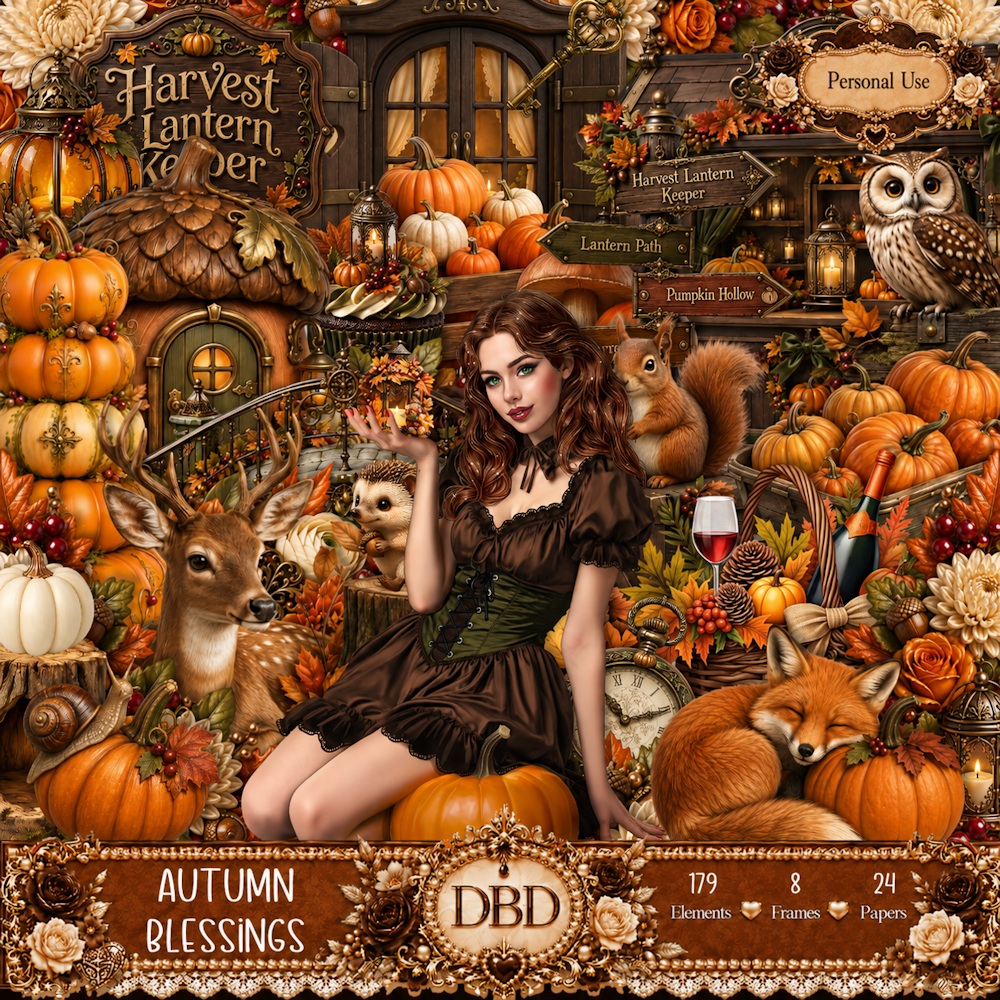
PTU Scrap Autumn Blessings by Doodle by Design  HERE
You can find all Doodle by Design kits  HERE 
RD Mask 683 HERE
Check the rest of the blog HERE

Font of choice, I used paulistana

Drop shadow as you go is V -2 H 4, 50, 10, or use what you prefer.
Let's get started
*Remember to add your drop shadow as you go along*

Open a new image 800 x 800, paste paper 23, apply your mask.

Resize 44 to 65%, paste on the upper left.
Resize 45 to 50%, paste on the right.
Resize frame 5 to 50%, paste on the upper left below the house, click 
inside, resize 105 to 55%, paste, invert, delete.
Duplicate the frame, mirror, duplicate the window, mirror.
Resize 135 to 25%, apply Mura Meister Copies-Encircle, first 3 numbers
on 12, 40, 40, paste below the frame on the left, duplicate, move
below the frame on the right.

Resize the tube to 25%, paste at the bottom.

Resize 49 to 35%, paste on the bottom left above the house.
Resize 102 to 30%, paste at the bottom above the tube.
Resize 82 to 30%, paste at the upper left below the house.
Resize 71 to 30%, paste on the upper right below the stand.
Resize 130 to 25%, paste at the top above the house.

Resize 21 to 25%, paste below the tube to the left.
Resize 72 to 25%, paste at the bottom above the tube.
Resize 132 to 30%, paste on the bottom right above the stand.
Resize 136 to 30%, paste on the bottom left above the tube layer.
Resize 37 to 15%, paste at the bottom above the baskets.
Resize 129 to 17%, paste at the bottom by the baskets.

Resize 98 to 40%, paste on the bottom left below the jar.
Resize 35 to 15%, paste at the bottom above the basket on the left.
Resize 34 to 20%, paste at the bottom below the honey pot.
Resize 17 to 20%, paste below the honey pot and syrup bottle.
Resize 20 to 12%, paste at the bottom right by the pumpkins, duplicate, 
move to the left by the baskets, duplicate again, move to the left.
Resize 61 to 40%, paste on the bottom left below the tube, move the 
flower below the wheel barrel.

Resize 64 to 25%, paste below the tube on the right.
Resize 19 to 20%, paste on the bottom left below the bottle.
Resize 102 to 20%, paste at the bottom left.
Resize 33 to 12%, paste at the bottom by the basket.
Resize 27 to 10%, duplicate a couple of times, paste at the bottom where you like.
Resize 165 to 50%, paste on the upper left above the house,
duplicate, mirror.
Resize 69 to 10%, paste on the steps of the house.

Add any other elements that you would like, make it your own.
Always readjust your mask and elements how you like them before you
 merge your tag, resize, sharpen.

Crop your tag to be sure no shadows or lines are on the edges.
 Then add your copyright and name.
That's it

Hope you enjoyed doing my tut

Tag for Lizzy