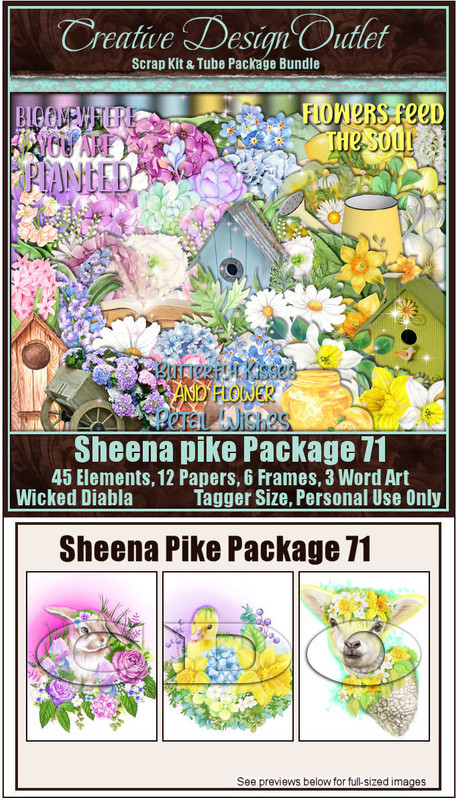
*Remember to add your drop shadow as you go along*
A Quickie tut
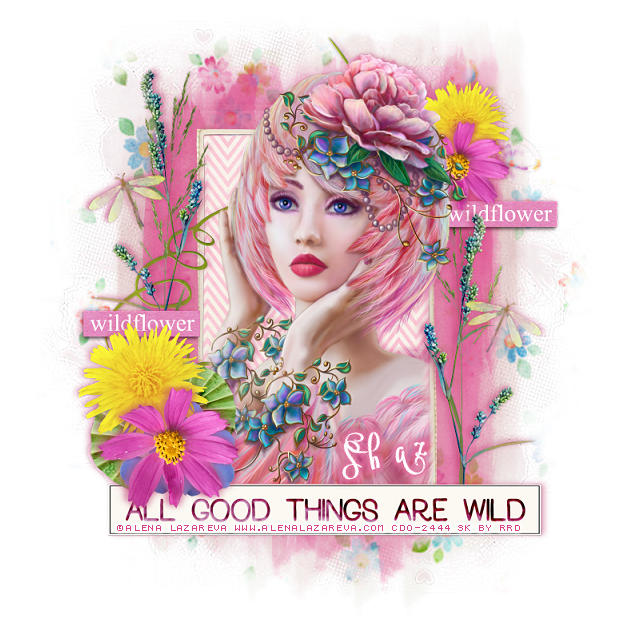
Open a new image 800 x 800, resize paper 4 to 22%, paste, apply your mask, delete,
merge group.
Duplicate, change the blend mode to Multiply, merge down, resize to fit tag.
Resize element 8 to 35%, paste, duplicate, on the bottom one apply
Toadies filter-What Are You,
default setting, move below the paper layer of
the frame.
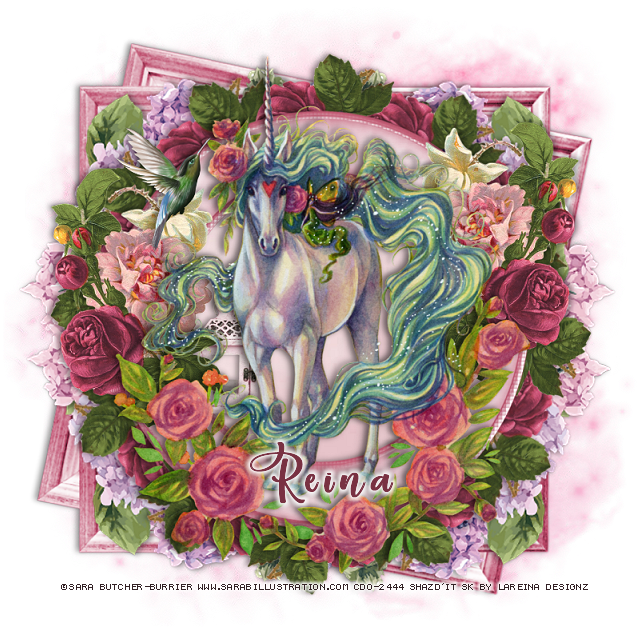
Click inside the frame, expand by 5, resize paper 1 to 20%, paste invert, delete.
Paste your tube below the frame, delete the part outside the frame, duplicate,
move above the frame, erase the parts outside the frame.
Resize element 16 to 25%, paste on the left on the frame below the tube.
Resize element 7 to 15%, paste on the frame on the left, duplicate, mirror, move
down on the frame on the right.
Resize element 6 to 20%, free rotate to the left at 90 degrees, paste on the left,
being on the top layer, duplicate, mirror, move down a little.
Resize element 10 to 50%, paste at the bottom.
Resize element 3 to 25%, paste on the lower left.
Resize element 1 to 35%, duplicate twice, move all three below the pink flower.
Resize element 5 to 25%, paste on the left.
Resize element 13 to 15%, duplicate, move both below the other flowers.
Duplicate the pink and yellow flower, resize to 75%, move to the upper right below
the tube.
Resize element 2 to 25%, duplicate, move one to the upper right below the pink
flower, move the other one to the left below the yellow flower.
Resize element 15 to 10%, paste on the left being on the top layer, duplicate, mirror.