Wednesday, December 21, 2022

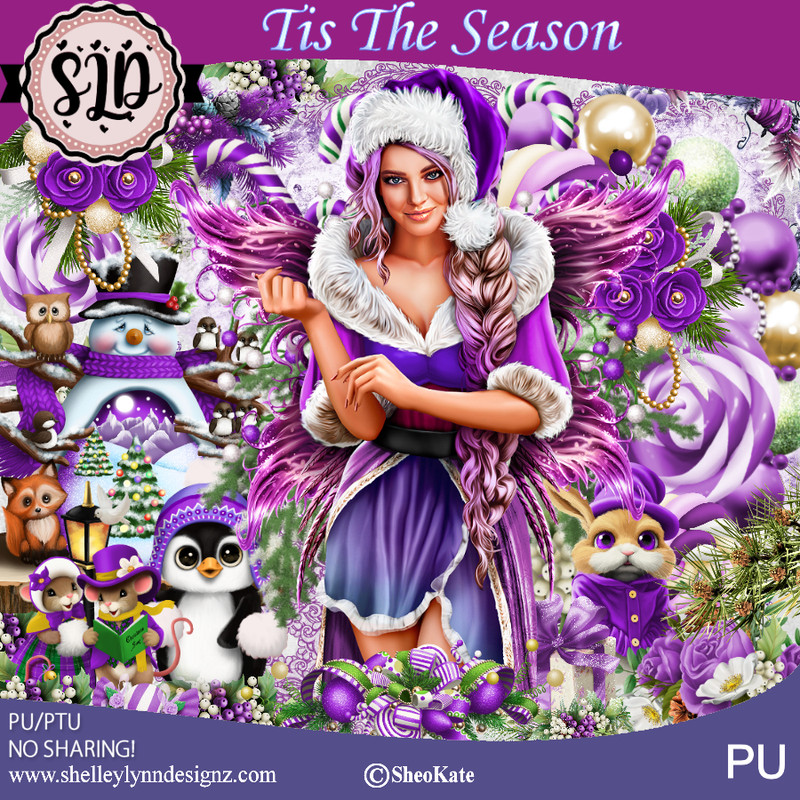
PTU Tis The Season


 This tut was written December 21st, 2022 for those with a basic knowledge of psp. 

I am using the awesome artist ©Sheokate
Tube is Alexia
You need a license to use this tube, do not use without a license.
You can find all Shelley's kits HERE

I used PSP2020...but any of them should work.
PTU Tis The Season by Shelley Lynn Designz  HERE 
Kit contains 101 elements, 12 frames, 10 papers and 2 tubes by Sheokate
Mask of choice, I used RD 713 HERE
Check out the rest of the blog HERE

Font of choice, I used Malika

Drop shadow is V -1 H -4, 50, 10, or use what you prefer.
Let's get started
*Remember to add your drop shadow as you go along*

Open a new image 800 x 800, paste paper 9, apply your mask,
delete, merge group.

Resize element 99 to 75%, paste on the mask.
Resize frame 10 to 70%, paste above the wreath.
Resize frame 11 to 65%, paste on top of the first frame.
Click in the frame with the magic wand, expand by 5, paste paper 2, invert
delete, select none.
Paste element 92 above the mask at the top, duplicate, move 
down on the right.

Resize your tube to 60%, paste center.

Resize element 74 to 70%, paste on the left above the frames.
Resize element 53 to 35%, paste on the right side behind the tube, duplicate,
mirror, duplicate 2 more times, move one up behind the head, and the other
to the bottom above the tube.
Resize element 37 to 25%, paste at the lower left below the flowers.

Resize element 4 to 35%, paste at the lower left above the flowers.
Resize element 3 to 25%, paste behind the gnome.
Resize element 38 to 30%, paste on the right above the frame.
Resize element 33 to 25%, paste on the right below the flowers.
Resize element 32 to 15%, paste on the right by the cake.

Resize element 30 to 5%, paste at the lower right by the cup, duplicate twice,
 move over to the left a little more.
Resize element 6 to 20%, paste at the lower right being on the top layer.
Resize element 31 to 10%, paste at the bottom right.
Resize element 17 to 15%, paste at the lower left.
Resize element 44 to 7%, free rotate to the right at 90, paste at the bottom, duplicate,
move over.
Resize element 35 to 5%, paste at the bottom by the ornaments.

Paste element 89 on the top layer where you like.
Resize element 86 to 65%, paste behind the tube.

Add any other elements that you like, make it your own.
Crop your tag to be sure no shadows or lines are on the edges.
 Then add your copyright and name.
That's it

Hope you enjoyed doing my tut.          

Tuesday, December 20, 2022

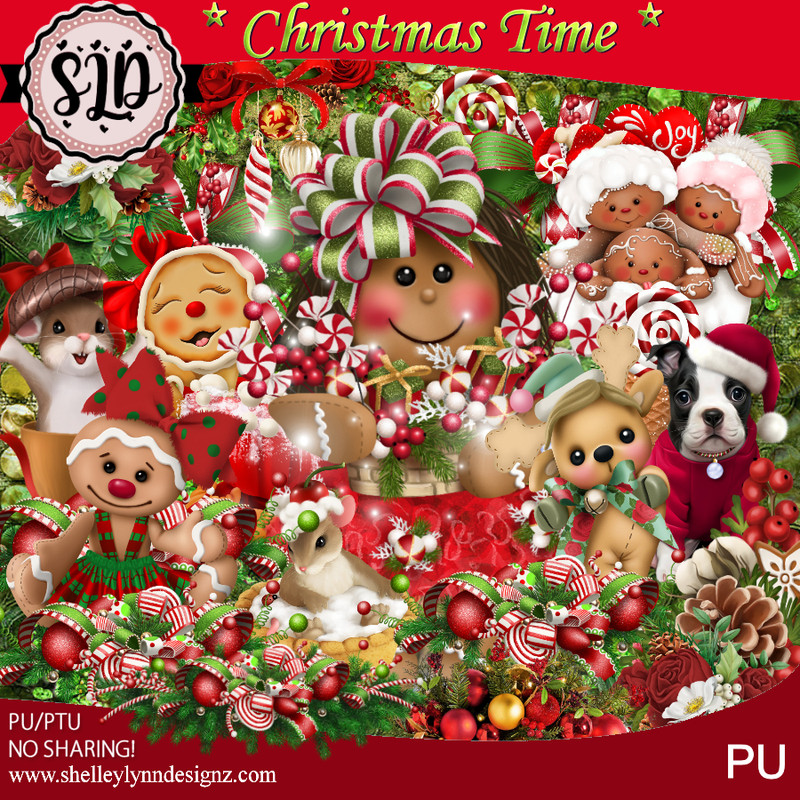
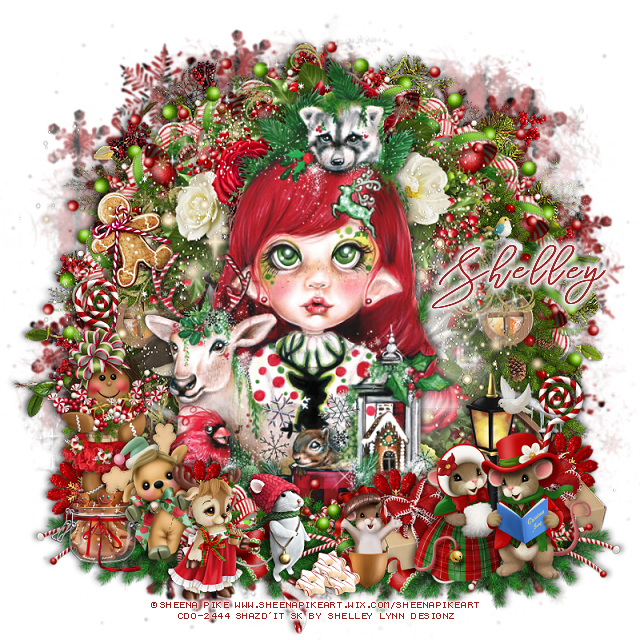
PTU Christmas Time


 This tut was written December 20th, 2022 for those with a basic knowledge of psp. 

I am using the awesome artist Sheena Pike
Tube is 38-2
You need a license to use this tube, do not use without a license.
You can find this tube at CDO HERE

I used PSP2020...but any of them should work.
PTU Christmas Time by Shelley Lynn Designz  HERE 
Kit contains 132 elements, 12 frames, 10 papers and 1 wordart
Mask of choice, I used RD 713 HERE
Check out the rest of the blog HERE
Filters
Mura Meister Copies-Encircle

Font of choice, I used Stringlight 

Drop shadow is V -1 H -4, 50, 10, or use what you prefer.
Let's get started
*Remember to add your drop shadow as you go along*

Open a new image 800 x 800, resize paper 7 to 22%, paste, apply your mask,
delete, merge group.
Resize element 121 to 121%, paste on the mask.

Resize element 81 to 40%, paste, apply Mura Meister Copies-Encircle,
first 3 numbers on 16, 60, 60.
Resize element 34 to 85%, paste on the circle.
Resize element 116 to 50%, paste below the clock layer on one side, duplicate, 
mirror.

Resize your tube to 90%, paste being on the top layer.
Resize element 85 to 50%, paste at the bottom on one side, duplicate, mirror.

Resize element 13 to 30%, paste at the lower right.
Resize element 22 to 25%, paste on the lower left.
Resize element 15 to 15%, paste at the bottom.
Resize element 51 to 15%, duplicate, paste both behind the singing mice on
the right.
Resize element 7 to 12%, mirror, paste at the bottom being on the top layer.
Resize element 20 to 20%, paste at the bottom left.
Resize element 8 to 20%, mirror, paste at the bottom.
Resize element 89 to 20%, paste on the right below the gift boxes, duplicate,
mirror, move behind the girl.

Resize element 131 to 65%, paste behind the tube on the clock, duplicate,
sharpen both twice.
Resize element 57 to 20%, paste on the left below the tube layer and up.
Resize element 66 to 5%, duplicate two more times and place all three
at the bottom by the cup.
Resize element 59 to 15%, paste at the lower left.

Add any other elements that you like, make it your own.
Crop your tag to be sure no shadows or lines are on the edges.
 Then add your copyright and name.
That's it

Hope you enjoyed doing my tut.          
Monday, December 19, 2022

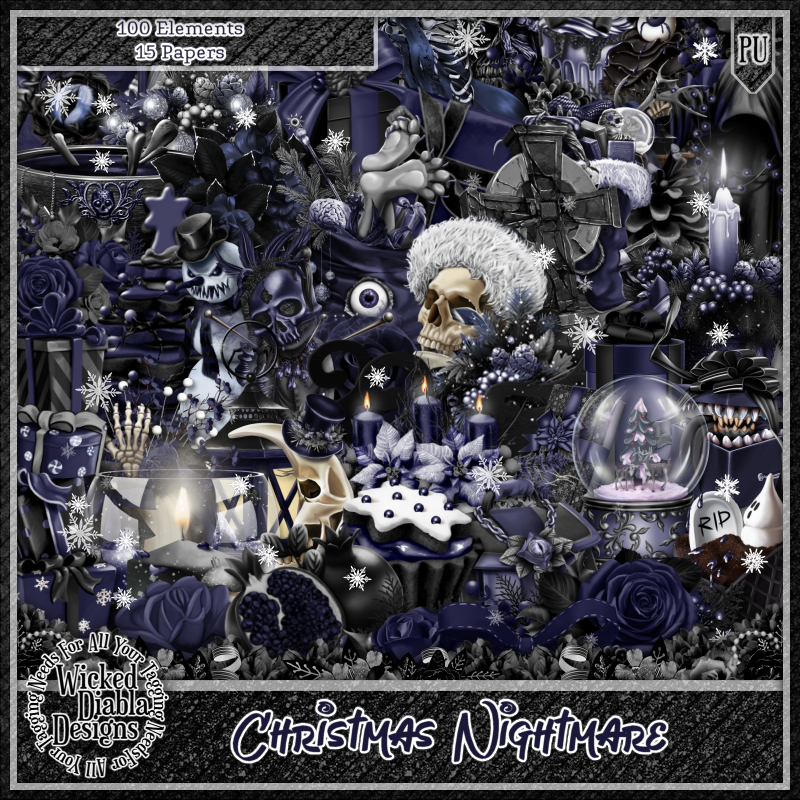
PTU Christmas Nightmare


This tut was written December 19th, 2022 for those with a basic knowledge of psp. 

I am using the awesome tube by ©EENNIIZZIE

The tube is called Annabelle
You need a license to use this tube, please do not use without a license.
You can find all this tube at Elegance Fly HERE

I used PSP2020...but any of them should work.
PTU Scrap Christmas Nightmare by Wicked Diabla Designs  HERE 
This awesome kit has 100 elements and 15 papers 
Mask of choice, I used Vivienne's Digital Tagging  HERE
Check out the rest of the Blog HERE

Font of choice, I used The Wave

Drop shadow is V -1 H -4, 50, 10, color black or use what you prefer.
Let's get started
*Remember to add your drop shadow as you go along*

Open a new image, 800 x 800, paste paper 2, apply your mask, delete, merge group.

Resize element 72 to 55%, click inside with the magic wand, expand by 5, paste
paper 1, invert, delete, select none.
Duplicate the frame and paper, move to the right and up more.
Resize element 23 to 40%, paste in the left frame, sharpen twice, duplicate, 
mirror, adjust in the other frame.

Resize your tube to 30%, paste above the frames center.

Resize element 60 to 30%, paste on top of the frame below the tube, duplicate, 
move to the other frame top.
Resize element 38 to 40%, paste on the left above the frame, duplicate, mirror.
Resize element 13 to 45%, paste on the left below the tube.
Resize element 93 to 25%, paste at the bottom above the tube.

Resize element 9 to 25%, paste at the lower right above the tube.
Resize element 7 to 25%, paste at the lower left.
Resize element 36 to 25%, paste at the bottom.
Resize element 10 to 25%, paste at the bottom.
Resize element 88 to 25%, paste at the bottom.
Resize element 81 to 30%, paste at the lower left.

Resize element 31 to 20%, paste at the bottom below the white planter.
Resize element 1 to 20%, paste at the bottom being on the top layer.
Resize element 30 to 25%, paste on the right frame.
Resize element 84 to 25%, paste at the bottom left.
Resize element 100 to 13%, paste at the bottom.

Add any other elements that you would like, make it your own.
Always readjust your mask and elements how you like them before you
 merge your tag, resize, sharpen.

Crop your tag to be sure no shadows or lines are on the edges.
 Then add your copyright and name.
That's it

Hope you enjoyed doing my tut.