Monday, May 1, 2023

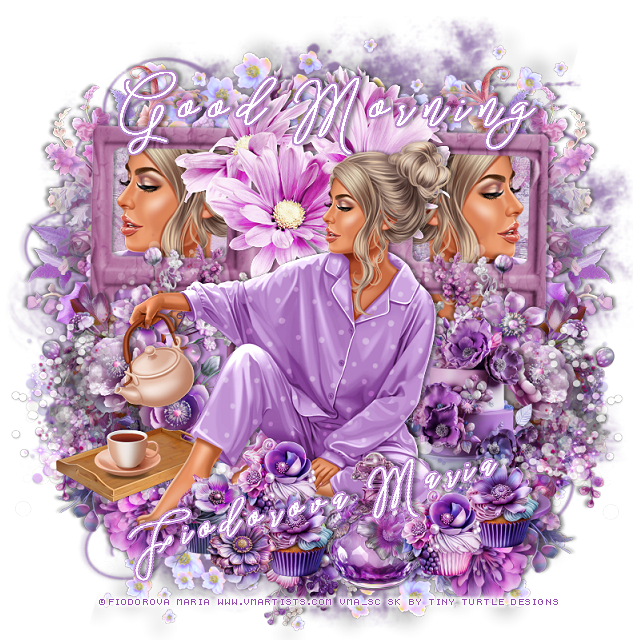
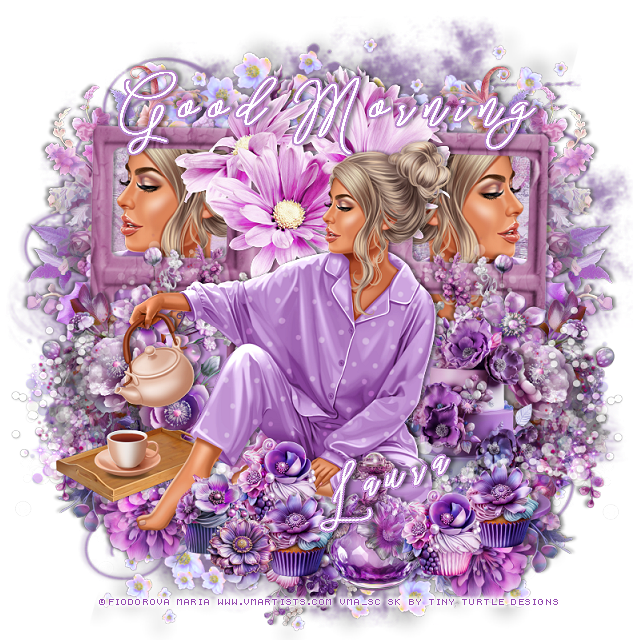
PTU Good Morning 2


This tut was written  May 1st, 2023 for those with a basic knowledge of psp. 

I am using the awesome tube by ©Fiodorova Maria

The tube is called Good Morning 2
You need a license to use this tube, please do not use without a license.
You can find the tube at VMA HERE

I used PSP2020...but any of them should work.
PTU Scrap Mermaid Morning by Tiny Turtle Designs  HERE
"Tube is NOT included"
You can find all Tiny Turtle Designs kits HERE
Mask of choice, I used Miz Teeque's Mask 56 HERE
Check out the rest of the blog HERE

 Font of choice, I used Stringlight 

Drop shadow as you go is V -1 H -4, 40, 10, or use what you prefer.
Let's get started
*Remember to add your drop shadow as you go along*

Open a new image 800 x 800, paste paper 26, apply your mask, delete, merge.

Resize element 30 to 95%, paste, click in each frame with the magic wand,
expand by 5, paste paper 5, invert, delete, keep selected.
Resize your tube to 50%, paste in the left frame, mirror the tube and paste
in the right frame, delete both tubes, select none.

Resize your tube to 35%, paste above the frame.

Resize element 63 to 50%, paste on the right below the paper layer of the frame,
duplicate, mirror.
Paste element 3 behind the tube on the frame.
Resize element 57 to 35%, paste at the lower left below the tube, duplicate,
mirror.
Resize element 58 to 30%, paste below the flowers on the bottom right,
duplicate, mirror.
Resize element 92 to 30%, paste at the bottom below the tube.

Resize element 62 to 20%, paste at the bottom above the tube.
Resize element 76 to 30%, paste on the right behind the tube, readjust the 
flowers as needed.
Resize element 79 to 13%, paste on the bottom right by the bottle.
Resize element 88 to 13%, paste behind the first cupcake.
Resize element 64 to 13%, paste at the bottom to the left by the foot.
Resize element 91 to 10%, paste at the bottom by the cupcake.
Duplicate the 2 cupcakes on the right and move to the left of the bottle.
Resize element 31 to 85%, paste behind the tube to the left, duplicate, mirror.

Rotate element 50 to the left at 15 degree, flip, paste at the top above the 
mask layer, duplicate, mirror, flip, move to the bottom.

Add any other elements that you would like, make it your own.
Always readjust your mask and elements how you like them before you
 merge your tag, resize, sharpen.

Crop your tag to be sure no shadows or lines are on the edges.
 Then add your copyright and name.
That's it

Hope you enjoyed doing my tut

Tag for Laura 


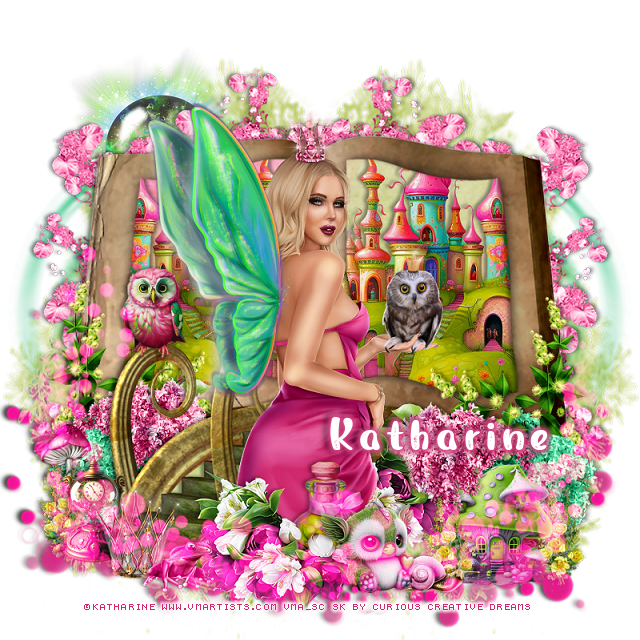
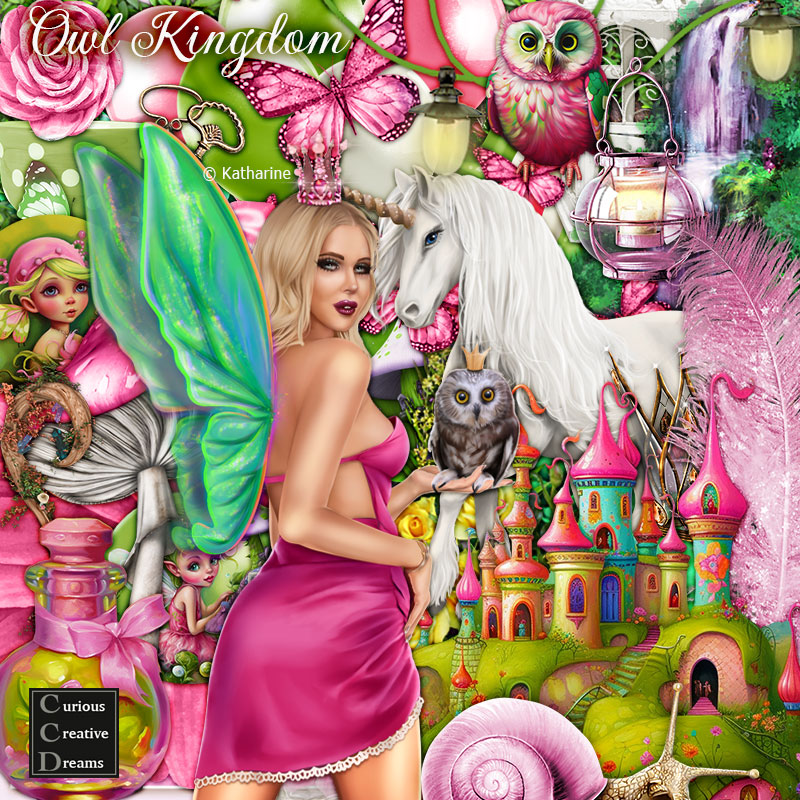
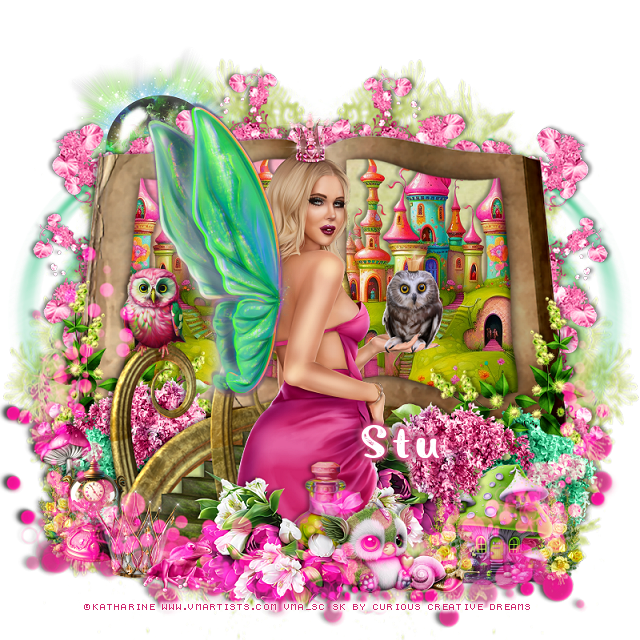
PTU Owl Kingdom


 This tut was written  May 1st, 2023 for those with a basic knowledge of psp. 

I am using the awesome tube by ©Katharine

The tube is called Owl Kingdom
You need a license to use this tube, please do not use without a license.
You can find the tube at VMA store HERE

I used PSP2020...but any of them should work.
PTU Scrap Owl Kingdom by Curious Creative Dreams  HERE
"Tube is NOT included"
You can find all Curious Creative Dreams kits HERE
Kit includes 110 elements, 10 frames, 20 papers and 10 AI elements,
this was made for a match for the tube.
 Mask of choice, I used Vivienne's Digital Tagging Mask 52 HERE
Check out the rest of the blog HERE

 Font of choice, I used Rough Owl

Drop shadow as you go is V -1 H -3, 50, 10, or use what you prefer.
Let's get started
*Remember to add your drop shadow as you go along*

Open a new image 800 x 800, paste paper 19, apply your mask, delete,
merge group, duplicate, mirror.

Resize element 54 to 75%, paste, click inside with the magic wand, expand
by 5, paste paper 20, invert, delete, keep selected.
Resize element 3, to 50%, paste below the frame, delete, select none, duplicate,
mirror into the other frame, merge the frame, castle and paper layers together.
Paste element 11 on the right below the book, duplicate, mirror.

Paste element 26 above the book to the bottom, erase the right side curly rail.
Resize element 40 to 40%, paste on the bottom of the book on the left, duplicate,
mirror.
Resize element 32 to 40%, paste on the left below the green/yellow vine, duplicate,
mirror.
Resize element 31 to 30%, paste on the right above the walkway, erase the stem
and a little off the walk curl, duplicate, mirror, move below the walkway.
Resize element 10 to 25%, paste on the lower right below the pink flower.
Resize element 51 to 25%, paste one above the mushroom, duplicate, move to 
the right and below the mushroom, duplicate one once more, move to the 
left behind the clock.
Resize element 12 to 25%, paste on the left below the little yellow flowers.

Resize your tube to 30%, paste above the walkway.

Resize element 47 to 40%, paste at the bottom above the tube, duplicate, mirror,
move behind the tube.
Resize element 5 to 20%, paste at the bottom above the tube.

Resize element 86 to 15%, paste at the bottom right behind the mushroom.
Resize element 9 to 20%, paste at the bottom being on the top layer.
Resize element 22 to 10%, paste at the bottom below the little creature.

Resize element 59 to 30%, paste at the lower left.
Resize element 8 to 15%, paste on the rail of the walkway.
Resize element 39 to 20%, mirror, paste at the bottom of the walkway.
Resize element 14 to 25%, paste below the frog,

Resize element 66 to 50%, paste at the upper left above the mask layer.
Paste element 114 on the right above the mask, move down a little, duplicate,
mirror.
Paste element 113 at the bottom, check to be sure it is all on the tag, then change 
the blend mode to Screen, duplicate, merge down.

Add any other elements that you would like, make it your own.
Always readjust your mask and elements how you like them before you
 merge your tag, resize, sharpen.

Crop your tag to be sure no shadows or lines are on the edges.
 Then add your copyright and name.
That's it

Hope you enjoyed doing my tut.   

Tag for Stu


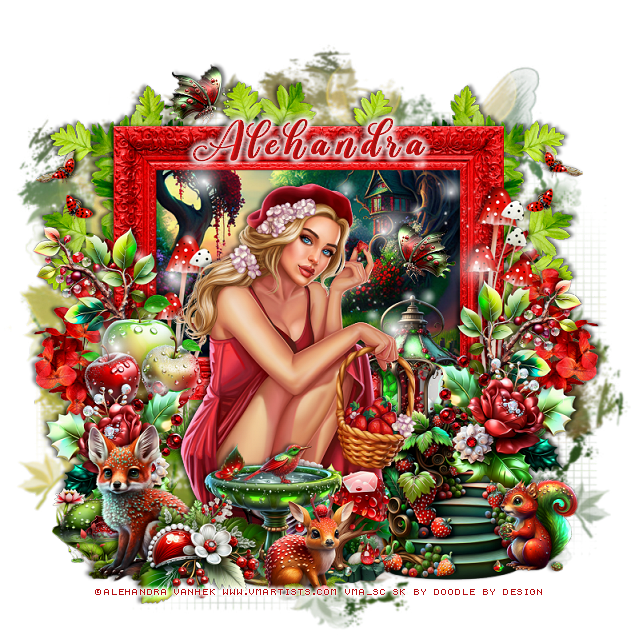
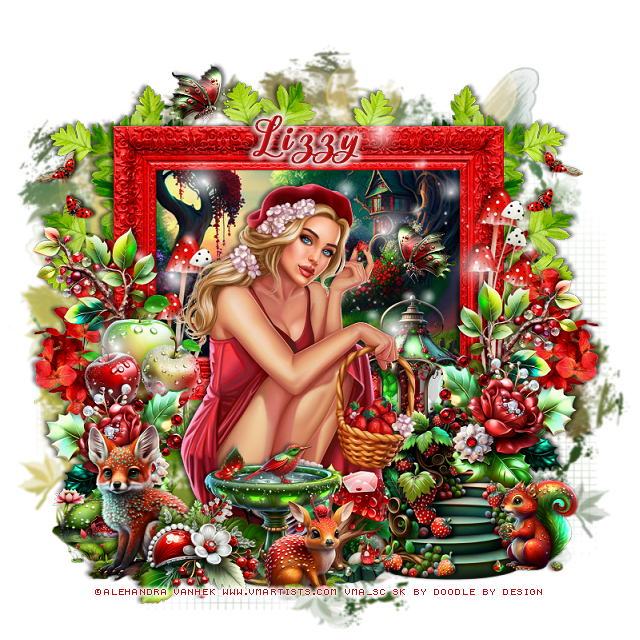
PTU Cherry Forest


This tut was written  May 1st, 2023 for those with a basic knowledge of psp. 

I am using the awesome tube by ©Alehandra Vanhek

The tube is called Strawberry Fields
You need a license to use this tube, please do not use without a license.
You can find the tube at VMA  HERE

I used PSP2020...but any of them should work.
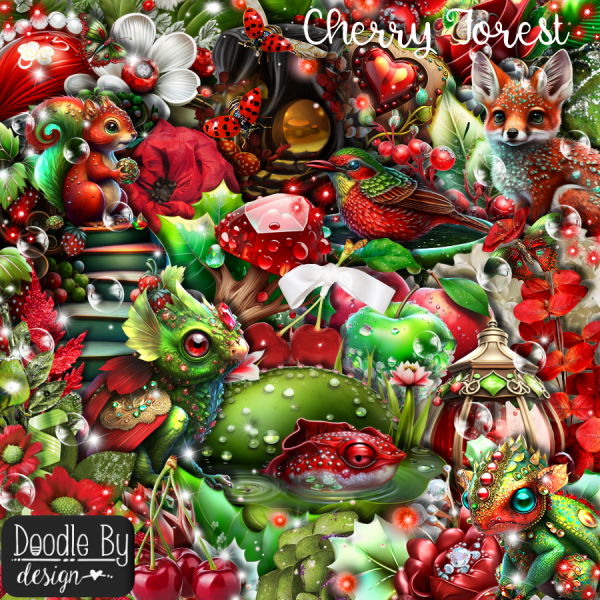
PTU Scrap Cherry Forest by Doodle by Design  HERE
"Tube is NOT included"
You can find all Doodle by Design kits HERE
Miz Teeque's Mask 127 HERE
Check out the rest of the blog HERE 

 Font of choice, I used Another Day

Drop shadow as you go is V -1 H -3, 40, 5, or use what you prefer.
Let's get started
*Remember to add your drop shadow as you go along*

Open a new image 800 x 800, paste paper 9, apply your mask, delete, merge group.

Resize frame 7 to 75%, paste, click inside with the magic wand, expand,
resize paper 2to 60%, paste, invert, delete, select none.

Resize your tube to 35%, paste above the frame.

Resize element 10 to 30%, paste on the frame behind the tube on the left.
Resize element 86 to 40%, paste on the left above the apples, duplicate, mirror,
move up on the frame on the right.
Resize element 39 to 40%, paste behind the tube on the left.
Resize element 47 to 20%, paste behind the fox on the left.

Resize element 12 to 35%, paste at the bottom above the tube.
Resize element 16 to 30%, paste at the bottom above the fountain.
Resize element 15 to 30%, paste on the right on the frame below the flower, duplicate,
mirror, move below the apples.

Resize element 43 to 30%, paste below the fountain.
Resize element 18 to 50%, paste on the frame on the right, duplicate, move 
back to the left of the tube.
Resize element 52 to 35%, paste above the frame to the right of the tube.

Resize element 44 to 40%, paste on the right below the lantern.
Resize element 4 to 25%, paste on the right.
Resize element 40 to 25%, paste at the bottom above the fountain.
Resize element 17 to 15%, paste at the upper right, duplicate, mirror.
Resize element 75 to 50%, paste on the left above the frame, duplicate, mirror.

Resize element 111 to 50%, paste at the top below the paper layer of the frame, 
duplicate, free rotate to the left at 90, move to the left, duplicate, mirror.
Resize element 7 to 15%, paste by the lantern, duplicate, mirror, move to the top.
Paste element 131 behind the tube.

Add any other elements that you would like, make it your own.
Always readjust your mask and elements how you like them before you
 merge your tag, resize, sharpen.

Crop your tag to be sure no shadows or lines are on the edges.
 Then add your copyright and name.
That's it

Hope you enjoyed doing my tut

Tag for Lizzy