Tuesday, August 5, 2025

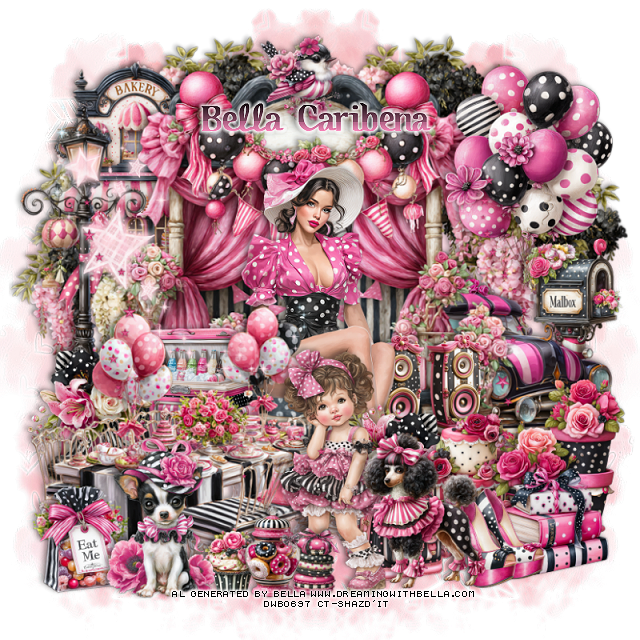
PTU It's A Party


 This tut was written August 4th, 2025,  for those with a basic knowledge of psp. 

I am using awesome Al tubes generated by Bella Caribeña
Tubes are included
Read the TOU on how to credit your tags

I used PSP2020...but any of them should work.
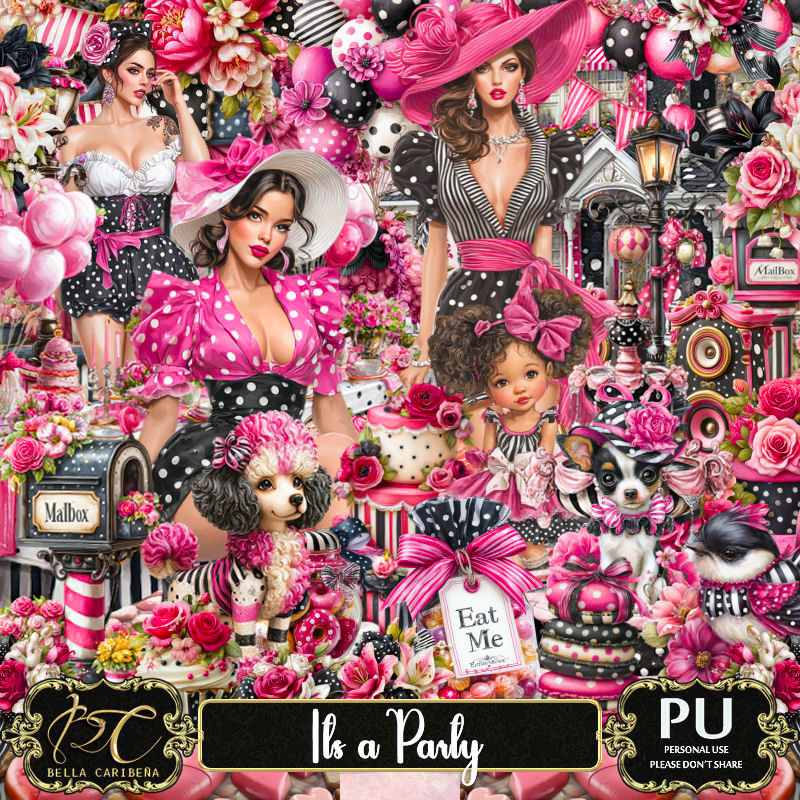
PTU Scrap It's A Party by Bella Caribeña  HERE  
Kit contains 7 Al generated Tubes/Dolls,  2 masks, 120 elements and 19 papers
You can check out the rest of her store HERE

Font of choice, I used Octoberfest

 Drop shadow as you go is V -2 H 4, 40, 10, or use what you prefer.
Let's get started
*Remember to add your drop shadow as you go along*

Open a new image 800 x 800, paste element mask 10,  move to the left,
duplicate, mirror, merge down, duplicate, merge, adjust to fit your tag.

Resize element 91 to 90%, paste toward the top.
Resize element 118 to 90%, paste below the stage on the left, duplicate, 
move to the right.
Resize tube 5 to 30%, paste on the stage.
Resize element 97 to 30%, paste below the lady on the right.
Resize element 88 to 58%, paste at the top on the stage.
Resize element 2 to 60%, paste on the right below the stage.
Resize element 57 to 40%, paste on the bottom left above the tube.
Resize element 64 to 30%, paste above the soda chest, duplicate, mirror.

Resize element 54 to 30%, paste at the bottom.
Resize element 59 to 30%, paste at the bottom.
Resize element 101 to 35%, paste on the bottom right.
Resize element 111 to 85%, paste on the left above the stage.
Resize element 113 to 40%, paste on the right below the car.
Resize element 106 to 50%, paste on the upper right above the stage.
Resize element 52 to 75%, paste on the bottom left.
Resize tube 6 to 22%, paste above the table.
Resize element 61 to 35%, paste at the bottom left above the table.
Resize element 54 to 30%, paste at the bottom below the gir.

Resize element 76 to 25%, paste at the bottom left below the dog.
Resize element 99 to 25%, paste at the bottom right.
Resize element 90 to 25%, paste at the bottom by the books.
Resize element 78 and 105 to 15%, paste at the bottom below the dog.
Resize element 75 to 20%, paste at the bottom.
Paste element 38 being on the top layer how you like.
Resize element 82 to 20%, paste at the top above the stage.
Resize element 56 to 50%, paste at the upper left above the tree.
Resize element 06 to 35%, paste at the bottom to the left of the girl.

Add any other elements you would like, resize.
Crop your tag to be sure no shadows or lines are on the edges.
 Then add your copyright and name.
That's it

Hope you enjoyed doing my tut              

Monday, August 4, 2025

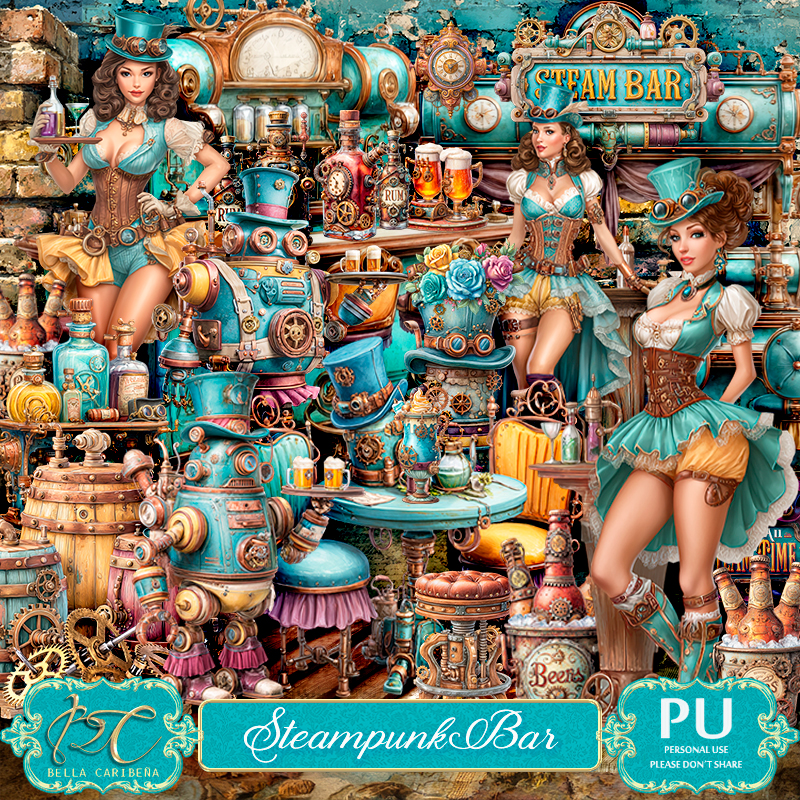
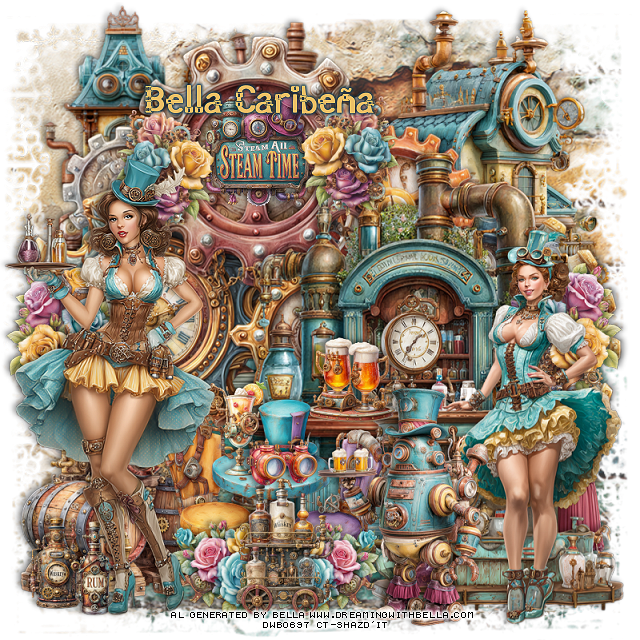
PTU Steampunk Bar


 This tut was written August 3rd, 2025,  for those with a basic knowledge of psp. 

I am using awesome Al tubes generated by Bella Caribeña
Tubes are included
Read the TOU on how to credit your tags

I used PSP2020...but any of them should work.
PTU Scrap Steampunk Bar by Bella Caribeña  HERE  
Kit contains 12 Al generated Tubes, 140 elements and 17 papers
You can check out the rest of her store HERE

Font of choice, I used Angot

 Drop shadow as you go is V -2 H 4, 40, 10, or use what you prefer.
Let's get started
*Remember to add your drop shadow as you go along*

Open a new image 800 x 800, paste element 9, resize to fit your tag.

Resize element 84 to 75%, mirror, paste at the upper right.
Resize element 83 to 85%, paste on the upper left.
Resize element 91 to 75%, mirror, paste above the house.
Resize element 40 to 90%, paste on the upper left, click inside the frame 
part, resize element 88 to 50%, paste below the frame.
Paste element 60 on the right.
Resize element 50 to 65%, paste on the bottom right.
Resize element 107 to 50%, paste at the bottom.

Resize tube 8 to 40%, paste on the left above the table.
Resize element 49 to 50%, paste at the bottom right.
Resize element 132 to 50%, paste on the bottom left below the tube.
Resize element 74 and 81 to 20%, paste at the bottom left above the tube.
Resize element 64 to 20%, paste on the bar below the robot and table.
Resize element 59 to 20%, paste on the table.
Resize element 54 to 15%, paste on the table.

Resize element 28 to 25%, paste on the gear at the top.
Resize element 122 to 30%, paste at the bottom above the table.
Resize element 95 to 30%, paste below the drink cart at the bottom, duplicate,
mirror.
Resize element 47 to 30%, paste on the left below the tube, 
duplicate, mirror, move below the lady on the right.
Resize element 97 to 25%, paste on the side of the sign, duplicate, mirror,
adjust any of the other elements as needed.

Add any other elements you would like, resize.
Crop your tag to be sure no shadows or lines are on the edges.
 Then add your copyright and name.
That's it

Hope you enjoyed doing my tut              
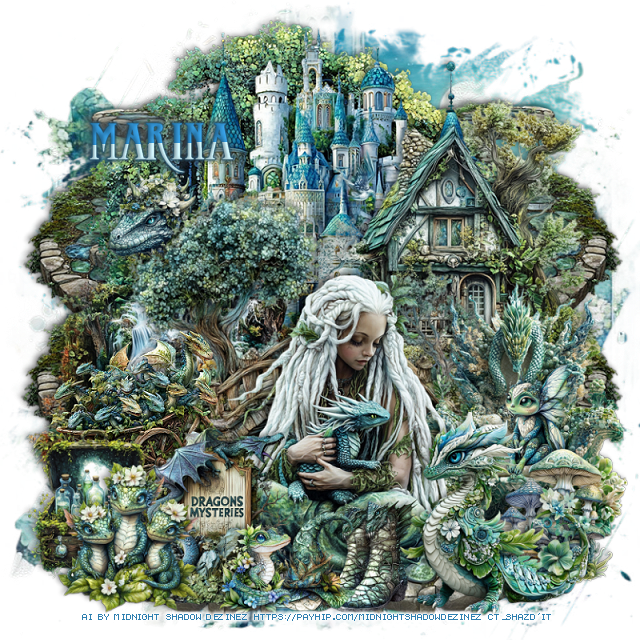
PTU Dragon Mysteries


  This tut was written August 3rd, 2025 for those with a basic knowledge of psp. 

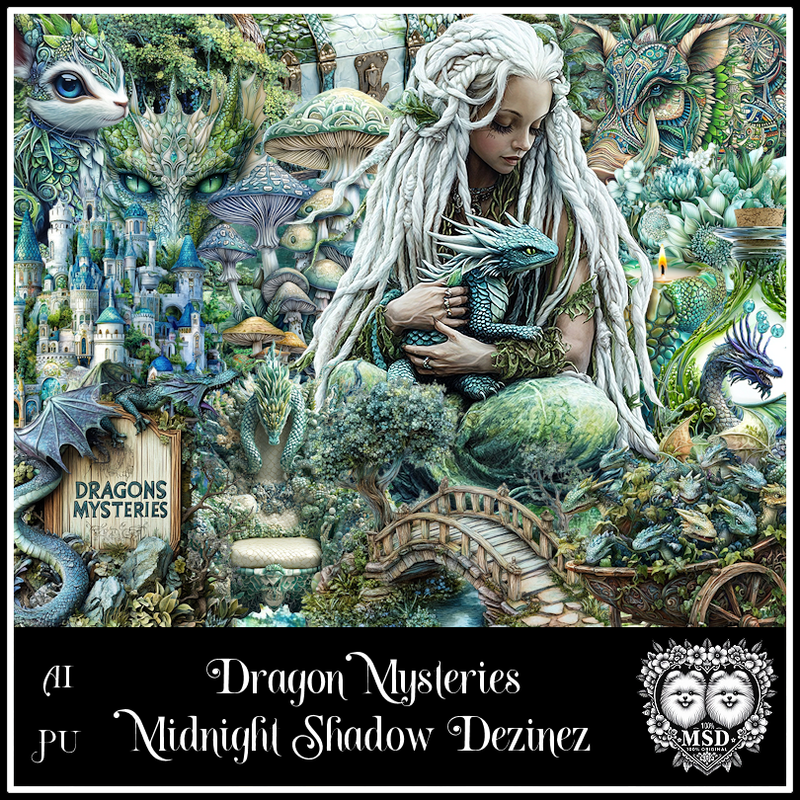
Awesome AI kit and tube by Midnight Shadow Dezinez

Everything used is included in the kit
Read the TOU on how to credit your tags

I used PSP2020...but any of them should work.
PTU Scrap Dragon Mysteries by Midnight Shadow Dezinez  HERE
You can find all Midnight Shadow Dezinez kits HERE
RD Mask 899 HERE
Check the rest of the blog HERE

Font of choice, I used Dragonlord

Drop shadow as you go is V -2 H -4, 40, 10, or use what you prefer.
Let's get started
*Remember to add your drop shadow as you go along*

Open a new image 800 x 800, paste paper 5, apply your mask,

Paste element 41 at the upper left.
Paste element 9 at the top above the tree.
Resize element 8 to 75%, paste on the right.
Resize element 33 to 85%, paste toward the bottom more.
Resize element 4 to 75%, mirror, paste on the left below the bridge.
Resize element 28 to 85%, paste on the bottom layer at the upper left
how you like, duplicate, mirror.
Duplicate both and move to the bottom.

Resize element 34 to 65%, paste at the bottom being on the top layer.

Resize element 36 to 40%, paste on the left below the tube.
Resize element 29 to 60%, paste on the right.
Resize element 58 to 45%, paste on the bottom right.
Resize element 32 to 40%, paste at the bottom above the tube.
Resize element 35 to 25%, paste at the bottom above the tube.
Resize element 19 to 25%, paste at the bottom.
Resize element 5 to 25%, paste in the chair on the right.

Resize element 59 to 35%, paste on the bottom left below the sign.
Resize element 55 to 35%, paste at the bottom left above the sign.
Resize element 47 to 30%, paste on the bottom right below the dragon.
Resize element 22 to 20%, paste on the upper left below the tree that is on
the bridge.
Resize element 40 to 20%, mirror, paste at the bottom.

Add any other elements that you would like, make it your own.
Always readjust your mask and elements how you like them before you
 merge your tag, resize, sharpen.

Crop your tag to be sure no shadows or lines are on the edges.
 Then add your copyright and name.
That's it

Hope you enjoyed doing my tut