Sunday, June 23, 2019

CT Tags for Irish Princess Designs-Steamed for Kimmy Collab

*🐺🐾🐺*** CT Tags for Irish Princess Designs *🐺🐾🐺***
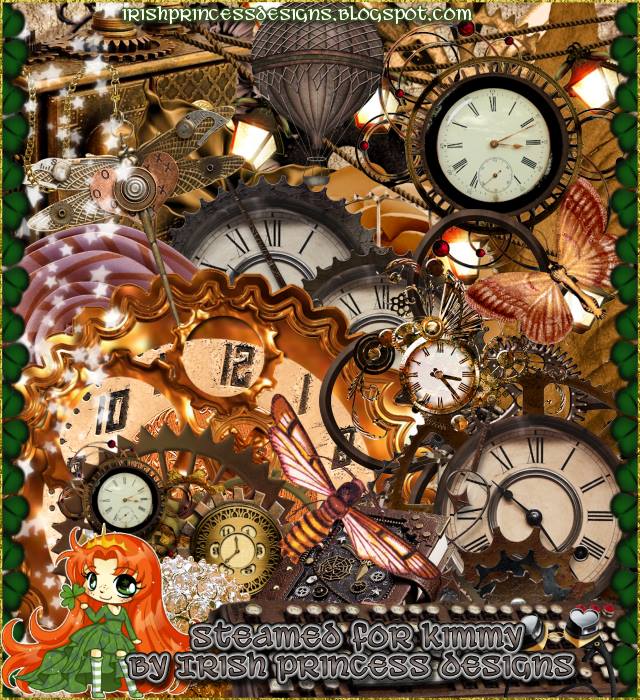
** Steamed For Kimmy** Here are two tags I made using the amazing Steam kit by Irish Princess Designs This is part of a Collab for Steam For Kimmy You can get this kit and the collab at ADU Store HERE


Wednesday, June 19, 2019

PTU Summer Fun


This tut was written June 19th, 2019, for those with a basic knowledge of psp.
I am using the awesome tube by artist Zlata_M 
This tube is included with this kit.
 You need a license to use this art, please do not use without a license.
You can get a license from LMB at her store HERE

I used PSPX...but any of them should work.
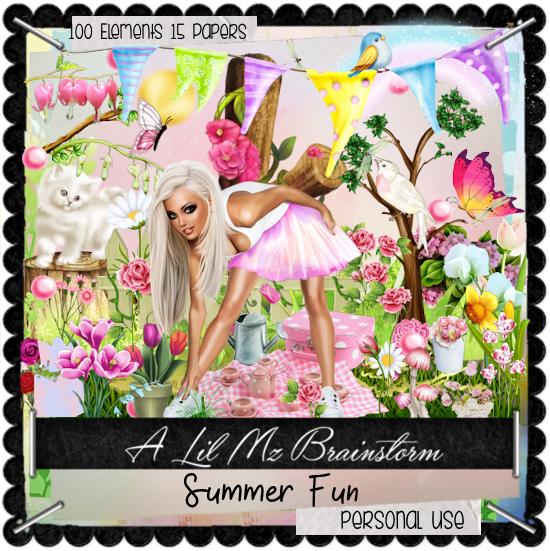
PTU kit Summer Fun by LMB  HERE  HERE  HERE 
DFly Mask 0030  HERE
Check out the rest of the blog HERE

Font of choice,  I used Gloriant Brush

Drop shadow is usually V-2 H-2 Black, 50, 5, use what you prefer.
Let's get started
*Remember to add your drop shadow as you go along*

Open a new image 800 x 800
Paste paper 9, apply your mask, delete, merge group, duplicate, merge down.

Resize your tube to 40%, paste to the right a bit.

Resize element 97 to 25%, paste at the bottom to the left of the tube.
Resize element 89 to 30%, paste behind the tube.
Paste element 71 at the bottom under the bench to the left, duplicate, mirror,
duplicate, mirror, adjust all to your liking.
Paste element 82 on the mask layer at the bottom behind the bench.

Paste element 72 on the mask layer to the right.
Resize element 91 to 50%, paste at the lower left above the bench, duplicate, mirror.

Resize element 20 to 20%, paste on the tree on the right.
Resize element 15 to 40%, paste on the right below the stump, duplicate, mirror.
Resize element 45 to 70%, mirror, paste below the bench on the left.

Resize element 20 to 75%, paste below the tube at the lower left, duplicate,
move up a little, duplicate, mirror.
Resize element 99 to 50%, paste at the bottom below the tube.
Resize element 16 to 10%, paste on the right by the stump, duplicate, mirror.
Resize element 54 to 15%, paste at the bottom by the cup.

Paste element 83 above the tree.
Resize element 67 to 40%, paste on the lower right below the butterfly.
Resize element 85 to 30%, paste below the stump on one side, duplicate, mirror,
duplicate once more, move to the center.
Resize element 31 to 40%, paste at the upper left below the tube.

Resize element 73 to 30%, paste at the top below the tree layer.
Resize element 41 to 15%, paste at the lower right above the flower bucket.

Add any other elements you would like, make it your own.
Always remember to adjust the elements before merging to get them like you like.

Once happy with your tag, close off any background, crop your tag to make
sure there are no stray edges, merge visible, resize first.
Add your copyrights and name.

That's it
Hope you enjoyed doing my tut.

Tuesday, June 18, 2019

PTU Vintage Girl


This tut was written June 18th, 2019 for those with a basic knowledge of psp.
I am using the awesome artwork of  Anna Liwanag
The tube is  "109-1
You need a license to use this tube, do not use without a license.
You find this tube at CDO Store  HERE

I used PSPX...but any of them should work.
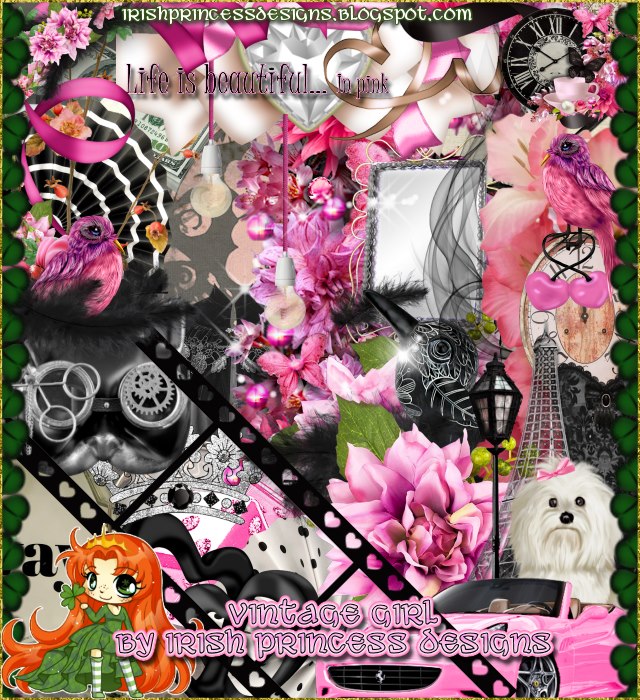
PTU kit Vintage Girl by Irish Princess Designs  HERE  HERE or HERE 
Mask of choice, I used DD Autumn Mask_3  HERE
Check out the rest of the blog HERE

Font of choice,  I used Follow Me

Drop shadow is usually V-2 H-2 Black, 45, 10, use what you prefer.
Let's get started
*Remember to add your drop shadow as you go along*

Open a new layer 800 x 800
Add a new layer, paste paper 13 into selection, apply your mask, delete, merge group.

Resize frame 6 to 75%, paste, click inside with your magic wand, expand by 5, 
paste paper 20, invert, delete, select none.

Resize your tube to 65%, paste below the tube, duplicate, move above, erase 
the parts showing outside the frame on both tubes.

Resize element 143 to 30%, paste at the bottom on the frame, duplicate twice,
mirror one and move both to each side on the frame.
Resize element 120 to 30%, paste at the lower left below the center flower.
Resize element 9 to 25%, mirror, paste above the box at the lower left.

Resize element 85 to 35%, paste at the lower right below the center flower.
Resize element 69 to 20%, mirror, paste below the phone on the right.
Resize element 12 to 50%, paste on the frame at the upper left below the tube,
duplicate, mirror.

Resize element 101 to 40%, paste below the tube on the right.
Resize element 57 to 30%, paste on the right behind the phone and flower.
Resize element 71 to 35%, paste at the bottom below the black feather.

Resize element 67 to 30%, mirror, paste on the frame on the left.
Resize element 64 to 30%, free rotate to the left at 10 degrees, paste behind the 
heart lollipop, duplicate, move to the right and down some.
Resize element 19 to 75%, paste on the frame on the right, duplicate, mirror.

Paste element 83 on the paper layer of the frame.
Resize element 144 to 15%, mirror, paste on the flowers at the upper left.

Add any other elements that you like, make your own.
Remember to always adjust all the elements how you like on your tag,
then resize your mask if needed before merging your tag.

Once happy, close off any background you had.
 Crop your tag to get rid of any stray edges, merge visible.
Resize, sharpen, add your Copyright and name.

That's it
Hope you enjoyed doing my tut.