Thursday, April 27, 2023

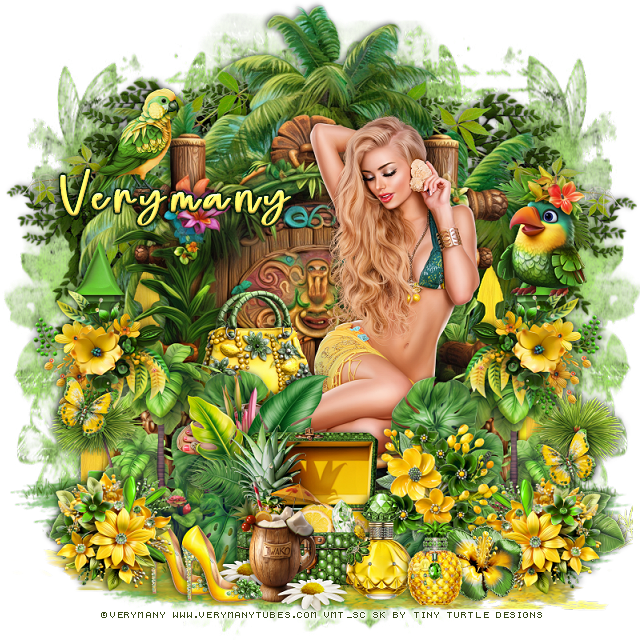
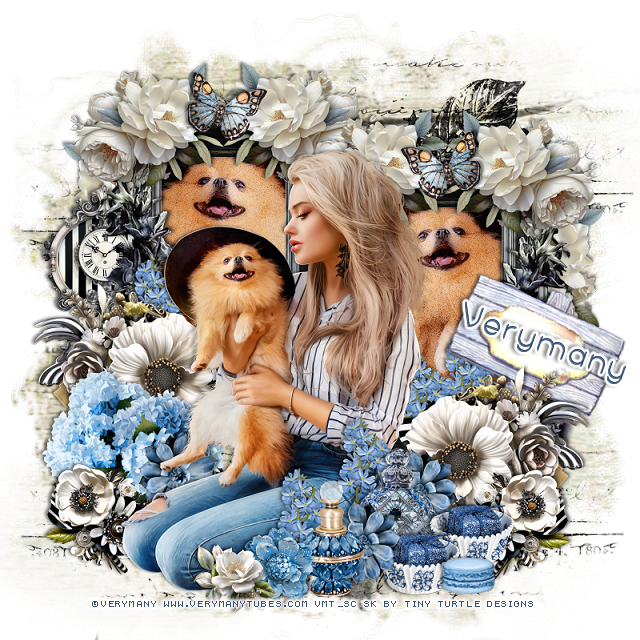
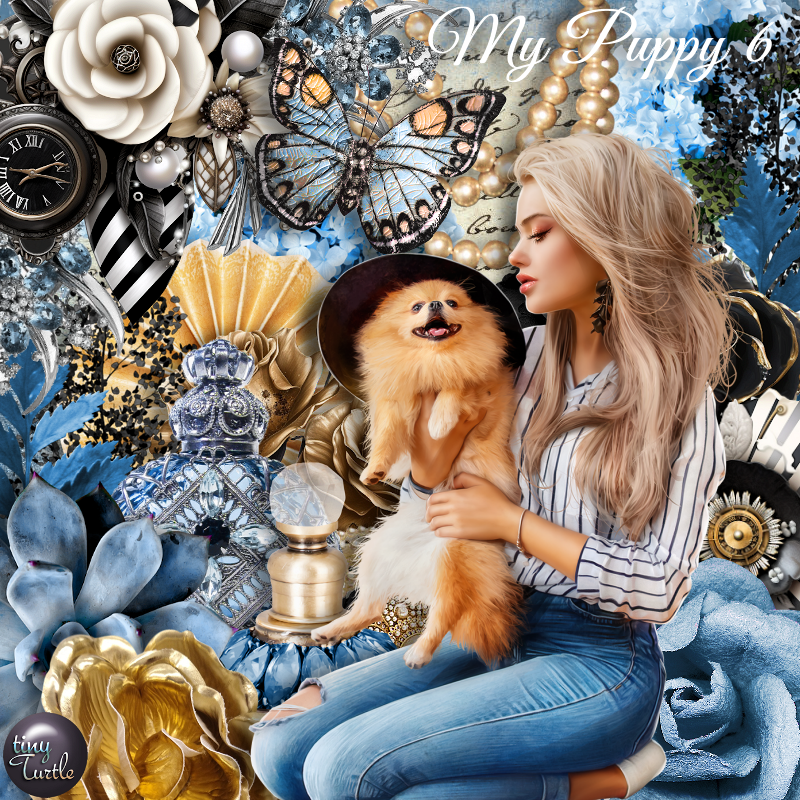
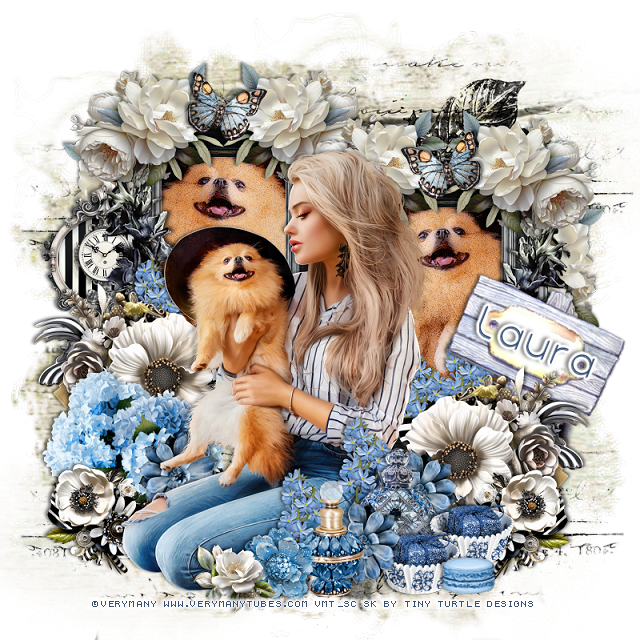
PTU My Puppy 6


 This tut was written  April 27th, 2023 for those with a basic knowledge of psp. 

I am using the awesome tube by ©Verymany

The tube is called My Puppy 6
You need a license to use this tube, please do not use without a license.
You can find the tube at Verymany HERE

I used PSP2020...but any of them should work.
PTU Scrap My Puppy 6 by Tiny Turtle Designs  HERE
"Tube is NOT included"
You can find all Tiny Turtle Designs kits HERE
Mask of choice, I used Miz Teeque's Mask 132 HERE
Check out the rest of the blog HERE
Filter xero-Artworx and Porcelain

 Font of choice, I used Yonna

Drop shadow as you go is V -1 H -3, 50, 10, or use what you prefer.
Let's get started
*Remember to add your drop shadow as you go along*

Open a new image 800 x 800, paste paper 19, apply your mask, delete, merge,
duplicate, blend mode Multiply, merge down.

Resize element 116 to 60%, click inside with the magic wand, expand by 5,
paste paper 10, invert, delete, keep selected.
Resize your tube to 75%, paste so just the dog shows, delete, select none.
Apply the xero filter-Artworx twice, then apply the Porcelain filter, 
merge the frame, tube and paper together, duplicate, mirror, move
one up on the left and the other down on the right.

Resize your tube to 45%, paste above the frames.

Paste element 111 on the mask layer at the upper right, duplicate, mirror, 
move down a little on the left, duplicate again, move to the bottom, duplicate once 
more, move to the right.

Resize element 59 to 35%, paste at the bottom of the frame on the left, duplicate,
mirror.
Resize element 89 to 25%, paste at the top on one of the frame, duplicate, mirror.
Duplicate both and move to the other frame top.
Duplicate one of the flower and rotate to 90 degrees, paste behind the frame, 
duplicate 3 more times and have 2 on one side and 2 on the other side.

Resize element 20 to 50%, paste on the left below the tube.
Paste element 96 on the frame on the right, erase the bottom part, duplicate, mirror.
Resize element 11 and 28 to 25%, paste at the bottom above the tube.
Resize element 23 to 20%, paste at the bottom between the bottles, duplicate again, 
move right behind the tube, duplicate, mirror.
Resize element 119 to 20%, paste on the lower left below the tube, duplicate,
mirror.

Resize element 24 to 20%, paste at the top being on the top layer on the flowers,
duplicate, mirror.
Resize element 90 and 92 to 15%, paste at the bottom above the tube.
Resize element 5 to 25%, paste above the tube behind the bottle, duplicate a 
couple more times and move behind the tube where you like.

Resize element 9 to 40%, free rotate to the right at 25, paste below the black 
and white flower on the right.
Resize element 67 to 20%, paste at the lower right, duplicate, move over a bit.
Resize element 21 to 40%, paste at the bottom right.
Resize element 123 to 25%, paste on the left on the frame layer behind the black
tall flower.

Add any other elements that you would like, make it your own.
Always readjust your mask and elements how you like them before you
 merge your tag, resize, sharpen.

Crop your tag to be sure no shadows or lines are on the edges.
 Then add your copyright and name.
That's it

Hope you enjoyed doing my tut

Tag for Laura 


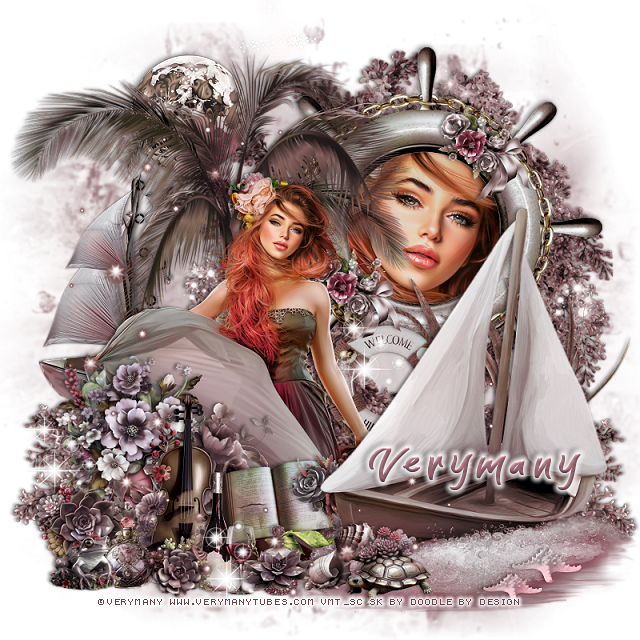
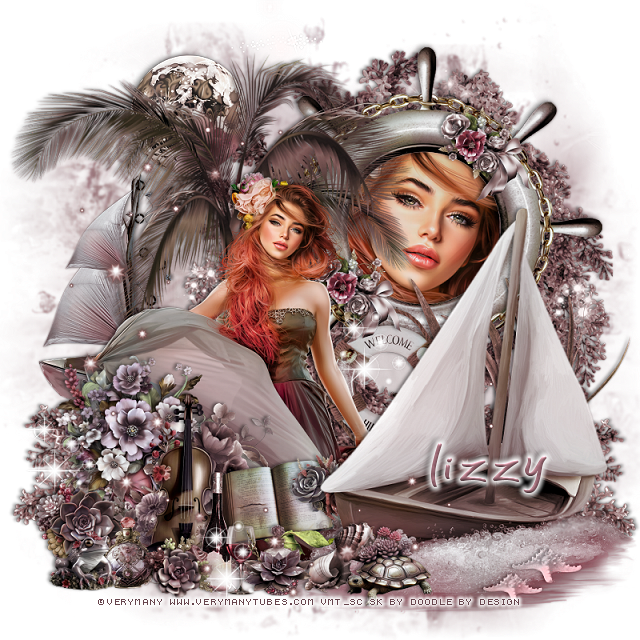
PTU Breath of Summer


This tut was written  April 27th, 2023 for those with a basic knowledge of psp. 

I am using the awesome tube by ©Verymany

The tube is called Breath of Summer
You need a license to use this tube, please do not use without a license.
You can find the tube at Verymany  HERE

I used PSP2020...but any of them should work.
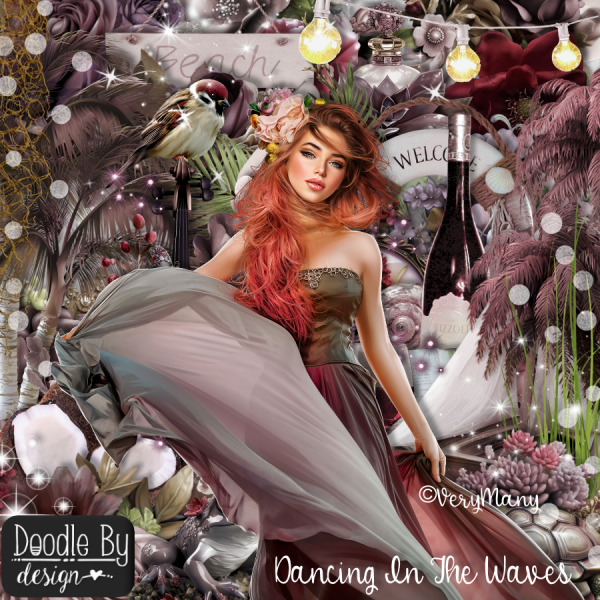
PTU Scrap Dancing in the Waves by Doodle by Design  HERE
"Tube is NOT included"
You can find all Doodle by Design kits HERE
RD Mask Set 116_4 HERE
Check out the rest of the blog HERE 

 Font of choice, I used The Wave

Drop shadow as you go is V -1 H -3, 40, 5, or use what you prefer.
Let's get started
*Remember to add your drop shadow as you go along*

Open a new image 800 x 800, paste paper 17, apply your mask, delete, merge group.

Resize element 27 to 75%, paste at the upper right, click inside with the magic
wand, expand by 10, paste paper 5, invert, delete, keep selected.

Resize your tube to 75%, paste, delete, select none, change the blend mode to
Darken, merge these layers together.

Resize element 63 to 90%, paste at the upper right behind the wheel frame,
duplicate, move down on the left, erase any part at the bottom you don't want, 
duplicate, mirror, erase the part in the life saver ring when it gets pasted.
Resize element 70 to 20%, paste on the wheel frame to the bottom left, duplicate,
move up to the top right.

Resize element 39 to 80%, paste to the left.
Resize element 3 to 25%, paste at the upper left behind the palm tree.
Resize element 31 to 85%, paste at the bottom right being on the top layer.

Resize your tube to 30%, paste below the boat.

Resize element 26 to 50%, mirror, paste behind the palm tree on the left.
Resize element 20 to 30%, paste behind the boat.
Resize element 37 to 50%, paste on the right behind the boat.

Resize element 67 to 40%, paste on the lower left above the tube.
Resize element 6 to 40%, paste at the bottom left.
Resize element 71 to 20%, paste on the bottom left below the violin.
Resize element 4 and 5 to 10%, paste at the bottom by the boat.

Resize element 10 to 25%, paste at the bottom above the tube.
Resize element 7 to 25%, element 9 to 15%, paste at the bottom.
Resize element 15 to 18%, paste by the sea shells.
Resize element 14 to 15%, paste at the bottom by the wine glass.
Resize element 72 to 15%, paste below the boat on the book.
Resize element 87 to 15%, paste at the bottom above the book.

Resize element 12 to 15%, paste on the left above the violin.
Resize element 73 to 15%, paste at the bottom.
Resize element 13 to 15%, paste at the bottom left.
Resize element 24 to 15%, paste at the bottom right on the water, change 
the blend mode to Luminance(L), duplicate, resize smaller to 85%, move over.
Paste element 101 on the left being on the top layer.
Paste any of the sparkles that you want and move around below other layers.

Add any other elements that you would like, make it your own.
Always readjust your mask and elements how you like them before you
 merge your tag, resize, sharpen.

Crop your tag to be sure no shadows or lines are on the edges.
 Then add your copyright and name.
That's it

Hope you enjoyed doing my tut

Tag for Lizzy   


Wednesday, April 26, 2023

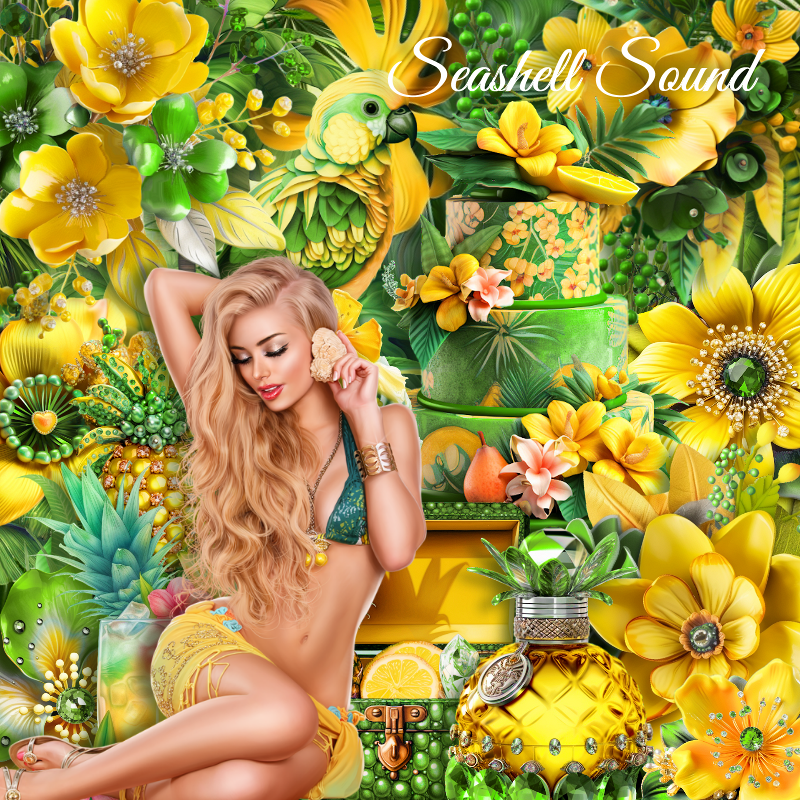
PTU Seashell Sound


This tut was written  April 26th, 2023 for those with a basic knowledge of psp. 

I am using the awesome tube by ©Verymany

The tube is called Seashell Sound
You need a license to use this tube, please do not use without a license.
You can find the tube at Verymany HERE

I used PSP2020...but any of them should work.
PTU Scrap Seashell Sound by Tiny Turtle Designs  HERE
"Tube is NOT included"
You can find all Tiny Turtle Designs kits HERE
Mask of choice, I used Miz Teeque's Mask 246 HERE
Check out the rest of the blog HERE

 Font of choice, I used Silky Daisy

Drop shadow as you go is V -1 H -3, 50, 10, or use what you prefer.
Let's get started
*Remember to add your drop shadow as you go along*

Open a new image 800 x 800, paste paper 23, apply your mask, delete, merge,
duplicate, mirror

Paste element 126 at the bottom to the left, duplicate, move to the right.
Resize element 123 to 70%, paste on the grass.
Resize element 113 to 90%, paste behind the bench.

Resize your tube to 40%, paste on the bench.
Resize element 66 to 25%, paste behind the tube on the bench.

Resize element 120 to 40%, paste above the bench at the bottom left,
duplicate, mirror.
Resize element 121 to 25%, paste on the fence on the right.
Paste element 4 on the mask layer on the right, duplicate, mirror.
Resize element 63 and 79 to 20%, paste at the bottom being on the top layer.
Resize element 70 to 30%, paste at the bottom behind the bottles.
Resize element 57 to 20%, paste at the bottom right behind the bottles.

Resize element 93 to 30%, paste on the left, duplicate, mirror.
Resize element 64 to 40%, paste at the bottom above the tube.
Resize element 122 to 20%, paste at the bottom.
Resize element 17 to 20%, duplicate 2 or 3 times and paste at the bottom where
you like.

Resize element 47 to 20%, paste on the left on the bench post.
Resize element 118 to 25%, paste above the tube behind the chest.
Resize element 89 to 20%, paste at the bottom left, duplicate, move over a bit.
Resize element 60 to 30%, paste at the bottom left, duplicate, mirror,
move below the green flower.
Resize element 100 to 10%, free rotate to the right at 20, paste on the 
left where you like, duplicate, mirror.

Add any other elements that you would like, make it your own.
Always readjust your mask and elements how you like them before you
 merge your tag, resize, sharpen.

Crop your tag to be sure no shadows or lines are on the edges.
 Then add your copyright and name.
That's it

Hope you enjoyed doing my tut

Tag for Laura