
Sunday, May 18, 2025

FTU Blueberry Bliss-Magickal Dreamers Blogtrain


  This tut was written May 18th, 2025 for those with a basic knowledge of psp.

Awesome Al kit, Blueberry Bliss 
The kit is Al generated by Happy Pumpkin Studio
Read the TOU on how to credit your tags

I used PSP2020...but any of them should work.
FTU Al  kit Magickal Dreamers Blogtrain, Blueberry Bliss  by 
Happy Pumpkin Studio HERE
Check out the rest of the blog HERE
Mask of choice, I used Miz TeeQue's Mask 185 HERE
Check out the rest of the blog HERE

Font of choice, I used Blueberry Love

Drop shadow is  V-1 H-3 Black, 40, 10, use what you prefer.
Let's get started
*Remember to add your drop shadow as you go along*
 
Open a new image 800 x 800, paste paper 15, apply your mask.

Resize element 41 to 75%, paste.
Resize tube 7 to 45%, paste to the right.
Resize wordart 1 to 40%, paste on the left.
Resize element 3 to 30%, paste on the bottom right below the tube,
duplicate, mirror.
Resize element 17 to 20%, paste at the bottom right above the tube,
duplicate, mirror.
Resize element 26 to 20%, paste at the bottom left above the wordart.
Resize element 9 to 25%, paste at the bottom to the right.
Resize element 4 to 15%, paste at the bottom right.

Resize element 12 to 15%, paste below the bear on the right, duplicate, mirror.
Resize element 39 to 15%, paste on the left below the wordart.
Resize element 14 to 35%, paste on the upper right below the tube.
Resize element 13 to 15%, free rotate to the left at 20, paste on the upper left, 
duplicate, resize to 75%, mirror, paste on the flower of the tube.
Resize element 2 to 13%, paste at the bottom above the wordart.
Resize element 16 to 15%, free rotate to the left at 20, paste below the wordart 
on the left.
Resize element 30 to 10%, mirror, paste on the wordart by the tube's leg.
Resize element 21 to 10%, paste at the bottom by the bear.
Resize element 18 to 12%, paste at the bottom left.
Resize element 1 and 15 to 12%, paste at the bottom.
Resize element 45 to 20%, paste on the left below the tube layer and behind
the turtle.

Add any other elements that you would like, make it your own.
Always readjust your mask and elements how you like them before you
 merge your tag, sharpen once.
Crop your tag to make sure no shadows or anything on the edges

 Then add your copyright and name.
That's it

Hope you enjoyed doing my tut.     

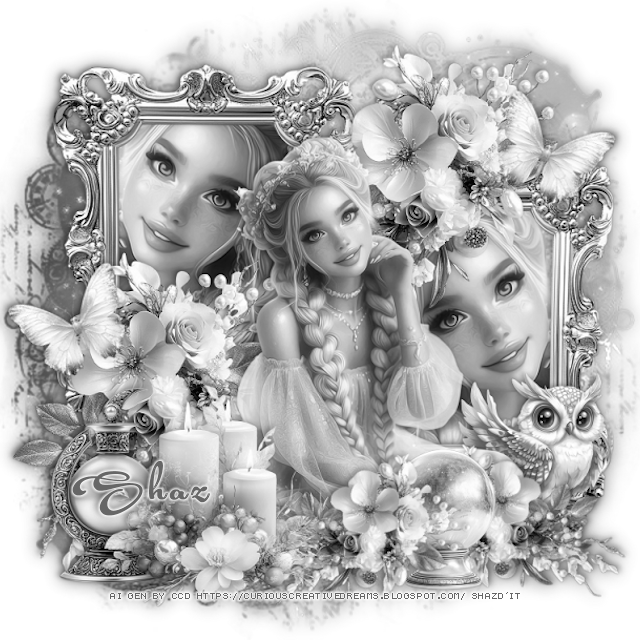
FTU Moonstone Magic Blogtrain


 This tut was written May 18th, 2025 for those with a basic knowledge of psp.

Beautiful Al kit 
The kit is Al generated by Curious Creative Dreams
Read the TOU on how to credit your tags

I used PSP2020...but any of them should work.
FTU Al  kit Passion 4 Scraps Blogtrain, Moonstone Magic  by 
Curious Creative Dreams HERE
Check out the rest of the blog HERE
Mask of choice, I used Miz TeeQue's Mask 186 HERE
Check out the rest of the blog HERE

Font of choice, I used Acryle Script

Drop shadow is  V-1 H-3 Black, 40, 10, use what you prefer.
Let's get started
*Remember to add your drop shadow as you go along*
 
Open a new image 800 x 800, paste paper 2, apply your mask.

Resize element 5 to 45%, paste on the upper left, duplicate, move to 
the right and down, click inside the frames, paste paper 2, invert, delete.
Resize element 1 to 40%, paste above the frames at the top right, duplicate, move
down to the left.
Resize the tube to 60%, paste below the right frame, click in the frame, invert,
delete the tube, duplicate, mirror, move in the left frame.

Resize the tube to 35%, paste above the flowers.

Resize element 6 to 30%, paste at the bottom left above the tube.
Resize element 4 to 30%, paste at the bottom left below the candles.
Resize element 8 to 20%, paste on the bottom right below the tube.
Resize element 1 to 20%, free rotate to the right at 40, paste at the bottom 
above the tube, duplicate, mirror, move to the right.
Resize element 9 to 20%, paste at the bottom between the flowers.
Resize element 7 to 15%, free rotate to the left at 25, paste on the left by the
flowers, duplicate, mirror, move up on the right.

Close off any white background, merge together.
Go to Adjust, Hue and Saturation, Colorize, both numbers on 0.
Duplicate the tag, go to Adjust, Blur, Gaussian blur, number on 10, 
change the blend mode to Soft Light, merge down.

Add any other elements that you would like, make it your own.
Always readjust your mask and elements how you like them before you
 merge your tag, sharpen once.
Crop your tag to make sure no shadows or anything on the edges

 Then add your copyright and name.
That's it

Hope you enjoyed doing my tut.     
Thursday, May 15, 2025

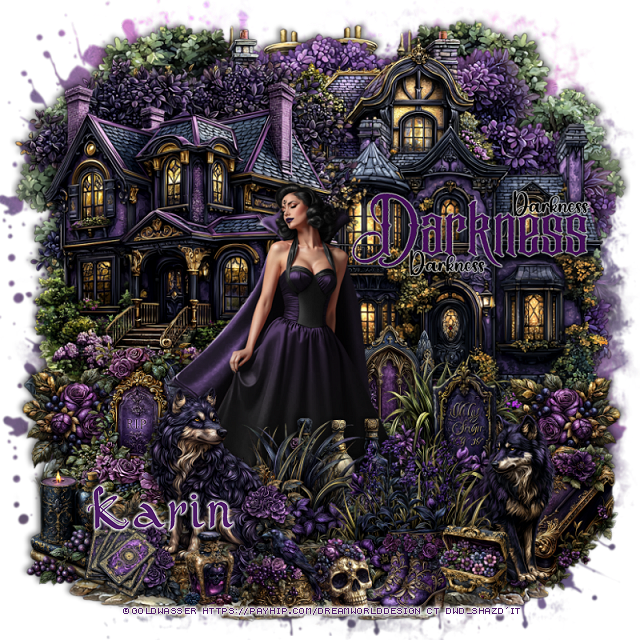
PTU Gothic Princess


 This tut was written May 15th, 2025 for those with a basic knowledge of psp. 

I am using the awesome tube ©Goldwasser
Tube is included in this awesome kit
Please read the TOU on how to credit your tags 

I used PSP2020...but any of them should work.
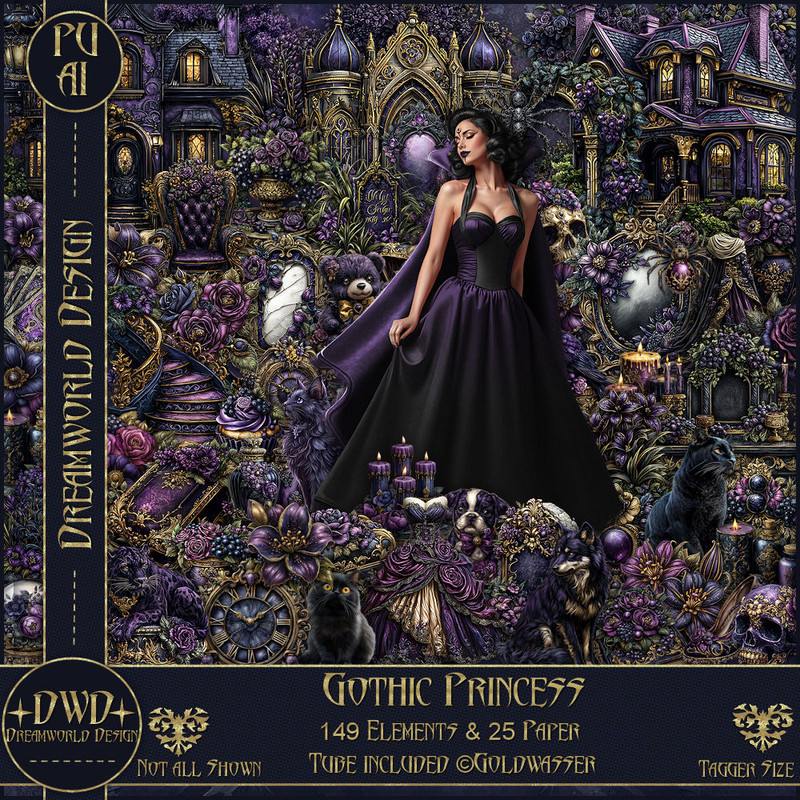
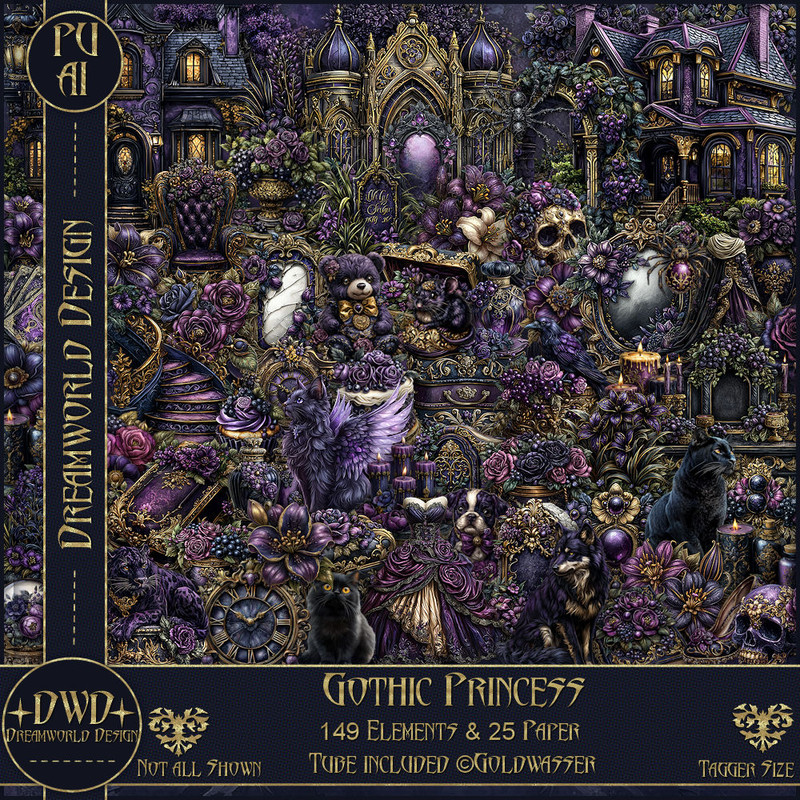
PTU Scrap Gothic Princess by DWD  HERE
Awesome Coffee kit with 149 elements, 25 papers.
You can find all Dreamworld Design kits  HERE

Font of choice, I used PW Gothic Style

Drop shadow as you go is V -2 H -4, 50, 10, or use what you prefer
Let's get started
*Remember to add your drop shadow as you go along*

Open a new image 800 x 800,  resize mask 2 to fit your tag.

Resize element 81 to 60%, paste on the right.
Resize element 82 to 60%, paste on the upper left.
Resize element 83 to 60%, paste at the top below both houses.
Paste element 104 at the top below all the houses to the right, duplicate, 
move to the bottom and below the first tree.
Resize element 101 to 70%, paste on the upper left between the top 2 houses.
Paste element 113 on the bottom layer on the upper left, duplicate, mirror.
Resize element 115 to 30%, paste on the bottom left above the house, duplicate, mirror.

Resize the tube to 65%, paste above the houses and down.

Resize element 77 to 40%, paste on the left below the tube.
Resize element 24 and 125 to 40%, paste below the tube on the right.
Resize element 11 to 40%, paste on the bottom right above the tube layer.
Resize element 12 to 50%, paste above the tube on the bottom left.
Resize element 56 to 35%, paste on the bottom right below the wolf.
Resize element 123 to 35%, paste at the bottom above the tube.
Resize element 127 to 40%, paste at the bottom above the wolf.

Resize element 109 to 30%, paste at the bottom.
Resize element 110 and 140 to 20%, paste at the bottom.
Resize element 33 to 30%, paste at the bottom above the tube behind the grass.
Resize element 42 to 30%, paste on the bottom left below the wolf.
Resize element 92 to 20%, paste at the bottom.
Resize element 143 to 20%, paste at the bottom left.
Resize element 85 to 20%, paste below the boots on the bottom right.
Resize wordart 2 to 65%, paste where you like.

Add any other elements that you would like, make it your own.
Always readjust your mask and elements how you like them before you
 merge your tag, resize, sharpen.

Crop your tag to be sure no shadows or lines are on the edges.
 Then add your copyright and name.
That's it

Hope you enjoyed doing my tut