Sunday, July 27, 2025

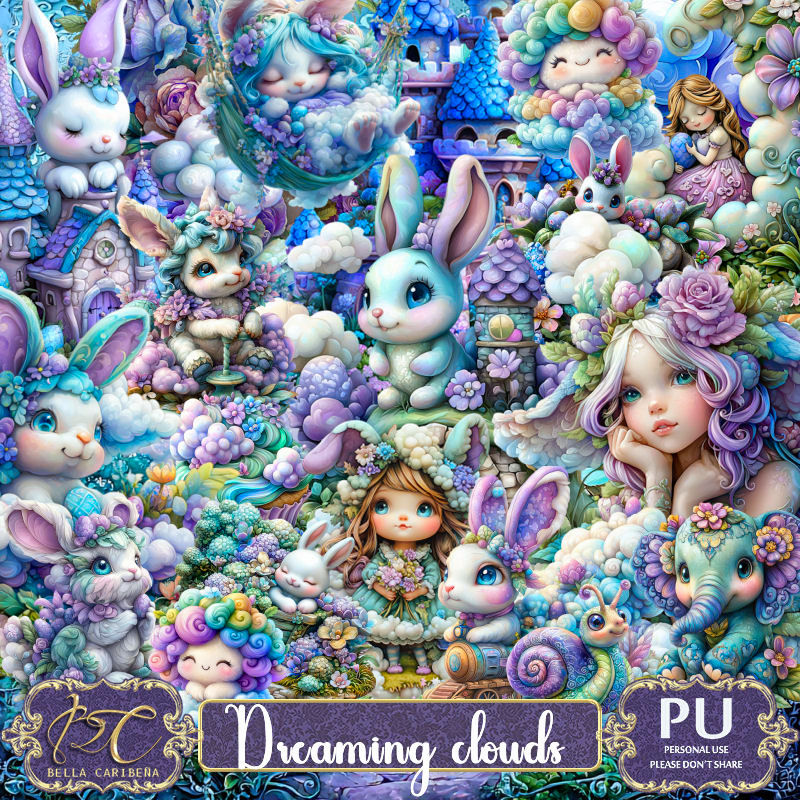
PTU Dreaming Clouds


  This tut was written July 26th, 2025,  for those with a basic knowledge of psp. 

I am using awesome Al tubes generated by Bella Caribeña
Tubes are included
Read the TOU on how to credit your tags

I used PSP2020...but any of them should work.
PTU Scrap Dreaming Clouds by Bella Caribeña  HERE 
Easter/Fantasy theme kit 
Kit contains 3 mask, 129 elements and 16 papers
You can check out the rest of her store HERE

Font of choice, I used Wing Charm

 Drop shadow as you go is V -2 H 4, 40, 10, or use what you prefer.
Let's get started
*Remember to add your drop shadow as you go along*
Open a new image 800 x 800, paste mask 1, resize to fit your tag.

Resize element 99 to 75%, paste at the upper right, duplicate, mirror,
move below the first one.
Resize element 62 to 75%, paste between the tree layers.
Resize element 79 to 75%, paste at the top below the castle.
Resize element 8 to 75%, paste above the trees and castle about center.
Resize element 59 to 60%, paste on the upper right.
Resize element 58 to 60%, paste on the lower left.
Resize element 24 to 85%, paste below the angels on the left, duplicate, merge down.
Resize element 41 to 65%, paste at the bottom right below the left angel.

Resize element 37 to 40%, paste at the bottom by the castle.
Resize element 74 to 30%, paste at the bottom right.
Resize element 34 to 20%, paste at the bottom above the truck, duplicate, mirror.
Resize element 112 to 35%, paste on the left above the angel.
Resize element 76 to 25%, paste at the bottom by the truck.

Resize element 77 to 25%, paste on the upper right below the castle.
Resize element 96 to 25%, paste at the upper left below the angel.
Resize element 35 to 25%, paste at the bottom below the rabbits.
Paste element 12 where you would like being on the top layer.
Resize element 100 to 15%, mirror, paste at the bottom left.
Resize element 3 to 12%, paste at the bottom.
Paste element 43 on the bottom layer at the bottom left so the water shows,
duplicate, mirror.

Add any other elements you would like, resize.
Crop your tag to be sure no shadows or lines are on the edges.
 Then add your copyright and name.
That's it

Hope you enjoyed doing my tut            

Saturday, July 26, 2025

PTU Toads


  This tut was written July 26th, 2025,  for those with a basic knowledge of psp. 

I am using awesome Al tubes generated by Bella Caribeña
Tubes are included
Read the TOU on how to credit your tags

I used PSP2020...but any of them should work.
PTU Scrap Toads by Bella Caribeña  HERE 
Frog theme kit 
Kit contains 1 tube by Kornelia Ros, 4 Al generated Dolls, 3 mask, 
109 elements and 15 papers
You can check out the rest of her store HERE

Font of choice, I used Winter Cloud

 Drop shadow as you go is V -2 H 4, 40, 10, or use what you prefer.
Let's get started
*Remember to add your drop shadow as you go along*

Open a new image 800 x 800, paste mask element 1, resize to fit your tag.

Paste element 82 on the left, click inside, paste paper 2 where you like, 
invert, delete.
Paste element 41 on the upper right.
Resize element 37 to 75%, paste on the right and up.
Resize element 42 to 85%, paste on the upper left below the frame.

Resize tube 4 to 35%, paste on the left.

Resize element 22 to 50%, paste on the right below the arch, duplicate, 
mirror, move below the tube.
Resize element 23 to 25%, paste at the bottom above the arch, duplicate, move over.
Resize element 74 to 35%, paste in the archway below the flowers.

Resize element 31 to 95%, paste below the archway stand.
Resize element 79 to 35%, paste on the right above the arch, duplicate,
mirror.
Resize element 56 to 50%, paste on the bottom right above the flowers.
Resize element 57 to 50%, paste above the flowers on the left.

Resize element 54 to 30%, paste at the bottom.
Resize elements 63, 64, 68 and 71 to 35%, paste at the bottom how you like.
Resize element 89 to 25%, paste at the bottom above the ticket case, duplicate, 
move to the right below the frog, duplicate twice, mirror, move below the 
frogs on the left where you like.
Resize element 25 to 15%, paste at the bottom.

Add any other elements you would like, resize.
Crop your tag to be sure no shadows or lines are on the edges.
 Then add your copyright and name.
That's it

Hope you enjoyed doing my tut           

Friday, July 25, 2025

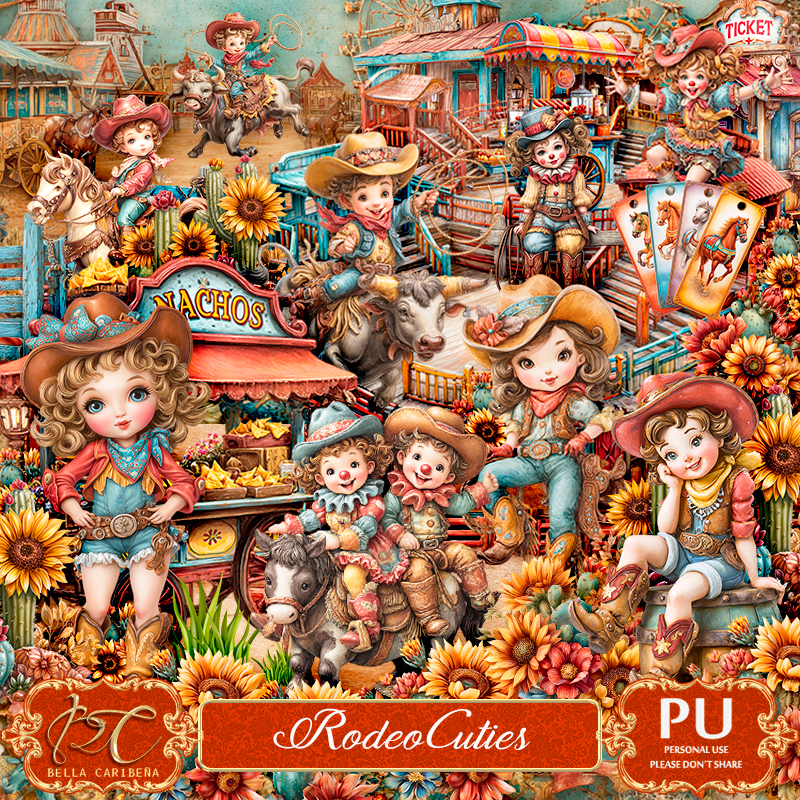
PTU Rodeo Cuties


 This tut was written July 24th, 2025,  for those with a basic knowledge of psp. 

I am using awesome Al tubes generated by Bella Caribeña
Tubes are included
Read the TOU on how to credit your tags

I used PSP2020...but any of them should work.
PTU Scrap Rodeo Cuties by Bella Caribeña  HERE 
Rodeo theme kit 
Kit contains 5 Al  Tubes and Dolls by Bella, 91 elements, 12 papers
You can check out the rest of her store HERE

Font of choice, I used Yellow Sunflower

 Drop shadow as you go is V -2 H 4, 40, 10, or use what you prefer.
Let's get started
*Remember to add your drop shadow as you go along*

Open a new image 800 x 800, paste element mask 3, resize larger to fit your tag.

Resize element 5 to 80%, paste on the upper left, duplicate, mirror, move 
below the first one.
Paste element 1 at the top below the trees.
Resize element 25 to 90%, paste on the right.
Resize element 35 to 35%, paste on the stand, erase the right leg.
Resize element 44 to 50%, paste on the right.
Resize element 57 to 50%, paste on the left.
Paste element 78 at the bottom.
Resize element 31 to 40%, paste.
Resize element 16 to 30%, duplicate, paste behind the ticket booth on each side, 
duplicate, move to the left behind the hot dog stand.

Resize element 63 to 30%, paste at the bottom left below the fence, 
duplicate, mirror.
Resize element 77 to 40%, paste on the bottom right.
Resize element 88 to 40%, paste on the bottom left, duplicate, mirror,
move below the nacho cart.
Resize element 70 to 40%, paste by the bull rider.

Resize tube 2 20%, paste on the bottom right.
Resize tube 3 20%, paste on the bottom left.
Resize element 62 to 25%, paste between the girls on the left, duplicate, mirror.
Resize element 86 to 15%, paste at the bottom right.
Resize element 36 to 40%, paste at the bottom left.
Resize element 41 to 40%, paste at the bottom right.
Resize element 43 to 20%, paste at the bottom.
Resize element 85 to 30%, paste at the bottom.

Add any other elements you would like, resize.
Crop your tag to be sure no shadows or lines are on the edges.
 Then add your copyright and name.
That's it

Hope you enjoyed doing my tut