This tut was written November 23rd, 2026 for those with a basic knowledge of psp.
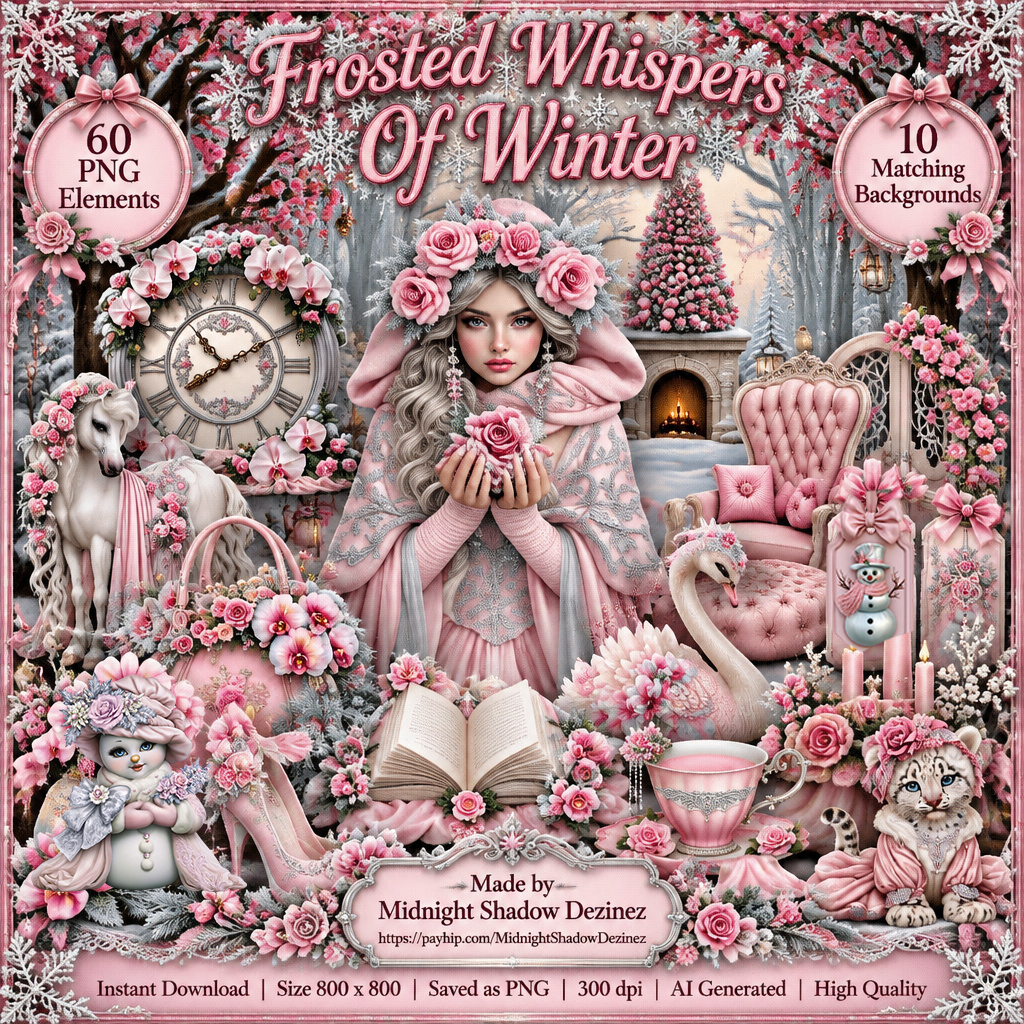
Awesome AI kit and tube by Midnight Shadow Dezinez
Everything used is included in the kit
Read the TOU on how to credit your tags
Drop shadow as you go is V -2 H -4, 40, 10, or use what you prefer.
Let's get started
*Remember to add your drop shadow as you go along*
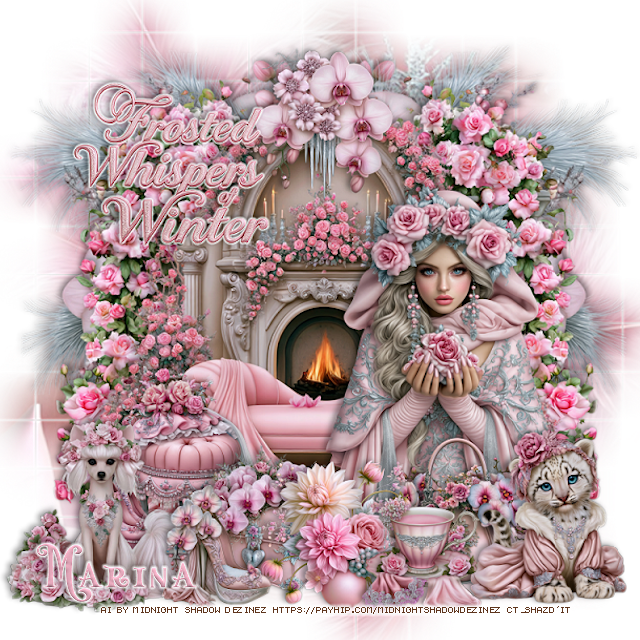
Open a new image 800 x 800, paste paper 9, apply your mask.
Resize 9 to 75%, paste on the right, duplicate, mirror.
Resize 3 to 85%, paste on the bottom layer to the left, duplicate, mirror.
Resize 19 to 75%, paste.
Resize 20 to 50%, paste to the bottom right.
Resize 4 to 25%, paste at the bottom above the tube.
Resize 58 to 27%, paste at the bottom right.
Resize 39 to 30%, paste on the bottom left.
Resize 2 to 25%, paste at the bottom below the dog.
Resize 59 to 25%, paste at the bottom.
Resize 22 to 20%, paste at the bottom to the left.
Resize 25 to 25%, paste at the top.
Resize 50 to 20%, paste at the bottom.
Resize 12 to 50%, paste at the upper left, add a gradient glow.
Resize 48 to 30%, paste below the dog on the left.
Add any other elements that you would like, make it your own.
Always readjust your mask and elements how you like them before you
merge your tag, resize, sharpen.
Crop your tag to be sure no shadows or lines are on the edges.
Then add your copyright and name.
That's it
Hope you enjoyed doing my tut

No comments:
Post a Comment