Saturday, September 2, 2023

PTU Dark Side of Fall


This tut was written September 1st, 2023 for those with a basic knowledge of psp. 

I am using the awesome tube ©Goldwasser
The tube is called Absalomna, the tube is not included
You need a license to use this tube, do not use without a license.
You can find this tube at Goldwasser Store HERE

I used PSP2020...but any of them should work.
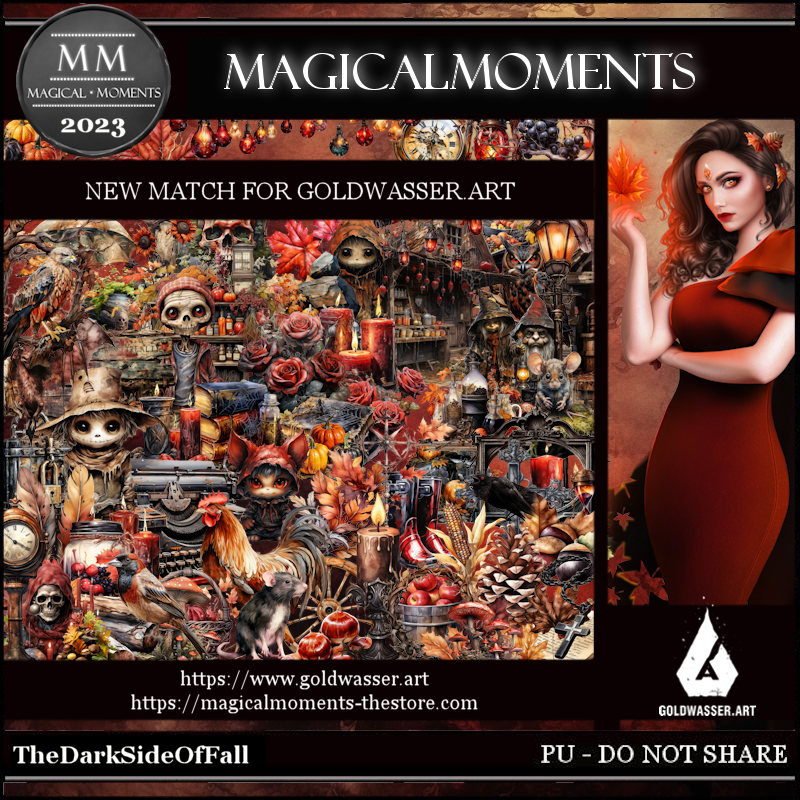
PTU The Dark Side of Fall by Magical Moments HERE  HERE
Awesome kit, match for the Goldwasser tube, it has 82 elements and 5 papers and 
Mask of choice, I used RD Mask 674  HERE
Check out the rest of the blog HERE

Font of choice, I used ////

Drop shadow is V -2 H -4, 50, 10, color Black or use what you prefer.
Let's get started
*Remember to add your drop shadow as you go along*

Open a new image 800 x 800, paste paper 5, apply your mask.

Resize element 25 to 50%, paste, click inside, expand by 10, resize paper 3
to 50%, paste below the frame, invert, delete.
Resize element 47 to 75%, paste on the right below the paper layer, duplicate,
mirror.
Resize element 3 to 50%, paste on the mask at the upper left, duplicate, mirror.

Resize your tube to 30%, paste above the frame to the right.

Resize element 45 to 30%, paste on the left above the frame, duplicate, mirror.
Resize element 53 to 25%, paste at the lower left, duplicate, mirror, 
move above the tube.
Resize element 67 to 35%, paste at the bottom left.
Resize element 14 to 20%, paste at the bottom.

Resize element 37 to 20%, paste below the basket.
Resize element 46 to 25%, paste at the bottom above the tube behind the 
basket.
Resize element 58 to 25%, paste at the bottom left.
Resize element 59 to 30%, paste at the bottom left above the wagon.
Resize element 52 to 15%, paste behind the books, duplicate, move above the books
and down.
Resize element 17 to 10%, paste at the bottom above the books and basket.
Resize element 55 to 15%, paste at the bottom left behind the lantern holder.
Resize element 1 to 10%, paste at the bottom being on the top layer.

Add any other elements you would like, make it your own.
Crop your tag to be sure no shadows or lines are on the edges.
 Then add your copyright and name.
That's it

Hope you enjoyed doing my tut.   

Friday, September 1, 2023

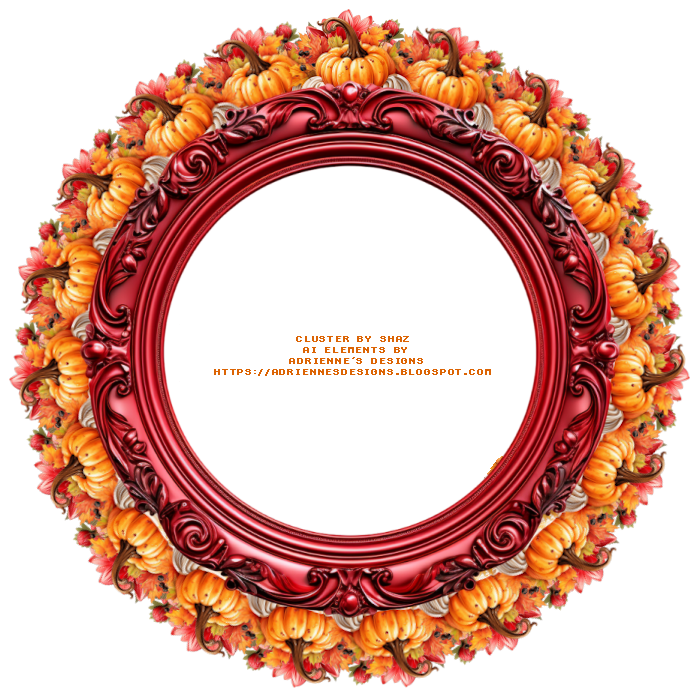
FTU Halloween Cluster

        Cluster and Spray 

AI elements by Adrienne's Designs
You can check out her blog HERE
Do not claim as your own

"For personal use only"   


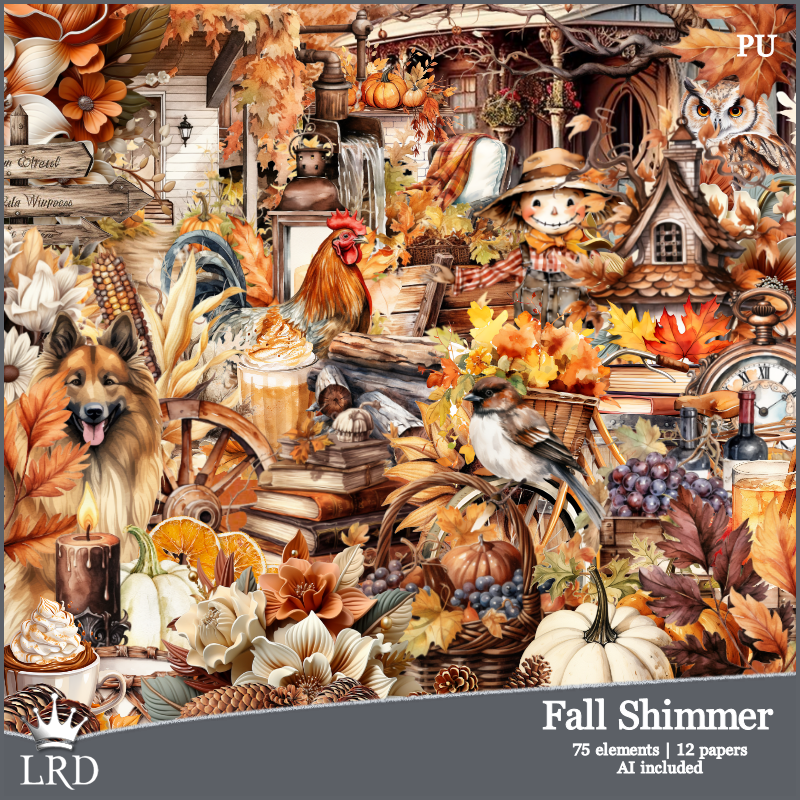
PTU Fall Shimmer


 This tut was written September 1st, 2023 for those with a basic knowledge of psp. 

I am using the awesome tube ©Janna Prosvirina
Tube is called Zahra
You need a license to use this tube, please do not use without a license.
You can this tube at DAH HERE

I used PSP2020...but any of them should work.
PTU Fall Shimmer kit by La Reina Designz  HERE  HERE
Awesome kit with 75 elements and 12 papers 

Font of choice, I used Broken heart

Drop shadow is V -1 H -4, 40, 10, color Black or use what you prefer.
Let's get started
*Remember to add your drop shadow as you go along*

Open a new image 800 x 800. paste paper 10, apply your mask.

Paste element 21 at the upper right, duplicate, mirror.
Resize element 30 to 75%, paste above the trees.
Resize element 29 to 35%, paste on the left.
Resize element 27 to 90%, paste to the left.
Resize element 50 to 50%, paste on the right.
Paste element 46 above the house and down.

Resize your tube to 60%, paste on the pumpkin.

Resize element 63 to 90%, paste to the left above the tube.
Resize element 39 to 50%, paste at the bottom right.
Resize element 44 to 30%, mirror, paste on the left behind the truck, duplicate,
move down a little.
Resize element 29 to 35%, paste at the bottom left,  above the truck.
Resize element 37 to 35%, paste at the bottom.
Resize element 19 to 40%, paste at the bottom.
Resize element 52 to 30%, paste at the bottom right. 
Resize element 43 to 20%, paste at the bottom.
Resize element 22 to 30%, paste behind the cup and candle.

Paste element 1 on the mask layer at the upper right, duplicate, mirror, 
duplicate, move down, duplicate, mirror.

Add any other elements you would like, make it your own.
Crop your tag to be sure no shadows or lines are on the edges.
 Then add your copyright and name.
That's it

Hope you enjoyed doing my tut.