Saturday, May 4, 2024

PTU CT Tags for Blu Moon Designs

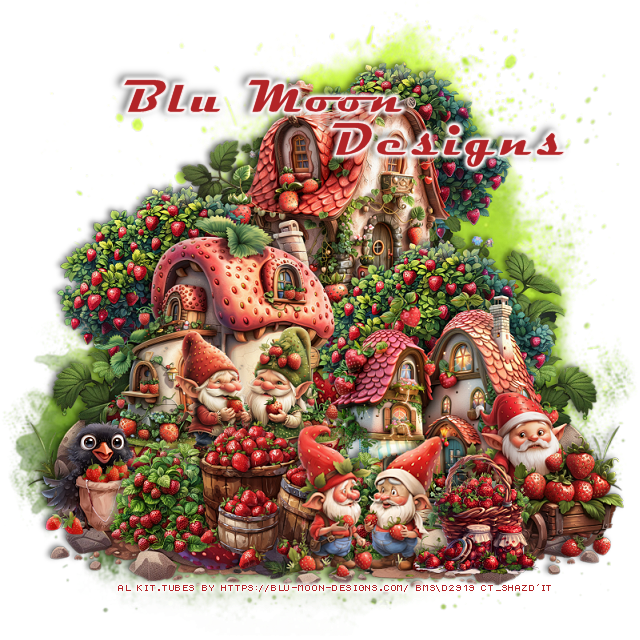
   *~*CT  Tags for Blu Moon Designs*~*

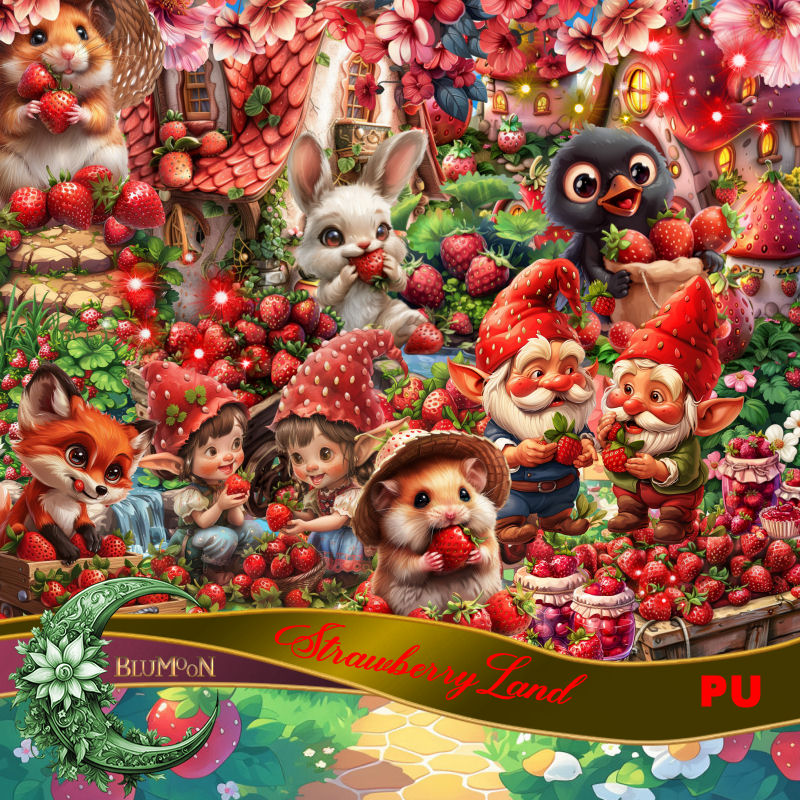
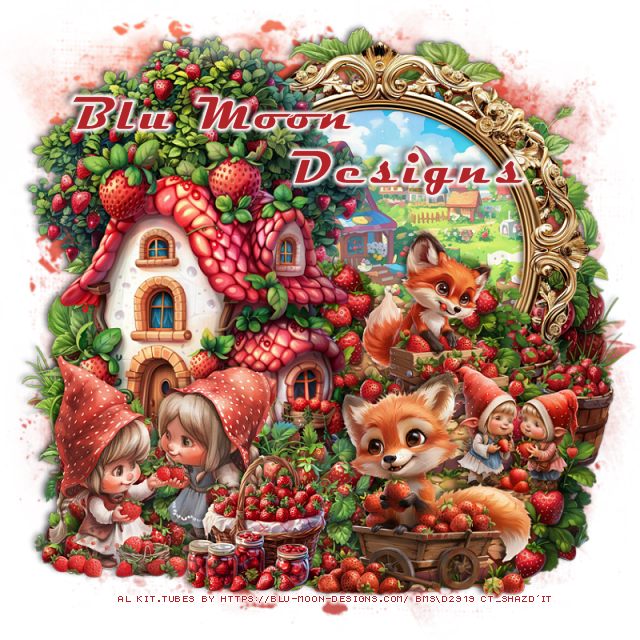
I used her Awesome Scrap kit 
 "Strawberry Land"
The kit contains 77 elements, 20 papers and 4 frames

You can find the kit  HERE   
This kit is for personal use ONLY.

Here are a couple of tags I made with it


Friday, May 3, 2024

PTU Edith


 This tut was written May 3rd, 2024 for those with a basic knowledge of psp. 

I am using a beautiful tube by ©Vi Nina

The tube is called Edith
You need a license to use this tube, please do not use without a license
You find this tube at her store HERE

I used PSP2020...but any of them should work.
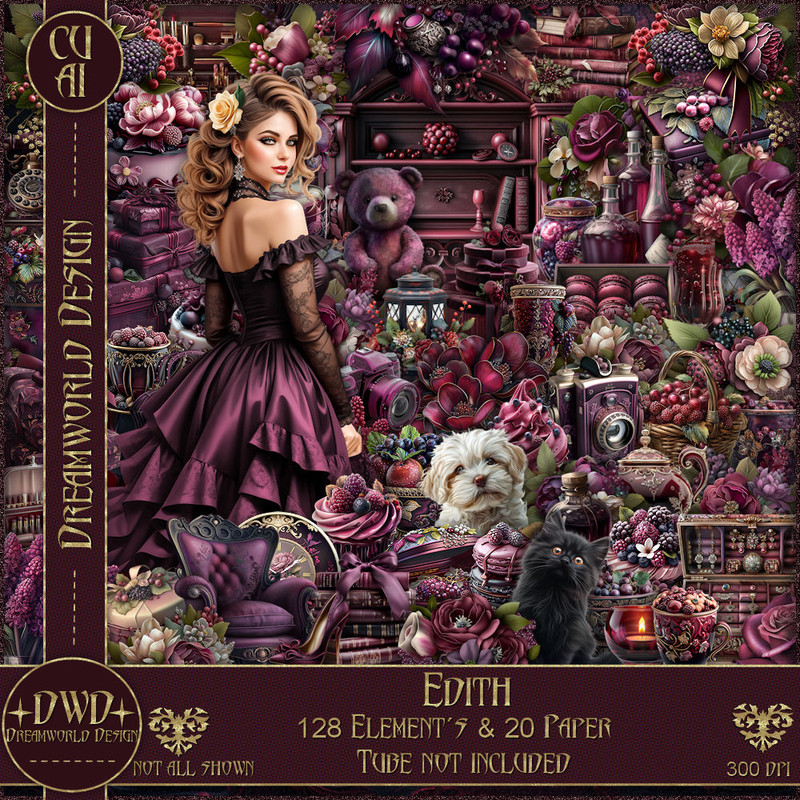
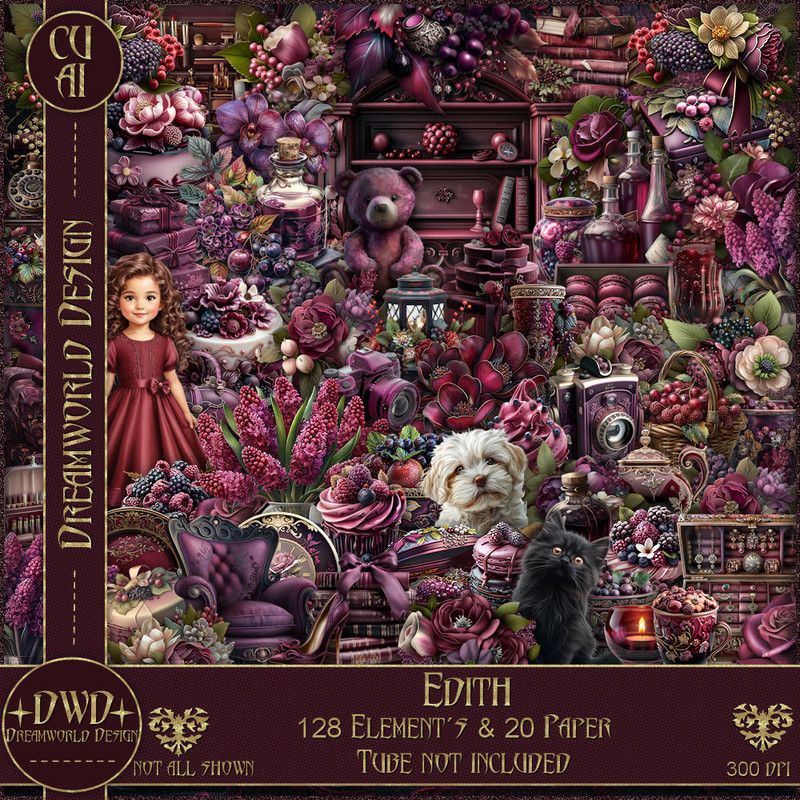
PTU Scrap Edith by DWD  HERE
Beautiful kit with 128 elements and 20 papers, a match for 
Vi Nina Edith tube.
You can find all Dreamworld Design kits  HERE
Mask of choice, I used Miz Teeques Mask 56 HERE
Check out the rest of the blog HERE
Filters
Mura Meister Copies-Encircle.

Font of choice, I used Winter Calligraphy

Drop shadow as you go is V -2 H -4, 50, 10, or use what you prefer.
Let's get started
*Remember to add your drop shadow as you go along*

Open a new image 800 x 800, resize paper 11 to 70%, apply your mask.

Resize frame 4 to 75%, paste, click inside with the magic wand, resize
element 78 to 85%, paste below the frame, invert, delete.
Resize element 12 to 30%, apply Mura Meister Copies-Encircle, first 
3 numbers on 20, 60, 70, move below the frame.
Resize element 7 to 30%, apply Mura Meister Copies, change the first
3 numbers to 18, 56, 62, paste above the first circle.

Resize your tube to 40%, paste on the left above the frame.

Resize element 52 to 50%, paste on the left below the tube.
Resize element 91 to 50%, paste on the left above the coffee machine. 
duplicate, move to the top of the frame.
Resize element 35 to 50%, paste on the left above the tube, duplicate,
mirror, move up on the right.
Resize element 70 to 30%, paste above the tube below the bottles.

Resize element 6 to 45%, paste at the bottom above the bottles.
Resize element 106 to 40%, paste to the right of the jewel box.
Resize element 79 to 40%, paste at the bottom.
Resize element 6 to 40%, paste at the bottom above the books.
Resize element 18 to 45%, paste at the bottom left.
Resize element 17 to 25%, paste at the bottom left.
Resize element 15 to 40%, paste on the left above the frame.
Resize element 83 to 40%, paste at the bottom being on the top layer.
Resize element 97 to 25%, paste at the bottom right below the flower.

Resize element 104 to 35%, paste on the right.
Resize element 48 to 20%, paste at the bottom.
Resize element 28 to 15%, paste at the bottom.
Resize element 112 to 30%, paste at the bottom right.
Resize element 58 to 40%, paste at the bottom right.
Resize element 20 to 20%, paste at the bottom right.
Resize element 14 to 25%, paste at the bottom left by the cookies.
Resize element 88 to 30%, paste at the bottom.
Resize element 89 to 25%, paste at the bottom right by the phone,
duplicate, mirror, move by the cup.

Resize element 19 to 30%, paste at the bottom, duplicate, move over.
Resize element 3 to 30%, paste at the bottom left.
Paste wordart 1, where you like.
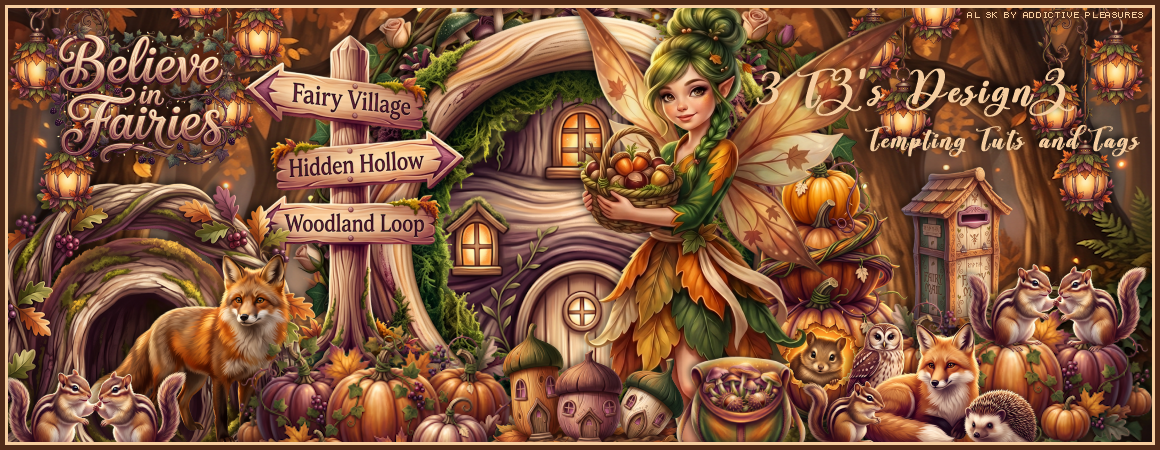
Add any other elements that you would like, make it your own.
Always readjust your mask and elements how you like them before you
 merge your tag, resize, sharpen.

Crop your tag to be sure no shadows or lines are on the edges.
 Then add your copyright and name.
That's it

Hope you enjoyed doing my tut 

Tag for Vi Nina

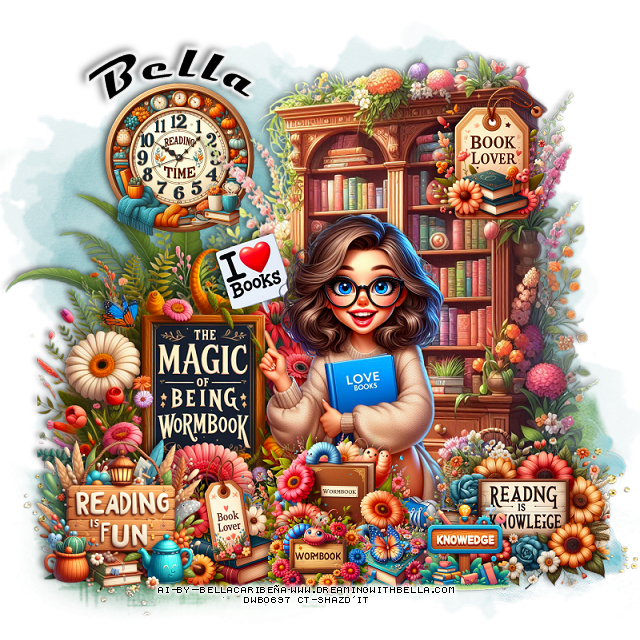
PTU Book Worm


Here is a tag I made also


 This tut was written May 3rd, 2024 for those with a basic knowledge of psp. 

AI generated kit and tubes by Bella Caribeña 
Everything is included in the kit
Read the TOU on how to credit your tags 

I used PSP2020...but any of them should work.
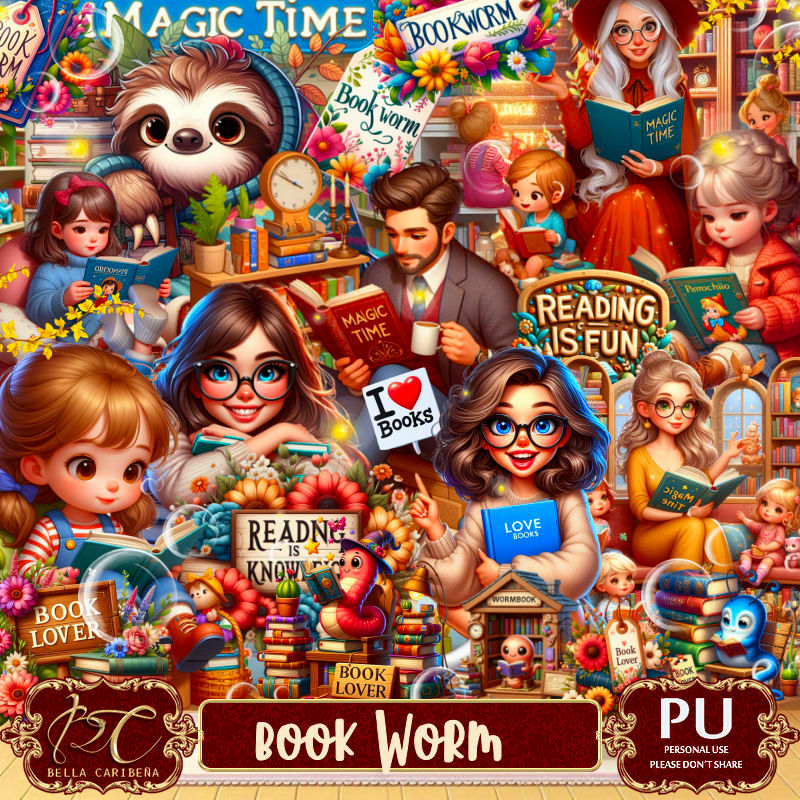
PTU Scrap Book Worm by Bella Caribeña  HERE 
It has 2 masks, 89 elements, ( which 7 are dolls and 2 tubes by Bella 
and 16 papers.  This kit is for personal use Only
Check out the rest of her store HERE

Font of choice, I used Magneto

Drop shadow as you go is V -2 H 4, 50, 10, or use what you prefer.
Let's get started
*Remember to add your drop shadow as you go along*

Open a new image 800 x 800, paste mask 2.

Paste element 59 to the right.
Resize element 56 to 40%, paste.
Resize element 63 to 65%, paste on the left behind the girl.
Resize element 68 to 30%, paste at the bottom above the girl.
Resize element element 49 to 30%, paste at the bottom.
Resize element element 48 to 35%, paste at the top left below the bookcase.

Resize element 22 to 35%, paste at the bottom left.
Resize element 20 to 35%, paste at the bottom right.
Resize element 2 to 75%, erase the books on the right, paste behind
the clock.

Resize element 37 to 30%, paste on the bookcase at the upper right.
Resize element 34 to 15%, paste at the bottom right.
Resize element 24 to 20%, paste at the bottom.
Resize element 19 to 20%, paste at the bottom right.

Add any other elements you would like, resize.
Crop your tag to be sure no shadows or lines are on the edges.
 Then add your copyright and name.
That's it

Hope you enjoyed doing my tut