Tuesday, March 31, 2026

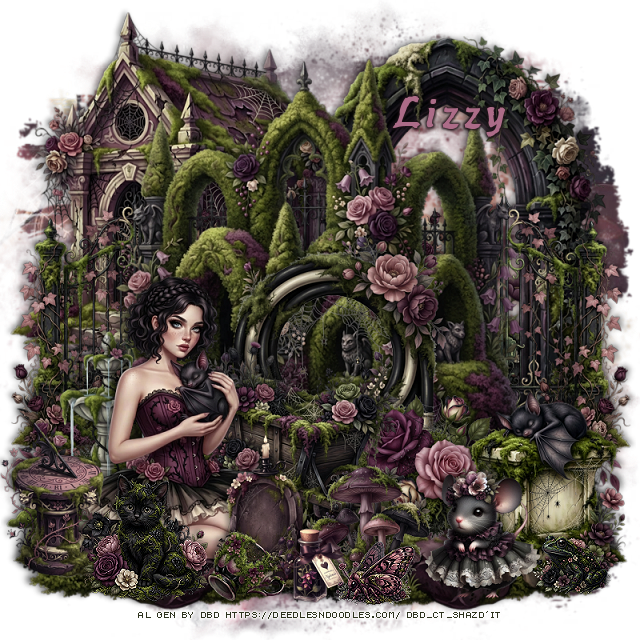
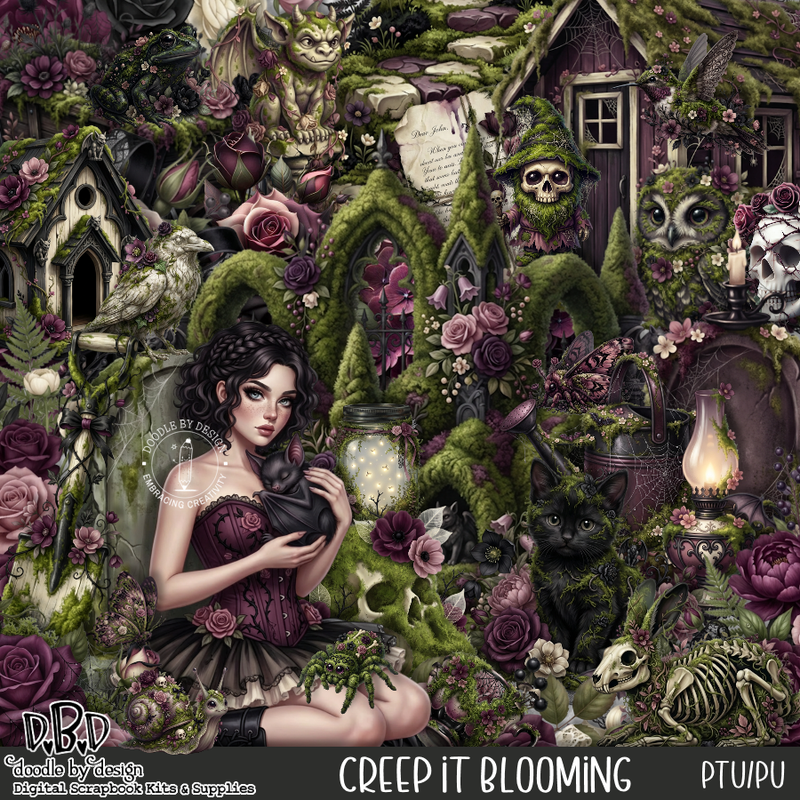
PTU Creep It Blooming


 This tut was written March 31st, 2026 for those with a basic knowledge of psp. 

I am using the awesome tube Al gen by DBD
Everything is included in the kit
Read the TOU on how to credit your tags


I used PSP2020...but any of them should work.
PTU Scrap Creep It Blooming by Doodle by Design  HERE
You can find all Doodle by Design kits  HERE 
Mask of choice, I used RD Mask 671 aka as Mask Set 168 HERE
Check out the rest of the blog HERE

Font of choice, I used WereWolf

Drop shadow as you go is V -2 H 4, 40, 10, or use what you prefer.
Let's get started
*Remember to add your drop shadow as you go along*

Open a new image 800 x 800, paste paper 16, apply your mask.

Resize 60 to 80%, paste toward the top.
Resize 43 to 80%, paste on the right below the house.
Resize tube 1 to 30%, paste on the bottom left.
Resize 4 to 70%, paste at the upper left below the greenery.
Resize 43 to 80%, paste on the right below the house.
Resize 3 to 50%, paste on the left above the house, duplicate, mirror.
Resize 2 to 45%, paste at the bottom below the tube on the right.

Resize 55 to 40%, paste on the bottom left below the tube.
Resize 82 to 35%, paste on the bottom right.
Resize 122 to 30%, paste below the wagon.
Resize 83 to 30%, paste at the bottom above the tube.
Resize 79 to 30%, paste at the bottom left above the tube.
Resize 67 to 25%, paste at the bottom above the candle headstone.
Resize 47 to 25%, paste on the bottom left above the tube.
Resize 80 to 15%, paste at the bottom.
Resize 27 to 25%, mirror, paste at the bottom right.
Resize 19 to 15%, paste at the bottom.
Resize 65 to 15%, paste at the bottom, sharpen a couple of times.
Resize 56 to 15%, paste on the bottom right, sharpen.

Resize 76 to 75%, paste on the bottom layer at the bottom left,
duplicate, mirror.

Add any other elements that you would like, make it your own.
Always readjust your mask and elements how you like them before you
 merge your tag, resize, sharpen.

Crop your tag to be sure no shadows or lines are on the edges.
 Then add your copyright and name.
That's it

Hope you enjoyed doing my tut 

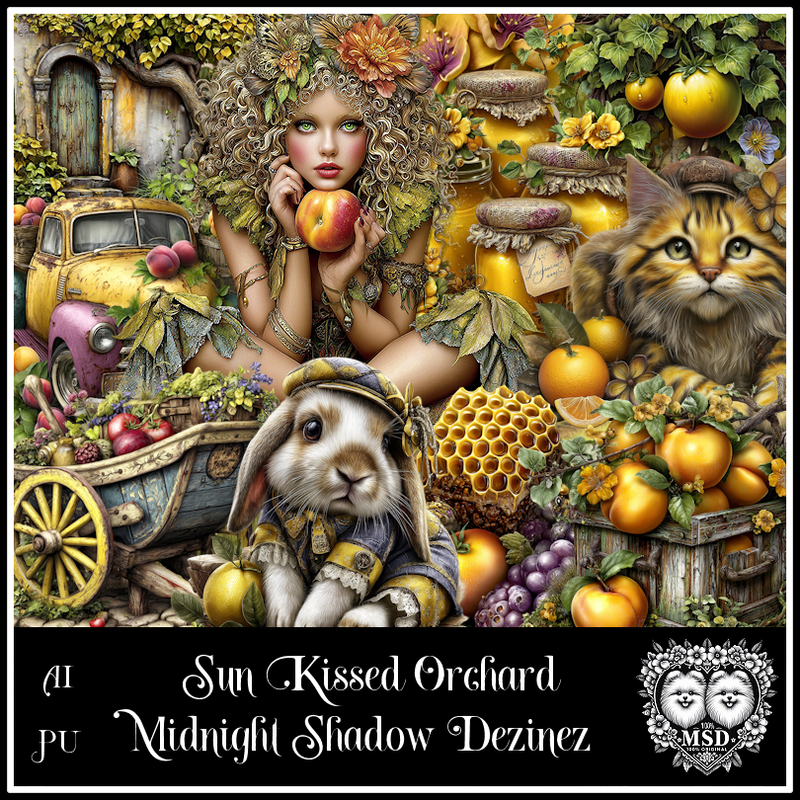
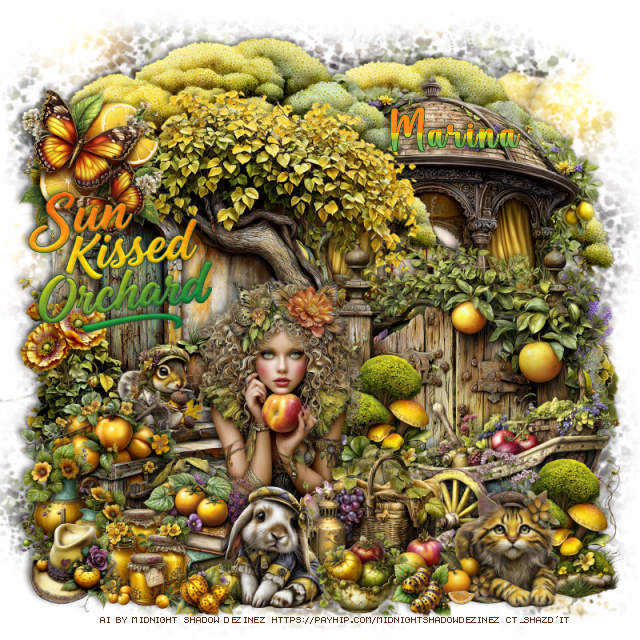
PTU Sun Kissed Orchard


  This tut was written March 30th, 2026 for those with a basic knowledge of psp. 

Awesome AI kit and tube by Midnight Shadow Dezinez

Everything used is included in the kit
Read the TOU on how to credit your tags

I used PSP2020...but any of them should work.
PTU Scrap Sun Kissed Orchard by Midnight Shadow Dezinez  HERE
You can find all Midnight Shadow Dezinez kits HERE
Miz Teeques's Mask 52 HERE
Check the blog HERE

Font of choice, I used Valentine

Drop shadow as you go is V -2 H -4, 50, 10, or use what you prefer.
Let's get started
*Remember to add your drop shadow as you go along*

Open a new image 800 x 800,  resize paper 5 to 85%, paste, apply your mask.

Resize 35 to 65%, paste on the upper right.
Resize 50 to 65%, paste below the dome building, duplicate, move
to the left and above the dome building.
Resize 58 to 50%, paste on the bottom right.
Resize 33 to 65%, paste to the left below the gate.
Resize 17 to 15%, paste on the steps.

Resize 29 to 45%, paste above the gate to the left.
Resize 11 to 25%, paste on the left by the stairs.
Resize 48 to 30%, paste at the bottom above the tube.
Resize 59 to 30%, paste on the bottom right below the basket.

Resize 18 to 20%, paste at the bottom right above the basket.
Resize 53 to 20%, paste at the bottom above the tube.
Resize 25 to 20%, paste at the bottom by the books.
Resize 54 to 20%, paste on the bottom left by the box.
Resize 36 to 17%, paste at the bottom left above the books.
Resize 5 to 25%, paste at the upper left being on the top layer.

Resize 52 to 25%, paste on the bottom right below the cat, duplicate,
move below the wheel barrel by the tube.
Resize 55 to 15%, paste at the bottom left.
Resize 7 to 15%, paste at the bottom by the rabbit.
Resize 13 to 15%, paste on the left on the building with the door.
Resize 6 to 10%, paste at the bottom by the bowl.
Resize 10 to 10%, paste at the bottom by the rabbit.
Resize 49 to 35%, paste on the left.

Add any other elements that you would like, make it your own.
Always readjust your mask and elements how you like them before you
 merge your tag, resize, sharpen.

Crop your tag to be sure no shadows or lines are on the edges.
 Then add your copyright and name.
That's it

Hope you enjoyed doing my tut               
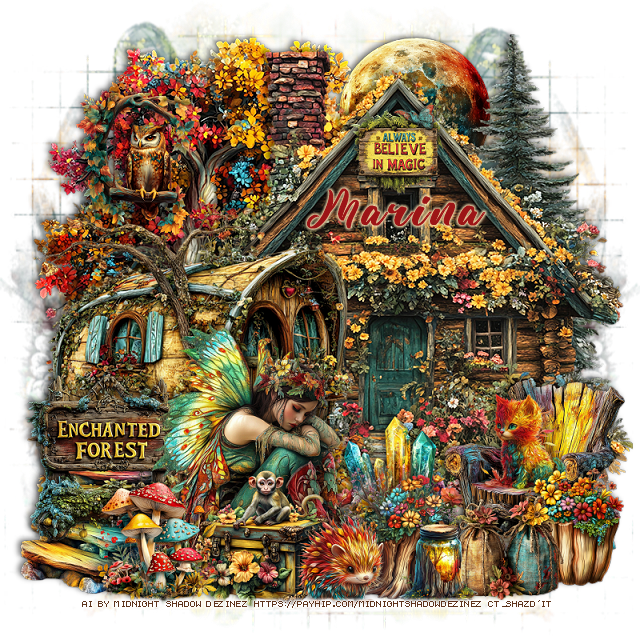
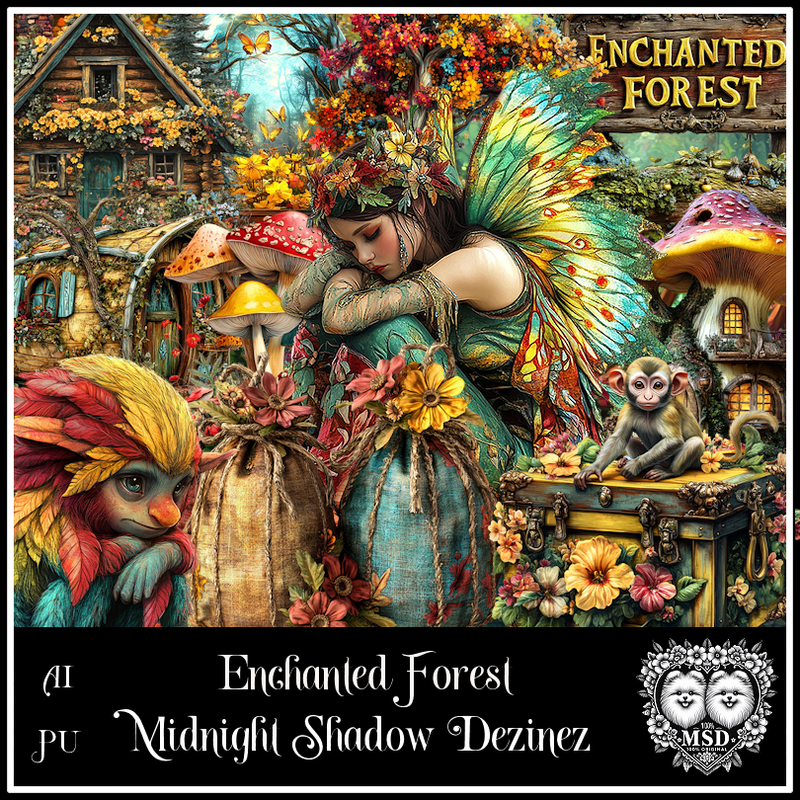
PTU Enchanted Forest


  This tut was written March 30th, 2026 for those with a basic knowledge of psp. 

Awesome AI kit and tube by Midnight Shadow Dezinez

Everything used is included in the kit
Read the TOU on how to credit your tags

I used PSP2020...but any of them should work.
PTU Scrap Enchanted Forest by Midnight Shadow Dezinez  HERE
You can find all Midnight Shadow Dezinez kits HERE
Miz Teeques's Mask 92 HERE
Check the blog HERE

Font of choice, I used Yellow Sunflower

Drop shadow as you go is V -2 H -4, 50, 10, or use what you prefer.
Let's get started
*Remember to add your drop shadow as you go along*

Open a new image 800 x 800,  paste paper 8, apply your mask,
move to the left, duplicate, mirror, adjust.

Paste 8 on the upper left.
Paste 41 on the right.
Resize 28 to 75%, paste on the bottom right.

Resize 30 to 50%, mirror, paste at the bottom above the wagon.
Resize 48 to 30%, paste at the bottom below the tube by her feet.
Resize 13 to 40%, mirror, paste at the bottom right.
Resize 32 to 20%, mirror, paste on the chair.
Resize 38 to 50%, paste at the bottom above the tube.
Resize 1 to 35%, paste on the bottom left below the fairy.
Resize 23 to 30%, paste at the bottom left above the tube.
Resize 17 to 25%, paste at the bottom right above the chair.
Resize 37 to 40%, paste on the left behind the sign, move the mushrooms 
over a little to the right.

Resize 36 to 25%, paste at the bottom right.
Resize 16 to 30%, paste at the bottom.
Resize 21 to 22%, paste at the bottom above the chest.
Resize 18 to 20%, paste at the bottom.
Resize 22 to 20%, paste on the house at the top.
Resize 58 to 30%, paste at the top below the house.
Resize 2 to 30%, mirror, paste on the upper left on the tree.

Add any other elements that you would like, make it your own.
Always readjust your mask and elements how you like them before you
 merge your tag, resize, sharpen.

Crop your tag to be sure no shadows or lines are on the edges.
 Then add your copyright and name.
That's it

Hope you enjoyed doing my tut